
Writing Professional Memos Naria Willis and Savannah Thorpe
- Slides: 27
Writing Professional Memos Naria Willis and Savannah Thorpe
What is a Memo? • A note, document or other communication that helps announce information • (Business) - an internal method of communication within one company
General Guidelines • Informal and friendly but professional (Ex: I am writing to inform you) • • • One or two pages long Be concise Easy to read Specific Informative Know your audience
Choosing Your Audience Ask Yourself: Is a memo necessary? Could an email suffice? Memo • If a physical record is needed Ex: list of procedures or instructions Email • Short messages • Report a change in time or change in meeting place • Formal information Ex: Corporate policies, Official communications, employment decisions • Requesting information from colleagues
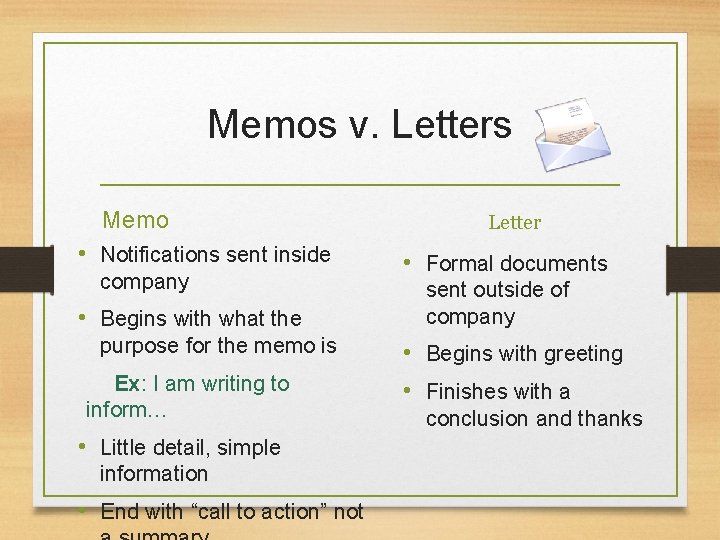
Memos v. Letters Memo • Notifications sent inside company • Begins with what the purpose for the memo is Ex: I am writing to inform… • Little detail, simple information • End with “call to action” not Letter • Formal documents sent outside of company • Begins with greeting • Finishes with a conclusion and thanks
When to Write a Memo • • • Make announcements Discuss procedures Report recent activities Inform employees Bring attention to problems Communicating to a small group
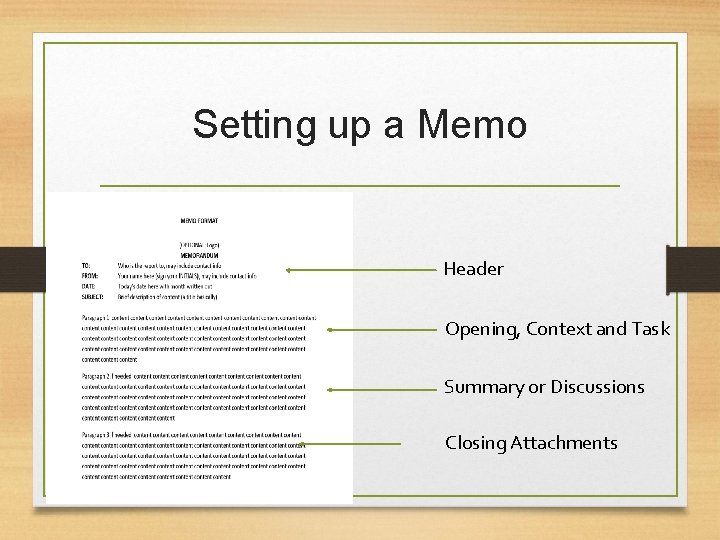
Setting up a Memo Header Opening, Context and Task Summary or Discussions Closing Attachments
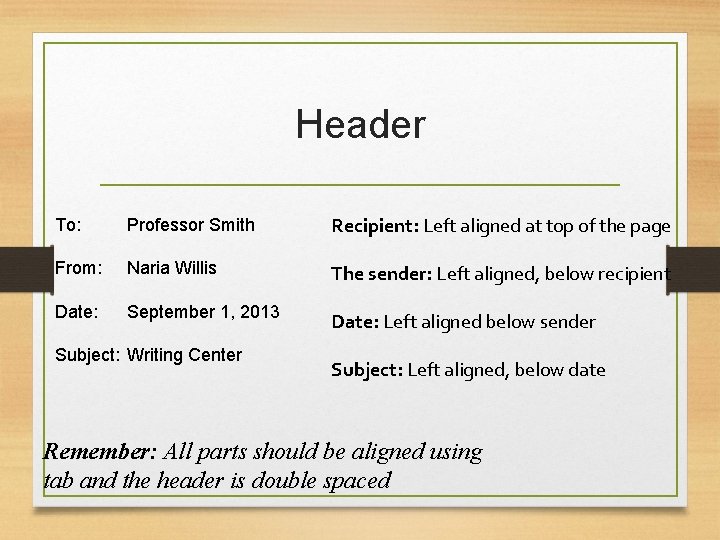
Header To: Professor Smith Recipient: Left aligned at top of the page From: Naria Willis The sender: Left aligned, below recipient Date: September 1, 2013 Date: Left aligned below sender Subject: Writing Center Subject: Left aligned, below date Remember: All parts should be aligned using tab and the header is double spaced
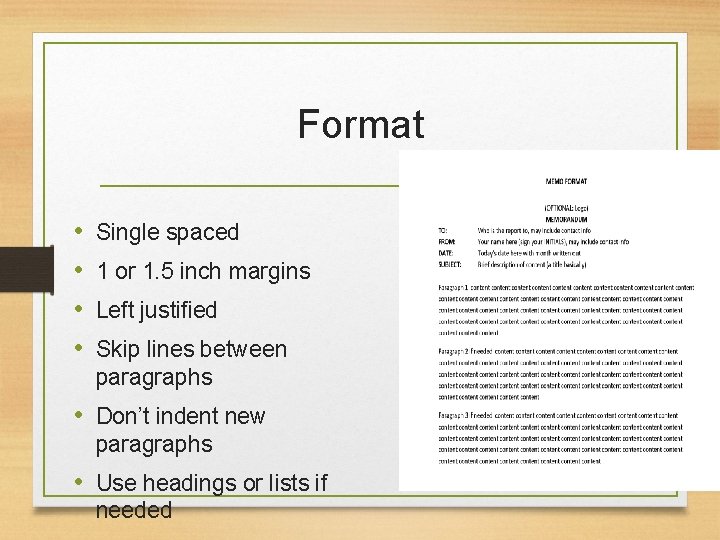
Format • • Single spaced 1 or 1. 5 inch margins Left justified Skip lines between paragraphs • Don’t indent new paragraphs • Use headings or lists if needed
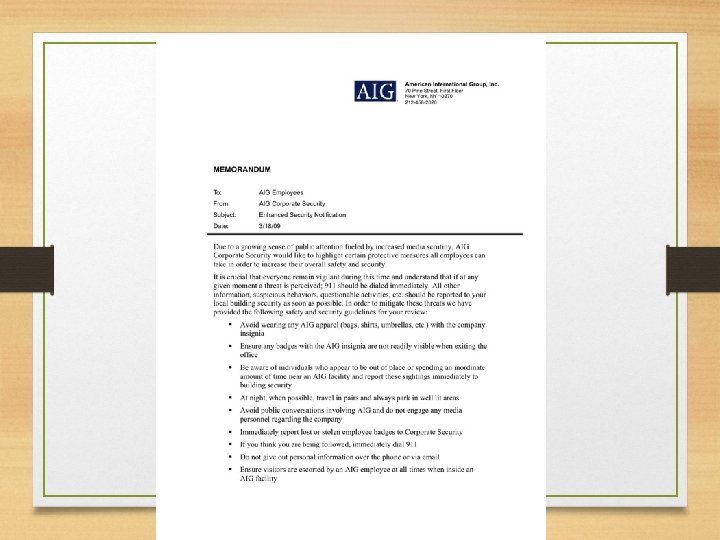
Body: How Your Memo Should Read • Put most important information should be in your first few sentences or paragraph • Detailed and concise • Give reader most information in smallest space Being Concise 1. Use lists to draw attention to center of memo 2. Avoid paragraphs if possible 3. Use bullets to keep information short
What Not to Do • Put the main point last (always begin with main point) • Use fluff/Over-explain (Remember: less is more) - Ex: Bill will not be attending today’s meeting on the policy changes due to a slight inconvenience that was caused by failing health earlier this week - Instead: Bill will not be at today’s meeting • Use slang - Ex: Hey what’s up
Conclusion When Using Headings When using headings be specific about what you intend to talk about. Do not list “Policy Change” as your heading, be direct about what you intend to talk about. Ex: Policy Change Regarding Dress Attire Ending Contain a call to action (Ex: Have ideas ready for the meeting on Tuesday) and mention any attachments Remember: Do not indent new paragraphs, skip lines, and make your body paragraphs single spaced
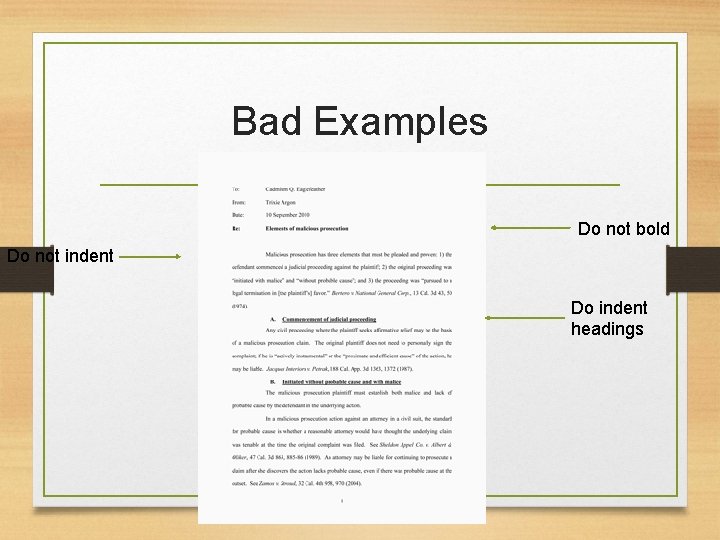
Bad Examples Do not bold Do not indent Do indent headings
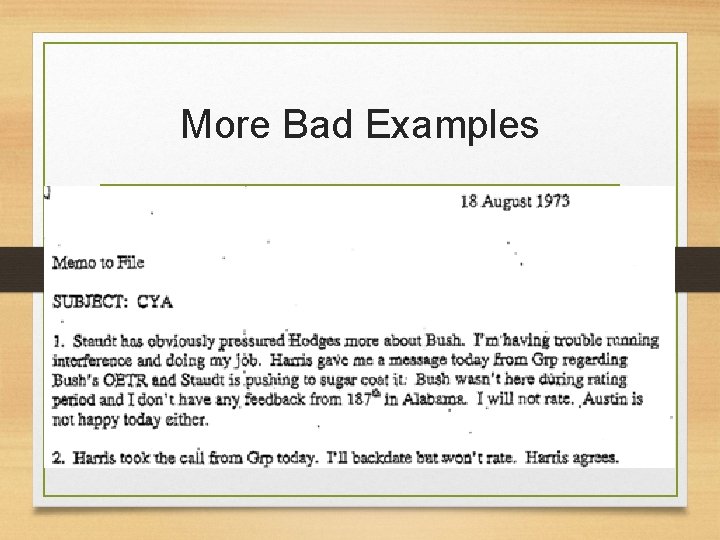
More Bad Examples
Professional Emails • Sort of an electronic memo • Used to disseminate small or moderate amounts of information
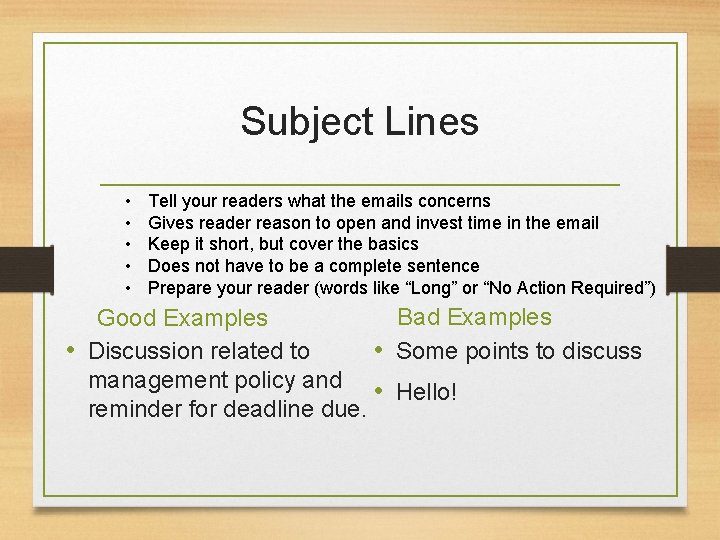
Subject Lines • • • Tell your readers what the emails concerns Gives reader reason to open and invest time in the email Keep it short, but cover the basics Does not have to be a complete sentence Prepare your reader (words like “Long” or “No Action Required”) Bad Examples Good Examples • Discussion related to • Some points to discuss management policy and • Hello! reminder for deadline due.
Content and Structure • Always include some sort of greeting • Keep language conversational yet formal • Use proper grammar, spelling, capitalization, and punctuation. • Avoid slang, emoticons, and profanity • Keep a neutral tone • If there are paragraphs, no need to indent
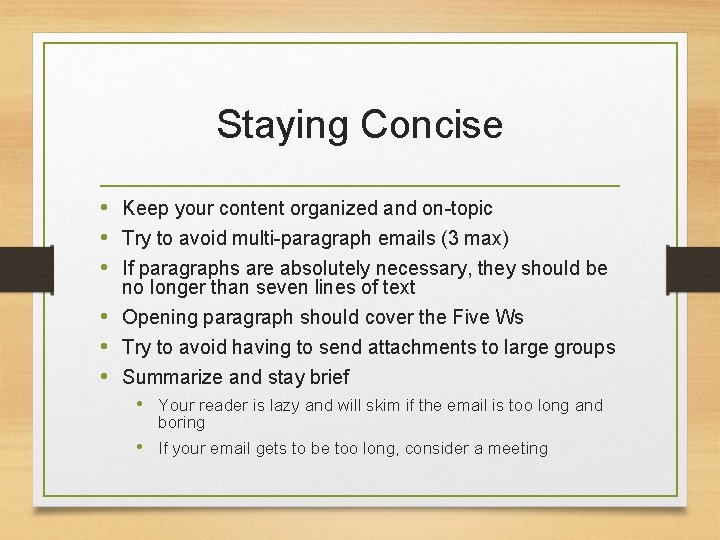
Staying Concise • Keep your content organized and on-topic • Try to avoid multi-paragraph emails (3 max) • If paragraphs are absolutely necessary, they should be no longer than seven lines of text • Opening paragraph should cover the Five Ws • Try to avoid having to send attachments to large groups • Summarize and stay brief • Your reader is lazy and will skim if the email is too long and boring • If your email gets to be too long, consider a meeting
Technicalities of Emails • • Choose a simple font (Times, Garamond) Type in black (no funky colors, etc) Use exclamation points very sparingly For emphasis, you may want to bold, italicize, or underline a word • Do not change colors or fonts, and DO NOT TYPE IN ALL CAPS. IT LOOKS LIKE YOU’RE SHOUTING. • Avoid big blocks of text; readers tend to skim long emails • Remember: Readers are lazy.
Salutation and Signature • Professional emails should always contain some sort of salutation • Best, • Yours, • Take Care, • Include your name, position, and affiliation • All relevant contact information • phone number • website • street address
When not to use Emails • Sharing delicate, personal, or confidential information • emails are NOT confidential and are easy to bring up in law suits or investigations • Sharing a lot of information • To disseminate a lot of info or talk about an topic that may elicit a lot of questions, call a meeting • Avoiding personal contact • It’s easy to hide in this digital age, but emails are not always the most effective means of communication
When not to use Emails • Knee-jerk, angry reaction to something • type the email, save it to drafts, and re-think it in an hour • Content with a non-neutral tone • Chain emails, virus warnings, etc • Last-minute plan changes • Courtesy says to call the person • Remember: People tend to over-estimate the efficienty and power of an email. How often do you just skim text, delete emails on a whim, etc?
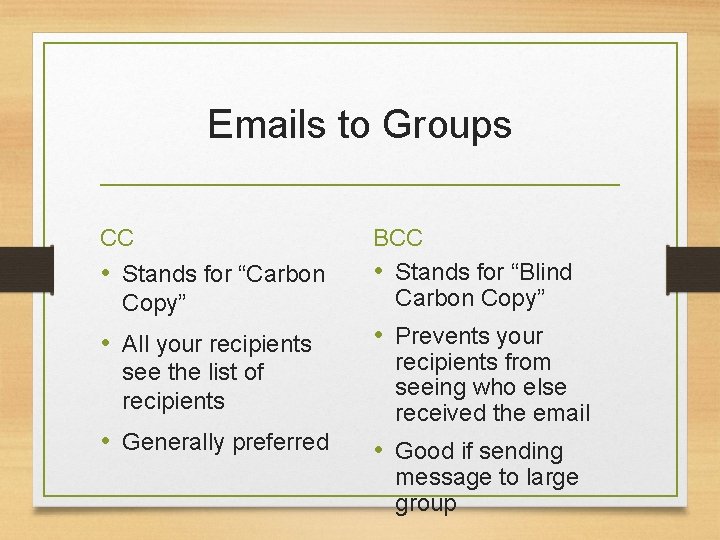
Emails to Groups CC • Stands for “Carbon Copy” • All your recipients see the list of recipients • Generally preferred BCC • Stands for “Blind Carbon Copy” • Prevents your recipients from seeing who else received the email • Good if sending message to large group
Replying to Emails • • • Be timely Change the subject line if necessary Beware the “Reply All” button Evaluate the importance of your response Avoid one-liners like “Thanks!” or “OK” If you have a lot of questions on clarification or technicalities, call or visit the sender in person • Quickly reread and revise your message
Practice 1) As a safety science professional, you will often develop reports and submit critical information to groups and individuals who may not fully understand the detail of your topic. (Lab assignment) 2) At IUP many students often get hit by drivers, and drivers often grow frustrated with jaywalking students. Write a memo describing what students and drivers can do to change this problem.