
Writing Good Use Cases Outlining Use Cases Process

- Slides: 62
Writing Good Use Cases Outlining Use Cases
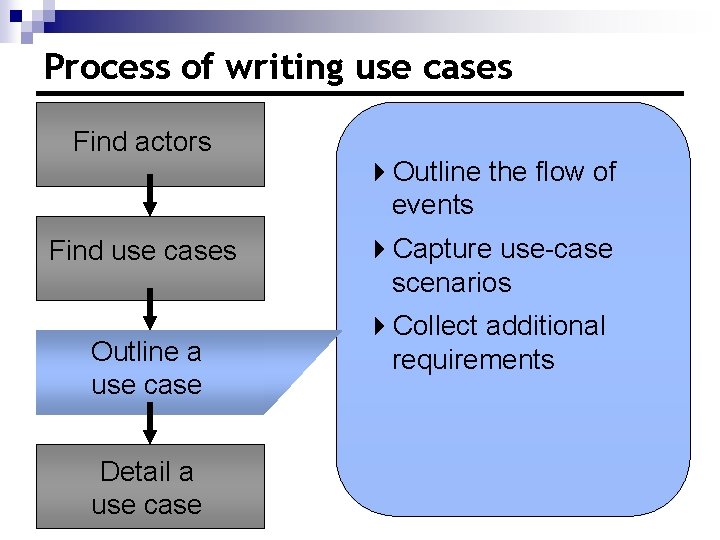
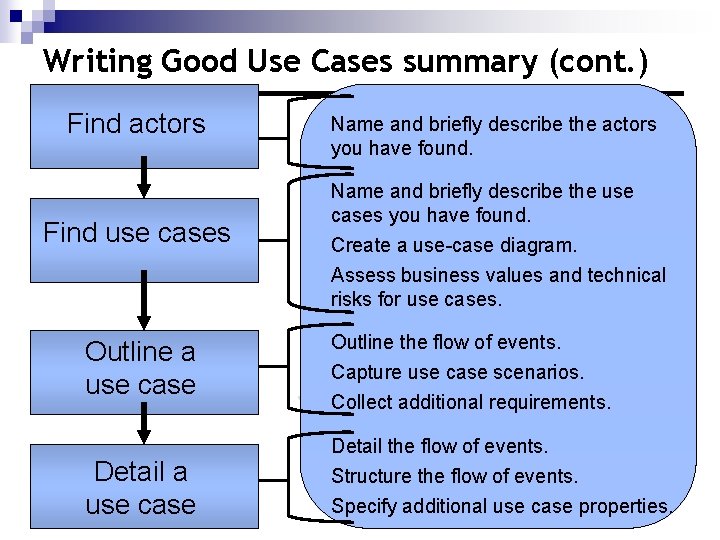
Process of writing use cases Find actors Find use cases Outline a use case Detail a use case 4 Outline the flow of events 4 Capture use-case scenarios 4 Collect additional requirements
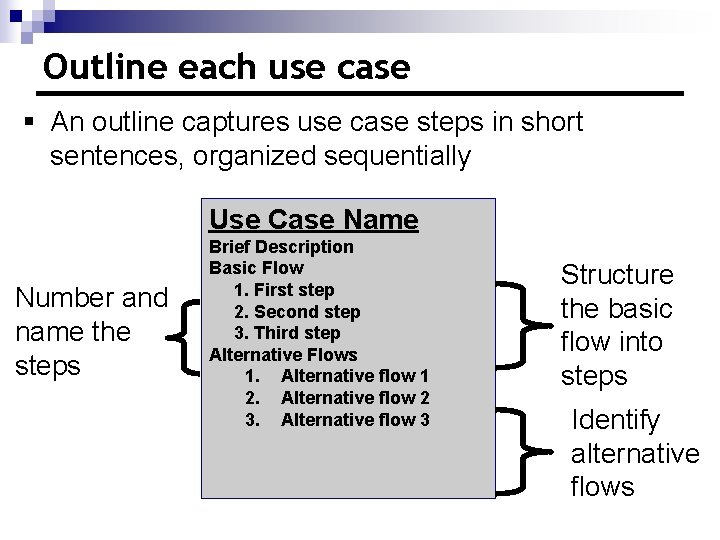
Outline each use case § An outline captures use case steps in short sentences, organized sequentially Use Case Name Number and name the steps Brief Description Basic Flow 1. First step 2. Second step 3. Third step Alternative Flows 1. Alternative flow 1 2. Alternative flow 2 3. Alternative flow 3 Structure the basic flow into steps Identify alternative flows
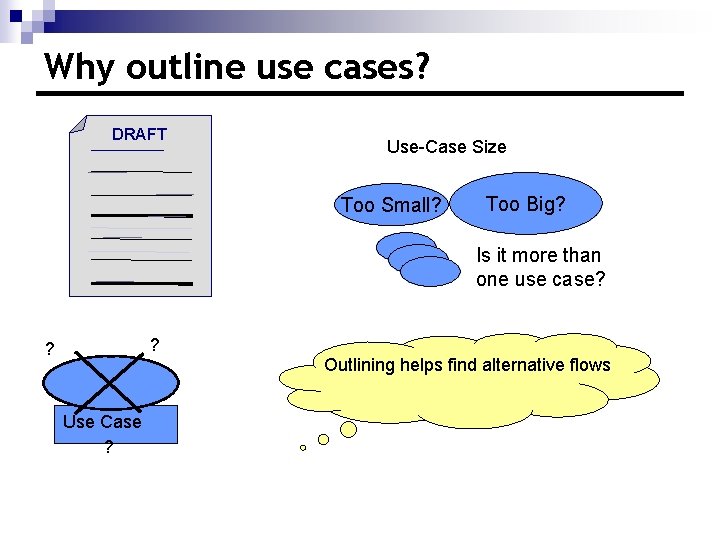
Why outline use cases? DRAFT Use-Case Size Too Small? Too Big? Is it more than one use case? ? ? Use Case ? Outlining helps find alternative flows
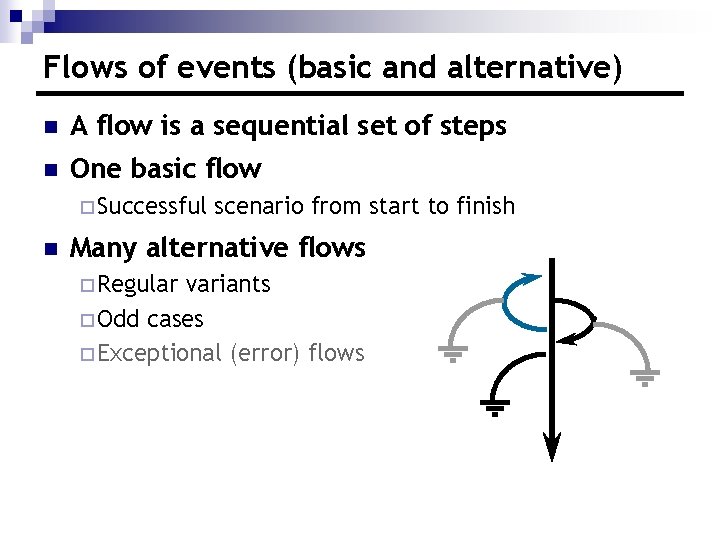
Flows of events (basic and alternative) n A flow is a sequential set of steps n One basic flow ¨ Successful n scenario from start to finish Many alternative flows ¨ Regular variants ¨ Odd cases ¨ Exceptional (error) flows
Outline the flows of events n Basic flow ¨ What event starts the use case? ¨ How does the use case end? ¨ How does the use case repeat some behavior? n Alternative flows ¨ Are there optional situations in the use case? ¨ What odd cases might happen? ¨ What variants might happen? ¨ What may go wrong? ¨ What may not happen? ¨ What kinds of resources can be blocked?
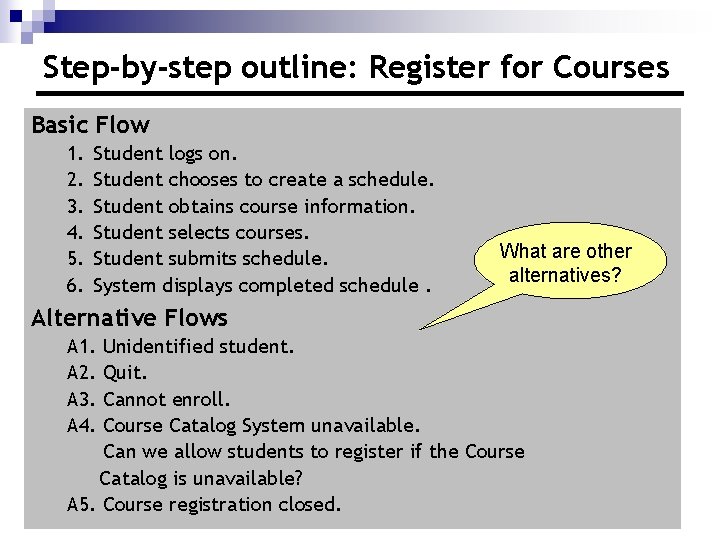
Step-by-step outline: Register for Courses Basic Flow 1. 2. 3. 4. 5. 6. Student logs on. Student chooses to create a schedule. Student obtains course information. Student selects courses. Student submits schedule. System displays completed schedule. What are other alternatives? Alternative Flows A 1. A 2. A 3. A 4. Unidentified student. Quit. Cannot enroll. Course Catalog System unavailable. Can we allow students to register if the Course Catalog is unavailable? A 5. Course registration closed.
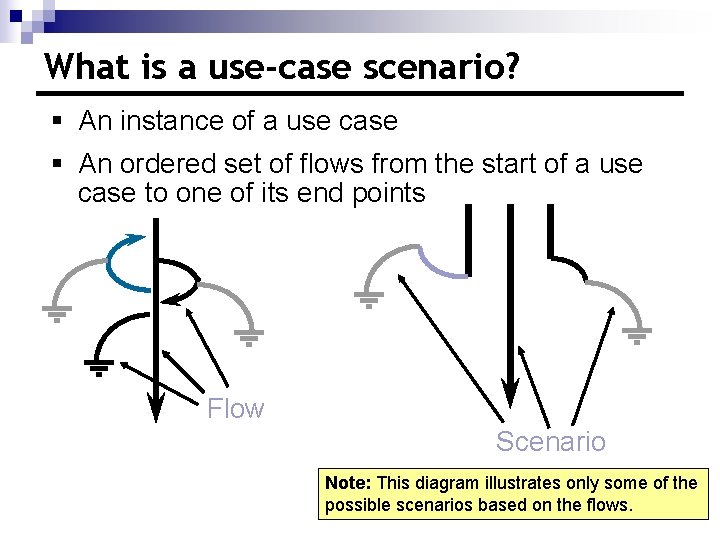
What is a use-case scenario? § An instance of a use case § An ordered set of flows from the start of a use case to one of its end points Flow Scenario Note: This diagram illustrates only some of the possible scenarios based on the flows.
Why capture use-case scenarios? n Help you identify, in concrete terms, what a system will do when a use case is performed n Make excellent test cases n Help with project planning n Useful for analysis and design
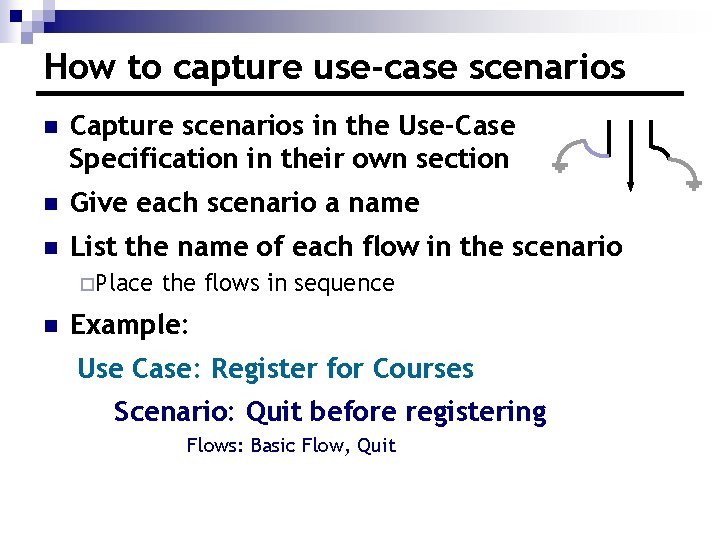
How to capture use-case scenarios n Capture scenarios in the Use-Case Specification in their own section n Give each scenario a name n List the name of each flow in the scenario ¨Place n the flows in sequence Example: Use Case: Register for Courses Scenario: Quit before registering Flows: Basic Flow, Quit
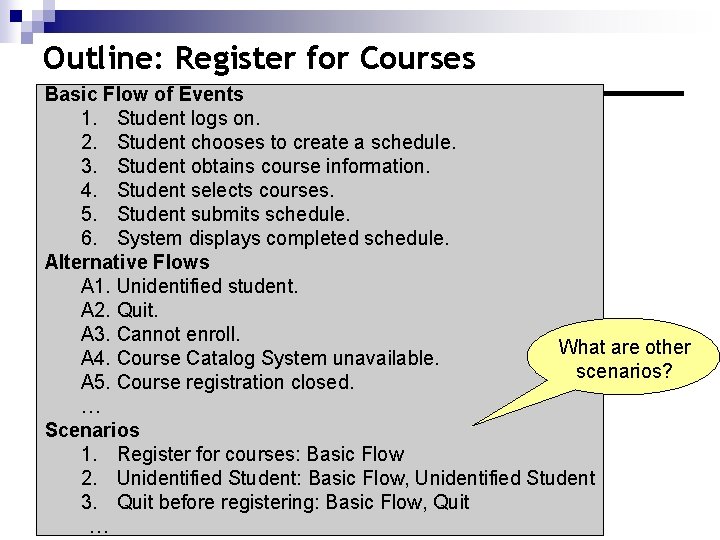
Outline: Register for Courses Basic Flow of Events 1. Student logs on. 2. Student chooses to create a schedule. 3. Student obtains course information. 4. Student selects courses. 5. Student submits schedule. 6. System displays completed schedule. Alternative Flows A 1. Unidentified student. A 2. Quit. A 3. Cannot enroll. What are other A 4. Course Catalog System unavailable. scenarios? A 5. Course registration closed. … Scenarios 1. Register for courses: Basic Flow 2. Unidentified Student: Basic Flow, Unidentified Student 3. Quit before registering: Basic Flow, Quit …
Checkpoints for use cases ü Each use case is independent of the others ü No use cases have very similar behaviors or flows of events ü No part of the flow of events has already been modeled as another use case
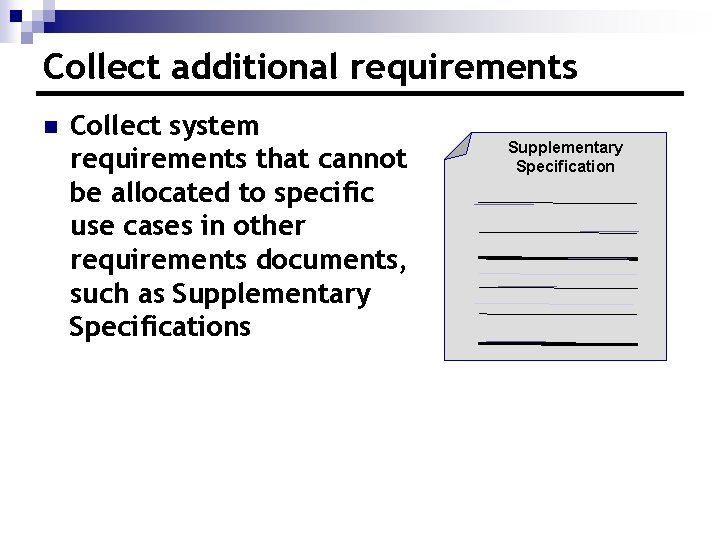
Collect additional requirements n Collect system requirements that cannot be allocated to specific use cases in other requirements documents, such as Supplementary Specification
Review n What is the basic flow? n What is an alternative flow? n What is a scenario? n Why do you capture use-case scenarios? n Where do you collect requirements other than use cases?
Writing Good Use Cases Detailing a Use Case
Topics n Detail a use case n Manage the level of detail
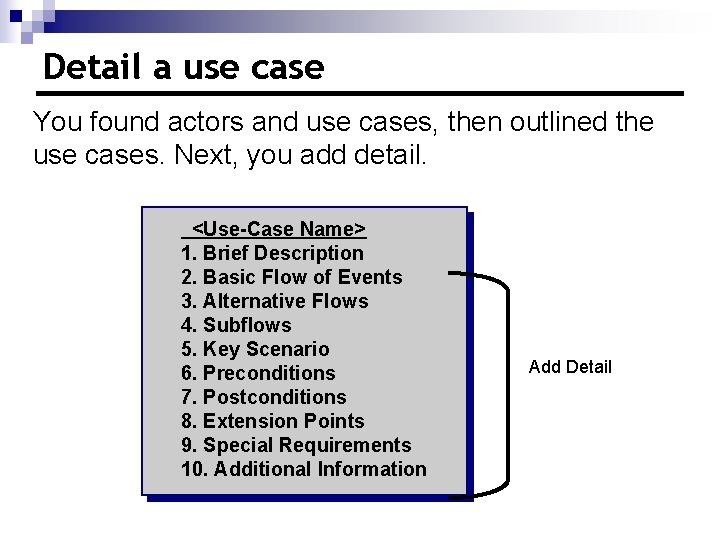
Detail a use case You found actors and use cases, then outlined the use cases. Next, you add detail. <Use-Case Name> 1. Brief Description 2. Basic Flow of Events 3. Alternative Flows 4. Subflows 5. Key Scenario 6. Preconditions 7. Postconditions 8. Extension Points 9. Special Requirements 10. Additional Information Add Detail
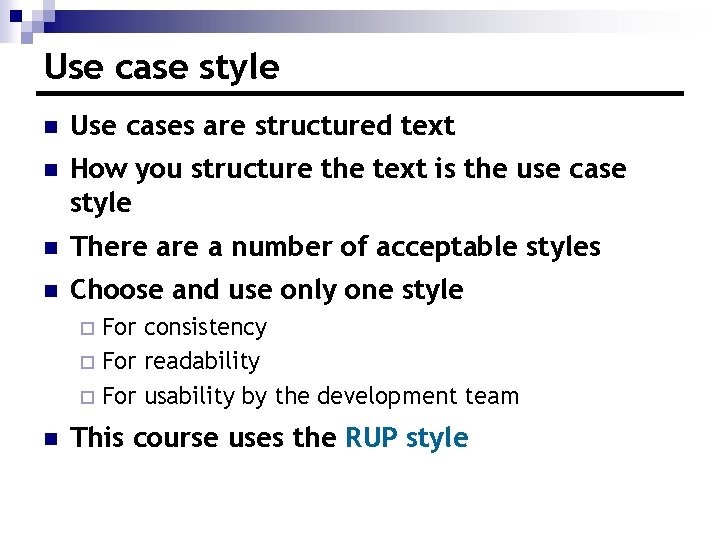
Use case style n Use cases are structured text n How you structure the text is the use case style n There a number of acceptable styles n Choose and use only one style For consistency ¨ For readability ¨ For usability by the development team ¨ n This course uses the RUP style
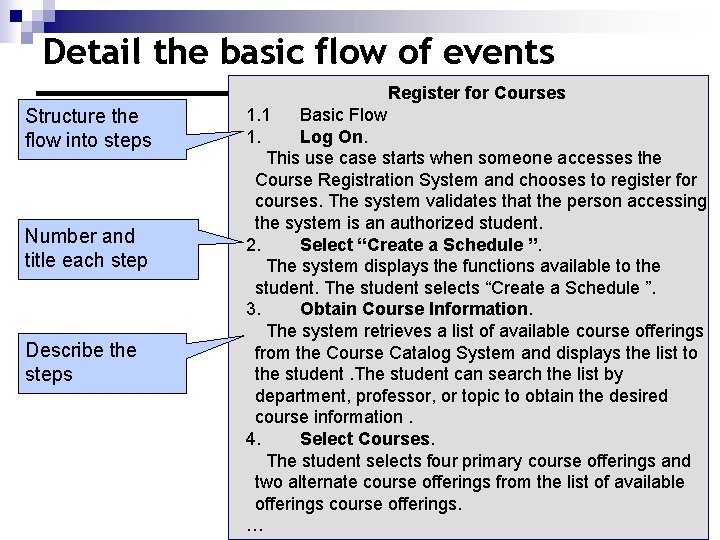
Detail the basic flow of events Register for Courses Structure the flow into steps Number and title each step Describe the steps 1. 1 Basic Flow 1. Log On. This use case starts when someone accesses the Course Registration System and chooses to register for courses. The system validates that the person accessing the system is an authorized student. 2. Select “Create a Schedule ”. The system displays the functions available to the student. The student selects “Create a Schedule ”. 3. Obtain Course Information. The system retrieves a list of available course offerings from the Course Catalog System and displays the list to the student. The student can search the list by department, professor, or topic to obtain the desired course information. 4. Select Courses. The student selects four primary course offerings and two alternate course offerings from the list of available offerings course offerings. …
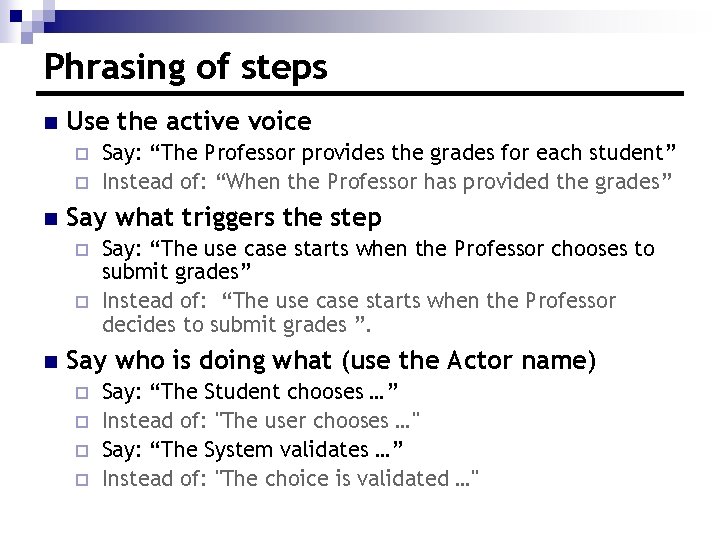
Phrasing of steps n Use the active voice ¨ ¨ n Say what triggers the step ¨ ¨ n Say: “The Professor provides the grades for each student” Instead of: “When the Professor has provided the grades” Say: “The use case starts when the Professor chooses to submit grades” Instead of: “The use case starts when the Professor decides to submit grades ”. Say who is doing what (use the Actor name) ¨ ¨ Say: “The Student chooses …” Instead of: "The user chooses …" Say: “The System validates …” Instead of: "The choice is validated …"
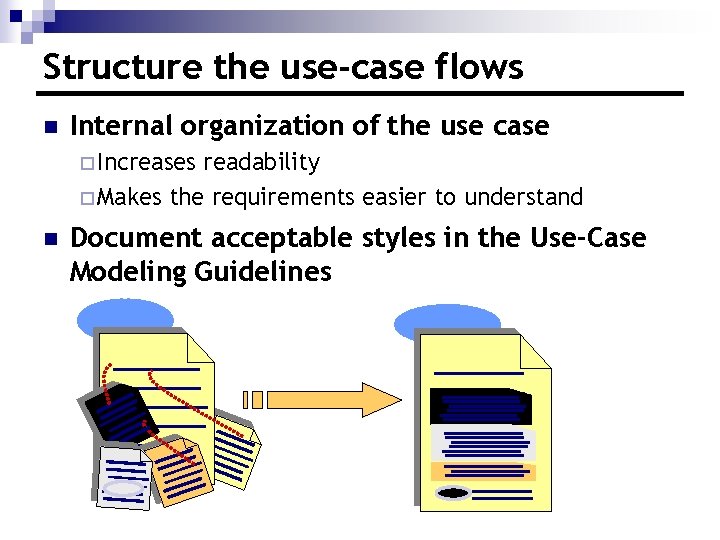
Structure the use-case flows n Internal organization of the use case ¨ Increases readability ¨ Makes the requirements easier to understand n Document acceptable styles in the Use-Case Modeling Guidelines
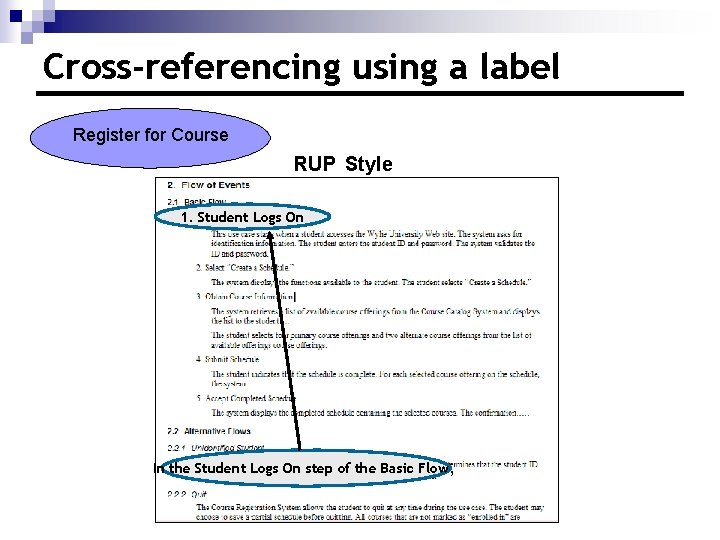
Cross-referencing using a label Register for Course RUP Style 1. Student Logs On In the Student Logs On step of the Basic Flow,
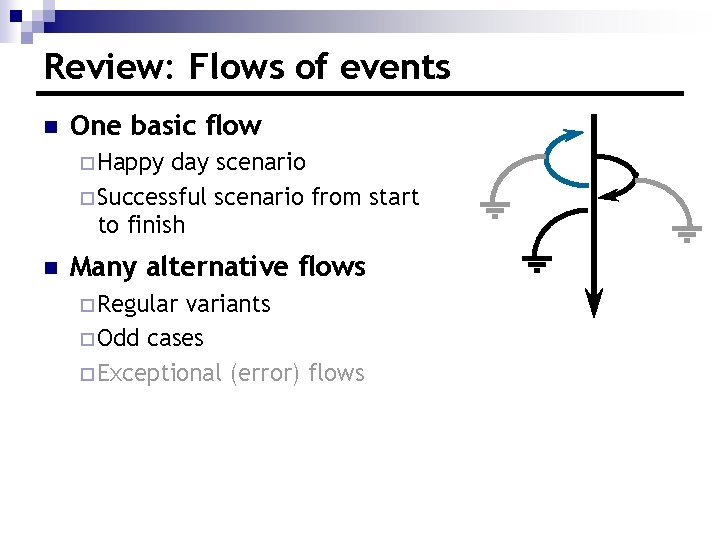
Review: Flows of events n One basic flow ¨ Happy day scenario ¨ Successful scenario from start to finish n Many alternative flows ¨ Regular variants ¨ Odd cases ¨ Exceptional (error) flows
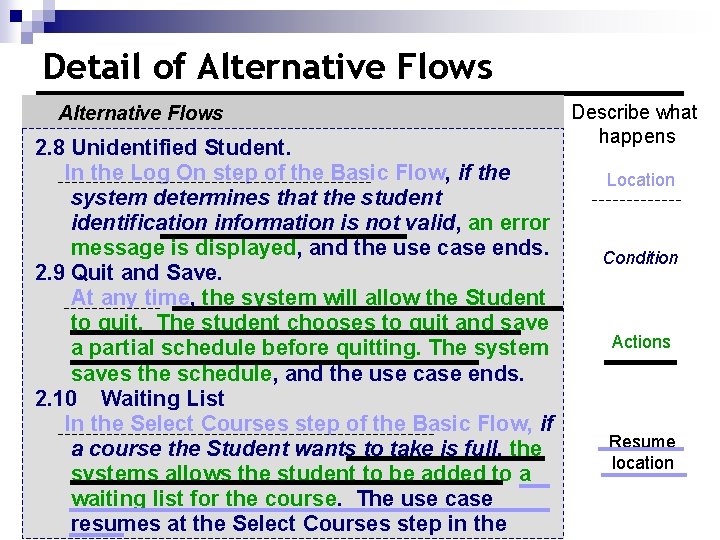
Detail of Alternative Flows 2. 8 Unidentified Student. In the Log On step of the Basic Flow, if the system determines that the student identification information is not valid, an error message is displayed, and the use case ends. 2. 9 Quit and Save. At any time, the system will allow the Student to quit. The student chooses to quit and save a partial schedule before quitting. The system saves the schedule, and the use case ends. 2. 10 Waiting List In the Select Courses step of the Basic Flow, if a course the Student wants to take is full, the systems allows the student to be added to a waiting list for the course. The use case resumes at the Select Courses step in the Describe what happens Location Condition Actions Resume location
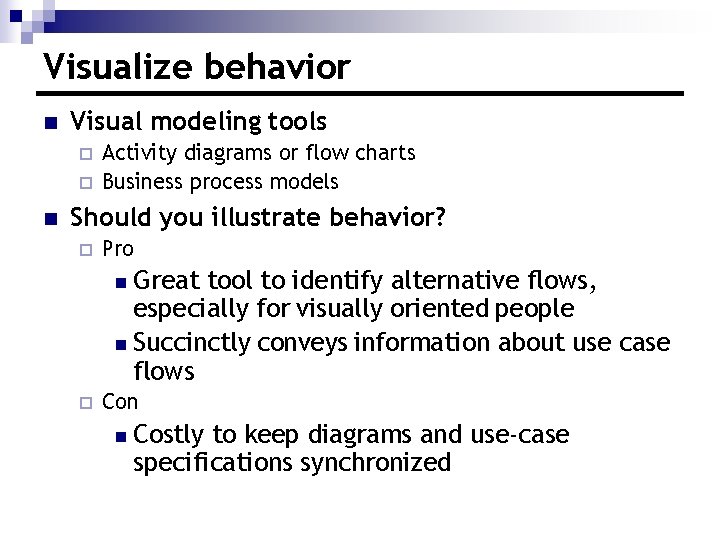
Visualize behavior n Visual modeling tools ¨ ¨ n Activity diagrams or flow charts Business process models Should you illustrate behavior? ¨ Pro n Great tool to identify alternative flows, especially for visually oriented people n Succinctly conveys information about use case flows ¨ Con n Costly to keep diagrams and use-case specifications synchronized
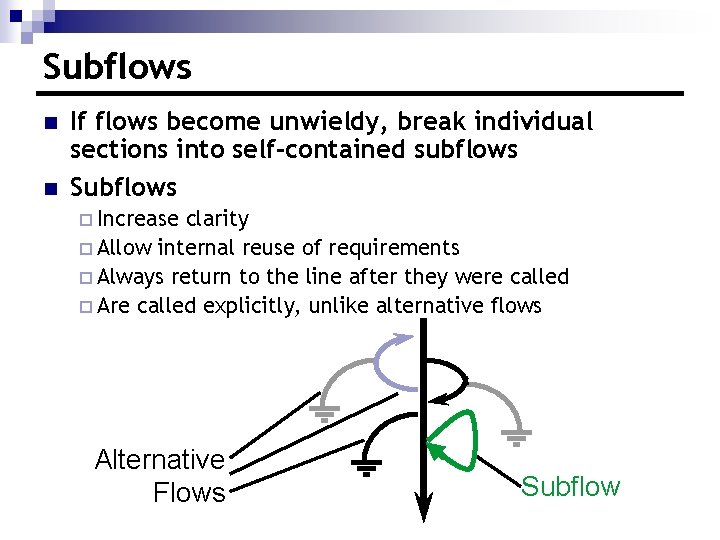
Subflows n n If flows become unwieldy, break individual sections into self-contained subflows Subflows ¨ Increase clarity ¨ Allow internal reuse of requirements ¨ Always return to the line after they were called ¨ Are called explicitly, unlike alternative flows Alternative Flows Subflow
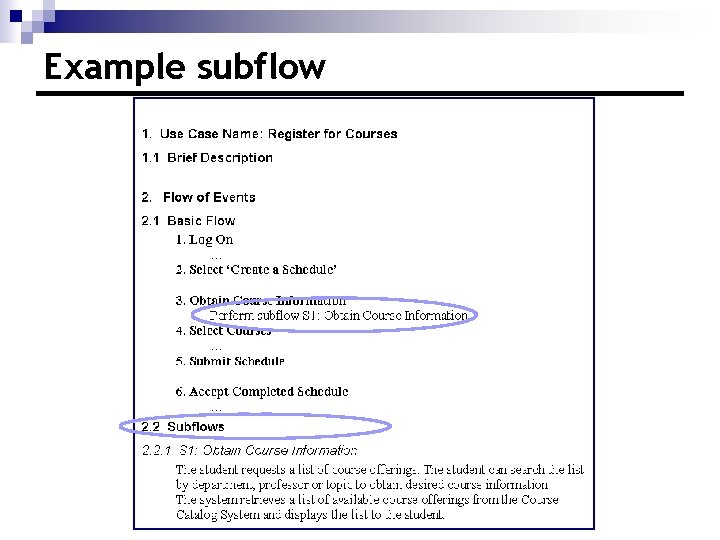
Example subflow
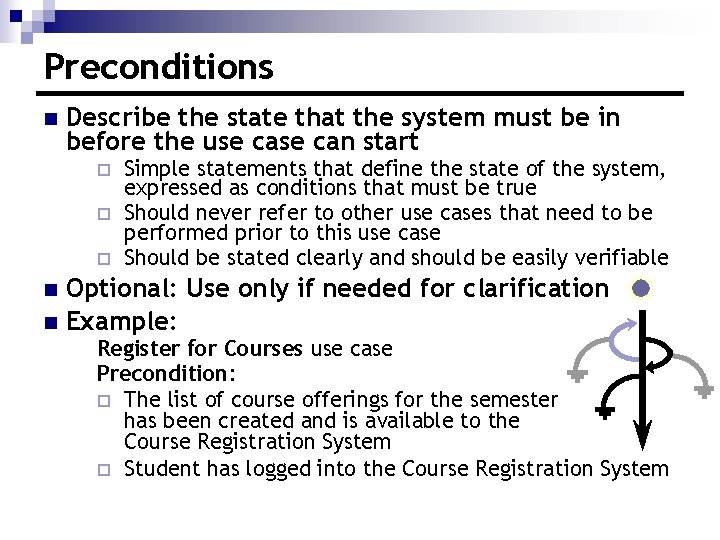
Preconditions n Describe the state that the system must be in before the use can start ¨ ¨ ¨ Simple statements that define the state of the system, expressed as conditions that must be true Should never refer to other use cases that need to be performed prior to this use case Should be stated clearly and should be easily verifiable Optional: Use only if needed for clarification n Example: n Register for Courses use case Precondition: ¨ The list of course offerings for the semester has been created and is available to the Course Registration System ¨ Student has logged into the Course Registration System
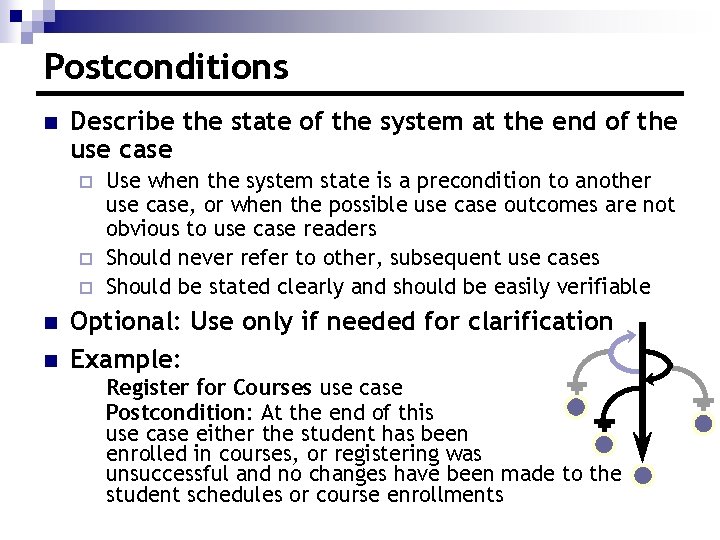
Postconditions n Describe the state of the system at the end of the use case ¨ ¨ ¨ n n Use when the system state is a precondition to another use case, or when the possible use case outcomes are not obvious to use case readers Should never refer to other, subsequent use cases Should be stated clearly and should be easily verifiable Optional: Use only if needed for clarification Example: Register for Courses use case Postcondition: At the end of this use case either the student has been enrolled in courses, or registering was unsuccessful and no changes have been made to the student schedules or course enrollments
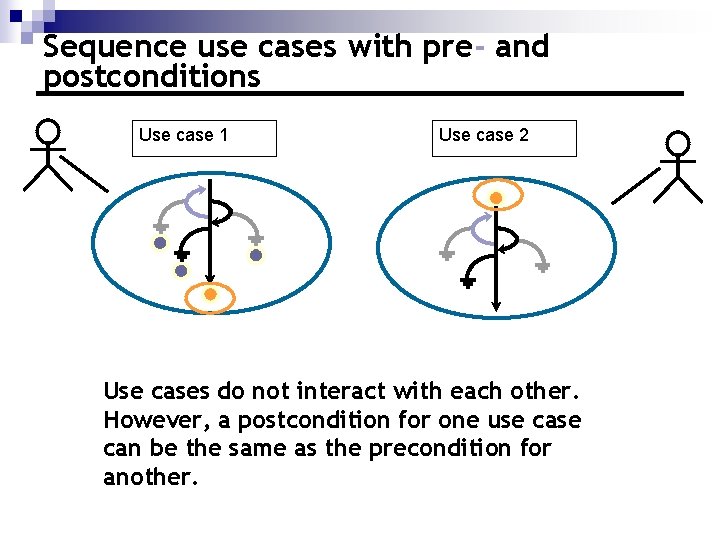
Sequence use cases with pre- and postconditions Use case 1 Use case 2 Use cases do not interact with each other. However, a postcondition for one use can be the same as the precondition for another.
Other use case properties n Special requirements ¨ ¨ n Extension points ¨ n Related to this use case, not covered in flow of events Usually nonfunctional requirements, data, and business rules Name a set of places in the flow of events where extending behavior can be inserted Additional information ¨ Any additional information required to clarify the use case
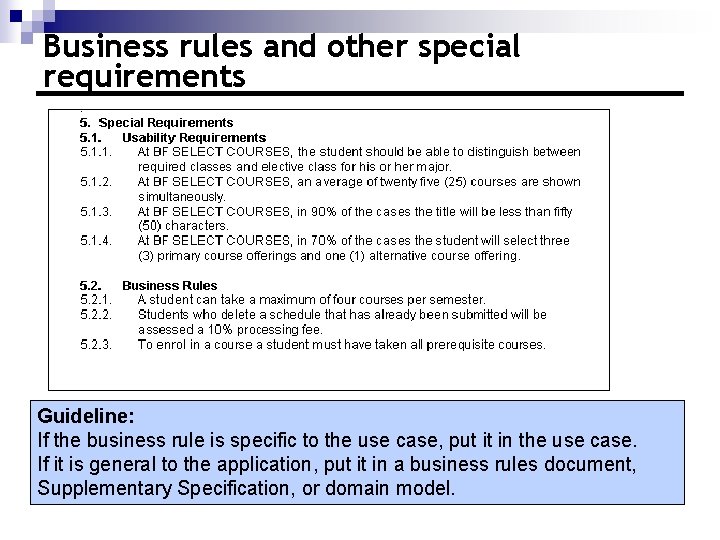
Business rules and other special requirements Guideline: If the business rule is specific to the use case, put it in the use case. If it is general to the application, put it in a business rules document, Supplementary Specification, or domain model.
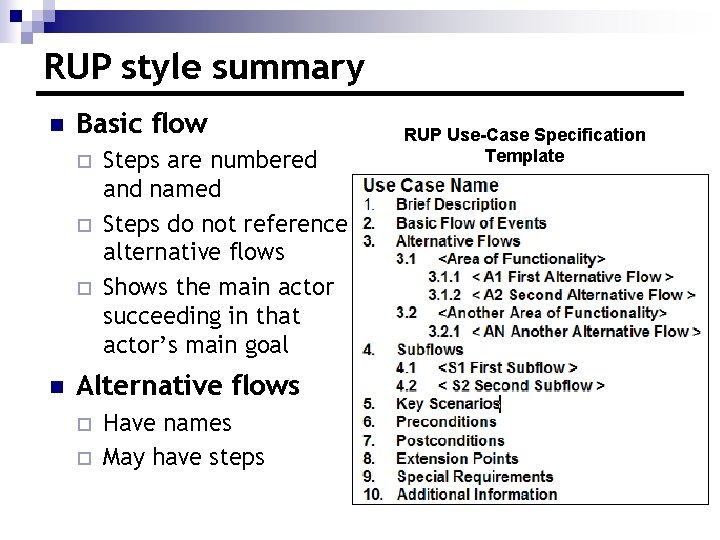
RUP style summary n Basic flow ¨ ¨ ¨ n Steps are numbered and named Steps do not reference alternative flows Shows the main actor succeeding in that actor’s main goal Alternative flows ¨ ¨ Have names May have steps RUP Use-Case Specification Template
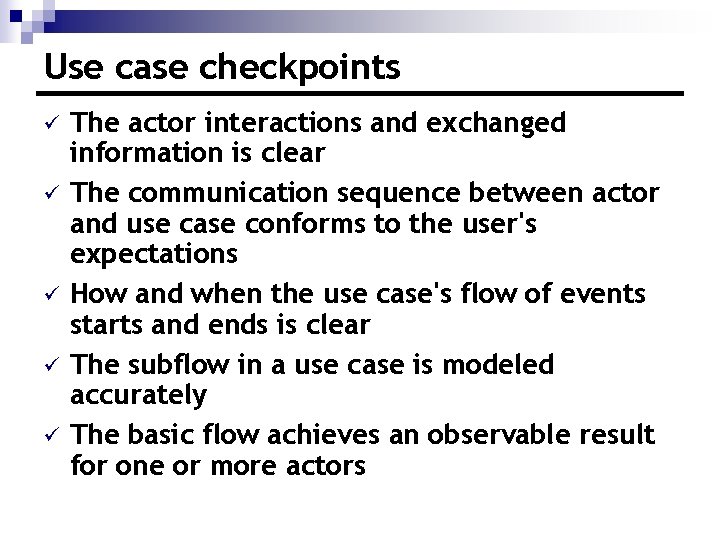
Use case checkpoints ü ü ü The actor interactions and exchanged information is clear The communication sequence between actor and use case conforms to the user's expectations How and when the use case's flow of events starts and ends is clear The subflow in a use case is modeled accurately The basic flow achieves an observable result for one or more actors
Review n What are the steps to detailing a use case? n Give a few examples of best practices in phrasing use case steps? n What is a subflow, and when should you use one? n What are pre- and postconditions, and when should you use them?
Topics n Detail a use case n Manage the level of detail
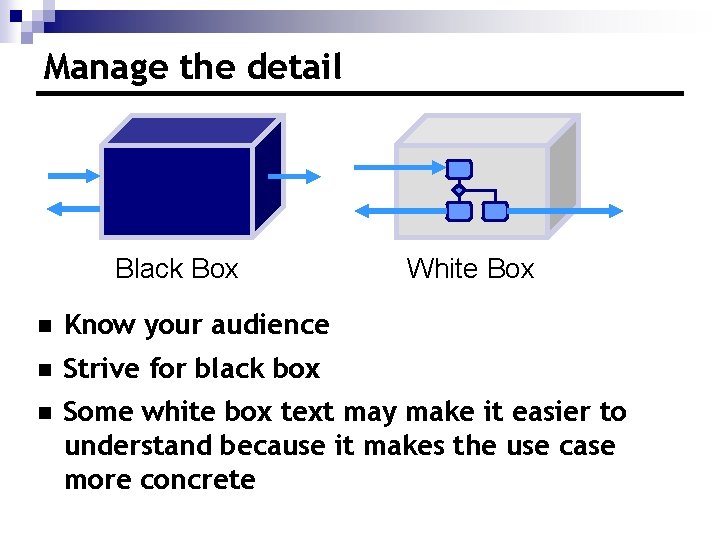
Manage the detail Black Box White Box n Know your audience n Strive for black box n Some white box text may make it easier to understand because it makes the use case more concrete
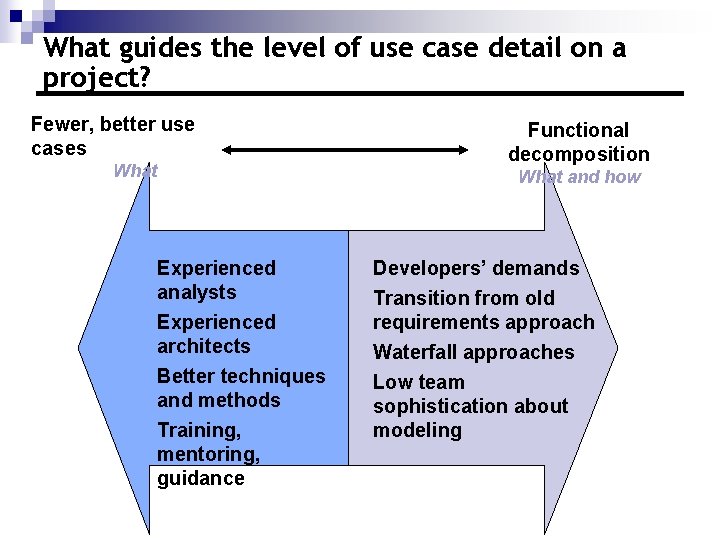
What guides the level of use case detail on a project? Fewer, better use cases What Functional decomposition What and how Experienced analysts Experienced architects Better techniques and methods Training, mentoring, guidance Developers’ demands Transition from old requirements approach Waterfall approaches Low team sophistication about modeling
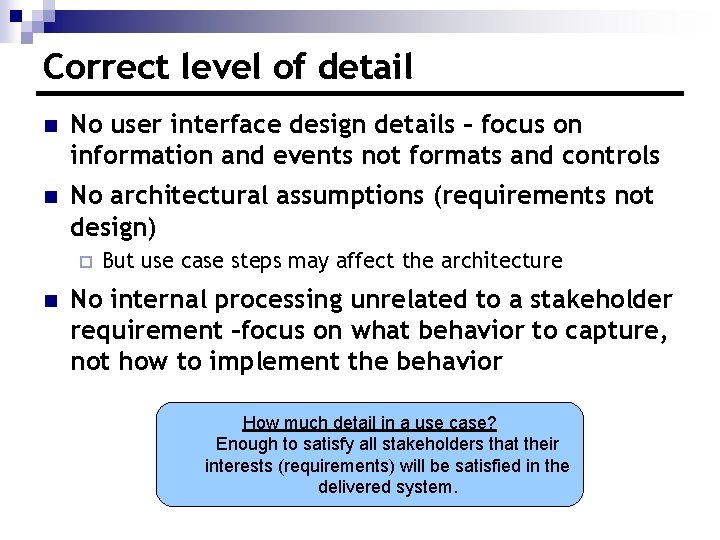
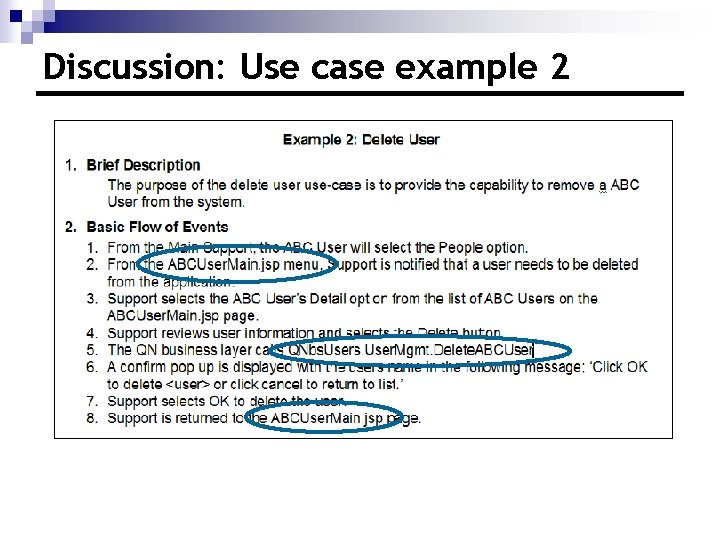
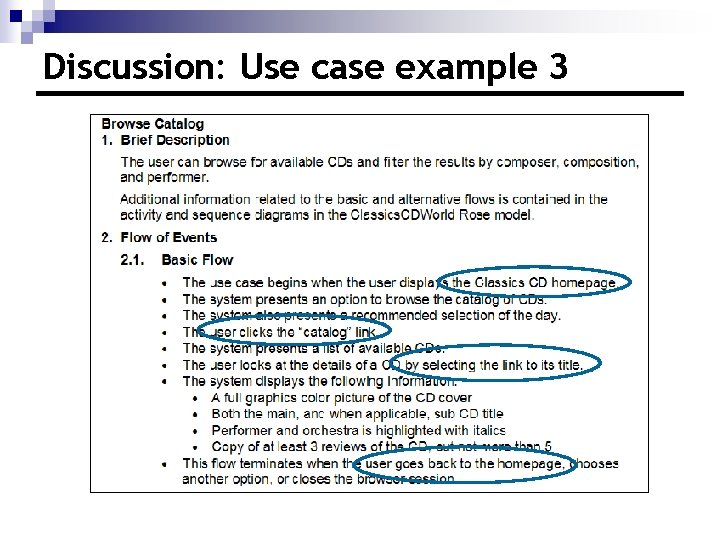
Correct level of detail n No user interface design details – focus on information and events not formats and controls n No architectural assumptions (requirements not design) ¨ n But use case steps may affect the architecture No internal processing unrelated to a stakeholder requirement –focus on what behavior to capture, not how to implement the behavior How much detail in a use case? Enough to satisfy all stakeholders that their interests (requirements) will be satisfied in the delivered system.
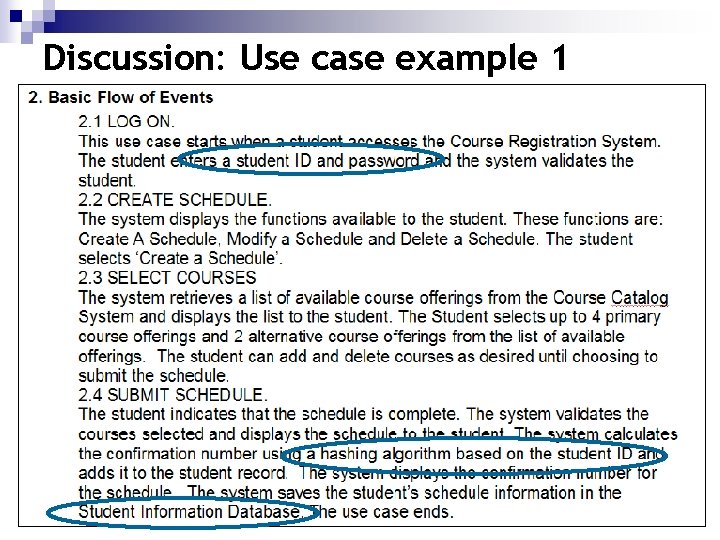
Discussion: Use case example 1
Discussion: Use case example 2
Discussion: Use case example 3
More use case checkpoints ü The use case contains no embedded architectural assumptions ü The use case contains no embedded userinterface assumptions
Review n What kinds of information should not be included in your detailed use case? n How do you determine the correct level of detail for a use case?
Writing Good Use Cases Use-Case Writing Tips
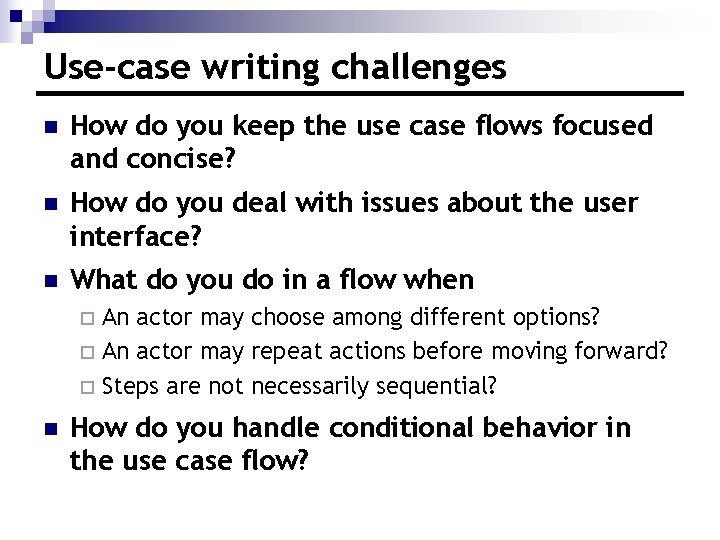
Use-case writing challenges n How do you keep the use case flows focused and concise? n How do you deal with issues about the user interface? n What do you do in a flow when An actor may choose among different options? ¨ An actor may repeat actions before moving forward? ¨ Steps are not necessarily sequential? ¨ n How do you handle conditional behavior in the use case flow?
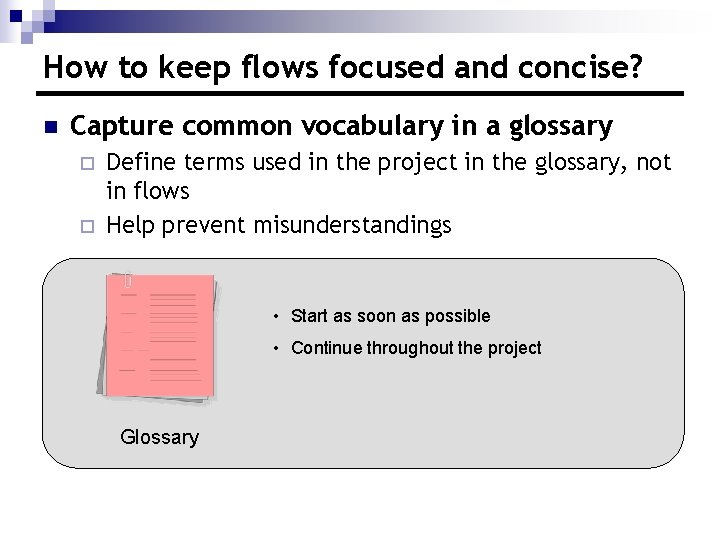
How to keep flows focused and concise? n Capture common vocabulary in a glossary ¨ ¨ Define terms used in the project in the glossary, not in flows Help prevent misunderstandings • Start as soon as possible • Continue throughout the project Glossary
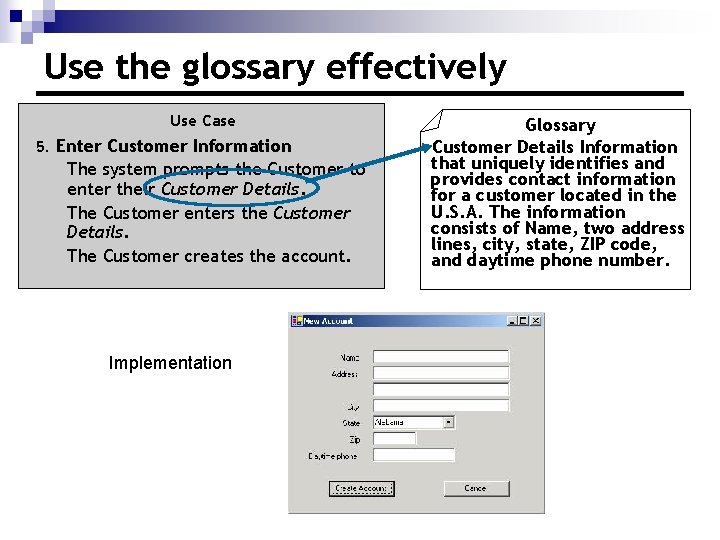
Use the glossary effectively Use Case 5. Enter Customer Information The system prompts the Customer to enter their Customer Details. The Customer enters the Customer Details. The Customer creates the account. Implementation Glossary Customer Details Information that uniquely identifies and provides contact information for a customer located in the U. S. A. The information consists of Name, two address lines, city, state, ZIP code, and daytime phone number.
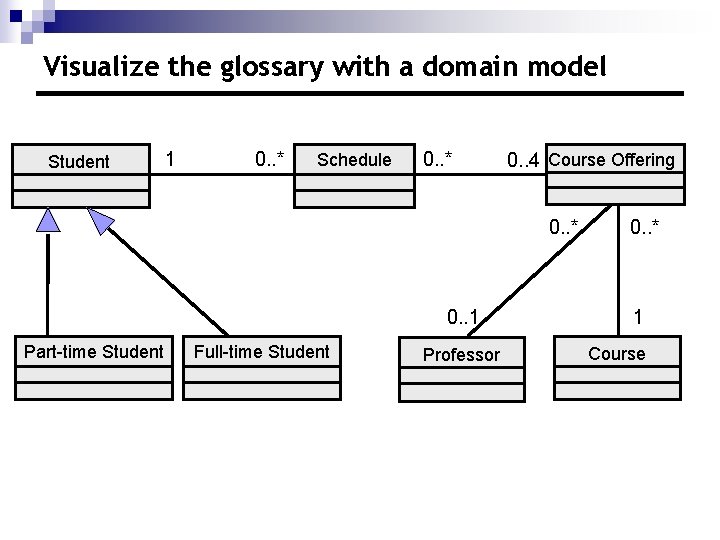
Visualize the glossary with a domain model Student 1 0. . * Schedule 0. . * 0. . 4 Course Offering 0. . * 0. . 1 Part-time Student Full-time Student Professor 0. . * 1 Course
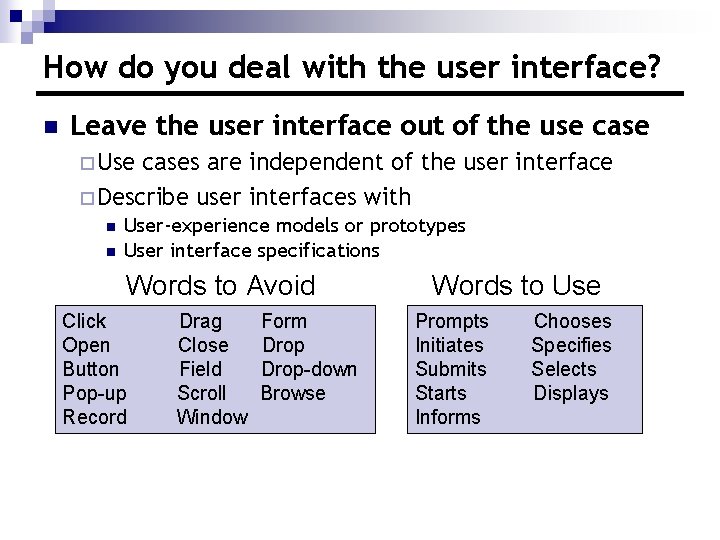
How do you deal with the user interface? n Leave the user interface out of the use case ¨ Use cases are independent of the user interface ¨ Describe user interfaces with n n User-experience models or prototypes User interface specifications Words to Avoid Click Open Button Pop-up Record Drag Close Field Scroll Window Form Drop-down Browse Words to Use Prompts Initiates Submits Starts Informs Chooses Specifies Selects Displays
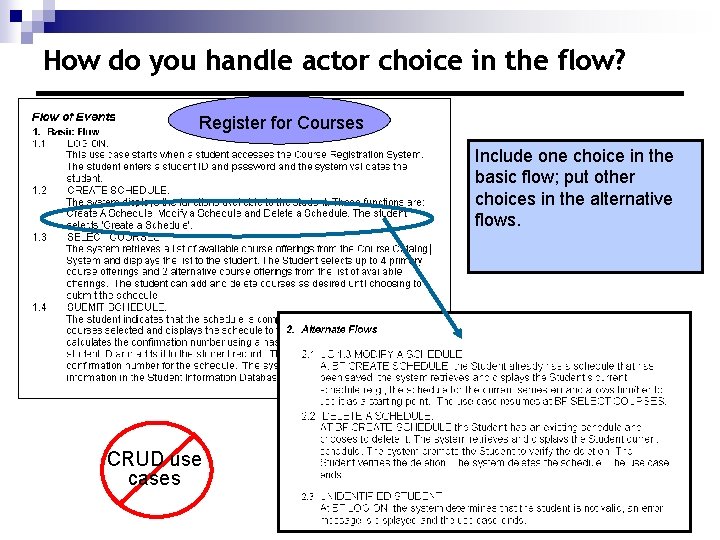
How do you handle actor choice in the flow? Register for Courses Include one choice in the basic flow; put other choices in the alternative flows. CRUD use cases
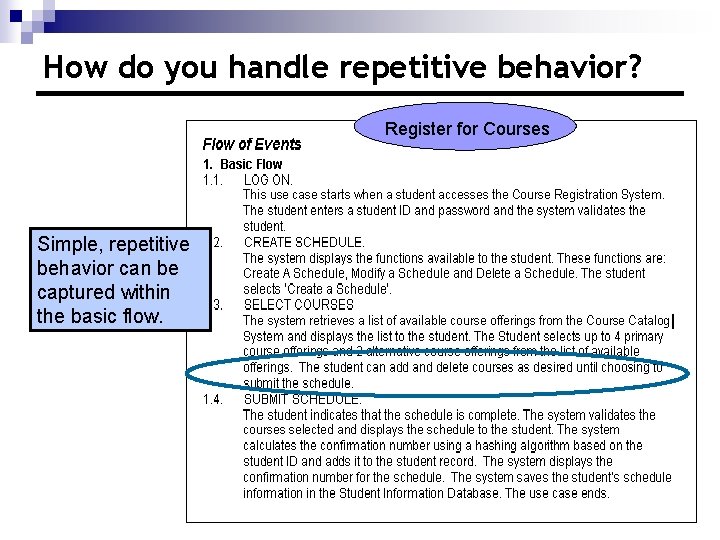
How do you handle repetitive behavior? Register for Courses Simple, repetitive behavior can be captured within the basic flow.
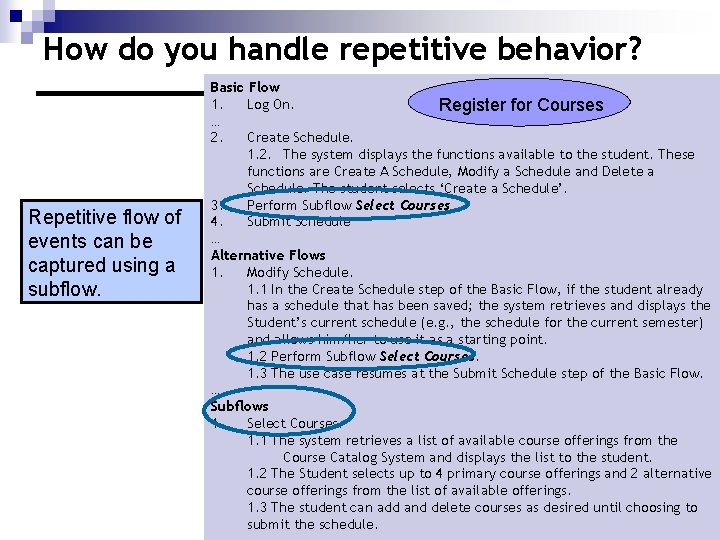
How do you handle repetitive behavior? Repetitive flow of events can be captured using a subflow. Basic Flow 1. Log On. Register for Courses … 2. Create Schedule. 1. 2. The system displays the functions available to the student. These functions are Create A Schedule, Modify a Schedule and Delete a Schedule. The student selects ‘Create a Schedule’. 3. Perform Subflow Select Courses 4. Submit Schedule … Alternative Flows 1. Modify Schedule. 1. 1 In the Create Schedule step of the Basic Flow, if the student already has a schedule that has been saved; the system retrieves and displays the Student’s current schedule (e. g. , the schedule for the current semester) and allows him/her to use it as a starting point. 1. 2 Perform Subflow Select Courses. 1. 3 The use case resumes at the Submit Schedule step of the Basic Flow. … Subflows 1. Select Courses. 1. 1 The system retrieves a list of available course offerings from the Course Catalog System and displays the list to the student. 1. 2 The Student selects up to 4 primary course offerings and 2 alternative course offerings from the list of available offerings. 1. 3 The student can add and delete courses as desired until choosing to submit the schedule.
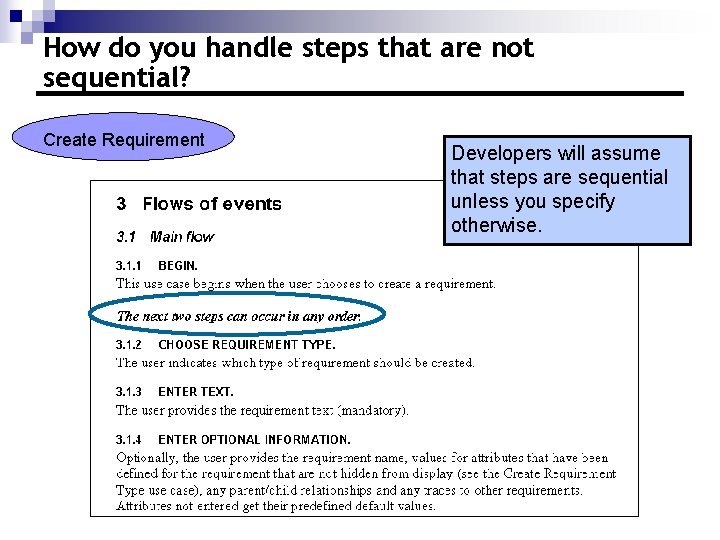
How do you handle steps that are not sequential? Create Requirement Developers will assume that steps are sequential unless you specify otherwise.
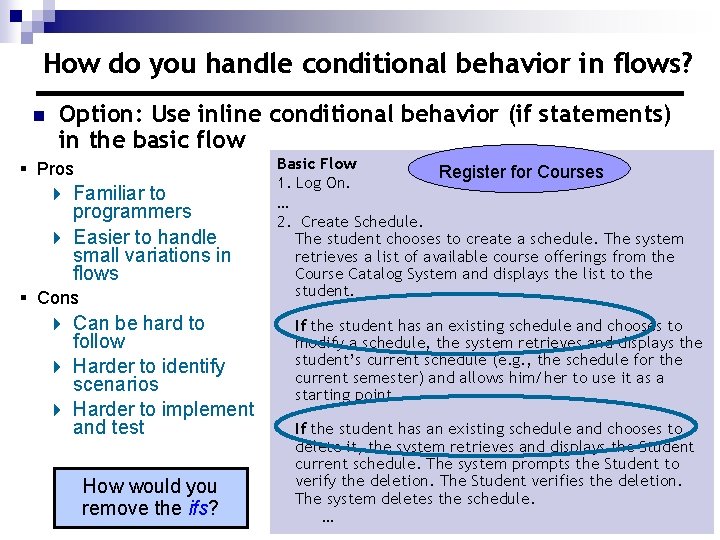
How do you handle conditional behavior in flows? n Option: Use inline conditional behavior (if statements) in the basic flow § Pros 4 Familiar to programmers 4 Easier to handle small variations in flows § Cons 4 Can be hard to follow 4 Harder to identify scenarios 4 Harder to implement and test How would you remove the ifs? Basic Flow Register for Courses 1. Log On. … 2. Create Schedule. The student chooses to create a schedule. The system retrieves a list of available course offerings from the Course Catalog System and displays the list to the student. If the student has an existing schedule and chooses to modify a schedule, the system retrieves and displays the student’s current schedule (e. g. , the schedule for the current semester) and allows him/her to use it as a starting point. If the student has an existing schedule and chooses to delete it, the system retrieves and displays the Student current schedule. The system prompts the Student to verify the deletion. The Student verifies the deletion. The system deletes the schedule. …
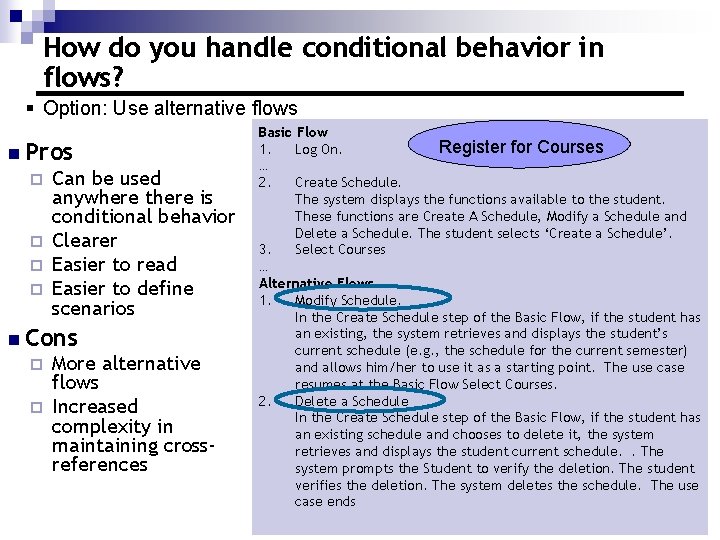
How do you handle conditional behavior in flows? § Option: Use alternative flows n Pros ¨ ¨ Can be used anywhere there is conditional behavior Clearer Easier to read Easier to define scenarios n Cons ¨ ¨ More alternative flows Increased complexity in maintaining crossreferences Basic Flow Register for Courses 1. Log On. … 2. Create Schedule. The system displays the functions available to the student. These functions are Create A Schedule, Modify a Schedule and Delete a Schedule. The student selects ‘Create a Schedule’. 3. Select Courses … Alternative Flows 1. Modify Schedule. In the Create Schedule step of the Basic Flow, if the student has an existing, the system retrieves and displays the student’s current schedule (e. g. , the schedule for the current semester) and allows him/her to use it as a starting point. The use case resumes at the Basic Flow Select Courses. 2. Delete a Schedule In the Create Schedule step of the Basic Flow, if the student has an existing schedule and chooses to delete it, the system retrieves and displays the student current schedule. . The system prompts the Student to verify the deletion. The student verifies the deletion. The system deletes the schedule. The use case ends
Review n n n What is the value of using a glossary? How do you deal with the user interface in a use case? How do you deal with actor choice in a use case flow? How do you handle repetitive behavior in a use case flow? How do you handle steps that are not necessarily sequential? How do you handle conditional behavior in a use case flow?
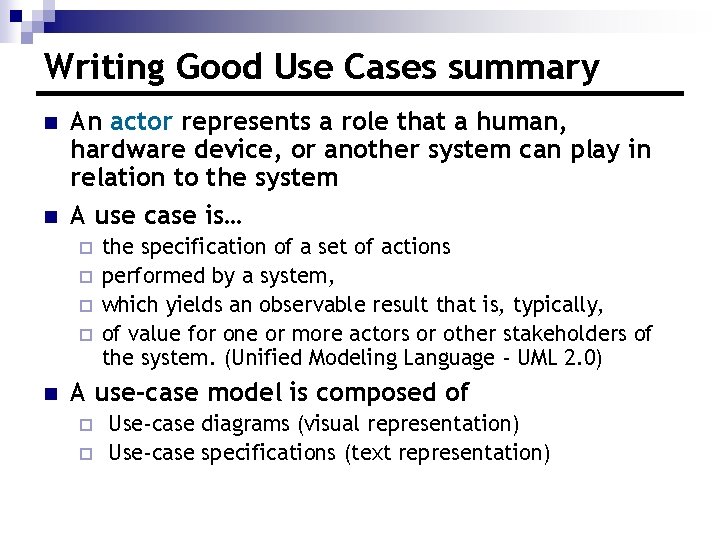
Writing Good Use Cases summary n n An actor represents a role that a human, hardware device, or another system can play in relation to the system A use case is… ¨ ¨ n the specification of a set of actions performed by a system, which yields an observable result that is, typically, of value for one or more actors or other stakeholders of the system. (Unified Modeling Language - UML 2. 0) A use-case model is composed of ¨ ¨ Use-case diagrams (visual representation) Use-case specifications (text representation)
Writing Good Use Cases summary (cont. ) Find actors Find use cases Outline a use case Detail a use case Name and briefly describe the actors you have found. Name and briefly describe the use cases you have found. Create a use-case diagram. Assess business values and technical risks for use cases. Outline the flow of events. Capture use case scenarios. Collect additional requirements. Detail the flow of events. Structure the flow of events. Specify additional use case properties.
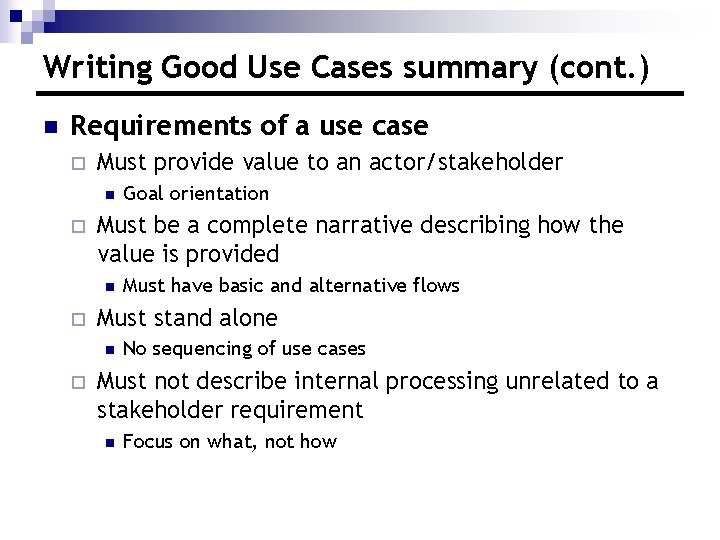
Writing Good Use Cases summary (cont. ) n Requirements of a use case ¨ Must provide value to an actor/stakeholder n ¨ Must be a complete narrative describing how the value is provided n ¨ Must have basic and alternative flows Must stand alone n ¨ Goal orientation No sequencing of use cases Must not describe internal processing unrelated to a stakeholder requirement n Focus on what, not how
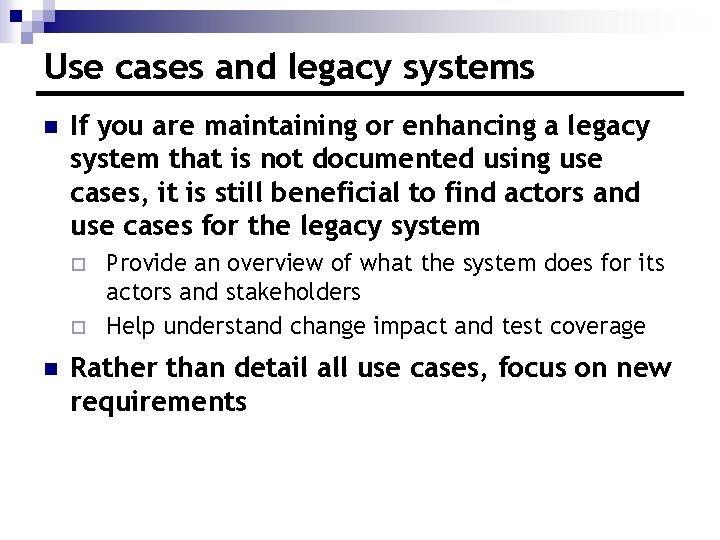
Use cases and legacy systems n If you are maintaining or enhancing a legacy system that is not documented using use cases, it is still beneficial to find actors and use cases for the legacy system ¨ ¨ n Provide an overview of what the system does for its actors and stakeholders Help understand change impact and test coverage Rather than detail all use cases, focus on new requirements
Concluding thoughts n How you write a use case affects its usability By stakeholders ¨ By the development team ¨ n Good use-case writing techniques make use cases Easier to read ¨ Easier to understand ¨ Easier for the development team to use ¨