
WPF Avalon Windows App GUI l Web App
WPF (Avalon), Windows App GUI l Web App GUI l HTML l XML l WPF l LINQ l
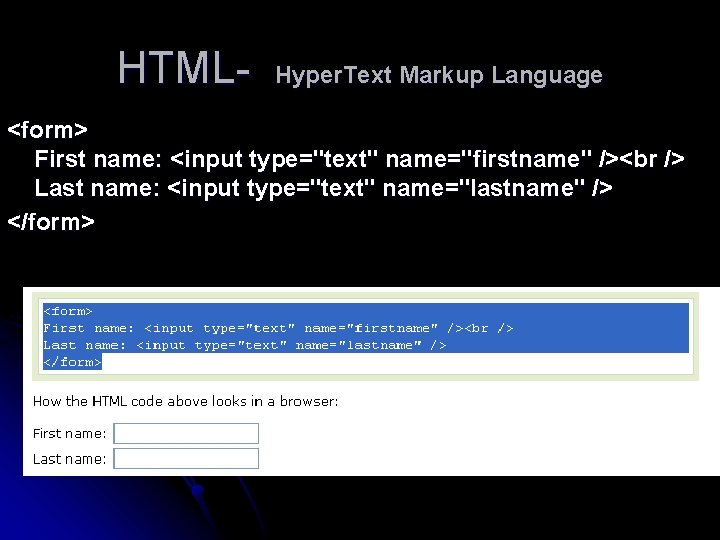
HTML- Hyper. Text Markup Language <form> First name: <input type="text" name="firstname" /> Last name: <input type="text" name="lastname" /> </form>
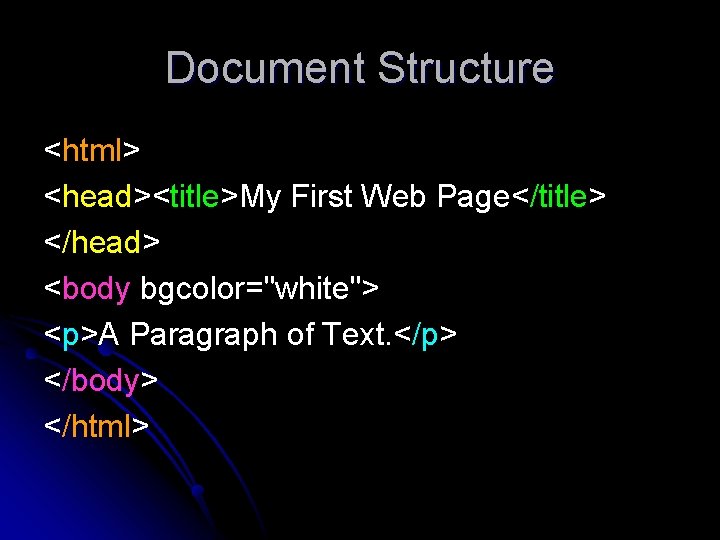
Document Structure <html> <head><title>My First Web Page</title> </head> <body bgcolor="white"> <p>A Paragraph of Text. </p> </body> </html>
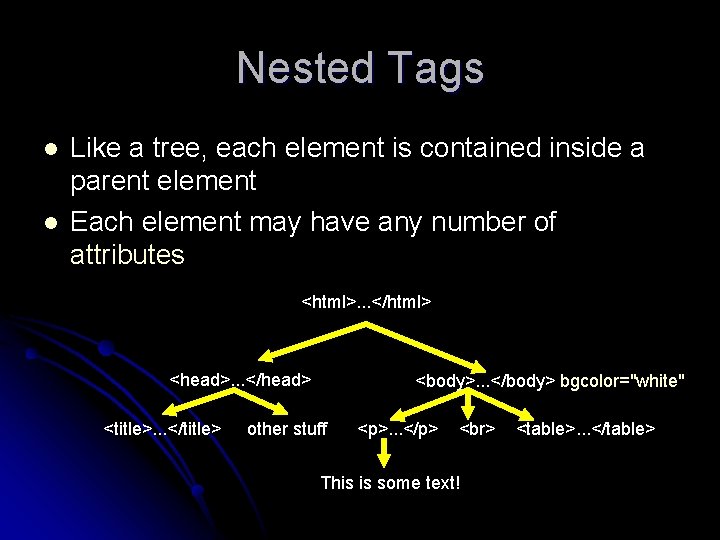
Nested Tags l l Like a tree, each element is contained inside a parent element Each element may have any number of attributes <html>. . . </html> <head>. . . </head> <title>. . . </title> <body>. . . </body> bgcolor="white" other stuff <p>. . . </p> This is some text! <table>. . . </table>
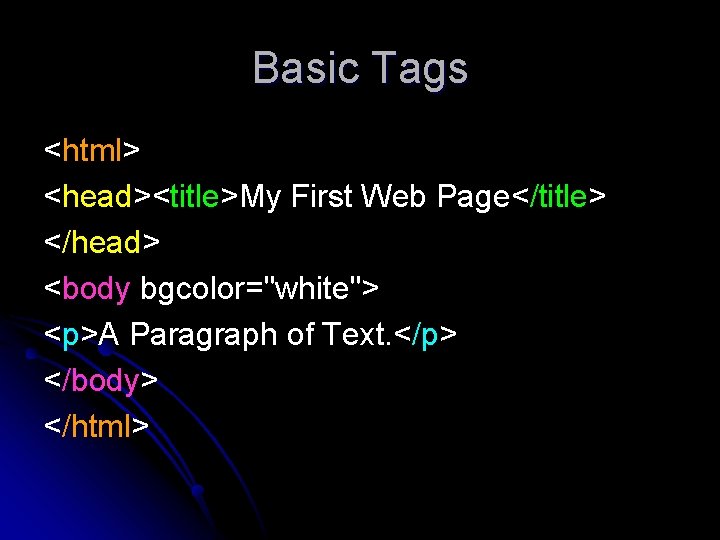
Basic Tags <html> <head><title>My First Web Page</title> </head> <body bgcolor="white"> <p>A Paragraph of Text. </p> </body> </html>
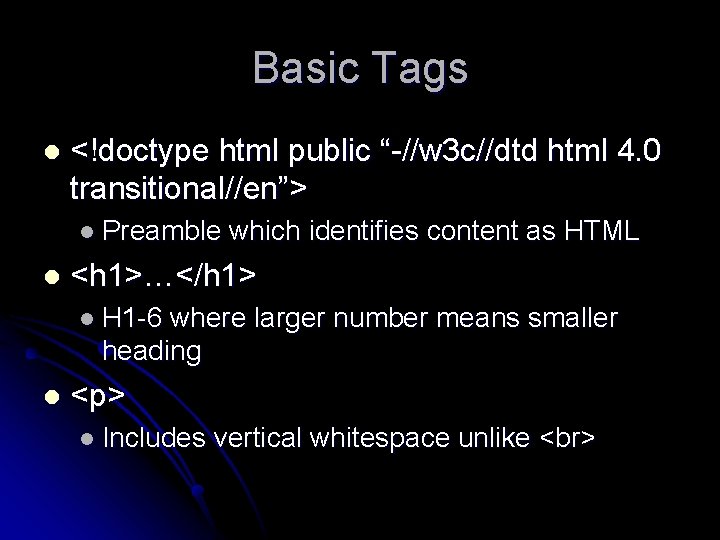
Basic Tags l <!doctype html public “-//w 3 c//dtd html 4. 0 transitional//en”> l Preamble l which identifies content as HTML <h 1>…</h 1> l H 1 -6 where larger number means smaller heading l <p> l Includes vertical whitespace unlike
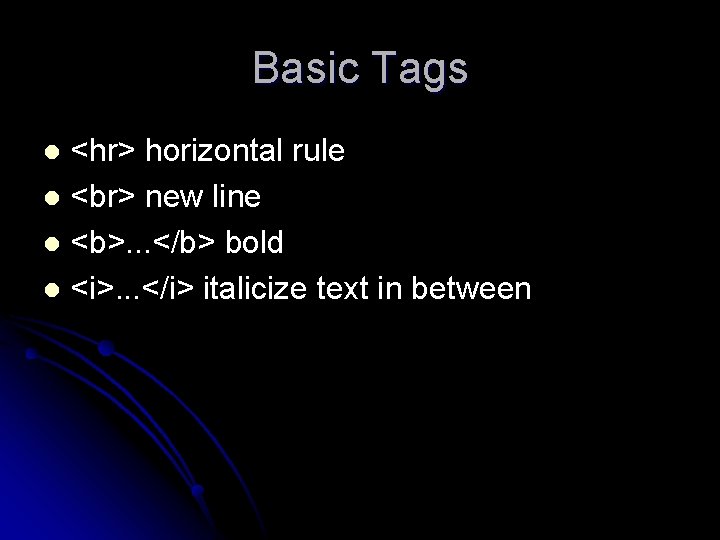
Basic Tags <hr> horizontal rule l new line l <b>. . . </b> bold l <i>. . . </i> italicize text in between l
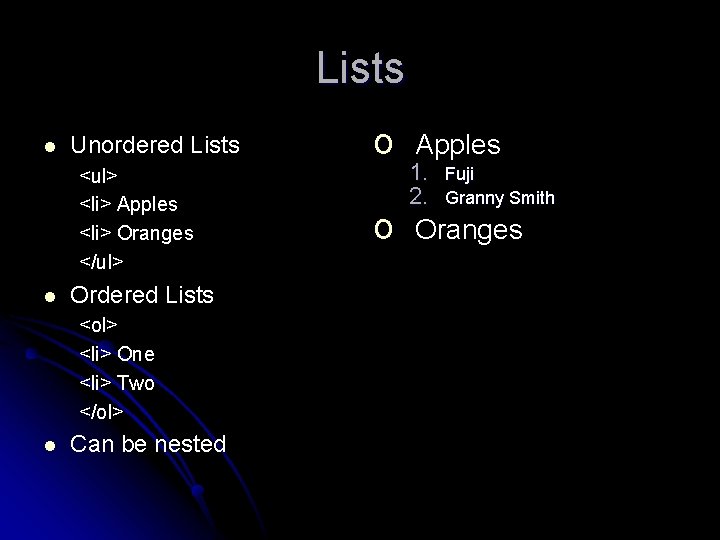
Lists l Unordered Lists <ul> <li> Apples <li> Oranges </ul> l Ordered Lists <ol> <li> One <li> Two </ol> l Can be nested o o Apples 1. 2. Fuji Granny Smith Oranges
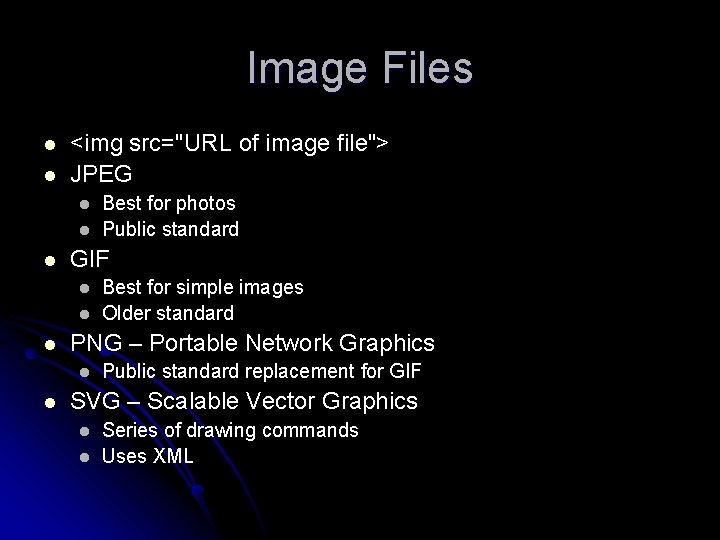
Image Files l l <img src="URL of image file"> JPEG l l l GIF l l l Best for simple images Older standard PNG – Portable Network Graphics l l Best for photos Public standard replacement for GIF SVG – Scalable Vector Graphics l l Series of drawing commands Uses XML
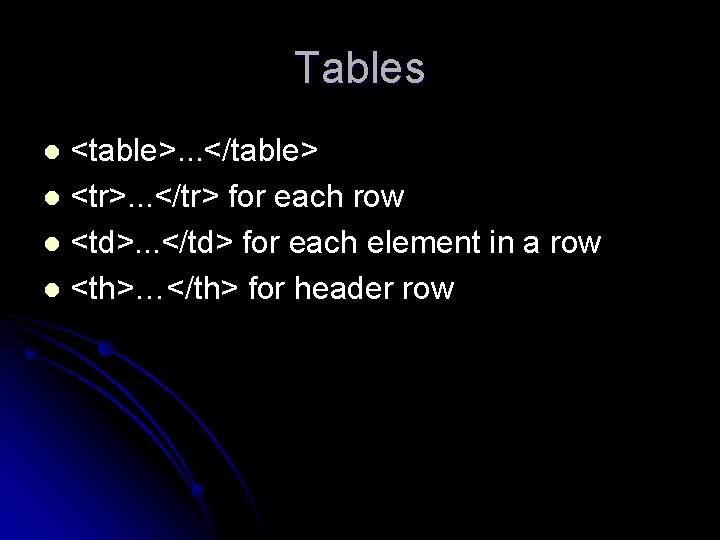
Tables <table>. . . </table> l <tr>. . . </tr> for each row l <td>. . . </td> for each element in a row l <th>…</th> for header row l
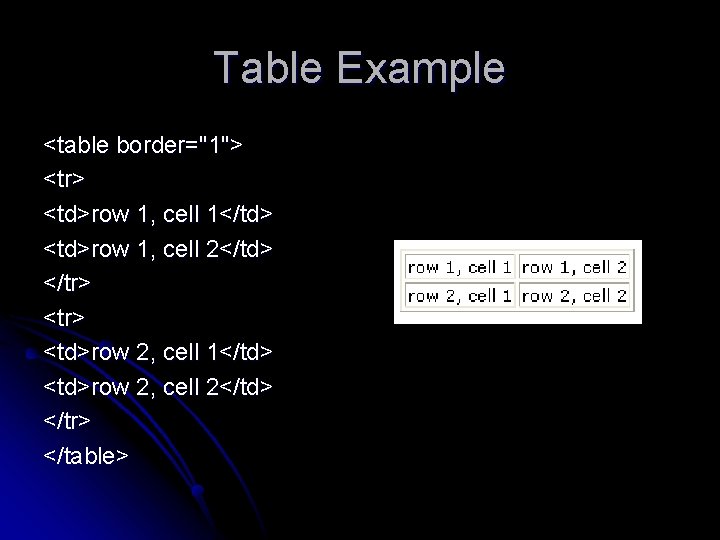
Table Example <table border="1"> <tr> <td>row 1, cell 1</td> <td>row 1, cell 2</td> </tr> <td>row 2, cell 1</td> <td>row 2, cell 2</td> </tr> </table>
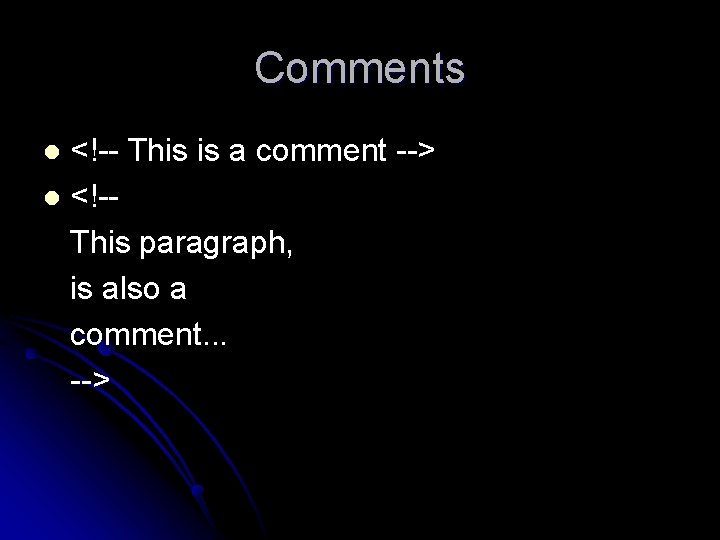
Comments <!-- This is a comment --> l <!-This paragraph, is also a comment. . . --> l
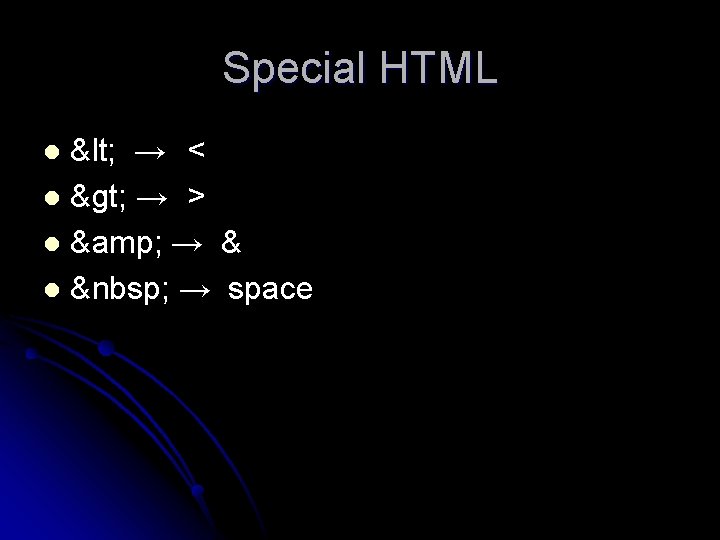
Special HTML < → < l > → > l & → & l → space l
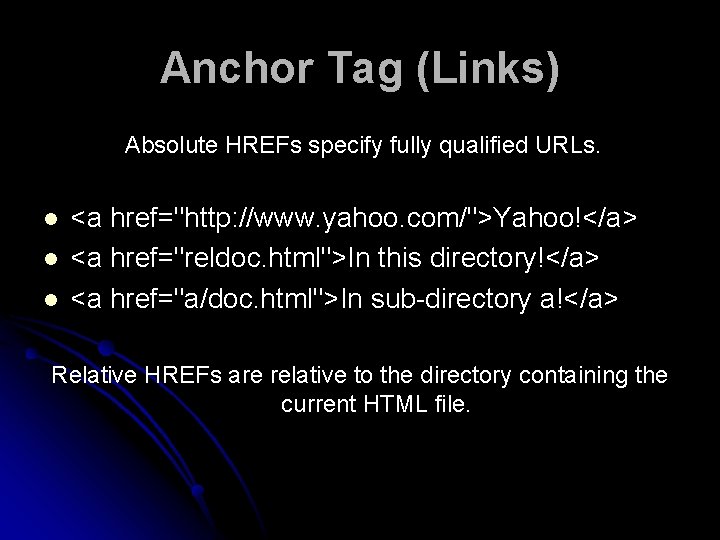
Anchor Tag (Links) Absolute HREFs specify fully qualified URLs. l l l <a href="http: //www. yahoo. com/">Yahoo!</a> <a href="reldoc. html">In this directory!</a> <a href="a/doc. html">In sub-directory a!</a> Relative HREFs are relative to the directory containing the current HTML file.
XML (e. Xtensible Markup Language )
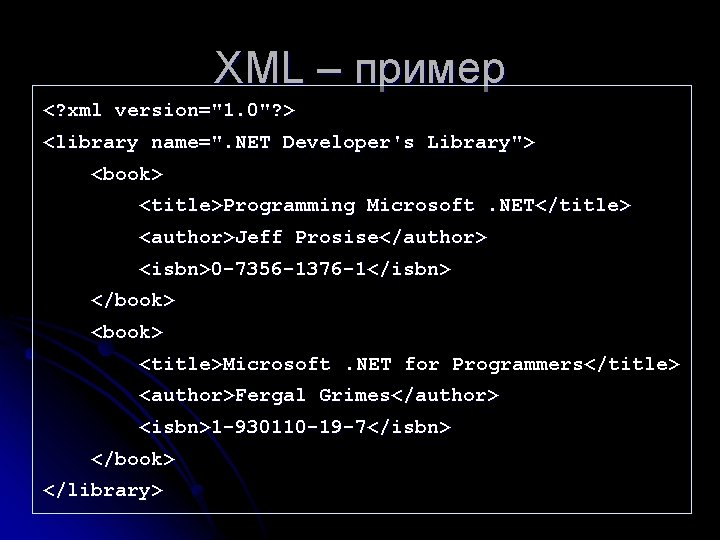
XML – пример <? xml version="1. 0"? > <library name=". NET Developer's Library"> <book> <title>Programming Microsoft. NET</title> <author>Jeff Prosise</author> <isbn>0 -7356 -1376 -1</isbn> </book> <title>Microsoft. NET for Programmers</title> <author>Fergal Grimes</author> <isbn>1 -930110 -19 -7</isbn> </book> </library>
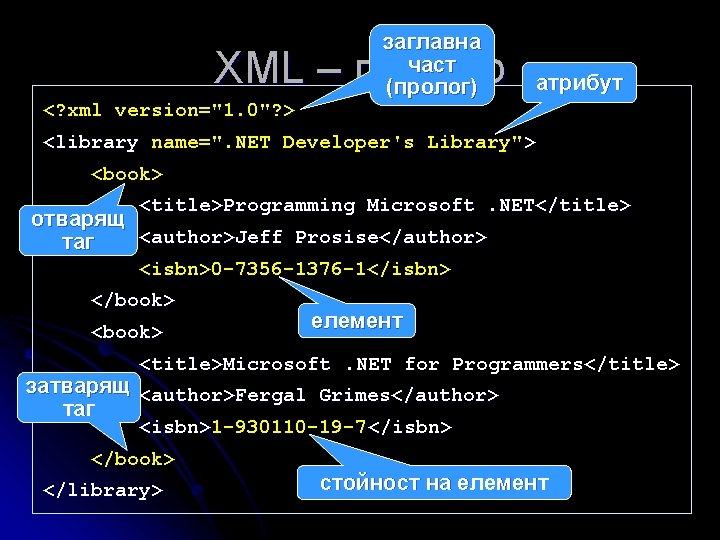
заглавна част (пролог) XML – пример <? xml version="1. 0"? > атрибут <library name=". NET Developer's Library"> <book> <title>Programming Microsoft. NET</title> отварящ <author>Jeff Prosise</author> таг <isbn>0 -7356 -1376 -1</isbn> </book> <book> елемент <title>Microsoft. NET for Programmers</title> затварящ <author>Fergal Grimes</author> таг <isbn>1 -930110 -19 -7</isbn> </book> </library> стойност на елемент
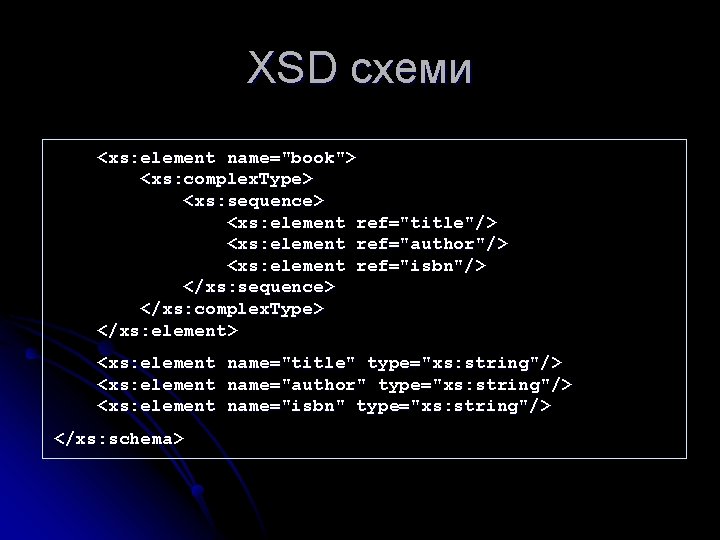
XSD схеми <xs: element name="book"> <xs: complex. Type> <xs: sequence> <xs: element ref="title"/> <xs: element ref="author"/> <xs: element ref="isbn"/> </xs: sequence> </xs: complex. Type> </xs: element> <xs: element </xs: schema> name="title" type="xs: string"/> name="author" type="xs: string"/> name="isbn" type="xs: string"/>
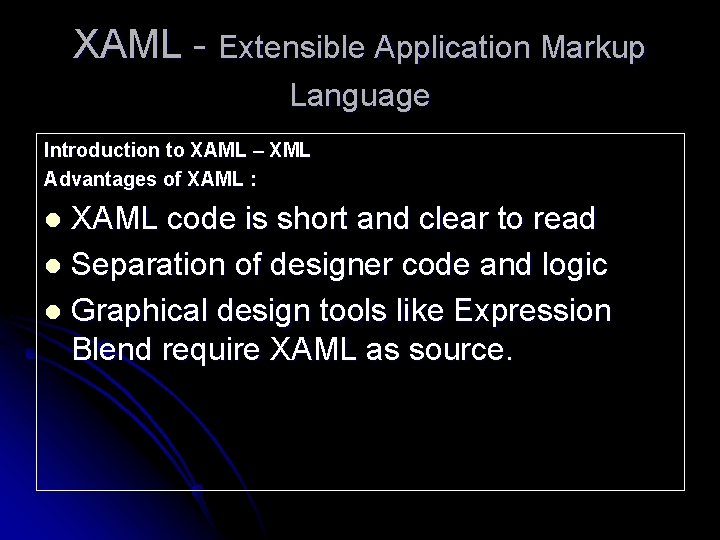
XAML - Extensible Application Markup Language Introduction to XAML – XML Advantages of XAML : XAML code is short and clear to read l Separation of designer code and logic l Graphical design tools like Expression Blend require XAML as source. l
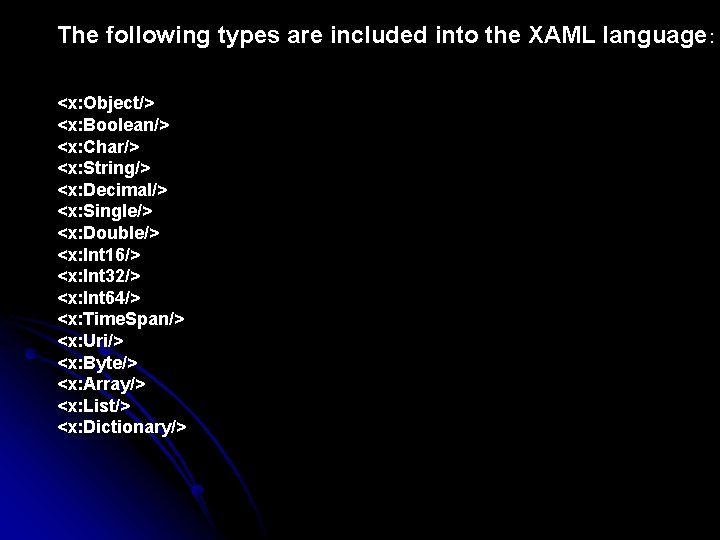
The following types are included into the XAML language : <x: Object/> <x: Boolean/> <x: Char/> <x: String/> <x: Decimal/> <x: Single/> <x: Double/> <x: Int 16/> <x: Int 32/> <x: Int 64/> <x: Time. Span/> <x: Uri/> <x: Byte/> <x: Array/> <x: List/> <x: Dictionary/>
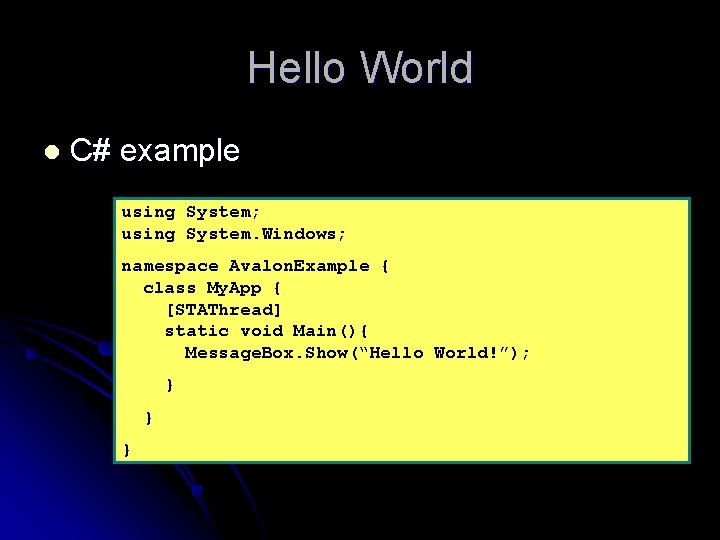
Hello World l C# example using System; using System. Windows; namespace Avalon. Example { class My. App { [STAThread] static void Main(){ Message. Box. Show(“Hello World!”); } } }
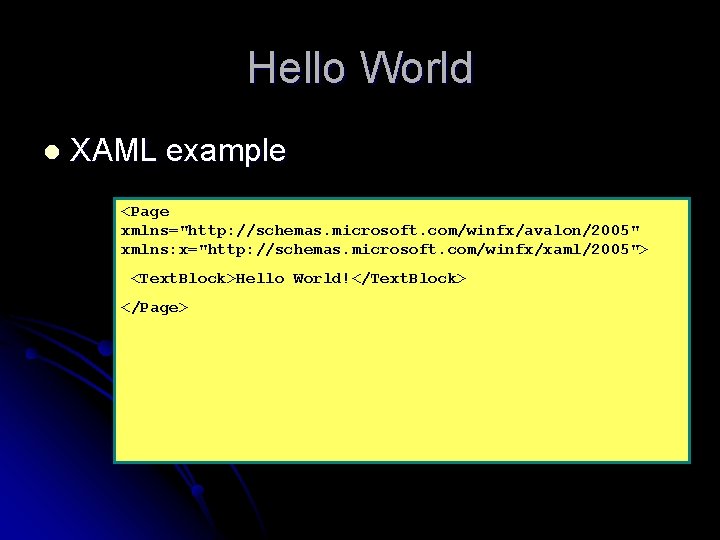
Hello World l XAML example <Page xmlns="http: //schemas. microsoft. com/winfx/avalon/2005" xmlns: x="http: //schemas. microsoft. com/winfx/xaml/2005"> <Text. Block>Hello World!</Text. Block> </Page>

Application Object l Application object acts as container for more complex applications l Main. Window l Application l Startup events like & Shutdown public class My. App : Application { [STAThread] static void Main(string[] args) { My. App app = new My. App(); app. Startup += app. On. Application. Startup; app. Run(args); } void On. Application. Startup(object sender,
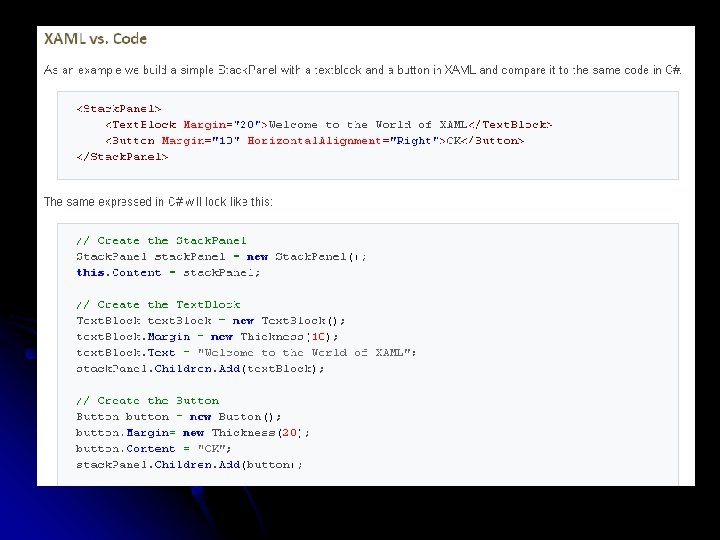
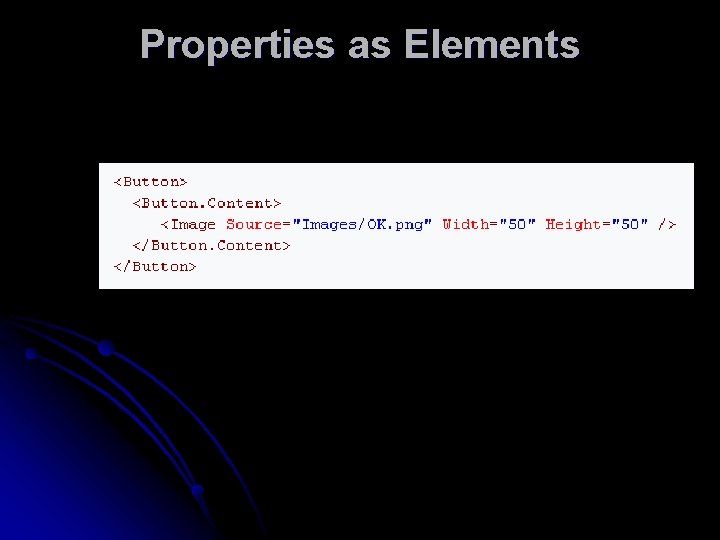
Properties as Elements
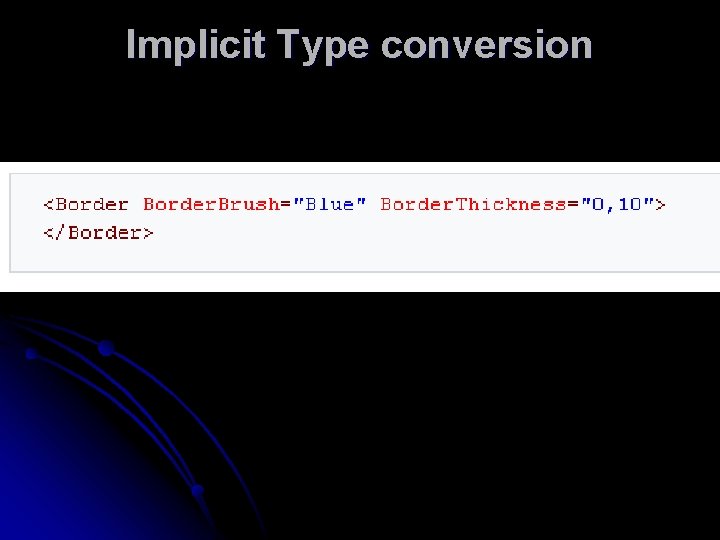
Implicit Type conversion
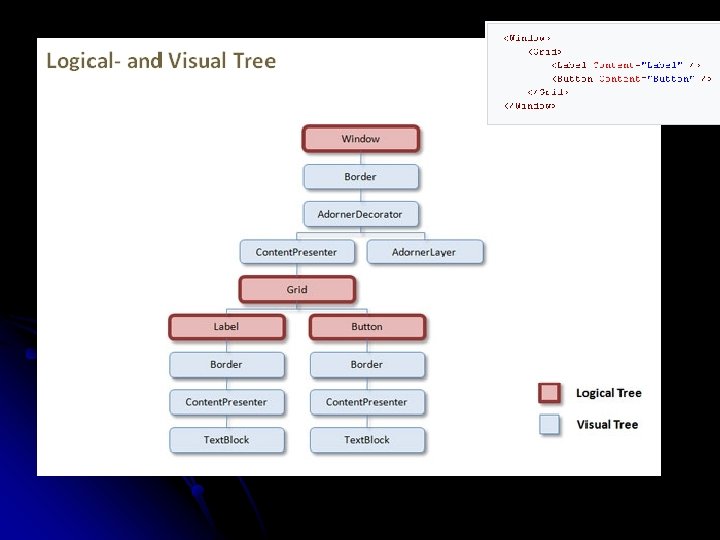
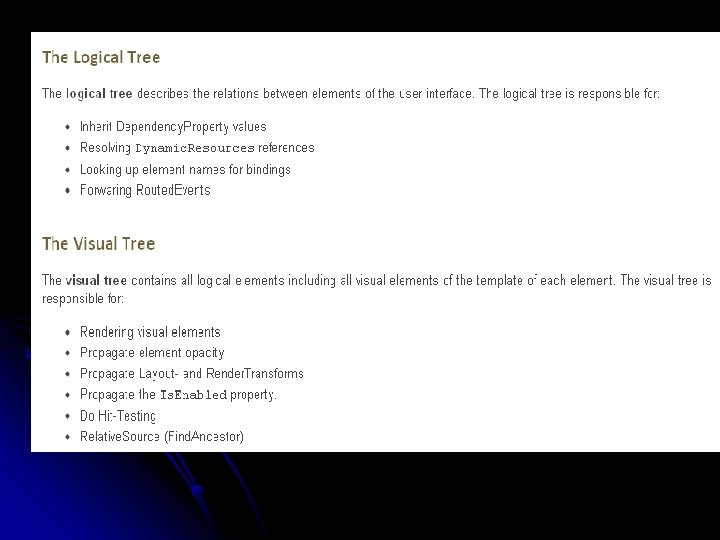
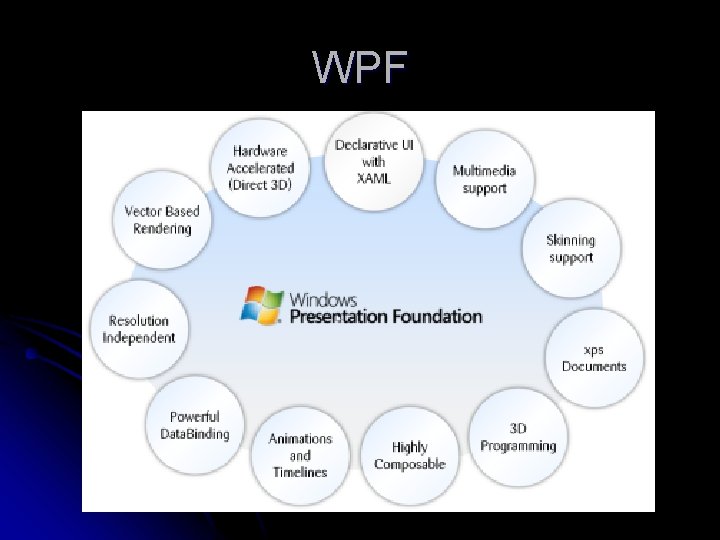
WPF
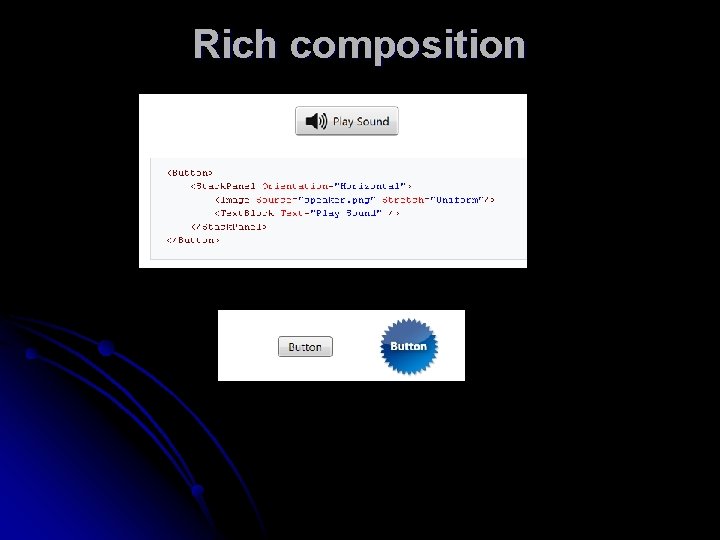
Rich composition
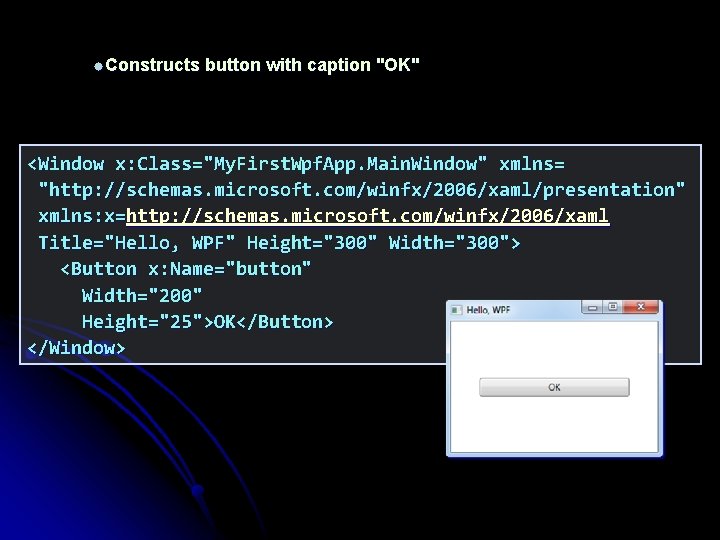
Constructs button with caption "OK" <Window x: Class="My. First. Wpf. App. Main. Window" xmlns= "http: //schemas. microsoft. com/winfx/2006/xaml/presentation" xmlns: x=http: //schemas. microsoft. com/winfx/2006/xaml Title="Hello, WPF" Height="300" Width="300"> <Button x: Name="button" Width="200" Height="25">OK</Button> </Window>
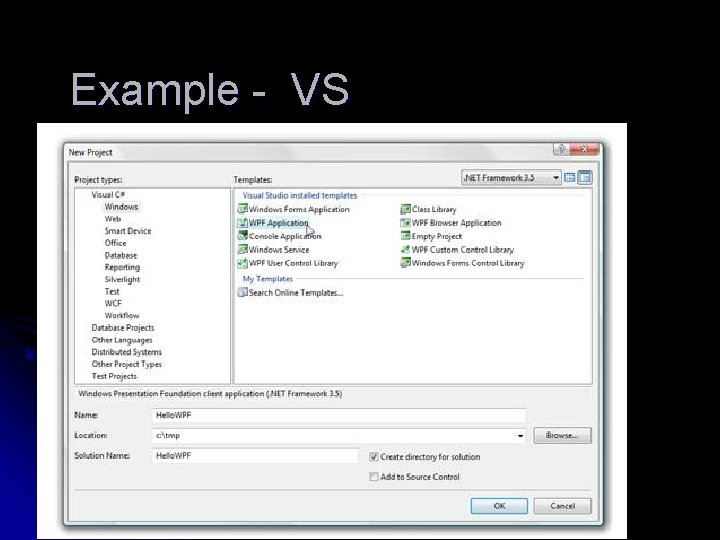
Example - VS
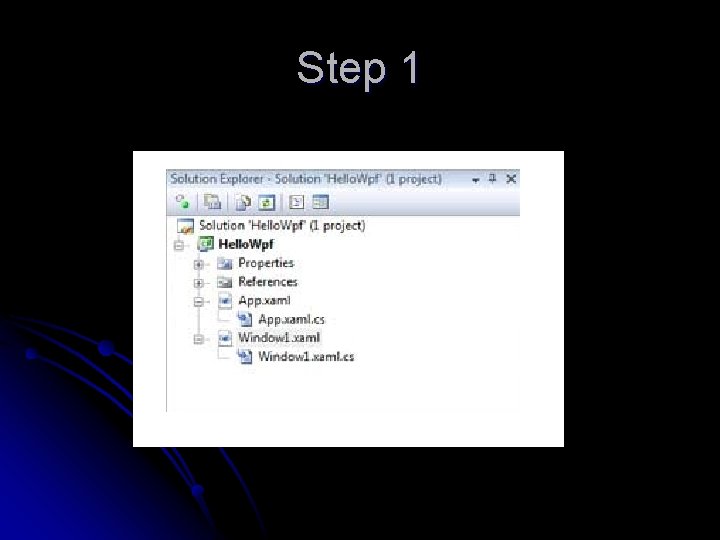
Step 1

Step 2
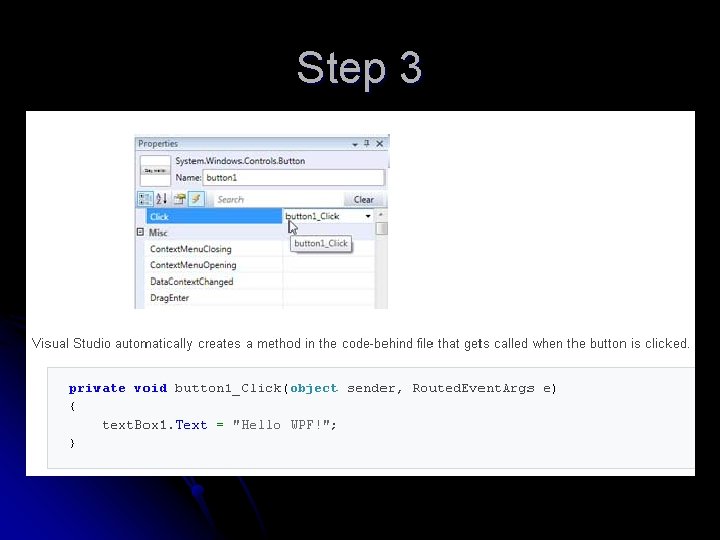
Step 3
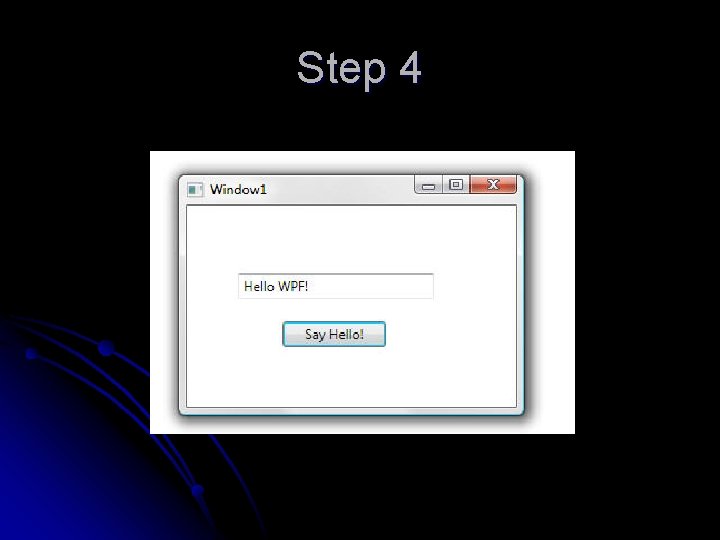
Step 4
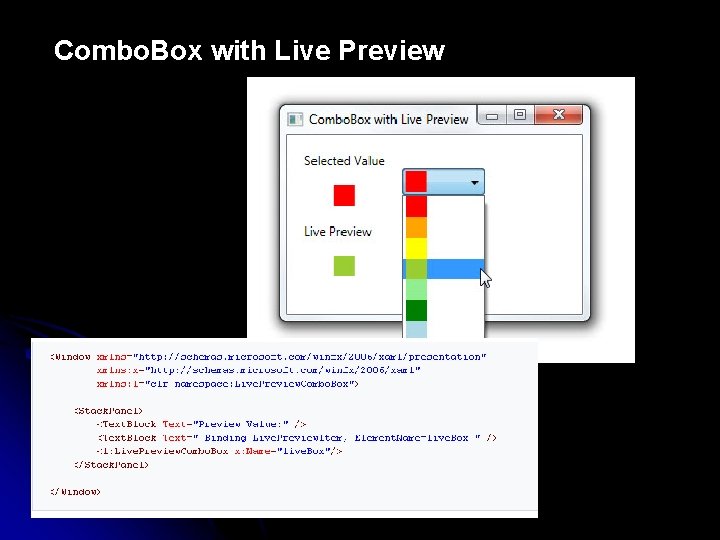
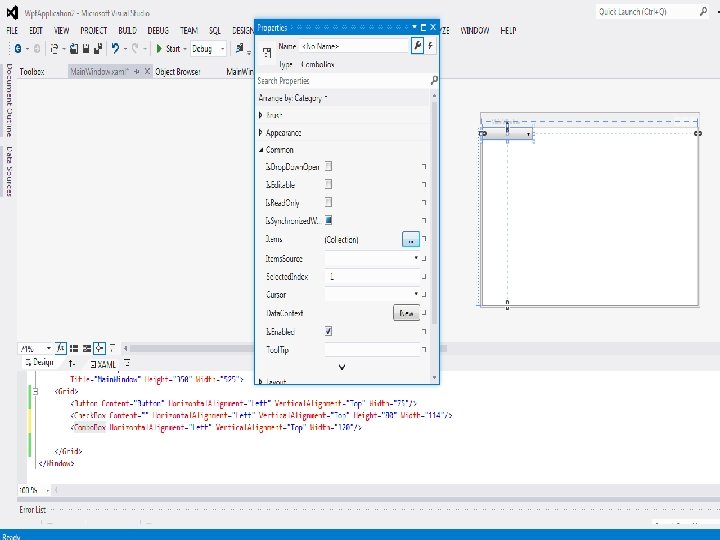
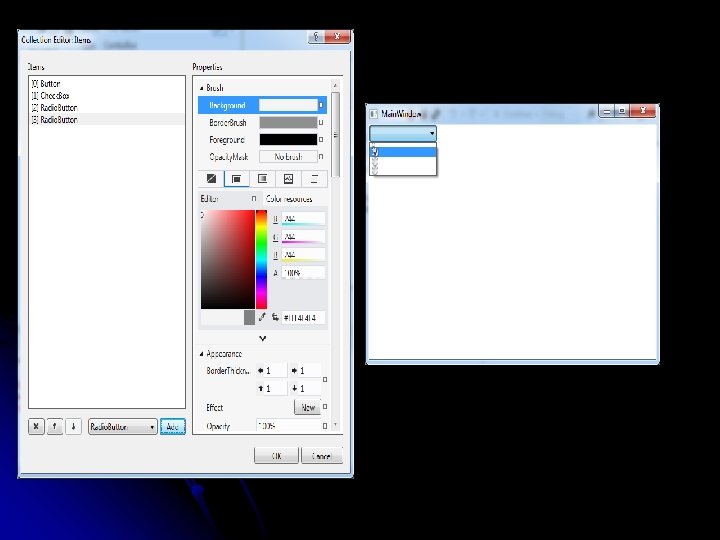
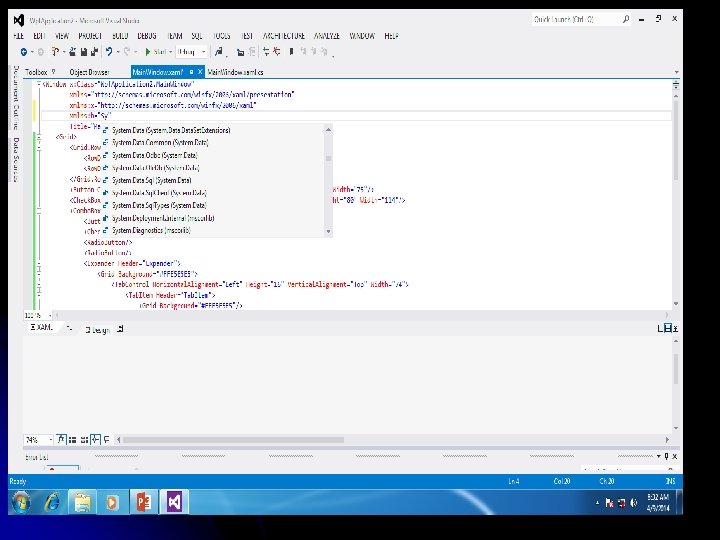
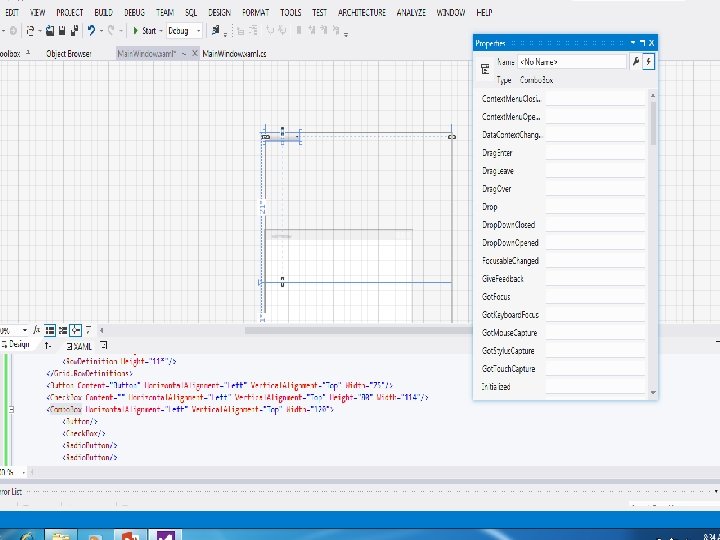
Combo. Box with Live Preview
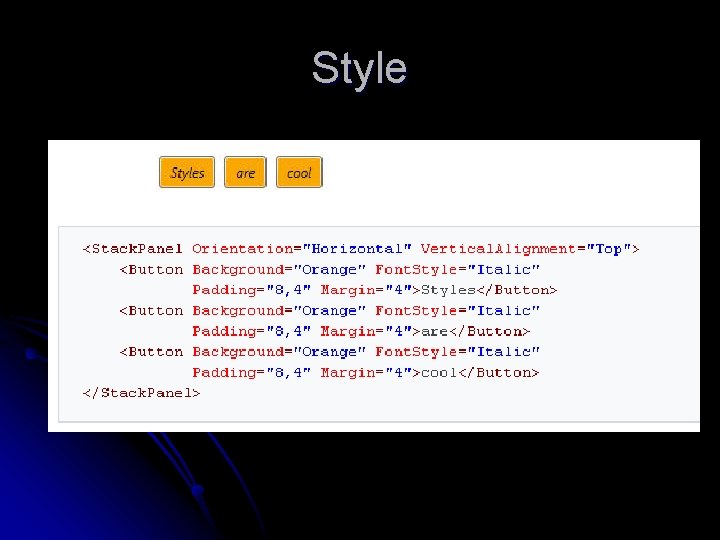
Style
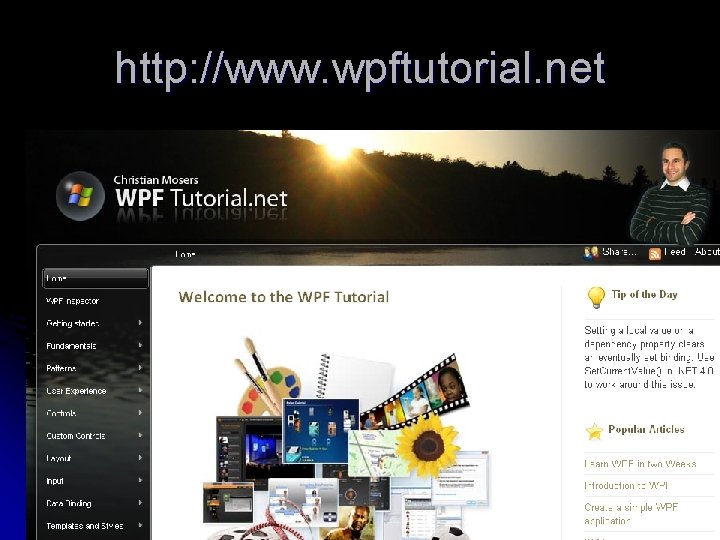
http: //www. wpftutorial. net
- Slides: 47