
Wound Tracker Wound Care Tracking on i Phone
- Slides: 14
Wound. Tracker Wound Care Tracking on i. Phone
The Problem • Wound Care: – Visual tracking of the healing or progressing of a wound by photograph. – Requires manual upload and processing, such as lining up and resizing multiple images. – Requires visit to point of care. – Requires camera or ultra mobile pc with special software. – This can be expensive and less than portable.
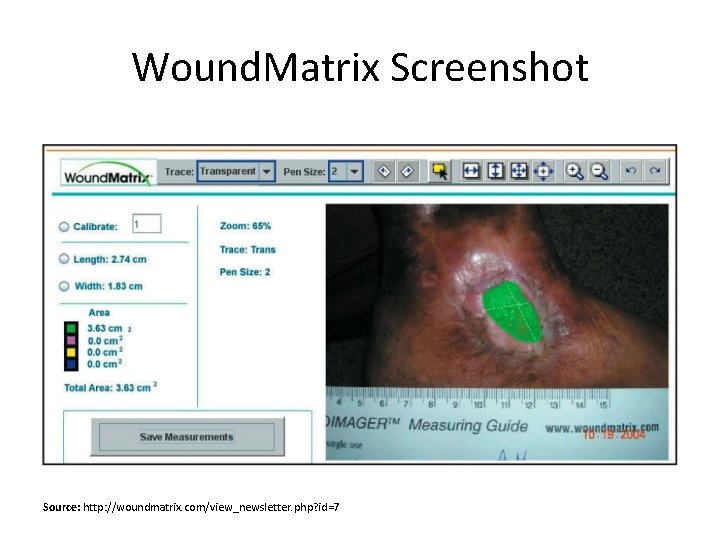
Wound. Matrix • Wound. Matrix is software system currently used to track the progression and healing of wounds in a health care environment using photographs. • It can cost over $100, 000 to license, operate, and maintain. • It has an awkward user interface. Source: http: //woundmatrix. com/products. php
Wound. Matrix Screenshot Source: http: //woundmatrix. com/view_newsletter. php? id=7
My Solution • An i. Phone application: – Targeted for health care workers – Easy to use application for tracking and taking pictures of wounds – Track multiple patients – Image resizing – Cheaper than current systems
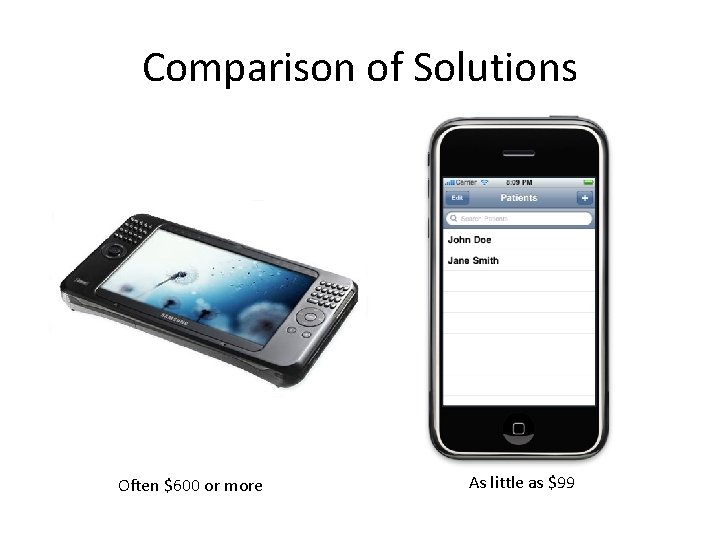
Comparison of Solutions Often $600 or more As little as $99
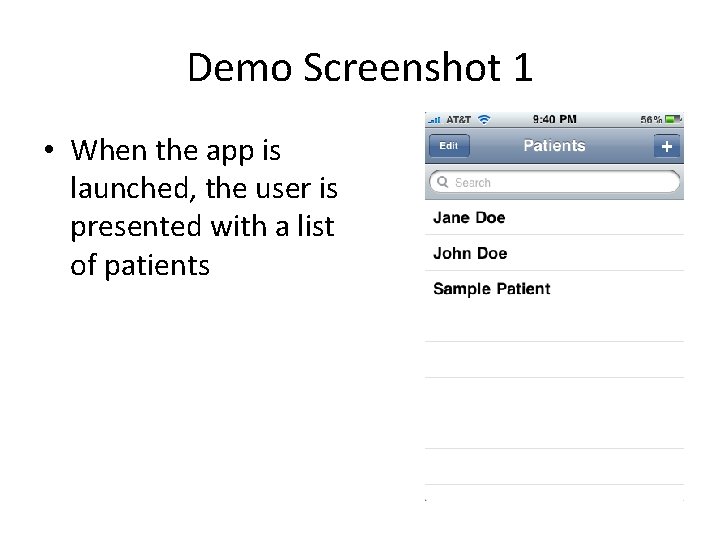
Demo Screenshot 1 • When the app is launched, the user is presented with a list of patients
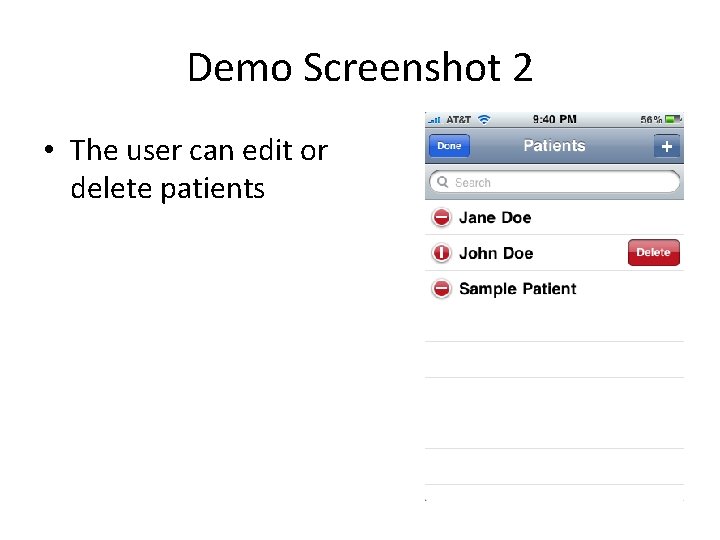
Demo Screenshot 2 • The user can edit or delete patients
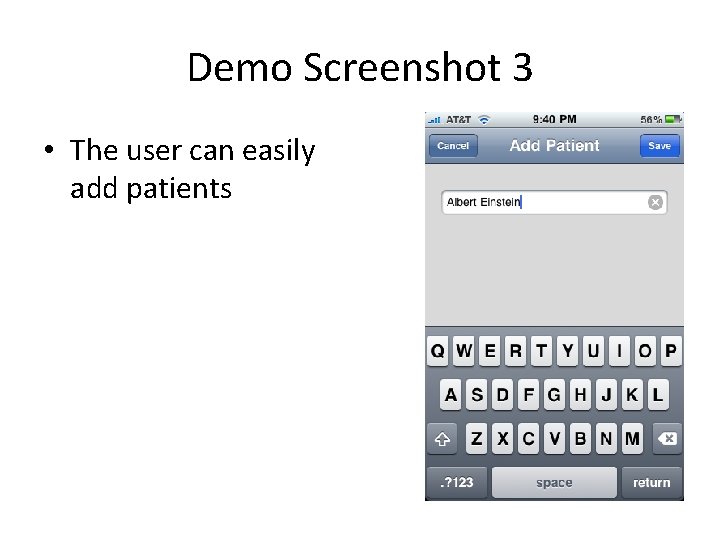
Demo Screenshot 3 • The user can easily add patients
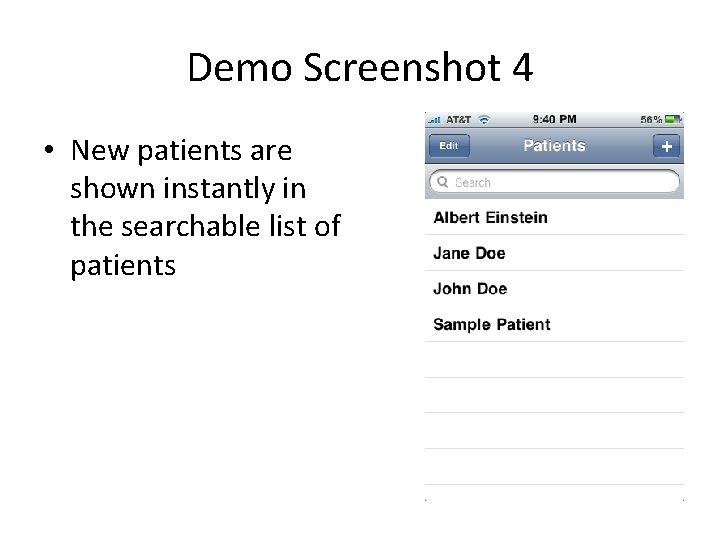
Demo Screenshot 4 • New patients are shown instantly in the searchable list of patients
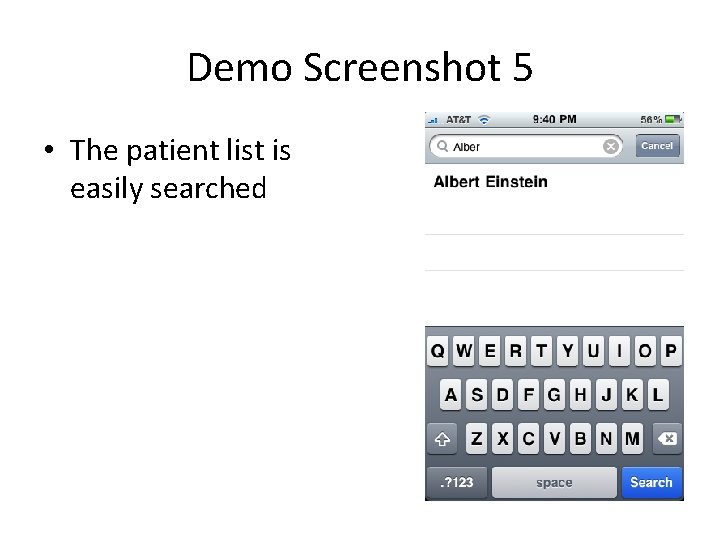
Demo Screenshot 5 • The patient list is easily searched
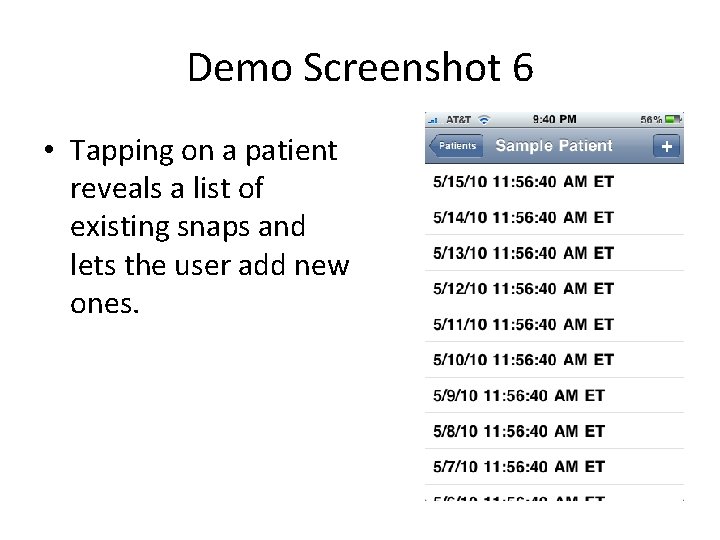
Demo Screenshot 6 • Tapping on a patient reveals a list of existing snaps and lets the user add new ones.
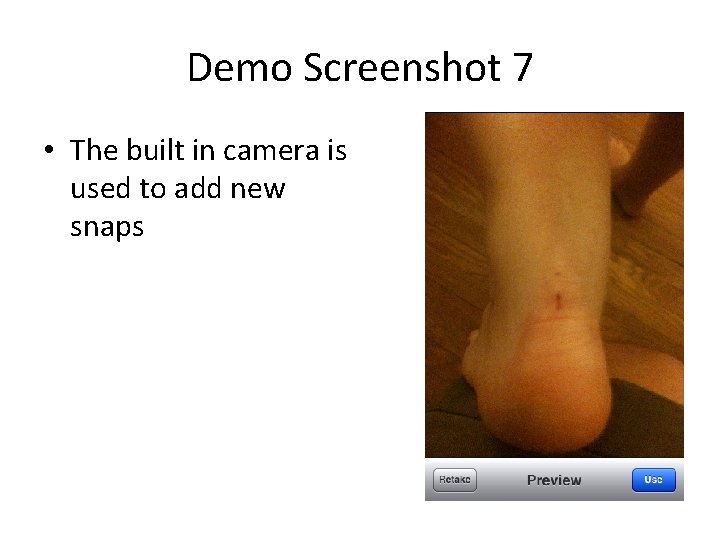
Demo Screenshot 7 • The built in camera is used to add new snaps
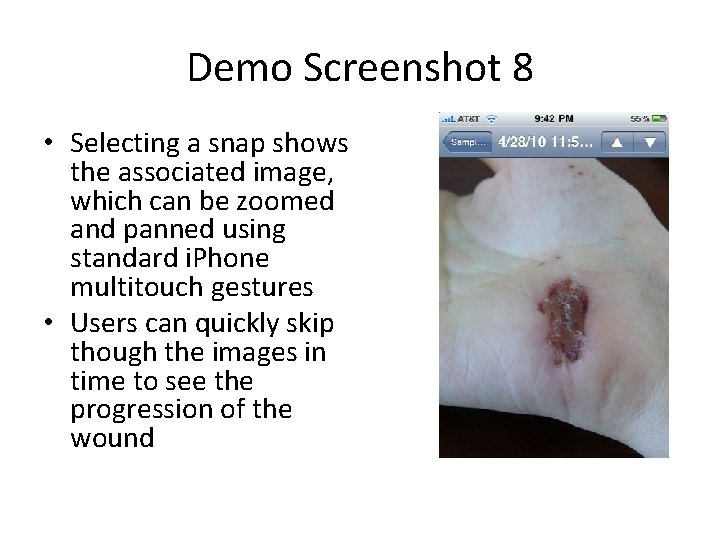
Demo Screenshot 8 • Selecting a snap shows the associated image, which can be zoomed and panned using standard i. Phone multitouch gestures • Users can quickly skip though the images in time to see the progression of the wound