
Workstation Imaging Process Overview Thomson Reuters Manoj Shah
- Slides: 18
Workstation Imaging Process Overview Thomson Reuters – Manoj Shah – Mike Bowers – Curt Ricard – Sangkhone Stoltz – Joe Ness March 26 th, 2009
Agenda • Project Goals & Objectives • Current Environment & Challenges • Technologies Leveraged • Limitations with Technologies • What we delivered • How does it work & look? • Device Drivers & Application Deployment • Post Install Configurations
Goals & Objectives • Reduce costs by developing a centralized and scalable solution for image creation, deployment & maintenance • Develop a framework for Image deployment where: – Total deployment time is reduced – The number of FTE touches is reduced – The duplication of efforts around managing multiple deployment solutions & multiple Ghost images is eliminated.
Current Environment & Challenges • De-centralized environment – Each site created custom GHOST images – The desktop team wanted to keep their custom built imaging applications – No consistent process in place for Image deployment & maintenance – Different software licensing models • Application Packages – Not all applications were packaged and available in SMS • Requirements constantly changing • Limited resources
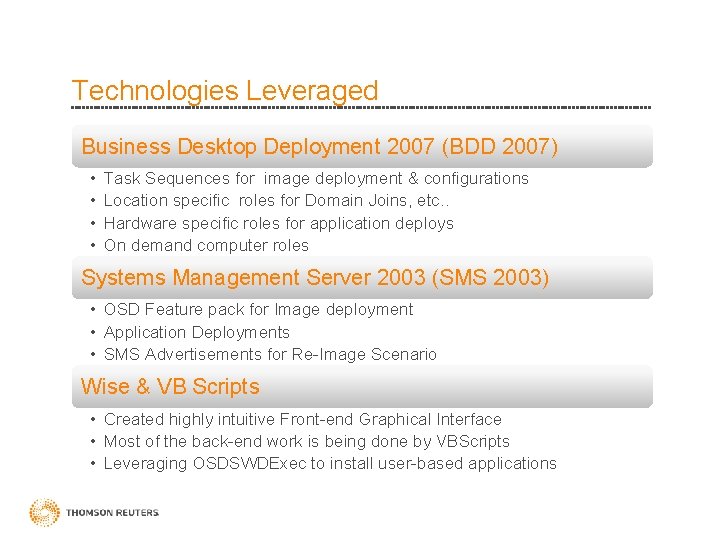
Technologies Leveraged Business Desktop Deployment 2007 (BDD 2007) • • Task Sequences for image deployment & configurations Location specific roles for Domain Joins, etc. . Hardware specific roles for application deploys On demand computer roles Systems Management Server 2003 (SMS 2003) • OSD Feature pack for Image deployment • Application Deployments • SMS Advertisements for Re-Image Scenario Wise & VB Scripts • Created highly intuitive Front-end Graphical Interface • Most of the back-end work is being done by VBScripts • Leveraging OSDSWDExec to install user-based applications
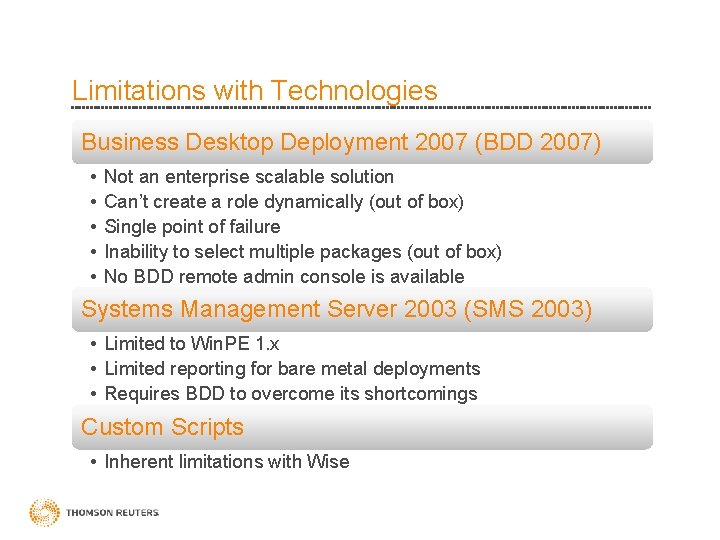
Limitations with Technologies Business Desktop Deployment 2007 (BDD 2007) • • • Not an enterprise scalable solution Can’t create a role dynamically (out of box) Single point of failure Inability to select multiple packages (out of box) No BDD remote admin console is available Systems Management Server 2003 (SMS 2003) • Limited to Win. PE 1. x • Limited reporting for bare metal deployments • Requires BDD to overcome its shortcomings Custom Scripts • Inherent limitations with Wise
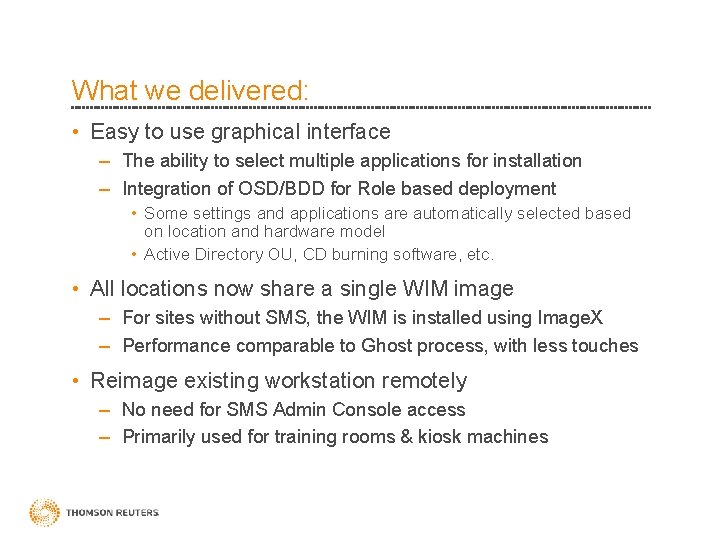
What we delivered: • Easy to use graphical interface – The ability to select multiple applications for installation – Integration of OSD/BDD for Role based deployment • Some settings and applications are automatically selected based on location and hardware model • Active Directory OU, CD burning software, etc. • All locations now share a single WIM image – For sites without SMS, the WIM is installed using Image. X – Performance comparable to Ghost process, with less touches • Reimage existing workstation remotely – No need for SMS Admin Console access – Primarily used for training rooms & kiosk machines
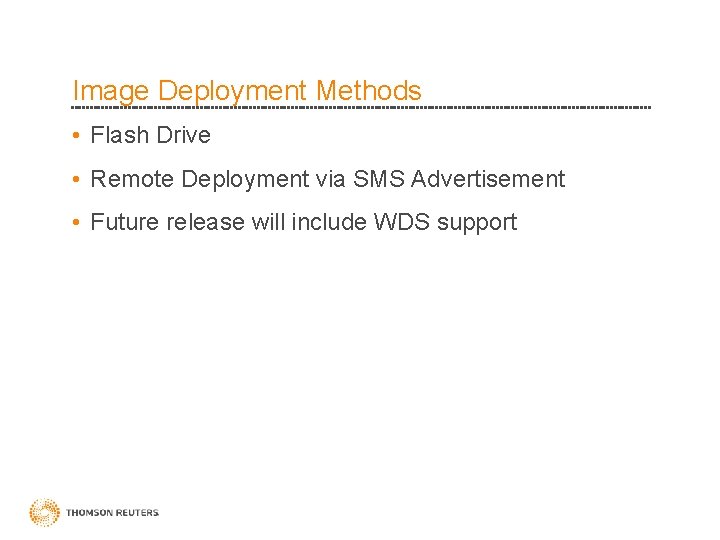
Image Deployment Methods • Flash Drive • Remote Deployment via SMS Advertisement • Future release will include WDS support
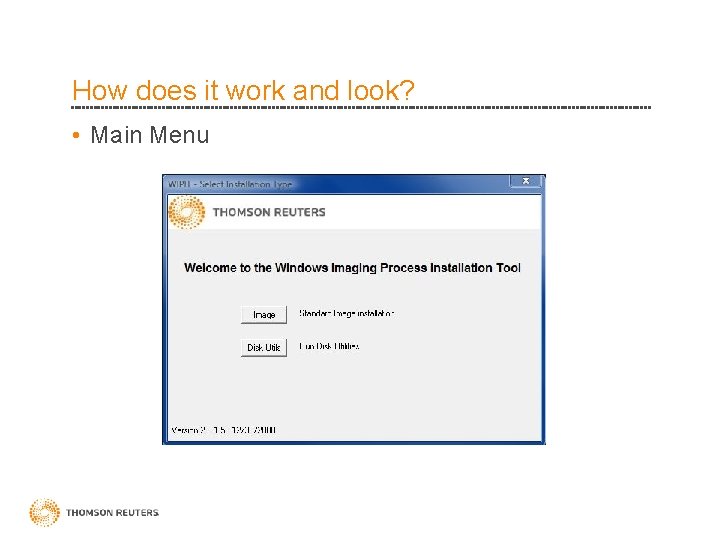
How does it work and look? • Main Menu
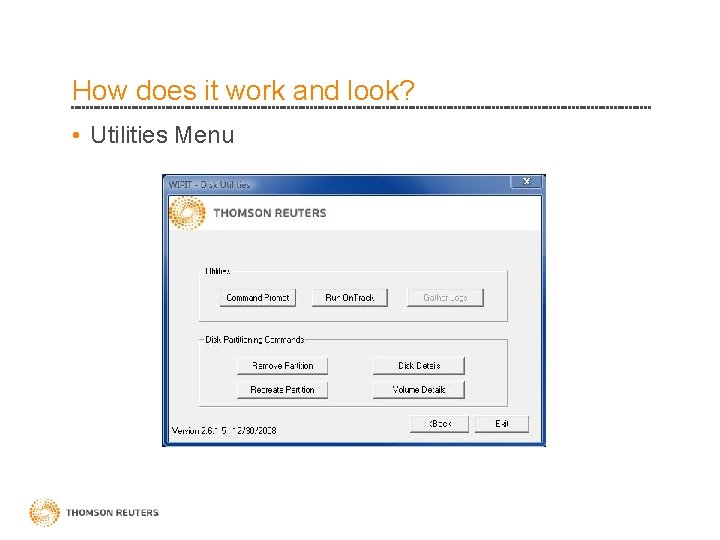
How does it work and look? • Utilities Menu
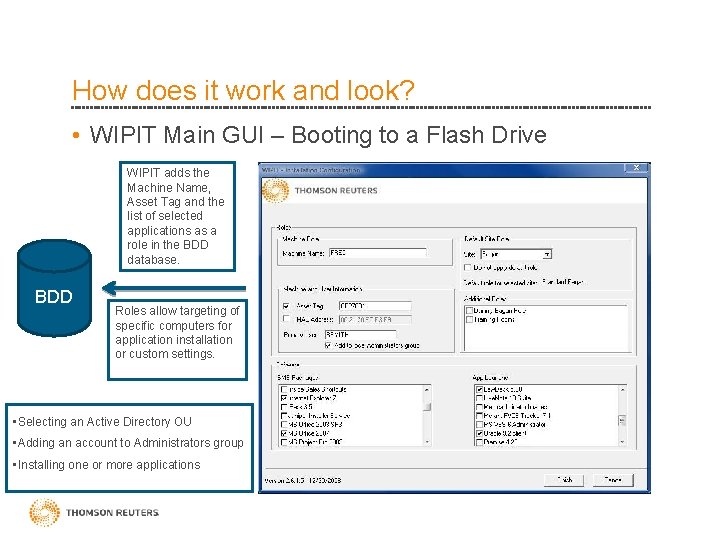
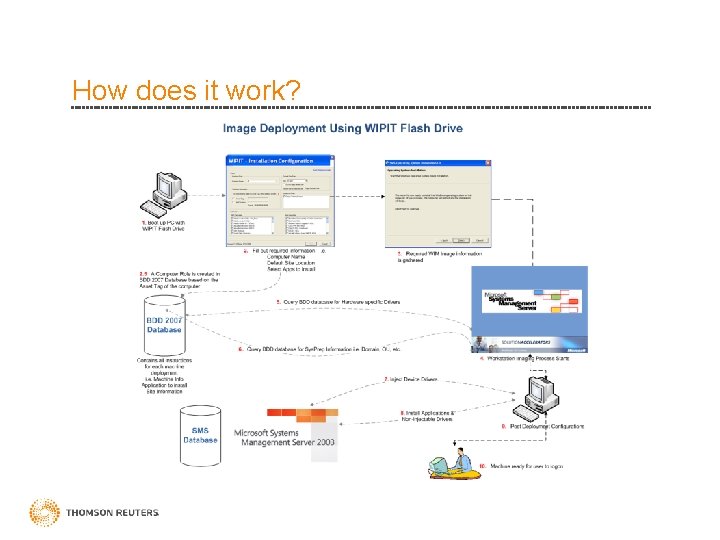
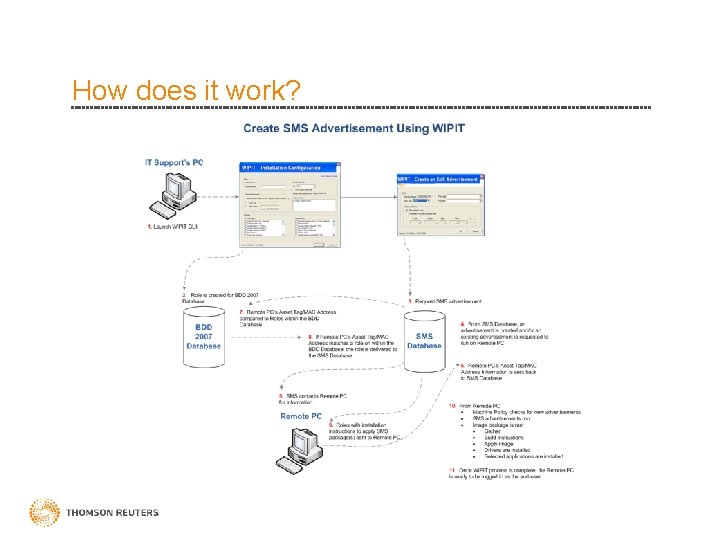
How does it work and look? • WIPIT Main GUI – Booting to a Flash Drive WIPIT adds the Machine Name, Asset Tag and the list of selected applications as a role in the BDD database. BDD Roles allow targeting of specific computers for application installation or custom settings. • Selecting an Active Directory OU • Adding an account to Administrators group • Installing one or more applications
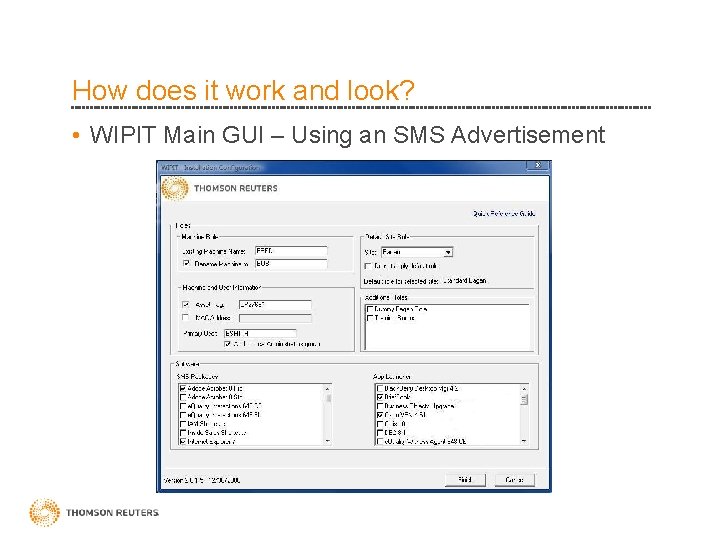
How does it work and look? • WIPIT Main GUI – Using an SMS Advertisement
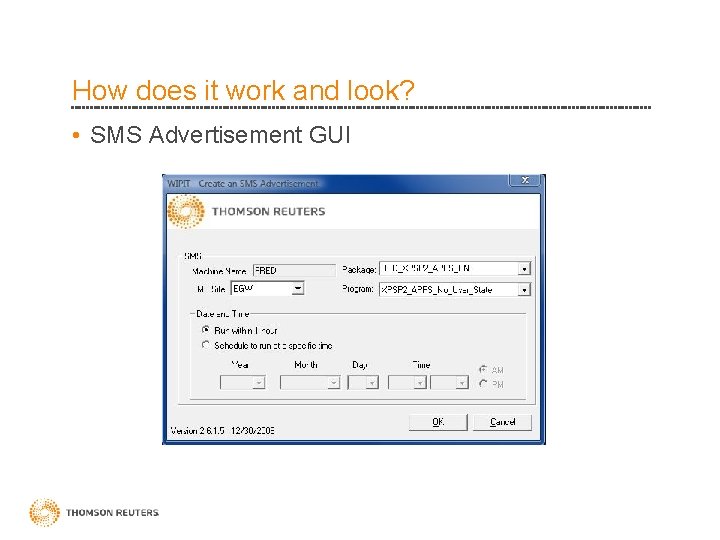
How does it work and look? • SMS Advertisement GUI
Device Drivers & Application Deployment • Driven by a custom wrapper script – Uses OSDSWDexec. exe for installs from SMS DP • Non-injectable drivers, other apps packaged in SMS • Forces installs to run during Administrator autologon or user’s 1 st logon • Uses. ini files to determine when to install drivers & applications • Package and program naming standards used to determine which. ini file an app is placed into
Post-Install • User logs on to new workstation for the first time – User ID and domain are pre-populated. – All user-based applications are installed and/or configured. • Any application setting that are stored in HKCU are configured (Outlook, Windows Media Player, etc) – Data is restored (optional) • Installation is complete • The user is happy • Management is happy • And there is much rejoicing. Yeahhhhhh.
How does it work?
How does it work?
Questions?