
Workshop in Computer Science Multivariate Modeling Sound and
- Slides: 13
Workshop in Computer Science Multivariate Modeling Sound and Interactive Multi. Media 0368 -3500 -07, Autumn 2004 -5 Prof. Nathan Intrator Reuven Aronashvili Oded Ashkenazi
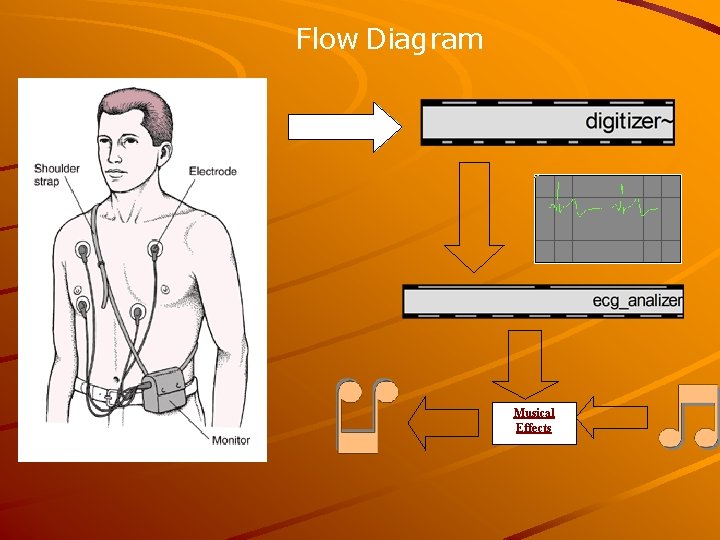
Flow Diagram Musical Effects
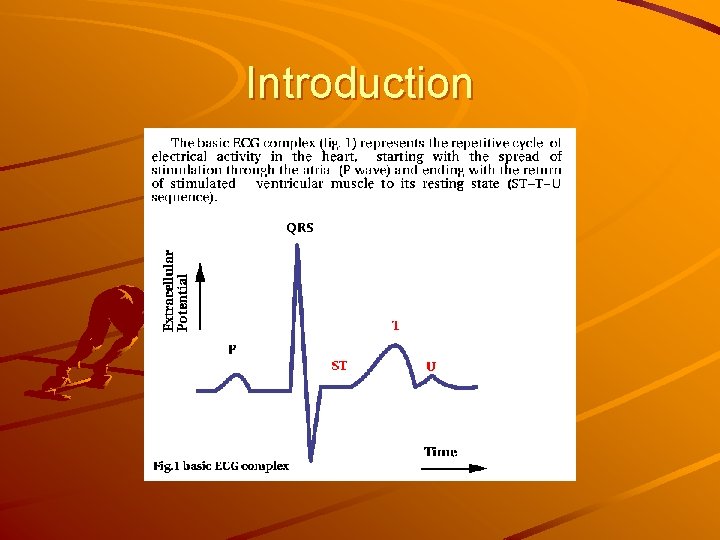
Introduction
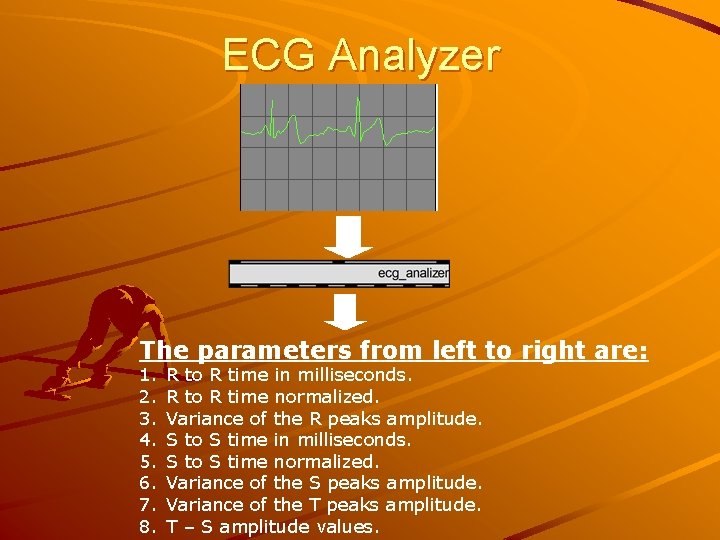
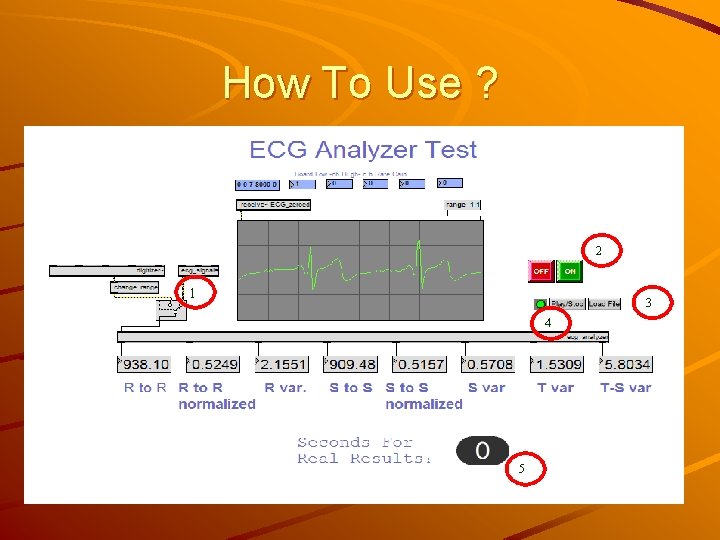
ECG Analyzer The parameters from left to right are: 1. 2. 3. 4. 5. 6. 7. 8. R to R time in milliseconds. R to R time normalized. Variance of the R peaks amplitude. S to S time in milliseconds. S to S time normalized. Variance of the S peaks amplitude. Variance of the T peaks amplitude. T – S amplitude values.
Normalizing Output The Temporal parameters are shown twice. Once in milliseconds, and once Normalized by dividing by twice their mean. Resulting in range of [0, 1] around 0. 5. The Amplitude parameters are normalized by dividing by the signals std. (The mean of the signal is 0)
Theory and Algorithms Temporal features Amplitude features
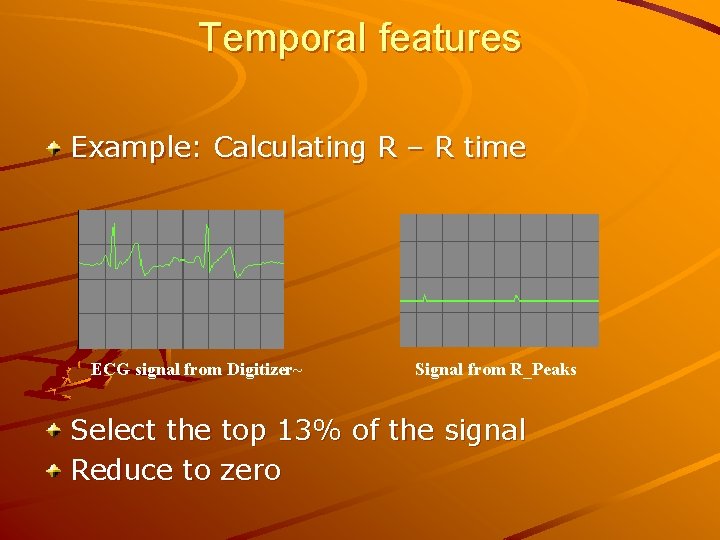
Temporal features Example: Calculating R – R time ECG signal from Digitizer~ Signal from R_Peaks Select the top 13% of the signal Reduce to zero
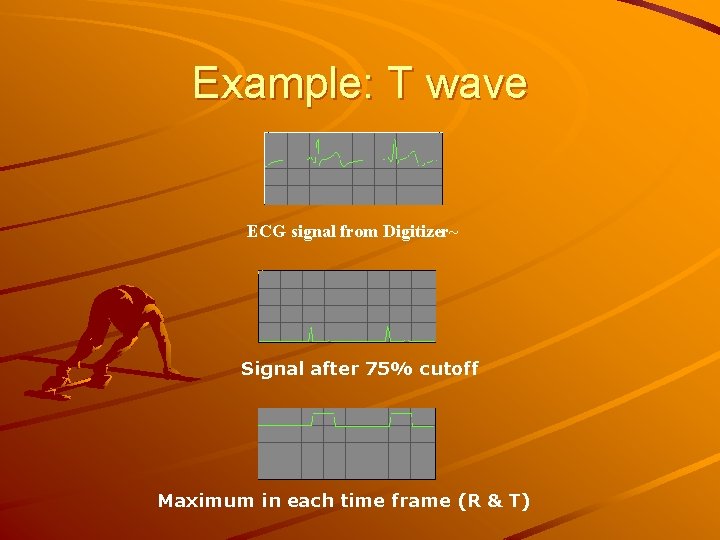
Amplitude features We use the timing from the temporal features to open a window and capture the wanted values into signals. (R, S and T) We measure the difference between those signals maximum and minimum.
Example: T wave ECG signal from Digitizer~ Signal after 75% cutoff Maximum in each time frame (R & T)
How To Use ? 2 1 3 4 5
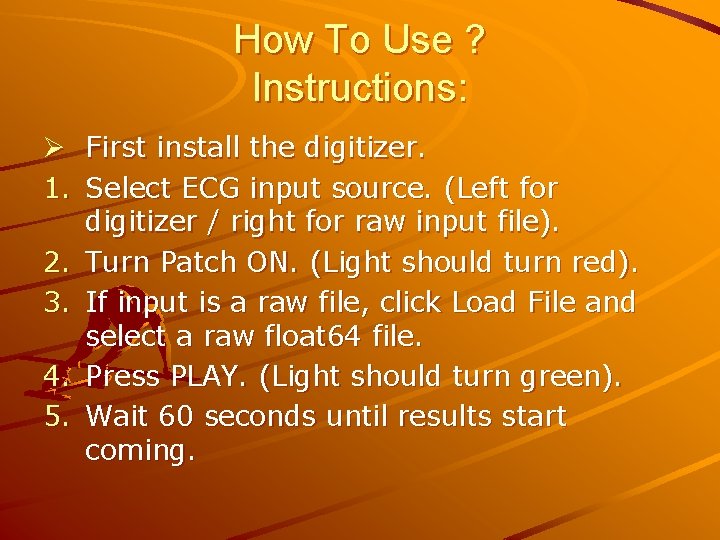
How To Use ? Instructions: Ø First install the digitizer. 1. Select ECG input source. (Left for digitizer / right for raw input file). 2. Turn Patch ON. (Light should turn red). 3. If input is a raw file, click Load File and select a raw float 64 file. 4. Press PLAY. (Light should turn green). 5. Wait 60 seconds until results start coming.
Next Step - Music The Parameters are passed on to Max/MSP object created by Mor and Shahar. These affect the music in such a way that will result in an accurate biomedical feedback.
The Fun Part Presentation of live data. Lets connect Oded…