
Workshop 2 Isometric Drawings Coded Plans Depicting a
- Slides: 10
Workshop 2 Isometric Drawings & Coded Plans
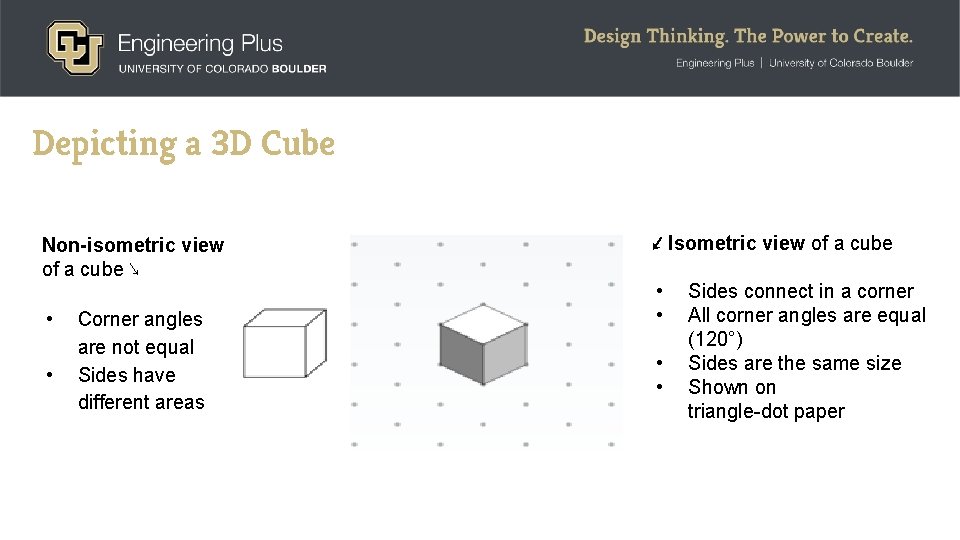
Depicting a 3 D Cube Non-isometric view of a cube ↘ • • Corner angles are not equal Sides have different areas ↙ Isometric view of a cube • • Sides connect in a corner All corner angles are equal (120°) Sides are the same size Shown on triangle-dot paper
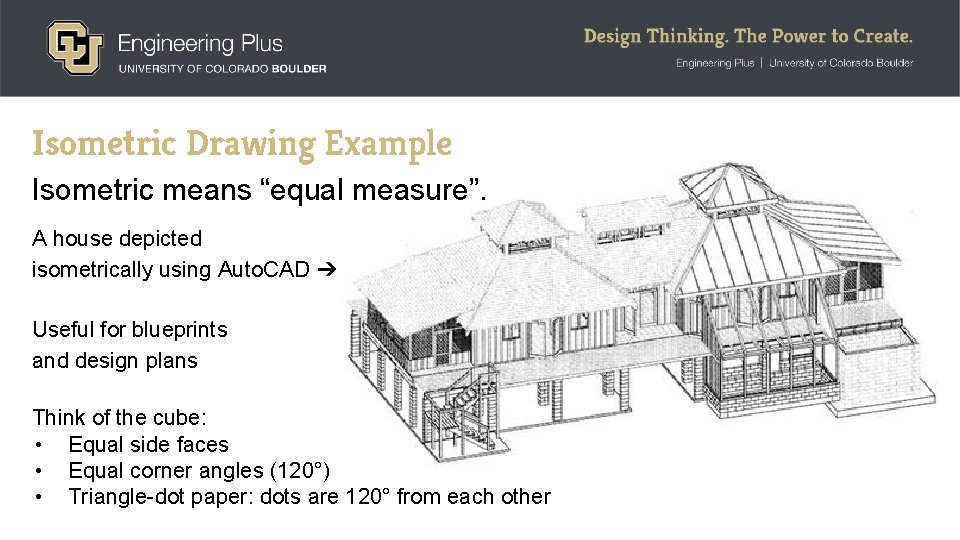
Isometric Drawing Example Isometric means “equal measure”. A house depicted isometrically using Auto. CAD ➔ Useful for blueprints and design plans Think of the cube: • Equal side faces • Equal corner angles (120°) • Triangle-dot paper: dots are 120° from each other
Isometric Views Click mouse/keyboard to reveal Click to reveal
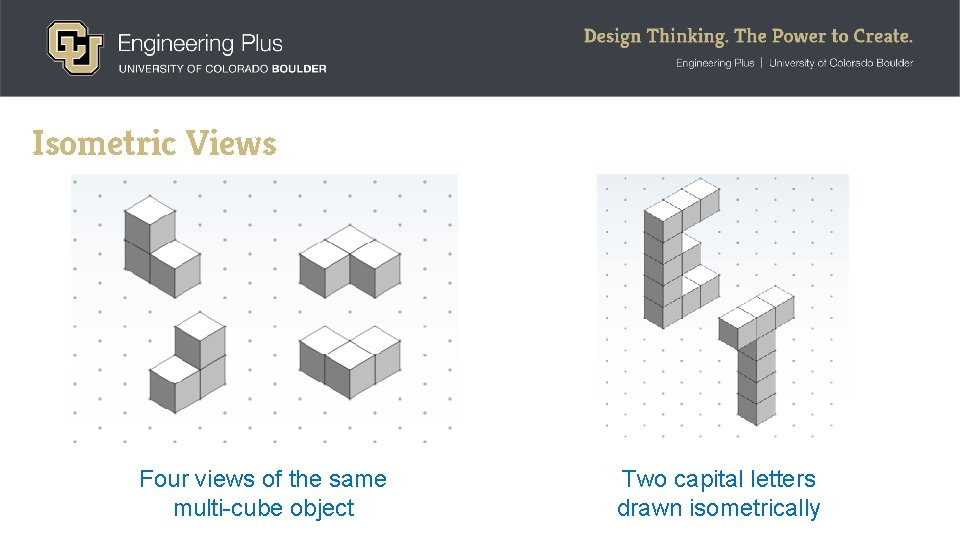
Isometric Views Four views of the same multi-cube object Two capital letters drawn isometrically
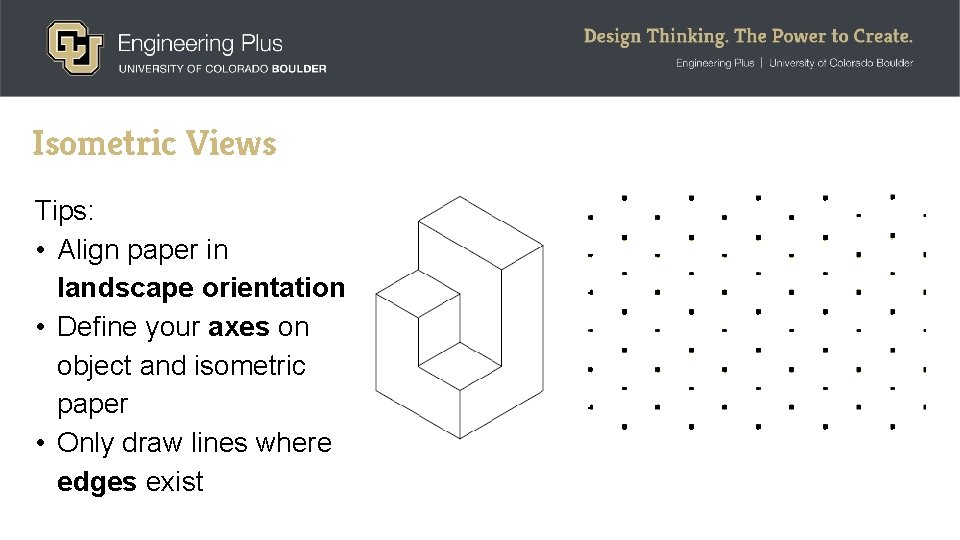
Isometric Views Tips: • Align paper in landscape orientation • Define your axes on object and isometric paper • Only draw lines where edges exist
Isometric Views A coded plan of the same image ↓ • • Corners are labeled by letters # in squares = # cubes stacked up
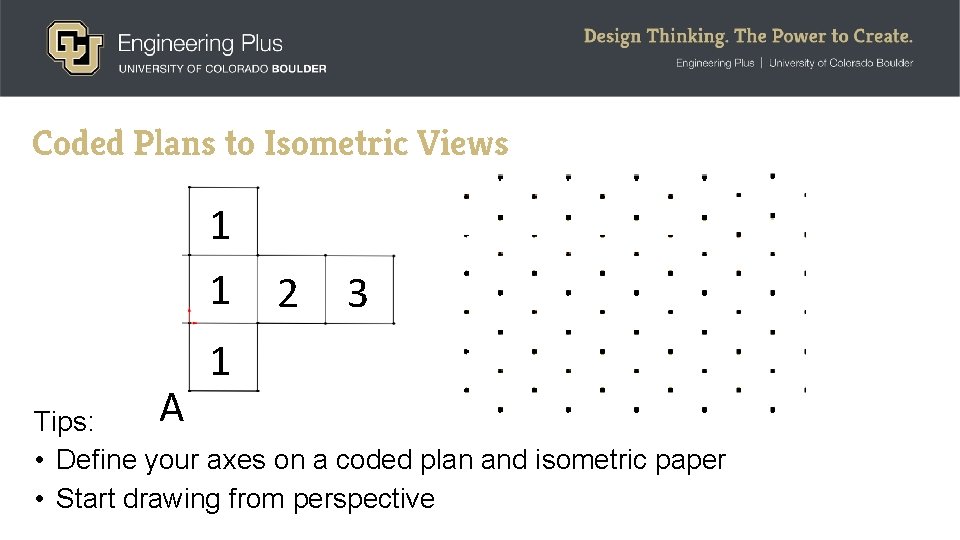
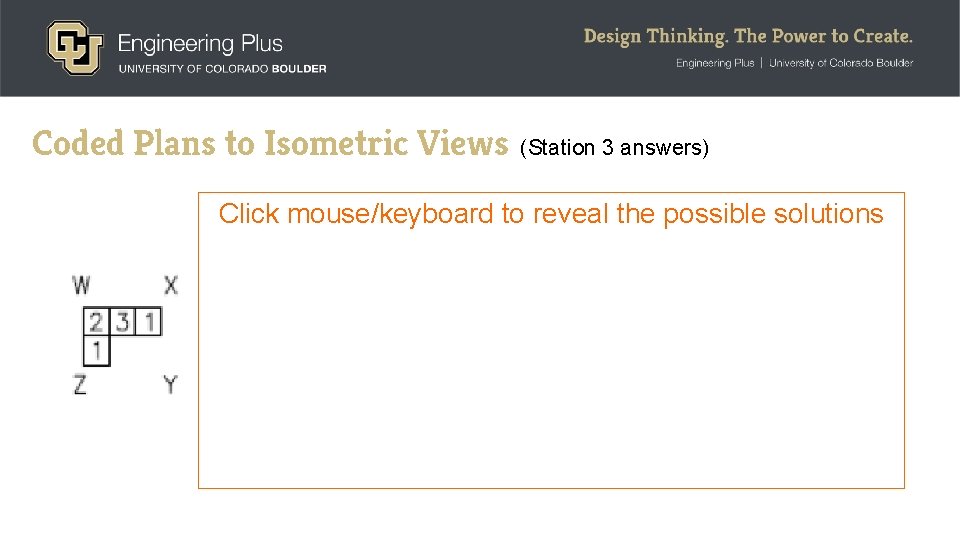
Coded Plans to Isometric Views 1 1 1 2 3 A Tips: • Define your axes on a coded plan and isometric paper • Start drawing from perspective
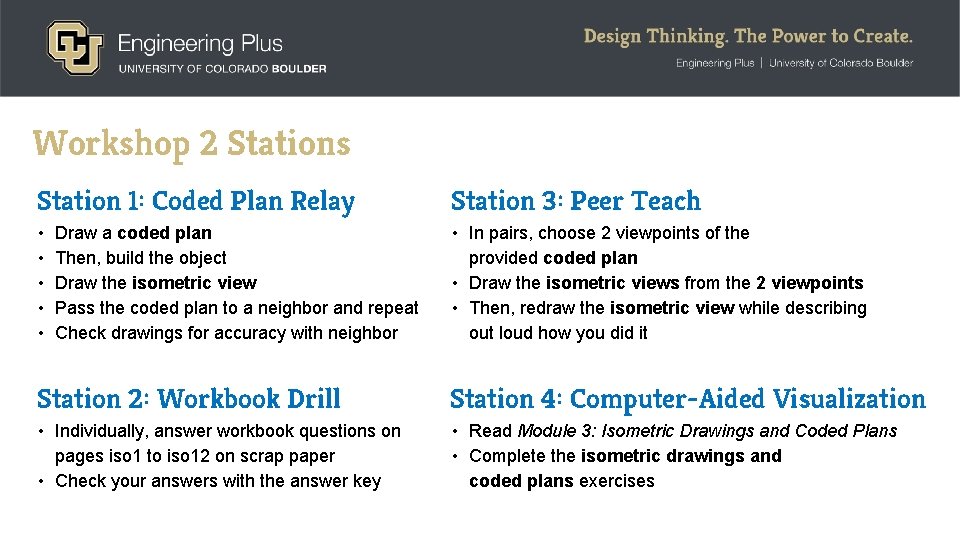
Workshop 2 Stations Station 1: Coded Plan Relay Station 3: Peer Teach • • • In pairs, choose 2 viewpoints of the provided coded plan • Draw the isometric views from the 2 viewpoints • Then, redraw the isometric view while describing out loud how you did it Draw a coded plan Then, build the object Draw the isometric view Pass the coded plan to a neighbor and repeat Check drawings for accuracy with neighbor Station 2: Workbook Drill Station 4: Computer-Aided Visualization • Individually, answer workbook questions on pages iso 1 to iso 12 on scrap paper • Check your answers with the answer key • Read Module 3: Isometric Drawings and Coded Plans • Complete the isometric drawings and coded plans exercises
Coded Plans to Isometric Views (Station 3 answers) Click mouse/keyboard to reveal the possible solutions