
Working With Moby Max Logging In Our School

Working With Moby. Max
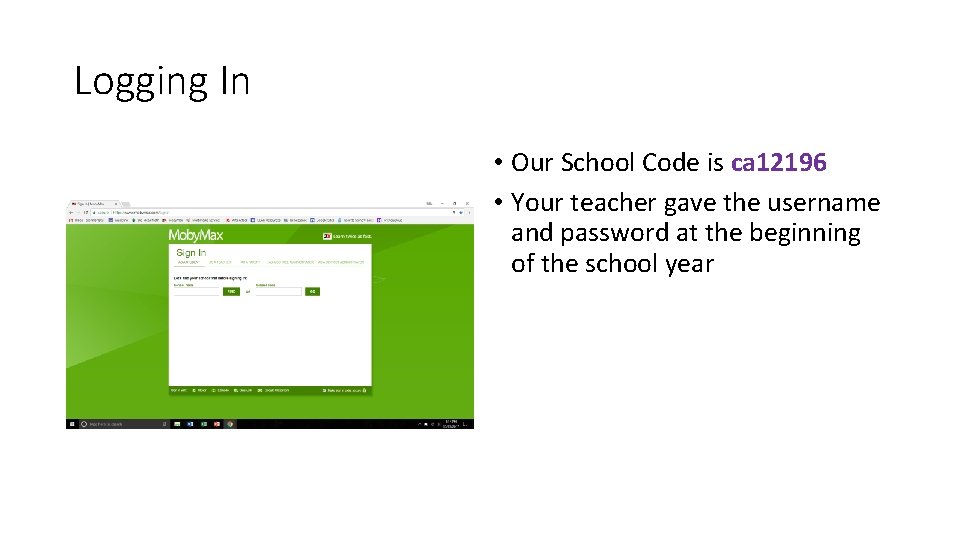
Logging In • Our School Code is ca 12196 • Your teacher gave the username and password at the beginning of the school year
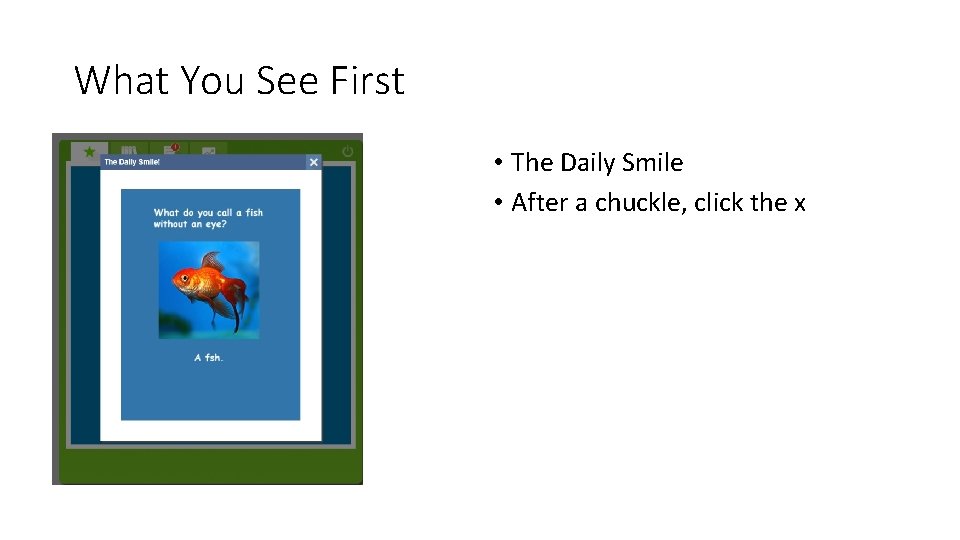
What You See First • The Daily Smile • After a chuckle, click the x
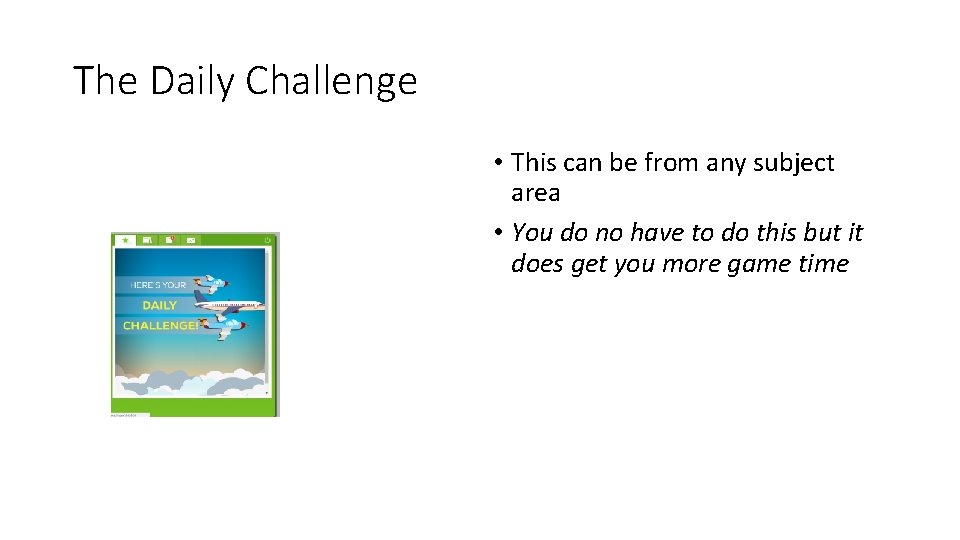
The Daily Challenge • This can be from any subject area • You do no have to do this but it does get you more game time
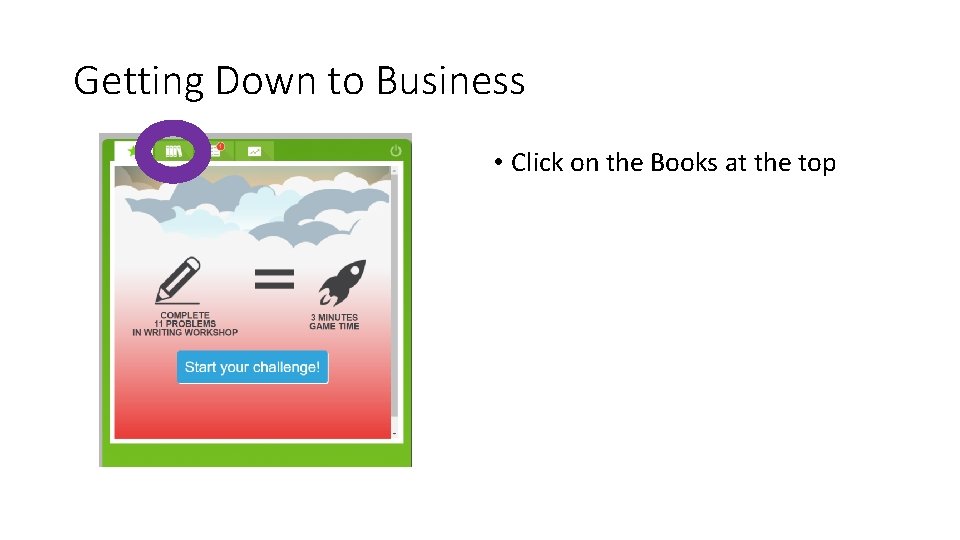
Getting Down to Business • Click on the Books at the top

• See the courses that you can work on • Some have a placement test to see where the program can help you grow • Click on the subject you want/need to work on • The program will automatically give you what your teacher has assigned or practice on a skill you should work on
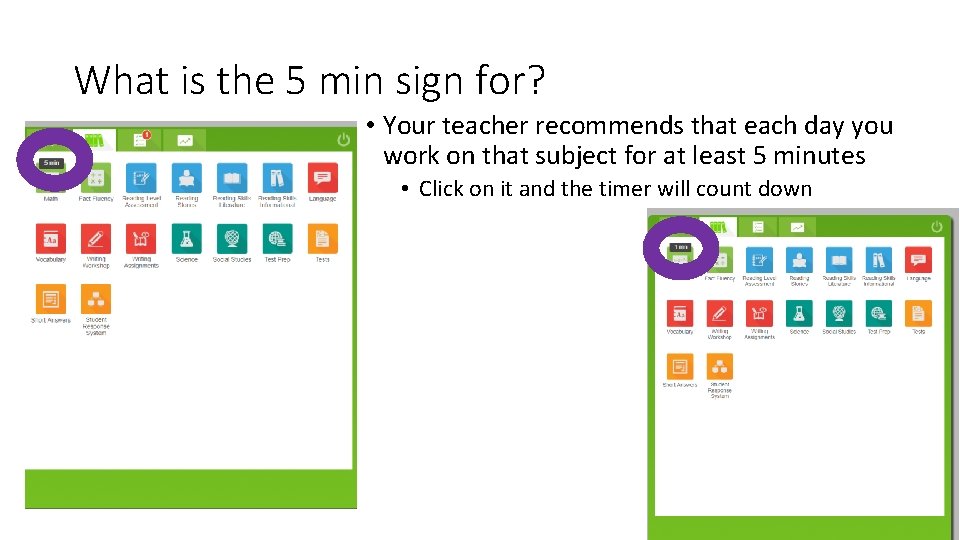
What is the 5 min sign for? • Your teacher recommends that each day you work on that subject for at least 5 minutes • Click on it and the timer will count down
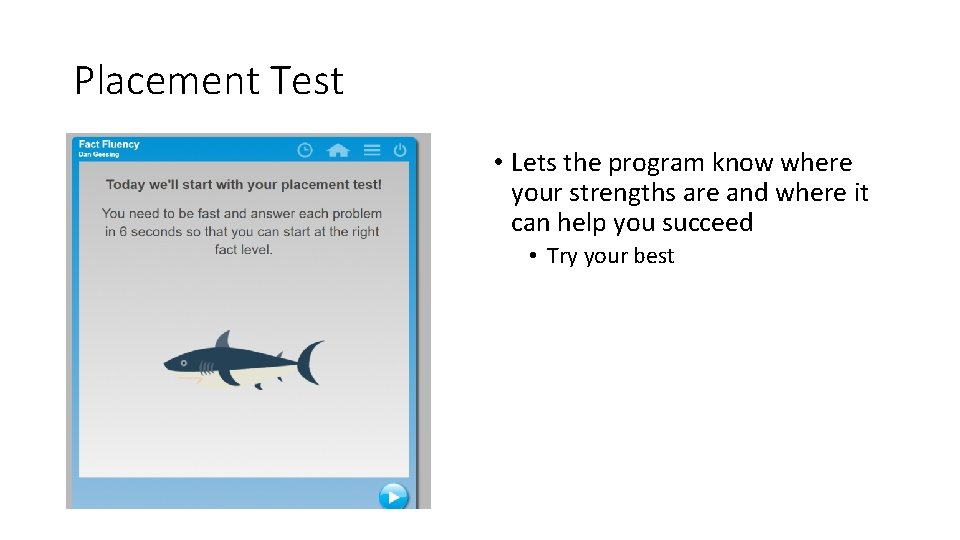
Placement Test • Lets the program know where your strengths are and where it can help you succeed • Try your best
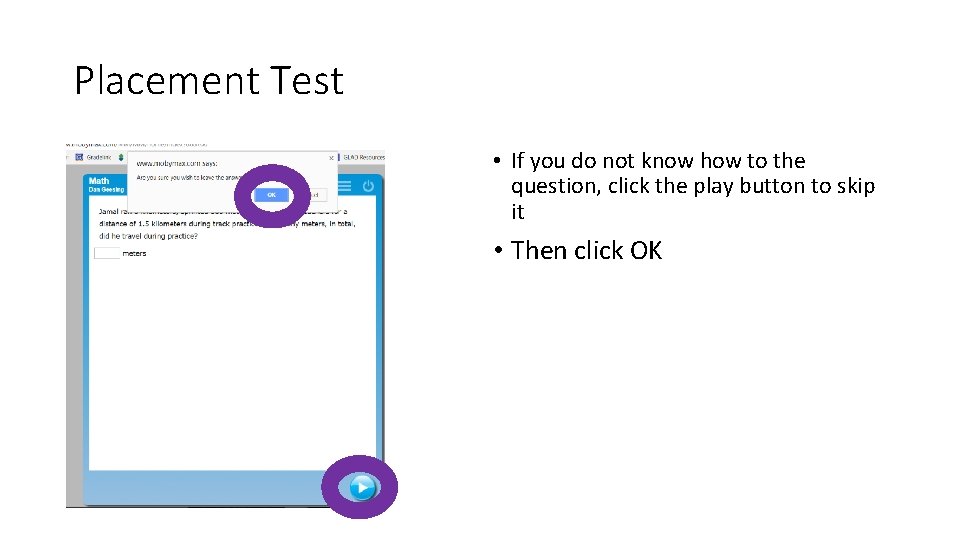
Placement Test • If you do not know how to the question, click the play button to skip it • Then click OK
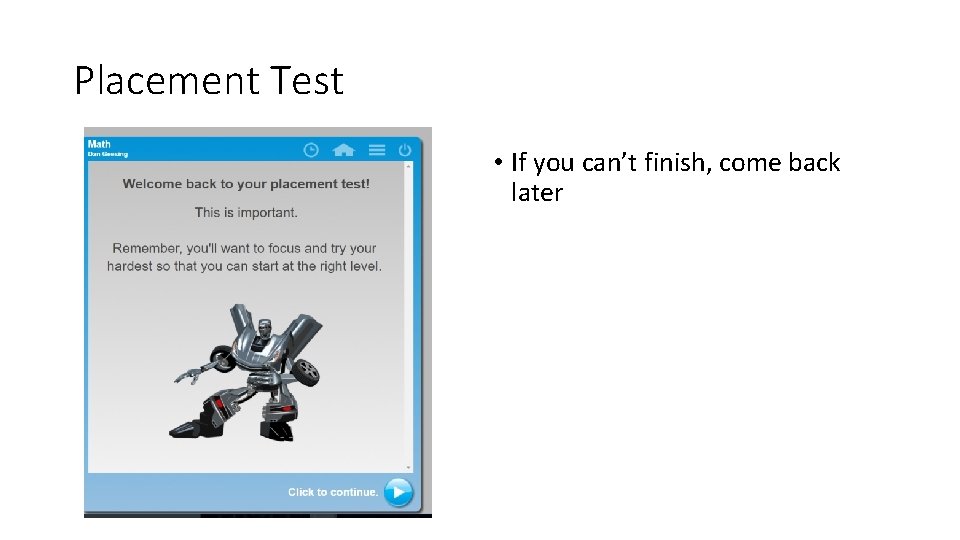
Placement Test • If you can’t finish, come back later

Practicing! • Now you are ready to practice • Click the Go/Start Button • It will give you a variety of problems to keep your skills fresh
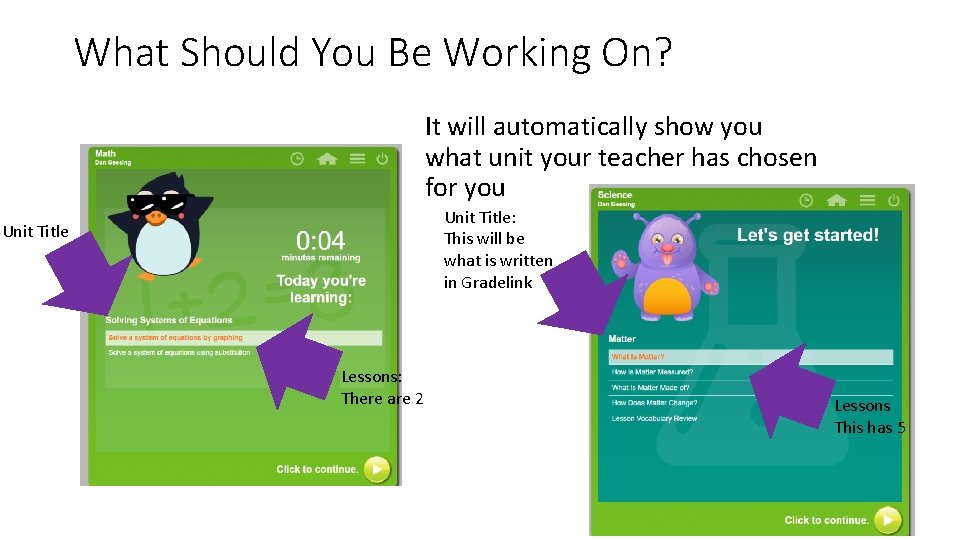
What Should You Be Working On? It will automatically show you what unit your teacher has chosen for you Unit Title: This will be what is written in Gradelink Unit Title Lessons: There are 2 Lessons This has 5
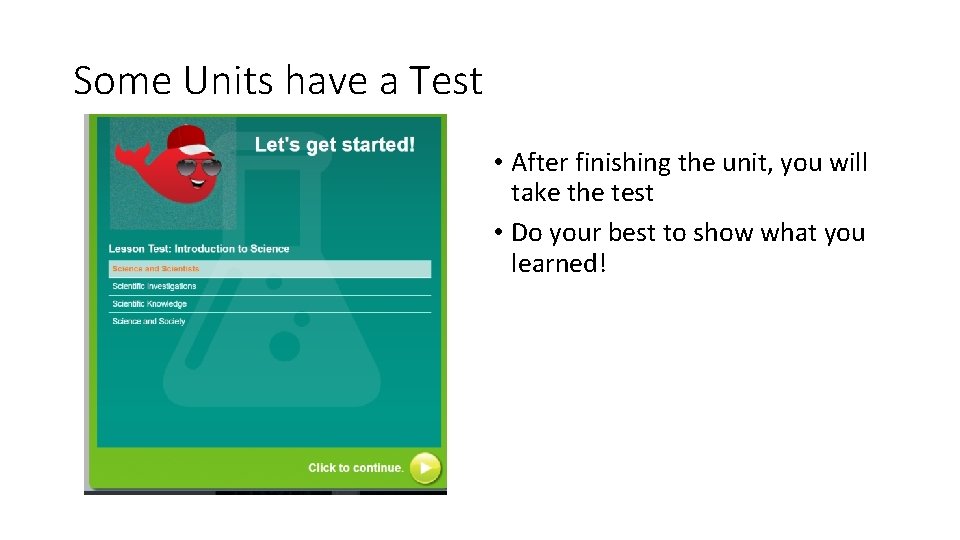
Some Units have a Test • After finishing the unit, you will take the test • Do your best to show what you learned!
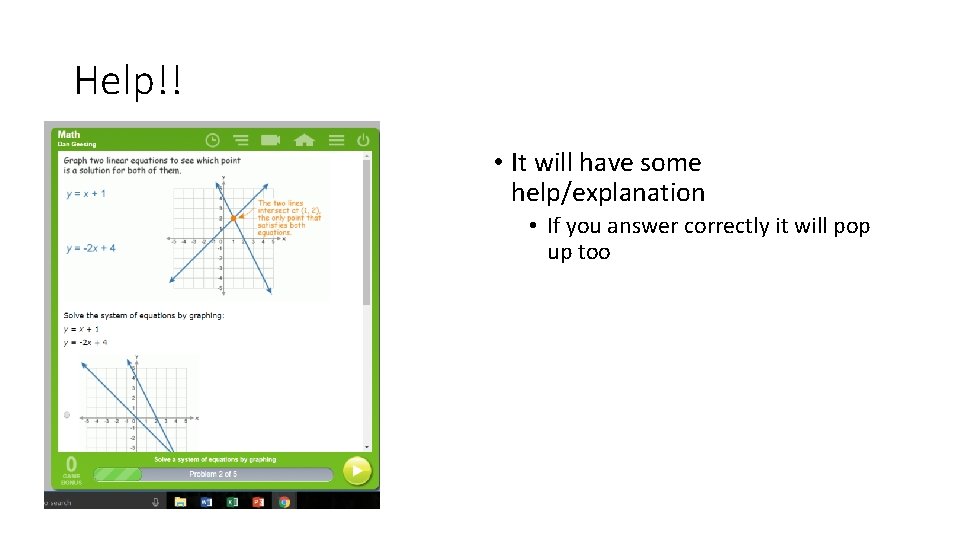
Help!! • It will have some help/explanation • If you answer correctly it will pop up too
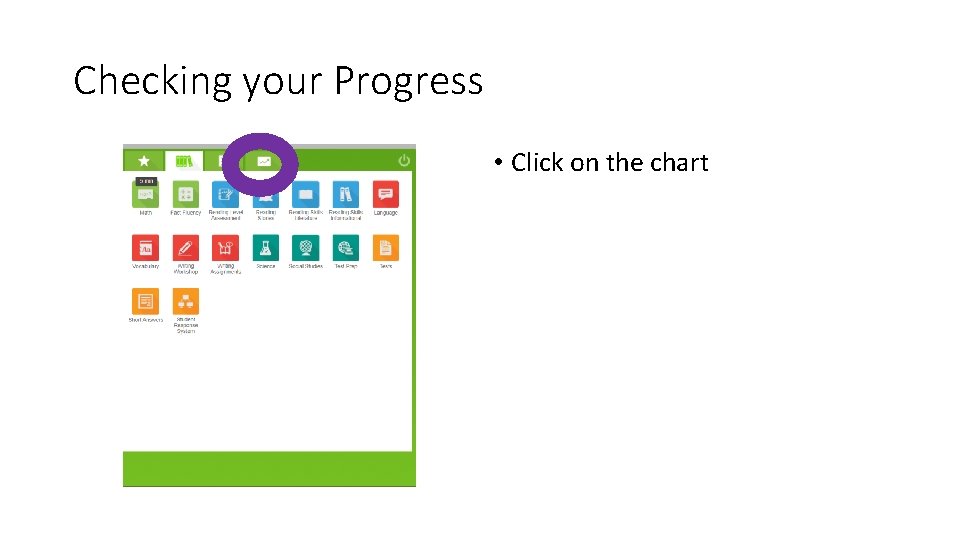
Checking your Progress • Click on the chart
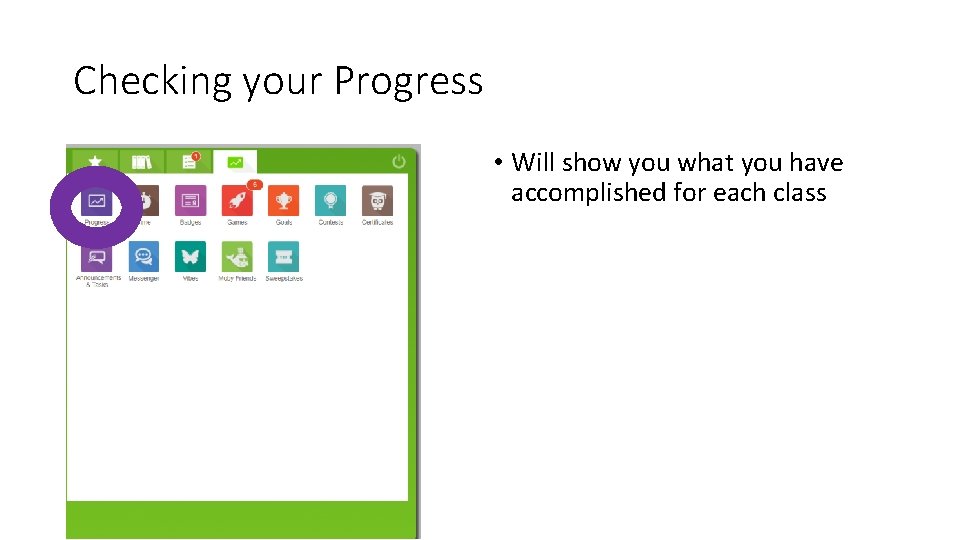
Checking your Progress • Will show you what you have accomplished for each class
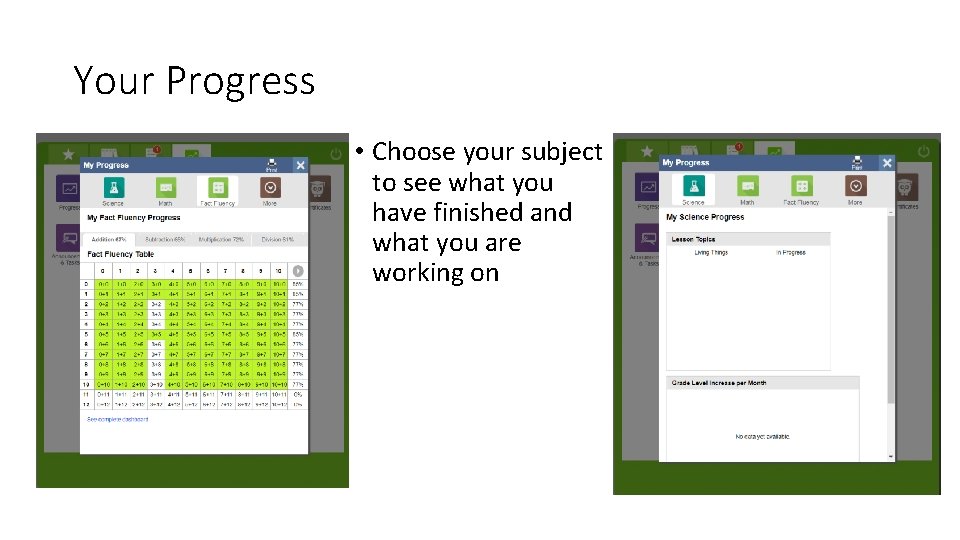
Your Progress • Choose your subject to see what you have finished and what you are working on
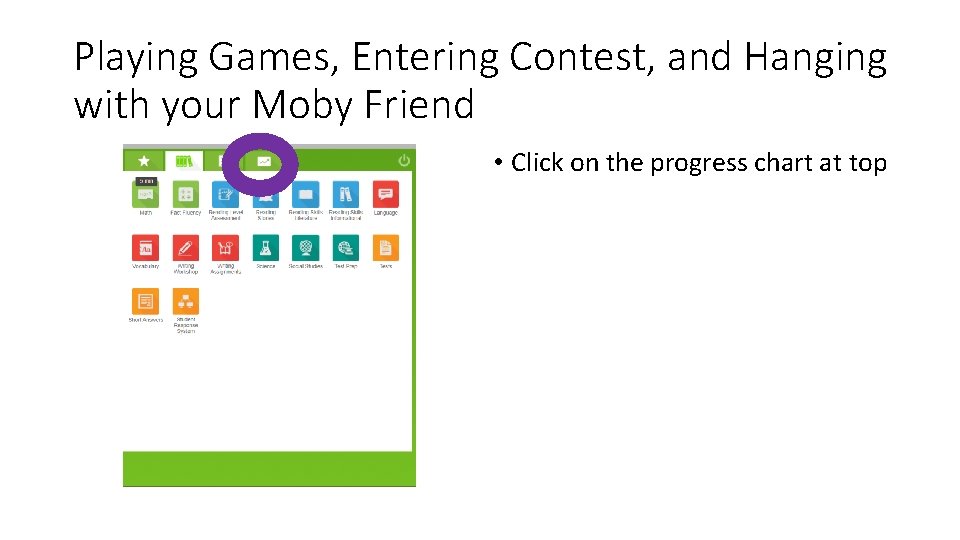
Playing Games, Entering Contest, and Hanging with your Moby Friend • Click on the progress chart at top
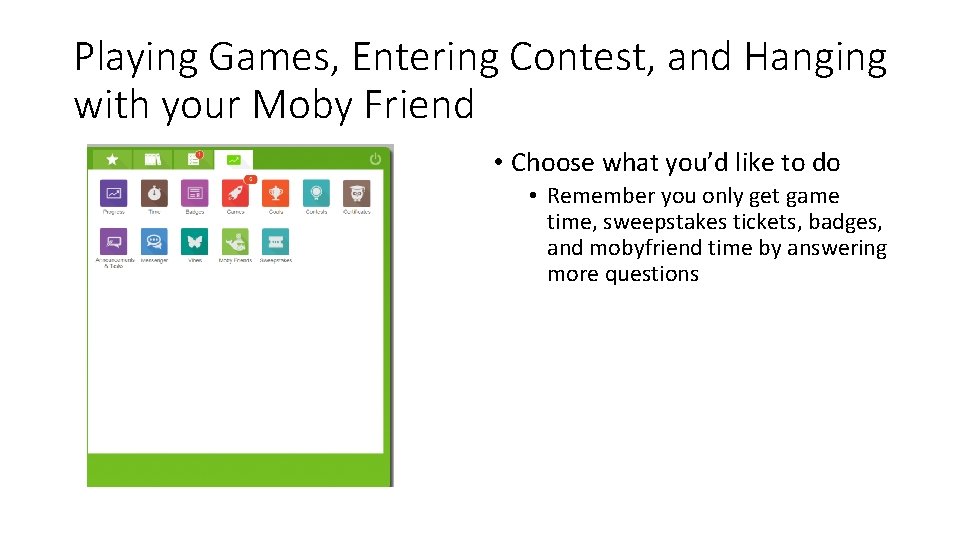
Playing Games, Entering Contest, and Hanging with your Moby Friend • Choose what you’d like to do • Remember you only get game time, sweepstakes tickets, badges, and mobyfriend time by answering more questions
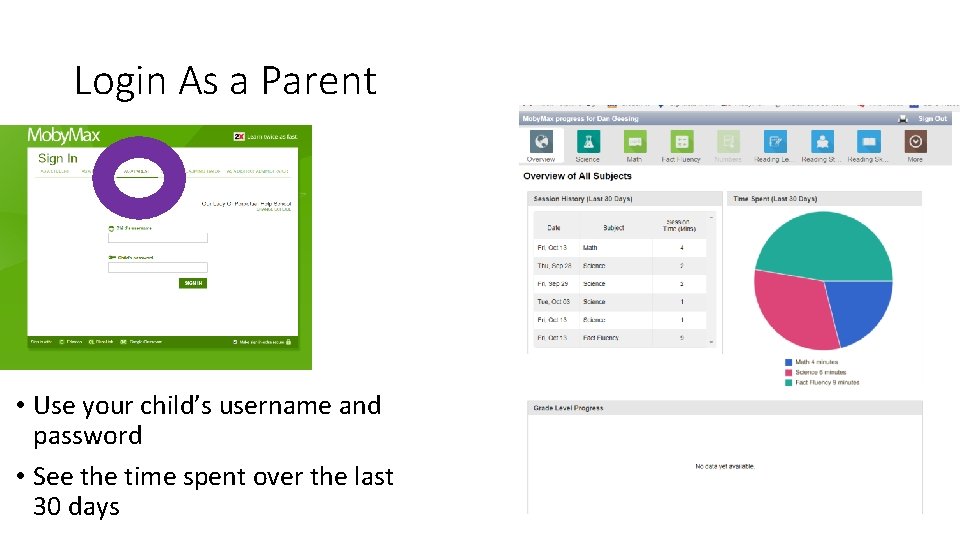
Login As a Parent • Use your child’s username and password • See the time spent over the last 30 days
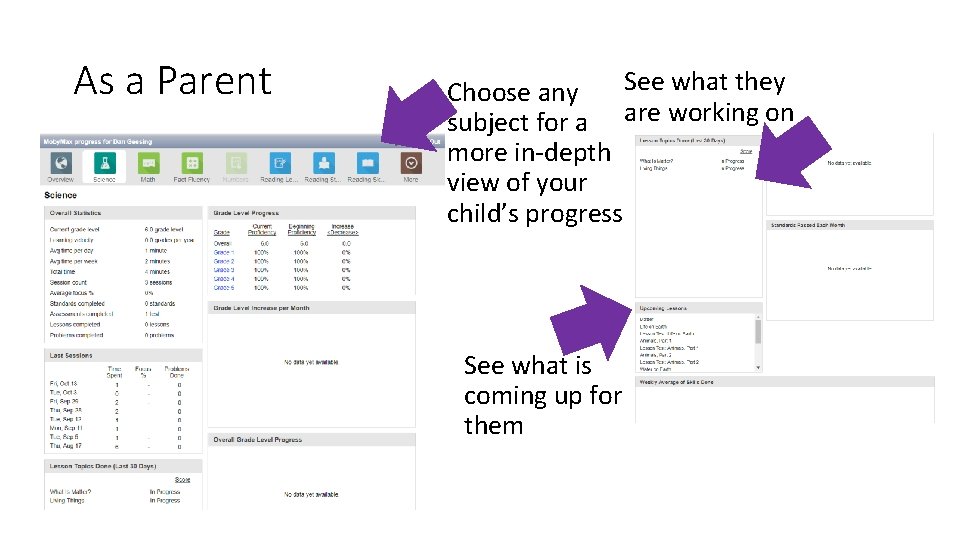
As a Parent See what they Choose any subject for a are working on more in-depth view of your child’s progress See what is coming up for them
- Slides: 21