
Working Remotely Objectives Recognize challenges of working remotely
Working Remotely
Objectives • Recognize challenges of working remotely. • Identify tips for setting up your workspace, helping maintain work life balance and establishing routines. • Identify best practices for families, communicating with your team, utilizing technology and maintaining productivity. • Provide guidance for Supervisors and their teams while working remotely.
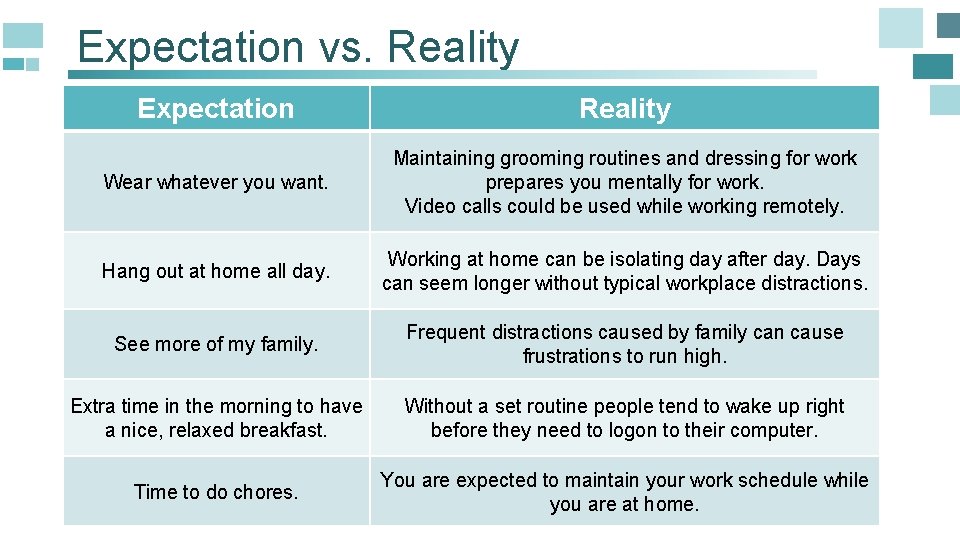
Expectation vs. Reality Expectation Reality Wear whatever you want. Maintaining grooming routines and dressing for work prepares you mentally for work. Video calls could be used while working remotely. Hang out at home all day. Working at home can be isolating day after day. Days can seem longer without typical workplace distractions. See more of my family. Frequent distractions caused by family can cause frustrations to run high. Extra time in the morning to have a nice, relaxed breakfast. Without a set routine people tend to wake up right before they need to logon to their computer. Time to do chores. You are expected to maintain your work schedule while you are at home.
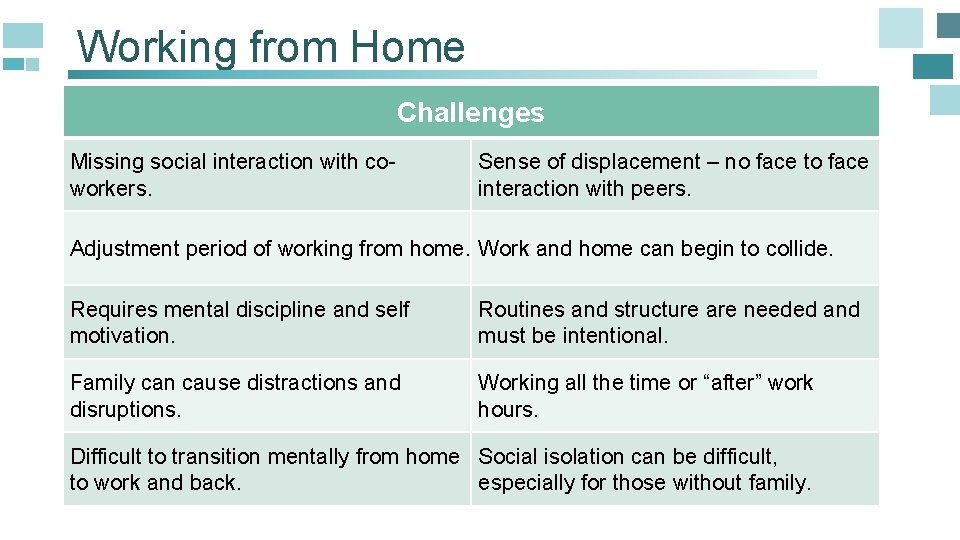
Working from Home Challenges Missing social interaction with coworkers. Sense of displacement – no face to face interaction with peers. Adjustment period of working from home. Work and home can begin to collide. Requires mental discipline and self motivation. Routines and structure are needed and must be intentional. Family can cause distractions and disruptions. Working all the time or “after” work hours. Difficult to transition mentally from home Social isolation can be difficult, to work and back. especially for those without family.
Skills needed to be successful 01 Self Motivated 02 Problem Solver 03 Great Communicator Let’s see how you can set yourself up for success…
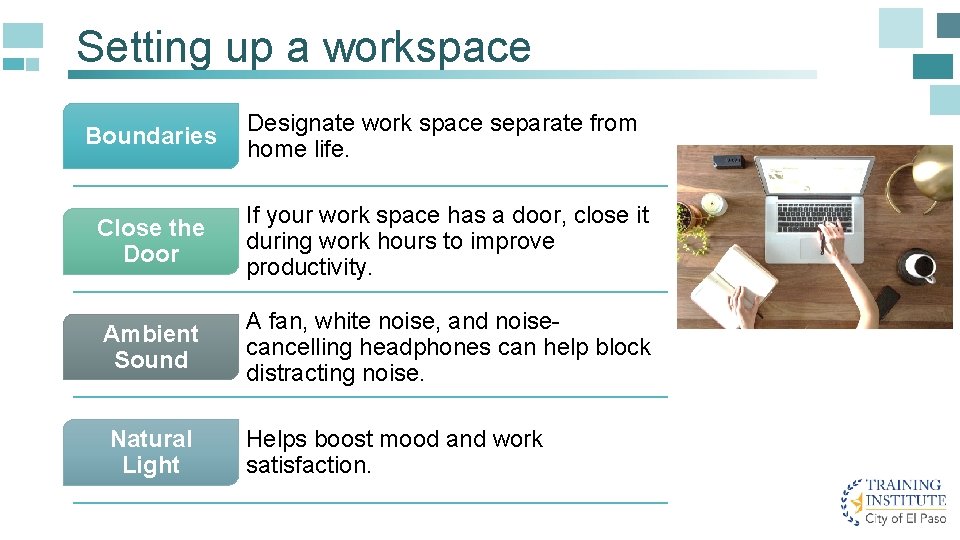
Setting up a workspace Boundaries Designate work space separate from home life. Close the Door If your work space has a door, close it during work hours to improve productivity. Ambient Sound A fan, white noise, and noisecancelling headphones can help block distracting noise. Natural Light Helps boost mood and work satisfaction.
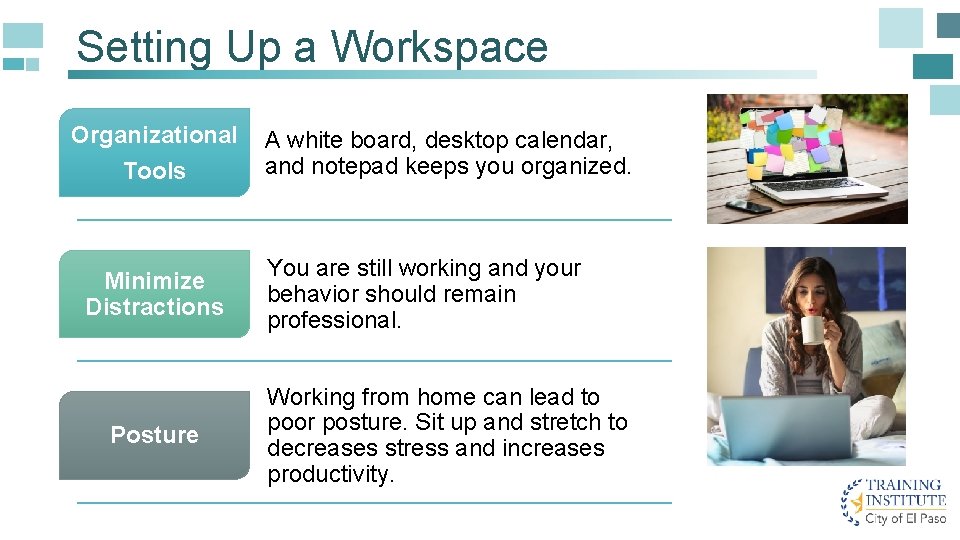
Setting Up a Workspace Organizational Tools Minimize Distractions Posture A white board, desktop calendar, and notepad keeps you organized. You are still working and your behavior should remain professional. Working from home can lead to poor posture. Sit up and stretch to decreases stress and increases productivity.
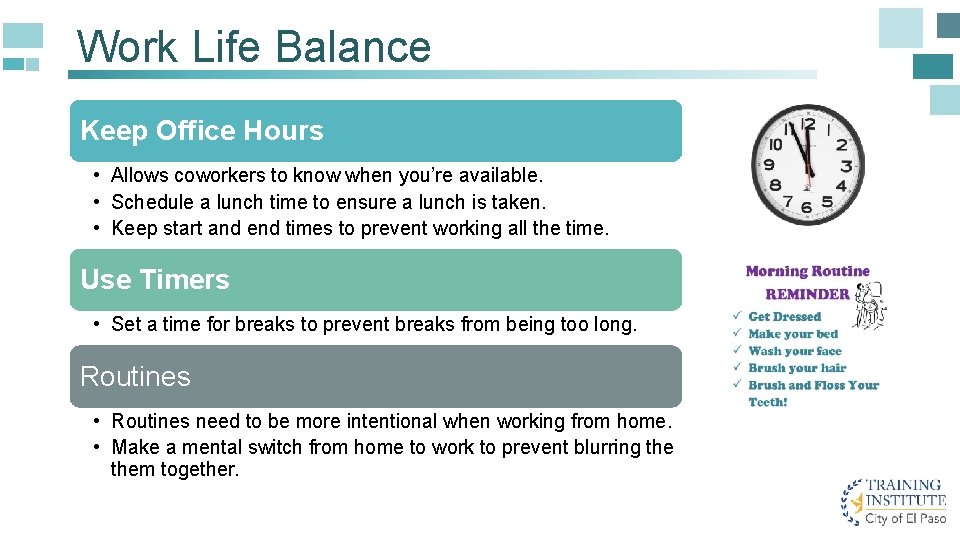
Work Life Balance Keep Office Hours • Allows coworkers to know when you’re available. • Schedule a lunch time to ensure a lunch is taken. • Keep start and end times to prevent working all the time. Use Timers • Set a time for breaks to prevent breaks from being too long. Routines • Routines need to be more intentional when working from home. • Make a mental switch from home to work to prevent blurring them together.
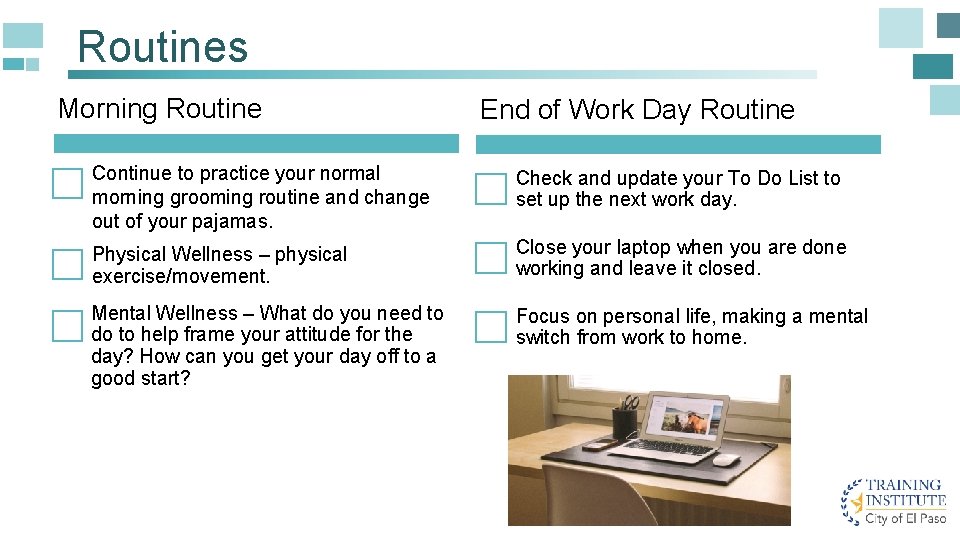
Routines Morning Routine End of Work Day Routine Continue to practice your normal morning grooming routine and change out of your pajamas. Check and update your To Do List to set up the next work day. Physical Wellness – physical exercise/movement. Close your laptop when you are done working and leave it closed. Mental Wellness – What do you need to do to help frame your attitude for the day? How can you get your day off to a good start? Focus on personal life, making a mental switch from work to home.
Considerations for Families Define Office Hours Establish office hours to help your family know when you’re available and when you’re not. Set Boundaries Be clear with your family about what types of issues family members can interrupt you with. Clarify what is considered urgent. Once work is done, focus on life. Avoid checking laptop and phone. Do Not Disturb If on a call or in a meeting, post a sign to let loved ones know you’re not to be disturbed at this time.
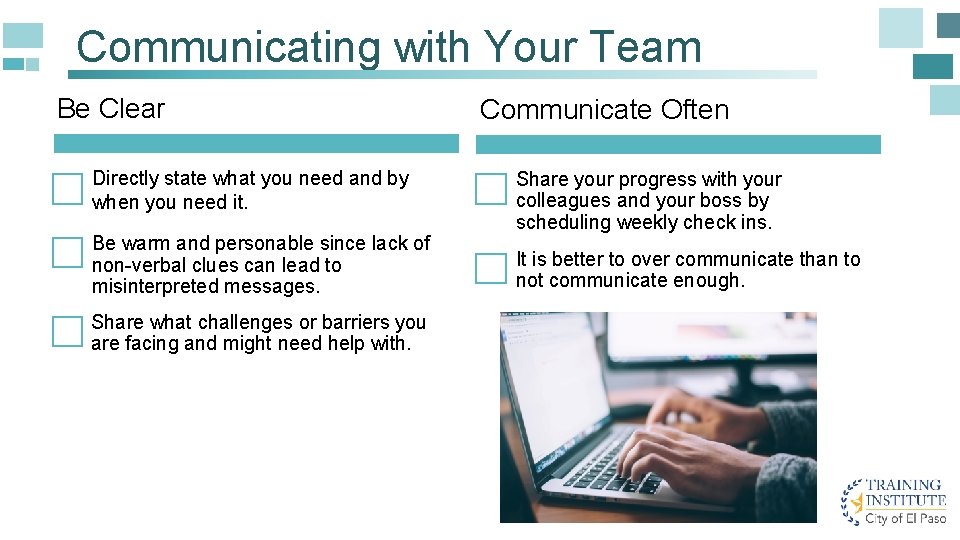
Communicating with Your Team Be Clear Directly state what you need and by when you need it. Be warm and personable since lack of non-verbal clues can lead to misinterpreted messages. Share what challenges or barriers you are facing and might need help with. Communicate Often Share your progress with your colleagues and your boss by scheduling weekly check ins. It is better to over communicate than to not communicate enough.
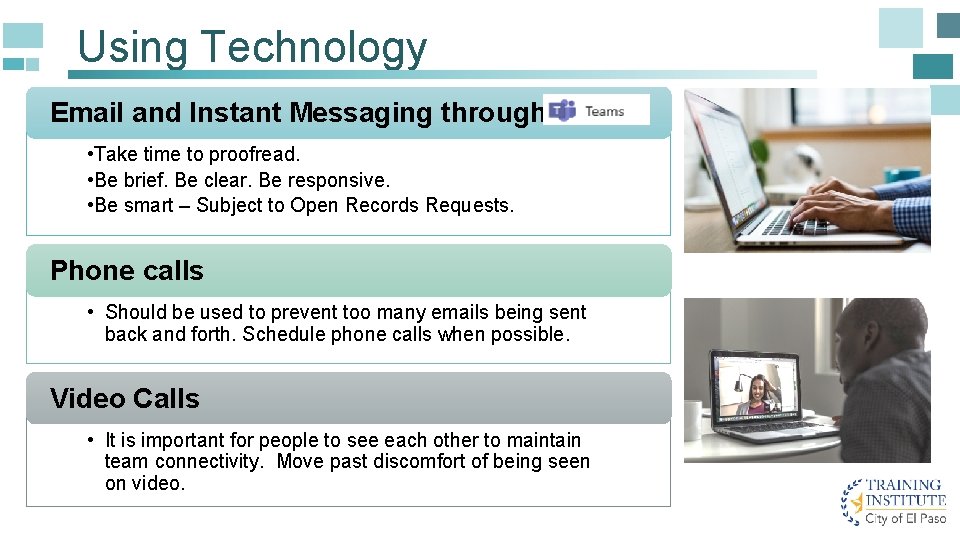
Using Technology Email and Instant Messaging through • Take time to proofread. • Be brief. Be clear. Be responsive. • Be smart – Subject to Open Records Requests. Phone calls • Should be used to prevent too many emails being sent back and forth. Schedule phone calls when possible. Video Calls • It is important for people to see each other to maintain team connectivity. Move past discomfort of being seen on video.
Using Technology Utilize One. Drive to share files that need to be worked on simultaneously. One. Drive offers control over files. You can give permission to users to edit files or give view only access. When sharing documents, be clear on whether you are looking for comments, looking for others to add content or simply sharing information.
Productivity Front Load your Day • Choose your most challenging tasks for the morning while you are focused. • Use a To-Do list to guide your day. Daily Report • What did you accomplish yesterday? • What are you planning to do today? • What challenges stand in your way? • What do you need to overcome those challenges? Use a Timer Use an App • Helps keep track of small tasks or time spent on big projects. • Apps can help keep track of time spent on social media, You. Tube, news sites, etc. • Outlook is a great tool to schedule your day and tasks.
Supervisors - Emotional Intelligence Let your team see your vulnerabilities, such as homeschooling your children, taking care of elderly parents, etc. Make space for employees to vent during this challenging situation. Check in often with your employees. Ask them how they are doing. Video chat often if possible. Discuss changes and challenges in their job assignments now that they are working from home. What should their priorities be? Be cognizant of appreciation for employees – be proactive.
Supervisors Guidelines Set Expectations • • Send clear expectations on working remotely to team members. Work schedule. Prioritizing high impact tasks. Long term projects and deadlines. Communication • Schedule meetings with team and individuals often. • Be intentional in maintaining contact. Technology • Use IT resources for guidance. Build in face time using Microsoft • Utilize One. Drive for collaboration.
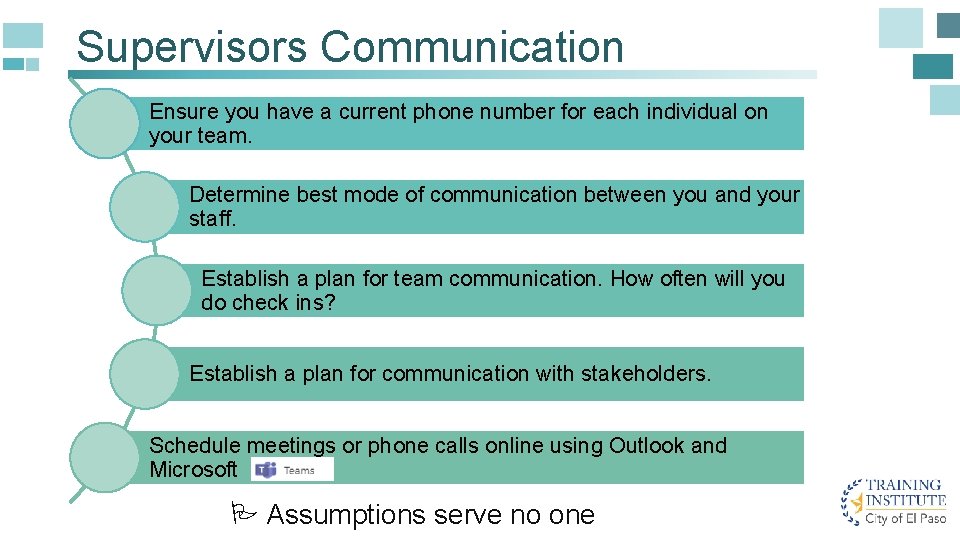
Supervisors Communication Ensure you have a current phone number for each individual on your team. Determine best mode of communication between you and your staff. Establish a plan for team communication. How often will you do check ins? Establish a plan for communication with stakeholders. Schedule meetings or phone calls online using Outlook and Microsoft P Assumptions serve no one
- Slides: 17