
Working in The IITJ HPC System Software List

- Slides: 16
Working in The IITJ HPC System
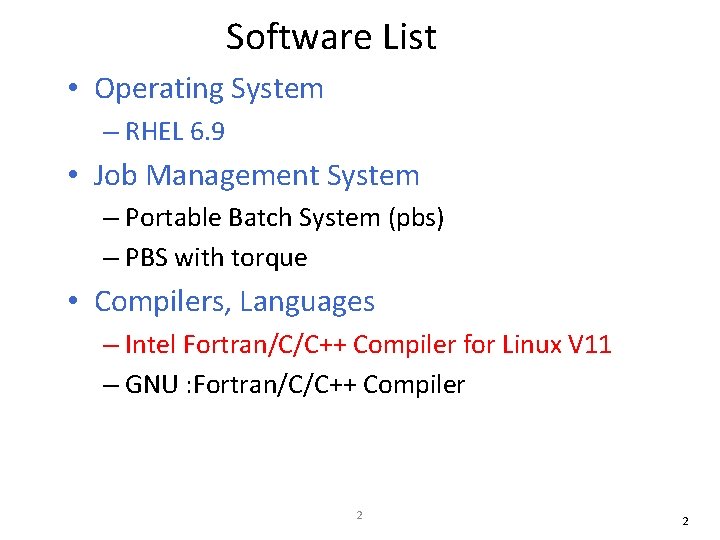
Software List • Operating System – RHEL 6. 9 • Job Management System – Portable Batch System (pbs) – PBS with torque • Compilers, Languages – Intel Fortran/C/C++ Compiler for Linux V 11 – GNU : Fortran/C/C++ Compiler 2 2
• Message Passing Interface (MPI) Libraries – MVAPICH – OPEN MPI 3 3
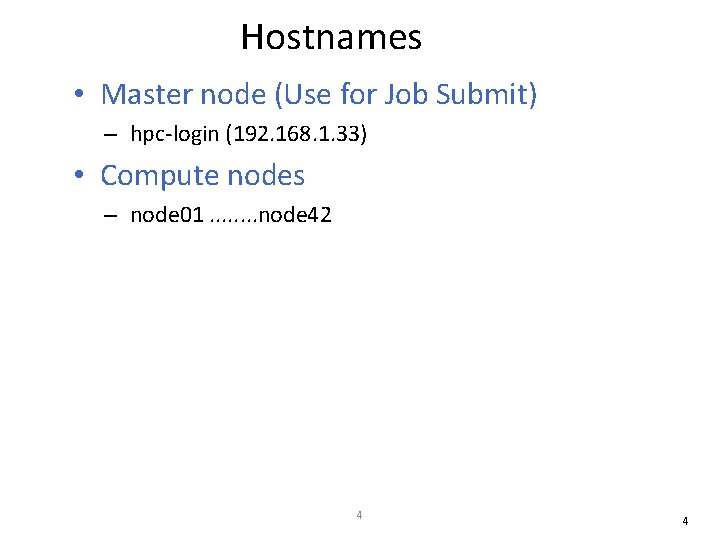
Hostnames • Master node (Use for Job Submit) – hpc-login (192. 168. 1. 33) • Compute nodes – node 01. . . . node 42 4 4
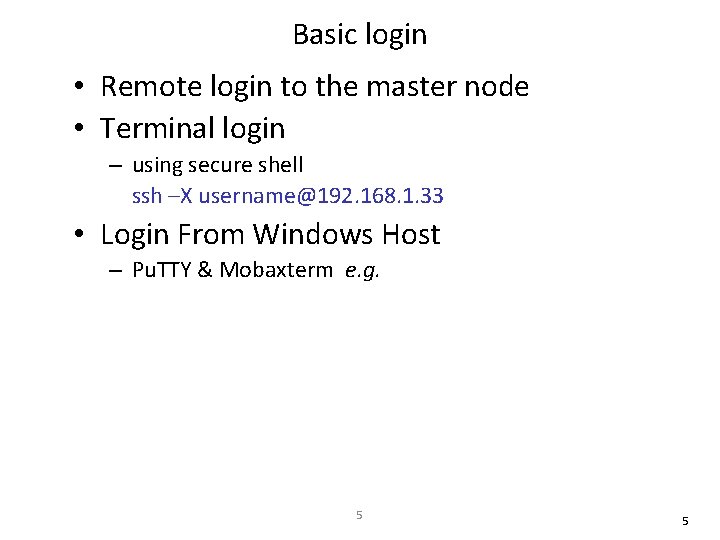
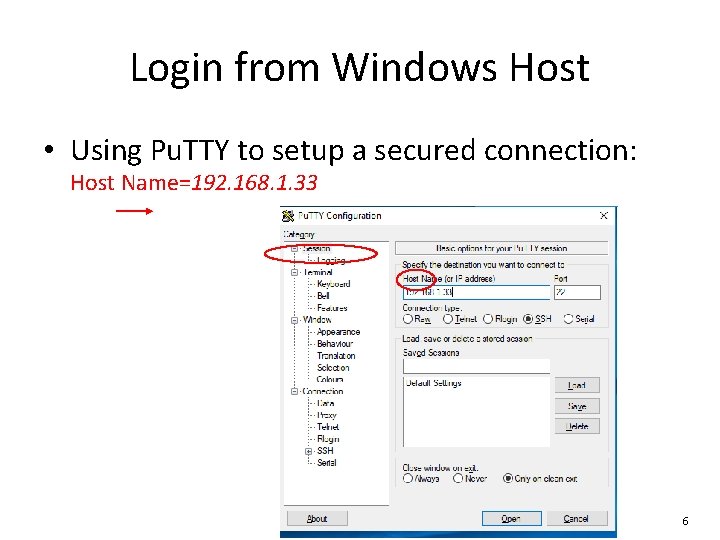
Basic login • Remote login to the master node • Terminal login – using secure shell ssh –X username@192. 168. 1. 33 • Login From Windows Host – Pu. TTY & Mobaxterm e. g. 5 5
Login from Windows Host • Using Pu. TTY to setup a secured connection: Host Name=192. 168. 1. 33 6 6
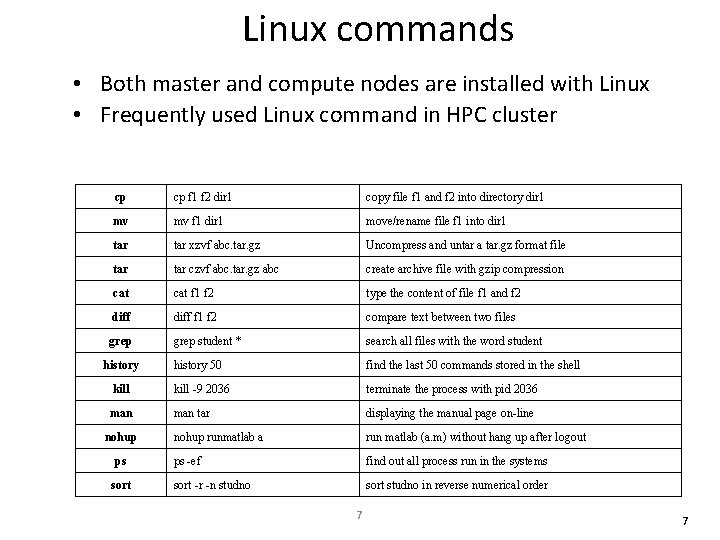
Linux commands • Both master and compute nodes are installed with Linux • Frequently used Linux command in HPC cluster cp cp f 1 f 2 dir 1 copy file f 1 and f 2 into directory dir 1 mv mv f 1 dir 1 move/rename file f 1 into dir 1 tar xzvf abc. tar. gz Uncompress and untar a tar. gz format file tar czvf abc. tar. gz abc create archive file with gzip compression cat f 1 f 2 type the content of file f 1 and f 2 diff f 1 f 2 compare text between two files grep student * search all files with the word student history 50 find the last 50 commands stored in the shell kill -9 2036 terminate the process with pid 2036 man tar displaying the manual page on-line nohup runmatlab a run matlab (a. m) without hang up after logout ps -ef find out all process run in the systems sort -r -n studno sort studno in reverse numerical order history nohup ps sort 7 7
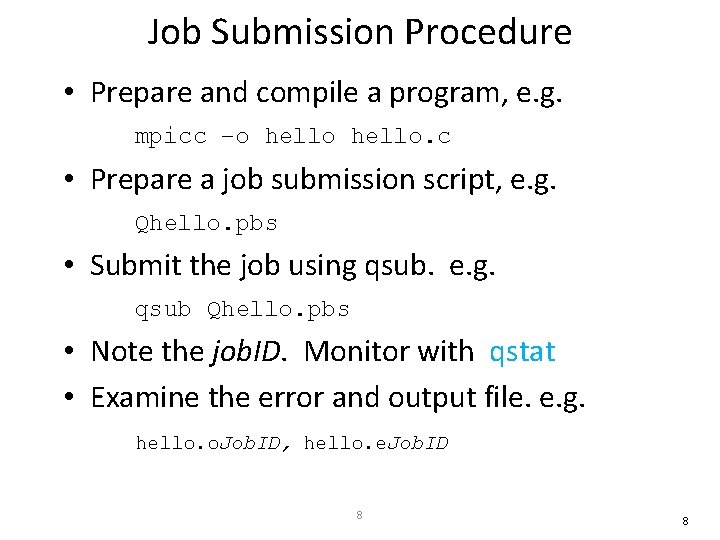
Job Submission Procedure • Prepare and compile a program, e. g. mpicc –o hello. c • Prepare a job submission script, e. g. Qhello. pbs • Submit the job using qsub. e. g. qsub Qhello. pbs • Note the job. ID. Monitor with qstat • Examine the error and output file. e. g. hello. o. Job. ID, hello. e. Job. ID 8 8
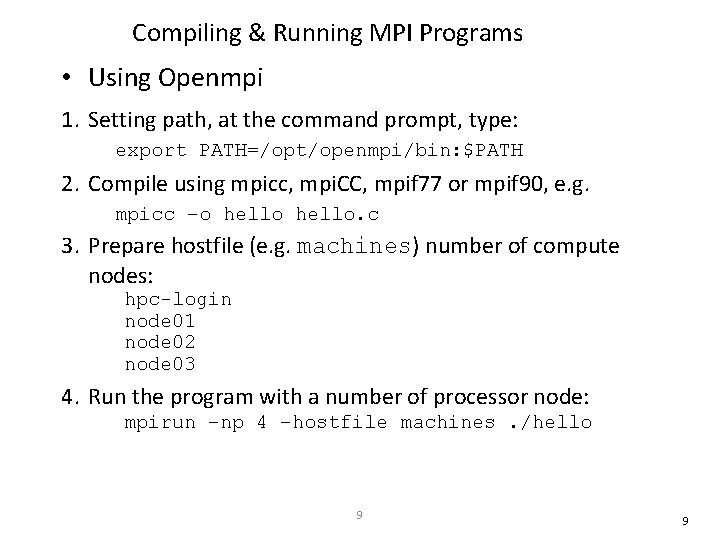
Compiling & Running MPI Programs • Using Openmpi 1. Setting path, at the command prompt, type: export PATH=/opt/openmpi/bin: $PATH 2. Compile using mpicc, mpi. CC, mpif 77 or mpif 90, e. g. mpicc –o hello. c 3. Prepare hostfile (e. g. machines) number of compute nodes: hpc-login node 01 node 02 node 03 4. Run the program with a number of processor node: mpirun –np 4 –hostfile machines. /hello 9 9
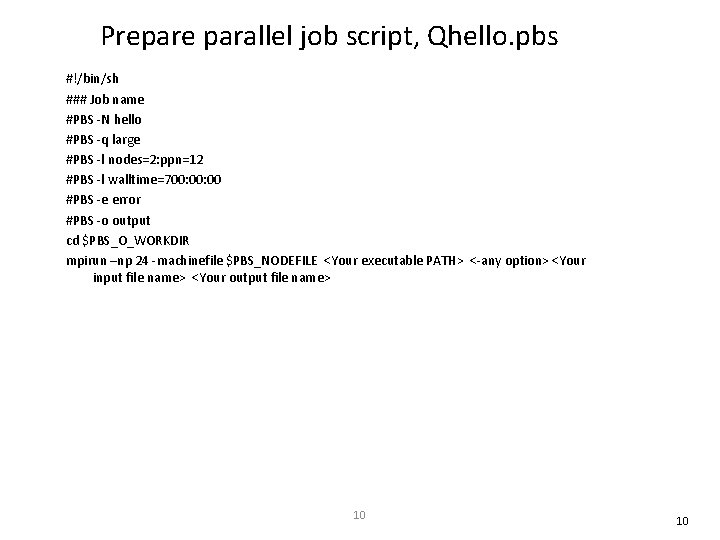
Prepare parallel job script, Qhello. pbs #!/bin/sh ### Job name #PBS -N hello #PBS -q large #PBS -l nodes=2: ppn=12 #PBS -l walltime=700: 00 #PBS -e error #PBS -o output cd $PBS_O_WORKDIR mpirun –np 24 -machinefile $PBS_NODEFILE <Your executable PATH> <-any option> <Your input file name> <Your output file name> 10 10
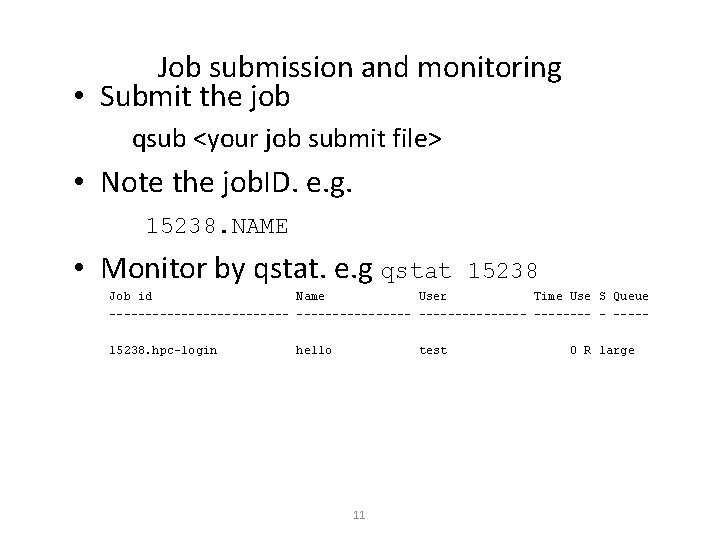
Job submission and monitoring • Submit the job qsub <your job submit file> • Note the job. ID. e. g. 15238. NAME • Monitor by qstat. e. g qstat 15238 Job id Name User Time Use S Queue --------------- ----15238. hpc-login hello test 11 0 R large
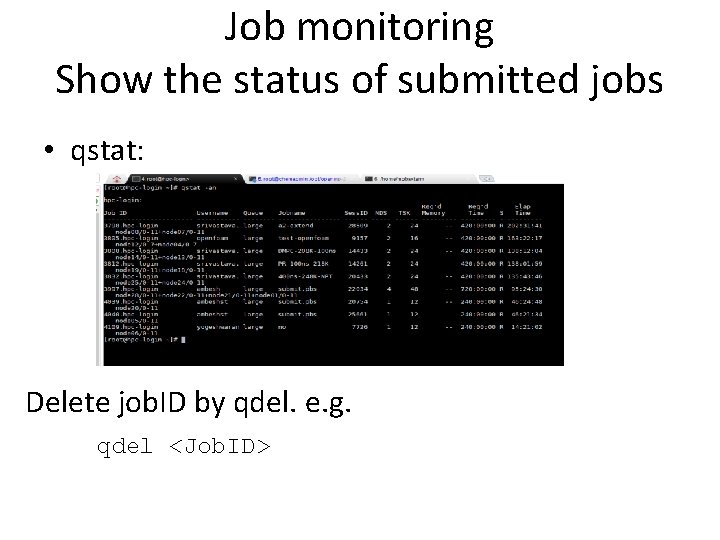
Job monitoring Show the status of submitted jobs • qstat: Delete job. ID by qdel. e. g. qdel <Job. ID>
Open. MP • The Open. MP Application Program Interface (API) supports multi-platform shared-memory parallel programming in C/C++ and Fortran on all architectures, including Unix platforms and Windows NT platforms. • Jointly defined by a group of major computer hardware and software vendors. • Open. MP is a portable, scalable model that gives shared-memory parallel programmers a simple and flexible interface for developing parallel applications for platforms ranging from the desktop to the supercomputer. 13 13
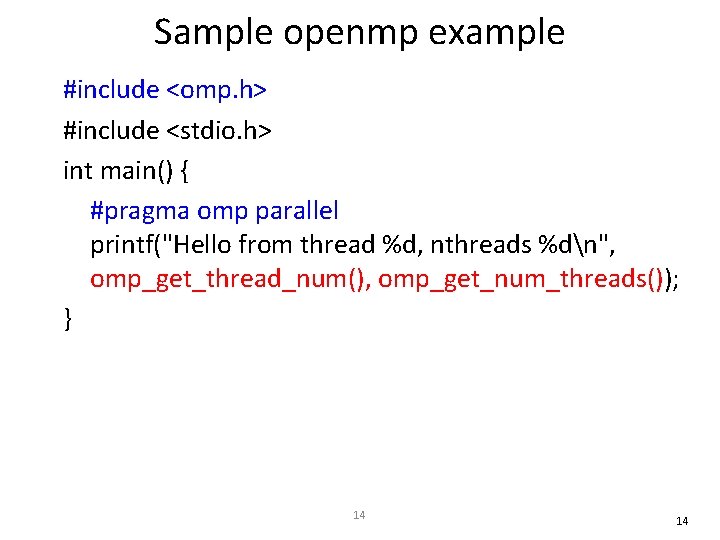
Sample openmp example #include <omp. h> #include <stdio. h> int main() { #pragma omp parallel printf("Hello from thread %d, nthreads %dn", omp_get_thread_num(), omp_get_num_threads()); } 14 14
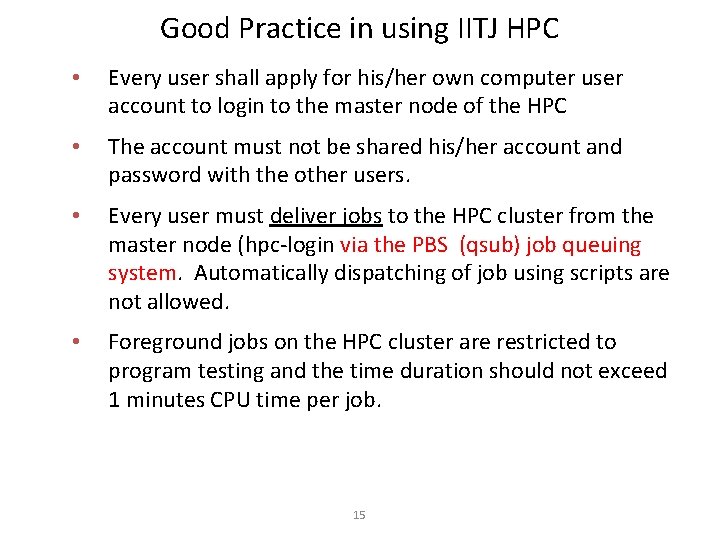
Good Practice in using IITJ HPC • Every user shall apply for his/her own computer user account to login to the master node of the HPC • The account must not be shared his/her account and password with the other users. • Every user must deliver jobs to the HPC cluster from the master node (hpc-login via the PBS (qsub) job queuing system. Automatically dispatching of job using scripts are not allowed. • Foreground jobs on the HPC cluster are restricted to program testing and the time duration should not exceed 1 minutes CPU time per job. 15
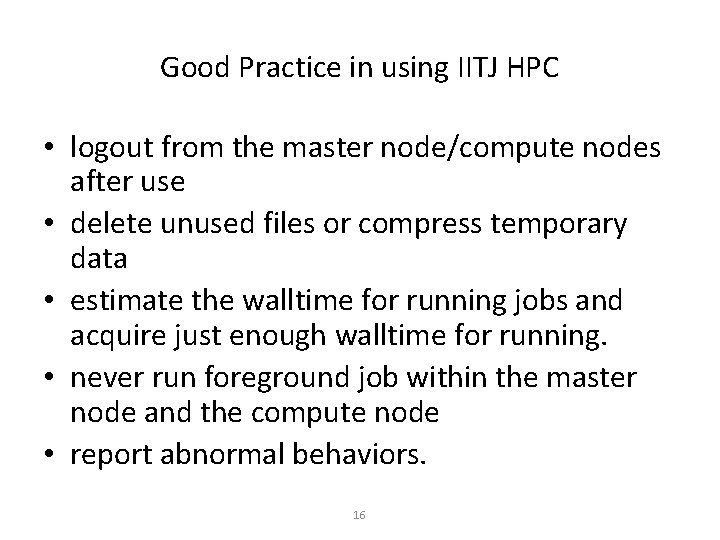
Good Practice in using IITJ HPC • logout from the master node/compute nodes after use • delete unused files or compress temporary data • estimate the walltime for running jobs and acquire just enough walltime for running. • never run foreground job within the master node and the compute node • report abnormal behaviors. 16