
Working Effectively With the HPC Software Ecosystem Dr

- Slides: 13
Working Effectively With the HPC Software Ecosystem Dr. David M. Rogers Computational Scientist ORNL NCCS rogersdm@ornl. gov ORNL is managed by UT-Battelle, LLC for the US Department of Energy
Presentation Acknowledgments • This work is licensed under a Creative Commons Attribution 4. 0 International License. (CC BY 4. 0). • Includes contributions from Bernholdt, David E. ; Dubey, Anshu; Heroux, Michael; O'Neal, Jared (2019): SC 19 Tutorial: Better Scientific Software. figshare. Presentation. (10. 6084/m 9. figshare. 10114880. v 4) • Thanks to comments & feedback from Elaine Raybourn and Mark Miller 2 Open slide master to edit
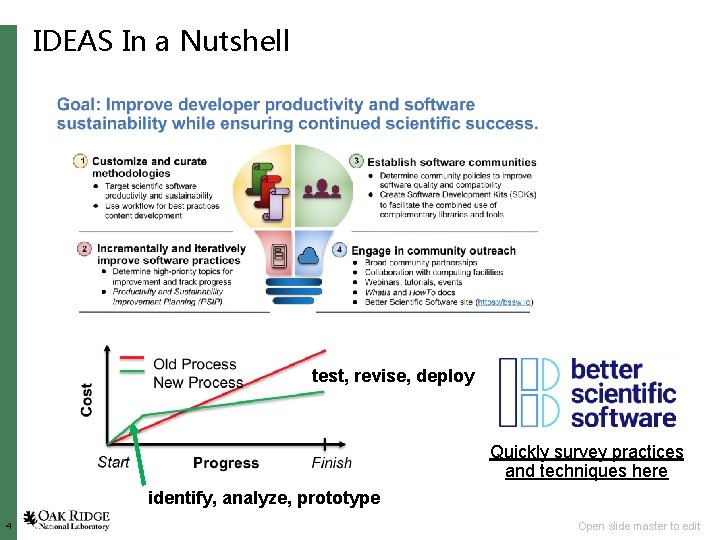
What? • IDEAS Goals: – Enable increased scientific productivity – Develop an interdisciplinary and agile approach to the scientific software ecosystem • ECP Goals (2016 -2022): – Provide breakthrough solutions that address our most critical challenges in scientific discovery, energy assurance, economic competitiveness, and national security – Bring together research, development, and deployment activities as part of a capable, enduring exascale computing ecosystem • Your Goals (probably): – Fast overall time to solution on ever harder science problems 3 Open slide master to edit
IDEAS In a Nutshell test, revise, deploy Quickly survey practices and techniques here identify, analyze, prototype 4 Open slide master to edit
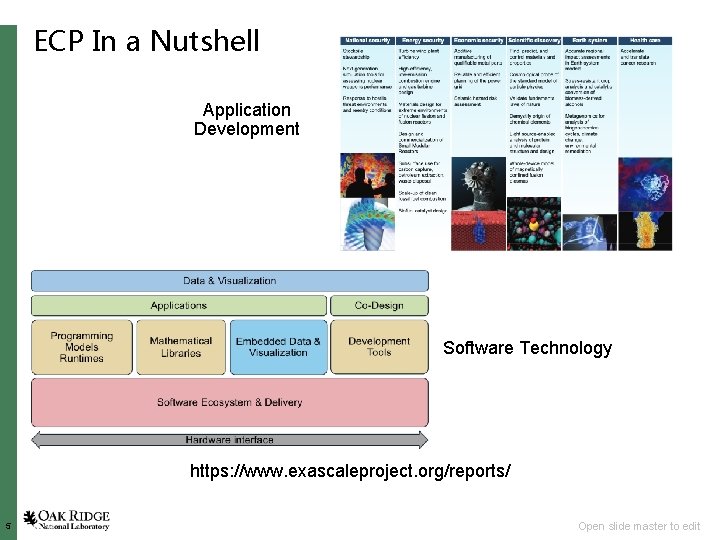
ECP In a Nutshell Application Development Software Technology https: //www. exascaleproject. org/reports/ 5 Open slide master to edit
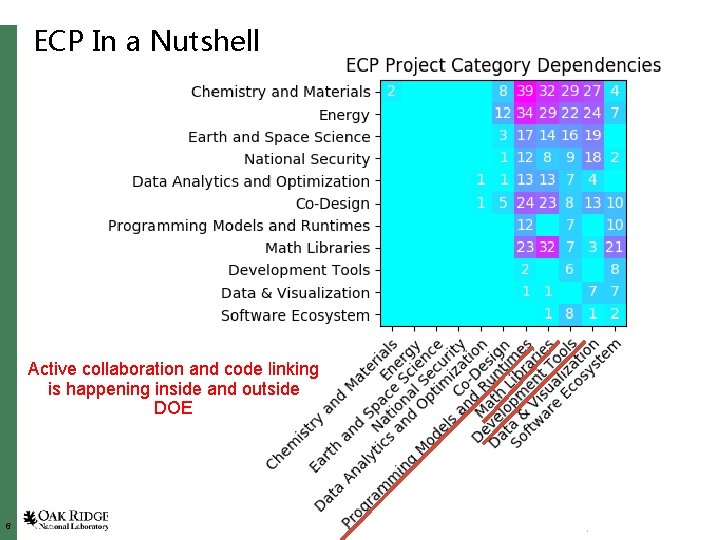
ECP In a Nutshell Active collaboration and code linking is happening inside and outside DOE 6 Open slide master to edit
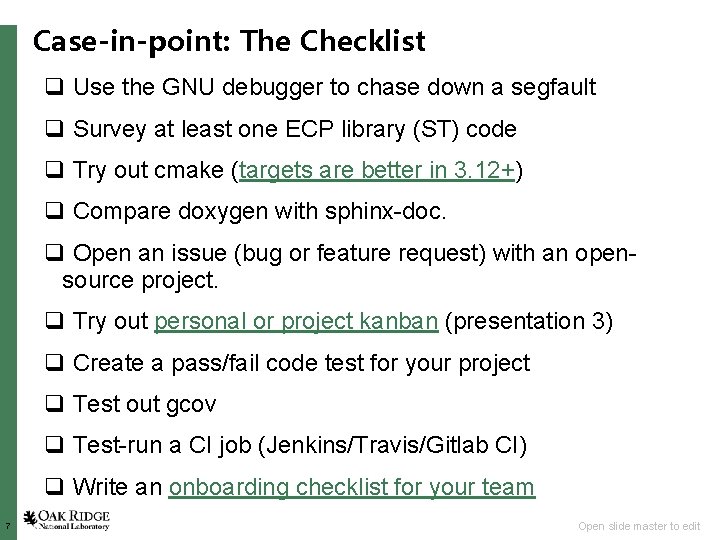
Case-in-point: The Checklist q Use the GNU debugger to chase down a segfault q Survey at least one ECP library (ST) code q Try out cmake (targets are better in 3. 12+) q Compare doxygen with sphinx-doc. q Open an issue (bug or feature request) with an opensource project. q Try out personal or project kanban (presentation 3) q Create a pass/fail code test for your project q Test out gcov q Test-run a CI job (Jenkins/Travis/Gitlab CI) q Write an onboarding checklist for your team 7 Open slide master to edit
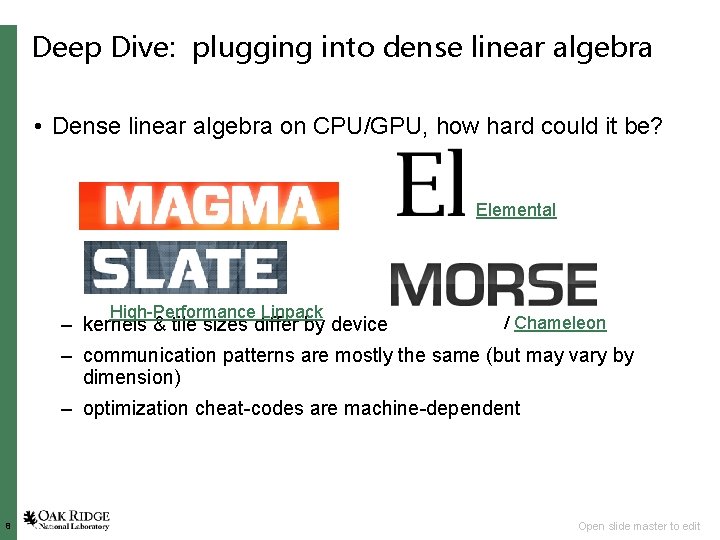
Deep Dive: plugging into dense linear algebra • Dense linear algebra on CPU/GPU, how hard could it be? Elemental High-Performance Linpack – kernels & tile sizes differ by device / Chameleon – communication patterns are mostly the same (but may vary by dimension) – optimization cheat-codes are machine-dependent 8 Open slide master to edit
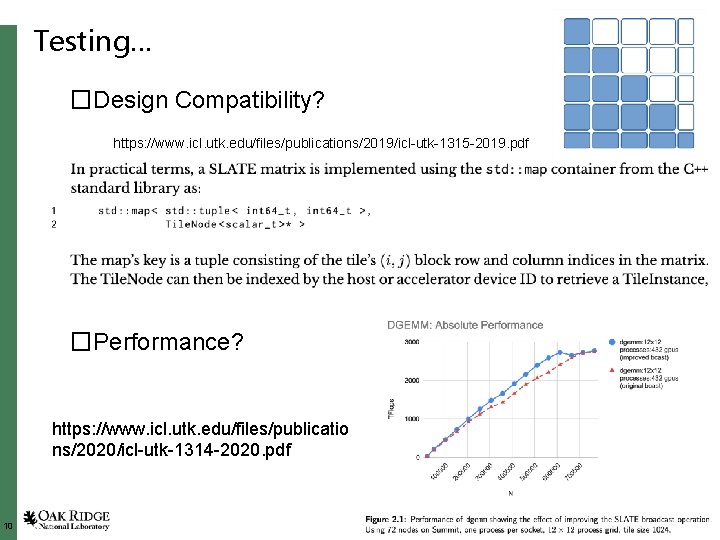
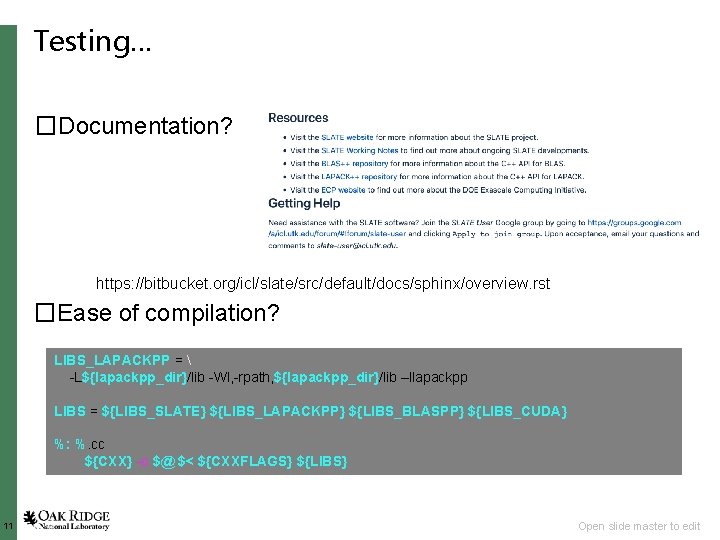
Objective: Benchmark @ Scale • Will this work for me? – Is the library design compatible with my code • Matrix layout & size assumptions – Assumes very large dims (int 64 sizes) and dense, tiled layout • Parallel distribution & code control flow – (apparently) only high-level, synchronous API – Is it well-documented? • Text description of how to construct key data objects • API documentation of major function calls • Are there reproducible, easy to run benchmarks? – quick advertisement for Mini. Apps / Mini. Tests – Is it easy to compile next to my code? • Let’s learn by doing. 9 Open slide master to edit
Testing… �Design Compatibility? https: //www. icl. utk. edu/files/publications/2019/icl-utk-1315 -2019. pdf �Performance? https: //www. icl. utk. edu/files/publicatio ns/2020/icl-utk-1314 -2020. pdf 10 Open slide master to edit
Testing… �Documentation? https: //bitbucket. org/icl/slate/src/default/docs/sphinx/overview. rst �Ease of compilation? LIBS_LAPACKPP = -L${lapackpp_dir}/lib -Wl, -rpath, ${lapackpp_dir}/lib –llapackpp LIBS = ${LIBS_SLATE} ${LIBS_LAPACKPP} ${LIBS_BLASPP} ${LIBS_CUDA} %: %. cc ${CXX} -o $@ $< ${CXXFLAGS} ${LIBS} 11 Open slide master to edit
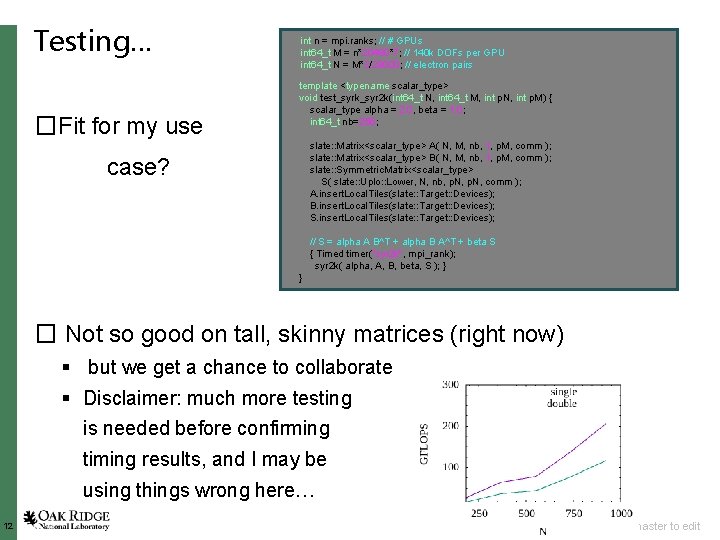
Testing… �Fit for my use int n = mpi. ranks; // # GPUs int 64_t M = n*20480*7; // 140 k DOFs per GPU int 64_t N = M*3/28000; // electron pairs template <typename scalar_type> void test_syrk_syr 2 k(int 64_t N, int 64_t M, int p. N, int p. M) { scalar_type alpha = 2. 0, beta = 1. 0; int 64_t nb=256; slate: : Matrix<scalar_type> A( N, M, nb, 1, p. M, comm ); slate: : Matrix<scalar_type> B( N, M, nb, 1, p. M, comm ); slate: : Symmetric. Matrix<scalar_type> S( slate: : Uplo: : Lower, N, nb, p. N, comm ); A. insert. Local. Tiles(slate: : Target: : Devices); B. insert. Local. Tiles(slate: : Target: : Devices); S. insert. Local. Tiles(slate: : Target: : Devices); case? // S = alpha A B^T + alpha B A^T + beta S { Timed timer("syr 2 k", mpi_rank); syr 2 k( alpha, A, B, beta, S ); } } � Not so good on tall, skinny matrices (right now) § but we get a chance to collaborate § Disclaimer: much more testing is needed before confirming timing results, and I may be using things wrong here… 12 Open slide master to edit
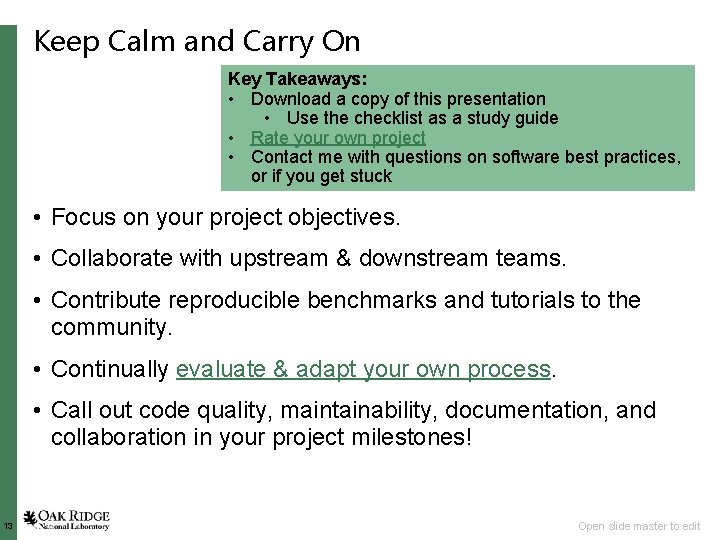
Keep Calm and Carry On Key Takeaways: • Download a copy of this presentation • Use the checklist as a study guide • Rate your own project • Contact me with questions on software best practices, or if you get stuck • Focus on your project objectives. • Collaborate with upstream & downstream teams. • Contribute reproducible benchmarks and tutorials to the community. • Continually evaluate & adapt your own process. • Call out code quality, maintainability, documentation, and collaboration in your project milestones! 13 Open slide master to edit