
Worked Exercises Python for Informatics Exploring Information www

- Slides: 14
Worked Exercises Python for Informatics: Exploring Information www. pythonlearn. com
Unless otherwise noted, the content of this course material is licensed under a Creative Commons Attribution 3. 0 License. http: //creativecommons. org/licenses/by/3. 0/. Copyright 2010, Charles Severance
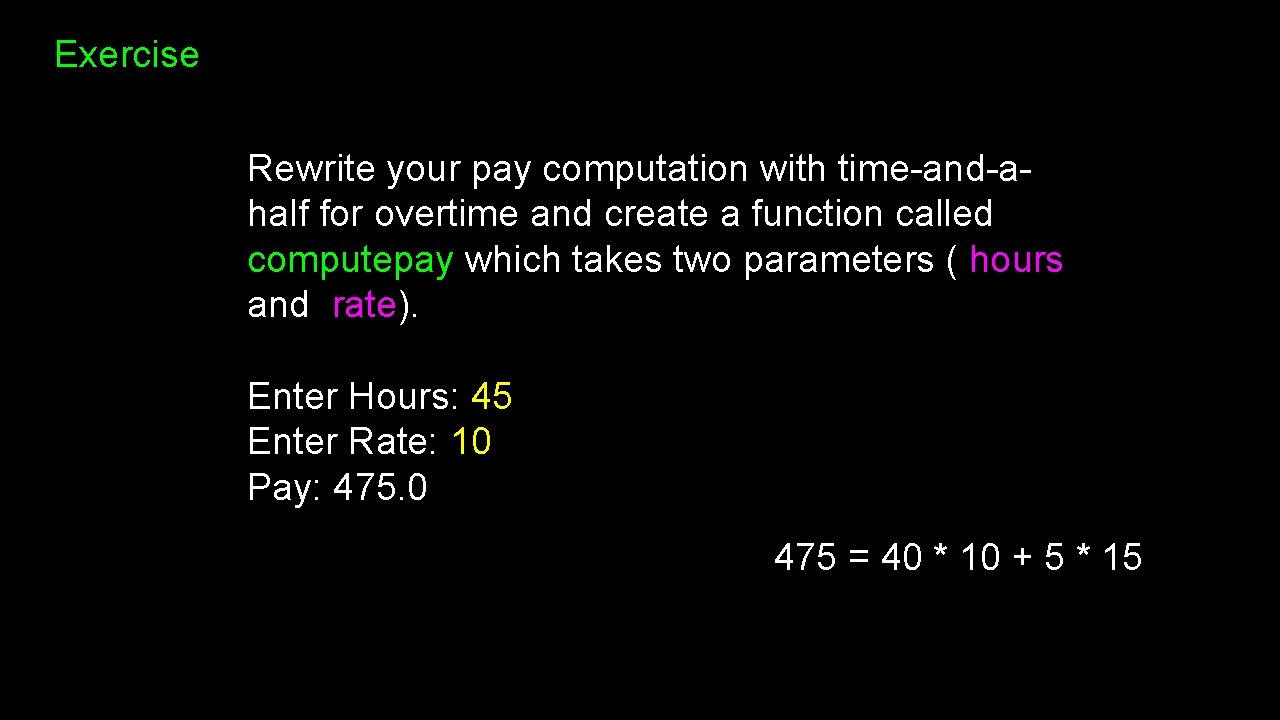
Exercise Rewrite your pay computation with time-and-ahalf for overtime and create a function called computepay which takes two parameters ( hours and rate). Enter Hours: 45 Enter Rate: 10 Pay: 475. 0 475 = 40 * 10 + 5 * 15
Using These Exercises. • • • Try the exercise yourself for a while before you use these worked exercises. . If you just take the “easy way out” for the easy exercises, then you won’t build the skills for the later exercises. Another approch
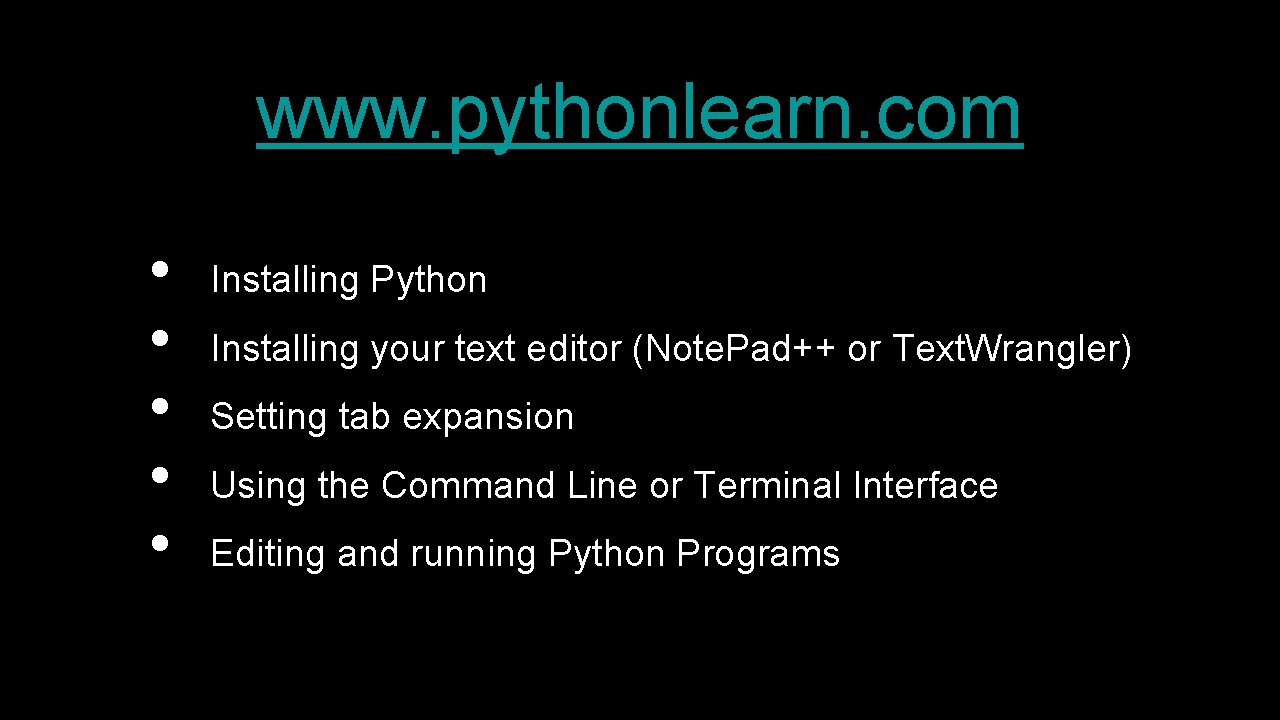
www. pythonlearn. com • • • Installing Python Installing your text editor (Note. Pad++ or Text. Wrangler) Setting tab expansion Using the Command Line or Terminal Interface Editing and running Python Programs
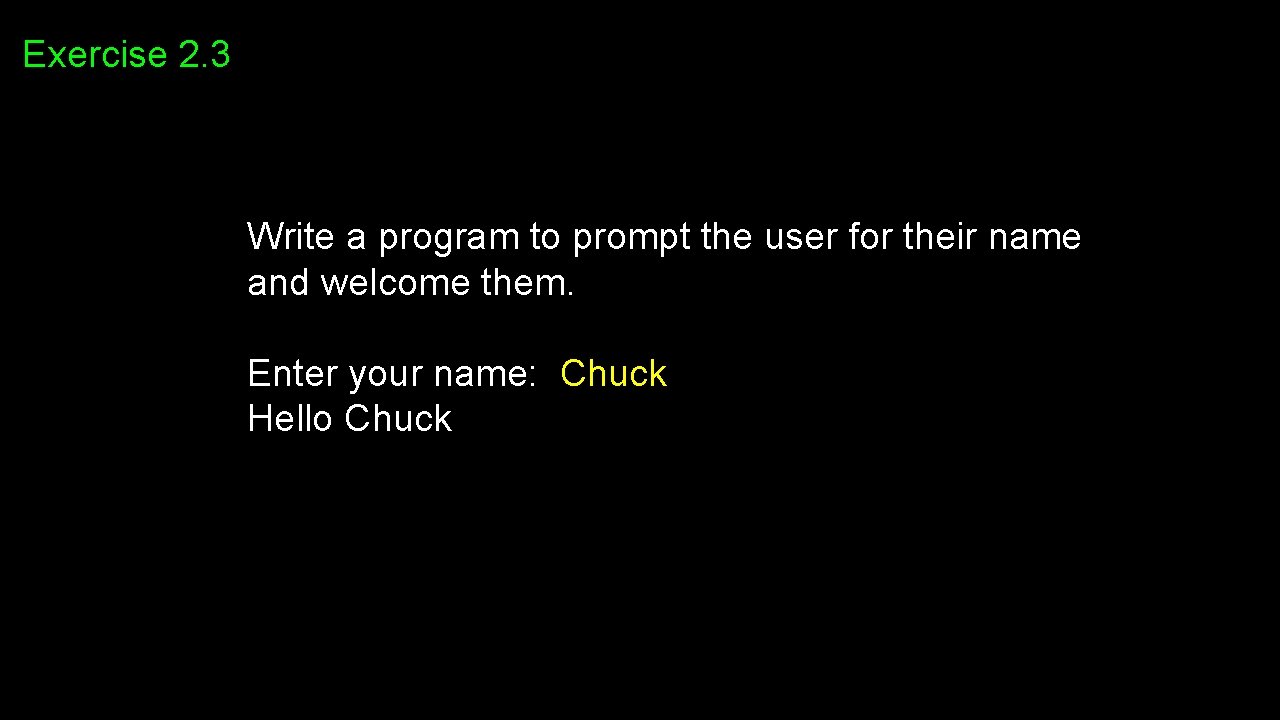
Exercise 2. 3 Write a program to prompt the user for their name and welcome them. Enter your name: Chuck Hello Chuck
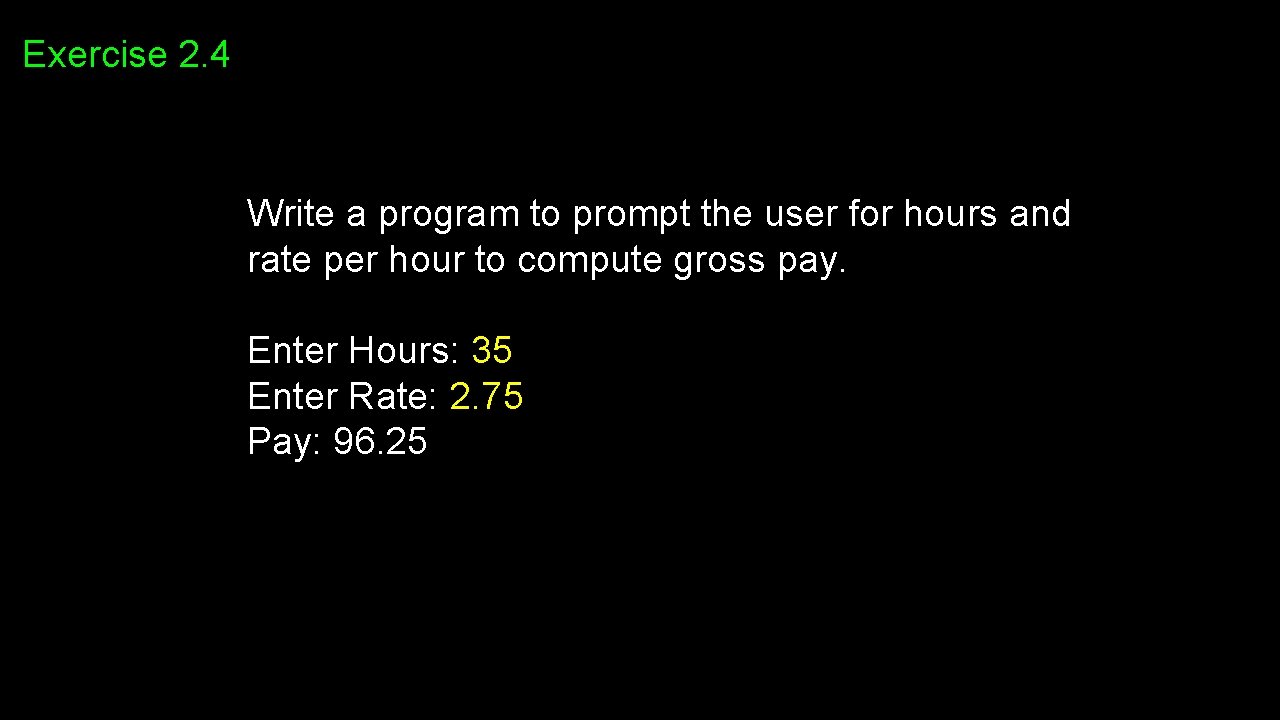
Exercise 2. 4 Write a program to prompt the user for hours and rate per hour to compute gross pay. Enter Hours: 35 Enter Rate: 2. 75 Pay: 96. 25
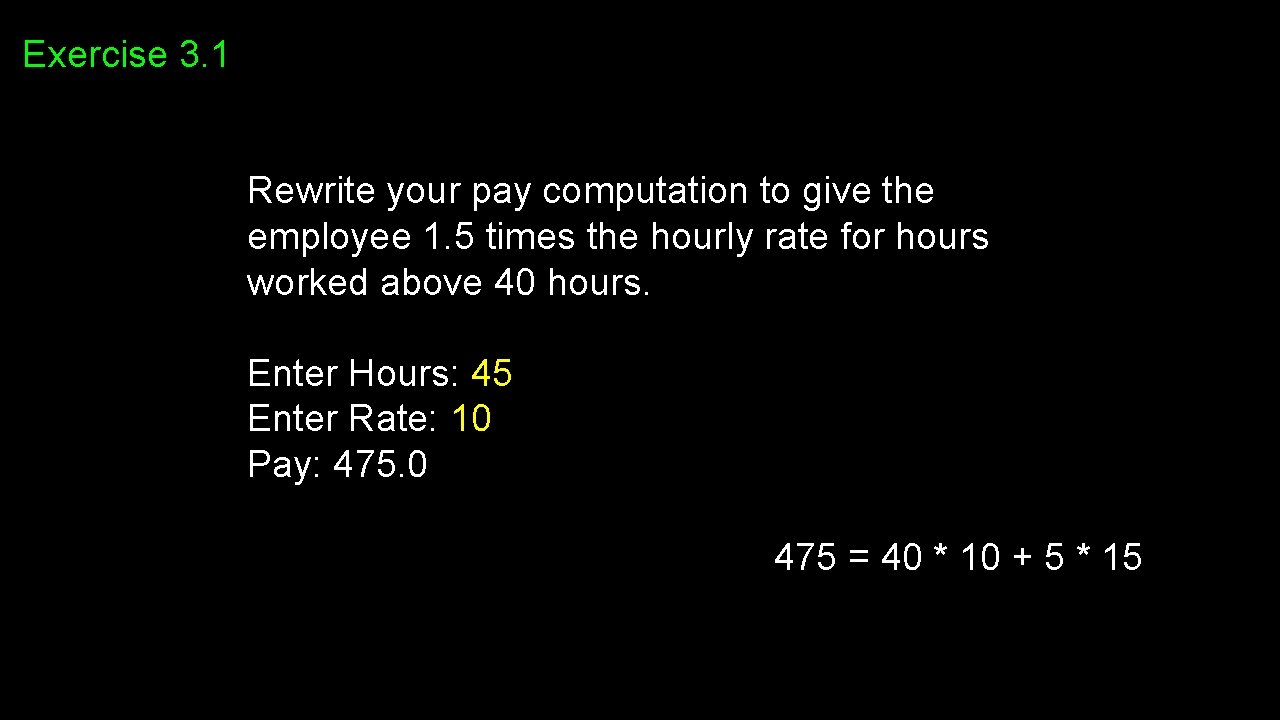
Exercise 3. 1 Rewrite your pay computation to give the employee 1. 5 times the hourly rate for hours worked above 40 hours. Enter Hours: 45 Enter Rate: 10 Pay: 475. 0 475 = 40 * 10 + 5 * 15
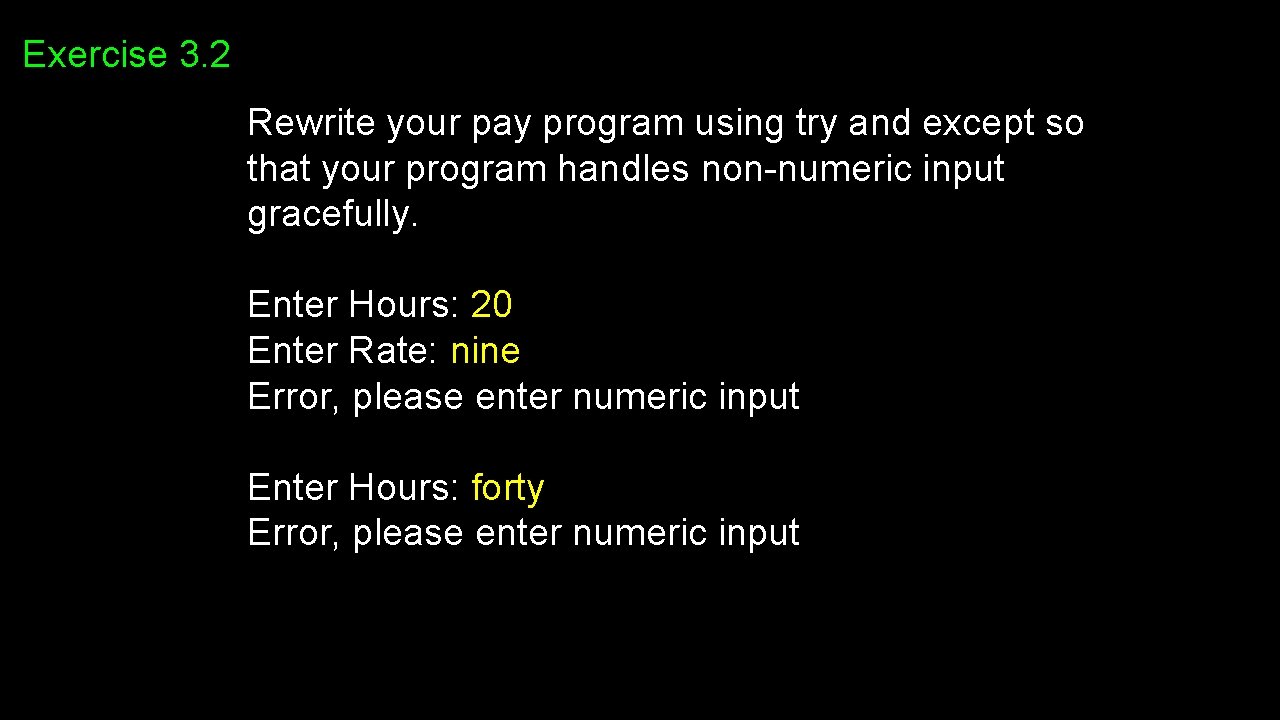
Exercise 3. 2 Rewrite your pay program using try and except so that your program handles non-numeric input gracefully. Enter Hours: 20 Enter Rate: nine Error, please enter numeric input Enter Hours: forty Error, please enter numeric input
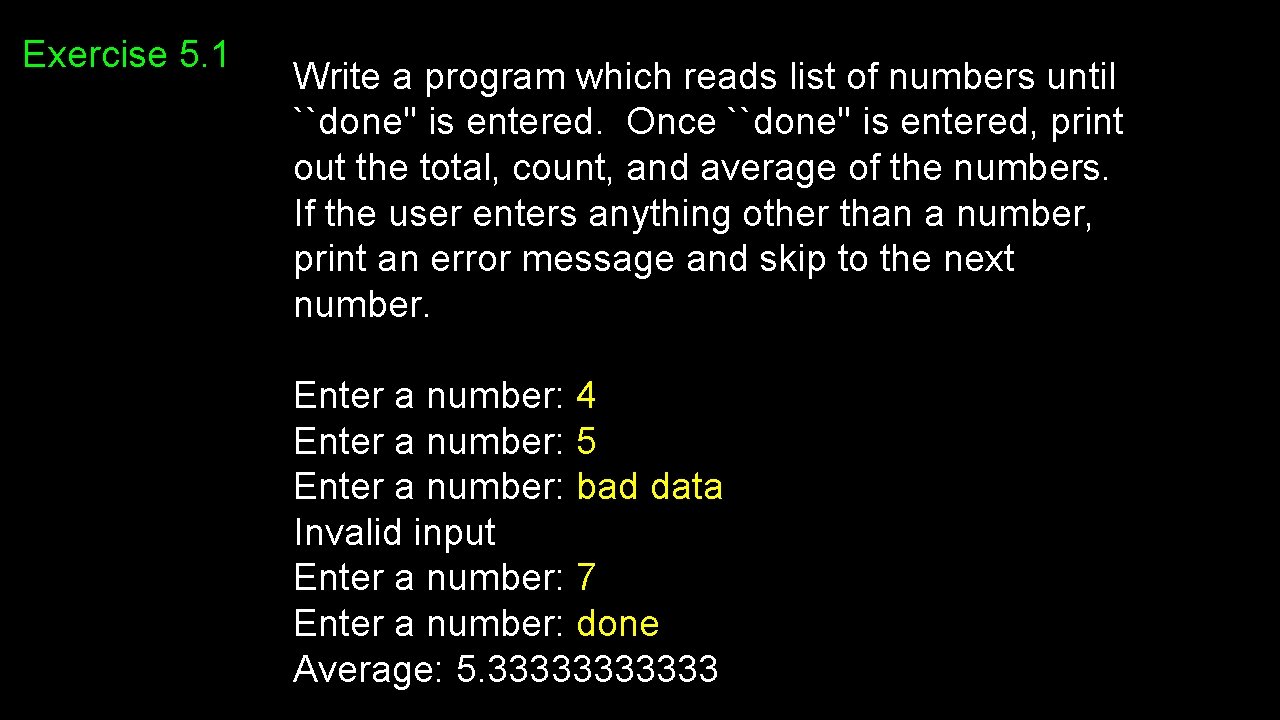
Exercise 5. 1 Write a program which reads list of numbers until ``done'' is entered. Once ``done'' is entered, print out the total, count, and average of the numbers. If the user enters anything other than a number, print an error message and skip to the next number. Enter a number: 4 Enter a number: 5 Enter a number: bad data Invalid input Enter a number: 7 Enter a number: done Average: 5. 333333
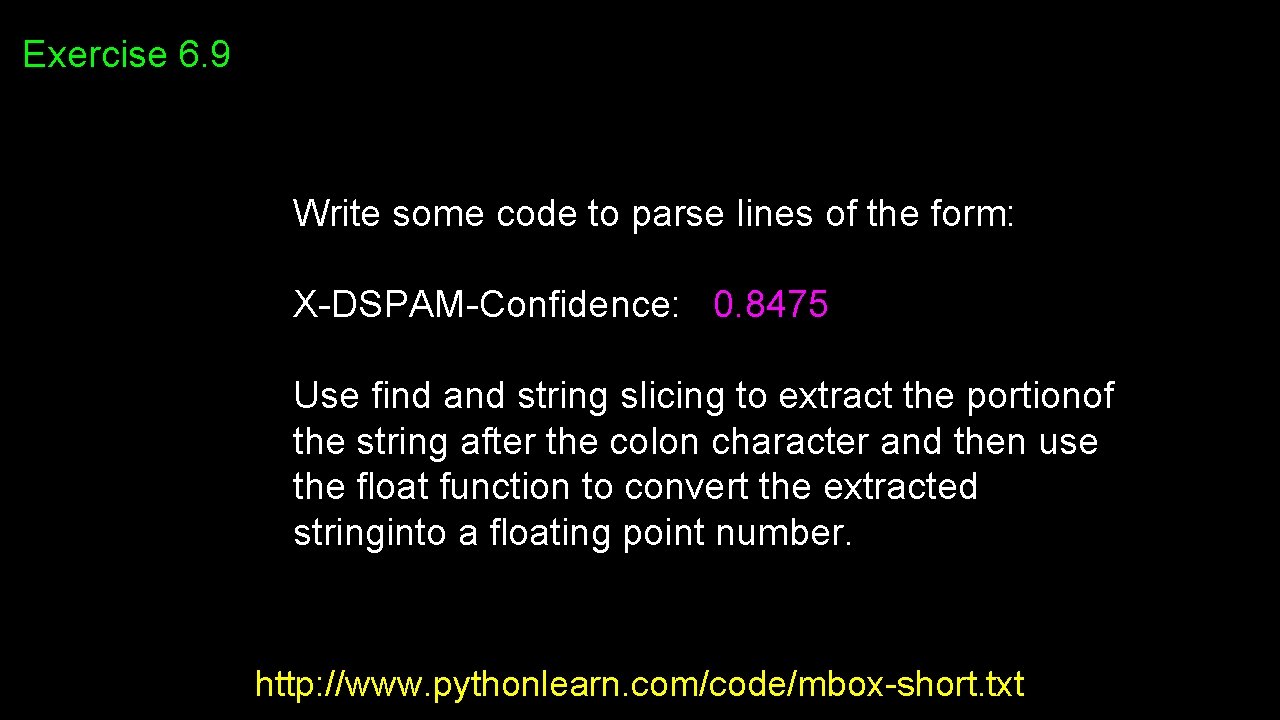
Exercise 6. 9 Write some code to parse lines of the form: X-DSPAM-Confidence: 0. 8475 Use find and string slicing to extract the portionof the string after the colon character and then use the float function to convert the extracted stringinto a floating point number. http: //www. pythonlearn. com/code/mbox-short. txt
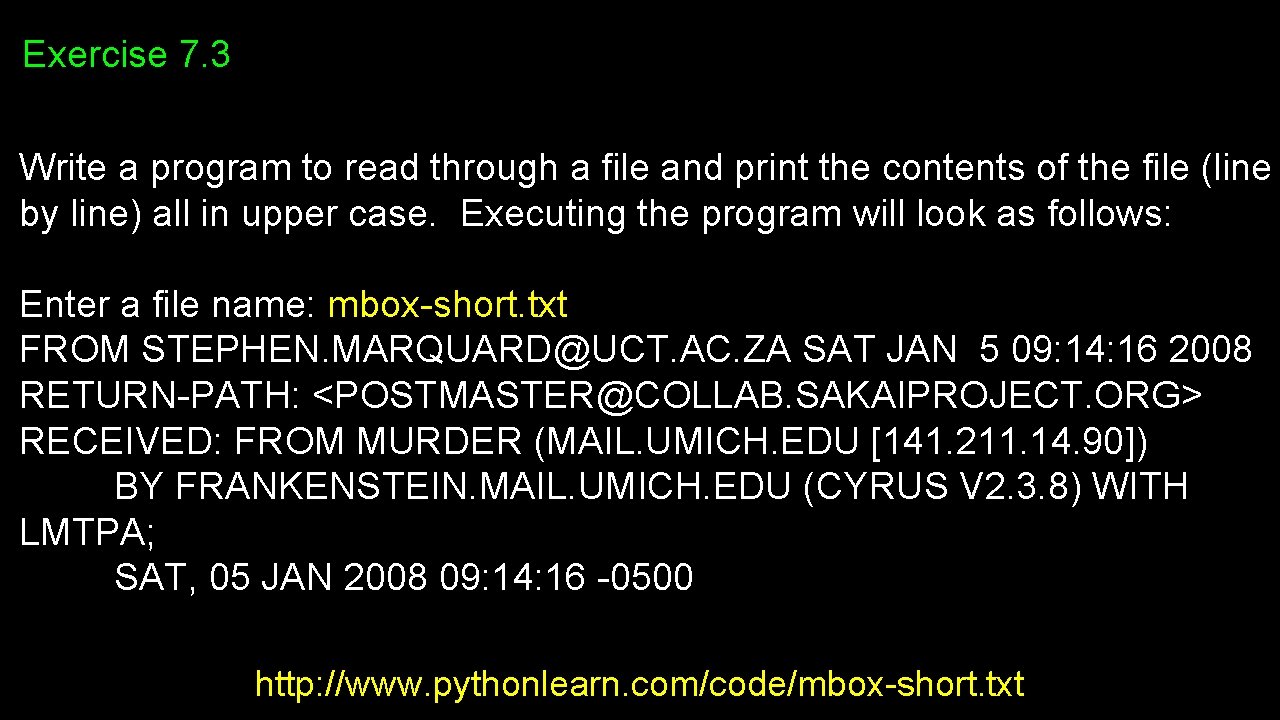
Exercise 7. 3 Write a program to read through a file and print the contents of the file (line by line) all in upper case. Executing the program will look as follows: Enter a file name: mbox-short. txt FROM STEPHEN. MARQUARD@UCT. AC. ZA SAT JAN 5 09: 14: 16 2008 RETURN-PATH: <POSTMASTER@COLLAB. SAKAIPROJECT. ORG> RECEIVED: FROM MURDER (MAIL. UMICH. EDU [141. 211. 14. 90]) BY FRANKENSTEIN. MAIL. UMICH. EDU (CYRUS V 2. 3. 8) WITH LMTPA; SAT, 05 JAN 2008 09: 14: 16 -0500 http: //www. pythonlearn. com/code/mbox-short. txt
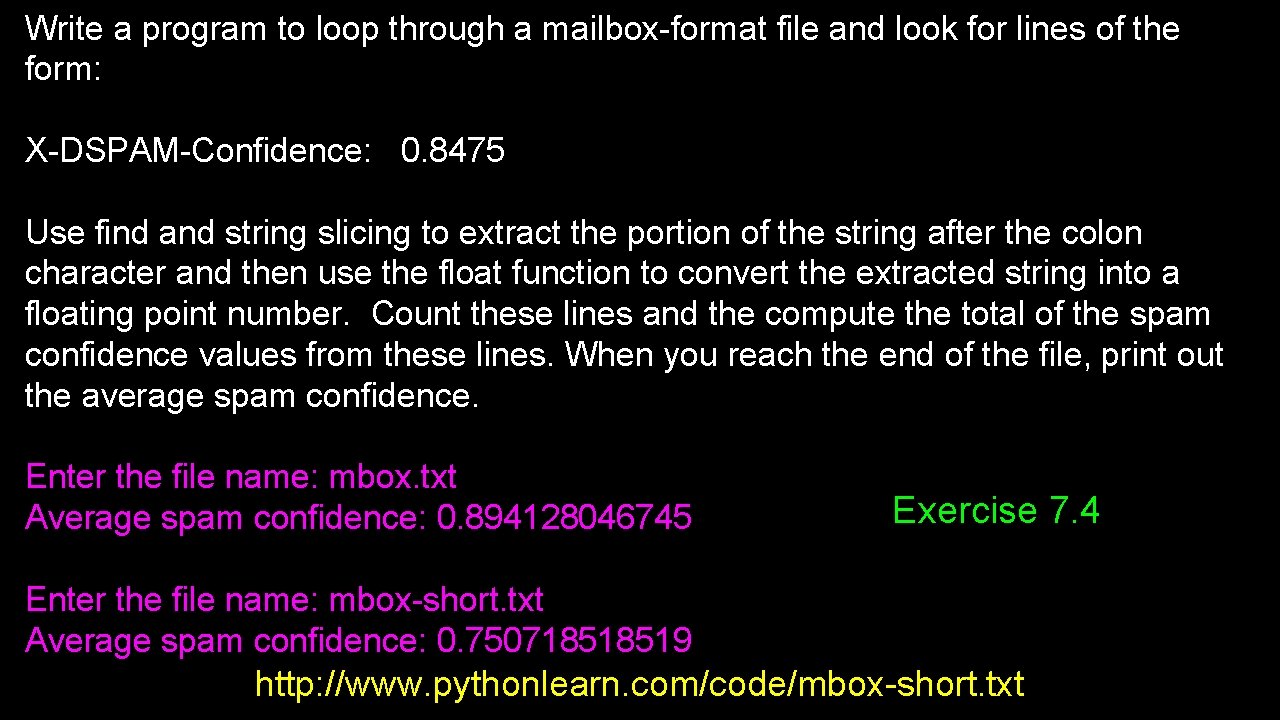
Write a program to loop through a mailbox-format file and look for lines of the form: X-DSPAM-Confidence: 0. 8475 Use find and string slicing to extract the portion of the string after the colon character and then use the float function to convert the extracted string into a floating point number. Count these lines and the compute the total of the spam confidence values from these lines. When you reach the end of the file, print out the average spam confidence. Enter the file name: mbox. txt Average spam confidence: 0. 894128046745 Exercise 7. 4 Enter the file name: mbox-short. txt Average spam confidence: 0. 750718518519 http: //www. pythonlearn. com/code/mbox-short. txt