
Work Study Timesheet Entry No more scantron timesheets
- Slides: 25
Work Study Timesheet Entry No more scantron timesheets
BANNER ACCESS • Do you have Banner access!!!!!!!
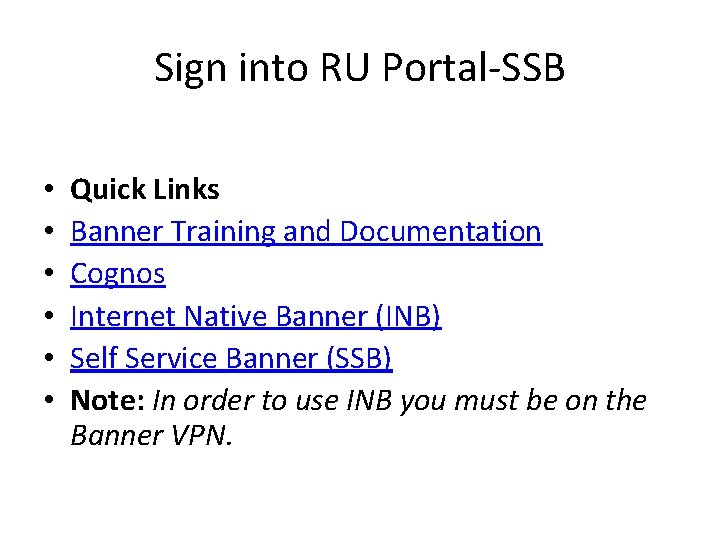
Sign into RU Portal-SSB • • • Quick Links Banner Training and Documentation Cognos Internet Native Banner (INB) Self Service Banner (SSB) Note: In order to use INB you must be on the Banner VPN.
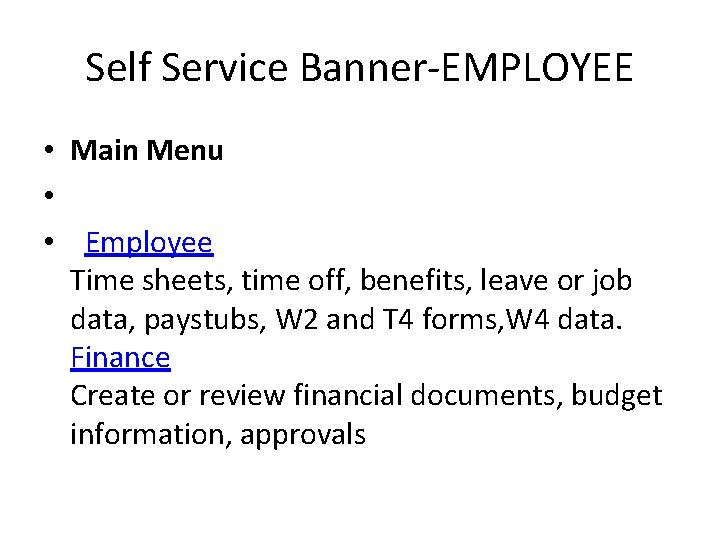
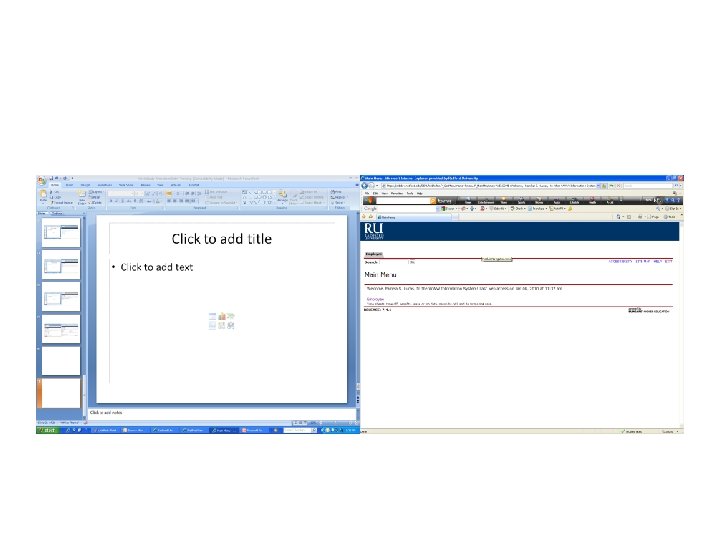
Self Service Banner-EMPLOYEE • Main Menu • • Employee Time sheets, time off, benefits, leave or job data, paystubs, W 2 and T 4 forms, W 4 data. Finance Create or review financial documents, budget information, approvals
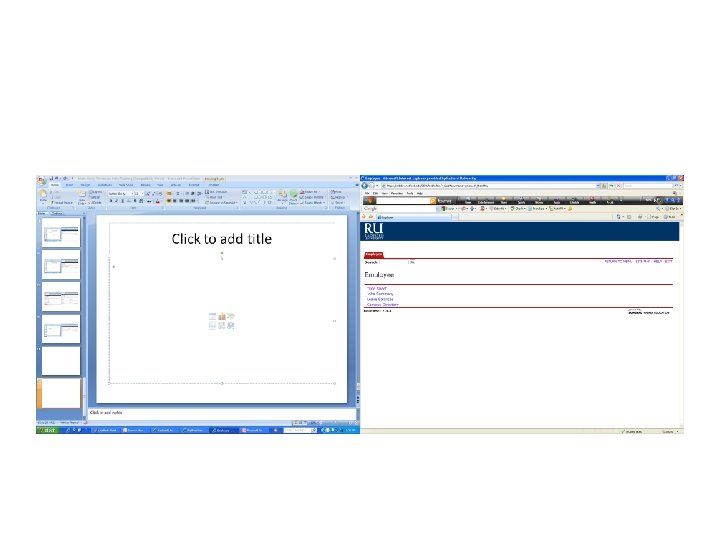
Employee-Timesheet • Employee • • Time Sheet Request Time Off Jobs Summary Leave Balances Campus Directory
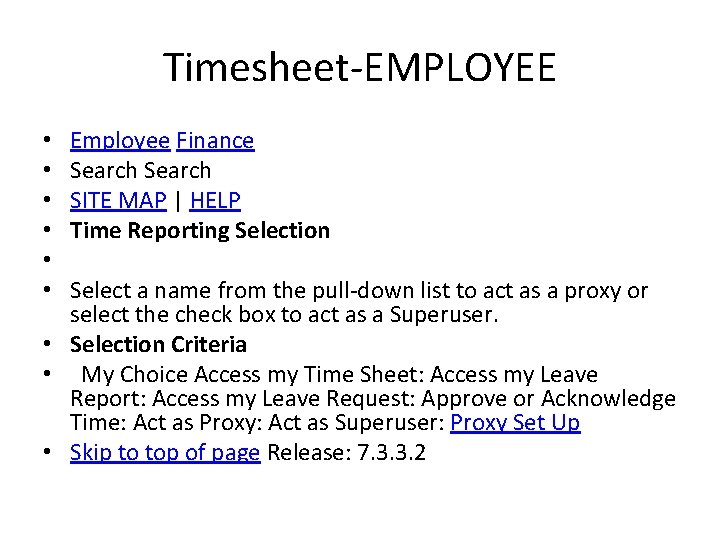
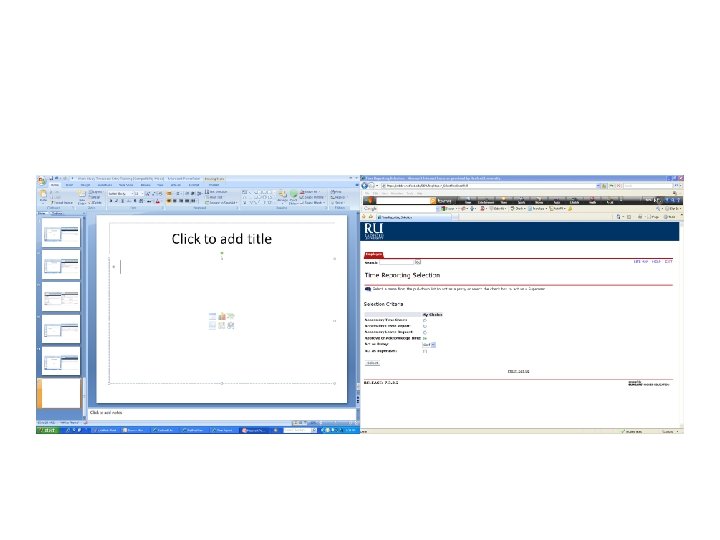
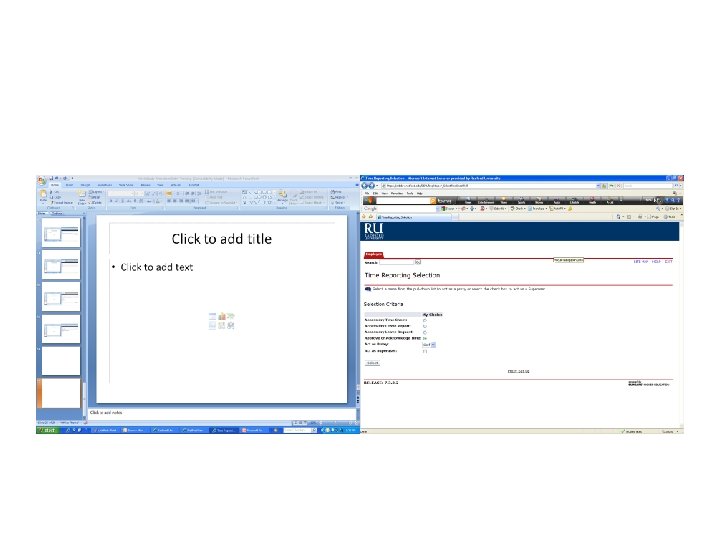
Timesheet-EMPLOYEE Employee Finance Search SITE MAP | HELP Time Reporting Selection Select a name from the pull-down list to act as a proxy or select the check box to act as a Superuser. • Selection Criteria • My Choice Access my Time Sheet: Access my Leave Report: Access my Leave Request: Approve or Acknowledge Time: Act as Proxy: Act as Superuser: Proxy Set Up • Skip to top of page Release: 7. 3. 3. 2 • • •
PROXY Selection • PROXY
Proxy must have Banner access • Your proxy must be able to verify your work study student’s hours. • Your proxy must have Banner access.
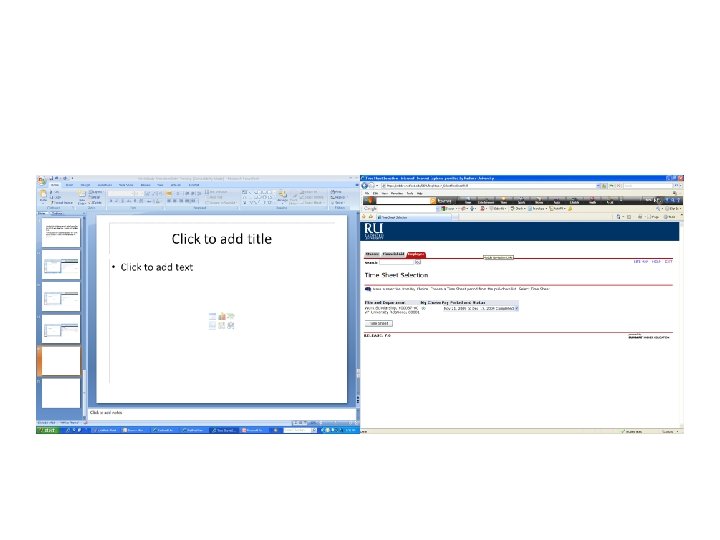
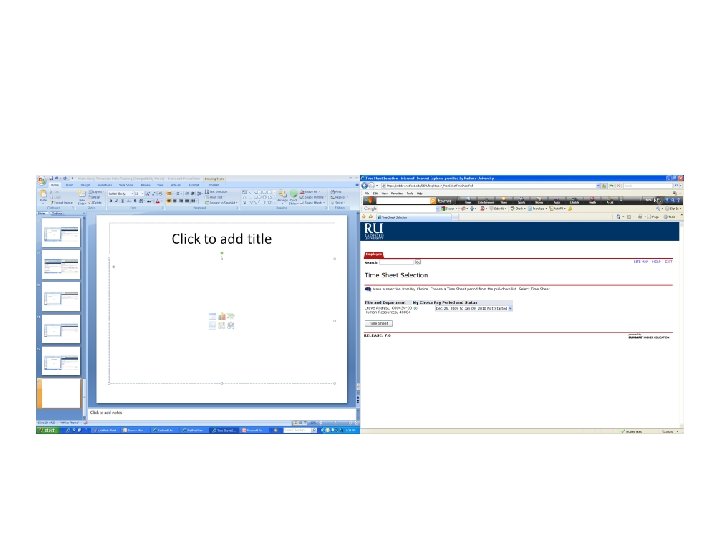
Time Sheet Selection • • Make a selection from My Choice. Choose a Time Sheet period from the pull-down list. Select Time Sheet. • Title and Department My Choice Pay Period and Status Payroll Supv, C 00531 -00 Accounting Services, 20102 My Choice Pay Period
Select a Pay Period • Then click “Time Sheet”
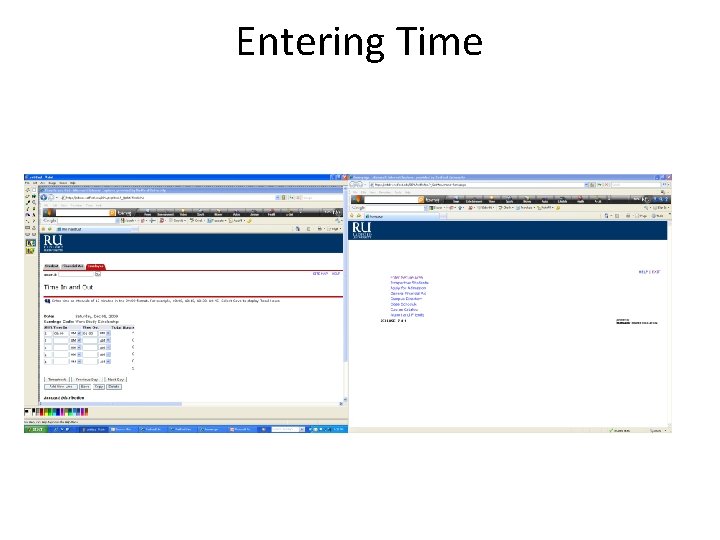
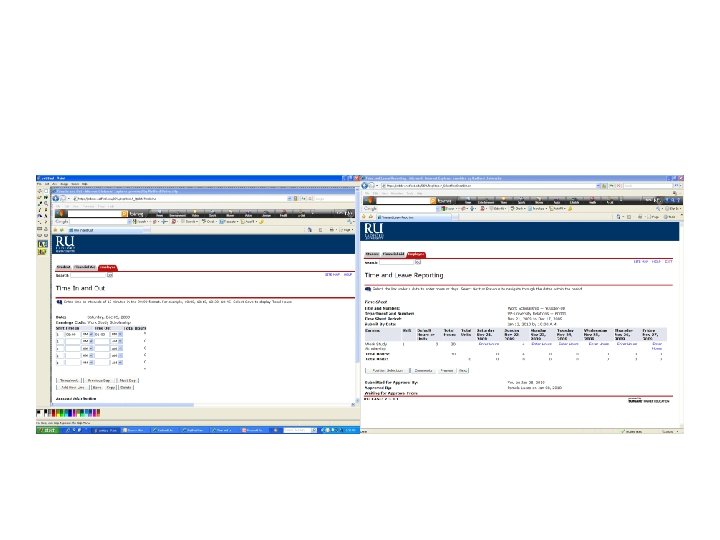
Entering Hours • Time will be entered here for each day worked in the pay period. • Time will be entered by the work study student as time in and time out. • Time must not be entered in advance.
Entering Time
End of Pay Period • On the last day of the pay period the work study student will “Submit for Approval” their timesheet, by the 10: 00 a. m. deadline. • The Supervisor will then log into RU Portal and approve those hours for each student. • Supervisors must approve work study time sheets by 5: 00 p. m. on the deadline date.
• Work study students cannot enter time after the 10: 00 a. m. deadline. System will not allow this. • If the Supervisor does not approve the work study student’s time it will not process for payment.