
Work Flow Process for Central Data Repositories and

- Slides: 22
Work Flow Process for Central Data Repositories and Single Sign on through Unified Communication System First Workshop of KRISHI Nodal Officers Knowledge based Resources Information Systems Hub for Innovations in Agriculture (ICAR Research Data Repository for Knowledge Management) http: //krishi. icar. gov. in August 04 -05, 2015 Venue: AP Shinde Symposium Hall, NASC Complex, New Delhi ICAR-Indian Agricultural Statistics Research Institute, New Delhi
Content: ICAR-Data Centre Unified Communication Services Web Hosting Services KRISHI Portal Services Access of KRISHI through Single Sign On using Unified Communication System • Roll based access to applications • Work-Flow Process of applications • Dissemination of Information & MIS • • •
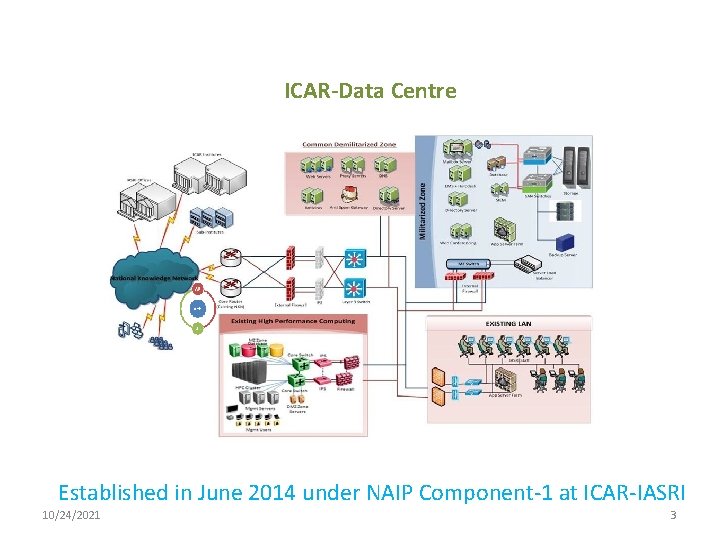
ICAR-Data Centre Established in June 2014 under NAIP Component-1 at ICAR-IASRI 10/24/2021 3
Data Centre Facilities • Data Centre has total 12 racks, 150 KVA modular UPS, Redundant Chiller based Colling. • The solution has total 448 core computing. • The Solution has Virtualisation of cross the platform. i. e. Windows, Linux etc. • Directory Solution, Single sign on for email, Lync and AD • Microsoft Exchange 2013, a worldwide leader of corporate unified communications, with 25000 mail boxes and 15000 Lync licenses. • 150 TB raw Storage, expandable up to 480 TB. • All the cross platform of Security devices. i. e. Mac. Afee IPS, Check Point Perimeter firewall, Forti. GATE Internal Firewall, Web Proxy 4
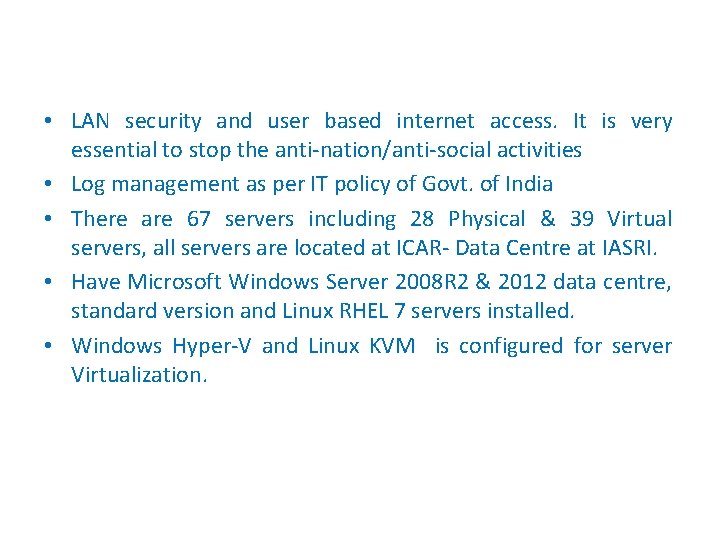
• LAN security and user based internet access. It is very essential to stop the anti-nation/anti-social activities • Log management as per IT policy of Govt. of India • There are 67 servers including 28 Physical & 39 Virtual servers, all servers are located at ICAR- Data Centre at IASRI. • Have Microsoft Windows Server 2008 R 2 & 2012 data centre, standard version and Linux RHEL 7 servers installed. • Windows Hyper-V and Linux KVM is configured for server Virtualization.
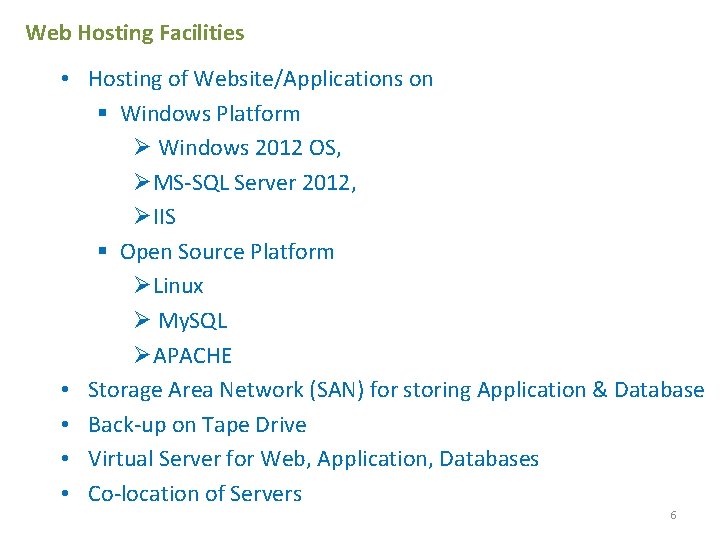
Web Hosting Facilities • Hosting of Website/Applications on § Windows Platform Ø Windows 2012 OS, ØMS-SQL Server 2012, ØIIS § Open Source Platform ØLinux Ø My. SQL ØAPACHE • Storage Area Network (SAN) for storing Application & Database • Back-up on Tape Drive • Virtual Server for Web, Application, Databases • Co-location of Servers 6
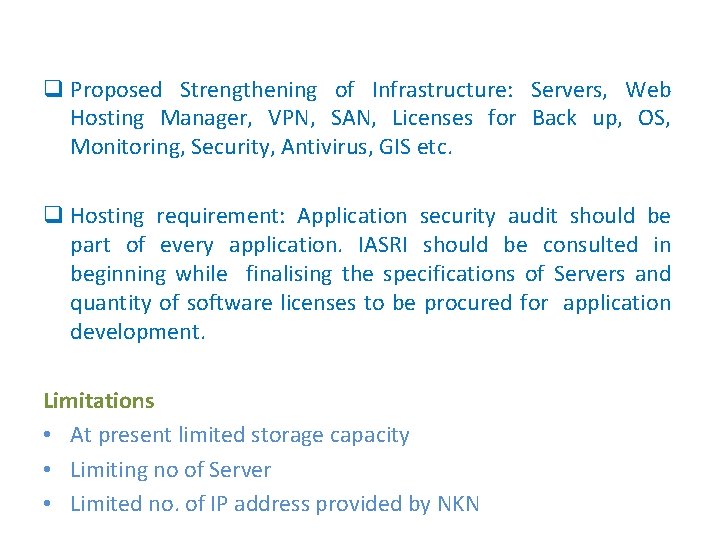
q Proposed Strengthening of Infrastructure: Servers, Web Hosting Manager, VPN, SAN, Licenses for Back up, OS, Monitoring, Security, Antivirus, GIS etc. q Hosting requirement: Application security audit should be part of every application. IASRI should be consulted in beginning while finalising the specifications of Servers and quantity of software licenses to be procured for application development. Limitations • At present limited storage capacity • Limiting no of Server • Limited no. of IP address provided by NKN
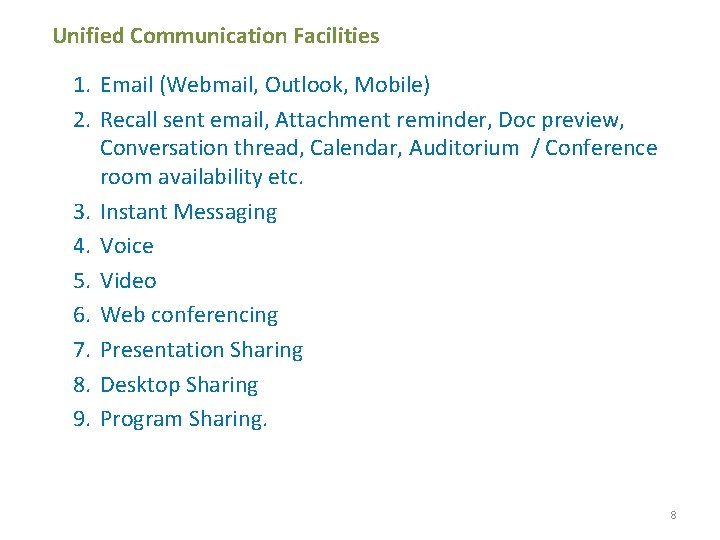
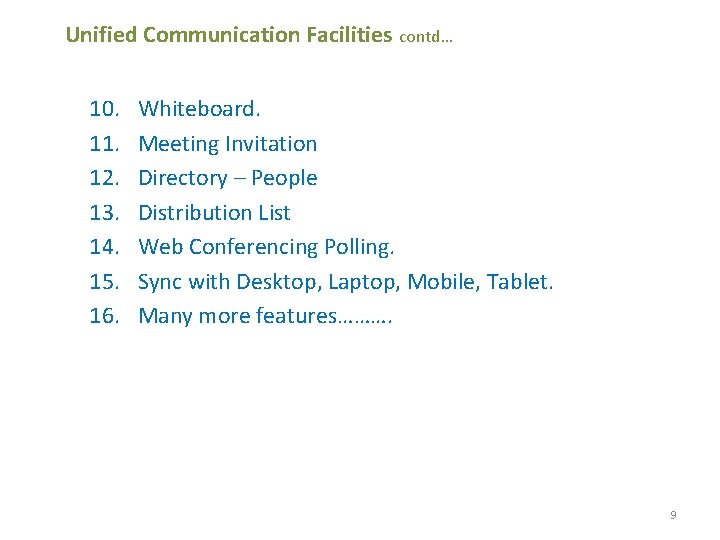
Unified Communication Facilities 1. Email (Webmail, Outlook, Mobile) 2. Recall sent email, Attachment reminder, Doc preview, Conversation thread, Calendar, Auditorium / Conference room availability etc. 3. Instant Messaging 4. Voice 5. Video 6. Web conferencing 7. Presentation Sharing 8. Desktop Sharing 9. Program Sharing. 8
Unified Communication Facilities contd… 10. 11. 12. 13. 14. 15. 16. Whiteboard. Meeting Invitation Directory – People Distribution List Web Conferencing Polling. Sync with Desktop, Laptop, Mobile, Tablet. Many more features………. 9
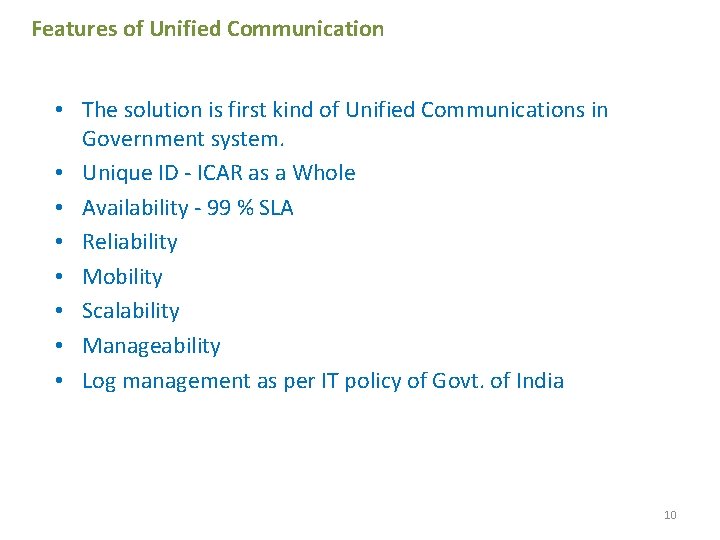
Features of Unified Communication • The solution is first kind of Unified Communications in Government system. • Unique ID - ICAR as a Whole • Availability - 99 % SLA • Reliability • Mobility • Scalability • Manageability • Log management as per IT policy of Govt. of India 10
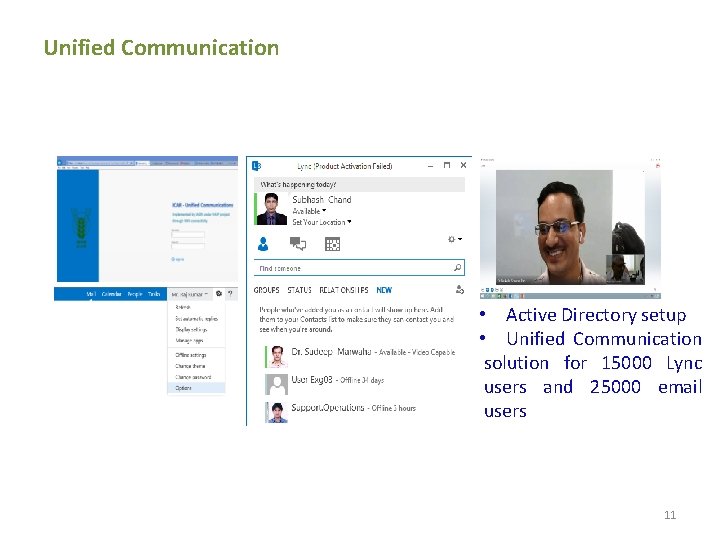
Unified Communication • Active Directory setup • Unified Communication solution for 15000 Lync users and 25000 email users 11
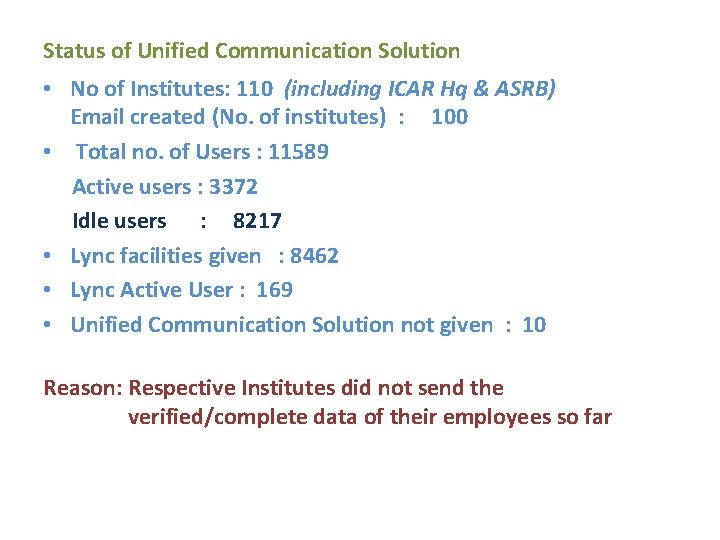
Status of Unified Communication Solution • No of Institutes: 110 (including ICAR Hq & ASRB) Email created (No. of institutes) : 100 • Total no. of Users : 11589 Active users : 3372 Idle users : 8217 • Lync facilities given : 8462 • Lync Active User : 169 • Unified Communication Solution not given : 10 Reason: Respective Institutes did not send the verified/complete data of their employees so far
Overview of KRISHI Portal Application • KRISHI Portal provides a platform to access information, avail services, collaborate and share knowledge. • KRISHI provides information and services to Beneficiaries (Internet Users Farmers, Researchers, Students, NGOs associated with agriculture and other stakeholders) and Implementers (ICAR Institutions Users/Intranet Users) will be updating and using the information. • ‘Single Sign On’ enables to log in once and able to access various applications as per their assigned role. Providing Role based access is part of application development. • Active Directory has been set up for authentication of Users to avail Email & Unified Communication services. The same id and password will be integrated for KRISHI Services to provide access to the Intranet Users. • Internet Users will access through login/ User Authentication module of each application to be hosted on KRISHI.
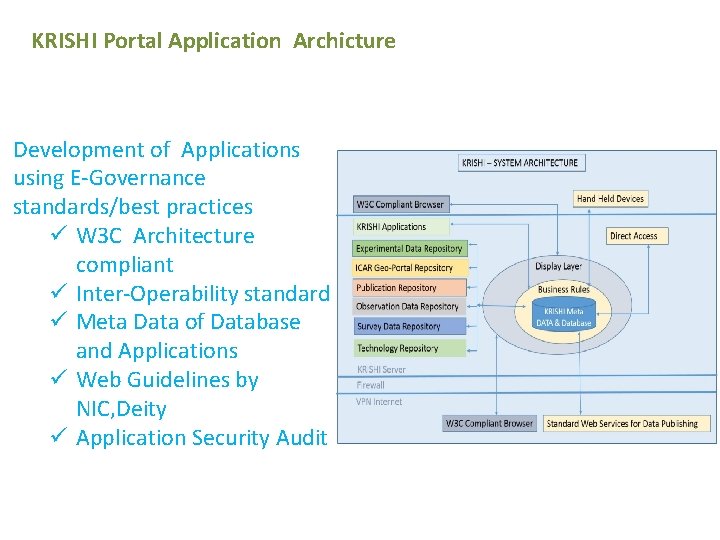
KRISHI Portal Application Archicture Development of Applications using E-Governance standards/best practices ü W 3 C Architecture compliant ü Inter-Operability standard ü Meta Data of Database and Applications ü Web Guidelines by NIC, Deity ü Application Security Audit
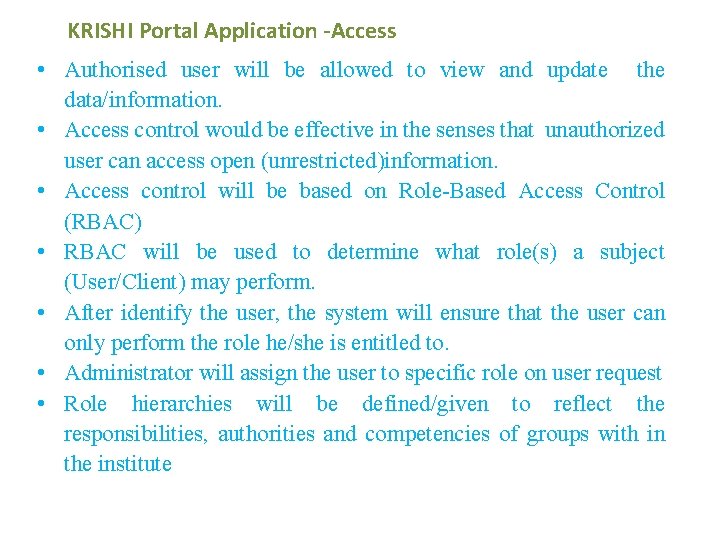
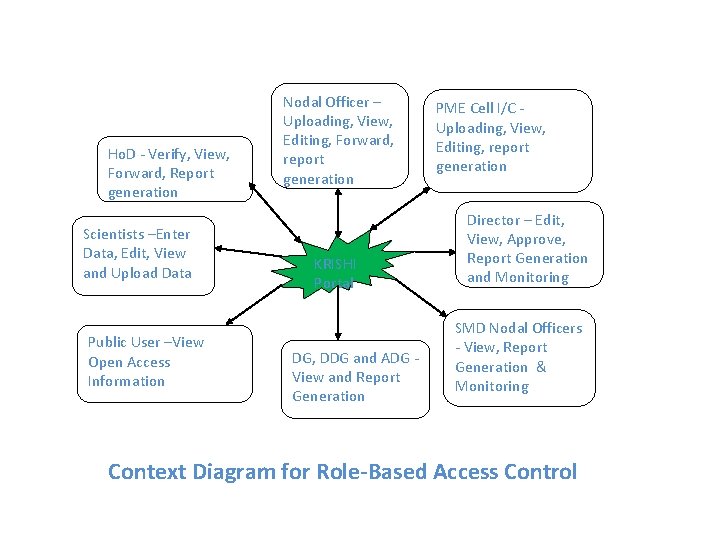
KRISHI Portal Application -Access • Authorised user will be allowed to view and update the data/information. • Access control would be effective in the senses that unauthorized user can access open (unrestricted)information. • Access control will be based on Role-Based Access Control (RBAC) • RBAC will be used to determine what role(s) a subject (User/Client) may perform. • After identify the user, the system will ensure that the user can only perform the role he/she is entitled to. • Administrator will assign the user to specific role on user request • Role hierarchies will be defined/given to reflect the responsibilities, authorities and competencies of groups with in the institute
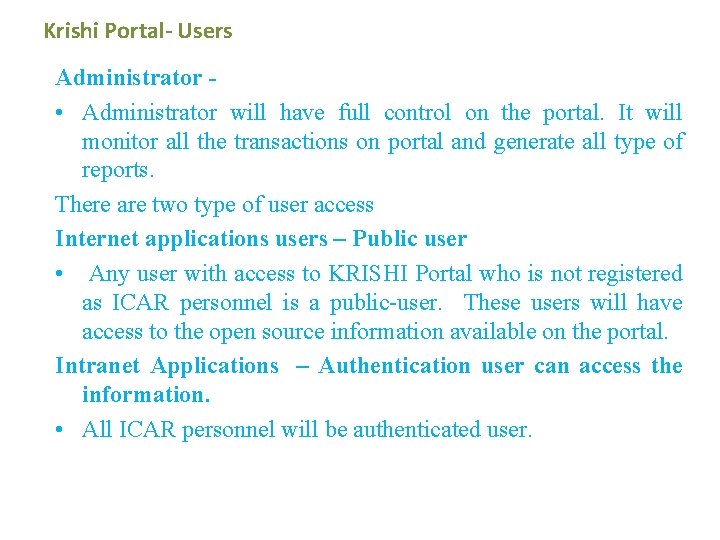
Krishi Portal- Users Administrator • Administrator will have full control on the portal. It will monitor all the transactions on portal and generate all type of reports. There are two type of user access Internet applications users – Public user • Any user with access to KRISHI Portal who is not registered as ICAR personnel is a public-user. These users will have access to the open source information available on the portal. Intranet Applications – Authentication user can access the information. • All ICAR personnel will be authenticated user.
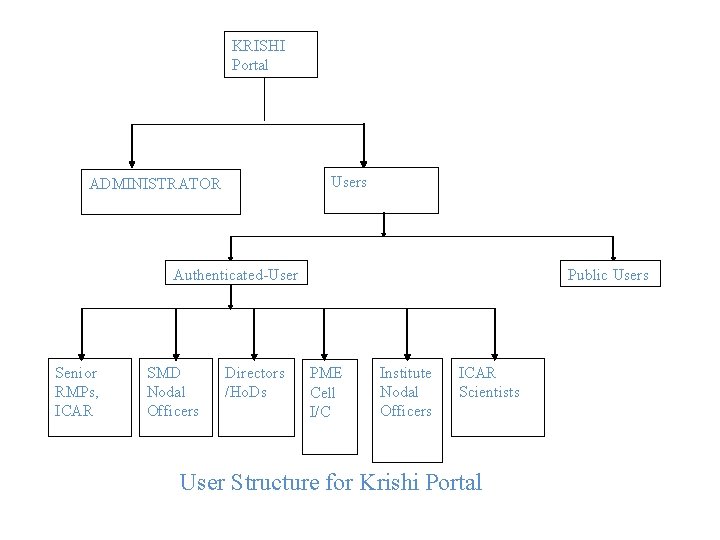
KRISHI Portal Users ADMINISTRATOR Authenticated-User Senior RMPs, ICAR SMD Nodal Officers Directors /Ho. Ds Public Users PME Cell I/C Institute Nodal Officers ICAR Scientists User Structure for Krishi Portal
Ho. D - Verify, View, Forward, Report generation Scientists –Enter Data, Edit, View and Upload Data Public User –View Open Access Information Nodal Officer – Uploading, View, Editing, Forward, report generation KRISHI Portal DG, DDG and ADG View and Report Generation PME Cell I/C Uploading, View, Editing, report generation Director – Edit, View, Approve, Report Generation and Monitoring SMD Nodal Officers - View, Report Generation & Monitoring Context Diagram for Role-Based Access Control
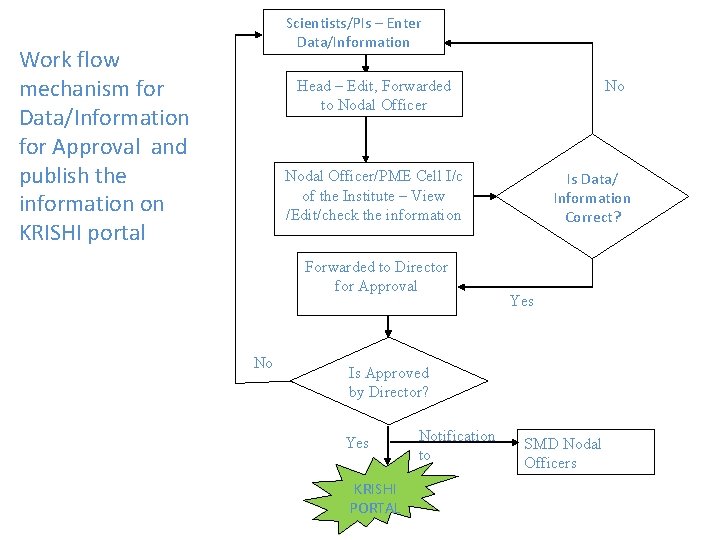
Scientists/PIs – Enter Data/Information Work flow mechanism for Data/Information for Approval and publish the information on KRISHI portal Head – Edit, Forwarded to Nodal Officer No Nodal Officer/PME Cell I/c of the Institute – View /Edit/check the information Forwarded to Director for Approval No Is Data/ Information Correct? Yes Is Approved by Director? Yes KRISHI PORTAL Notification to SMD Nodal Officers
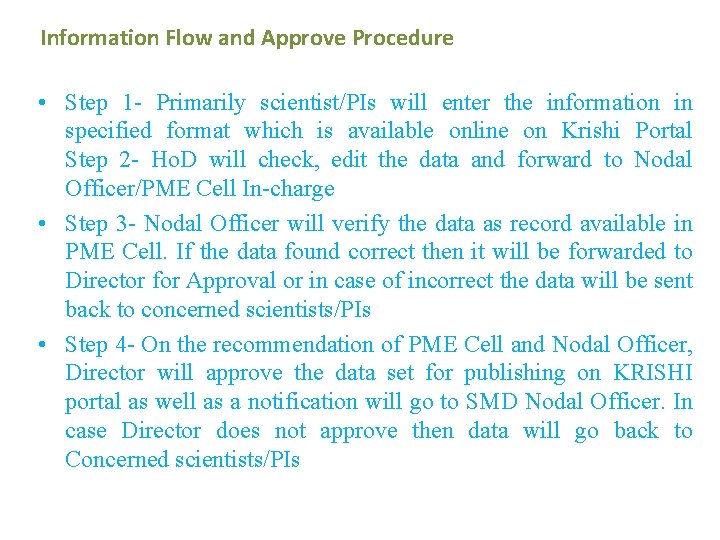
Information Flow and Approve Procedure • Step 1 - Primarily scientist/PIs will enter the information in specified format which is available online on Krishi Portal Step 2 - Ho. D will check, edit the data and forward to Nodal Officer/PME Cell In-charge • Step 3 - Nodal Officer will verify the data as record available in PME Cell. If the data found correct then it will be forwarded to Director for Approval or in case of incorrect the data will be sent back to concerned scientists/PIs • Step 4 - On the recommendation of PME Cell and Nodal Officer, Director will approve the data set for publishing on KRISHI portal as well as a notification will go to SMD Nodal Officer. In case Director does not approve then data will go back to Concerned scientists/PIs
Thank You 22