
Word Processors Software This icon indicates the slide
- Slides: 10
Word Processors Software This icon indicates the slide contains activities created in Flash. These activities are not editable. For more detailed instructions, see the Getting Started presentation. 1 of 10 © Boardworks Ltd 2004
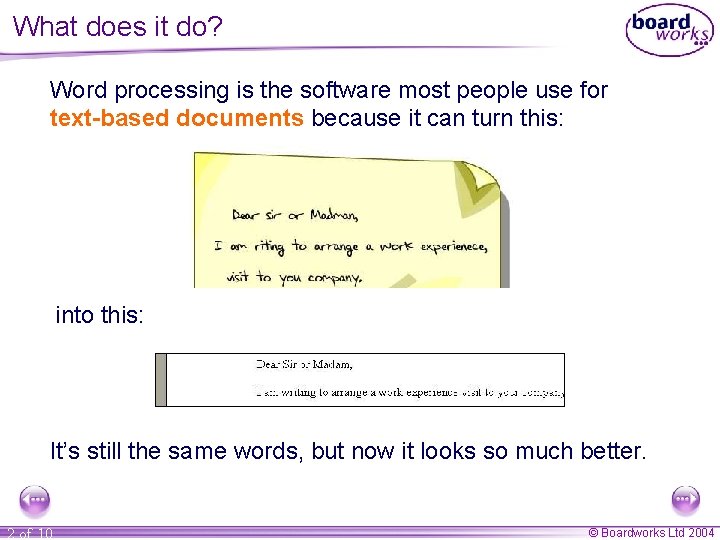
What does it do? Word processing is the software most people use for text-based documents because it can turn this: into this: It’s still the same words, but now it looks so much better. 2 of 10 © Boardworks Ltd 2004
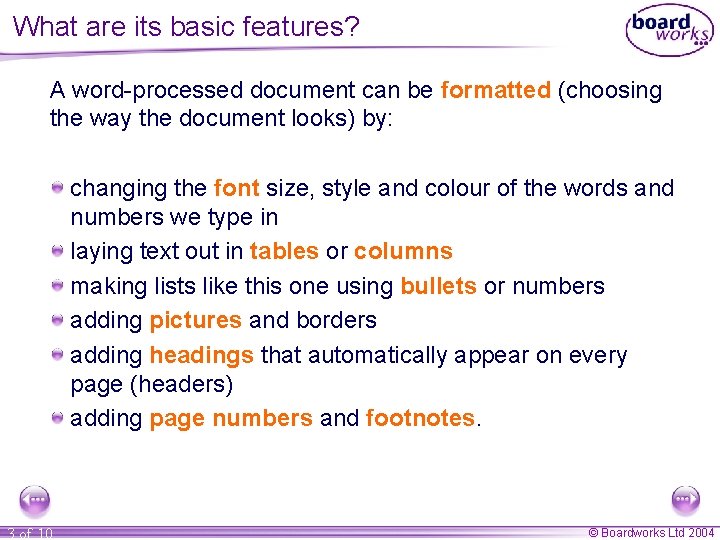
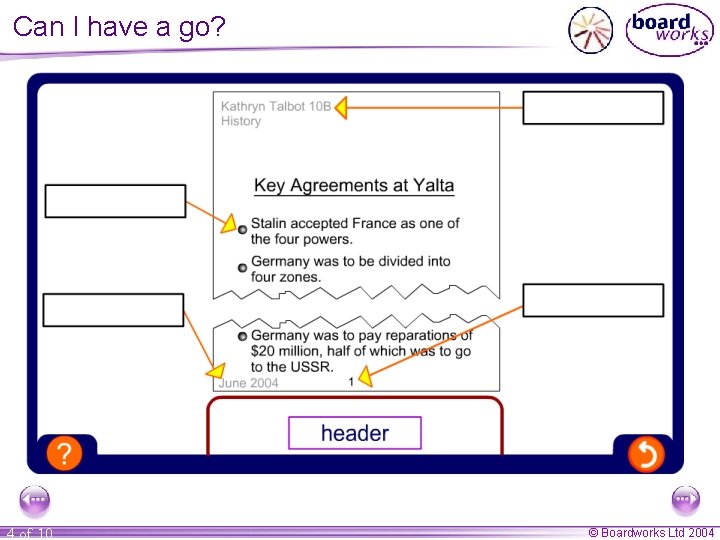
What are its basic features? A word-processed document can be formatted (choosing the way the document looks) by: changing the font size, style and colour of the words and numbers we type in laying text out in tables or columns making lists like this one using bullets or numbers adding pictures and borders adding headings that automatically appear on every page (headers) adding page numbers and footnotes. 3 of 10 © Boardworks Ltd 2004
Can I have a go? 4 of 10 © Boardworks Ltd 2004
Another benefit of using word processing software is that documents can be edited. The software comes with a dictionary which will spellcheck the document. Words can usually be added to the dictionary. A grammar check can be done which will look at the way each sentence is written. Suggestions are made if the grammar does not comply to the set of rules programmed into the software. The thesaurus is a very useful feature which offers alternative words for those times when you can’t quite think of the right word. 5 of 10 © Boardworks Ltd 2004
What else can it do? Use templates for tasks we do regularly. Set up styles so that the formatting of the different parts of the document like the headings, subheadings and main text are saved to ensure efficiency and consistency. Make a table of contents or an index. Use auto text so that phrases you use a lot appear when you click a button. Link to a database to mail merge documents. 6 of 10 © Boardworks Ltd 2004
7 of 10 © Boardworks Ltd 2004
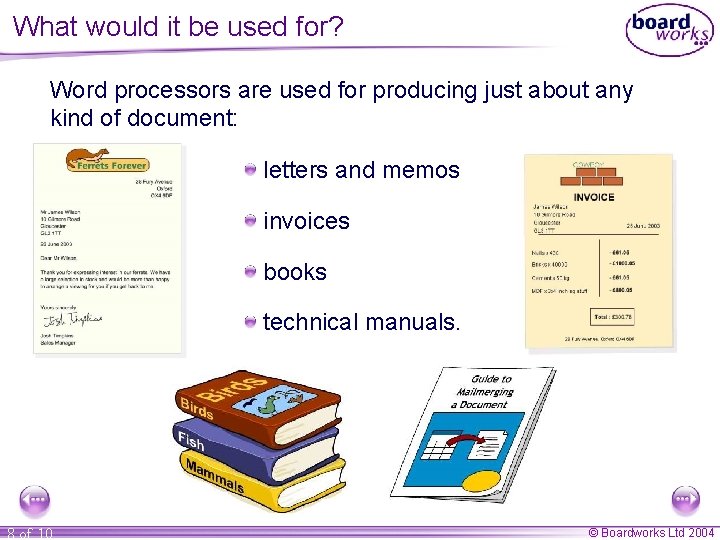
What would it be used for? Word processors are used for producing just about any kind of document: letters and memos invoices books technical manuals. 8 of 10 © Boardworks Ltd 2004
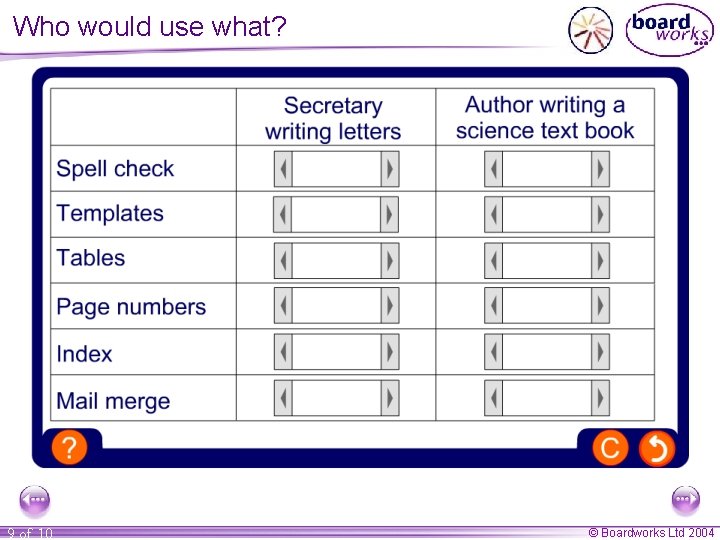
Who would use what? 9 of 10 © Boardworks Ltd 2004
Summary Word processing software is most commonly used for text-based documents. Documents can be formatted and edited. A number of features, including setting styles and templates, ensure consistency within documents. Other features, such as mail merge and producing a table of contents or an index, can save users a lot of time and improve the presentation of documents. 10 of 10 © Boardworks Ltd 2004