
Word 2013 Lesson 1 Understanding Word Vocabulary Access
Word 2013 Lesson 1 Understanding Word Vocabulary
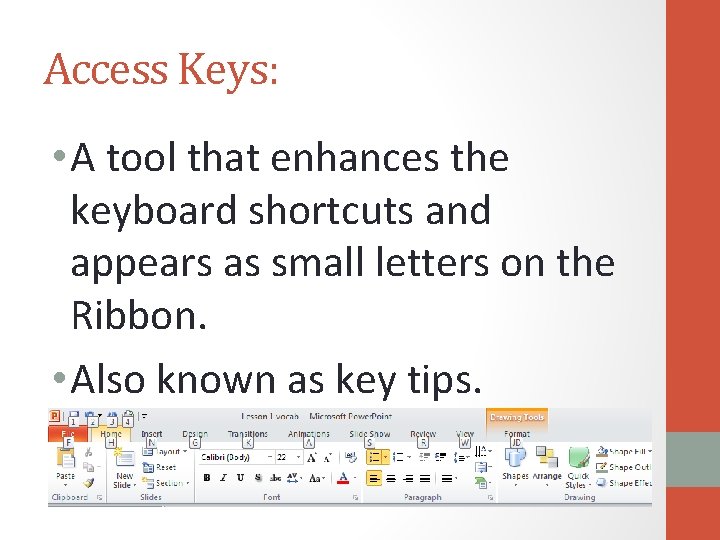
Access Keys: • A tool that enhances the keyboard shortcuts and appears as small letters on the Ribbon. • Also known as key tips.
Autocomplete • Command that automatically completes the text of the current date, day of the week, and month
Backstage View • A tool that offers quick access to commands for performing many file management tasks such as: • Opening • Closing • Saving • Printing • Sharing
Block Style • A format style that aligns text along the left margin in a letter.
Command • An instruction users give Word by clicking a button or entering information into a command box.
Dialog box • A box that displays additional options or information you can use to execute a command
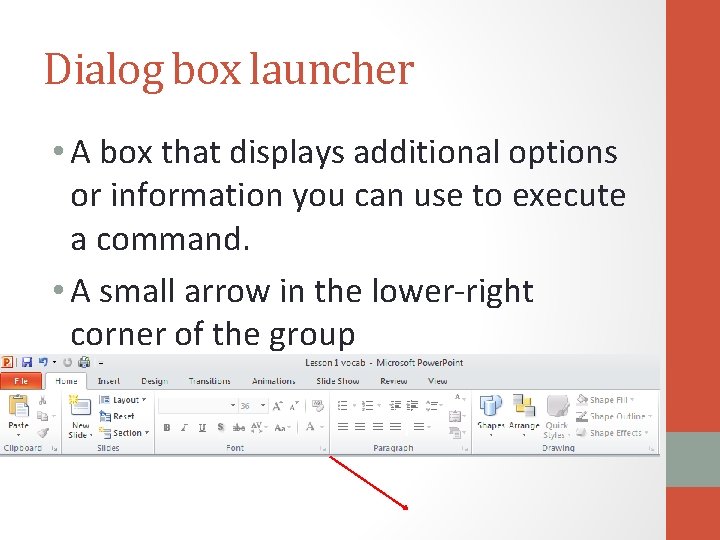
Dialog box launcher • A box that displays additional options or information you can use to execute a command. • A small arrow in the lower-right corner of the group
Groups • Collections of related Word commands
I Beam • The large “I” created when you place the cursor near the insertion point.
Insertion Point • The blinking point at the upper-left side of the document where you will begin creating your text
Key Tips • A tool that replaces some keyboard shortcuts from earlier versions of Microsoft
Menu • A list of options
Mini Toolbar • A small toolbar with popular commands that appears when you point to selected text. • I call it “the stalker”
Mixed punctuation • A style that requires a colon ( : ) after the salutation and a comma ( , ) after the closing of a letter. • This is a semicolon ( ; )
Nonprinting characters • Symbols for certain formatting commands that can help you create and edit documents
Open punctuation • A style that requires no punctuation after the salutation or closing of a letter.
Preview • A tool that enables you to visually check your document for errors before printing
Print • To send a document to a printer.
Quick Access Toolbar • Toolbar that contains commands that users most often user like undo, redo, and save
Redo • Command that repeats your last action
Ribbon • The major command center of Word 2013 that is a tool which is divided into tabs that contains groups • Question: can you list all tabs without looking at a computer screen?
Save • Button on the QAT that saves an existing document
Save As • A dialog box that will save a document in a specific format. • Be aware that you can save files with a different format.
Screen Tip • A tool that provides more information about a command. • When you take your mouse and hover an icon or GUI, Word will provide you with a brief description of the command.
Settings • Option that enables users to set document properties. • Located in Backstage
Shortcut menu • A menu that contains a list of useful commands • Available when you right-click
Tabs • 8 areas of activity on the Ribbon that contain groups or collections of related Word command
Template • Master document with predefined page layout, fonts, margins and styles that is used to create new documents.
Undo • Command that allows you to cancel or undo your last command or action
White Space • A space between pages in a document
Word wrap • A tool that automatically wraps text to the next line as it reaches the right margin
- Slides: 32