
WOPI Web application Open Platform Interface Overview WOPI
WOPI Web application Open Platform Interface
Overview • WOPI is primarily a file I/O protocol • Microsoft uses WOPI to integrate Office Online with… • Share. Point • Exchange • Skype for Business • Many 3 rd parties also use WOPI to integrate with Office Online and Office Online Server • WOPI is now being extended to allow integration between Office i. OS apps and 3 rd parties

Office Online Capabilities • Viewing Word, Power. Point, and Excel files • Editing w/ real-time coauth of Word, Power. Point, and Excel files (no Cobalt required) • One. Note viewing and editing requires Cobalt

WOPI Integration • Cloud Storage Partner Program • Integration with Microsoft’s Office Online cloud service • Requires formal agreement with Microsoft • Commercial use tied to O 365 subscriptions • Office Online Server • Allows customers to run Office Online on their own infratstructure • EULA: viewing is free; editing is tied to SA licenses OR O 365 subscriptions • Other • A 3 rd party could write a WOPI application that would then work with properly designed WOPI hosts

The WOPI flow Share. Point WOPI Source Host Frame App Frame § WOPI Source § Access Token WOPI Office Online
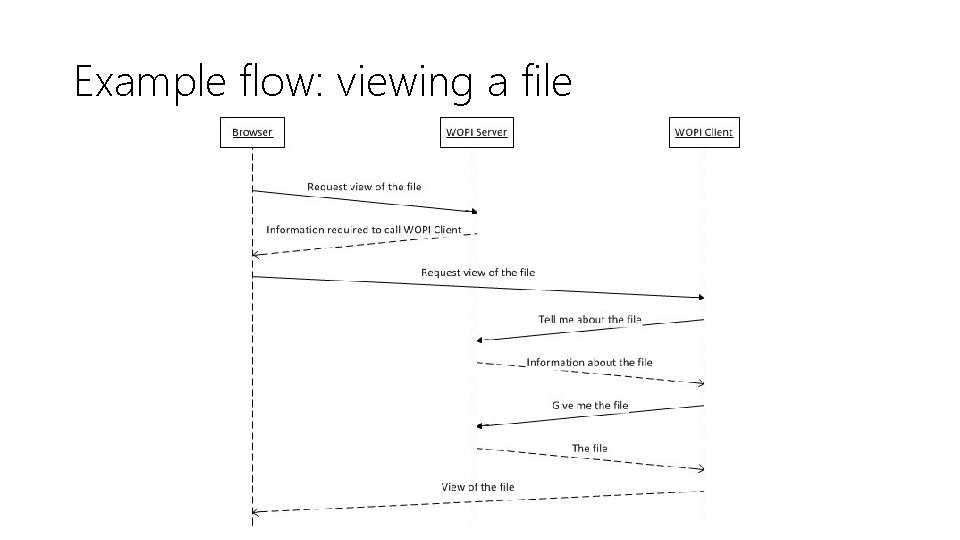
Example flow: viewing a file
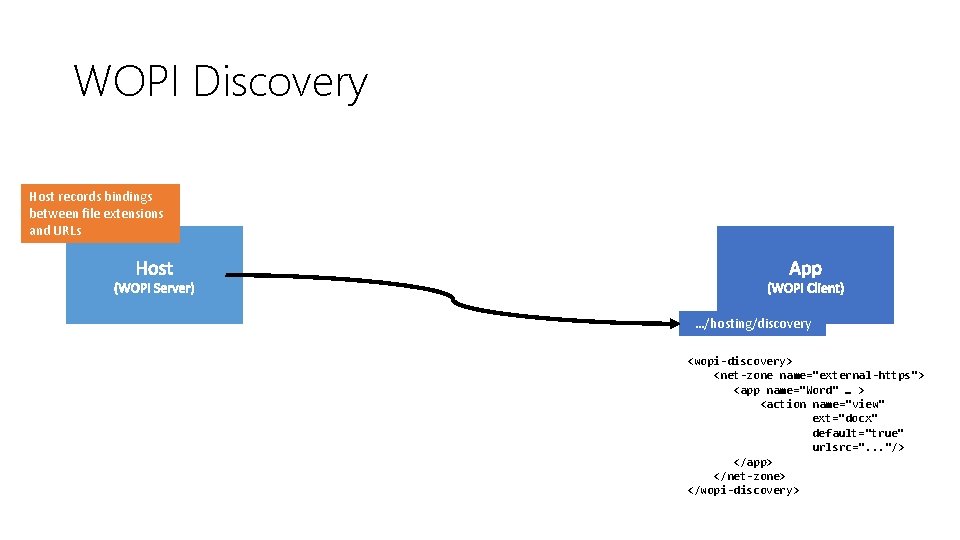
WOPI Discovery Host records bindings between file extensions and URLs …/hosting/discovery <wopi-discovery> <net-zone name="external-https"> <app name="Word" … > <action name="view" ext="docx" default="true" urlsrc=". . . "/> </app> </net-zone> </wopi-discovery>
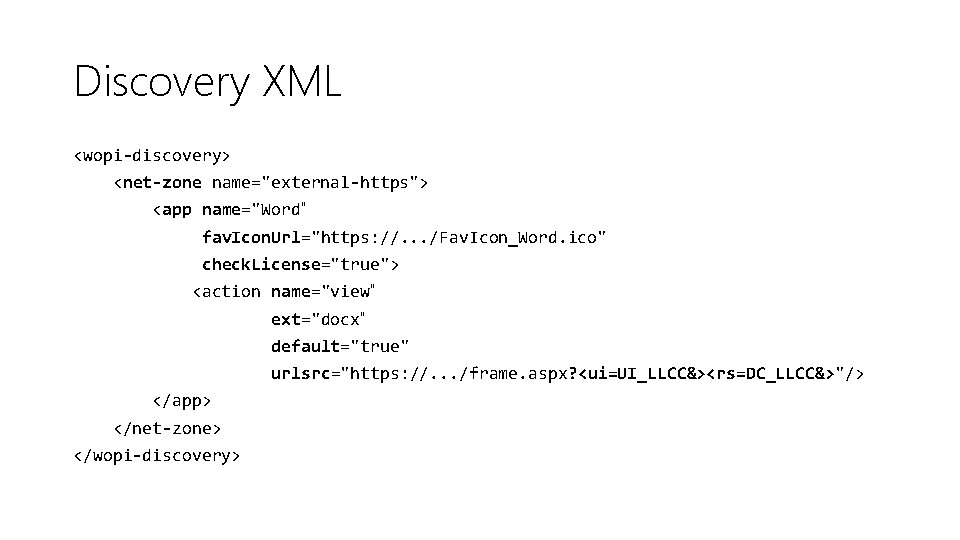
Discovery XML <wopi-discovery> <net-zone name="external-https"> <app name="Word" fav. Icon. Url="https: //. . . /Fav. Icon_Word. ico" check. License="true"> <action name="view" ext="docx" default="true" urlsrc="https: //. . . /frame. aspx? <ui=UI_LLCC&><rs=DC_LLCC&>"/> </app> </net-zone> </wopi-discovery>
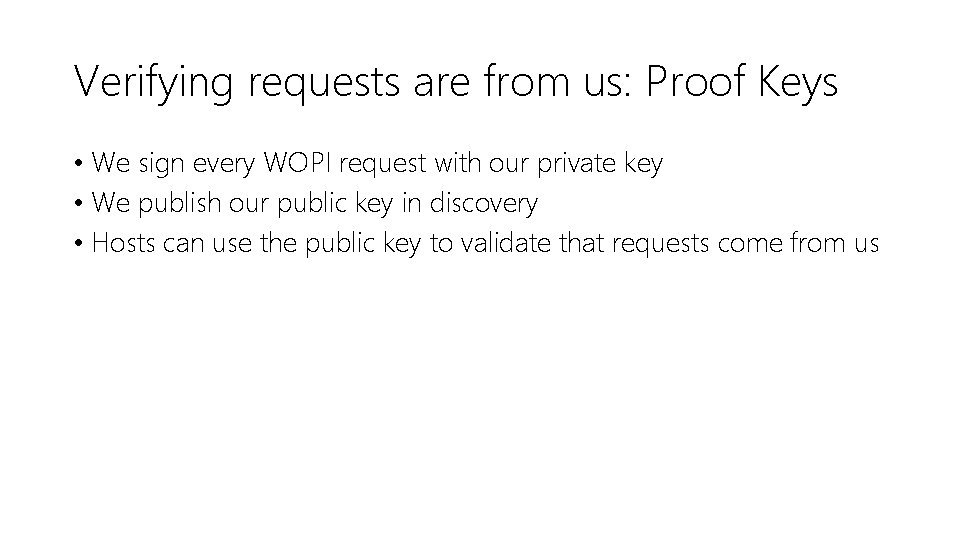
Verifying requests are from us: Proof Keys • We sign every WOPI request with our private key • We publish our public key in discovery • Hosts can use the public key to validate that requests come from us
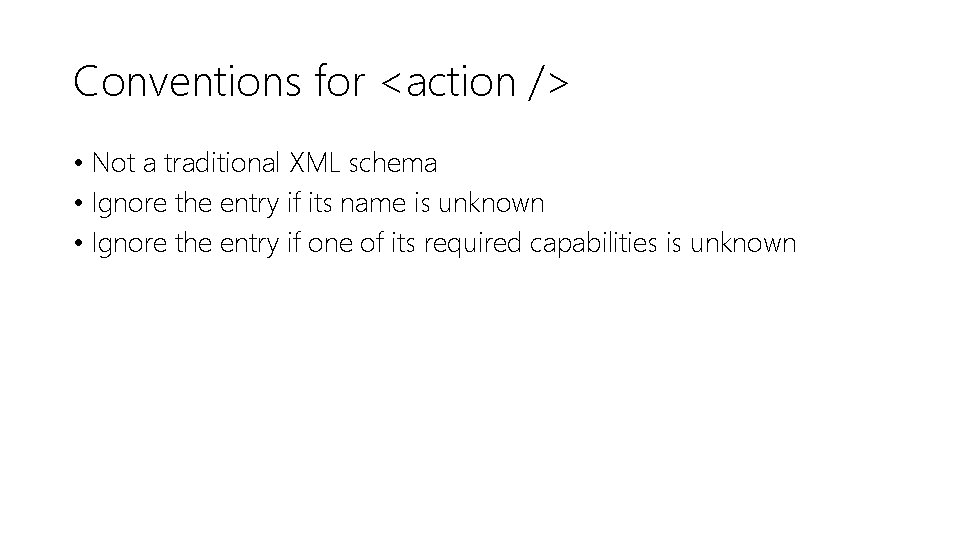
Conventions for <action /> • Not a traditional XML schema • Ignore the entry if its name is unknown • Ignore the entry if one of its required capabilities is unknown
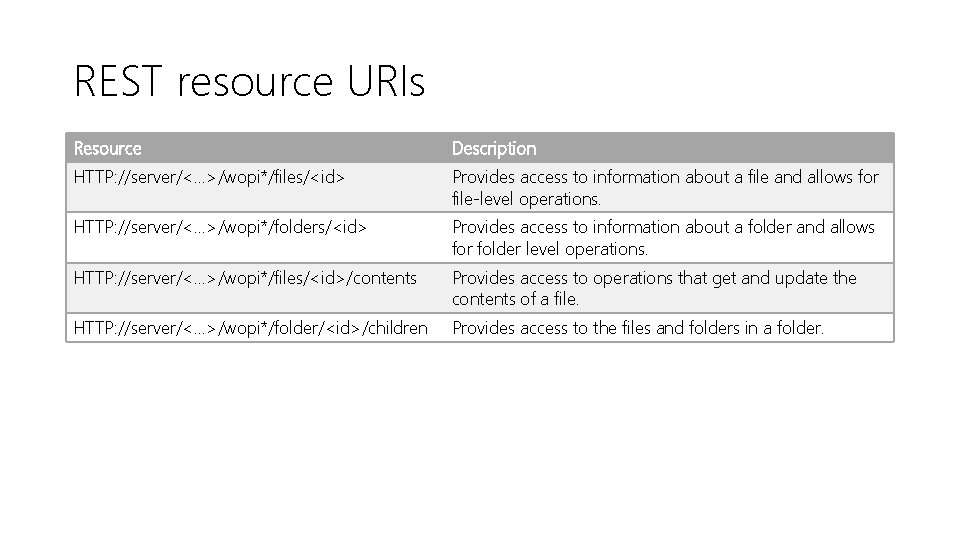
REST resource URIs Resource Description HTTP: //server/<. . . >/wopi*/files/<id> Provides access to information about a file and allows for file-level operations. HTTP: //server/<. . . >/wopi*/folders/<id> Provides access to information about a folder and allows for folder level operations. HTTP: //server/<. . . >/wopi*/files/<id>/contents Provides access to operations that get and update the contents of a file. HTTP: //server/<. . . >/wopi*/folder/<id>/children Provides access to the files and folders in a folder.
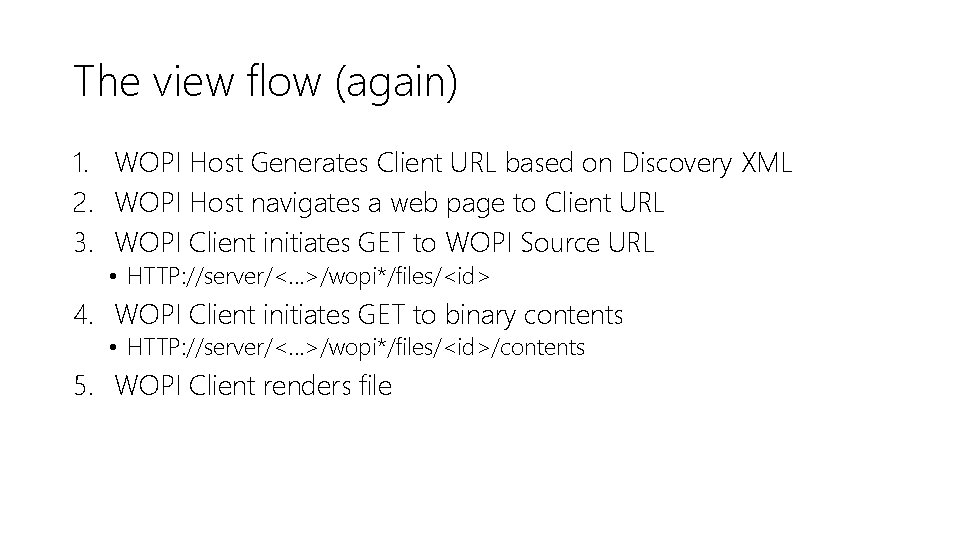
The view flow (again) 1. WOPI Host Generates Client URL based on Discovery XML 2. WOPI Host navigates a web page to Client URL 3. WOPI Client initiates GET to WOPI Source URL • HTTP: //server/<. . . >/wopi*/files/<id> 4. WOPI Client initiates GET to binary contents • HTTP: //server/<. . . >/wopi*/files/<id>/contents 5. WOPI Client renders file
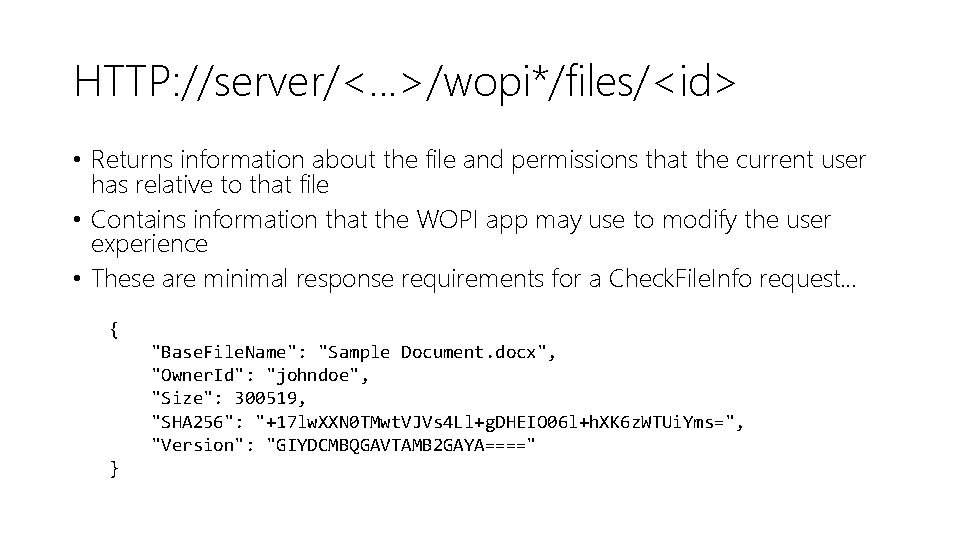
HTTP: //server/<. . . >/wopi*/files/<id> • Returns information about the file and permissions that the current user has relative to that file • Contains information that the WOPI app may use to modify the user experience • These are minimal response requirements for a Check. File. Info request… { "Base. File. Name": "Sample Document. docx", "Owner. Id": "johndoe", "Size": 300519, "SHA 256": "+17 lw. XXN 0 TMwt. VJVs 4 Ll+g. DHEIO 06 l+h. XK 6 z. WTUi. Yms=", "Version": "GIYDCMBQGAVTAMB 2 GAYA====" }
HTTP: //server/<. . . >/wopi*/files/<id>/contents • Get. File • Put. File
HTTP: //server/<. . . >/wopi*/files/<id> Here are some sample parameters… • Close. Url • Download. Url • Read. Only
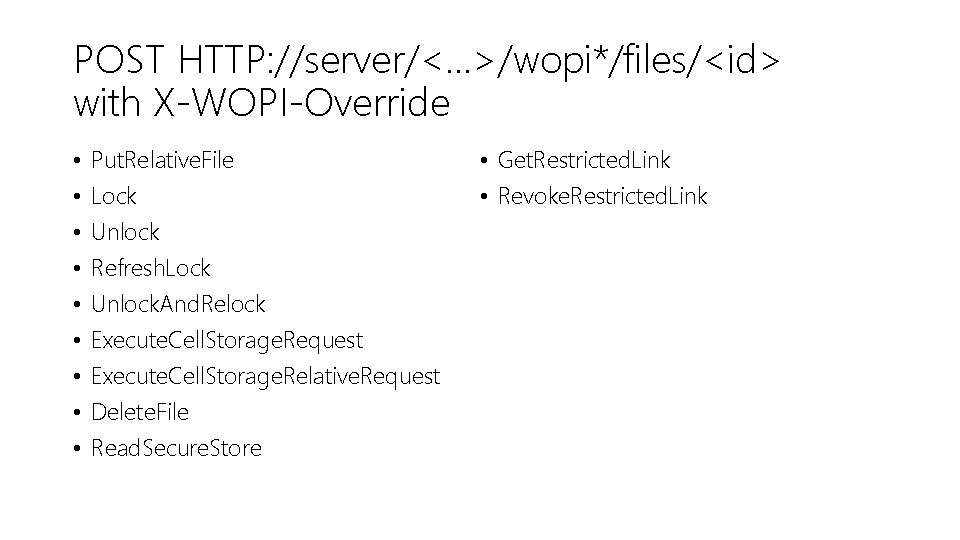
POST HTTP: //server/<. . . >/wopi*/files/<id> with X-WOPI-Override • • • Put. Relative. File Lock Unlock Refresh. Lock Unlock. And. Relock Execute. Cell. Storage. Request Execute. Cell. Storage. Relative. Request Delete. File Read. Secure. Store • Get. Restricted. Link • Revoke. Restricted. Link
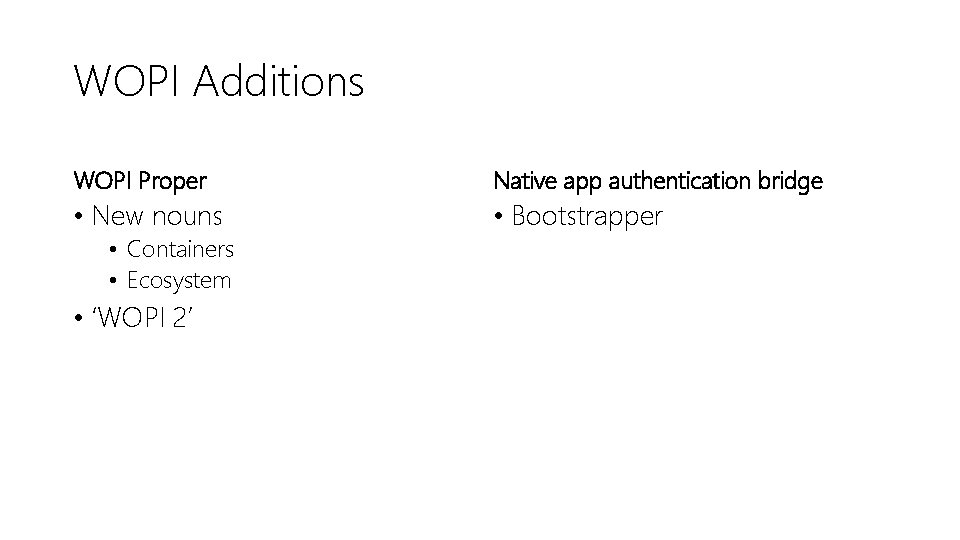
WOPI Additions WOPI Proper Native app authentication bridge • New nouns • Bootstrapper • Containers • Ecosystem • ‘WOPI 2’
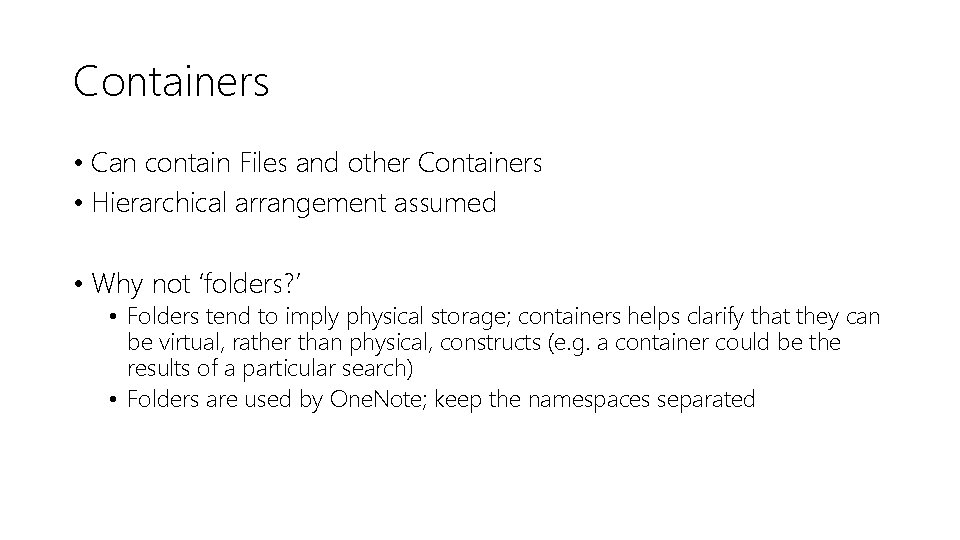
Containers • Can contain Files and other Containers • Hierarchical arrangement assumed • Why not ‘folders? ’ • Folders tend to imply physical storage; containers helps clarify that they can be virtual, rather than physical, constructs (e. g. a container could be the results of a particular search) • Folders are used by One. Note; keep the namespaces separated
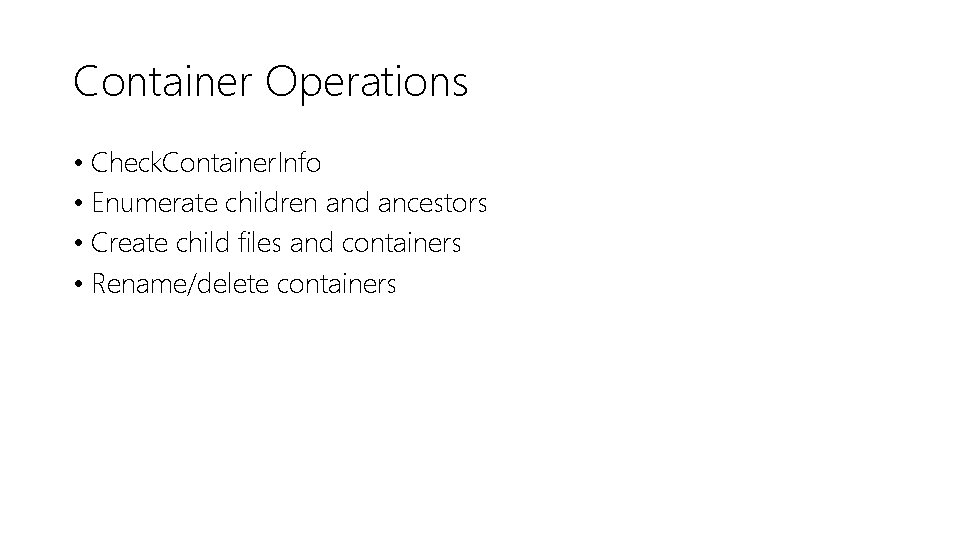
Container Operations • Check. Container. Info • Enumerate children and ancestors • Create child files and containers • Rename/delete containers
Bootstrapper • In order to initiate operations, native apps need authorization from the user • Native apps will go through the OAuth 2. 0 flow with a partner and retrieve an OAuth access token • That token can be used to access operations on the Bootstrapper endpoint • TL; DR - Allows an app with a valid OAuth 2. 0 access token to retrieve WOPI access tokens for WOPI operations rather than have them provided to it by the host
Bootstrapper operations • Initiates OAuth flow if not authed • Provides a URL and WOPI token for the WOPI Ecosystem endpoint • Provides basic user info
Important • The Bootstrapper endpoint does not use WOPI tokens for auth • It is a standard OAuth 2. 0 token-protected endpoint • All operations exposed on the Bootstrapper endpoint use OAuth 2. 0 and initiate the OAuth 2. 0 flow if not authed properly • Thus, the Bootstrapper is important for native app WOPI use but it is not technically WOPI
Ecosystem endpoint • Exists to help ‘navigate’ the WOPI namespace (aka ecosystem) • Is not anchored to a specific file/container • Clients with existing WOPISrc values can get to the Ecosystem via a Get. Ecosystem operation on either the Files or Containers endpoints
Ecosystem operations • Get. File. Wopi. Src: Translates a partner-specific file/container URL into a WOPISrc value • Useful when partner has a non-WOPI URL to a file that is commonly used (e. g. a share URL) • Get. Root. Container: Provides the ‘root container’ URL to kick start browsing the partner’s containers
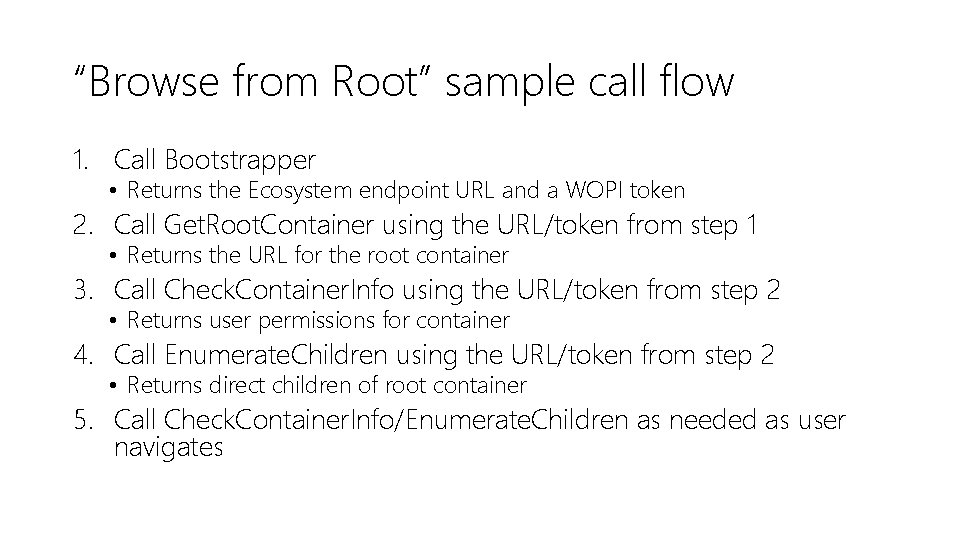
“Browse from Root” sample call flow 1. Call Bootstrapper • Returns the Ecosystem endpoint URL and a WOPI token 2. Call Get. Root. Container using the URL/token from step 1 • Returns the URL for the root container 3. Call Check. Container. Info using the URL/token from step 2 • Returns user permissions for container 4. Call Enumerate. Children using the URL/token from step 2 • Returns direct children of root container 5. Call Check. Container. Info/Enumerate. Children as needed as user navigates
WOPI 2 • Operations that were previously ‘missing’ in WOPI • Get. Lock • Delete. File • Increase supported lock size to 1024 ASCII characters (from 256) • New Supports. Wopi 2 property in Check. File. Info indicates host supports the above
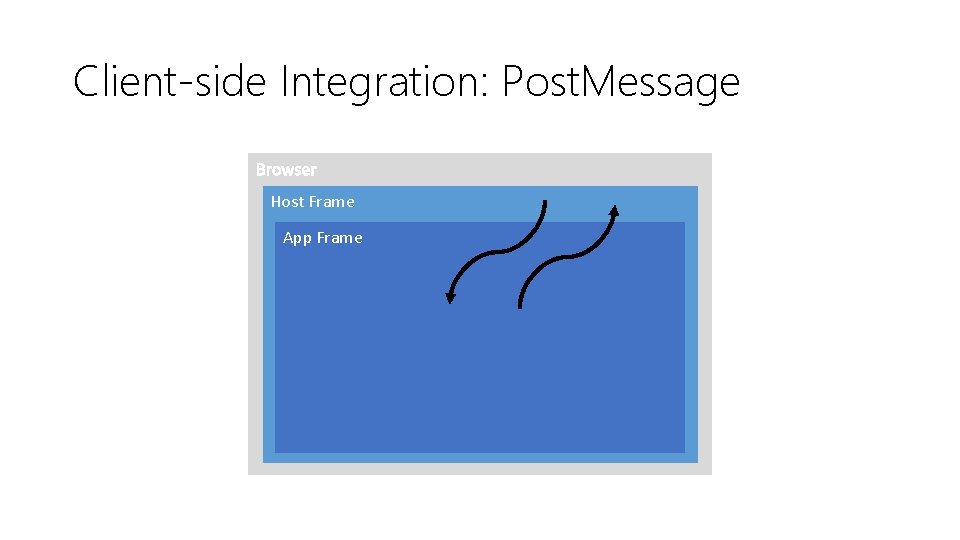
Client-side Integration: Post. Message • Allows hosts to plug into pieces of our UI • Historically messages have been added ‘as needed’ with little review or consideration • Post. Message is now a part of our public API, since it is necessary for many basic scenarios • We will treat Post. Message like we do WOPI
Client-side Integration: Post. Message Host Frame App Frame
Example flow: Share • Host tells us they want to handle the ‘Share’ message in Check. File. Info; File. Sharing. Post. Message = true • When the Share button is clicked, we send the host the UI_Sharing message • The host sends us the Blur_Focus message so we stop aggressively grabbing focus • The host dims displays their Share UI • When the user is done sharing, the host sends us the Grab_Focus message
Example messages • Messages hosts can send • • Blur_Focus Grab_Focus Host_Perf. Timing Host_Postmessage. Ready • Messages hosts can receive • • • File_Rename UI_Close UI_Edit UI_File. Versions UI_Sharing
Host Communication: Three Ways • Query string parameters • Exposed as placeholder values on the urlsrc parameter in discovery • Check. File. Info • Called on application boot, and periodically throughout a session • Post. Message
Resources • Office Online Server (Tech. Net) • Cloud Storage Partner Program • https: //wopi. readthedocs. org
- Slides: 32