
Wireless Networks Anatomy of a radio LAN The
- Slides: 33
Wireless Networks
Anatomy of a radio LAN • The radio modem – Analog transmitter • The MAC controller – Interface to transmitter – At least partly in hardware • The host interface – How the software(driver) talks to the MAC – PCI, PCMCIA, USB, Ethernet • The driver – How the App talks to the device – Implements the part of MAC not in hardware
The Radio Modem (Physical Layer) • ISM frequency bands (900 MHz & 2. 4 GHz) • 5 GHz frequency bands (Hiper. Lan and UNII band) • Spread Spectrum techniques • Modulations • Interferences and noises • Other (analog concerns)
The MAC level (link layer) • • Main channel access mechanisms MAC techniques Network topology Some throughput considerations
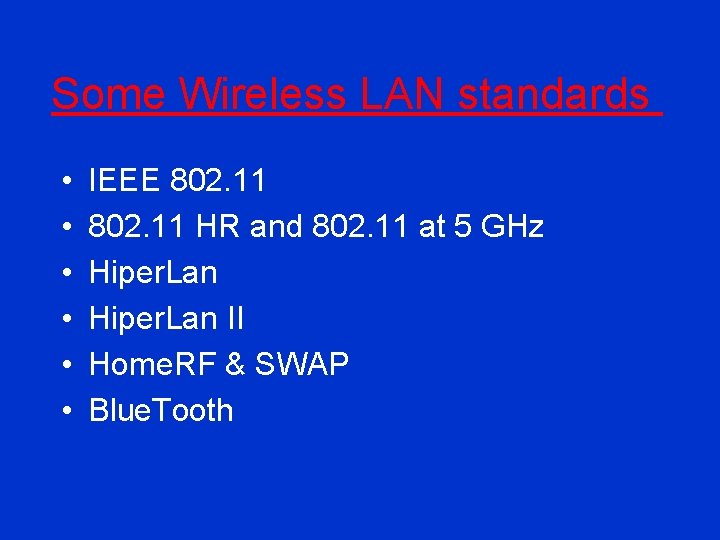
Some Wireless LAN standards • • • IEEE 802. 11 HR and 802. 11 at 5 GHz Hiper. Lan II Home. RF & SWAP Blue. Tooth
The radio modem (physical layer)
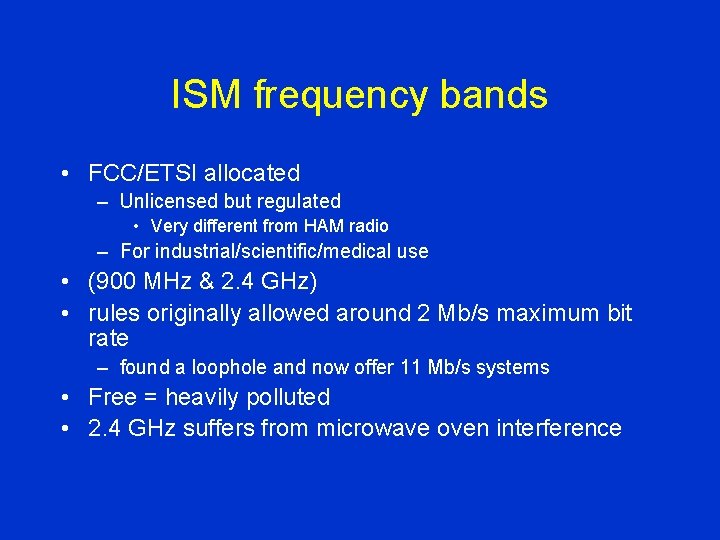
ISM frequency bands • FCC/ETSI allocated – Unlicensed but regulated • Very different from HAM radio – For industrial/scientific/medical use • (900 MHz & 2. 4 GHz) • rules originally allowed around 2 Mb/s maximum bit rate – found a loophole and now offer 11 Mb/s systems • Free = heavily polluted • 2. 4 GHz suffers from microwave oven interference
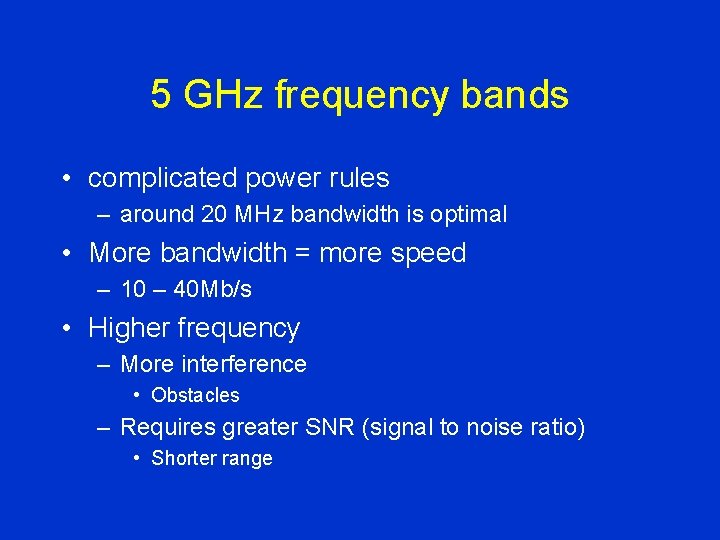
5 GHz frequency bands • complicated power rules – around 20 MHz bandwidth is optimal • More bandwidth = more speed – 10 – 40 Mb/s • Higher frequency – More interference • Obstacles – Requires greater SNR (signal to noise ratio) • Shorter range
Spread Spectrum • Use increased bandwidth – Decrease noise effects – Shares spectrum pretty fairly • Direct Sequence vs. Frequency Hopping
Direct Sequence • Broadcast on many channels – Modulate signal via a single code • One chip per band $$ • Same chip for decoding – Take average of decoded signals • Interference on any narrow bands is averaged out – What if interference is too great? • Wide channels – Only a few available (about 3) • CDMA (cell phones) use something like this – Different (orthogonal) code for each channel
Frequency Hopping • Uses a set of narrow channels – Changes channel every 20 - 400 ms • If a channel is bad (interference) a new one will be used soon – Averages interference over time – At least some channels should be good • Complicates MAC level – Performance cost of synch/init • Co-Existance • Ultra Secure
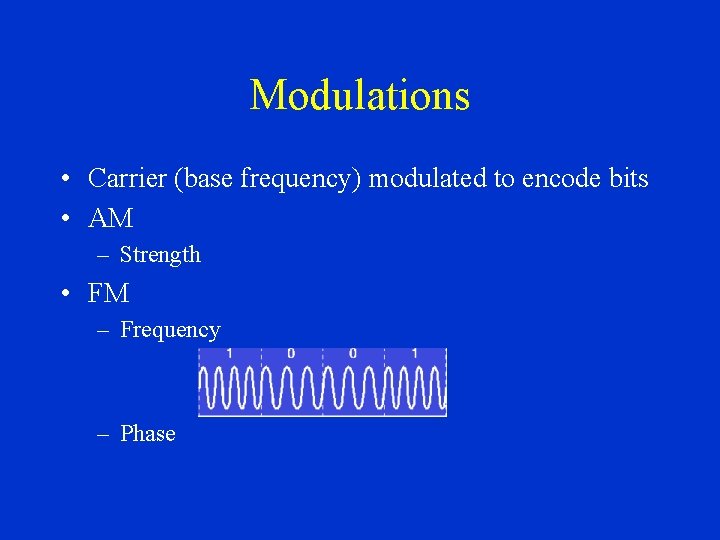
Modulations • Carrier (base frequency) modulated to encode bits • AM – Strength • FM – Frequency – Phase
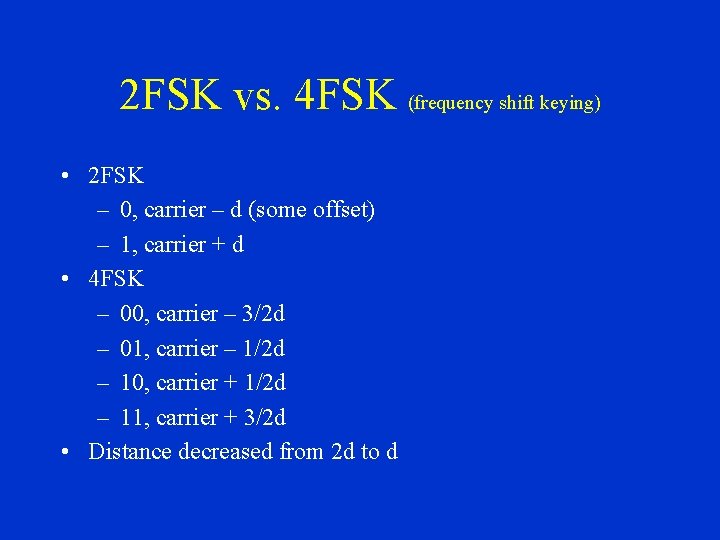
2 FSK vs. 4 FSK (frequency shift keying) • 2 FSK – 0, carrier – d (some offset) – 1, carrier + d • 4 FSK – 00, carrier – 3/2 d – 01, carrier – 1/2 d – 10, carrier + 1/2 d – 11, carrier + 3/2 d • Distance decreased from 2 d to d
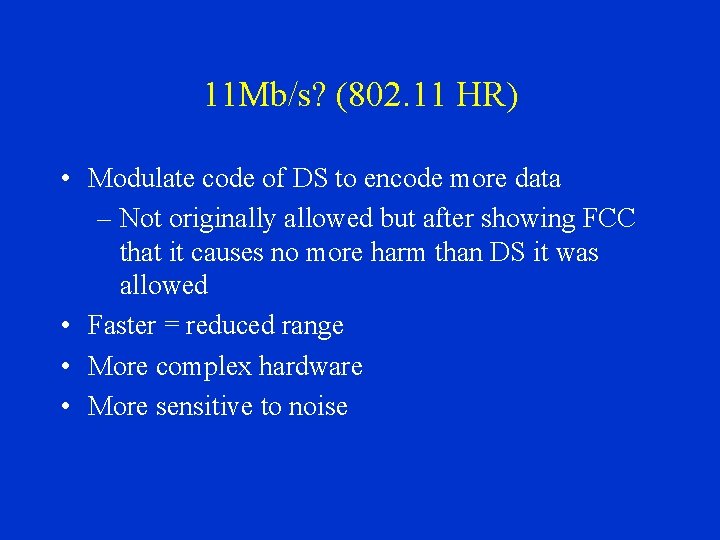
11 Mb/s? (802. 11 HR) • Modulate code of DS to encode more data – Not originally allowed but after showing FCC that it causes no more harm than DS it was allowed • Faster = reduced range • More complex hardware • More sensitive to noise
OFDM • Transmit bits in parallel • Orthogonal sub-carriers modulated independently
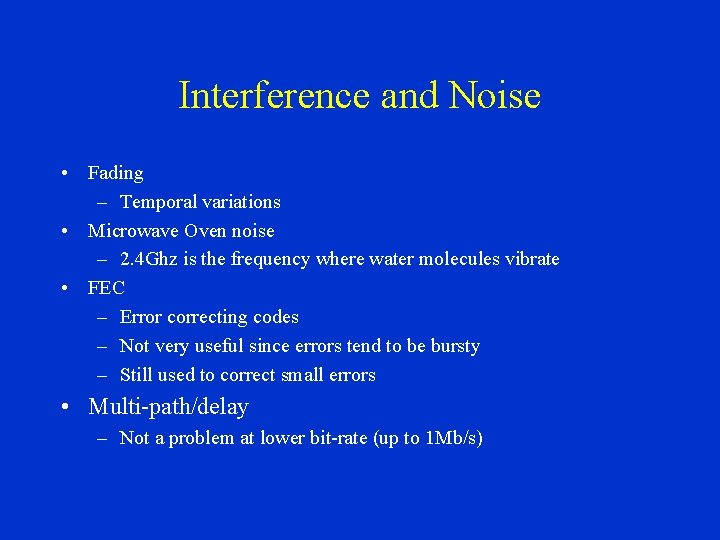
Interference and Noise • Fading – Temporal variations • Microwave Oven noise – 2. 4 Ghz is the frequency where water molecules vibrate • FEC – Error correcting codes – Not very useful since errors tend to be bursty – Still used to correct small errors • Multi-path/delay – Not a problem at lower bit-rate (up to 1 Mb/s)
The MAC level
Main channel access mechanisms • Must allocate the main resource (channel) between nodes • Allocated by regulating its use – TDMA – CSMA – Polling
TDMA (Time Division Multiple Access) • Time broken up into frames • Time slices of a frame given to nodes • Done via mgmt. Frame – Specified by base station • Up slices and down slices
TDMA • • • Used for cell phones Low latency Guarantee of bandwidth Connection oriented Not well suited for data network – Inflexibility – Does not handle bursts of traffic well
CSMA/CA • • • Used by most wireless LANs (in ISM) Connectionless Best effort No bandwidth or latency guarantees Because a nodes own signal overpowers all others collisions are not detectable – Collision avoidance
CSMA/CA • Listen to channel • If idle - send one packet • If busy - wait until idle then start contention – Transmissions only start at beginning of slots • Since it takes time to switch from rcv to xmit • 20 - 50µs
Polling • Mix of TDMA and CSMA/CA • Base controls channel access • Asks nodes if they want to transmit – Connection oriented or connectionless – Ask each node or reservation (out of channel)
MAC Techniques • Need to improve performance of CSMA/CA • Retransmission – Via ack’s • Fragmentation – Small packets to reduce retransmissions • RTS/CTS – CSMA/CA only sees locally – Ask receiver if ok to send – One side effect is reduced collision penalty • All add overhead
Network topology • Ad hoc – Isolated – Each node provides routing • Access points – Similar to bridges
Some throughput considerations • Very low user throughput – On a 1 Mb/s system users can frequently see as low as hundreds of bits per second • Multi-rate systems – Lesser bandwidth channel available with greater range • TCP assumes packet loss is congestion
Some Wireless LAN standards
IEEE 802. 11 • One MAC – CSMA/CA or polling • 3 possible physical layers – 1 Mb FH – 1 or 2 Mb DS – Diffuse IR • Optional APM and encryption
802. 11 HR & 802. 11 at 5 GHz • Only changes physical layer • 5 Ghz – OFDM – 6 - 52 Mb
Hiper. Lan • By ETSI • Dedicated band – 5. 1 - 5. 3 GHz – Only in Europe • 23. 5 Mb
Hiper. Lan II • By ETSI • Dedicated band – 5. 1 - 5. 3 GHz – Only in Europe • OFDM – First standard based on OFDM • 6 - 52 Mb • Wireless ATM • TDMA
Home. RF & SWAP • Cheap – MAC is in software – Moore’s law doesn’t apply to wireless because of analog parts • 1 - 2 Mb FH
Blue. Tooth • • • Not wireless LAN Cable replacement technology Offers point to point links No IP support only PPP Each channel is ~768 kb FH – 1 data, 3 voice