
WIRELESS NETWORKING TESTOUT PC PRO Connect to a

- Slides: 15
WIRELESS NETWORKING TESTOUT PC PRO
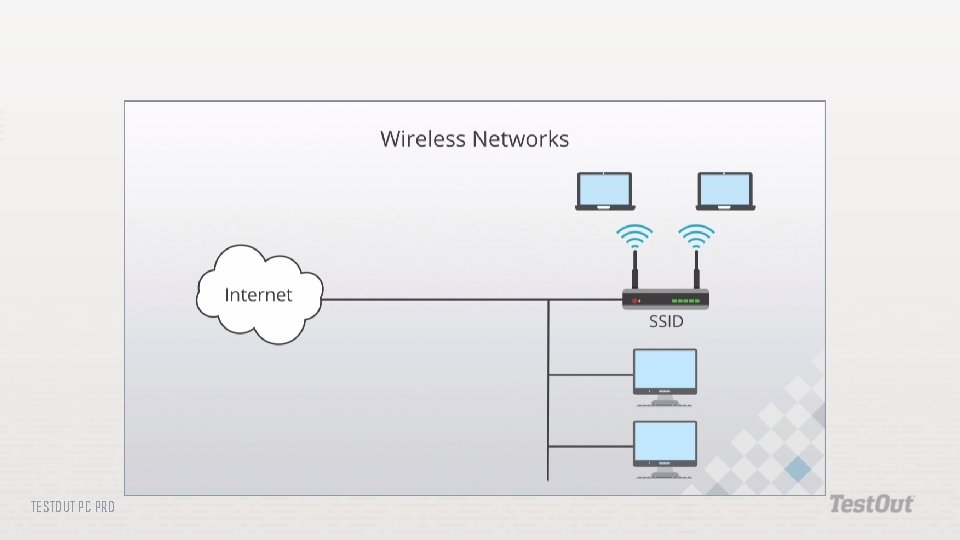
Connect to a wireless network Create a home wireless network Secure home wireless network Configure a wireless profile TESTOUT PC PRO
TESTOUT PC PRO
TESTOUT PC PRO
TESTOUT PC PRO
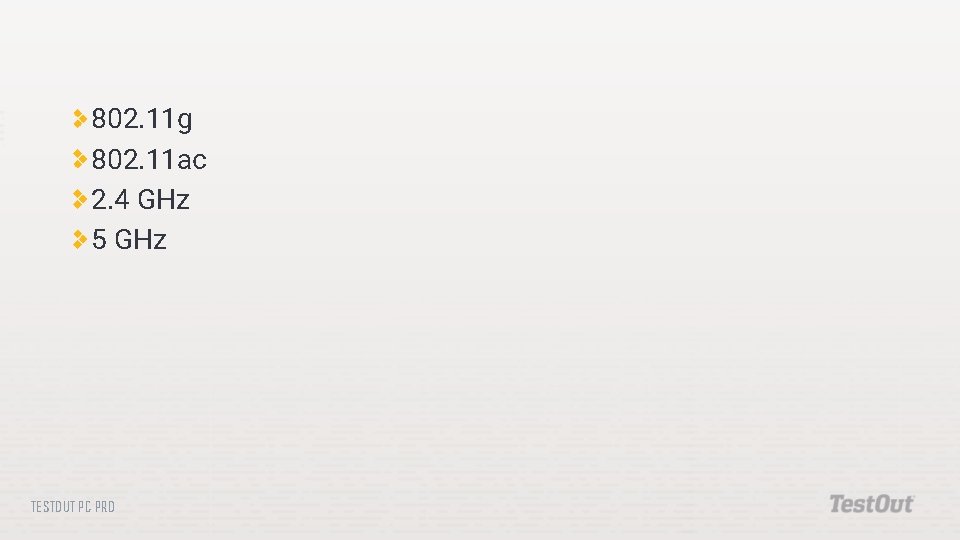
802. 11 g 802. 11 ac 2. 4 GHz 5 GHz TESTOUT PC PRO
Multiple-Input Multiple-Output (MIMO) Eight antennae Create dedicated receive and send channels Channel bonding TESTOUT PC PRO
Implicit deny Explicit deny TESTOUT PC PRO
Password All devices share a key TESTOUT PC PRO
Usernames Passwords TESTOUT PC PRO
TESTOUT PC PRO
TESTOUT PC PRO
TESTOUT PC PRO
Do the following labs: 7. 1. 7 Connect to a Wireless Network 7. 1. 8 Create a Home Wireless Network 7. 1. 9 Secure Home Wireless Network 7. 1. 10 Configure a Wireless Profile TESTOUT PC PRO
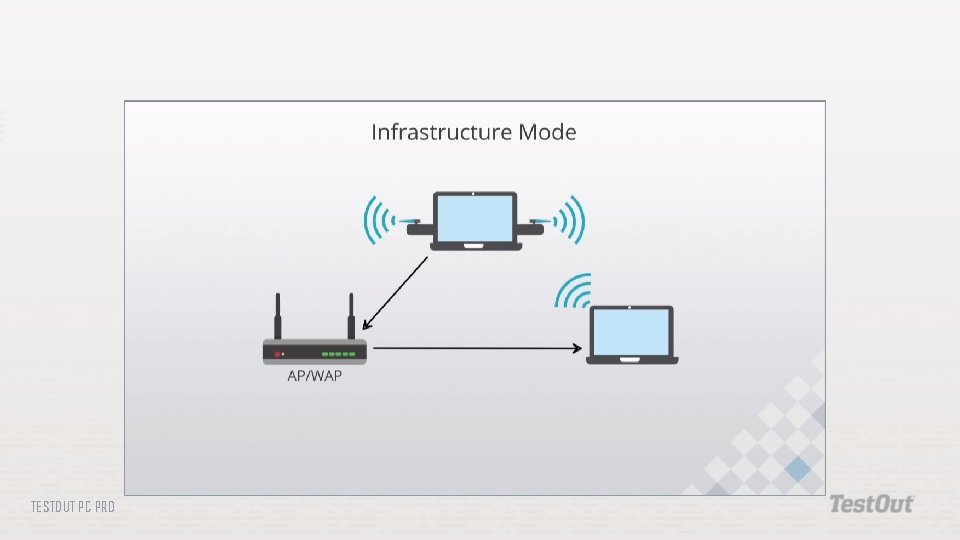
What type of device is required to create an infrastructure wireless network configuration? What is the purpose of an SSID? Which wireless standards are typically backwards compatible with 802. 11 g? Two access points are part of the same wireless network. Should they use the same channel, or a different channel? Why? How does MIMO differ from channel bonding? What happens to the speed of a wireless connection as you move away from the access point? Which authentication and security method should be used on a wireless network? Why should default security settings be changed when dealing with wireless networking? TESTOUT PC PRO