
Wireless Networking A Case Study Wireless Network Implementation



- Slides: 34
Wireless Networking - A Case Study Wireless Network Implementation at Hofstra University School of Law by Gary Moore Director of Info Systems Hofstra University School of Law
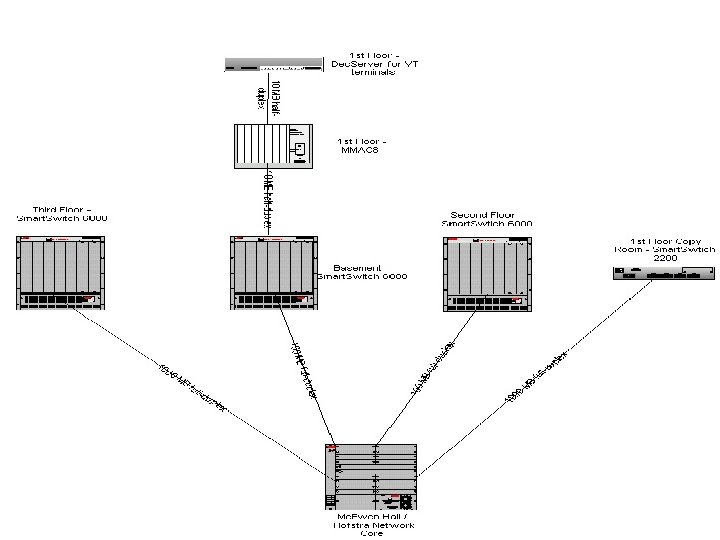
Background of Hofstra Law School and Law School Network • 40 FT Faculty/850 students. • University maintains network, however law school info systems create network accounts and monitors its own network. • About all faculty, staff, and administrators have computers with 10/100 mbps connection on law school network. • Two labs - recently upgraded with thirty six 450 mhz Pentiums - also on law school network. • 120 public access network ports in the law library and student lounges. • All classrooms have at least one network port.
Background of Hofstra Law School Wireless Project • Wanted to Become a “Wired School” – wanted to integrate technology in the classroom more than we were currently doing - wanted more Ethernet access in classrooms – wanted to add to our existing number of public access network ports in the library (currently over 120) due to increased demand – wanted all our students to have access to resources (network accounts, Internet, network services, printing) – Therefore we decided to look at wired vs. wireless
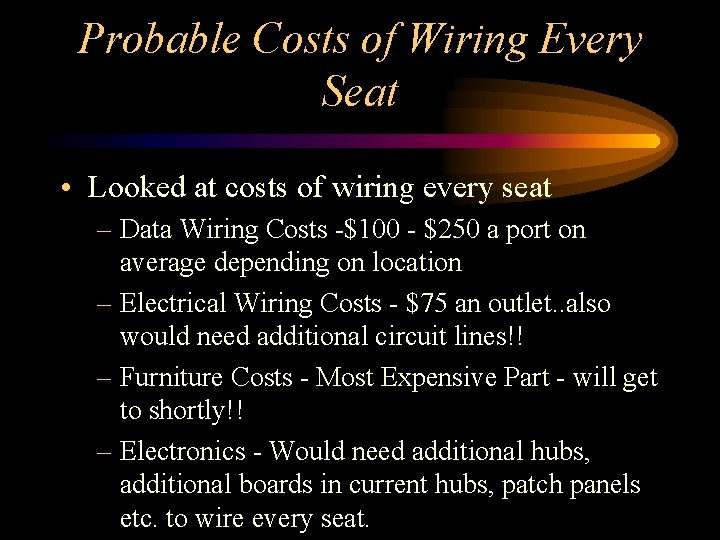
Probable Costs of Wiring Every Seat • Looked at costs of wiring every seat – Data Wiring Costs -$100 - $250 a port on average depending on location – Electrical Wiring Costs - $75 an outlet. . also would need additional circuit lines!! – Furniture Costs - Most Expensive Part - will get to shortly!! – Electronics - Would need additional hubs, additional boards in current hubs, patch panels etc. to wire every seat.
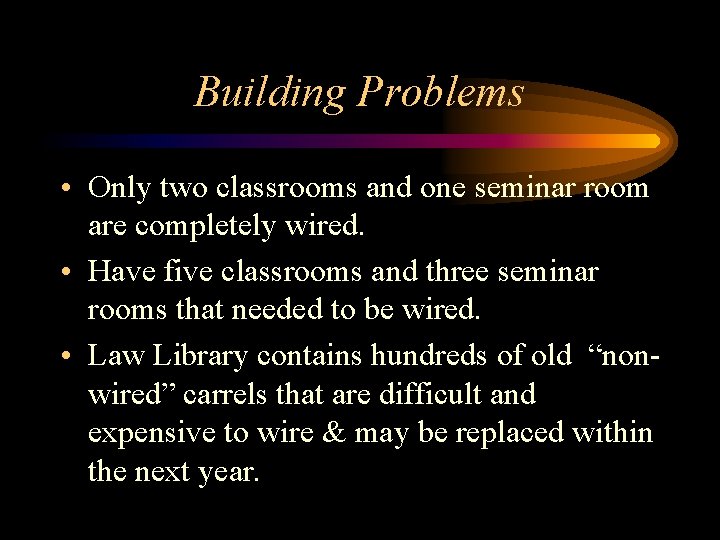
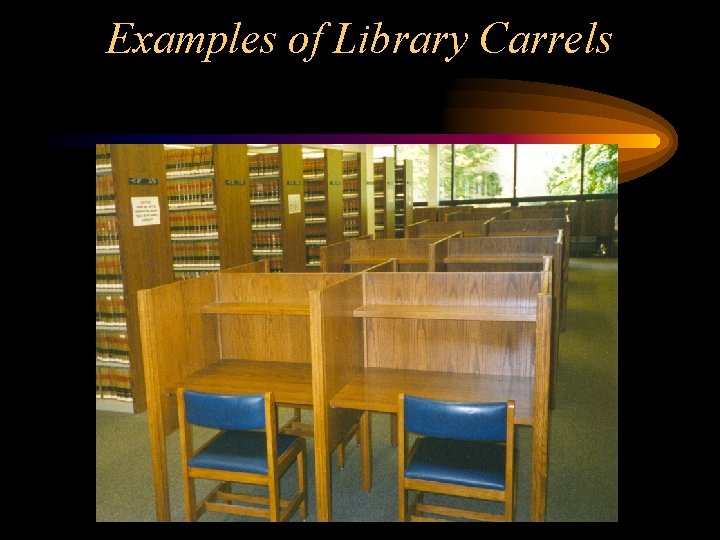
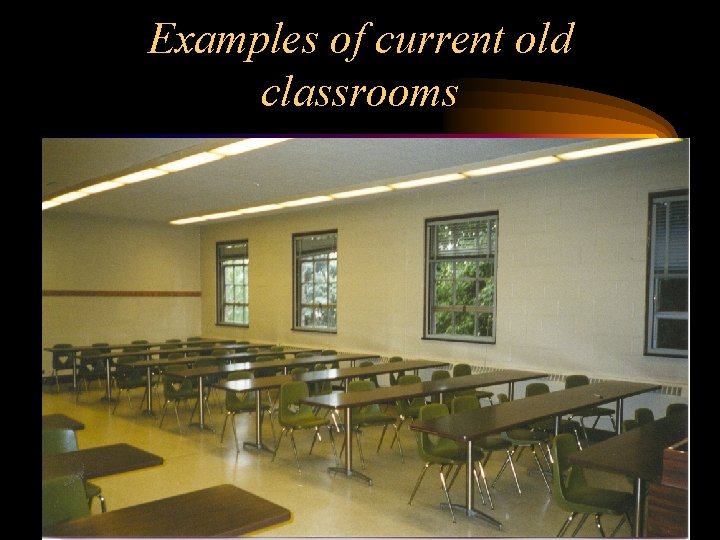
Building Problems • Only two classrooms and one seminar room are completely wired. • Have five classrooms and three seminar rooms that needed to be wired. • Law Library contains hundreds of old “nonwired” carrels that are difficult and expensive to wire & may be replaced within the next year.
Examples of Library Carrels
Examples of current old classrooms
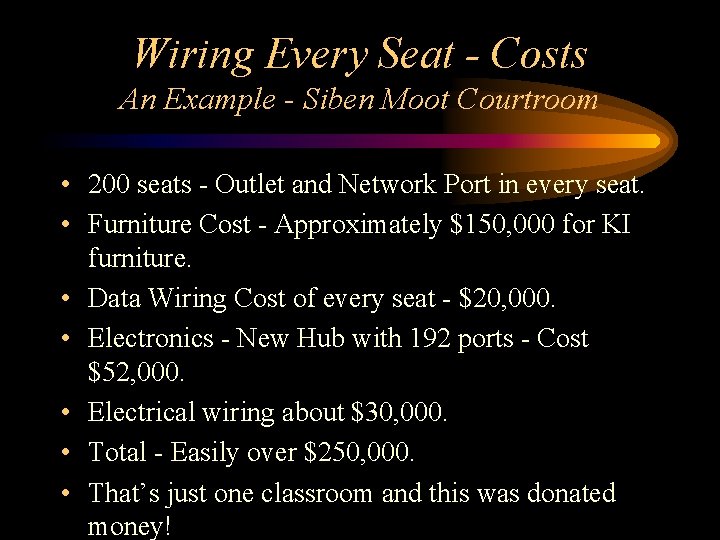
Wiring Every Seat - Costs An Example - Siben Moot Courtroom • 200 seats - Outlet and Network Port in every seat. • Furniture Cost - Approximately $150, 000 for KI furniture. • Data Wiring Cost of every seat - $20, 000. • Electronics - New Hub with 192 ports - Cost $52, 000. • Electrical wiring about $30, 000. • Total - Easily over $250, 000. • That’s just one classroom and this was donated money!
Conclusion of Wiring Every Seat Analysis • Simply did not have the money to wire every classroom and every carrel in the library. • Needed another alternative.
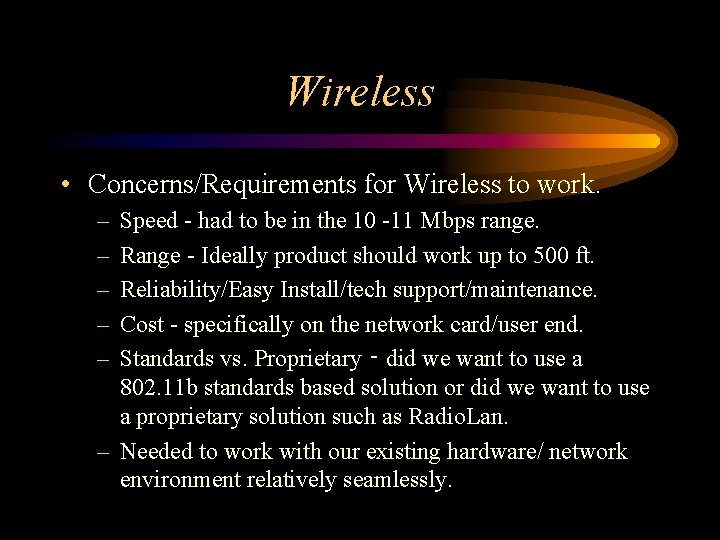
Wireless • Concerns/Requirements for Wireless to work. – – – Speed - had to be in the 10 -11 Mbps range. Range - Ideally product should work up to 500 ft. Reliability/Easy Install/tech support/maintenance. Cost - specifically on the network card/user end. Standards vs. Proprietary ‑ did we want to use a 802. 11 b standards based solution or did we want to use a proprietary solution such as Radio. Lan. – Needed to work with our existing hardware/ network environment relatively seamlessly.
Wireless Solutions We Looked At • • Radio. Lan Aironet 4800 Cabletron Roamabout All three are shared 10 or 11 mbps products
Wireless Evaluations • References of other wireless schools • Received Evaluation Unit for each product ran following tests on school laptop – Ease of Installation – Traceroute of an IP address – Download 6 MB file off network – Range test of access points
Results • All three installed easily. • As far as the speed tests, Radio. Lan was the fastest, however not significantly faster than Cabletron. Aironet was somewhat slower. • As far as range, all three provided the same range. Each had a degradation in signal performance/speed depending on how far we were from the access point.
Wireless Unit Chosen. Cabletron Roamabout • Reasons – Major Reason - COST - received discount because Law School is Cabletron shop - much less than both Aironet and Radio. Lan. Very importan was cost of Network Cards to students - same as wired 3 Com network card. – Cabletron Tech support history- very good. Part of campus wide maintenance plan. – Scalability/upgrade path - Cabletron plans firmware upgrades to product. – 802. 11 b standard product.
Cabletron Roamabout Product • How does it work? – Shared 11 mbps - transmit rate will automatically switch to lower rate for more accuracy if needed…often depends on distance. – Overlapping access points allows roaming – Different Channel Frequencies - cuts down interference (14 channels) – WEP Encryption
What is the 802. 11 b Standard? • In June 1997, the first of the 802. 11 standards was approved for interoperable wireless LANs using DSSS (direct sequence spread spectrum) and FHSS (frequency‑hopping spread spectrum). • In July 1998, the IEEE proposed another specification 802. 11 b. This specification moved forward with only the 2. 4 GHz DSSS physical layer. The major improvement in the "b" revision is the addition of data transfer rates at 5. 5 Mbps and 11 Mbps. • Plans are under way for operating in the 5 GHz range and offering data rates up to 54 Mbps.
Why go with a wireless network standard as opposed to a proprietary wireless product? • Ability to have interoperability among wireless products – Means that you can use one company’s wireless 802. 11 b network card on another 802. 11 b wireless system. – User is not stuck with one system. • 802. 11 B quickly becoming an industry standard ‑Companies that have 802. 11 B wireless products include 3 COM, Compaq, Cisco (Aironet), Lucent, and Symbol.
Why go with a wireless network standard as opposed to a proprietary wireless product? (continued) • Many of these companies have joined together to create several organizations – WECA ‑Wireless Ethernet Compatibility Alliance. WECA's mission is to certify interoperability of IEEE 802. 11 b high rate wireless LAN products and to promote their standard (Wi. Fi) for wireless LAN deployments across all market segments. – WLANA ‑ Wireless LAN Association – What does this mean? - Companies probably will have to be 802. 11 b compatible to have a place in the business/campus LAN wireless market.
Cost of Wireless Project • 30 access points and 30 network cards$24, 000 (discount helped a lot) • Data and Electrical Wiring for 30 access points - $10, 000 • Cost of Installation - won’t really know until project is done. Have allotted $5, 000. • Maintenance Plan - About $2400 a year (reoccurring cost) • Total Budgeted Cost - Approx $42, 000.
Final Walkthrough of Project • Consisted of Cabletron engineer, director of University Telecommunications, and myself. • Setup access point in various locations of the building, then walked around with laptop with wireless card. • Tested Strength of signal and signal degradation. • Allowed us to see where to permanently mount access points.
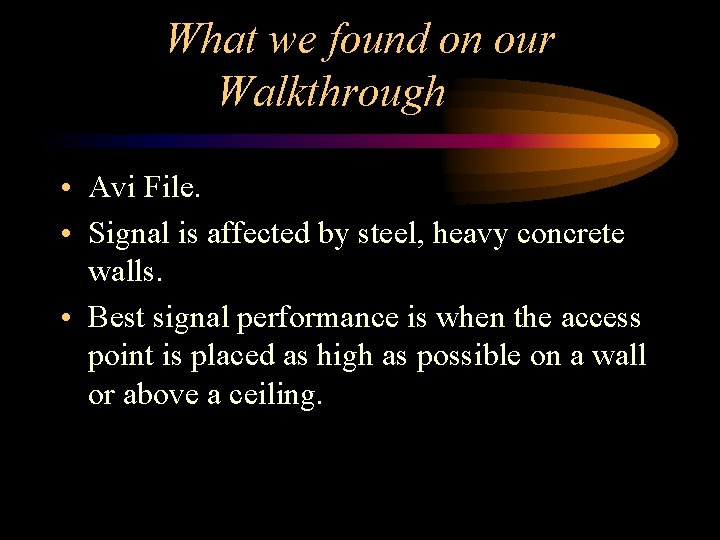
What we found on our Walkthrough • Avi File. • Signal is affected by steel, heavy concrete walls. • Best signal performance is when the access point is placed as high as possible on a wall or above a ceiling.
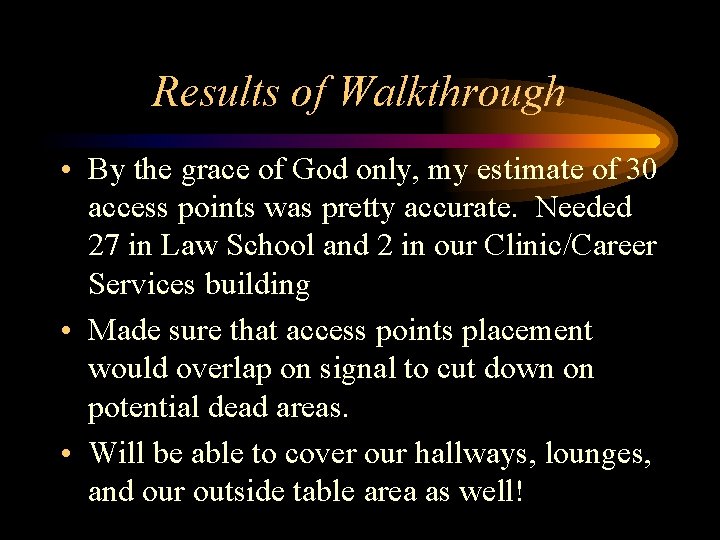
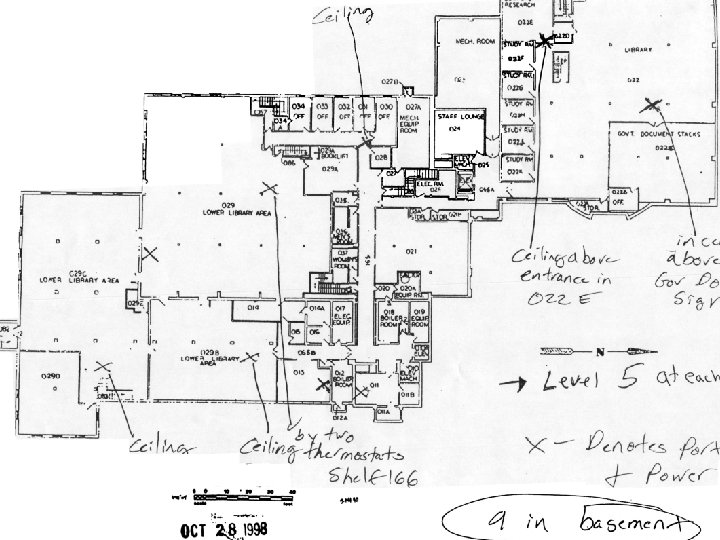
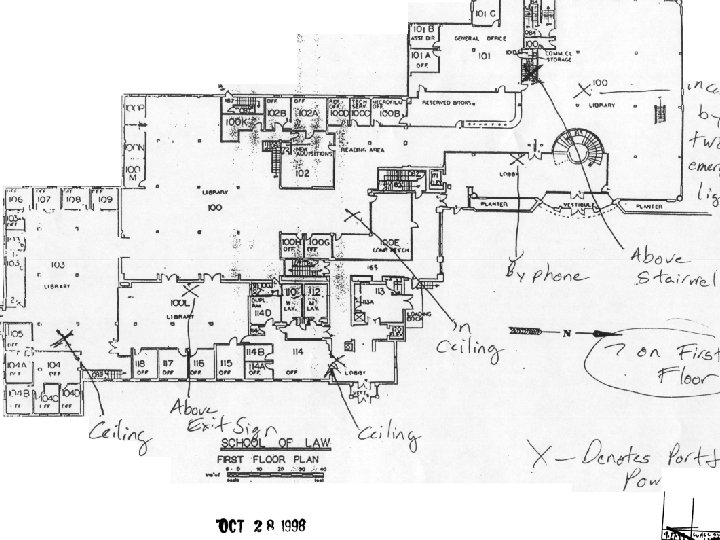
Results of Walkthrough • By the grace of God only, my estimate of 30 access points was pretty accurate. Needed 27 in Law School and 2 in our Clinic/Career Services building • Made sure that access points placement would overlap on signal to cut down on potential dead areas. • Will be able to cover our hallways, lounges, and our outside table area as well!
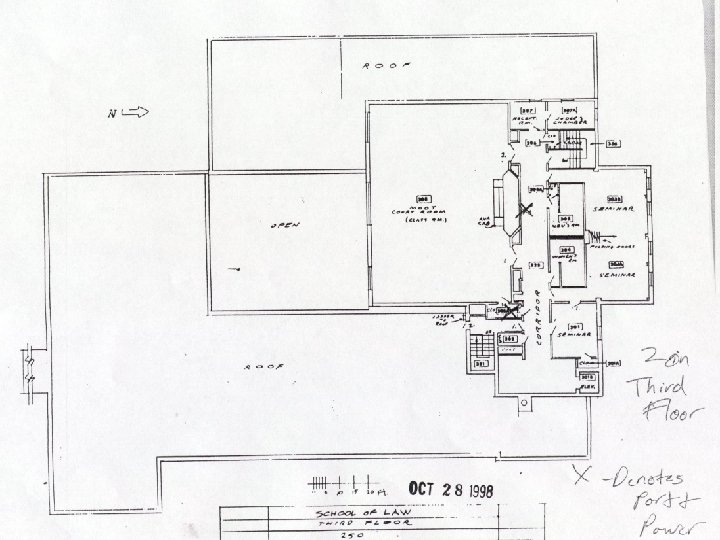
Wireless Plans (image files)
How we will start using the wireless network • Based on SMU’s implementation - will have 25 network cards at the library on reserve; 2 - 4 hour reserve - use DHCP. • installation guide and software. • will offer training classes on how to install and use wireless cards. • students will be able to purchase cards. • our loaner laptops for classroom use will use wireless.
DHCP - Dynamic Host Configuration Protocol • Simplify the management of workstations and TCP/IP addresses. • Before, either had to manually configure the address on the workstation or manually put the network adapter address in a table before a TCP/IP address is available for the workstations. • DHCP eliminates the labor and time consumption of setting up addresses and updating TCP/IP info on the workstation.
Concerns • Wireless Network not implemented yet! – Will 27 access points be truly enough? – How will access points run under heavy usage? How many users can I have on 1 access point? – Running out of DHCP addresses on current subnet (147. 4. 185. x). Probably need to have new subnet. – As Scotty might say “Captain, I need more power outlets. I’ve given ya all the power she’s got. ” - Students want more outlets for laptops.
Conclusion • Follow the “Whelan Principle” - wireless should supplement NOT replace your wired network. • If you CAN afford to wire every seat in your entire building or part of your building, WIRE. A cat 5 wired network will always be faster than wireless. – However, there are places you can’t wire - outside patios and student lounges - look at wireless. • However, if you CAN’T afford it, and we couldn’t, wireless is definitely an acceptable solution.
Prognostication • Wireless will become a mainstream part of networks in business, schools (already in heavy use in hospitals and more colleges), and homes! • 802. 11 b will be the standard in business and college wireless technology- too many big players investing money and effort in 802. 11 b products. • 802. 11 b - the standard for home use?
My Sincerest Thanks To: Matt Fuoco, Manager of Telecommunications, Hofstra U. and Daniel Yu, Technical Research Associate, Systems Dept, Hofstra U. For All Their Help on Our Project.
The End Hope this was useful for you!