
Wireless Network How to Connect to the Internet

- Slides: 7
Wireless Network How to Connect to the Internet With a Wireless Card June 19, 2003 Erin Barrett - IDE 651
Navigation Menu : Compatible Network Cards : University Wireless Locations : Getting Started : Configure Air. Orange : Questions? Click above for audio instructions Back to Navigation June 19, 2003 Erin Barrett - IDE 651 2
Compatible Network Cards : Designed for use in laptop computers : IEEE 802. 11 b compliant : Rated at 100 m. W transmit power Back to Navigation June 19, 2003 Erin Barrett - IDE 651 3
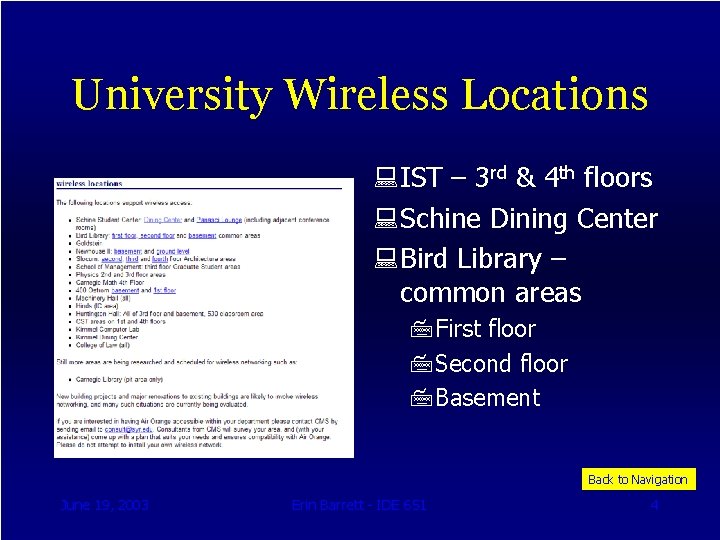
University Wireless Locations : IST – 3 rd & 4 th floors : Schine Dining Center : Bird Library – common areas 7 First floor 7 Second floor 7 Basement Back to Navigation June 19, 2003 Erin Barrett - IDE 651 4
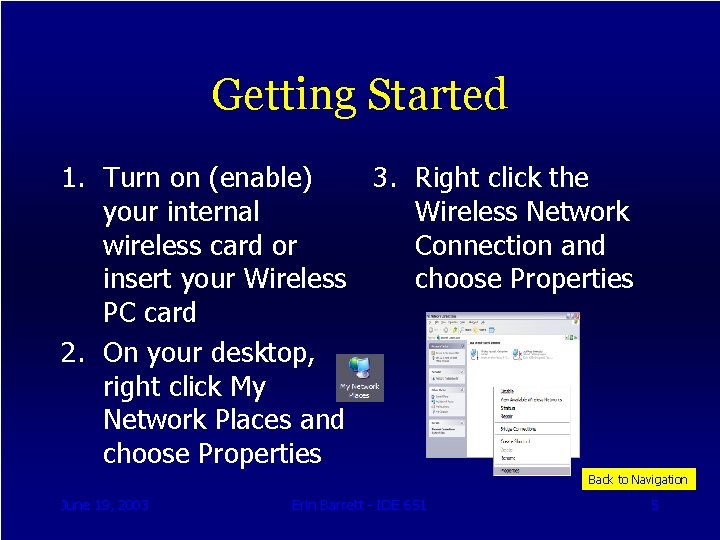
Getting Started 1. Turn on (enable) 3. Right click the your internal Wireless Network wireless card or Connection and insert your Wireless choose Properties PC card 2. On your desktop, right click My Network Places and choose Properties Back to Navigation June 19, 2003 Erin Barrett - IDE 651 5
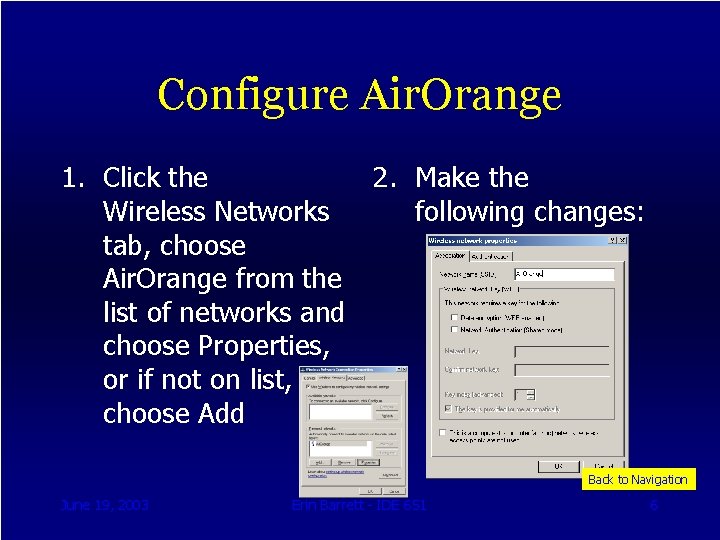
Configure Air. Orange 1. Click the 2. Make the Wireless Networks following changes: tab, choose Air. Orange from the list of networks and choose Properties, or if not on list, choose Add Back to Navigation June 19, 2003 Erin Barrett - IDE 651 6
Questions? : Contact IST IT Services 7 Erin Barrett, ebarrett@syr. edu 7315. 443. 4490 : Request IT Support 7 http: //istit. syr. edu 7 Get Help! : Get additional information from the CMS website 7 http: //cms. syr. edu 7 Air. Orange June 19, 2003 Erin Barrett - IDE 651 Back to Navigation 7