
Windows XP Service Pack 2 Customer Awareness Workshop

- Slides: 18
Windows XP Service Pack 2 Customer Awareness Workshop XP SP 2 Technical Drilldown – Part 1 Craig Schofield (craschof@microsoft. com) Microsoft Ltd. UK September 2004
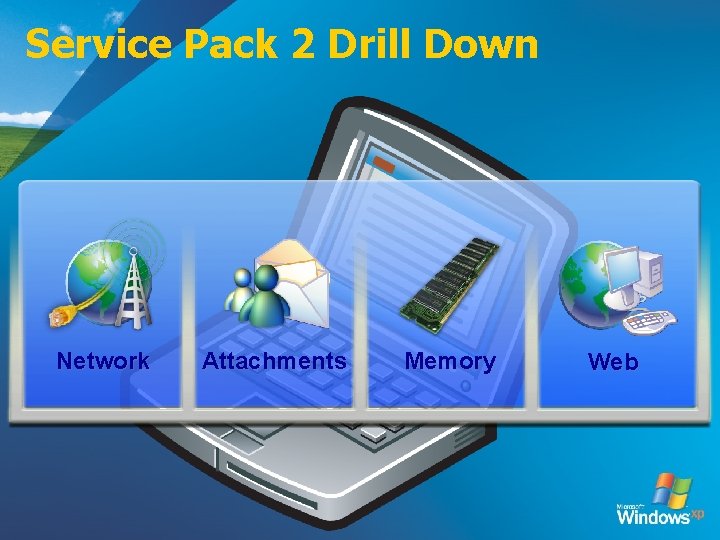
Service Pack 2 Drill Down Network Attachments Memory Web
Networking
Windows Firewall Protection from network-based attacks q Windows Firewall (formerly ICF) is on by default Ø Enabled on all interfaces (LAN, Dial-Up, VPN) Ø Supports both IPv 4 and IPv 6 q Windows Firewall is “stateful” Ø Automatically match inbound traffic with outgoing requests Ø Restricts only unsolicited in-bound traffic q Three operational modes Ø On (default) – no unsolicited inbound traffic allowed • Can be configured to allow specific unsolicited inbound traffic Ø Don’t Allow Exceptions – no unsolicited inbound traffic allowed • Ignores other settings and blocks all unsolicited inbound traffic Ø Off – no protection q Boot-time security Ø Runs in highly secure mode until run-time policy can be applied
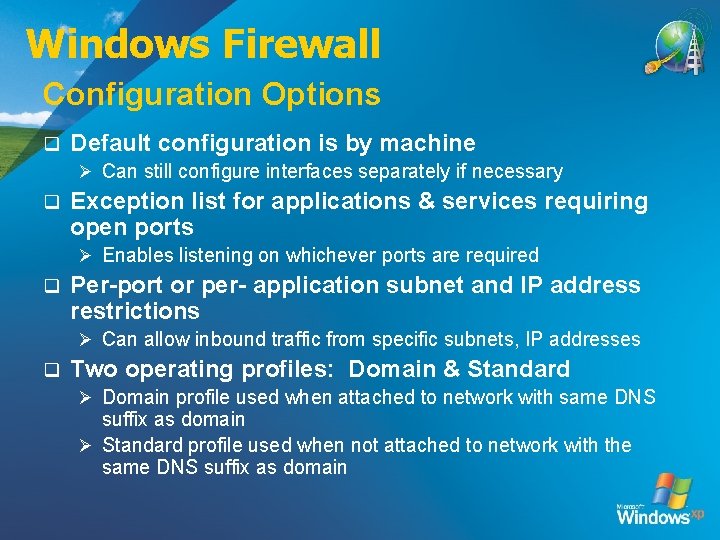
Windows Firewall Configuration Options q Default configuration is by machine Ø Can still configure interfaces separately if necessary q Exception list for applications & services requiring open ports Ø Enables listening on whichever ports are required q Per-port or per- application subnet and IP address restrictions Ø Can allow inbound traffic from specific subnets, IP addresses q Two operating profiles: Domain & Standard Ø Domain profile used when attached to network with same DNS suffix as domain Ø Standard profile used when not attached to network with the same DNS suffix as domain
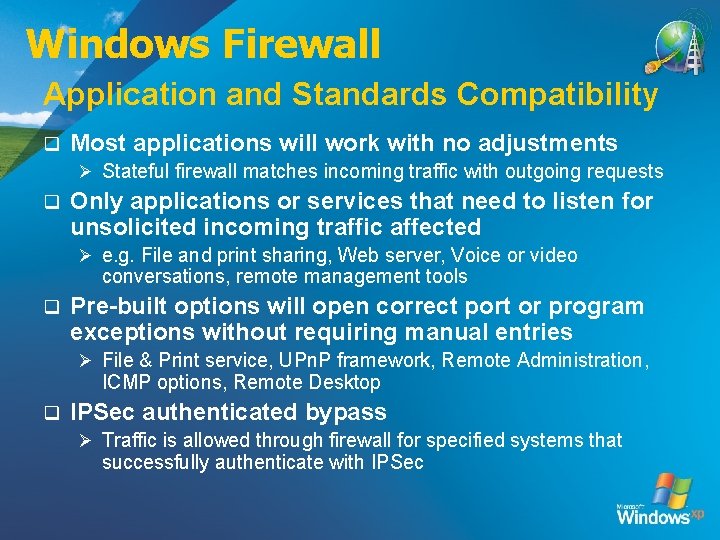
Windows Firewall Application and Standards Compatibility q Most applications will work with no adjustments Ø Stateful firewall matches incoming traffic with outgoing requests q Only applications or services that need to listen for unsolicited incoming traffic affected Ø e. g. File and print sharing, Web server, Voice or video conversations, remote management tools q Pre-built options will open correct port or program exceptions without requiring manual entries Ø File & Print service, UPn. P framework, Remote Administration, ICMP options, Remote Desktop q IPSec authenticated bypass Ø Traffic is allowed through firewall for specified systems that successfully authenticate with IPSec
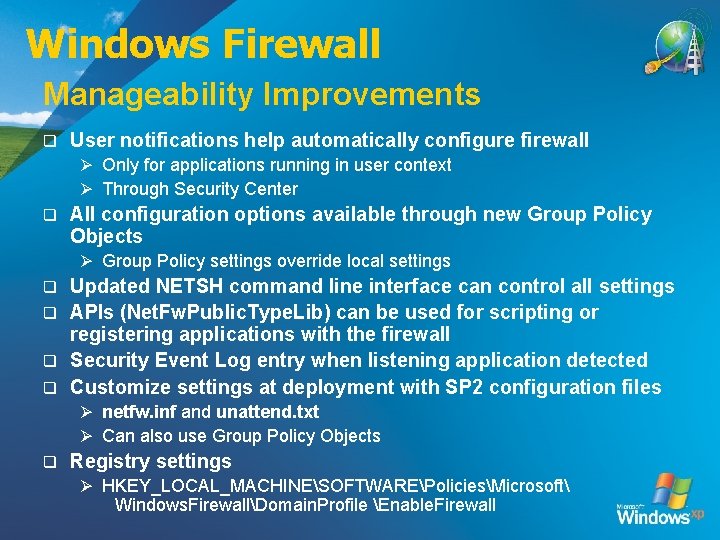
Windows Firewall Manageability Improvements q User notifications help automatically configure firewall Ø Only for applications running in user context Ø Through Security Center q All configuration options available through new Group Policy Objects Ø Group Policy settings override local settings Updated NETSH command line interface can control all settings q APIs (Net. Fw. Public. Type. Lib) can be used for scripting or registering applications with the firewall q Security Event Log entry when listening application detected q Customize settings at deployment with SP 2 configuration files q Ø netfw. inf and unattend. txt Ø Can also use Group Policy Objects q Registry settings Ø HKEY_LOCAL_MACHINESOFTWAREPoliciesMicrosoft Windows. FirewallDomain. Profile Enable. Firewall
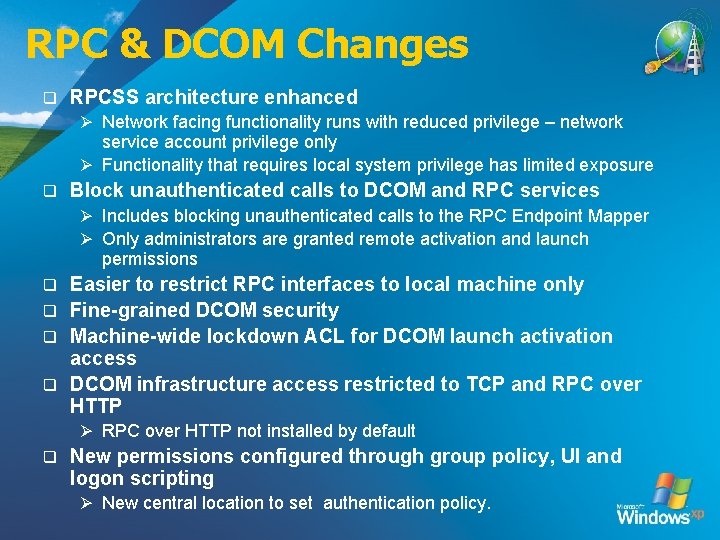
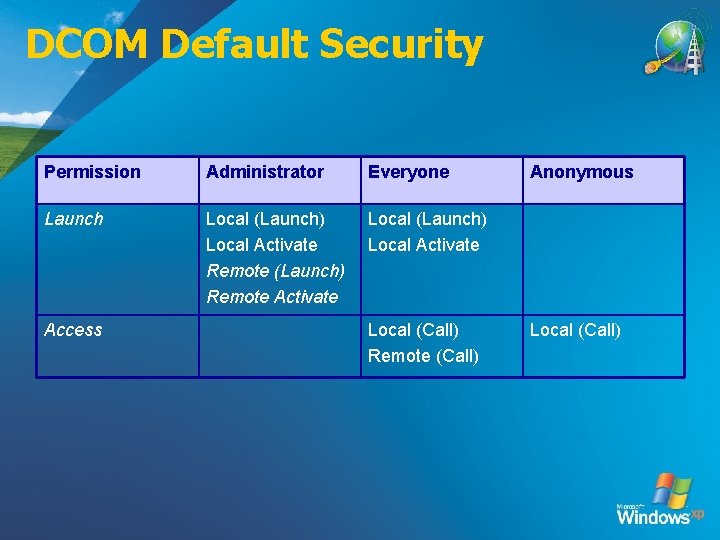
RPC & DCOM Changes q RPCSS architecture enhanced Ø Network facing functionality runs with reduced privilege – network service account privilege only Ø Functionality that requires local system privilege has limited exposure q Block unauthenticated calls to DCOM and RPC services Ø Includes blocking unauthenticated calls to the RPC Endpoint Mapper Ø Only administrators are granted remote activation and launch permissions Easier to restrict RPC interfaces to local machine only q Fine-grained DCOM security q Machine-wide lockdown ACL for DCOM launch activation access q DCOM infrastructure access restricted to TCP and RPC over HTTP q Ø RPC over HTTP not installed by default q New permissions configured through group policy, UI and logon scripting Ø New central location to set authentication policy.
DCOM Default Security Permission Administrator Everyone Launch Local (Launch) Local Activate Remote (Launch) Remote Activate Local (Launch) Local Activate Access Local (Call) Remote (Call) Anonymous Local (Call)
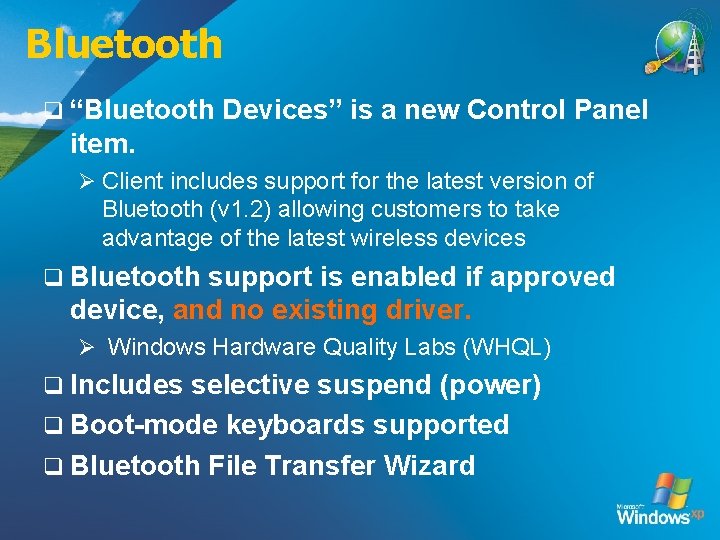
Bluetooth q “Bluetooth Devices” is a new Control Panel item. Ø Client includes support for the latest version of Bluetooth (v 1. 2) allowing customers to take advantage of the latest wireless devices q Bluetooth support is enabled if approved device, and no existing driver. Ø Windows Hardware Quality Labs (WHQL) q Includes selective suspend (power) q Boot-mode keyboards supported q Bluetooth File Transfer Wizard
Alerter and Messenger q Services disabled by default. q Any applications or services that use the Alerter or Messenger services to communicate with the user will not be successfull.
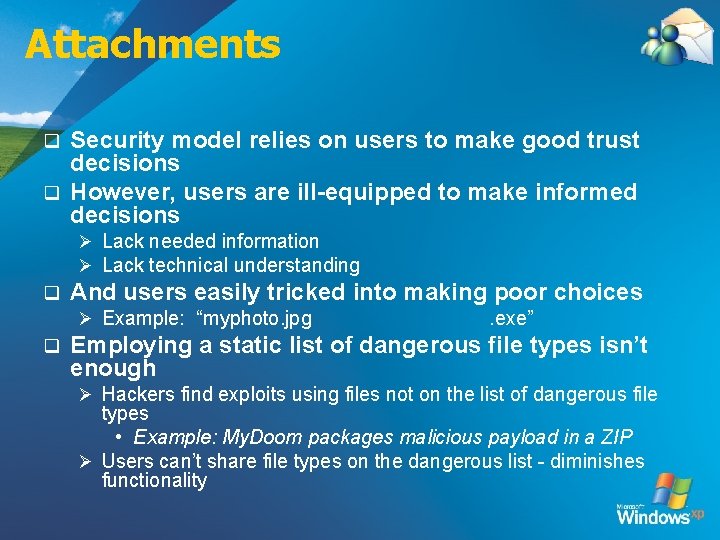
Attachments Security model relies on users to make good trust decisions q However, users are ill-equipped to make informed decisions q Ø Lack needed information Ø Lack technical understanding q And users easily tricked into making poor choices Ø Example: “myphoto. jpg q . exe” Employing a static list of dangerous file types isn’t enough Ø Hackers find exploits using files not on the list of dangerous file types • Example: My. Doom packages malicious payload in a ZIP Ø Users can’t share file types on the dangerous list - diminishes functionality
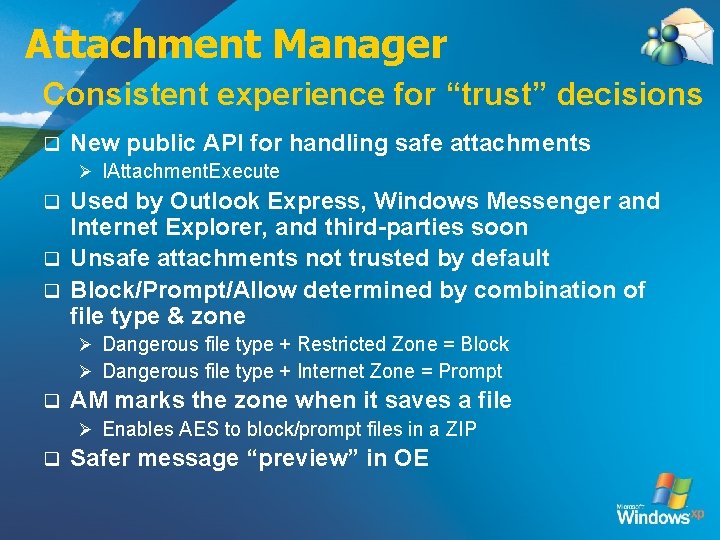
Attachment Manager Consistent experience for “trust” decisions q New public API for handling safe attachments Ø IAttachment. Execute Used by Outlook Express, Windows Messenger and Internet Explorer, and third-parties soon q Unsafe attachments not trusted by default q Block/Prompt/Allow determined by combination of file type & zone q Ø Dangerous file type + Restricted Zone = Block Ø Dangerous file type + Internet Zone = Prompt q AM marks the zone when it saves a file Ø Enables AES to block/prompt files in a ZIP q Safer message “preview” in OE
Windows Messenger q Block unsafe file transfers Ø Leverages Attachment Manager q Require user display name q Firewall Impacts
Summary q Networking Ø Windows Firewall – On by default, highly configurable Ø RPC & DCOM - Security enhancements q Email Ø Attachment Manager – Protect user from malicious attachments through consistent interface
© 2004 Microsoft Corporation. All rights reserved. This presentation is for informational purposes only. Microsoft makes no warranties, express or implied, in this summary.