
Windows XP Kernel Architecture Mike Karlsven James Farrer
- Slides: 13
Windows XP Kernel Architecture Mike Karlsven James Farrer Jason Smith
Introduction • Modeled on a microkernel architecture – Modified microkernel architecture • Components execute in kernel mode rather than user mode • Layered operating system
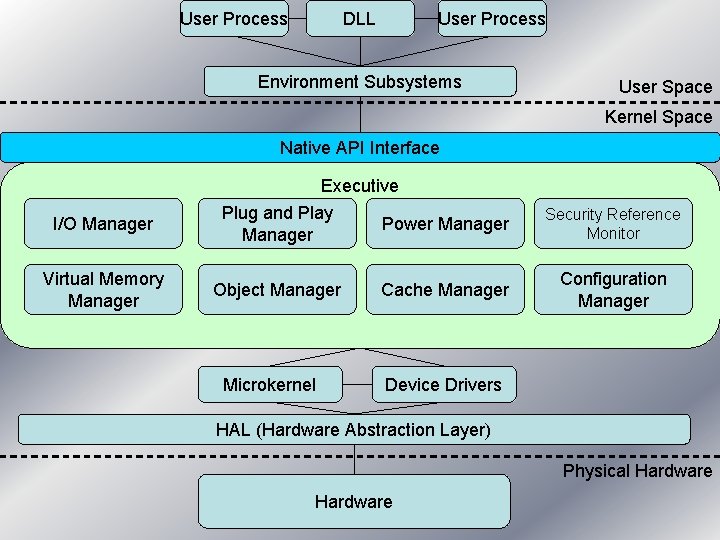
User Process DLL User Process Environment Subsystems User Space Kernel Space Native API Interface I/O Manager Virtual Memory Manager Executive Plug and Play Power Manager Object Manager Microkernel Cache Manager Security Reference Monitor Configuration Manager Device Drivers HAL (Hardware Abstraction Layer) Physical Hardware
Hardware Abstraction Layer (HAL) • Interacts directly with the hardware • Handles device components on mainboard – Cache, system timers, etc • Interacts with the microkernel • HAL and Microkernel combine to make Windows XP portable allowing it to run in many different hardware environments
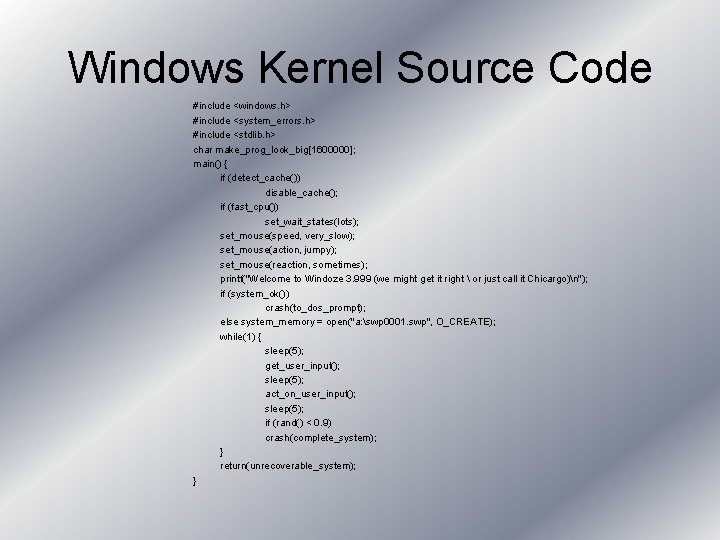
Windows Kernel Source Code #include <windows. h> #include <system_errors. h> #include <stdlib. h> char make_prog_look_big[1600000]; main() { if (detect_cache()) disable_cache(); if (fast_cpu()) set_wait_states(lots); set_mouse(speed, very_slow); set_mouse(action, jumpy); set_mouse(reaction, sometimes); printf("Welcome to Windoze 3. 999 (we might get it right or just call it Chicargo)n"); if (system_ok()) crash(to_dos_prompt); else system_memory = open("a: swp 0001. swp", O_CREATE); while(1) { sleep(5); get_user_input(); sleep(5); act_on_user_input(); sleep(5); if (rand() < 0. 9) crash(complete_system); } return(unrecoverable_system); }
Microkernel • Provides base services for the other components residing in kernel space • Forms only small part of kernel space • Provides basic system mechanisms – Thread scheduling • Handles thread synchronization • Dispatches interrupts • Handles exceptions
Device Drivers • Interacts with the microkernel and the HAL • Interacts with Executive portion of the kernel space • Inside kernel space
Executive • Contains kernel-mode components responsible for administering the operating system subsystems – – – – I/O Manager Plug and Play Manager Power Management Security Reference Monitor Virtual Memory Manager Object Manager Cache Manager Configuration Manager • Interacts with microkernel, device drivers, and native API interface
Native API Interface • The interface directly to the executive’s services from the user level. Environment Subsystem • The standard environment (e. g. win 32). • A layer of abstraction to translate the standard environment calls to system calls. • Processes preferred method of interaction.
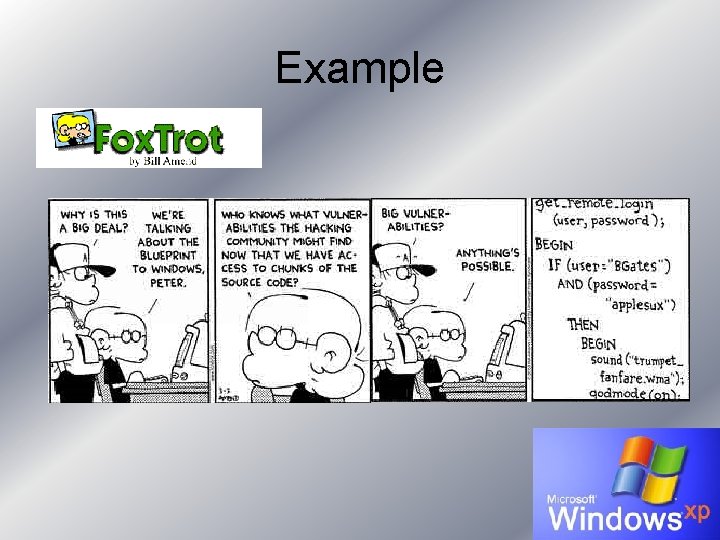
Example
Registry • Database accessible to all process and Kernel-mode components • Managed by the configuration manager (Executive Component) • All drivers, components and applications communicate with the configuration manager to access the registry
Object Manager • Executive Component that manages objects (physical and logical resources) • Objects are access through object handles • Kernel-mode components can access objects directly through pointers and through kernel handles (handles only accessible through kernel-mode)
Conclusion • Designed to offer – Stability – Security – Scalability • While still providing – Multimedia support – Networking – User friendly interface