
Windows XP File System Management Group D 3
- Slides: 25
Windows XP File System Management Group D
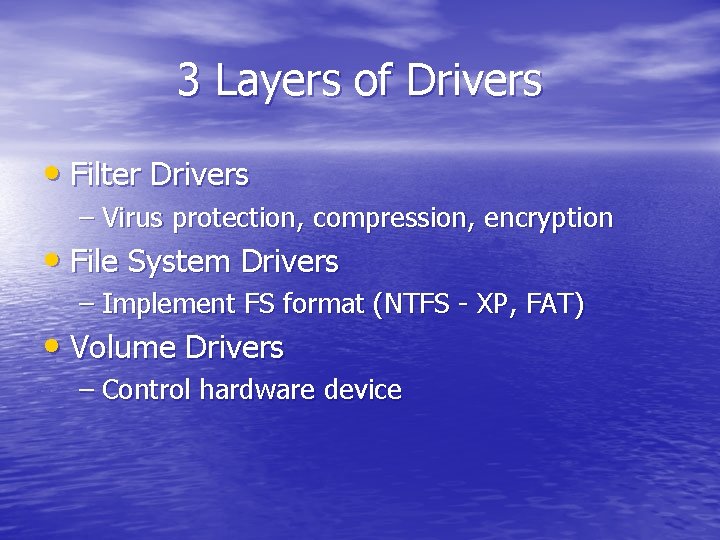
3 Layers of Drivers • Filter Drivers – Virus protection, compression, encryption • File System Drivers – Implement FS format (NTFS - XP, FAT) • Volume Drivers – Control hardware device
File System Drivers • Fulfill I/O requests with I/O Manager • Use file object pointers to determine file location • Read Requests traverse driver layers • Link between logical (user) and physical representation (storage)
File System Drivers • Local – Process I/O for Hardware Devices • Remote – Transfer files to / from remote file servers via network protocols • Support for file system independent of file storage volume
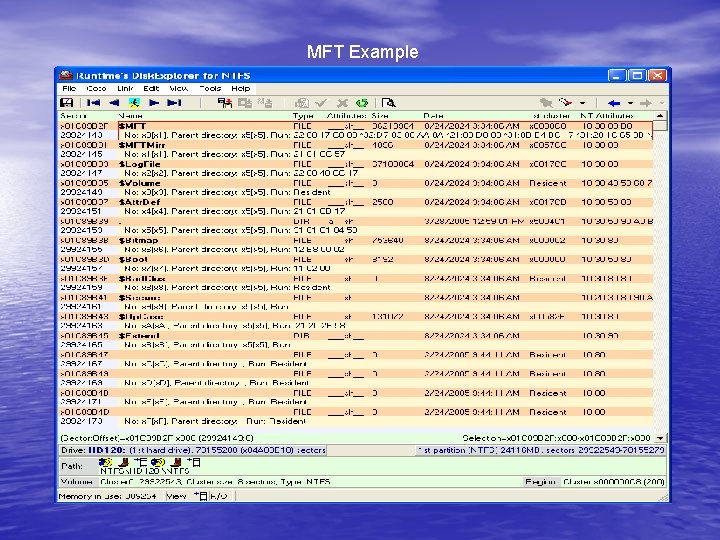
Master File Table (MFT) • NTFS uses MFT entries to define the files to which they correspond. All information about a file, including its size, time and date stamps, permissions, and data content is either stored in MFT entries or in space external to the MFT but described by the MFT entries. • As files are added to an NTFS volume, more entries are added to the MFT and so the MFT increases in size. When files are deleted from an NTFS volume, their MFT entries are marked as free and may be reused, but the MFT does not shrink. Thus, space used by these entries is not reclaimed from the disk.
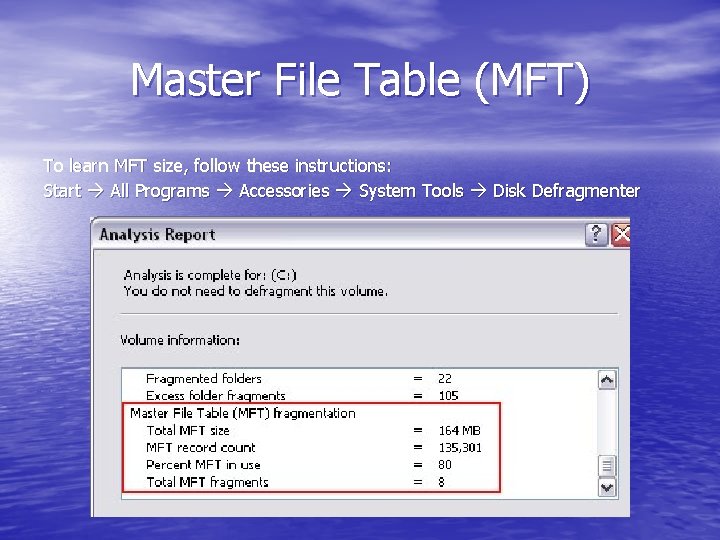
Master File Table (MFT) To learn MFT size, follow these instructions: Start All Programs Accessories System Tools Disk Defragmenter
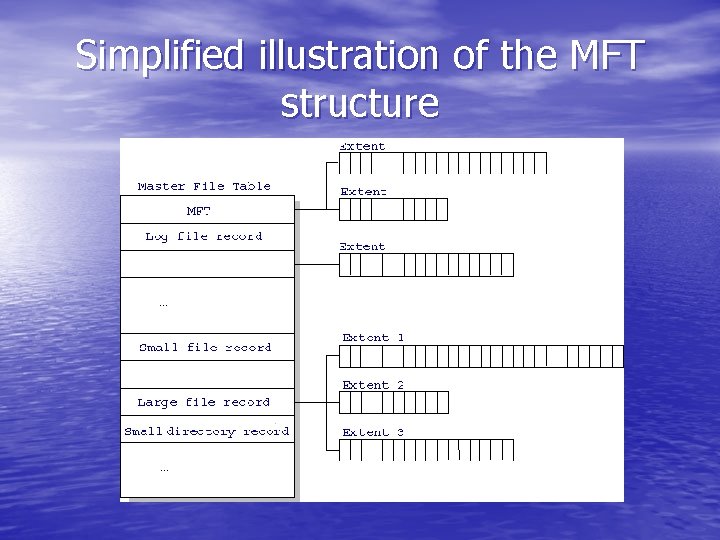
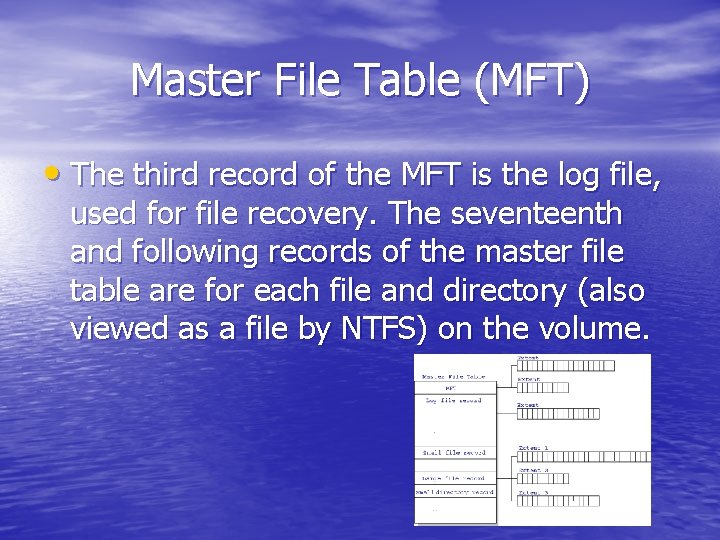
Simplified illustration of the MFT structure
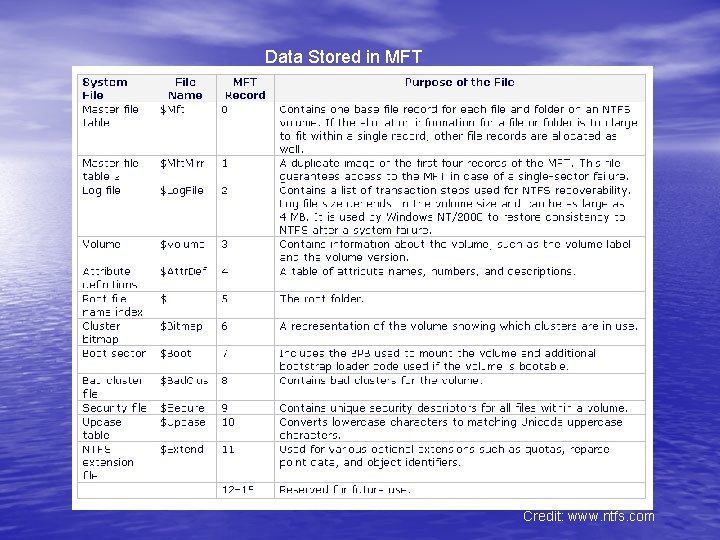
Master File Table (MFT) • The first record of this table describes the master file table itself, followed by a MFT mirror record. If the first MFT record is corrupted, NTFS reads the second record to find the MFT mirror file, whose first record is identical to the first record of the MFT. The locations of the data segments for both the MFT and MFT mirror file are recorded in the boot sector. A duplicate of the boot sector is located at the logical center of the disk.
Master File Table (MFT) • The third record of the MFT is the log file, used for file recovery. The seventeenth and following records of the master file table are for each file and directory (also viewed as a file by NTFS) on the volume.
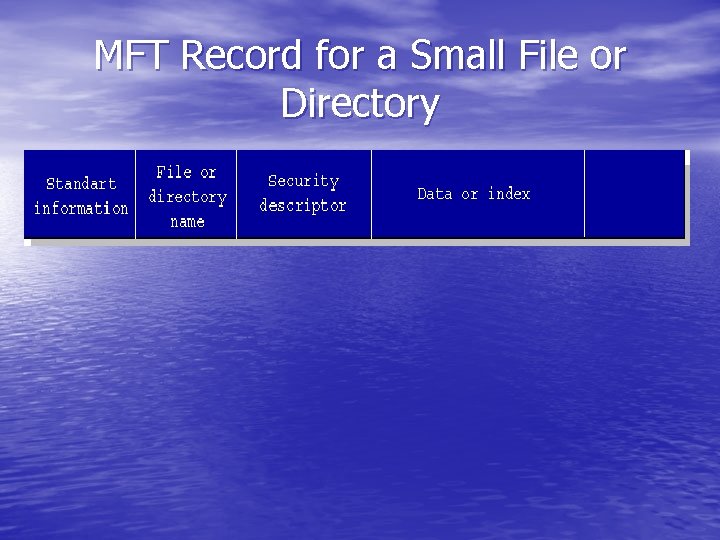
MFT Record for a Small File or Directory
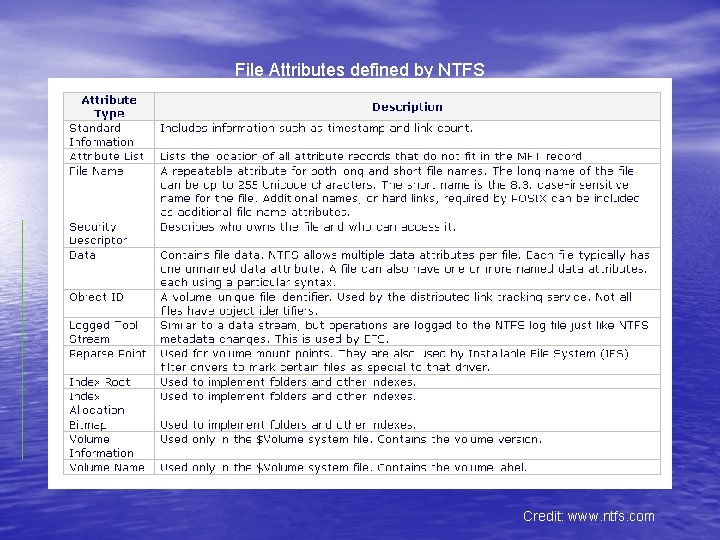
Data Streams ØWhere the contents of an NTFS file are; Ø Multiple data streams allowed in one file: • Default the contents of the file; • Alternate meta and supplemental data;
Data Streams Ø Attribute type Data Ø Attribute name how NTFS differentiates between alternate data streams
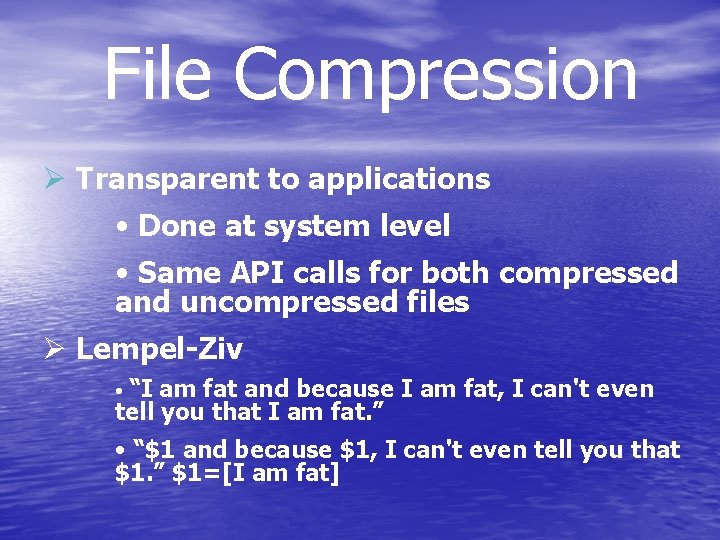
File Compression Ø Transparent to applications • Done at system level • Same API calls for both compressed and uncompressed files Ø Lempel-Ziv • “I am fat and because I am fat, I can't even tell you that I am fat. ” • “$1 and because $1, I can't even tell you that $1. ” $1=[I am fat]
File Compression Ø Segmented compression • Divides file in compression units • Random file I/O without decompressing the entire file • Compresses files while still being modified
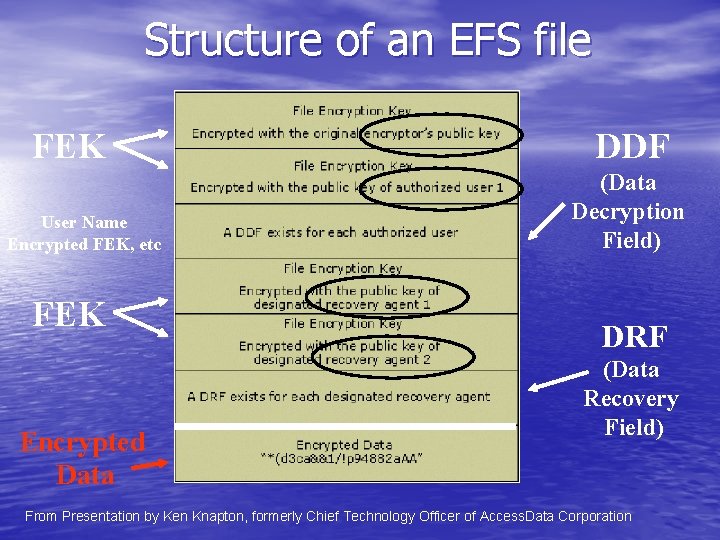
NTFS Encryption • True support for encryption in file system (unlike encrypted loopback device in linux) • Same API as regular files • All data streams are encrypted • Encrypted in 16 cluster chunks • Encryption uses PKI to store data encryption key for each user (see next)
Structure of an EFS file FEK User Name Encrypted FEK, etc FEK Encrypted Data DDF (Data Decryption Field) DRF (Data Recovery Field) From Presentation by Ken Knapton, formerly Chief Technology Officer of Access. Data Corporation
File Attributes defined by NTFS Credit: www. ntfs. com
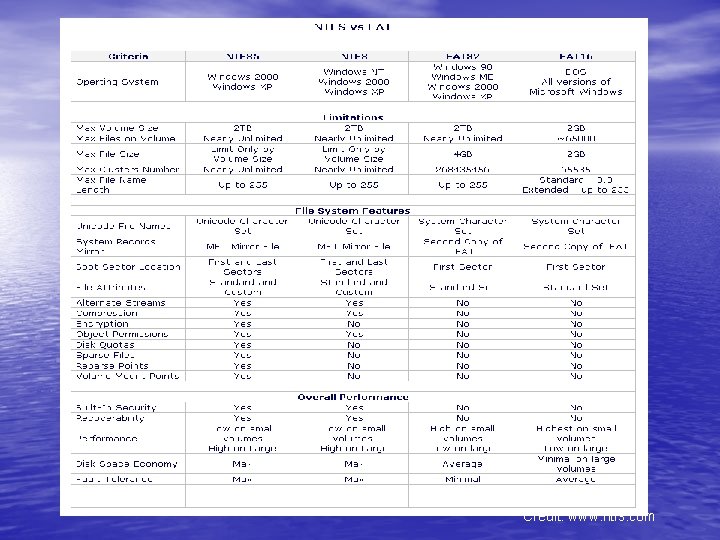
Credit: www. ntfs. com
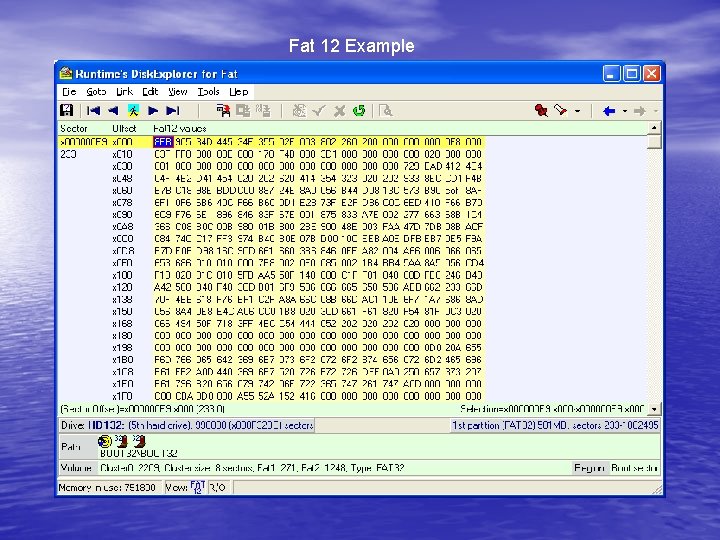
Fat 12 Example
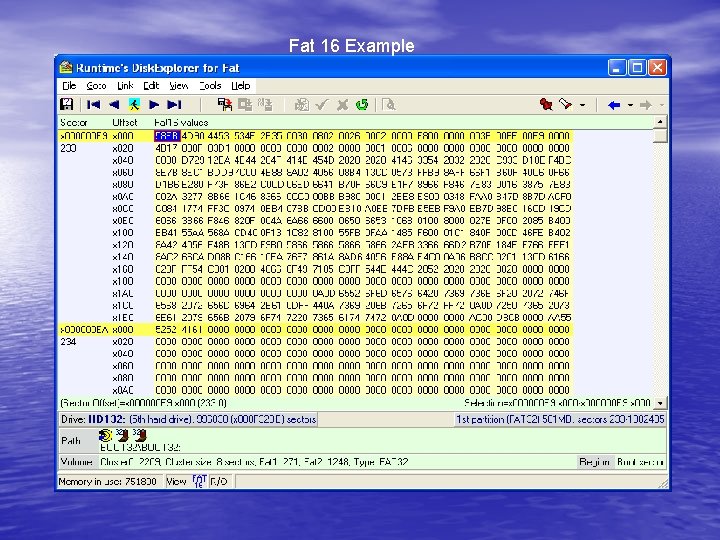
Fat 16 Example
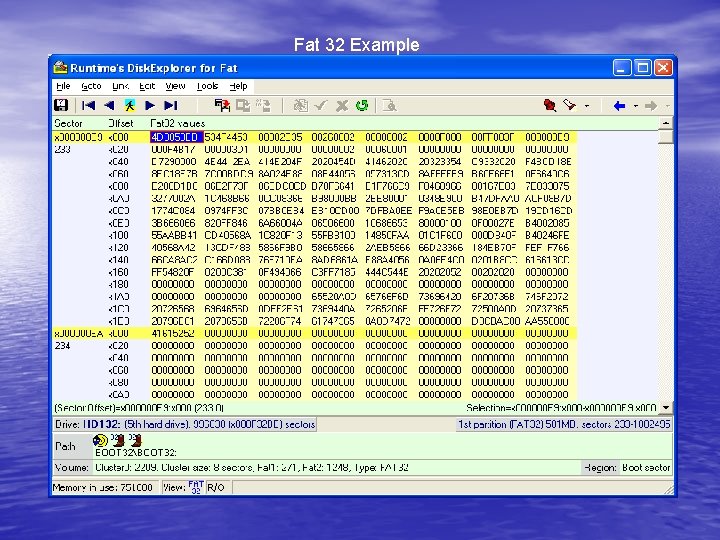
Fat 32 Example
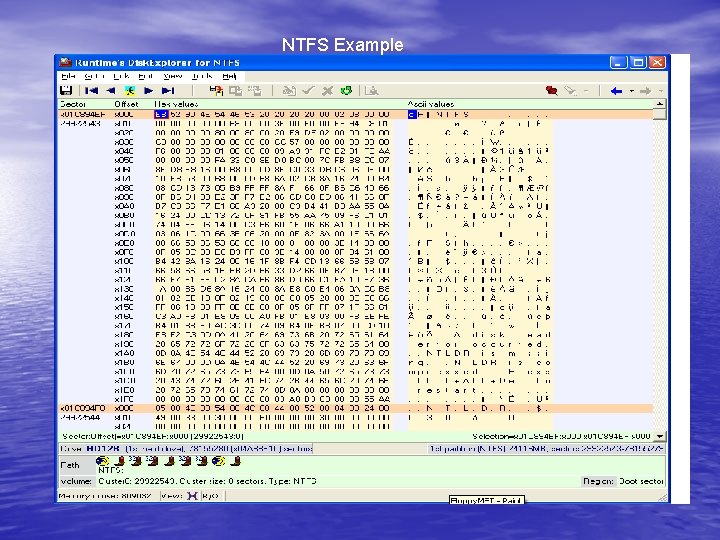
NTFS Example
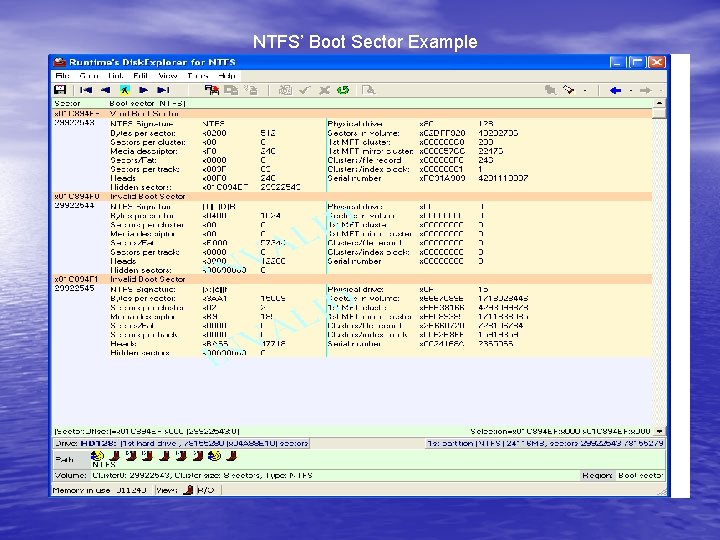
NTFS’ Boot Sector Example
Data Stored in MFT Credit: www. ntfs. com
MFT Example