
Windows Windows Common Criteria EAL 4 Windows Server

- Slides: 30
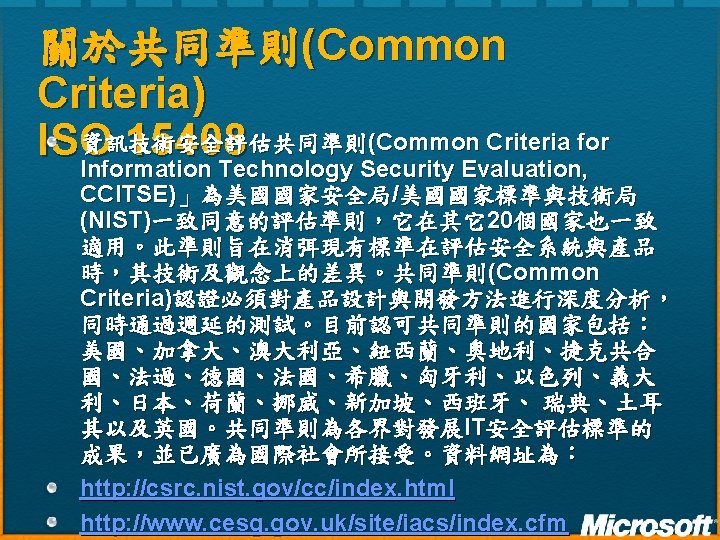
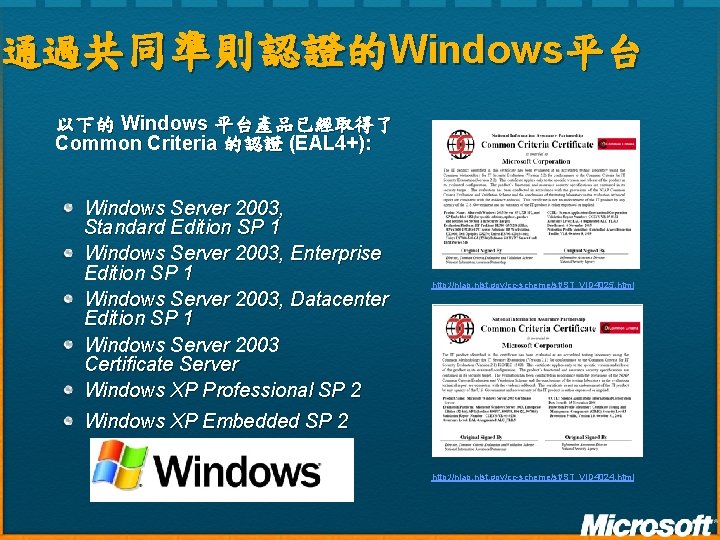
通過共同準則認證的Windows平台 以下的 Windows 平台產品已經取得了 Common Criteria 的認證 (EAL 4+): Windows Server 2003, Standard Edition SP 1 Windows Server 2003, Enterprise Edition SP 1 Windows Server 2003, Datacenter Edition SP 1 Windows Server 2003 Certificate Server Windows XP Professional SP 2 http: //niap. nist. gov/cc-scheme/st/ST_VID 4025. html Windows XP Embedded SP 2 http: //niap. nist. gov/cc-scheme/st/ST_VID 4024. html
先前已經取得CC認證的微軟產品 Microsoft ISA Server 2004 SE (EAL 4, September 2005) Microsoft Exchange Server 2003 (EAL 4, November 2005) Microsoft Windows 2000 Professional, Windows Server and Advanced Server (EAL 4+, Oct 2003)
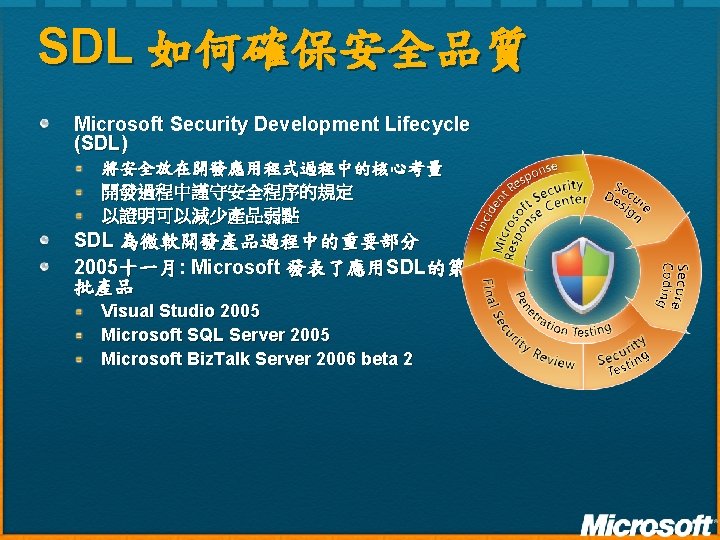
SDL 如何確保安全品質 Microsoft Security Development Lifecycle (SDL) 將安全放在開發應用程式過程中的核心考量 開發過程中謹守安全程序的規定 以證明可以減少產品弱點 SDL 為微軟開發產品過程中的重要部分 2005十一月: Microsoft 發表了應用SDL的第一 批產品 Visual Studio 2005 Microsoft SQL Server 2005 Microsoft Biz. Talk Server 2006 beta 2
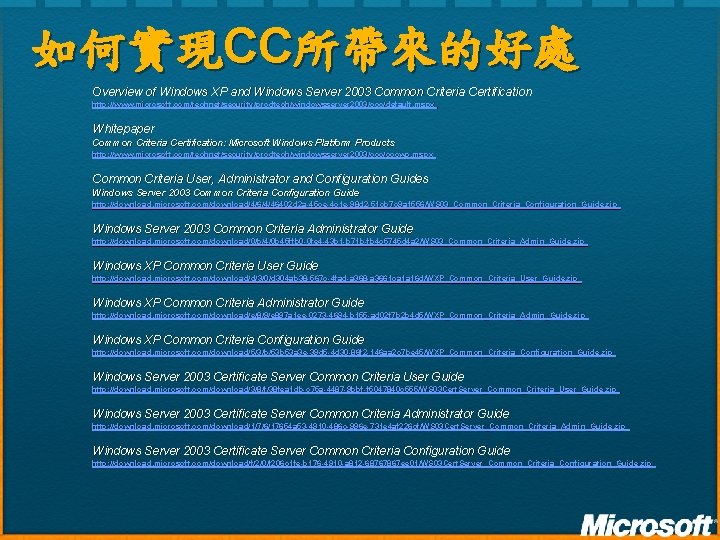
如何實現CC所帶來的好處 Overview of Windows XP and Windows Server 2003 Common Criteria Certification http: //www. microsoft. com/technet/security/prodtech/windowsserver 2003/ccc/default. mspx Whitepaper Common Criteria Certification: Microsoft Windows Platform Products http: //www. microsoft. com/technet/security/prodtech/windowsserver 2003/cccwp. mspx Common Criteria User, Administrator and Configuration Guides Windows Server 2003 Common Criteria Configuration Guide http: //download. microsoft. com/download/4/6/4/46402 d 2 a-45 ce-4 c 1 e-98 d 2 -51 cb 7 c 9 a 1556/WS 03_Common_Criteria_Configuration_Guide. zip Windows Server 2003 Common Criteria Administrator Guide http: //download. microsoft. com/download/0/b/4/0 b 45 ffb 0 -0 fe 4 -43 b 1 -b 71 b-fb 4 c 5745 d 4 a 2/WS 03_Common_Criteria_Admin_Guide. zip Windows XP Common Criteria User Guide http: //download. microsoft. com/download/d/3/0/d 304 ab 38 -567 c-4 fad-a 368 -a 3661 ca 1 a 16 d/WXP_Common_Criteria_User_Guide. zip Windows XP Common Criteria Administrator Guide http: //download. microsoft. com/download/e/8/9/e 897 a 1 ee-0273 -4694 -b 155 -ad 02 f 7 b 2 b 4 d 5/WXP_Common_Criteria_Admin_Guide. zip Windows XP Common Criteria Configuration Guide http: //download. microsoft. com/download/5/3/b/53 b 53 a 3 e-39 d 5 -4 d 30 -86 f 2 -146 aa 2 c 7 be 45/WXP_Common_Criteria_Configuration_Guide. zip Windows Server 2003 Certificate Server Common Criteria User Guide http: //download. microsoft. com/download/3/8/f/38 fea 1 db-c 75 a-4487 -9 bbf-f 5047840 c 555/WS 03 Cert. Server_Common_Criteria_User_Guide. zip Windows Server 2003 Certificate Server Common Criteria Administrator Guide http: //download. microsoft. com/download/1/7/6/17654 a 53 -4910 -486 c-996 e-731 e 4 af 226 cf/WS 03 Cert. Server_Common_Criteria_Admin_Guide. zip Windows Server 2003 Certificate Server Common Criteria Configuration Guide http: //download. microsoft. com/download/f/2/0/f 206 c 1 fe-b 176 -4910 -a 812 -68767867 ee 01/WS 03 Cert. Server_Common_Criteria_Configuration_Guide. zip
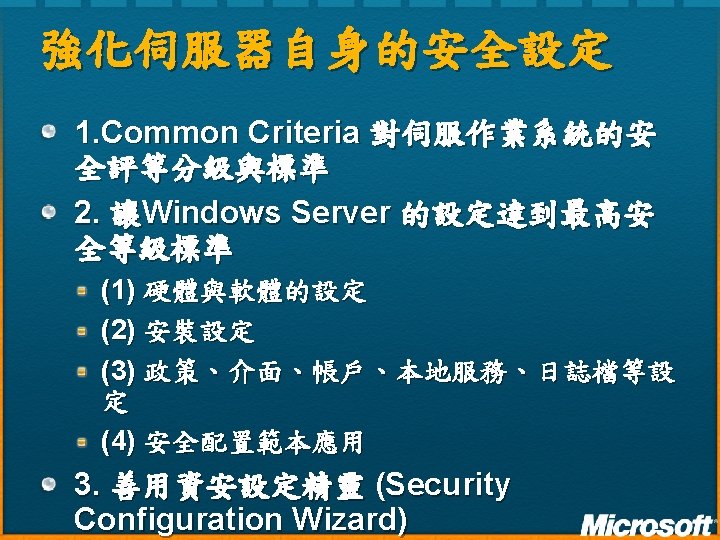
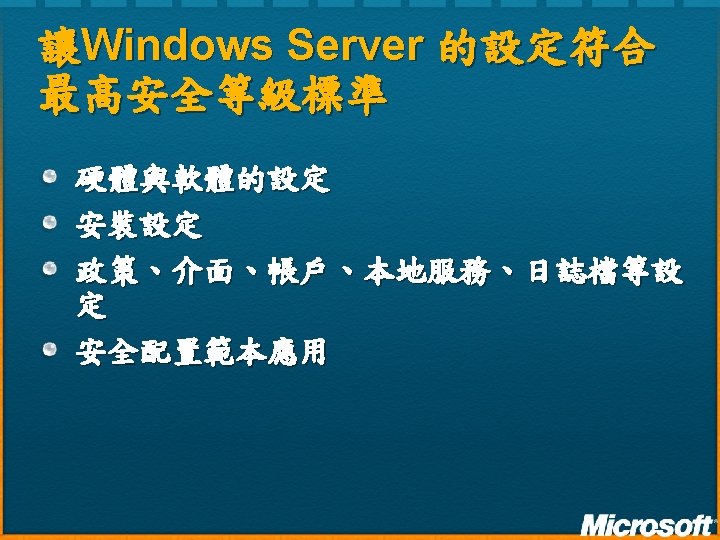
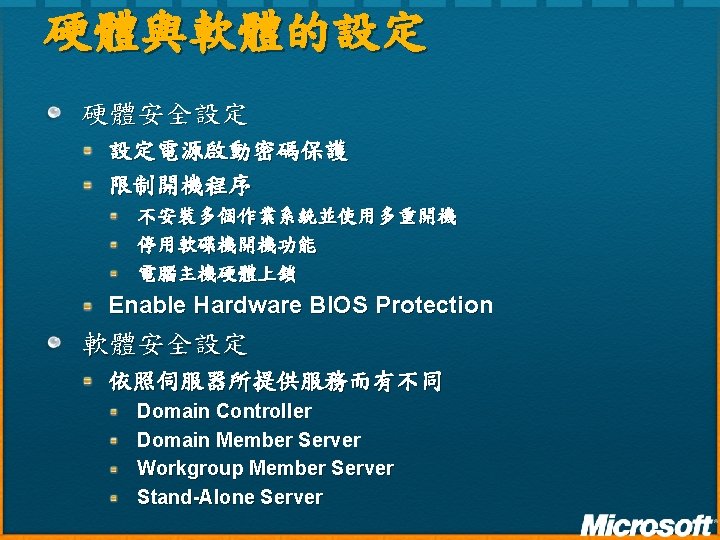
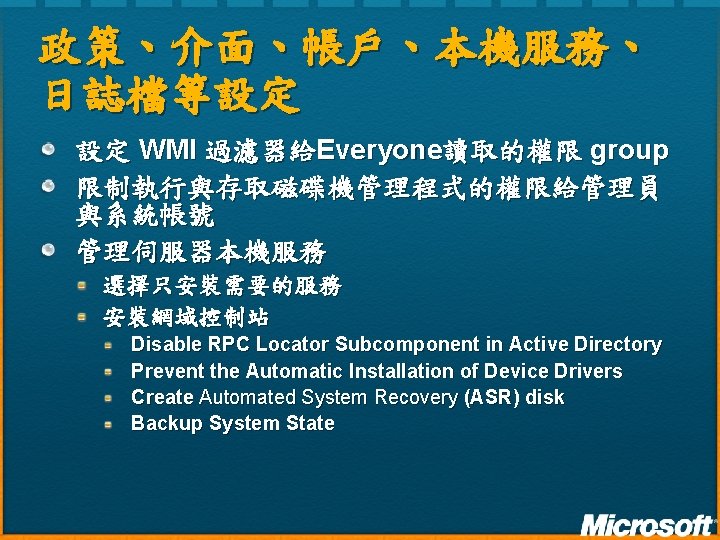
政策、介面、帳戶、本機服務、 日誌檔等設定 設定 WMI 過濾器給Everyone讀取的權限 group 限制執行與存取磁碟機管理程式的權限給管理員 與系統帳號 管理伺服器本機服務 選擇只安裝需要的服務 安裝網域控制站 Disable RPC Locator Subcomponent in Active Directory Prevent the Automatic Installation of Device Drivers Create Automated System Recovery (ASR) disk Backup System State
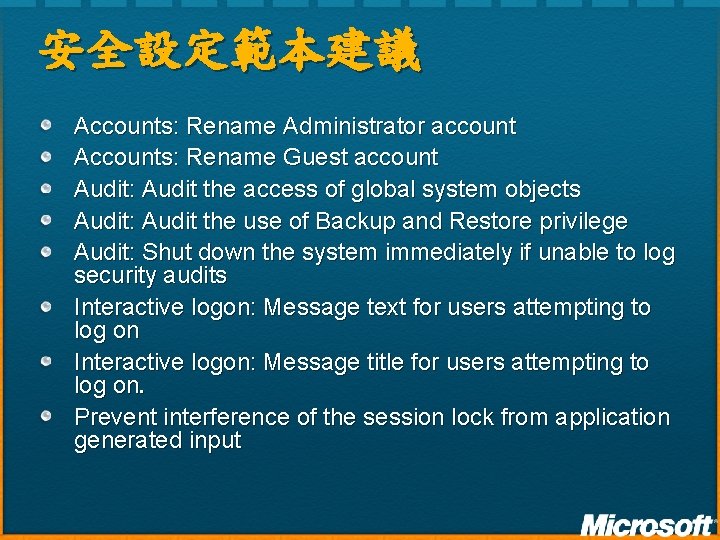
安全設定範本建議 Accounts: Rename Administrator account Accounts: Rename Guest account Audit: Audit the access of global system objects Audit: Audit the use of Backup and Restore privilege Audit: Shut down the system immediately if unable to log security audits Interactive logon: Message text for users attempting to log on Interactive logon: Message title for users attempting to log on. Prevent interference of the session lock from application generated input
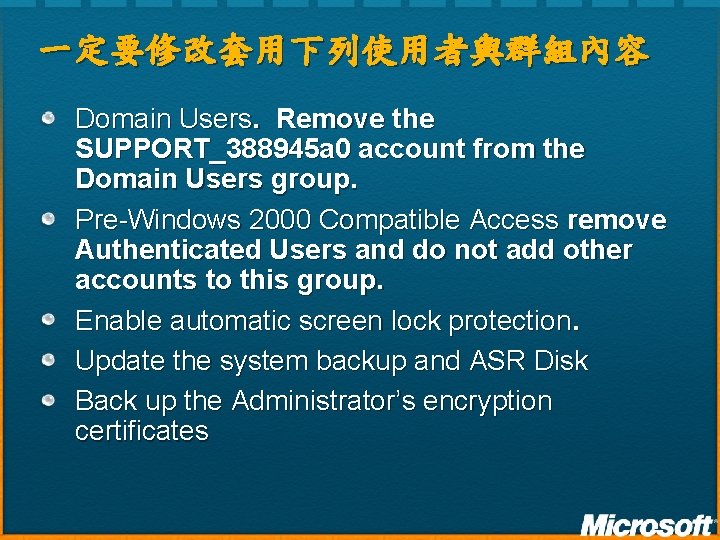
一定要修改套用下列使用者與群組內容 Domain Users. Remove the SUPPORT_388945 a 0 account from the Domain Users group. Pre-Windows 2000 Compatible Access remove Authenticated Users and do not add other accounts to this group. Enable automatic screen lock protection. Update the system backup and ASR Disk Back up the Administrator’s encryption certificates
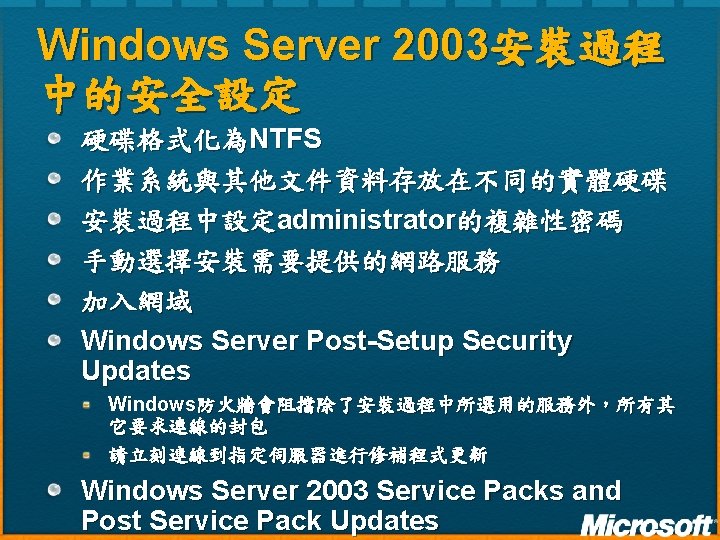
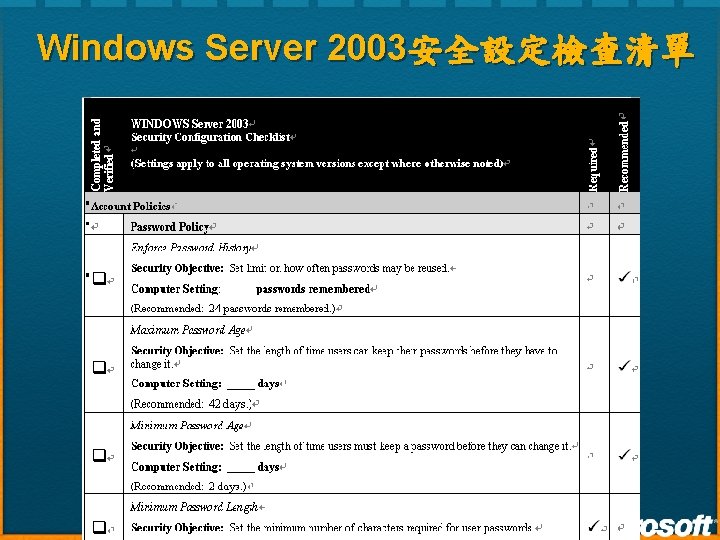
Windows Server 2003安全設定檢查清單
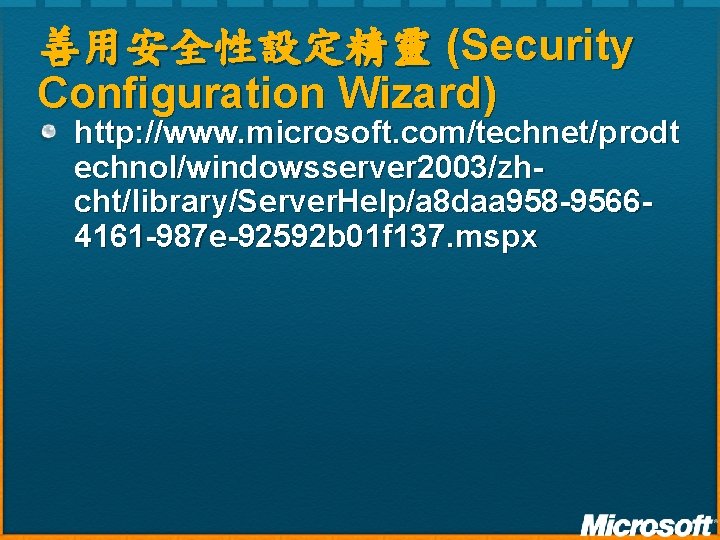
善用安全性設定精靈 (Security Configuration Wizard) http: //www. microsoft. com/technet/prodt echnol/windowsserver 2003/zhcht/library/Server. Help/a 8 daa 958 -95664161 -987 e-92592 b 01 f 137. mspx
DEMO
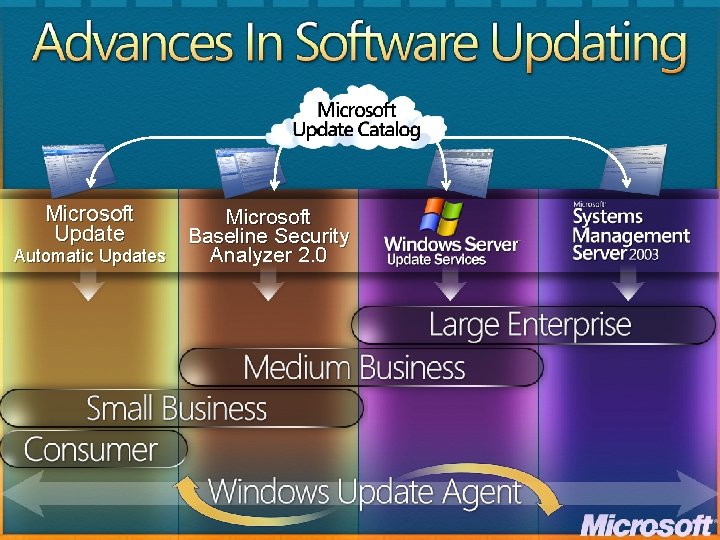
Microsoft Update Automatic Updates Microsoft Baseline Security Analyzer 2. 0
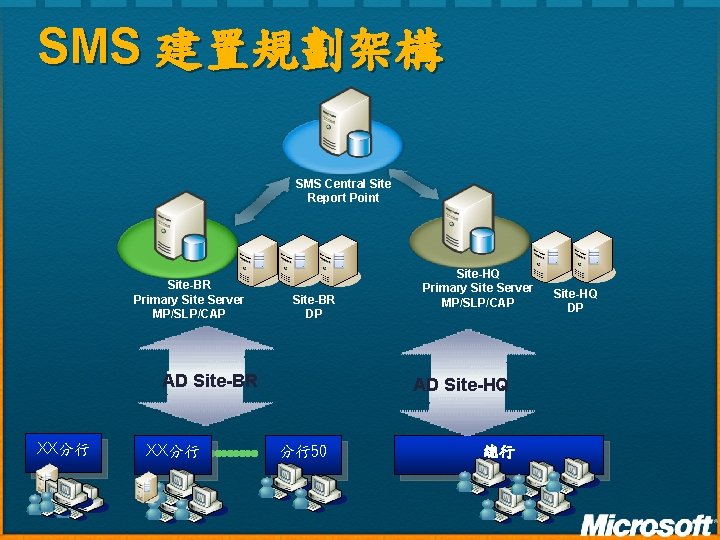
SMS 建置規劃架構 SMS Central Site Report Point Site-BR Primary Site Server MP/SLP/CAP Site-BR DP AD Site-BR XX分行 Site-HQ Primary Site Server MP/SLP/CAP AD Site-HQ 分行50 總行 Site-HQ DP
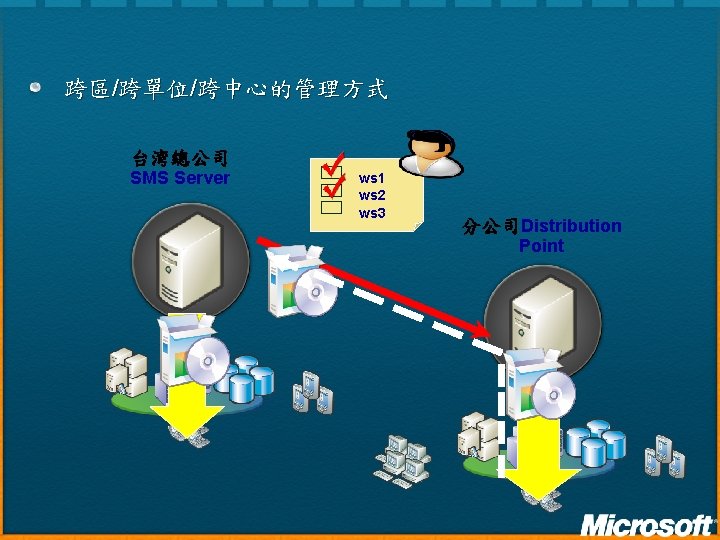
跨區/跨單位/跨中心的管理方式 台湾總公司 SMS Server ws 1 ws 2 ws 3 分公司Distribution Point
© 2006 Microsoft Corporation. All rights reserved. Microsoft, Windows Vista and other product names are or may be registered trademarks and/or trademarks in the U. S. and/or other countries. The information herein is for informational purposes only and represents the current view of Microsoft Corporation as of the date of this presentation. Because Microsoft must respond to changing market conditions, it should not be interpreted to be a commitment on the part of Microsoft, and Microsoft cannot guarantee the accuracy of any information provided after the date of this presentation. MICROSOFT MAKES NO WARRANTIES, EXPRESS, IMPLIED OR STATUTORY, AS TO THE INFORMATION IN THIS PRESENTATION.