
Windows Server Intro From Install and Configure course

![Power. Shell • Power. Shell provides help for each cmdlet through the Get-Help [cmdletname]](https://slidetodoc.com/presentation_image_h2/9e1584f9f9e460b1935e70e8e4b21060/image-11.jpg "Power. Shell • Power. Shell provides help for each cmdlet through the Get-Help [cmdletname]")
- Slides: 49
Windows Server Intro From “Install and Configure” course
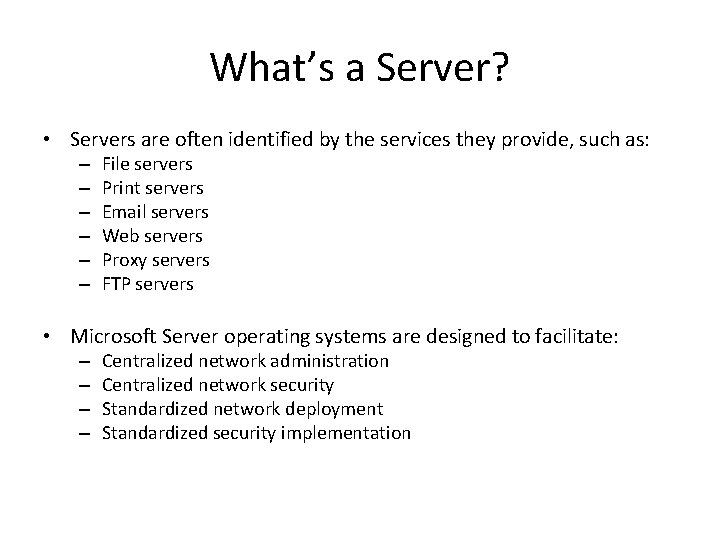
What’s a Server? • Servers are often identified by the services they provide, such as: – – – File servers Print servers Email servers Web servers Proxy servers FTP servers • Microsoft Server operating systems are designed to facilitate: – – Centralized network administration Centralized network security Standardized network deployment Standardized security implementation
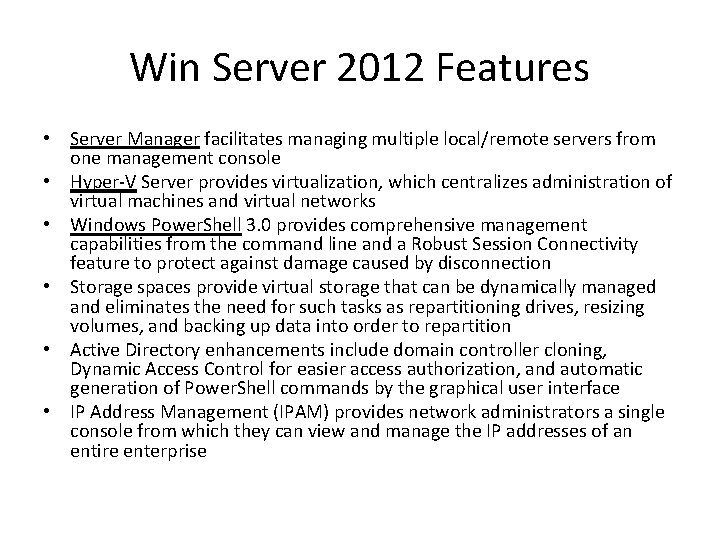
Win Server 2012 Features • Server Manager facilitates managing multiple local/remote servers from one management console • Hyper-V Server provides virtualization, which centralizes administration of virtual machines and virtual networks • Windows Power. Shell 3. 0 provides comprehensive management capabilities from the command line and a Robust Session Connectivity feature to protect against damage caused by disconnection • Storage spaces provide virtual storage that can be dynamically managed and eliminates the need for such tasks as repartitioning drives, resizing volumes, and backing up data into order to repartition • Active Directory enhancements include domain controller cloning, Dynamic Access Control for easier access authorization, and automatic generation of Power. Shell commands by the graphical user interface • IP Address Management (IPAM) provides network administrators a single console from which they can view and manage the IP addresses of an entire enterprise
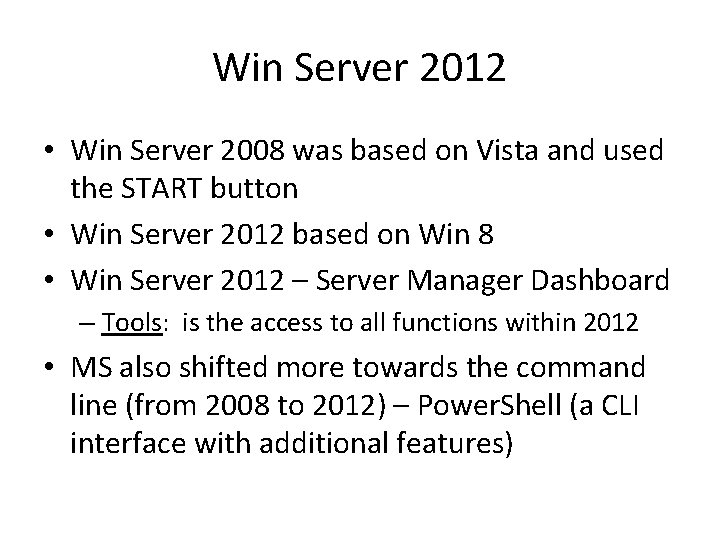
Win Server 2012 • Win Server 2008 was based on Vista and used the START button • Win Server 2012 based on Win 8 • Win Server 2012 – Server Manager Dashboard – Tools: is the access to all functions within 2012 • MS also shifted more towards the command line (from 2008 to 2012) – Power. Shell (a CLI interface with additional features)
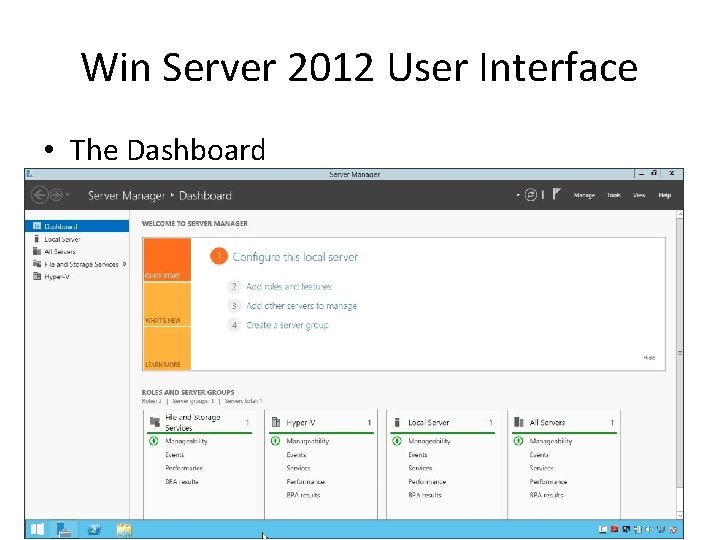
Win Server 2012 User Interface • The Dashboard
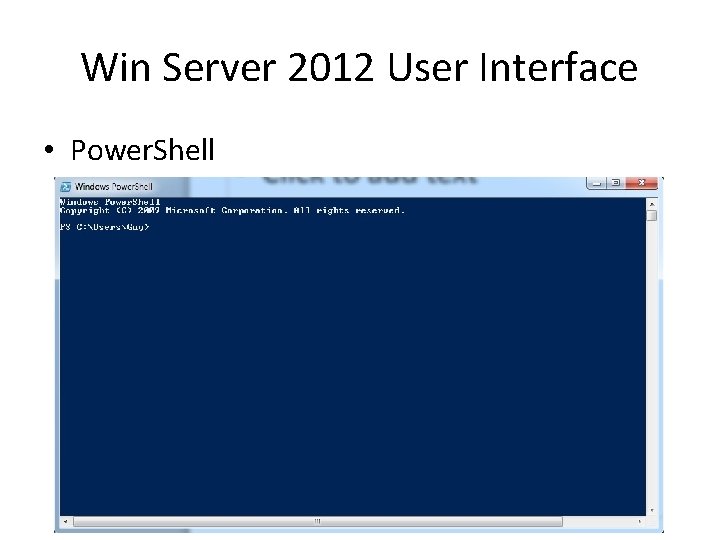
Win Server 2012 User Interface • Power. Shell
Server Manager • Server Manager - After installing Windows Server 2012, use Server Manager to set up using the following steps: – 1. Configure this local server – 2. Add roles and features – 3. Add other servers to manage – 4. Create a server group
Server Manager • Options available from the Server Manager menu are: – Add Roles and Features – Remove Roles and Features – Add Servers – Create Server Group – Server Manager Properties
Server Manager • Tools for server management can be accessed through the Tools menu. Tools are automatically added to the Tools menu when additional server roles and services are installed. • Roles and Server Groups display the status of each server and role. The status refresh time can be configured in Manage > Server Manager Properties. A server, server group, or role displayed in red indicates a problem. The following information displays for the local server, all servers, and installed roles: – – – Manageability Events Services (if applicable) Performance BPA results
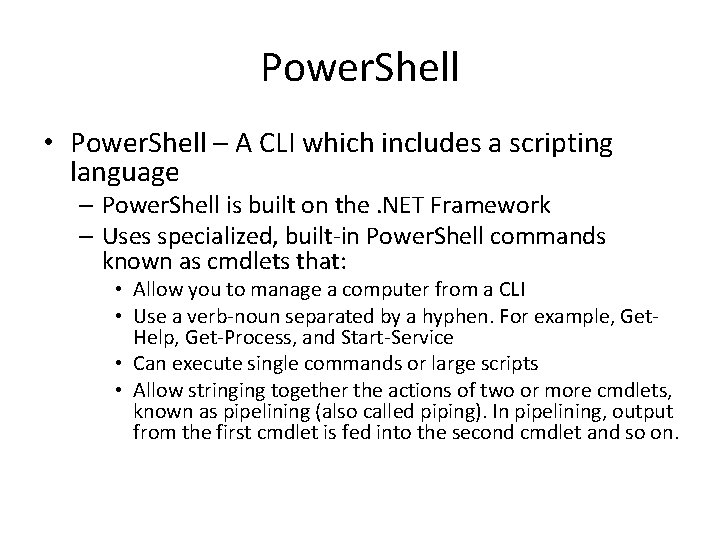
Power. Shell • Power. Shell – A CLI which includes a scripting language – Power. Shell is built on the. NET Framework – Uses specialized, built-in Power. Shell commands known as cmdlets that: • Allow you to manage a computer from a CLI • Use a verb-noun separated by a hyphen. For example, Get. Help, Get-Process, and Start-Service • Can execute single commands or large scripts • Allow stringing together the actions of two or more cmdlets, known as pipelining (also called piping). In pipelining, output from the first cmdlet is fed into the second cmdlet and so on.
Power. Shell • Power. Shell provides help for each cmdlet through the Get-Help [cmdletname] cmdlet • You can use the Update-Help cmdlet to download and install the newest versions of help topics for modules installed on your computer
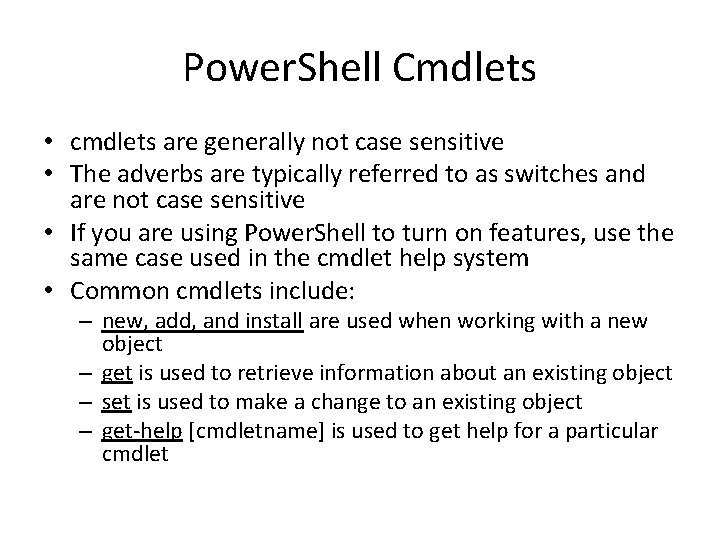
Power. Shell Cmdlets • cmdlets are generally not case sensitive • The adverbs are typically referred to as switches and are not case sensitive • If you are using Power. Shell to turn on features, use the same case used in the cmdlet help system • Common cmdlets include: – new, add, and install are used when working with a new object – get is used to retrieve information about an existing object – set is used to make a change to an existing object – get-help [cmdletname] is used to get help for a particular cmdlet
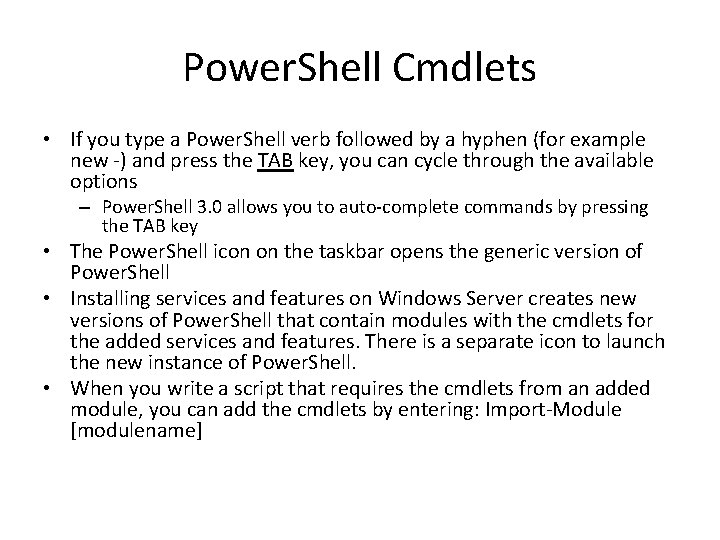
Power. Shell Cmdlets • If you type a Power. Shell verb followed by a hyphen (for example new -) and press the TAB key, you can cycle through the available options – Power. Shell 3. 0 allows you to auto-complete commands by pressing the TAB key • The Power. Shell icon on the taskbar opens the generic version of Power. Shell • Installing services and features on Windows Server creates new versions of Power. Shell that contain modules with the cmdlets for the added services and features. There is a separate icon to launch the new instance of Power. Shell. • When you write a script that requires the cmdlets from an added module, you can add the cmdlets by entering: Import-Module [modulename]
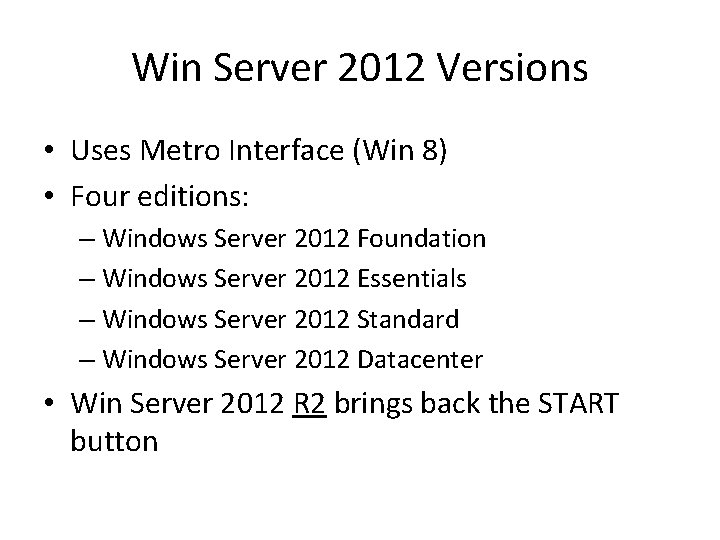
Win Server 2012 Versions • Uses Metro Interface (Win 8) • Four editions: – Windows Server 2012 Foundation – Windows Server 2012 Essentials – Windows Server 2012 Standard – Windows Server 2012 Datacenter • Win Server 2012 R 2 brings back the START button
Definitions • A role is a set of software features that provides a specific server function • Role services are specific programs that provide the functions of a role • A feature is a software program that is not directly related to a server role, but which adds functionality to the entire server • All roles, role services and features are added or removed using the wizard
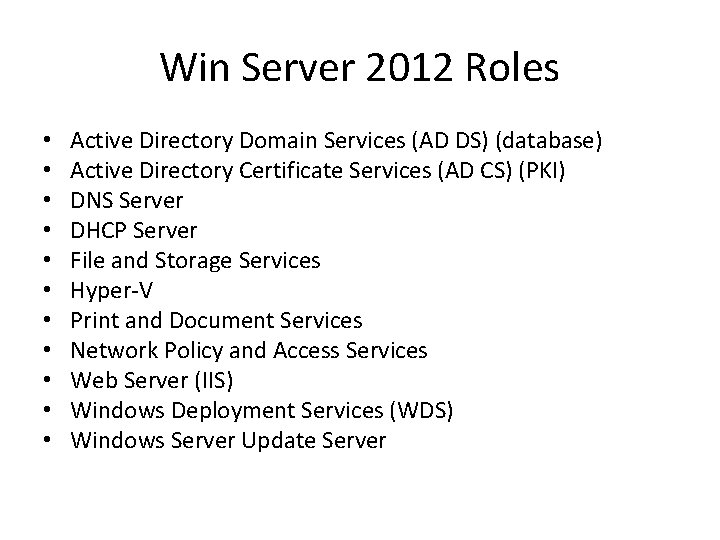
Win Server 2012 Roles • • • Active Directory Domain Services (AD DS) (database) Active Directory Certificate Services (AD CS) (PKI) DNS Server DHCP Server File and Storage Services Hyper-V Print and Document Services Network Policy and Access Services Web Server (IIS) Windows Deployment Services (WDS) Windows Server Update Server
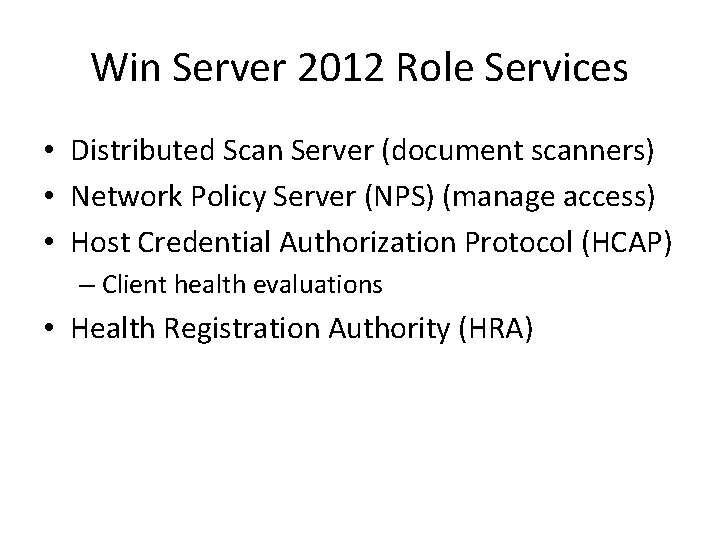
Win Server 2012 Role Services • Distributed Scan Server (document scanners) • Network Policy Server (NPS) (manage access) • Host Credential Authorization Protocol (HCAP) – Client health evaluations • Health Registration Authority (HRA)
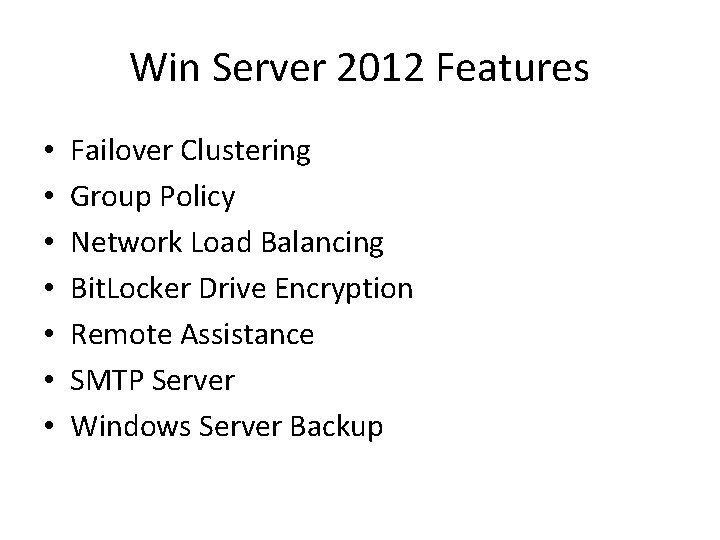
Win Server 2012 Features • • Failover Clustering Group Policy Network Load Balancing Bit. Locker Drive Encryption Remote Assistance SMTP Server Windows Server Backup
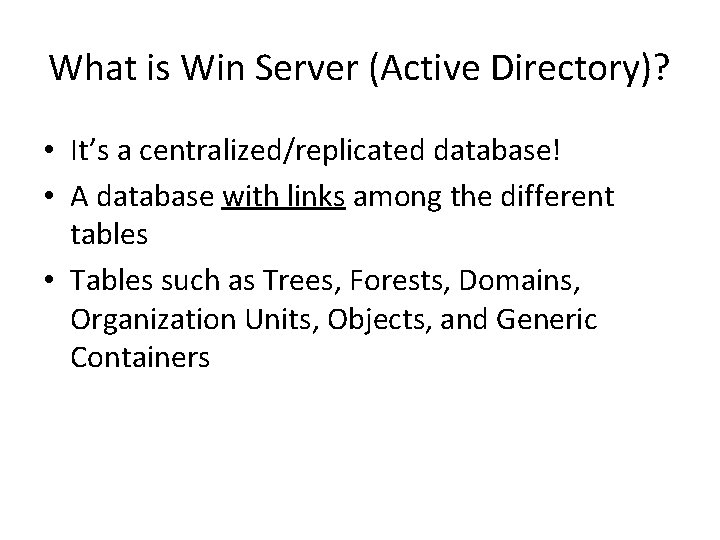
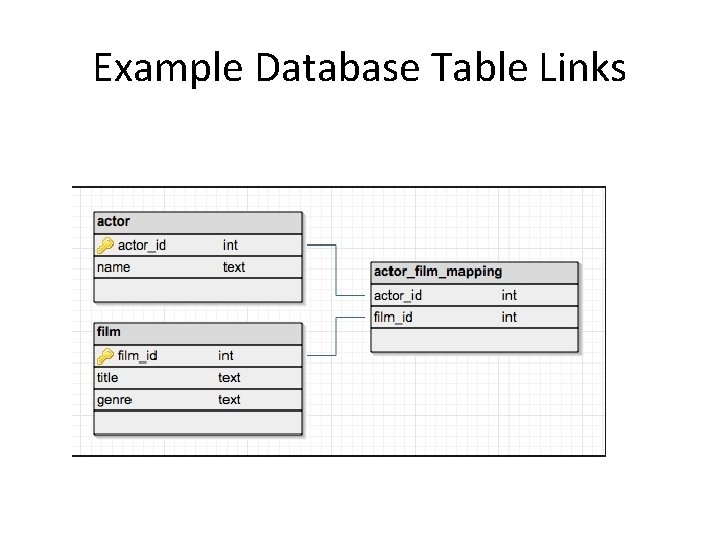
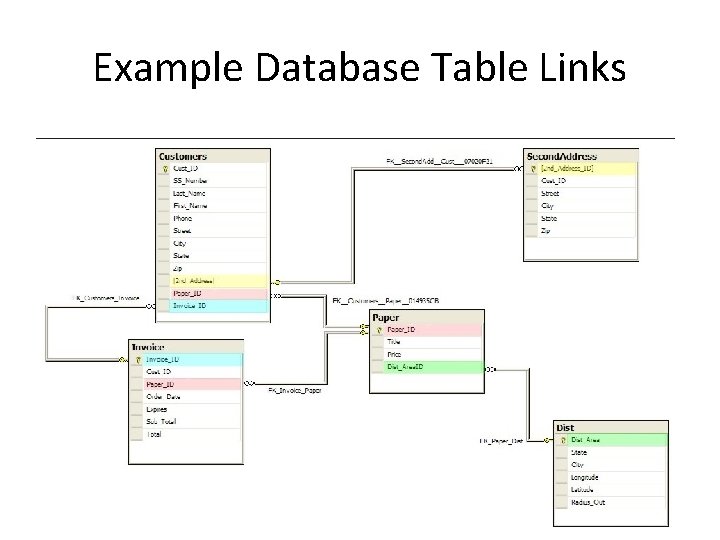
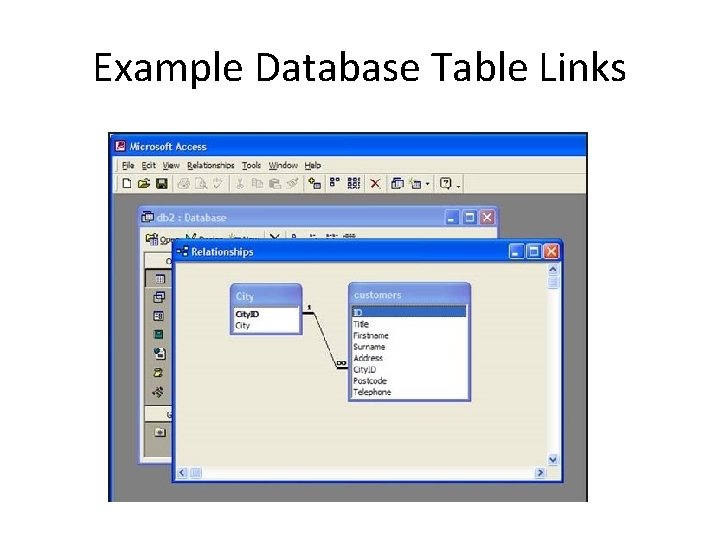
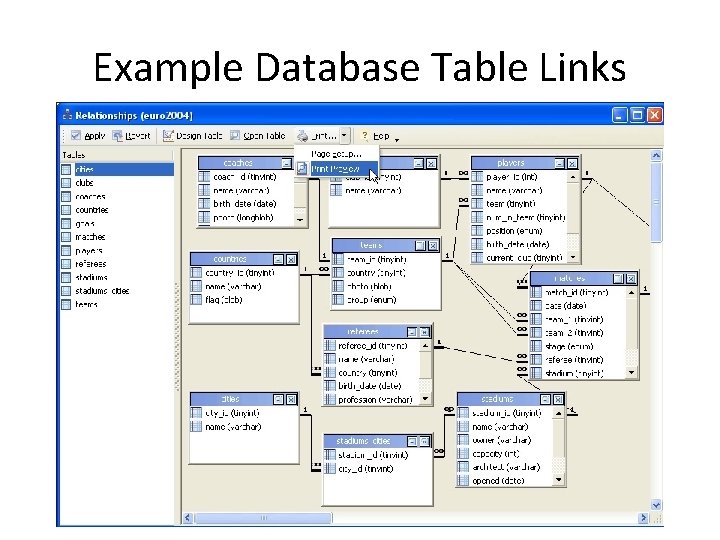
What is Win Server (Active Directory)? • It’s a centralized/replicated database! • A database with links among the different tables • Tables such as Trees, Forests, Domains, Organization Units, Objects, and Generic Containers
Example Database Table Links
Example Database Table Links
Example Database Table Links
Example Database Table Links
Active Directory (AD) • AD is a centralized DATABASE • AD has the following components: – Trees and Forests – Domain – Organizational Unit – Objects – Generic Containers – Domain Controller – Global Catalog
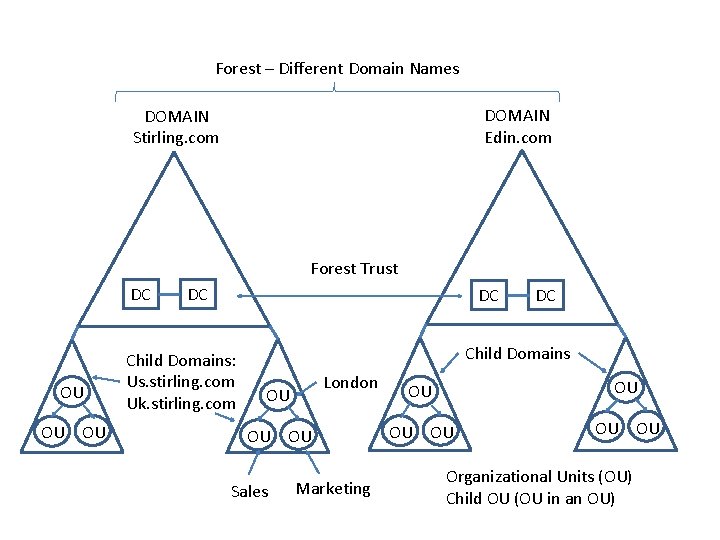
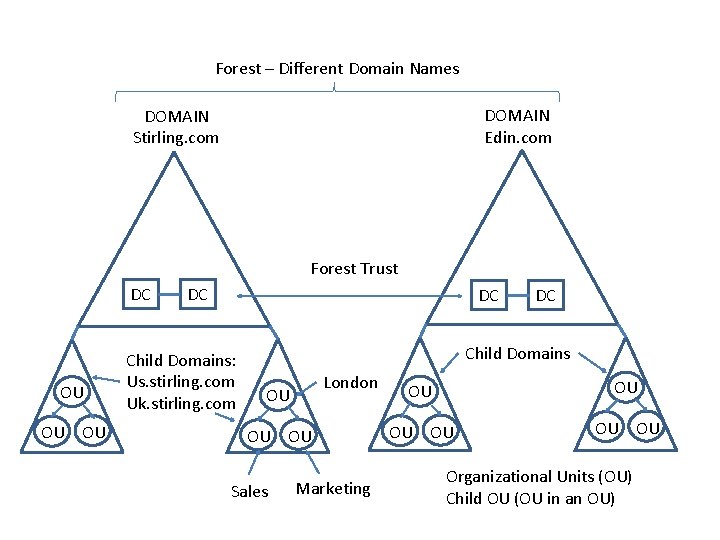
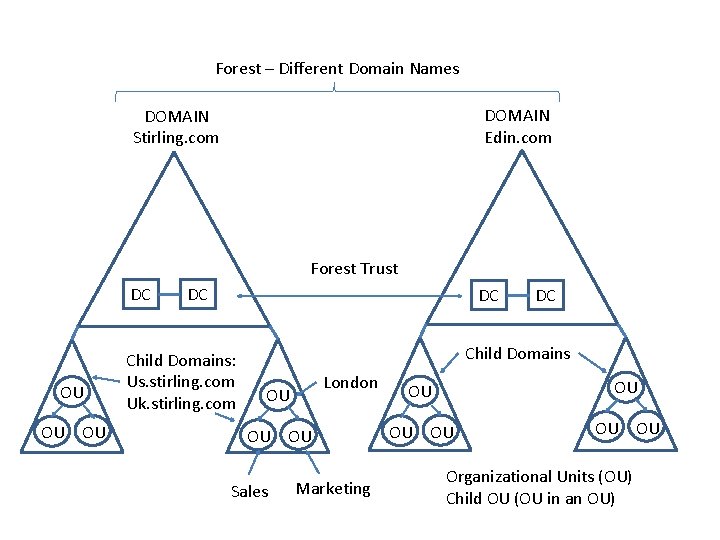
Trees and Forests • Multiple domains are grouped together in the following relationship: – A tree is a group of related domains that share the same contiguous DNS namespace. – A forest is a collection of related domain trees. The forest establishes the relationship between trees that have different DNS name spaces
Trees and Forests Trees and forests have the following characteristics: • The forest root domain is the top-level domain in the top tree. It is the first domain created in the Active Directory forest. • The tree root domain is the highest level domain in a tree. • Each domain in the tree that is connected to the tree root domain is called a child domain • A domain tree is a group of domains based on the same namespace. Domains in a tree: – – Are connected with a two-way transitive trust Can share resources with any other domain in the forest Share a common schema Have common global catalogs
Forest – Different Domain Names DOMAIN Edin. com DOMAIN Stirling. com Forest Trust DC OU OU OU DC DC Child Domains: Us. stirling. com Uk. stirling. com DC Child Domains London OU OU OU Sales Marketing OU OU OU Organizational Units (OU) Child OU (OU in an OU)
Domain • An administratively-defined collection of network resources that share a common directory database and security policies. The domain is the basic administrative unit of an AD structure. – – Database information is replicated (shared or copied) within a domain Security settings are not shared between domains Each domaintains its own set of relationships with other domains Domains are identified using DNS names • The common name is the domain name itself • The distinguished name includes the DNS context or additional portions of the name • Depending on the network structure and requirements, the entire network might be represented by a single domain with millions of objects or the network might require multiple domains.
Forest – Different Domain Names DOMAIN Edin. com DOMAIN Stirling. com Forest Trust DC OU OU OU DC DC Child Domains: Us. stirling. com Uk. stirling. com DC Child Domains London OU OU OU Sales Marketing OU OU OU Organizational Units (OU) Child OU (OU in an OU)
Organizational Unit (OU) • An OU is like a folder that subdivides and organizes network resources within a domain. An organizational unit: – Is a container object – Can be used to logically organize network resources – Simplifies security administration • First-level OUs can be called parents • Second-level OUs can be called children • OUs can contain other OUs or any type of leaf object (e. g. users, computers, and printers) • Smallest unit in which an administrator can assign a Group Policy
Forest – Different Domain Names DOMAIN Edin. com DOMAIN Stirling. com Forest Trust DC OU OU OU DC DC Child Domains: Us. stirling. com Uk. stirling. com DC Child Domains London OU OU OU Sales Marketing OU OU OU Organizational Units (OU) Child OU (OU in an OU)
Objects • Within AD, each resource is identified as an object. Common objects include: – – Users Groups Computers Shared folders • Each object contains attributes (i. e. , information about the object such as a user's name, phone number, and email address) • The schema identifies the object classes (the type of objects) that exist in the tree and the attributes (properties) of the object • AD uses DNS for locating and naming objects • Container objects hold or group other objects--either other containers or leaf objects
Generic Containers • Like OUs, generic containers are used to organize AD objects • Generic container objects: – Are created by default – Cannot be created, moved, renamed, or deleted – Have very few editable properties
Domain Controller (DC) • • A server that holds a copy of the AD database A DC is a member of only one domain Any DC can make changes to the AD database Replication is the process of copying changes to AD between the DCs
Global Catalog (GC) • A database that contains a partial replica of every object from every domain within a forest • A server that holds a copy of the GC is a GC server • The GC facilitates faster searches because different DCs do not have to be referenced • There can only be ONE in a forest
AD Database • The AD database resides in a file called: – Ntds. dit • It is the database file in which all directory data is stored
Network Models • Stand-Alone • Workgroup • Client-Server
Stand-Alone • The hosts function independently • Communication takes place using a commonly available public network such as the Internet • The hosts are not connected by a local area network
Workgroup • Peer-to-peer networking • No hosts have a specific role – Hosts function as both workstation and server – Hosts in a workgroup both provide network services and consume network services • Hosts are linked together by some type of local network connection • Hosts in the same workgroup can access shared resources on other hosts • Each host has a database that handles the security for the host • Drawbacks of the workgroup model are: – – – Lack of scalability Lack of centralized configuration control Complexity of backing up data Lack of centralized authentication Lack of centrally applied security settings
Client-Server • Each host has a specific role in the network • Servers provide services such as file storage, user management, and printing • Clients request services from servers • AKA domain networking in a Windows environment • Domain networking uses the concept of security principals, which are entities such as users, computers, and resources • A Windows domain is a collection of security principals that share an AD database • The AD database is located on one or more servers in the domain • The servers running the AD database are called domain controllers • Hosts in a domain must run a specified version of the Windows operating system
Client-Server (continued) • Within a domain, a host can have one of the following three roles: – A client typically runs a client operation system, such as Windows 8, and has its own security database that is used when it is not connected to a domain – A member server runs a server operating system, such as Windows Server 2012, and has its own security database that is used when it is not connected to a domain – A domain controller runs a server operating system, such as Windows Server 2012, and has a copy of Active Directory • In order to have grant rights on member servers, you have to use Group Policies or grant rights on the individual member servers
Client-Server (continued) • Drawbacks of the client-server model are: – Increased cost to implement due to specialized hardware and software requirements – Increased planning time required for implementation
Sites and Subnets • AD uses forests, trees, and domains to represent the LOGICAL organization of the network • Sites and subnets represent the PHYSICAL layout of the network
When AD is first installed: • The following containers and OUs are created by default: – Domain container, which is the root container to the hierarchy – Builtin container, which holds the default service administrator accounts – Users container, which contains the domain's predefined users and groups. The Users container is also the default location for new user accounts and groups created in the domain. – Computers container, which is the default location for new computer accounts created in the domain. – Domain Controllers OU, which is the default location for domain controllers computer accounts. • The default containers are used by the operating system. They cannot be renamed, deleted, or have Group Policy applied to them.
When AD is first installed: • • • An Organizational Unit (OU) is similar to a folder that subdivides and organizes network resources within a domain An OU can contain other OUs and any type of object type, such as users, computers, and printers OUs can be nested to logically organize network resources. Parent OUs are OUs that contain other OUs. Child OUs are OUs within other OUs The recommended maximum nested level of OU containers is five Too many levels of nested OUs can slow resource requests and complicate group policy application OUs are typically organized by the following: Physical location, such as a country or city Organizational structure, such as the HR, Sales, and IT departments Object type, such as user accounts or computers Hybrid of location, organizational structure, and object type
Main reasons to use OUs • To apply Group Policy – Create OUs for each group of objects that need to have different Group Policy settings – Group Policy objects (GPOs) can be applied to OUs – Policy settings apply to all objects within the OU – Through inheritance, settings applied to the domain or parent OUs apply to all child OUs and objects within those OUs
Main reasons to use OUs • Delegating Authority – Such as resetting passwords or creating new users --to appropriate users and groups – Set up the OU structure in a way that best facilitates your support plan
Basic tasks covered in first course • Creating, modifying, deleting user accounts, computer accounts, Groups • Delegating rights • Configuring DNS/Zones • Shared files • Printers • Creating a starter Group Policy Object • Password policies • Auditing/Security/Firewall • Configuring IP • Configuring DHCP
This Course… • First course: setup basics • This course: Server related tasks – In no particular order – A list of How-Tos