
Windows SBS 2008 Core Technical Training Part 1
Windows SBS 2008 Core Technical Training Part 1: Introduction S. Kaliyan Microsoft MVP Bangalore. ITPro User Group Kaliyan. s@bitpro. in
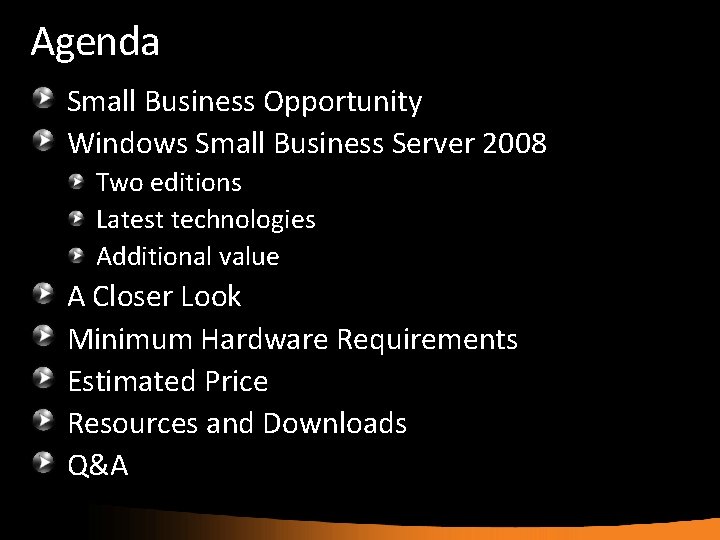
Agenda Small Business Opportunity Windows Small Business Server 2008 Two editions Latest technologies Additional value A Closer Look Minimum Hardware Requirements Estimated Price Resources and Downloads Q&A
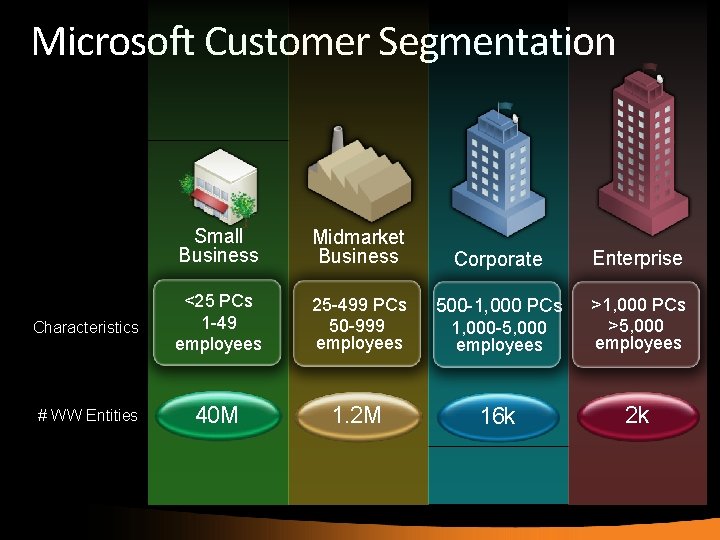
Microsoft Customer Segmentation Small Business Midmarket Business Characteristics <25 PCs 1 -49 employees # WW Entities 40 M Corporate Enterprise 25 -499 PCs 50 -999 employees 500 -1, 000 PCs 1, 000 -5, 000 employees >1, 000 PCs >5, 000 employees 1. 2 M 16 k 2 k
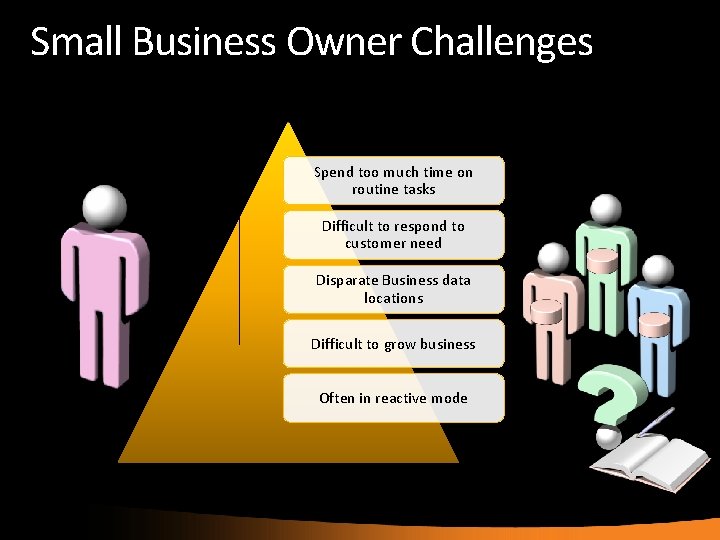
Small Business Owner Challenges Spend too much time on routine tasks Difficult to respond to customer need Disparate Business data locations Difficult to grow business Often in reactive mode
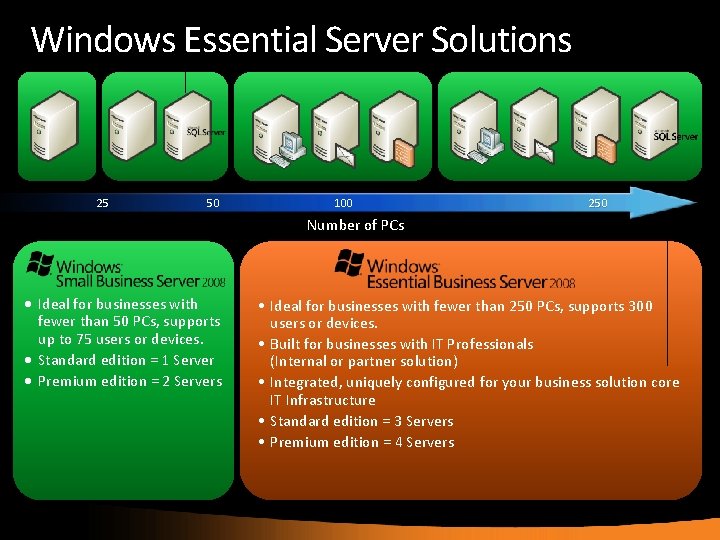
Windows Essential Server Solutions 25 50 100 250 Number of PCs • Ideal for businesses with fewer than 50 PCs, supports up to 75 users or devices. • Standard edition = 1 Server • Premium edition = 2 Servers • Ideal for businesses with fewer than 250 PCs, supports 300 users or devices. • Built for businesses with IT Professionals (Internal or partner solution) • Integrated, uniquely configured for your business solution core IT Infrastructure • Standard edition = 3 Servers • Premium edition = 4 Servers
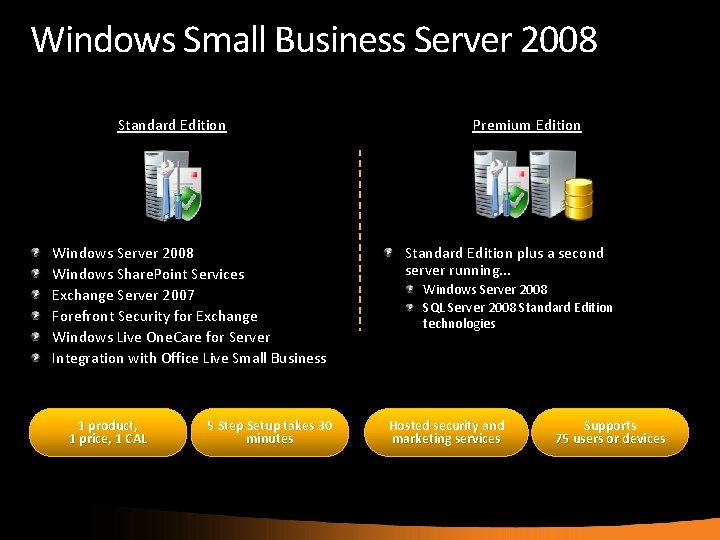
Windows Small Business Server 2008 Standard Edition Windows Server 2008 Windows Share. Point Services Exchange Server 2007 Forefront Security for Exchange Windows Live One. Care for Server Integration with Office Live Small Business 1 product, 1 price, 1 CAL 5 Step Setup takes 30 minutes Premium Edition Standard Edition plus a second server running. . . Windows Server 2008 SQL Server 2008 Standard Edition technologies Hosted security and marketing services Supports 75 users or devices
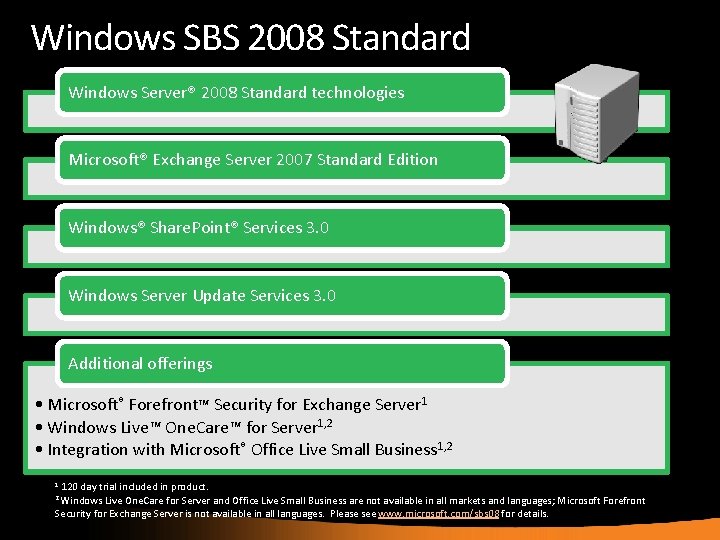
Windows SBS 2008 Standard Windows Server® 2008 Standard technologies Microsoft® Exchange Server 2007 Standard Edition Windows® Share. Point® Services 3. 0 Windows Server Update Services 3. 0 Additional offerings • Microsoft® Forefront™ Security for Exchange Server 1 • Windows Live™ One. Care™ for Server 1, 2 • Integration with Microsoft® Office Live Small Business 1, 2 120 day trial included in product. Live One. Care for Server and Office Live Small Business are not available in all markets and languages; Microsoft Forefront Security for Exchange Server is not available in all languages. Please see www. microsoft. com/sbs 08 for details. 1 2 Windows
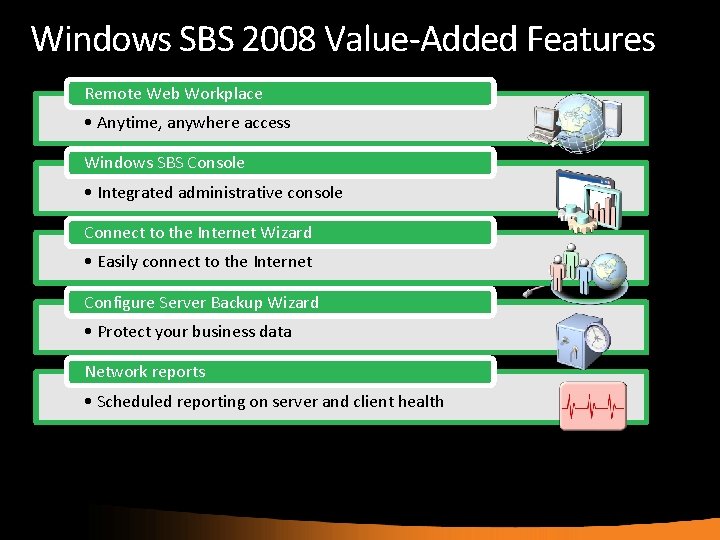
Windows SBS 2008 Value-Added Features Remote Web Workplace • Anytime, anywhere access Windows SBS Console • Integrated administrative console Connect to the Internet Wizard • Easily connect to the Internet Configure Server Backup Wizard • Protect your business data Network reports • Scheduled reporting on server and client health

Windows Server 2008 Standard Solid Foundation • New TCP/IP Stack • Windows Power. Shell • Windows Reliability and Performance Monitor Virtualization • Hyper-V • Multiple operating systems • New storage features Web • Internet Information Service 7. 0 • ASP. NET feature integration Security • Integrated Expanded Group Policy • Read Only Domain Controller (RODC)
Microsoft Exchange Server 2007 Anywhere Access • Web-based Messaging • Mobile Messaging • Collaboration and Productivity Built in Protection • Anti-spam and Anti-virus • Compliance • Business Continuity • Confidential Messaging
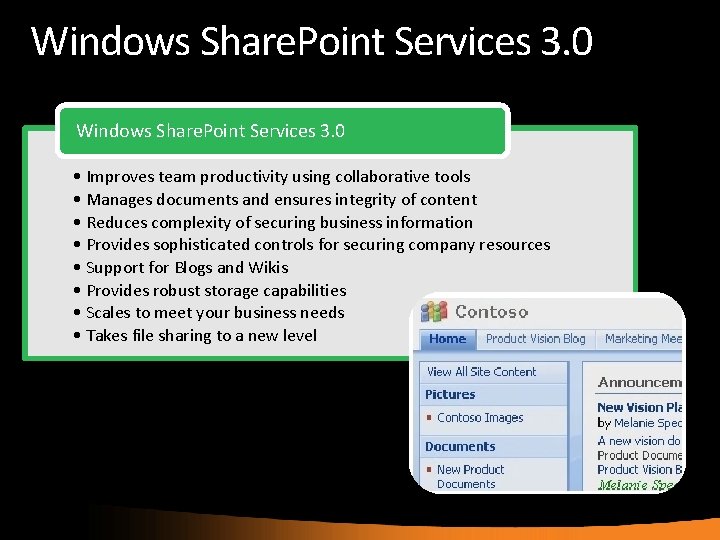
Windows Share. Point Services 3. 0 • Improves team productivity using collaborative tools • Manages documents and ensures integrity of content • Reduces complexity of securing business information • Provides sophisticated controls for securing company resources • Support for Blogs and Wikis • Provides robust storage capabilities • Scales to meet your business needs • Takes file sharing to a new level
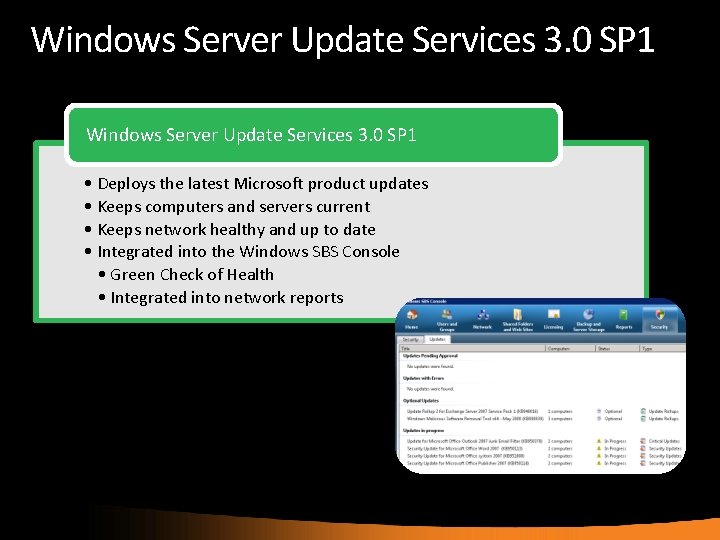
Windows Server Update Services 3. 0 SP 1 • Deploys the latest Microsoft product updates • Keeps computers and servers current • Keeps network healthy and up to date • Integrated into the Windows SBS Console • Green Check of Health • Integrated into network reports
Microsoft Forefront Security for Exchange Server • 120 -day free trial • Multiple anti-virus scan engines (eight) • File filtering by file name, extension or size Integrates directly with server applications • Microsoft Exchange Server 2007 Comprehensive notifications to administrator Pre-configured SBS Filter Set template enabled • Virus scanning • File filtering • Content filtering
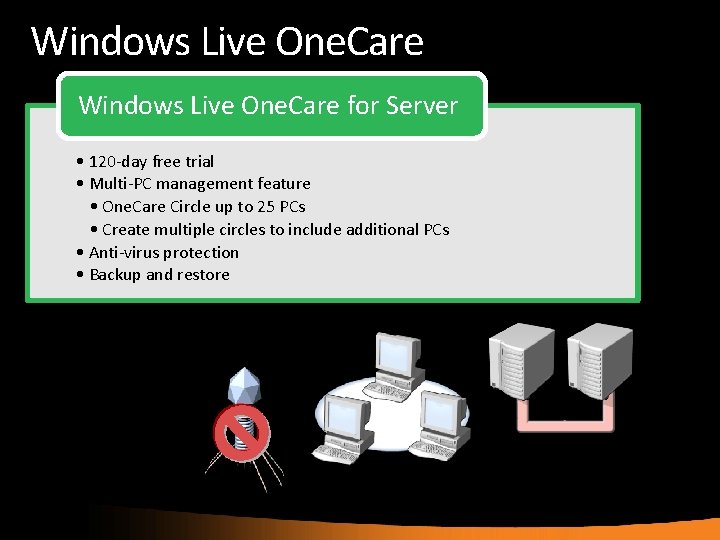
Windows Live One. Care for Server • 120 -day free trial • Multi-PC management feature • One. Care Circle up to 25 PCs • Create multiple circles to include additional PCs • Anti-virus protection • Backup and restore
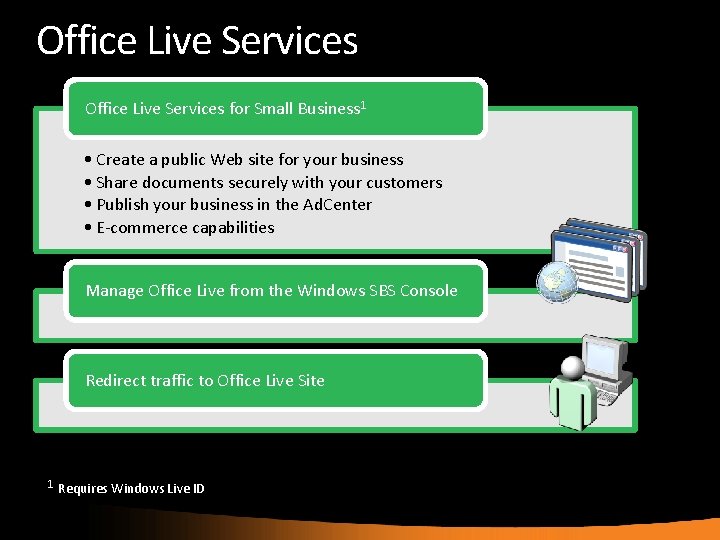
Office Live Services for Small Business 1 • Create a public Web site for your business • Share documents securely with your customers • Publish your business in the Ad. Center • E-commerce capabilities Manage Office Live from the Windows SBS Console Redirect traffic to Office Live Site 1 Requires Windows Live ID
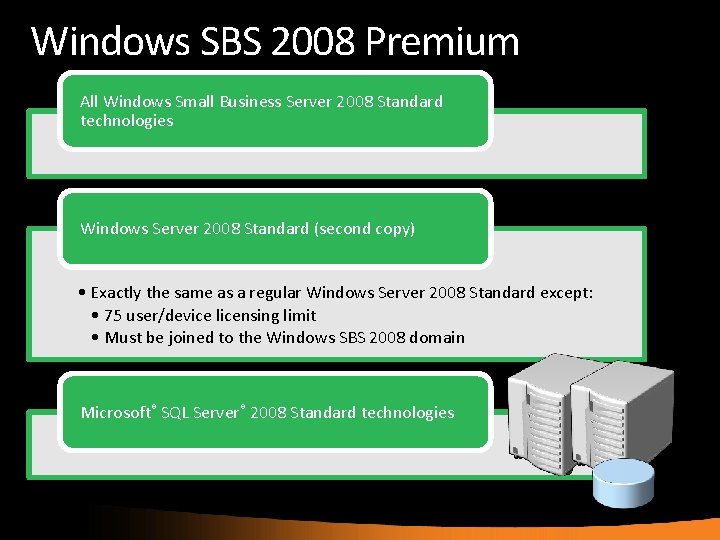
Windows SBS 2008 Premium All Windows Small Business Server 2008 Standard technologies Windows Server 2008 Standard (second copy) • Exactly the same as a regular Windows Server 2008 Standard except: • 75 user/device licensing limit • Must be joined to the Windows SBS 2008 domain Microsoft® SQL Server® 2008 Standard technologies
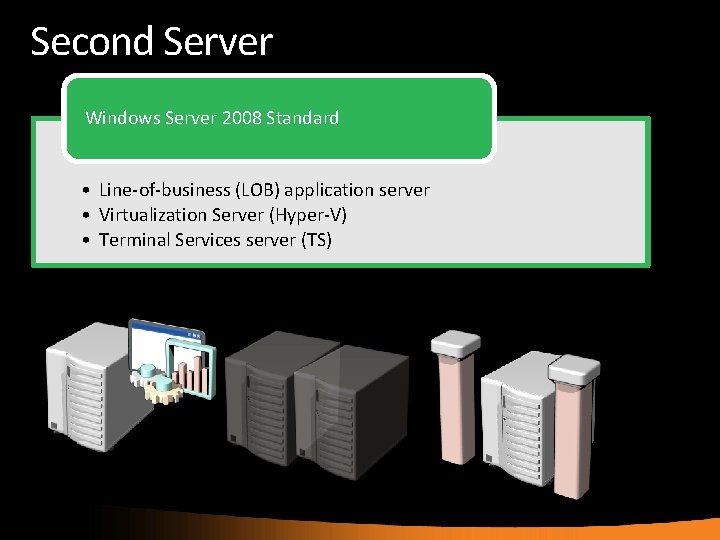
Second Server Windows Server 2008 Standard • Line-of-business (LOB) application server • Virtualization Server (Hyper-V) • Terminal Services server (TS)
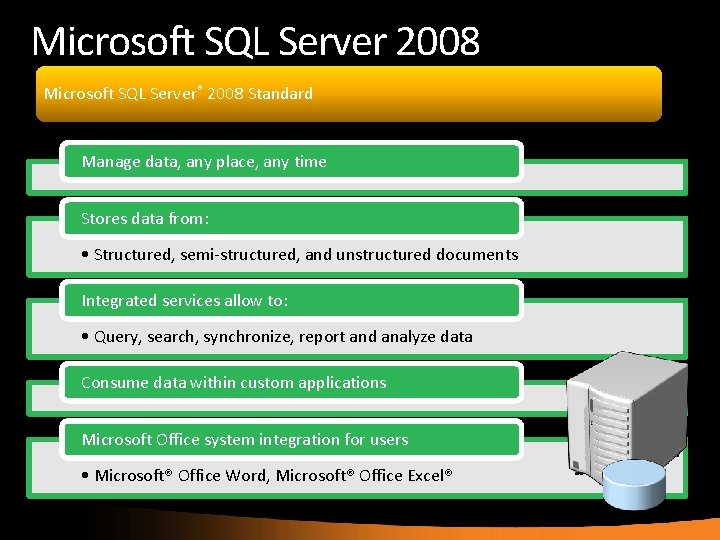
Microsoft SQL Server 2008 Microsoft SQL Server® 2008 Standard Manage data, any place, any time Stores data from: • Structured, semi-structured, and unstructured documents Integrated services allow to: • Query, search, synchronize, report and analyze data Consume data within custom applications Microsoft Office system integration for users • Microsoft® Office Word, Microsoft® Office Excel®
Simplified Management Multiple task-oriented wizards: • • Connect to the Internet Address Management Internet Mail Virtual Private Network Fix My Network Wizard Trusted Certificate Installation Connect Computer Wizard Configure server backup Wizard
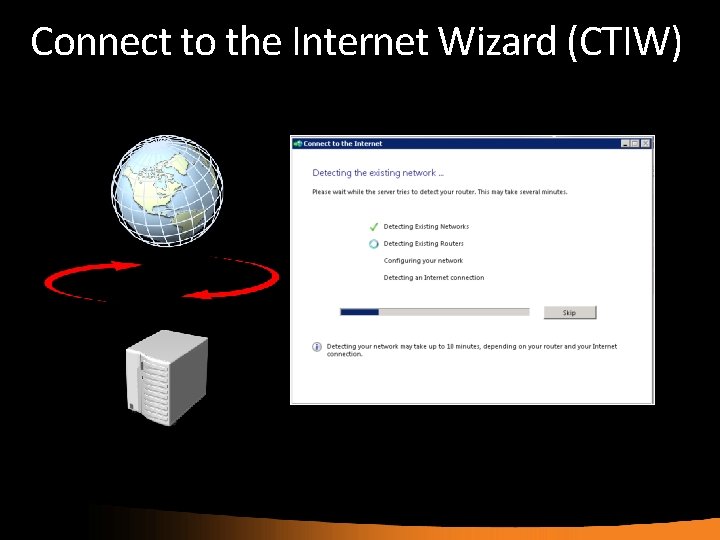
Connect to the Internet Wizard (CTIW)

Internet Address Management Register a new domain Transfer management of an existing domain Integrate an existing domain
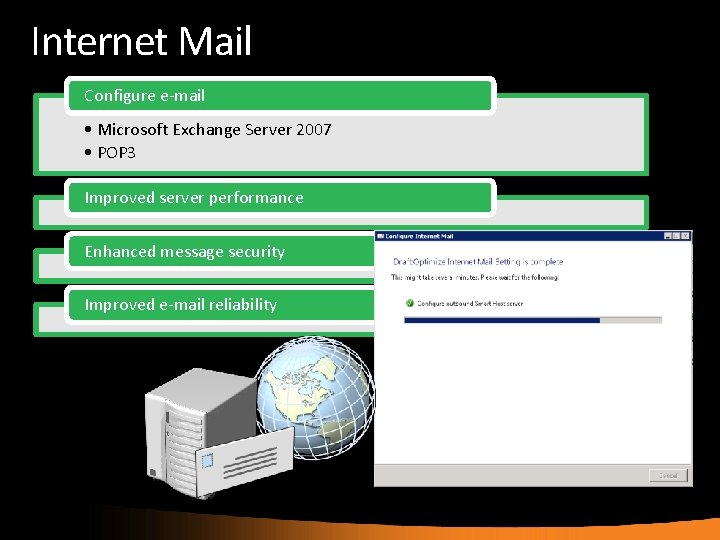
Internet Mail Configure e-mail • Microsoft Exchange Server 2007 • POP 3 Improved server performance Enhanced message security Improved e-mail reliability
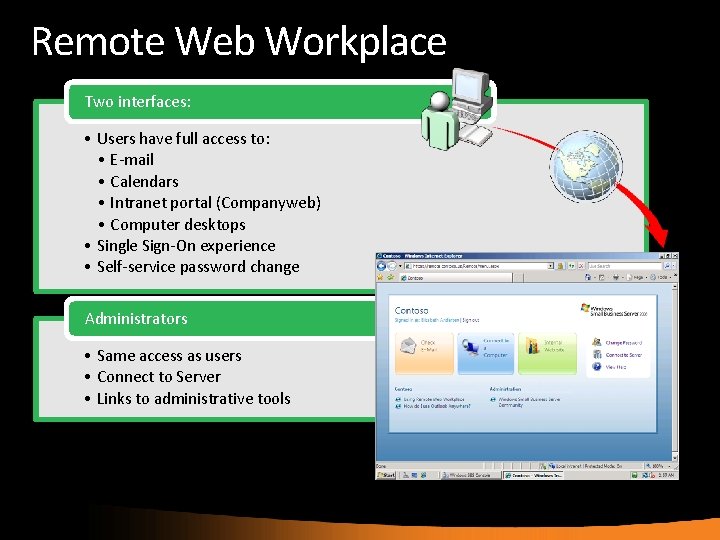
Remote Web Workplace Two interfaces: • Users have full access to: • E-mail • Calendars • Intranet portal (Companyweb) • Computer desktops • Single Sign-On experience • Self-service password change Administrators • Same access as users • Connect to Server • Links to administrative tools
A Complete Small Business Solution What size business does Windows Small Business Server fit best? What technologies are included in the product? What is the maximum Client Access License Limit? What is the difference between the Standard and the Premium version?
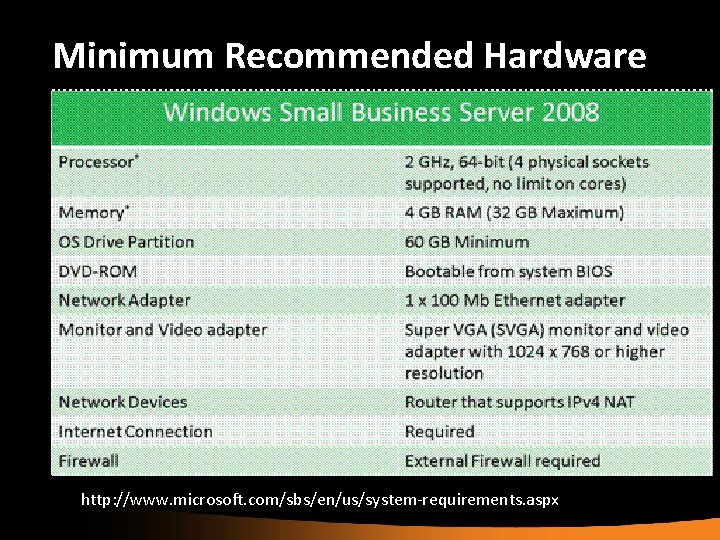
Minimum Recommended Hardware http: //www. microsoft. com/sbs/en/us/system-requirements. aspx
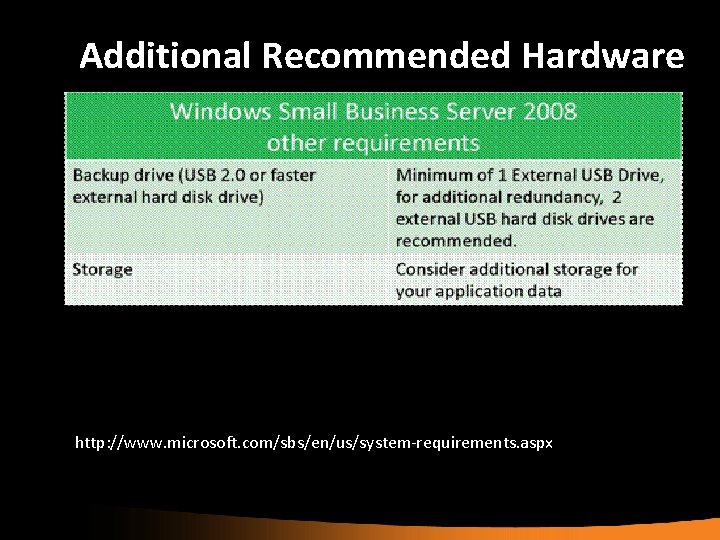
Additional Recommended Hardware http: //www. microsoft. com/sbs/en/us/system-requirements. aspx
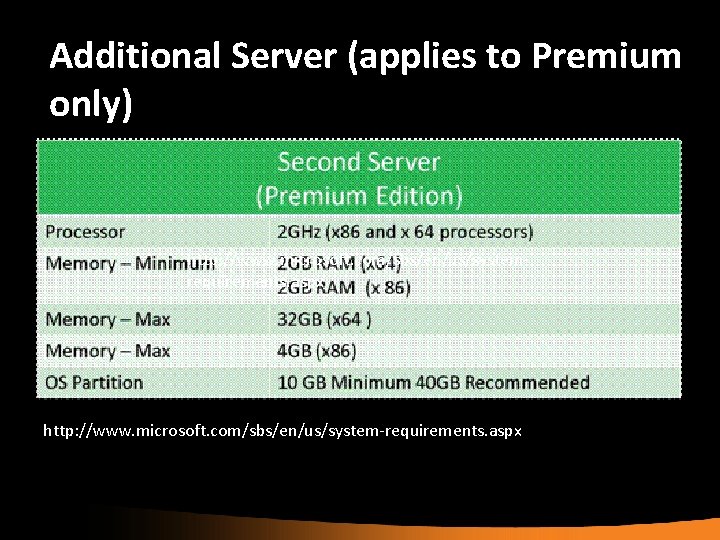
Additional Server (applies to Premium only) http: //www. microsoft. com/sbs/en/us/systemrequirements. aspx http: //www. microsoft. com/sbs/en/us/system-requirements. aspx
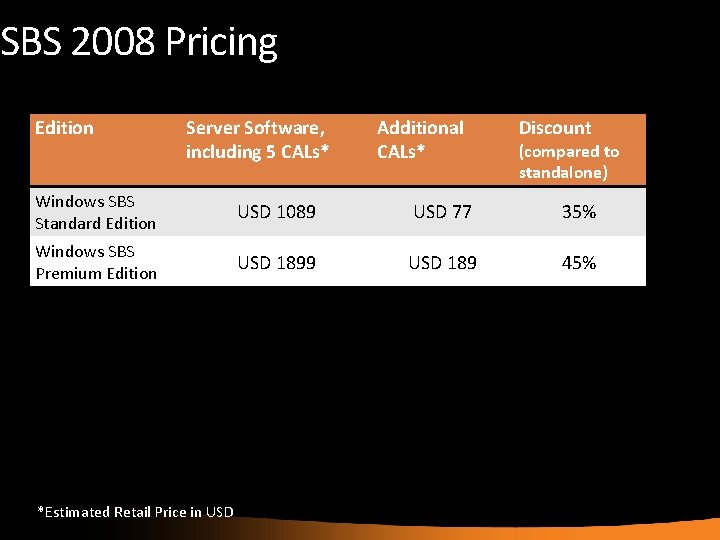
SBS 2008 Pricing Edition Server Software, including 5 CALs* Additional CALs* Discount (compared to standalone) Windows SBS Standard Edition USD 1089 USD 77 35% Windows SBS Premium Edition USD 1899 USD 189 45% *Estimated Retail Price in USD
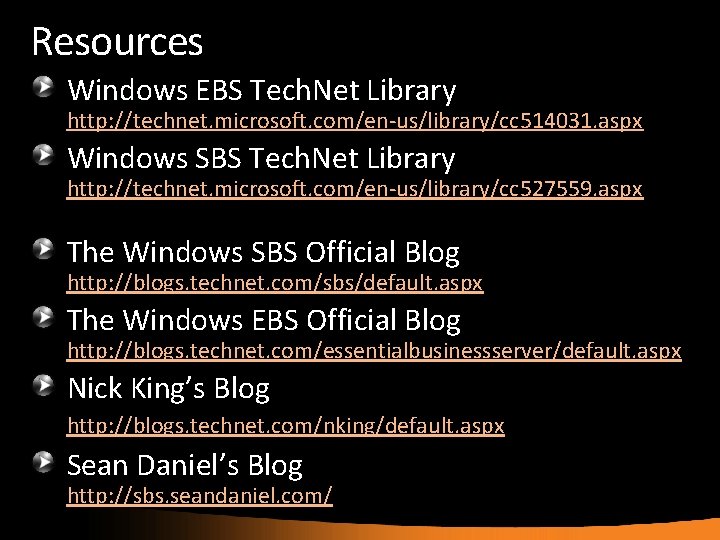
Resources Windows EBS Tech. Net Library http: //technet. microsoft. com/en-us/library/cc 514031. aspx Windows SBS Tech. Net Library http: //technet. microsoft. com/en-us/library/cc 527559. aspx The Windows SBS Official Blog http: //blogs. technet. com/sbs/default. aspx The Windows EBS Official Blog http: //blogs. technet. com/essentialbusinessserver/default. aspx Nick King’s Blog http: //blogs. technet. com/nking/default. aspx Sean Daniel’s Blog http: //sbs. seandaniel. com/

31

© 2008 Microsoft Corporation. All rights reserved. Microsoft, Windows Vista and other product names are or may be registered trademarks and/or trademarks in the U. S. and/or other countries. The information herein is for informational purposes only and represents the current view of Microsoft Corporation as of the date of this presentation. Because Microsoft must respond to changing market conditions, it should not be interpreted to be a commitment on the part of Microsoft, and Microsoft cannot guarantee the accuracy of any information provided after the date of this presentation. MICROSOFT MAKES NO WARRANTIES, EXPRESS, IMPLIED OR STATUTORY, AS TO THE INFORMATION IN THIS PRESENTATION.
- Slides: 31