
Windows Phone Codename Mango Doug Holland Sr Architect

- Slides: 56
Windows Phone Codename “Mango” Doug Holland Sr. Architect Evangelist
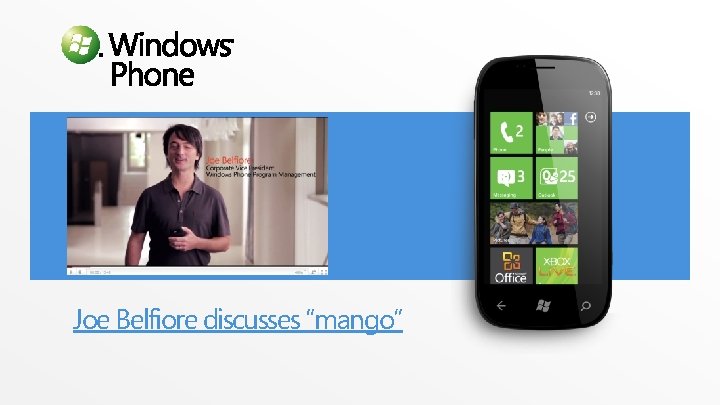
Joe Belfiore discusses “mango”
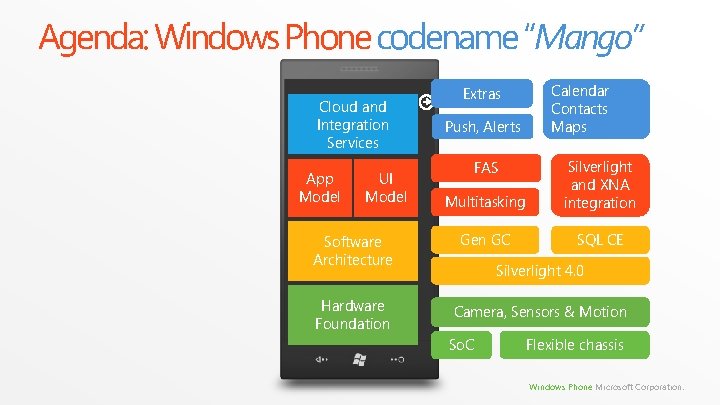
Agenda: Windows Phone codename “Mango” Cloud and Integration Services App Model UI Model Software Architecture Hardware Foundation Extras Push, Alerts Calendar Contacts Maps Multitasking Silverlight and XNA integration Gen GC SQL CE FAS Silverlight 4. 0 Camera, Sensors & Motion So. C Flexible chassis Windows Phone Microsoft Corporation.
Hardware Foundation
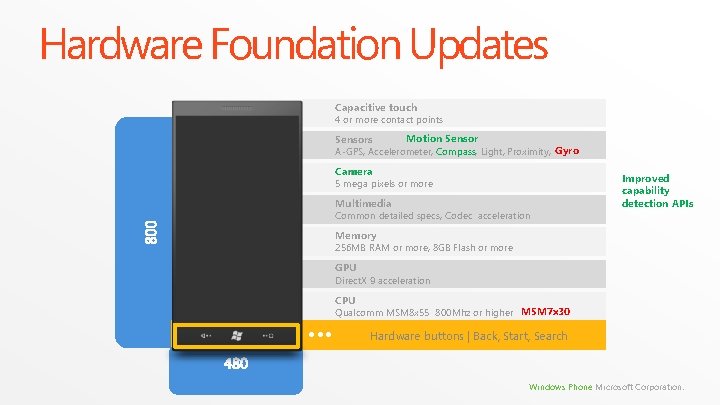
Hardware Foundation Updates Capacitive touch 4 or more contact points Motion Sensors A-GPS, Accelerometer, Compass Light, Proximity, Gyro Camera 5 mega pixels or more Multimedia Common detailed specs, Codec acceleration Improved capability detection APIs Memory 256 MB RAM or more, 8 GB Flash or more GPU Direct. X 9 acceleration CPU Qualcomm MSM 8 x 55 800 Mhz or higher MSM 7 x 30 Hardware buttons | Back, Start, Search Windows Phone Microsoft Corporation.
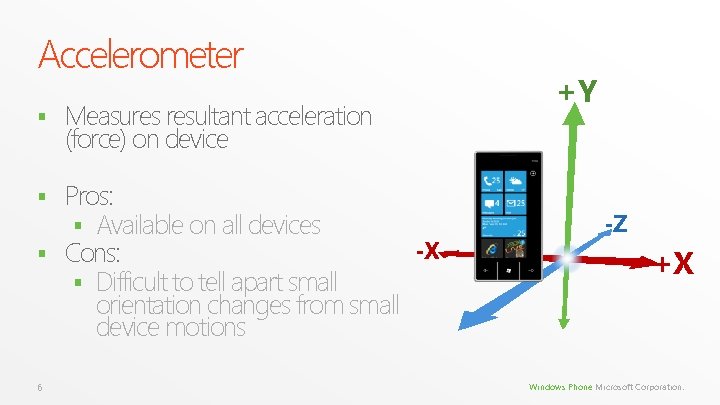
Accelerometer § Measures resultant acceleration (force) on device Pros: § Available on all devices -X § Cons: § Difficult to tell apart small orientation changes from small device motions § 6 +Y -Z +X Windows Phone Microsoft Corporation.
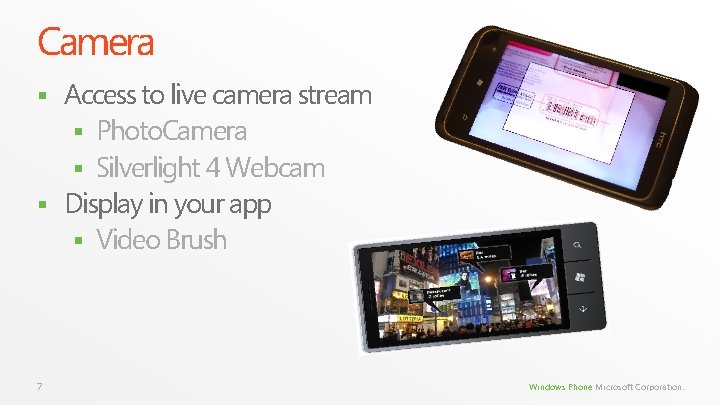
Camera Access to live camera stream § Photo. Camera § Silverlight 4 Webcam § Display in your app § Video Brush § 7 Windows Phone Microsoft Corporation.
When to use each approach Photo. Camera § Take High Quality Photos § Handle Hardware Button § Handle Flash mode and Focus § Access Samples (Pull Model) 8 Webcam § Record Video § Record Audio § Share code with desktop § Access Samples (Push Model) Windows Phone Microsoft Corporation.
Camera Demo
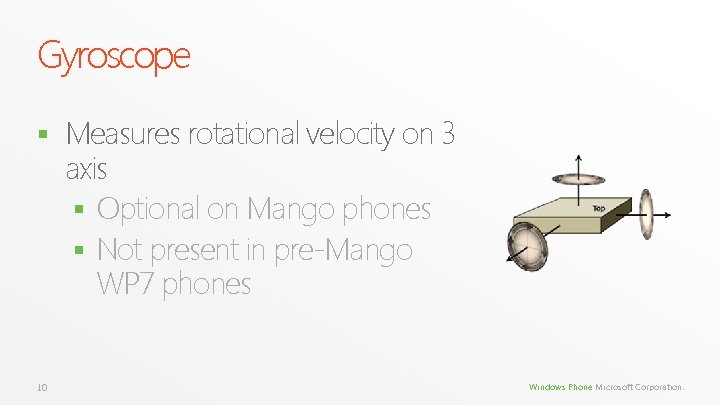
Gyroscope § 10 Measures rotational velocity on 3 axis § Optional on Mango phones § Not present in pre-Mango WP 7 phones Windows Phone Microsoft Corporation.
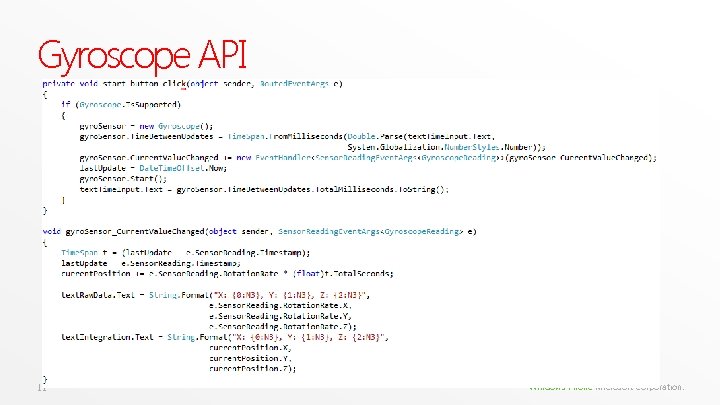
Gyroscope API 11 Windows Phone Microsoft Corporation.
Compass (aka Magnetometer) Gives 3 D heading of Earth’s magnetic and Geographic North § Subject to external electromagnetic influences § Requires user calibration over time § Great inaccuracies in orientation, up to 20 degrees § Significant lag § Availability: § Optional on “Mango” phones § Included in some pre-Mango WP 7 phones § 12 Windows Phone Microsoft Corporation.
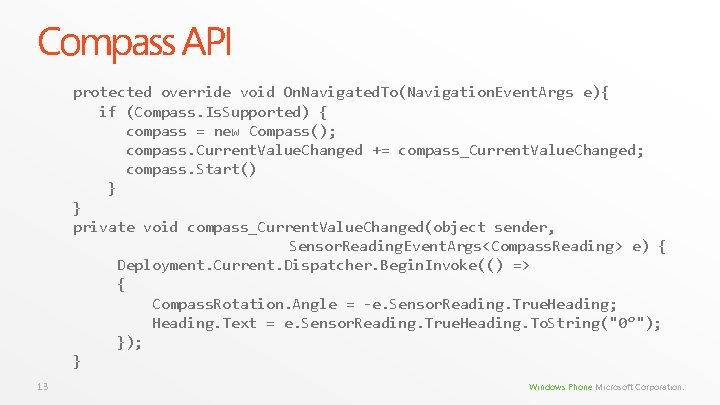
Compass API protected override void On. Navigated. To(Navigation. Event. Args e){ if (Compass. Is. Supported) { compass = new Compass(); compass. Current. Value. Changed += compass_Current. Value. Changed; compass. Start() } } private void compass_Current. Value. Changed(object sender, Sensor. Reading. Event. Args<Compass. Reading> e) { Deployment. Current. Dispatcher. Begin. Invoke(() => { Compass. Rotation. Angle = -e. Sensor. Reading. True. Heading; Heading. Text = e. Sensor. Reading. True. Heading. To. String("0°"); } 13 Windows Phone Microsoft Corporation.
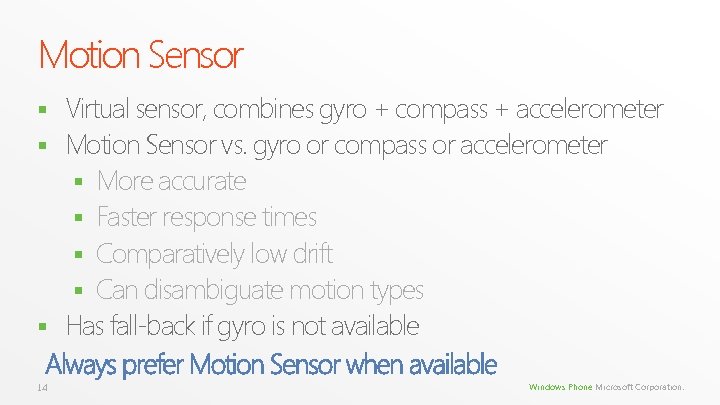
Motion Sensor Virtual sensor, combines gyro + compass + accelerometer § Motion Sensor vs. gyro or compass or accelerometer § More accurate § Faster response times § Comparatively low drift § Can disambiguate motion types § Has fall-back if gyro is not available Always prefer Motion Sensor when available § 14 Windows Phone Microsoft Corporation.
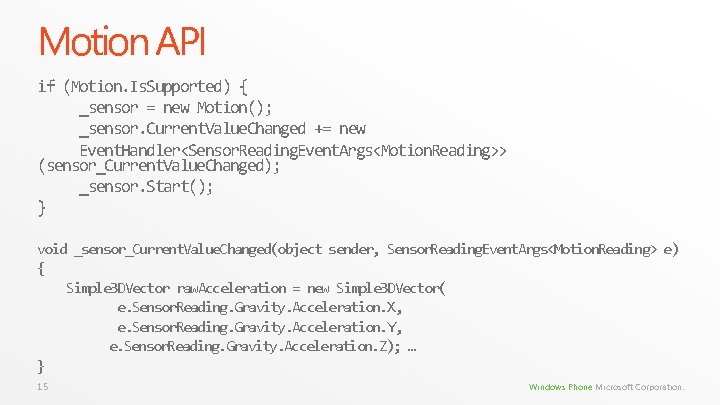
Motion API if (Motion. Is. Supported) { _sensor = new Motion(); _sensor. Current. Value. Changed += new Event. Handler<Sensor. Reading. Event. Args<Motion. Reading>> (sensor_Current. Value. Changed); _sensor. Start(); } void _sensor_Current. Value. Changed(object sender, Sensor. Reading. Event. Args<Motion. Reading> e) { Simple 3 DVector raw. Acceleration = new Simple 3 DVector( e. Sensor. Reading. Gravity. Acceleration. X, e. Sensor. Reading. Gravity. Acceleration. Y, e. Sensor. Reading. Gravity. Acceleration. Z); … } 15 Windows Phone Microsoft Corporation.
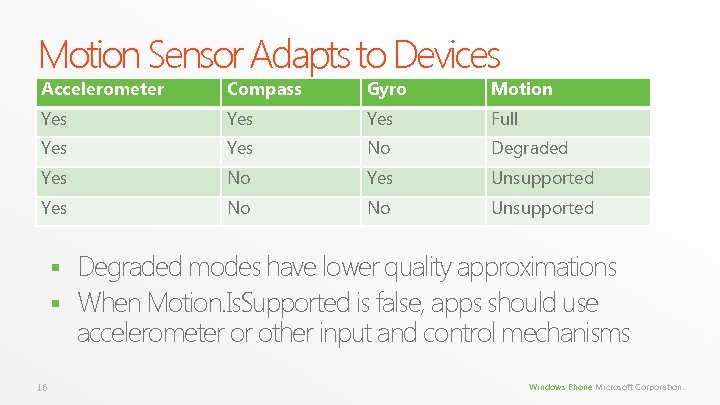
Motion Sensor Adapts to Devices Accelerometer Compass Gyro Motion Yes Yes Full Yes No Degraded Yes No Yes Unsupported Yes No No Unsupported Degraded modes have lower quality approximations § When Motion. Is. Supported is false, apps should use accelerometer or other input and control mechanisms § 16 Windows Phone Microsoft Corporation.
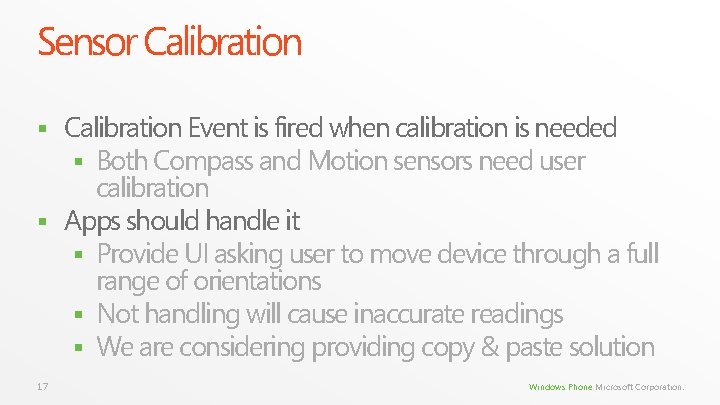
Sensor Calibration Event is fired when calibration is needed § Both Compass and Motion sensors need user calibration § Apps should handle it § Provide UI asking user to move device through a full range of orientations § Not handling will cause inaccurate readings § We are considering providing copy & paste solution § 17 Windows Phone Microsoft Corporation.
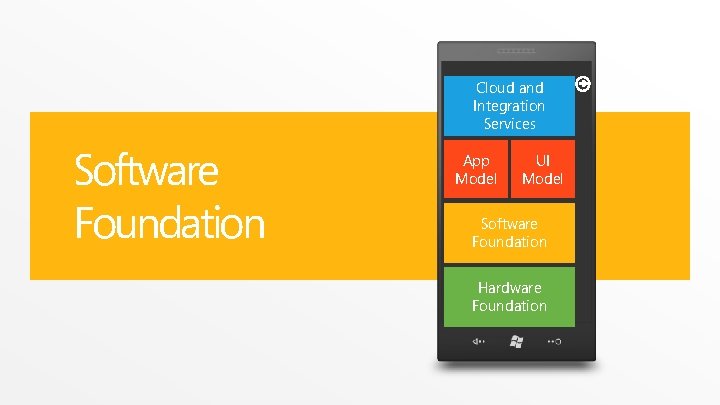
Cloud and Integration Services Software Foundation App Model UI Model Software Foundation Hardware Foundation
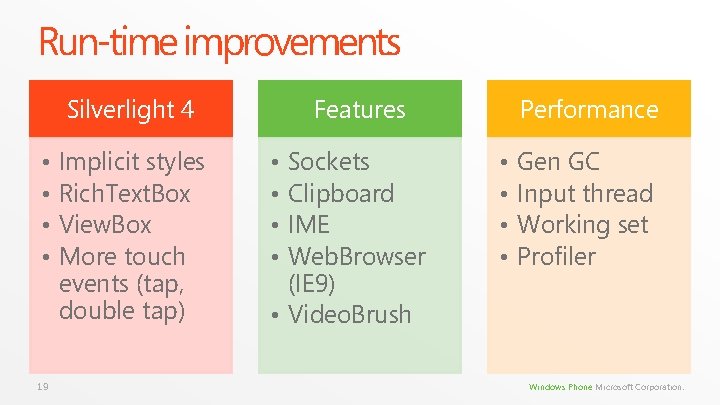
Run-time improvements Silverlight 4 • • 19 Implicit styles Rich. Text. Box View. Box More touch events (tap, double tap) Features • • Sockets Clipboard IME Web. Browser (IE 9) • Video. Brush Performance • • Gen GC Input thread Working set Profiler Windows Phone Microsoft Corporation.
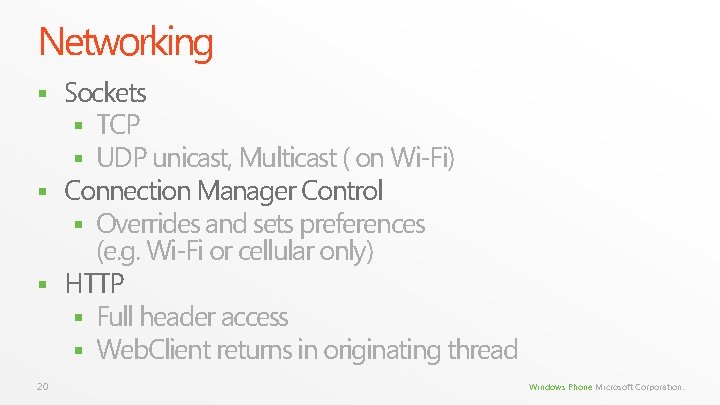
Networking Sockets § TCP § UDP unicast, Multicast ( on Wi-Fi) § Connection Manager Control § Overrides and sets preferences (e. g. Wi-Fi or cellular only) § HTTP § Full header access § Web. Client returns in originating thread § 20 Windows Phone Microsoft Corporation.
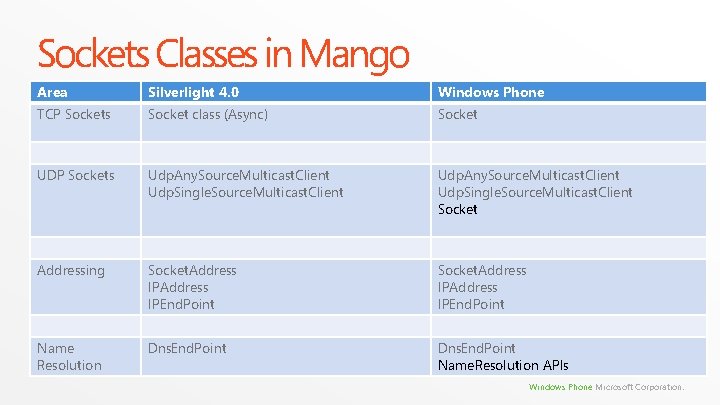
Sockets Classes in Mango Area Silverlight 4. 0 Windows Phone TCP Sockets Socket class (Async) Socket UDP Sockets Udp. Any. Source. Multicast. Client Udp. Single. Source. Multicast. Client Socket Addressing Socket. Address IPAddress IPEnd. Point Name Resolution Dns. End. Point Name. Resolution APIs Windows Phone Microsoft Corporation.
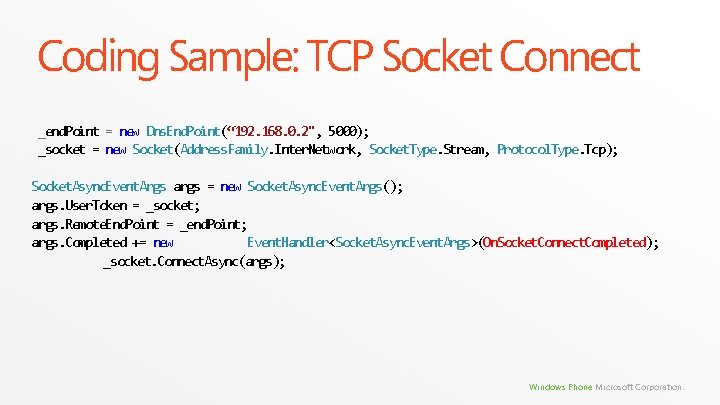
Coding Sample: TCP Socket Connect _end. Point = new Dns. End. Point(“ 192. 168. 0. 2", 5000); _socket = new Socket(Address. Family. Inter. Network, Socket. Type. Stream, Protocol. Type. Tcp); Socket. Async. Event. Args args = new Socket. Async. Event. Args(); args. User. Token = _socket; args. Remote. End. Point = _end. Point; args. Completed += new Event. Handler<Socket. Async. Event. Args>(On. Socket. Connect. Completed); _socket. Connect. Async(args); Windows Phone Microsoft Corporation.
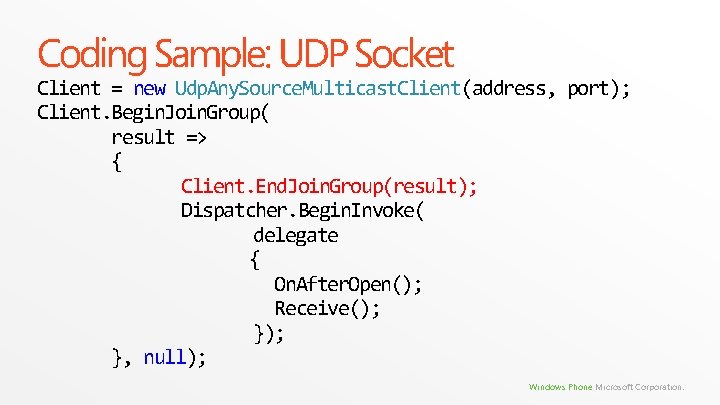
Coding Sample: UDP Socket Client = new Udp. Any. Source. Multicast. Client(address, port); Client. Begin. Join. Group( result => { Client. End. Join. Group(result); Dispatcher. Begin. Invoke( delegate { On. After. Open(); Receive(); }, null); Windows Phone Microsoft Corporation.
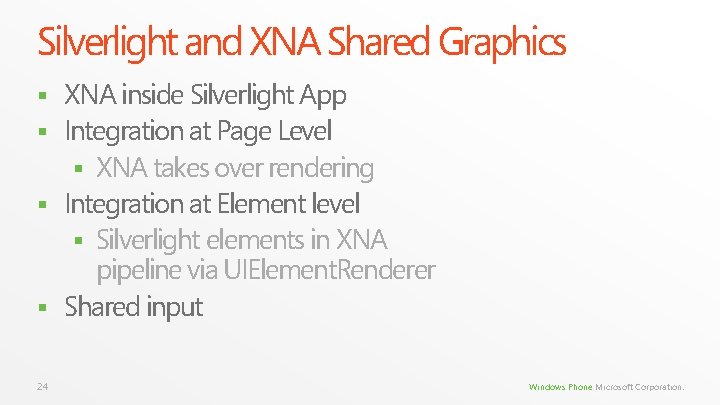
Silverlight and XNA Shared Graphics XNA inside Silverlight App § Integration at Page Level § XNA takes over rendering § Integration at Element level § Silverlight elements in XNA pipeline via UIElement. Renderer § Shared input § 24 Windows Phone Microsoft Corporation.
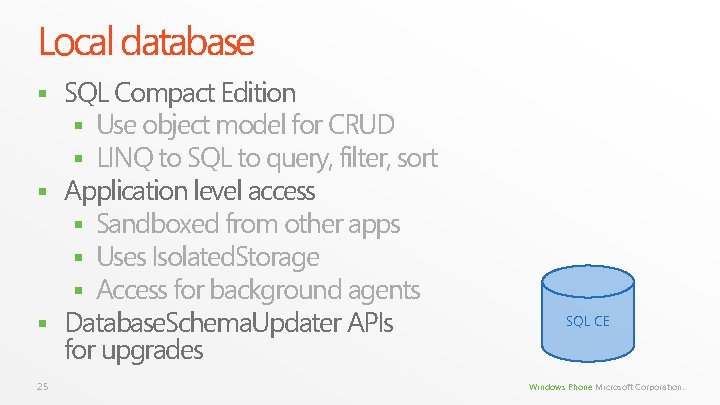
Local database SQL Compact Edition § Use object model for CRUD § LINQ to SQL to query, filter, sort § Application level access § Sandboxed from other apps § Uses Isolated. Storage § Access for background agents § Database. Schema. Updater APIs for upgrades § 25 SQL CE Windows Phone Microsoft Corporation.
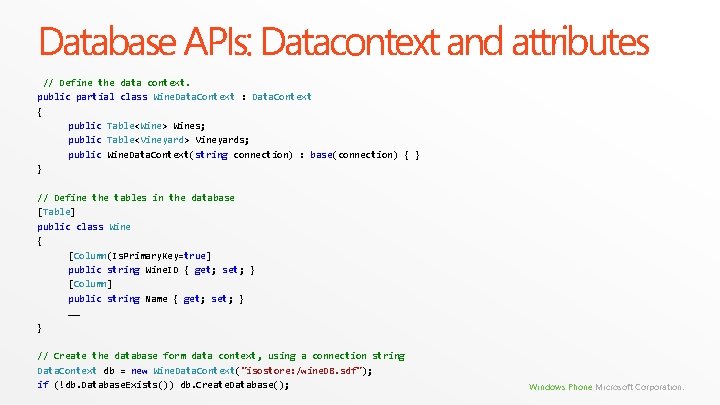
Database APIs: Datacontext and attributes // Define the data context. public partial class Wine. Data. Context : Data. Context { public Table<Wine> Wines; public Table<Vineyard> Vineyards; public Wine. Data. Context(string connection) : base(connection) { } } // Define the tables in the database [Table] public class Wine { [Column(Is. Primary. Key=true] public string Wine. ID { get; set; } [Column] public string Name { get; set; } …… } // Create the database form data context, using a connection string Data. Context db = new Wine. Data. Context("isostore: /wine. DB. sdf"); if (!db. Database. Exists()) db. Create. Database(); Windows Phone Microsoft Corporation.
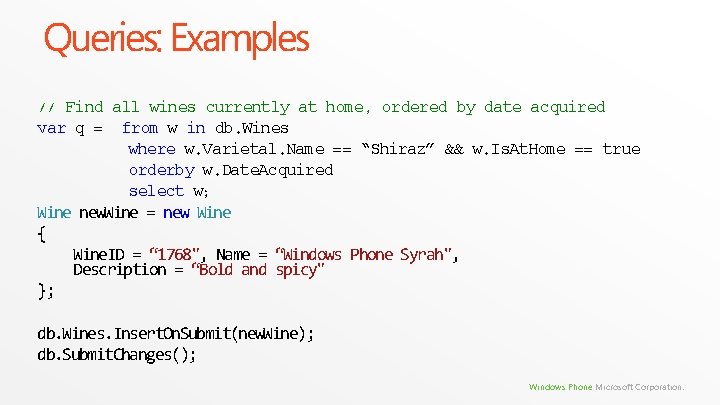
Queries: Examples // Find all wines currently at home, ordered by date acquired var q = from w in db. Wines where w. Varietal. Name == “Shiraz” && w. Is. At. Home == true orderby w. Date. Acquired select w; Wine new. Wine = new Wine { Wine. ID = “ 1768", Name = “Windows Phone Syrah", Description = “Bold and spicy" }; db. Wines. Insert. On. Submit(new. Wine); db. Submit. Changes(); Windows Phone Microsoft Corporation.
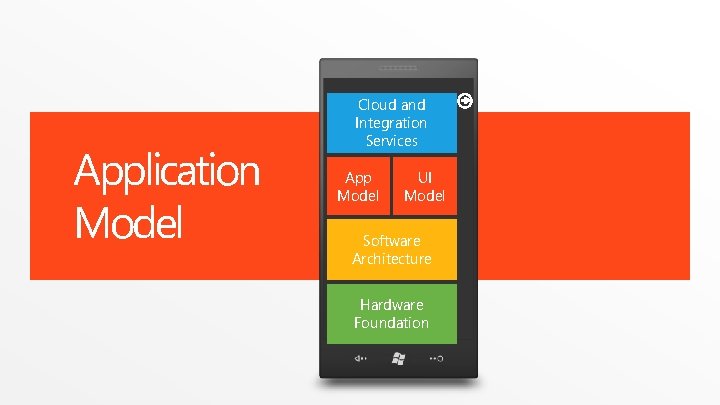
Application Model Cloud and Integration Services App Model UI Model Software Architecture Hardware Foundation
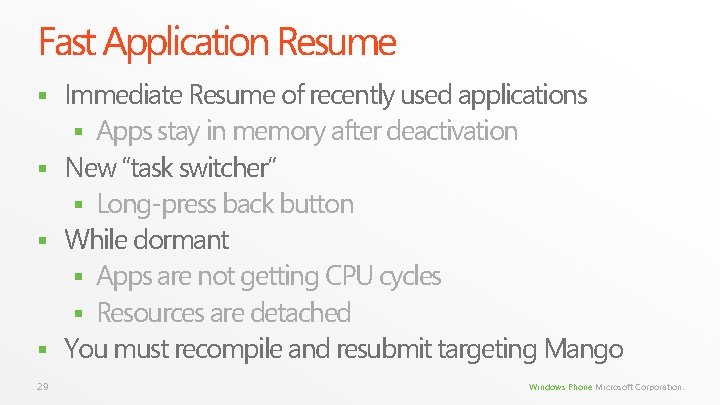
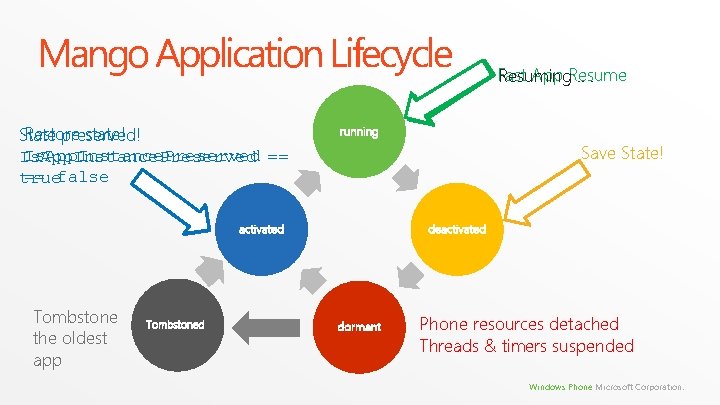
Fast Application Resume Immediate Resume of recently used applications § Apps stay in memory after deactivation § New “task switcher” § Long-press back button § While dormant § Apps are not getting CPU cycles § Resources are detached § You must recompile and resubmit targeting Mango § 29 Windows Phone Microsoft Corporation.
Mango Application Lifecycle Restore state! State preserved! Is. App. Instance. Preserved == false true running Save State! activated Tombstone the oldest app Tombstoned Fast App Resume Resuming. . . deactivated dormant Phone resources detached Threads & timers suspended Windows Phone Microsoft Corporation.
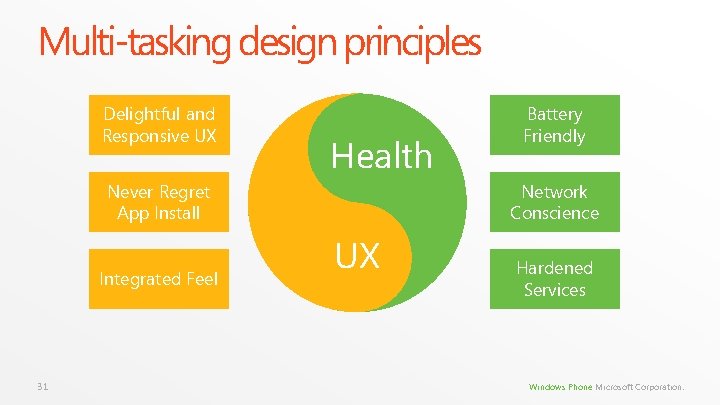
Multi-tasking design principles Delightful and Responsive UX Health Never Regret App Install Integrated Feel 31 Battery Friendly Network Conscience UX Hardened Services Windows Phone Microsoft Corporation.
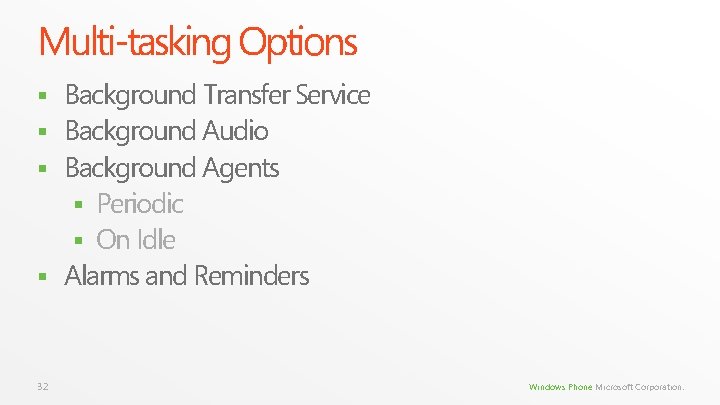
Multi-tasking Options Background Transfer Service § Background Audio § Background Agents § Periodic § On Idle § Alarms and Reminders § 32 Windows Phone Microsoft Corporation.
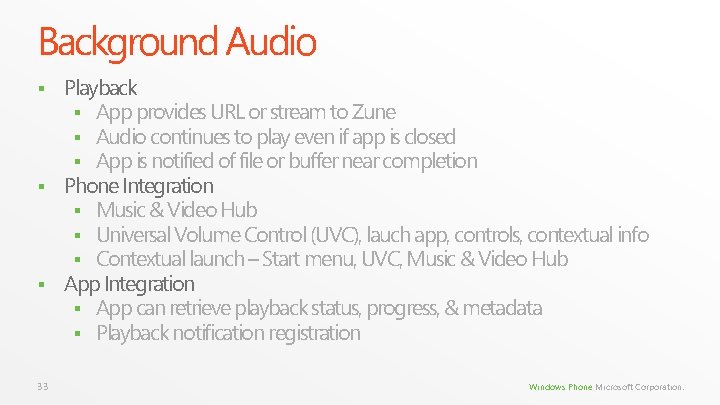
Background Audio Playback § App provides URL or stream to Zune § Audio continues to play even if app is closed § App is notified of file or buffer near completion § Phone Integration § Music & Video Hub § Universal Volume Control (UVC), lauch app, controls, contextual info § Contextual launch – Start menu, UVC, Music & Video Hub § App Integration § App can retrieve playback status, progress, & metadata § Playback notification registration § 33 Windows Phone Microsoft Corporation.
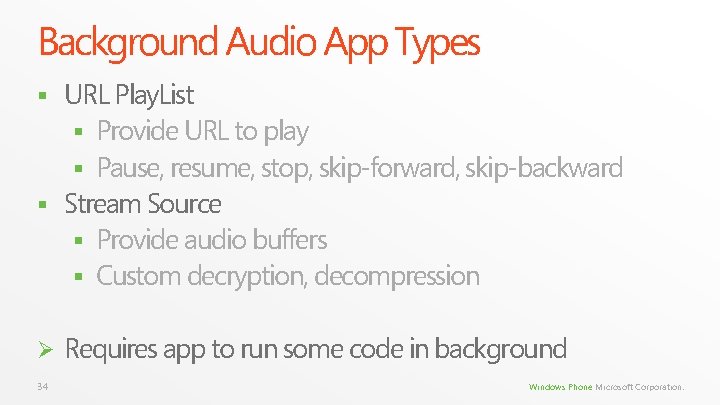
Background Audio App Types URL Play. List § Provide URL to play § Pause, resume, stop, skip-forward, skip-backward § Stream Source § Provide audio buffers § Custom decryption, decompression § Ø 34 Requires app to run some code in background Windows Phone Microsoft Corporation.
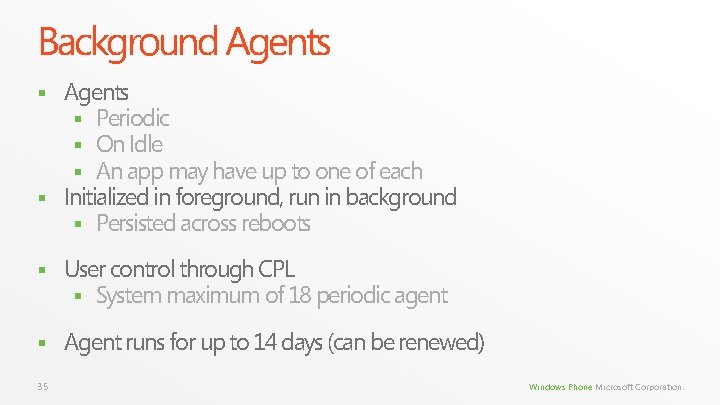
Background Agents § Periodic § On Idle § An app may have up to one of each § Initialized in foreground, run in background § Persisted across reboots § § User control through CPL § System maximum of 18 periodic agent § Agent runs for up to 14 days (can be renewed) 35 Windows Phone Microsoft Corporation.
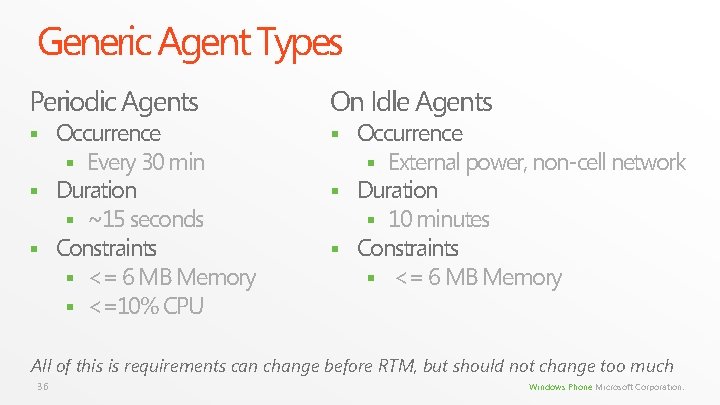
Generic Agent Types Periodic Agents On Idle Agents § § Occurrence § Every 30 min § Duration § ~15 seconds § Constraints § <= 6 MB Memory § <=10% CPU Occurrence § External power, non-cell network § Duration § 10 minutes § Constraints § <= 6 MB Memory All of this is requirements can change before RTM, but should not change too much 36 Windows Phone Microsoft Corporation.
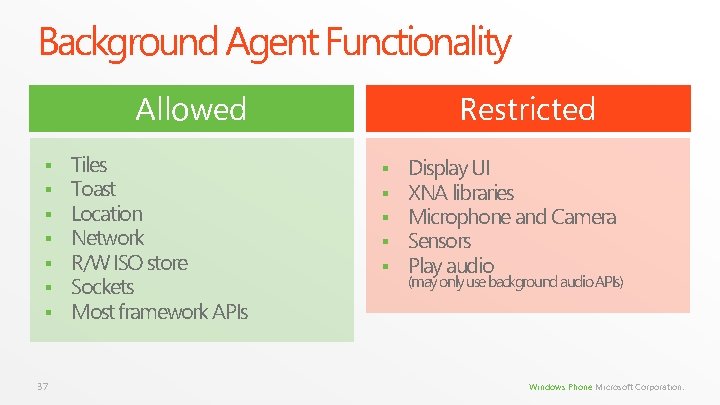
Background Agent Functionality Restricted Allowed § § § § 37 Tiles Toast Location Network R/W ISO store Sockets Most framework APIs § § § Display UI XNA libraries Microphone and Camera Sensors Play audio (may only use background audio APIs) Windows Phone Microsoft Corporation.
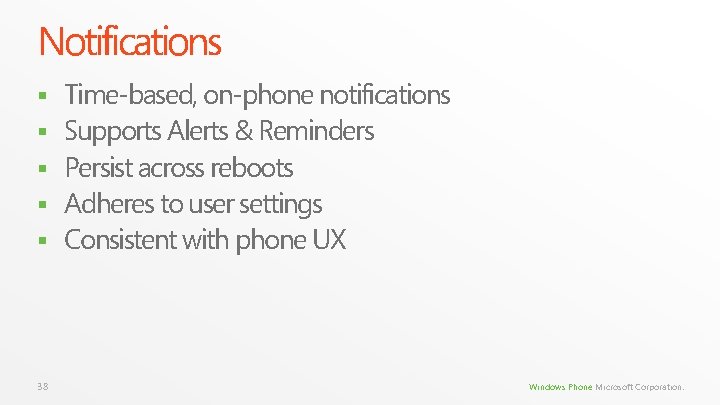
Notifications § § § 38 Time-based, on-phone notifications Supports Alerts & Reminders Persist across reboots Adheres to user settings Consistent with phone UX Windows Phone Microsoft Corporation.
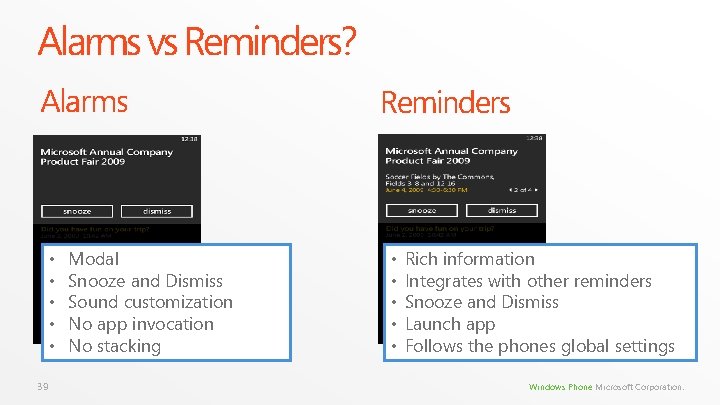
Alarms vs Reminders? Alarms • • • 39 Modal Snooze and Dismiss Sound customization No app invocation No stacking Reminders • • • Rich information Integrates with other reminders Snooze and Dismiss Launch app Follows the phones global settings Windows Phone Microsoft Corporation.
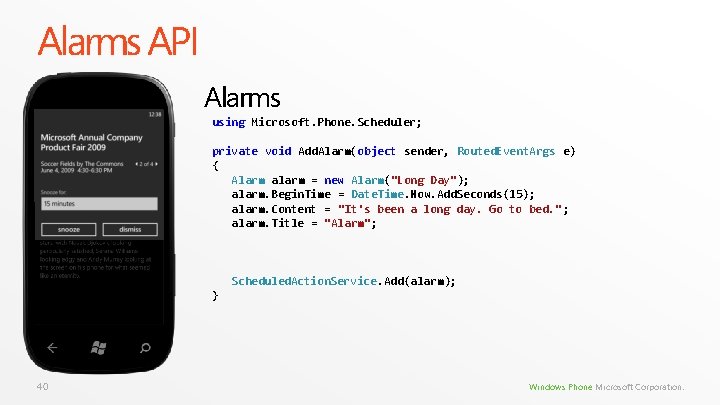
Alarms API Alarms using Microsoft. Phone. Scheduler; private void Add. Alarm(object sender, Routed. Event. Args e) { Alarm alarm = new Alarm("Long Day"); alarm. Begin. Time = Date. Time. Now. Add. Seconds(15); alarm. Content = "It's been a long day. Go to bed. " ; alarm. Title = "Alarm"; Scheduled. Action. Service. Add(alarm); } 40 Windows Phone Microsoft Corporation.
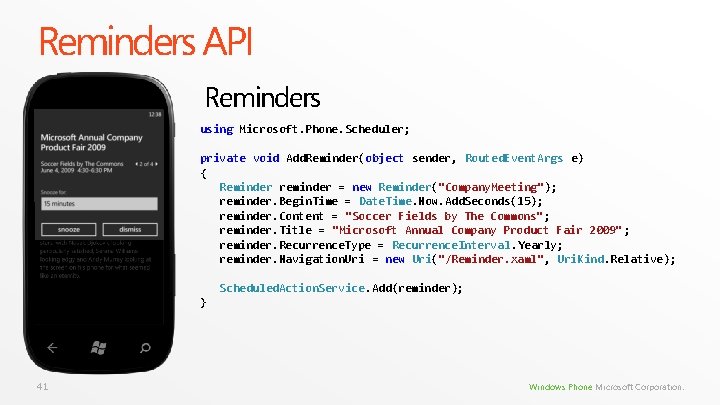
Reminders API Reminders using Microsoft. Phone. Scheduler; private void Add. Reminder(object sender, Routed. Event. Args e) { Reminder reminder = new Reminder("Company. Meeting"); reminder. Begin. Time = Date. Time. Now. Add. Seconds(15); reminder. Content = "Soccer Fields by The Commons"; reminder. Title = "Microsoft Annual Company Product Fair 2009" ; reminder. Recurrence. Type = Recurrence. Interval. Yearly; reminder. Navigation. Uri = new Uri("/Reminder. xaml", Uri. Kind. Relative); Scheduled. Action. Service. Add(reminder); } 41 Windows Phone Microsoft Corporation.
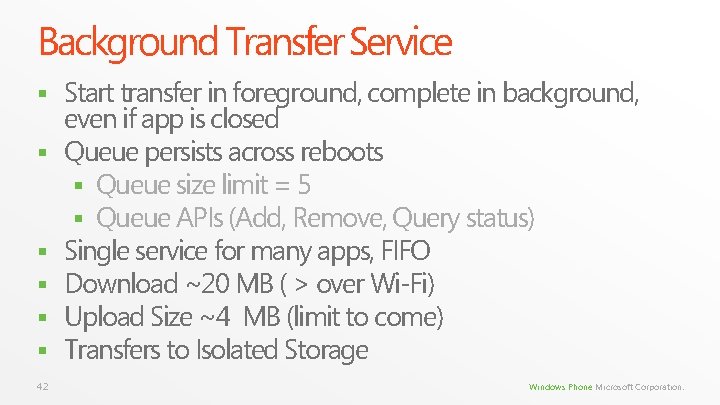
Background Transfer Service § § § 42 Start transfer in foreground, complete in background, even if app is closed Queue persists across reboots § Queue size limit = 5 § Queue APIs (Add, Remove, Query status) Single service for many apps, FIFO Download ~20 MB ( > over Wi-Fi) Upload Size ~4 MB (limit to come) Transfers to Isolated Storage Windows Phone Microsoft Corporation.
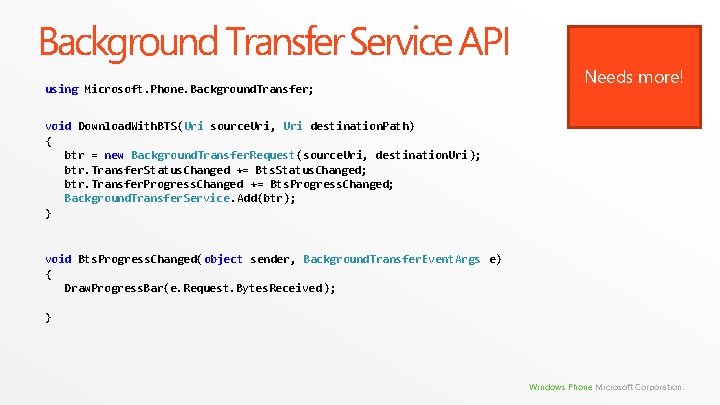
Background Transfer Service API using Microsoft. Phone. Background. Transfer; Needs more! void Download. With. BTS(Uri source. Uri, Uri destination. Path) { btr = new Background. Transfer. Request(source. Uri, destination. Uri); btr. Transfer. Status. Changed += Bts. Status. Changed; btr. Transfer. Progress. Changed += Bts. Progress. Changed; Background. Transfer. Service. Add(btr); } void Bts. Progress. Changed(object sender, Background. Transfer. Event. Args e) { Draw. Progress. Bar(e. Request. Bytes. Received ); } Windows Phone Microsoft Corporation.
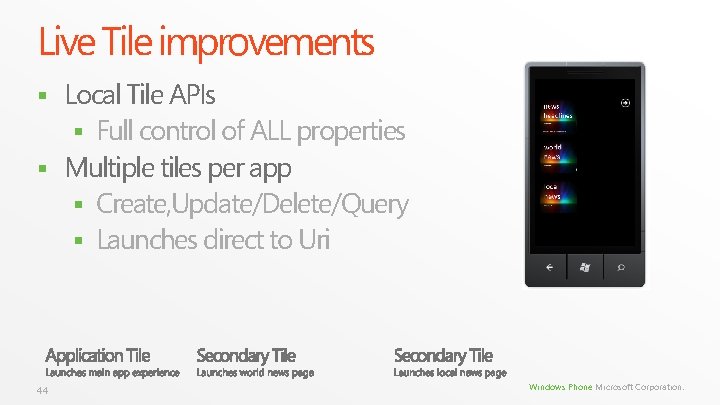
Live Tile improvements Local Tile APIs § Full control of ALL properties § Multiple tiles per app § Create, Update/Delete/Query § Launches direct to Uri § 44 Windows Phone Microsoft Corporation.
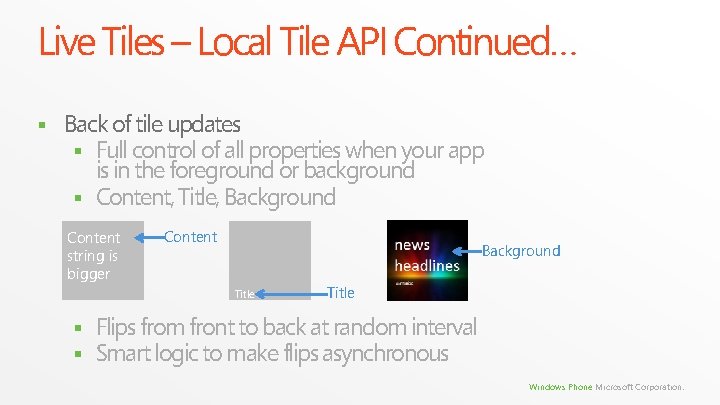
Live Tiles – Local Tile API Continued… § Back of tile updates § Full control of all properties when your app is in the foreground or background § Content, Title, Background Content string is bigger Content Background Title § § Title Flips from front to back at random interval Smart logic to make flips asynchronous Windows Phone Microsoft Corporation.
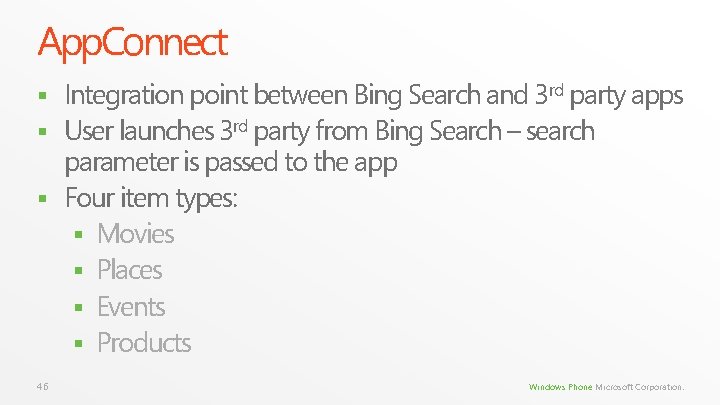
App. Connect Integration point between Bing Search and 3 rd party apps § User launches 3 rd party from Bing Search – search parameter is passed to the app § Four item types: § Movies § Places § Events § Products § 46 Windows Phone Microsoft Corporation.
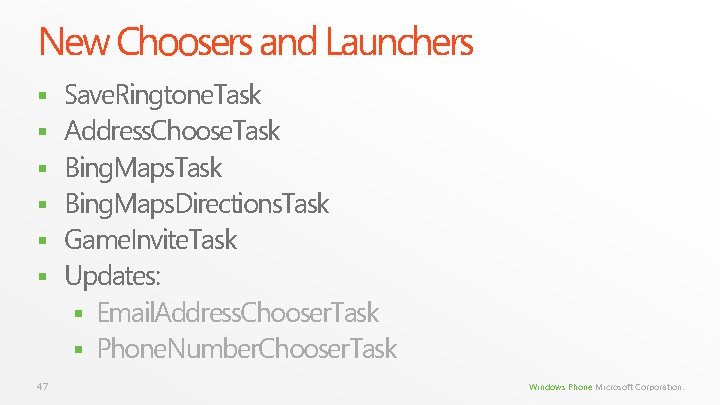
New Choosers and Launchers § § § 47 Save. Ringtone. Task Address. Choose. Task Bing. Maps. Directions. Task Game. Invite. Task Updates: § Email. Address. Chooser. Task § Phone. Number. Chooser. Task Windows Phone Microsoft Corporation.
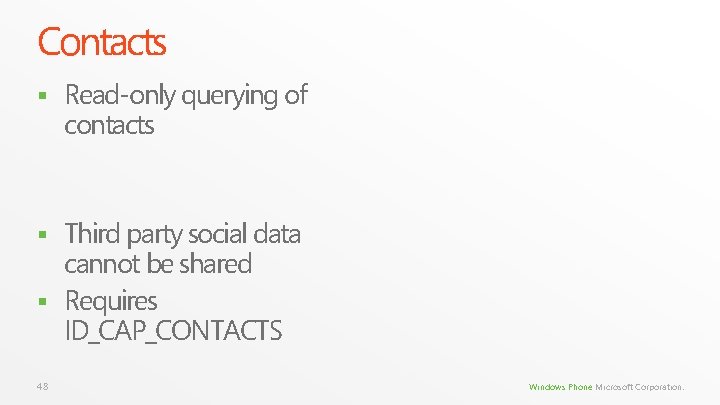
Contacts § Read-only querying of contacts Third party social data cannot be shared § Requires ID_CAP_CONTACTS § 48 Windows Phone Microsoft Corporation.
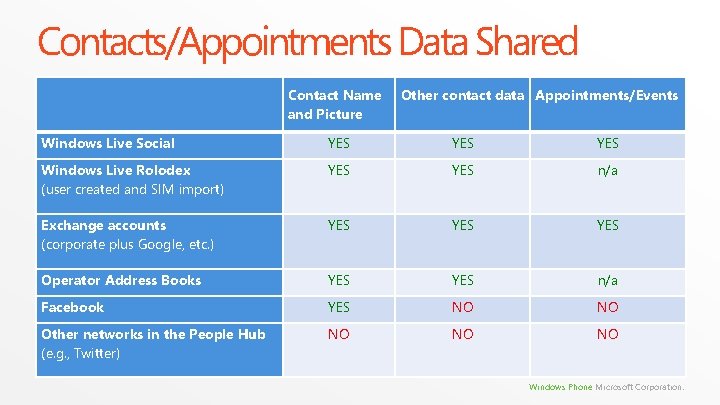
Contacts/Appointments Data Shared Contact Name and Picture Other contact data Appointments/Events Windows Live Social YES YES Windows Live Rolodex (user created and SIM import) YES n/a Exchange accounts (corporate plus Google, etc. ) YES YES Operator Address Books YES n/a Facebook YES NO NO Other networks in the People Hub (e. g. , Twitter) NO NO NO Windows Phone Microsoft Corporation.
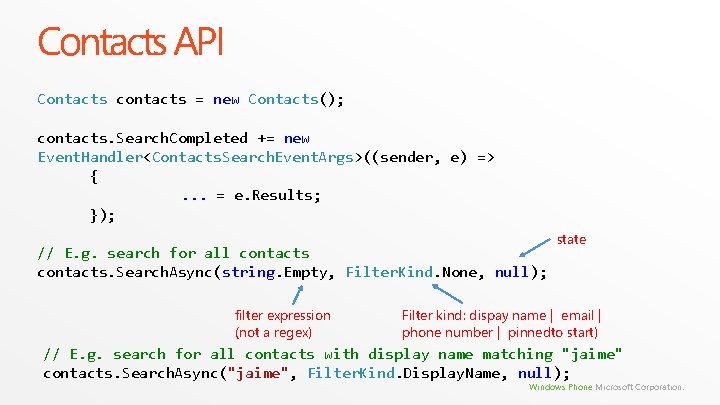
Contacts API Contacts contacts = new Contacts(); contacts. Search. Completed += new Event. Handler<Contacts. Search. Event. Args>((sender, e) => {. . . = e. Results; }); // E. g. search for all contacts. Search. Async(string. Empty, Filter. Kind. None, null); filter expression (not a regex) state Filter kind: dispay name | email | phone number | pinnedto start) // E. g. search for all contacts with display name matching "jaime" contacts. Search. Async("jaime", Filter. Kind. Display. Name, null); Windows Phone Microsoft Corporation.
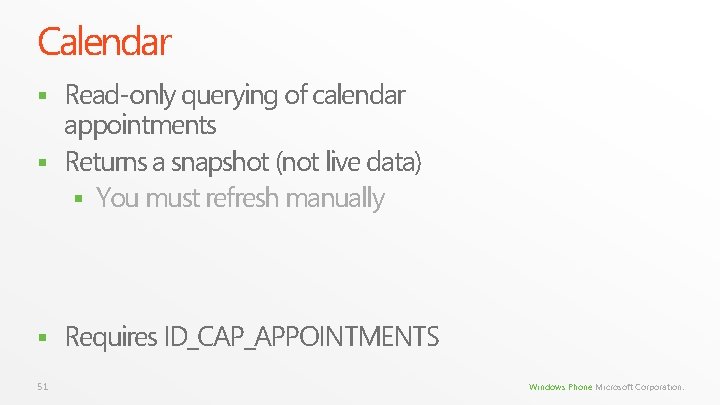
Calendar Read-only querying of calendar appointments § Returns a snapshot (not live data) § You must refresh manually § § 51 Requires ID_CAP_APPOINTMENTS Windows Phone Microsoft Corporation.
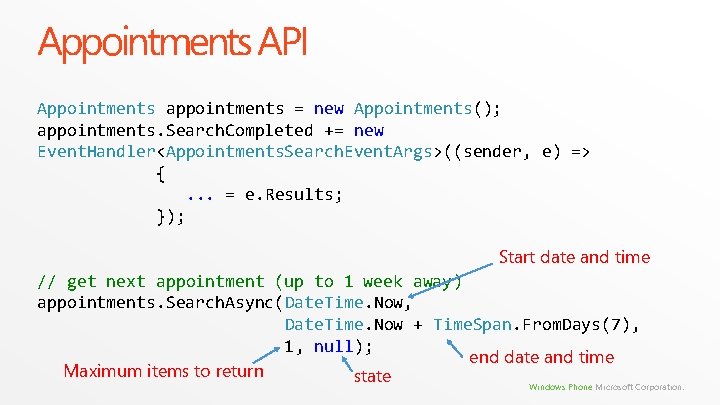
Appointments API Appointments appointments = new Appointments(); appointments. Search. Completed += new Event. Handler<Appointments. Search. Event. Args>((sender, e) => {. . . = e. Results; }); Start date and time // get next appointment (up to 1 week away) appointments. Search. Async(Date. Time. Now, Date. Time. Now + Time. Span. From. Days(7), 1, null); end date and time Maximum items to return state Windows Phone Microsoft Corporation.
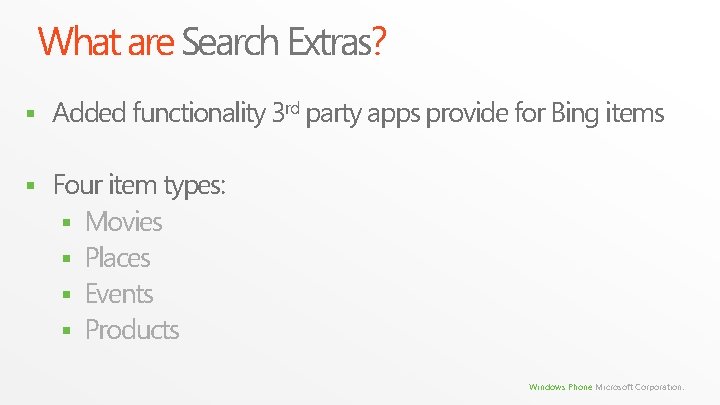
What are Search Extras? § Added functionality 3 rd party apps provide for Bing items § Four item types: § Movies § Places § Events § Products Windows Phone Microsoft Corporation.
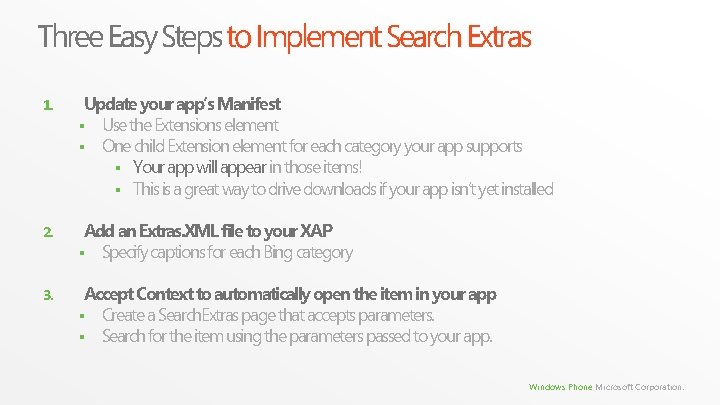
Three Easy Steps to Implement Search Extras 1. Update your app’s Manifest § Use the Extensions element § One child Extension element for each category your app supports § Your app will appear in those items! § This is a great way to drive downloads if your app isn’t yet installed 2. Add an Extras. XML file to your XAP § Specify captions for each Bing category 3. Accept Context to automatically open the item in your app § Create a Search. Extras page that accepts parameters. § Search for the item using the parameters passed to your app. Windows Phone Microsoft Corporation.
Call to Action § § § 55 Build and ship for 7 now Everything you build will work just fine in the next release 7. 1 allows you to build deeply integrated phone experiences Multitasking opens up completely new experiences Integration points are a key way for your app to shine Download the tools now!!! Windows Phone Microsoft Corporation.
© 2011 Microsoft Corporation. All rights reserved. Microsoft, Windows Vista and other product names are or may be registered trademarks and/or trademarks in the U. S. and/or other countries. The information herein is for informational purposes only and represents the current view of Microsoft Corporation as of the date of this presentation. Because Microsoft must respond to changing market conditions, it should not be interpreted to be a commitment on the part of Microsoft, and Microsoft cannot guarantee the accuracy of any information provided after the date of this presentation. MICROSOFT MAKES NO WARRANTIES, EXPRESS, IMPLIED OR STATUTORY, AS TO THE INFORMATION IN THIS PRESENTATION. 56 Windows Phone Microsoft Corporation.