
Windows Operating System Start button Start Menu Submenu
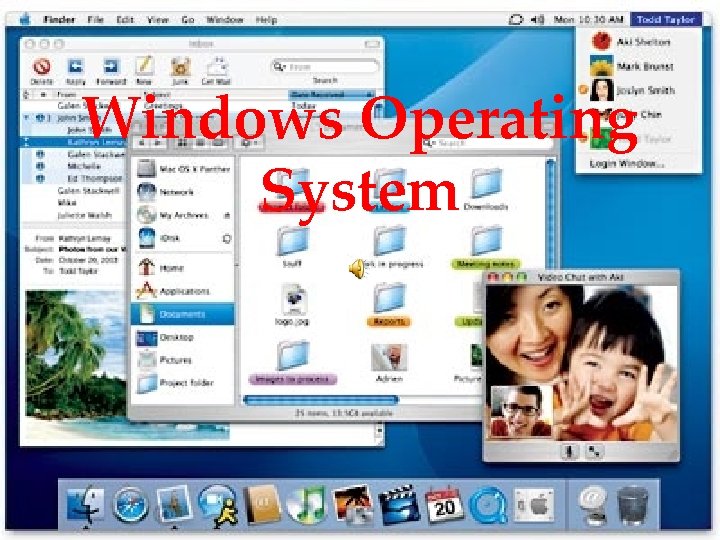
Windows Operating System
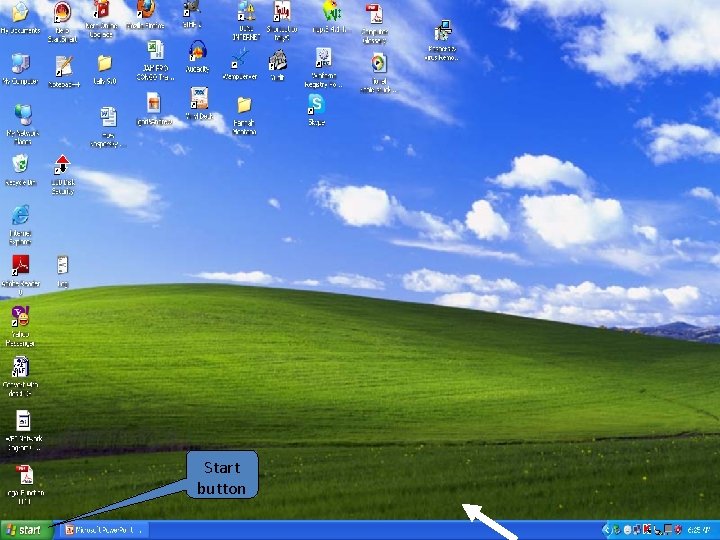
Start button
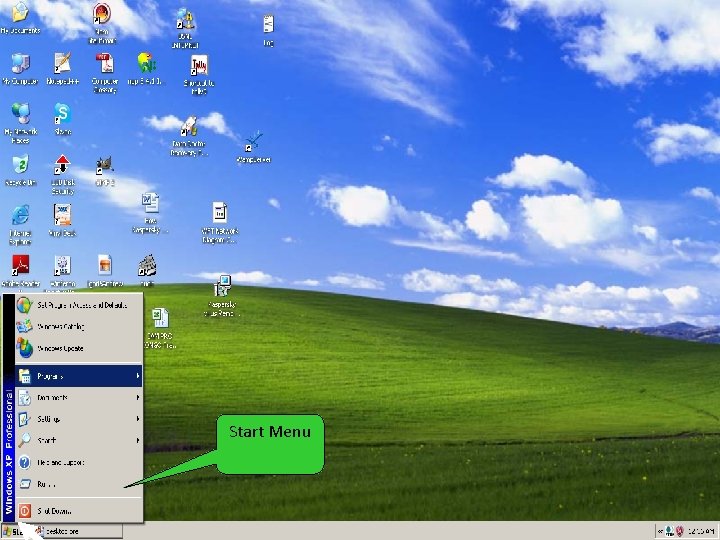
Start Menu
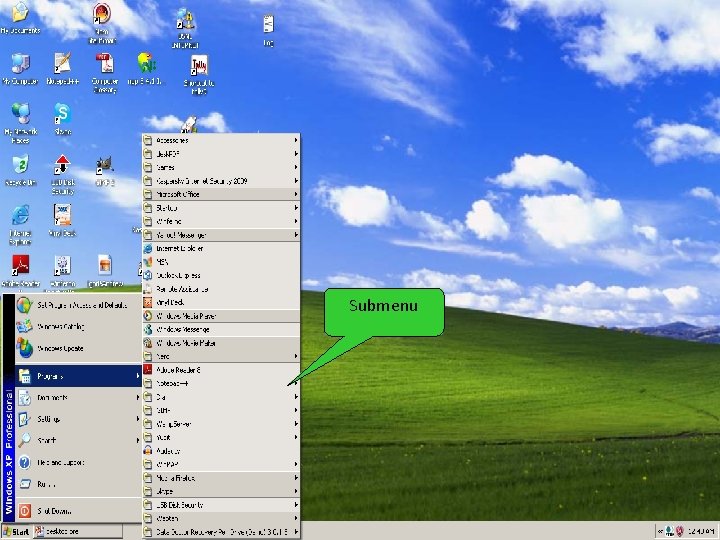
Submenu
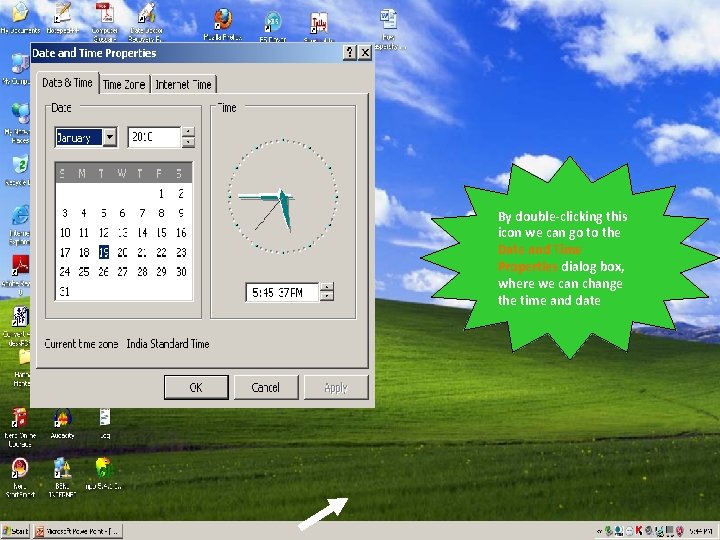
By double clicking this icon we can go to the Date and Time Properties dialog box, where we can change the time and date
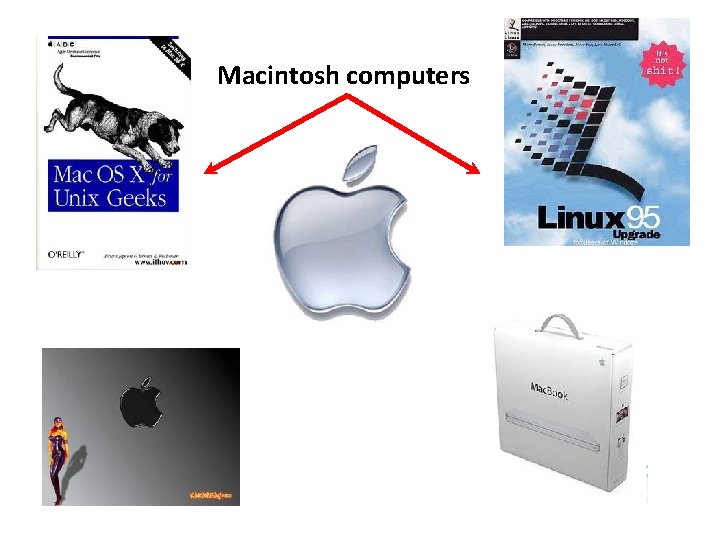
Macintosh computers
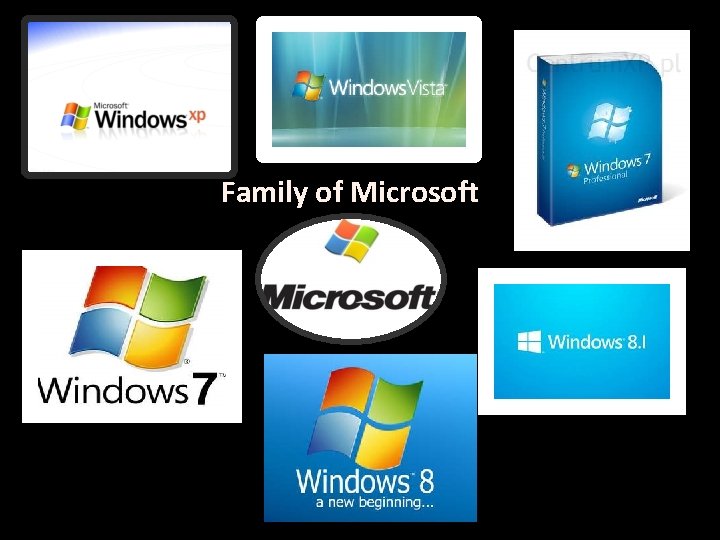
Family of Microsoft
What is an Operating System? System Software ‘Brain' of the computer Interface between your computer and the outside world Runs the computer and allows other programs to run as well It keeps track of where all the files OS s e h ut t useles o h Wit ter is pu Com
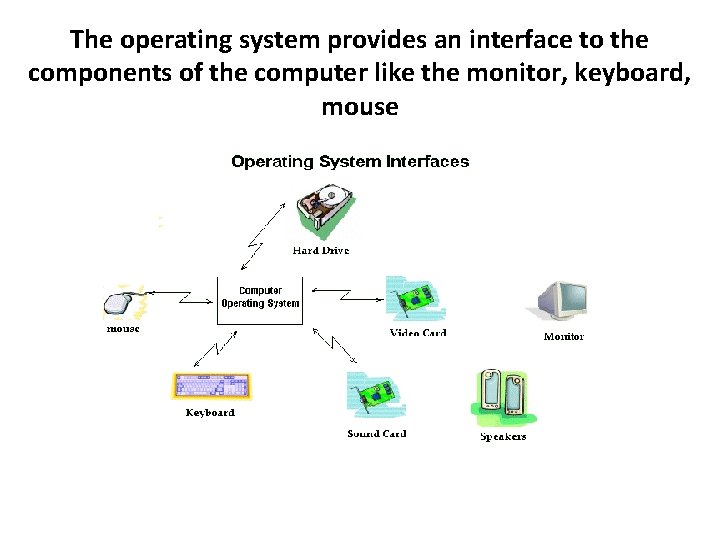
The operating system provides an interface to the components of the computer like the monitor, keyboard, mouse
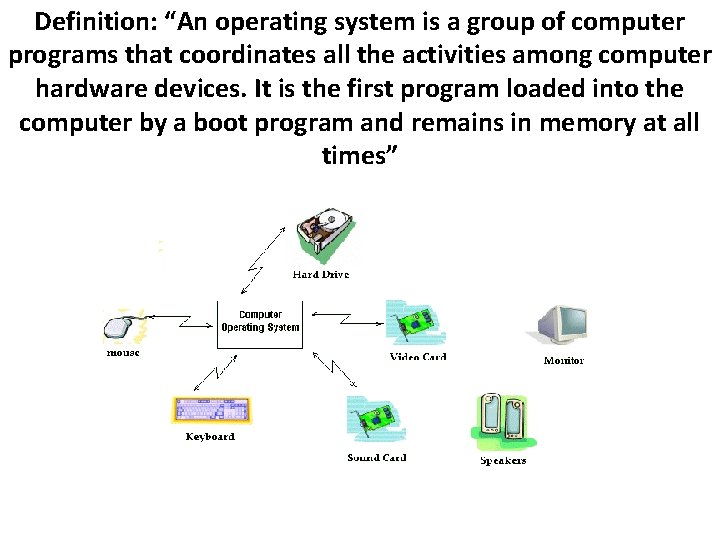
Definition: “An operating system is a group of computer programs that coordinates all the activities among computer hardware devices. It is the first program loaded into the computer by a boot program and remains in memory at all times”
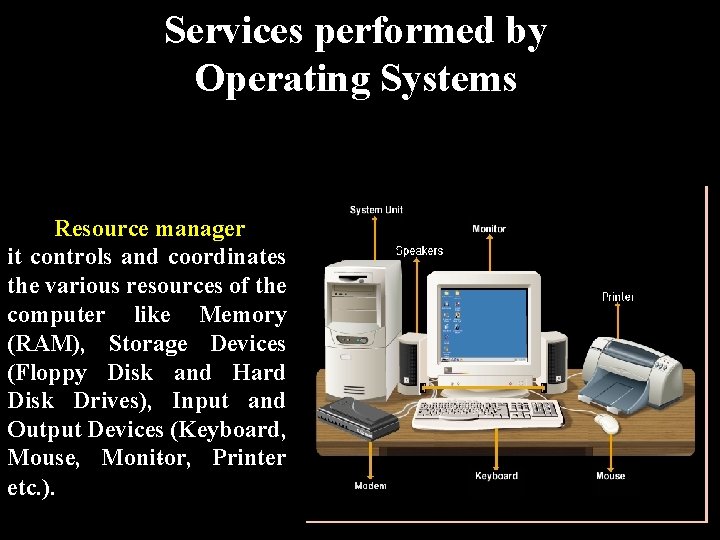
Services performed by Operating Systems Resource manager it controls and coordinates the various resources of the computer like Memory (RAM), Storage Devices (Floppy Disk and Hard Disk Drives), Input and Output Devices (Keyboard, Mouse, Moni tor, Printer etc. ).
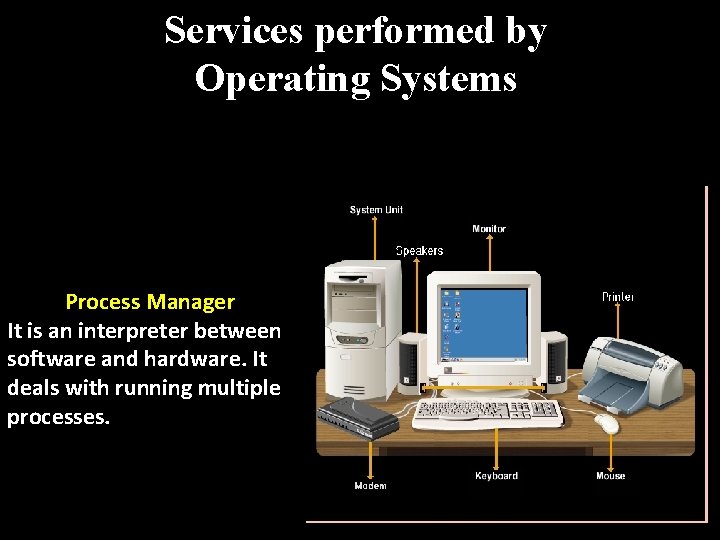
Services performed by Operating Systems Process Manager It is an interpreter between software and hardware. It deals with running multiple processes.
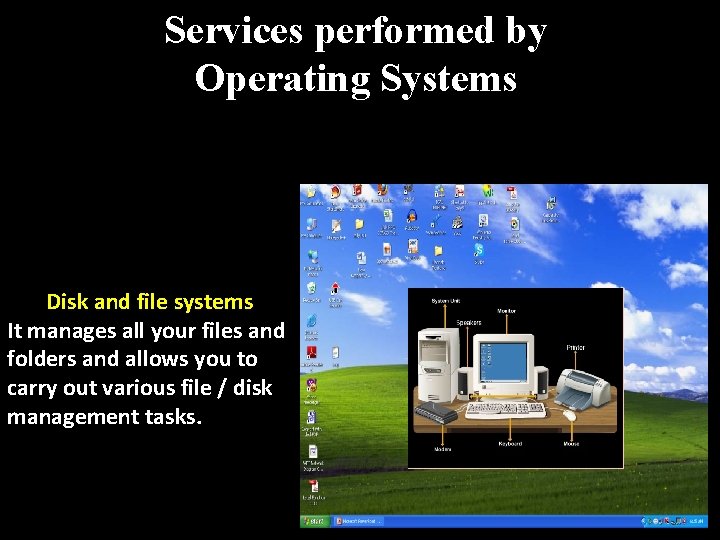
Services performed by Operating Systems Disk and file systems It manages all your files and folders and allows you to carry out various file / disk management tasks.
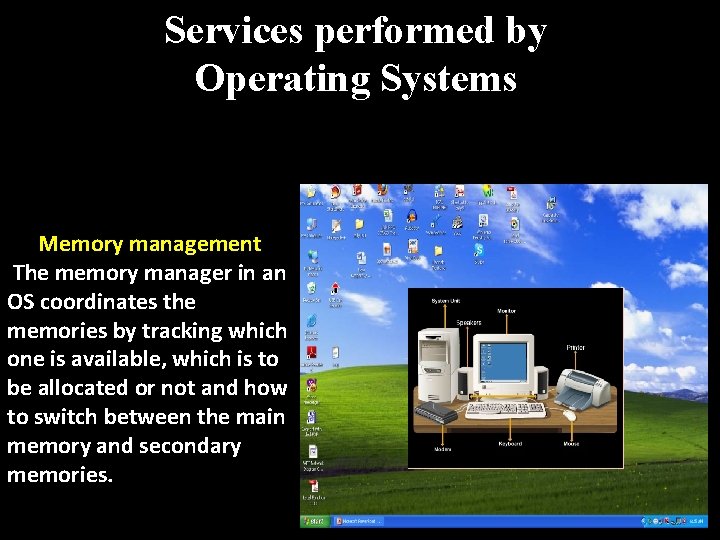
Services performed by Operating Systems Memory management The memory manager in an OS coordinates the memories by tracking which one is available, which is to be allocated or not and how to switch between the main memory and secondary memories.
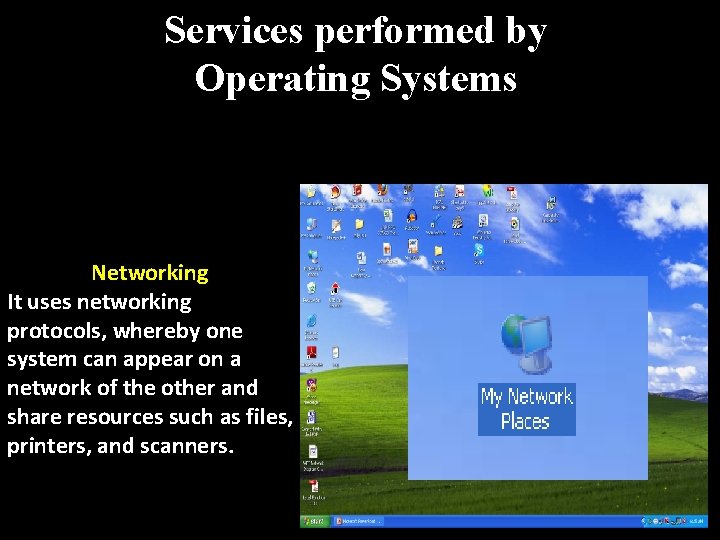
Services performed by Operating Systems Networking It uses networking protocols, whereby one system can appear on a network of the other and share resources such as files, printers, and scanners.
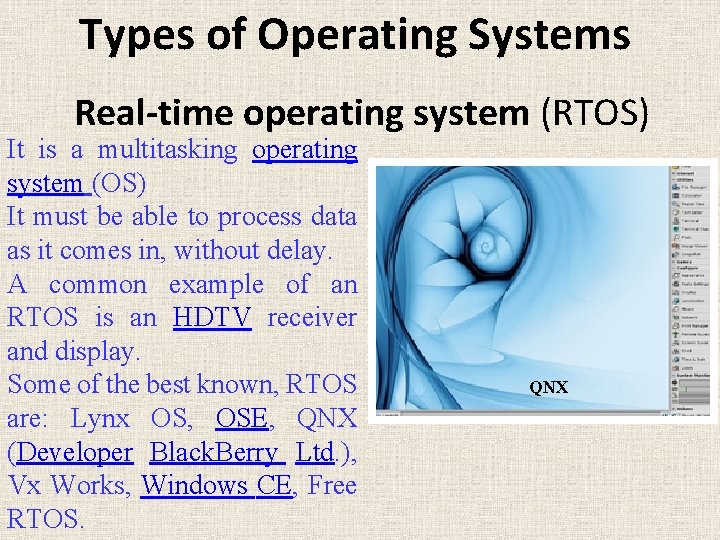
Types of Operating Systems Real time operating system (RTOS) It is a multitasking operating system (OS) It must be able to process data as it comes in, without delay. A common example of an RTOS is an HDTV receiver and display. Some of the best known, RTOS are: Lynx OS, OSE, QNX (Developer Black. Berry Ltd. ), Vx Works, Windows CE, Free RTOS. QNX
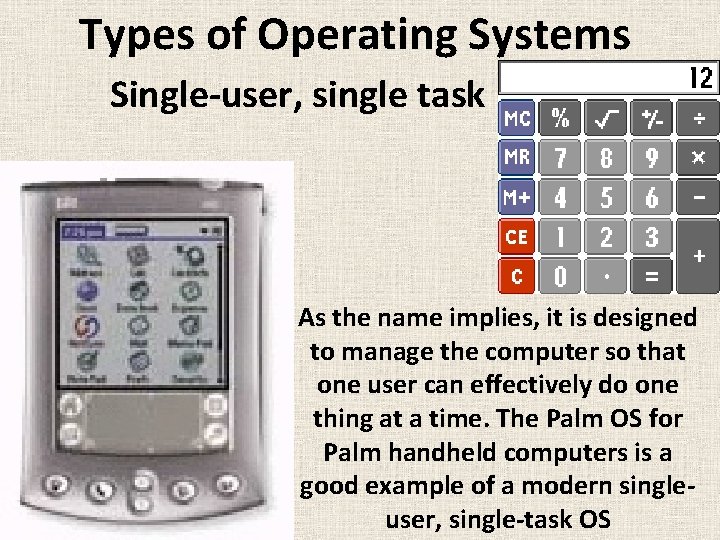
Types of Operating Systems Single user, single task As the name implies, it is designed to manage the computer so that one user can effectively do one thing at a time. The Palm OS for Palm handheld computers is a good example of a modern single user, single task OS
Types of Operating Systems Single user, multi tasking This OS is mostly used by people on their desktop and laptop computers today. Microsoft's Windows and Apple's Mac OS platforms are both examples of operating systems that will let a single user have several programs in operation at the same time.
Types of Operating Systems Multi user A multi user operating system allows many different users to take advantage of the computer's resources simultaneously. UNIX, VMS and mainframe operating systems, such as MVS, are examples of multi user operating systems.
Windows Operating System
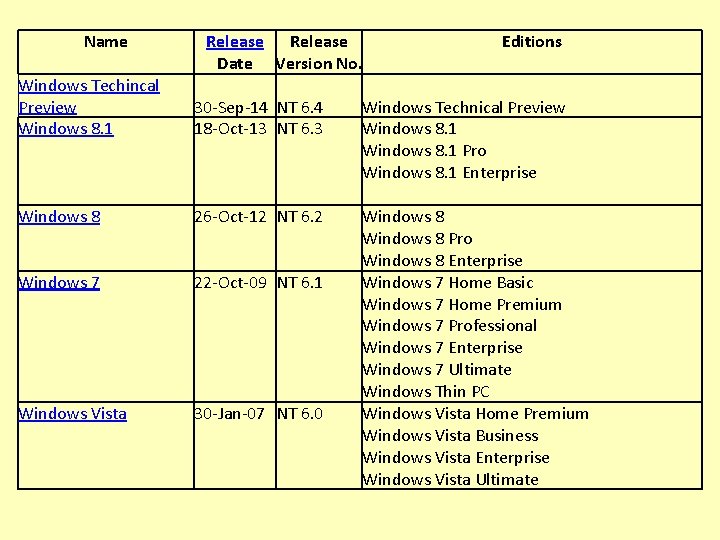
Name Release Date Version No. Editions Windows Techincal Preview Windows 8. 1 30 -Sep-14 NT 6. 4 18 -Oct-13 NT 6. 3 Windows Technical Preview Windows 8. 1 Pro Windows 8. 1 Enterprise Windows 8 26 -Oct-12 NT 6. 2 Windows 7 22 -Oct-09 NT 6. 1 Windows Vista 30 -Jan-07 NT 6. 0 Windows 8 Pro Windows 8 Enterprise Windows 7 Home Basic Windows 7 Home Premium Windows 7 Professional Windows 7 Enterprise Windows 7 Ultimate Windows Thin PC Windows Vista Home Premium Windows Vista Business Windows Vista Enterprise Windows Vista Ultimate
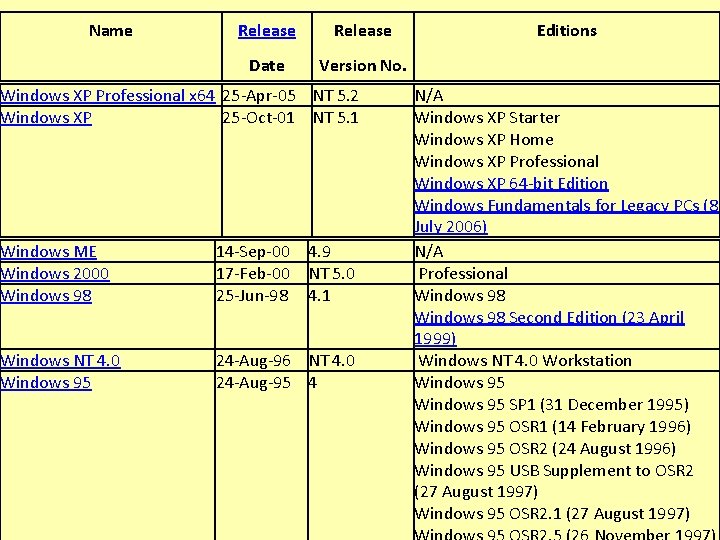
Name Release Date Version No. Windows XP Professional x 64 25 -Apr-05 NT 5. 2 Windows XP 25 -Oct-01 NT 5. 1 Windows ME Windows 2000 Windows 98 14 -Sep-00 17 -Feb-00 25 -Jun-98 4. 9 NT 5. 0 4. 1 Windows NT 4. 0 Windows 95 24 -Aug-96 NT 4. 0 24 -Aug-95 4 Editions N/A Windows XP Starter Windows XP Home Windows XP Professional Windows XP 64 -bit Edition Windows Fundamentals for Legacy PCs (8 July 2006) N/A Professional Windows 98 Second Edition (23 April 1999) Windows NT 4. 0 Workstation Windows 95 SP 1 (31 December 1995) Windows 95 OSR 1 (14 February 1996) Windows 95 OSR 2 (24 August 1996) Windows 95 USB Supplement to OSR 2 (27 August 1997) Windows 95 OSR 2. 1 (27 August 1997)
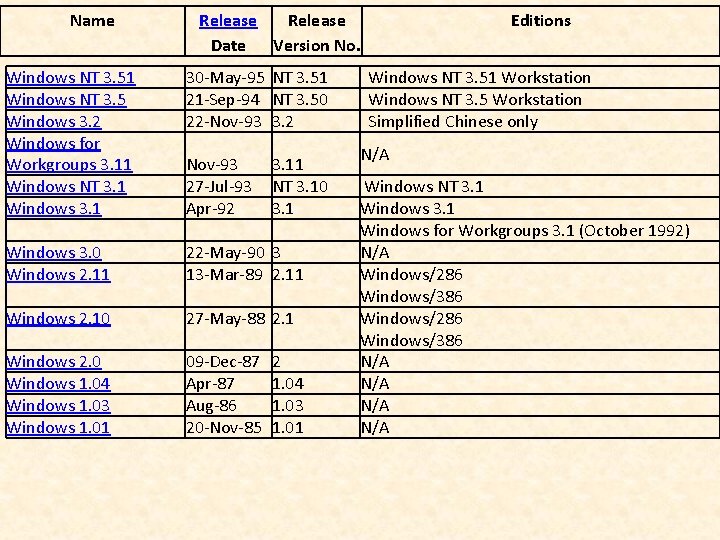
Name Release Date Version No. Windows NT 3. 51 Windows NT 3. 5 Windows 3. 2 Windows for Workgroups 3. 11 Windows NT 3. 1 Windows 3. 1 30 -May-95 NT 3. 51 21 -Sep-94 NT 3. 50 22 -Nov-93 3. 2 Windows 3. 0 Windows 2. 11 22 -May-90 3 13 -Mar-89 2. 11 Windows 2. 10 27 -May-88 2. 1 Windows 2. 0 Windows 1. 04 Windows 1. 03 Windows 1. 01 09 -Dec-87 Apr-87 Aug-86 20 -Nov-85 Nov-93 27 -Jul-93 Apr-92 3. 11 NT 3. 10 3. 1 2 1. 04 1. 03 1. 01 Editions Windows NT 3. 51 Workstation Windows NT 3. 5 Workstation Simplified Chinese only N/A Windows NT 3. 1 Windows for Workgroups 3. 1 (October 1992) N/A Windows/286 Windows/386 N/A N/A
Windows Operating System Microsoft Windows operating systems run on either 32 bit or 64 bit versions
• For Windows 7 • Click Start. • Type “system” in the Search Programs and Files field, and then click System in the Programs list. • The operating system appears as follows: • For a 64 -bit version operating system: “ 64 -bit Operating System” appears. • For a 32 -bit version operating system: “ 32 -bit Operating System” appears.
For Windows 8 • On the Start Screen, type "computer". It will automatically open the search results. • Click Computer then click Properties. • The Windows Basic Information page will appear. Under System, you will be able to see the bit-version on the System Type field.
Historical Glimpse of MS World
MS DOS commands (Type Commands) In 1983, Windows was announced by Microsoft's founders Bill Gates and Paul Allen Code Named as Interface Manager November 1985, Microsoft introduced Windows 1. 0 user friendly mouse to click dialog boxes scroll bars icons drop down menus
Early Nineties Windows 95 - August, 1995 include built-in Internet support and dial-up networking. Microsoft Outlook (own email client) offered multimedia functions mobile computing features integrated networking features.
Early Nineties Windows 95 - August, 1995 ØBuilt-in Internet support ØDial-up networking ØMicrosoft Outlook (own email client) ØOffered multimedia functions ØMobile computing features ØIntegrated networking features ØInternet Explorer
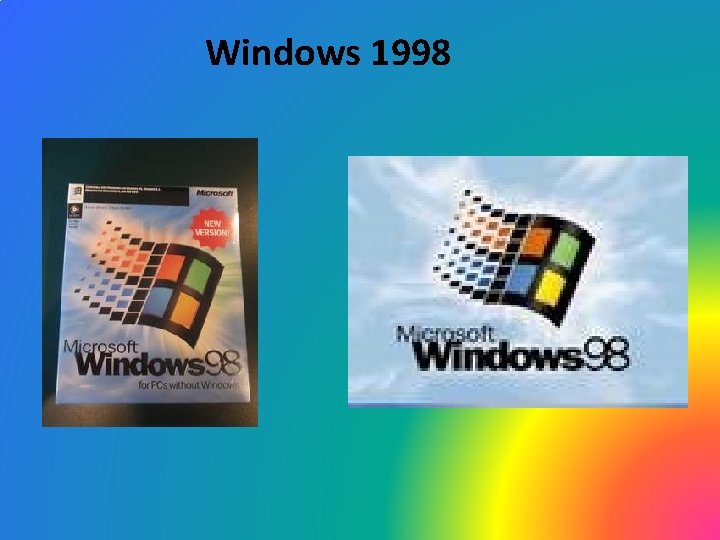
Windows 1998
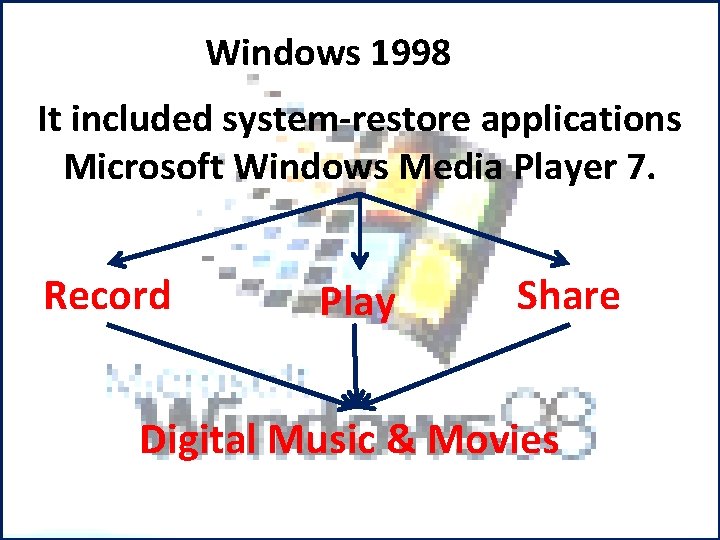
Windows 1998 It included system restore applications Microsoft Windows Media Player 7. Record Play Share Digital Music & Movies
In 2000 Microsoft Windows ME (Millennium Edition) v. Not very well received v. Online security updates which helped to educate consumers about computer threats such as viruses v. Improved desktop features v. The plug and play hardware (used in gaming) v. Mobile and USB device compatibility.
Windows XP First released on October 25, 2001 First consumer oriented operating system The error messages are less cryptic Mouse is universally used User friendly Enhancing the ability to record and watch TV shows, watch DVDs, and listen to music. Icons are stored on the desktop One can work on several different applications simultaneously and these applications can exchange data without error
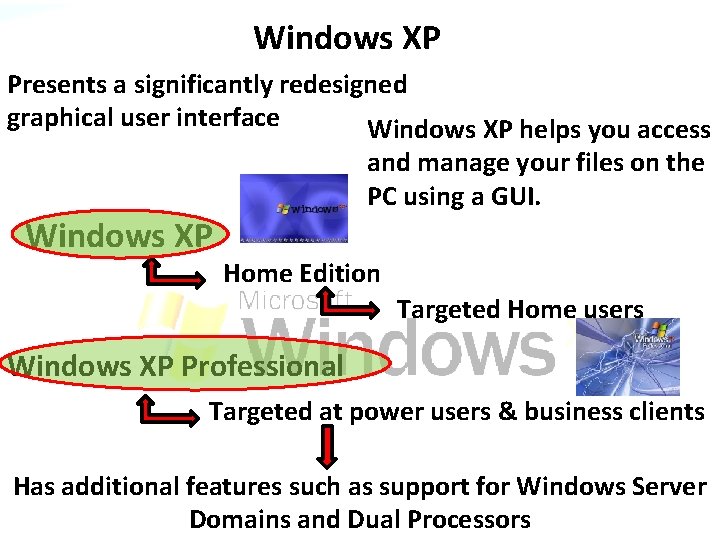
Windows XP Presents a significantly redesigned graphical user interface Windows XP helps you access and manage your files on the PC using a GUI. Windows XP Home Edition Targeted Home users Windows XP Professional Targeted at power users & business clients Has additional features such as support for Windows Server Domains and Dual Processors
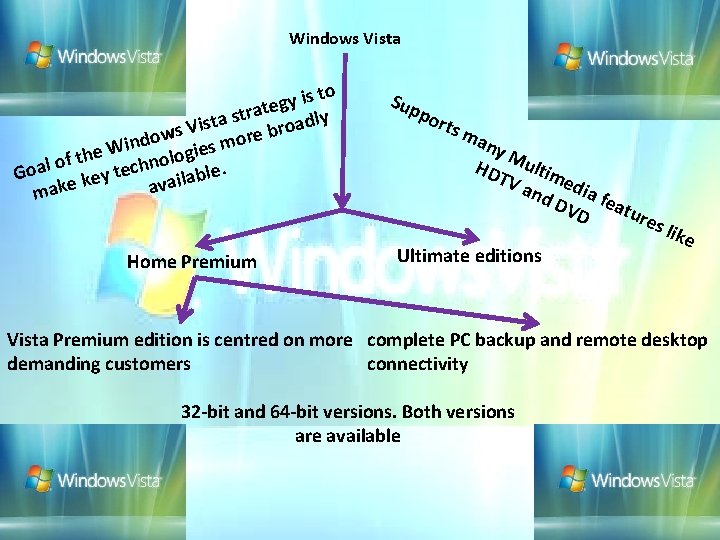
Windows Vista to s i y g rate dly t s a t Vis roa s b w e r o mo ind s W e i e g f th olo o n l h a c te le. Go b y a e l i k ava make Home Premium Sup por ts m any M HD ultim TV and edia DV featu D re Ultimate editions s lik e Vista Premium edition is centred on more complete PC backup and remote desktop demanding customers connectivity 32 bit and 64 bit versions. Both versions are available
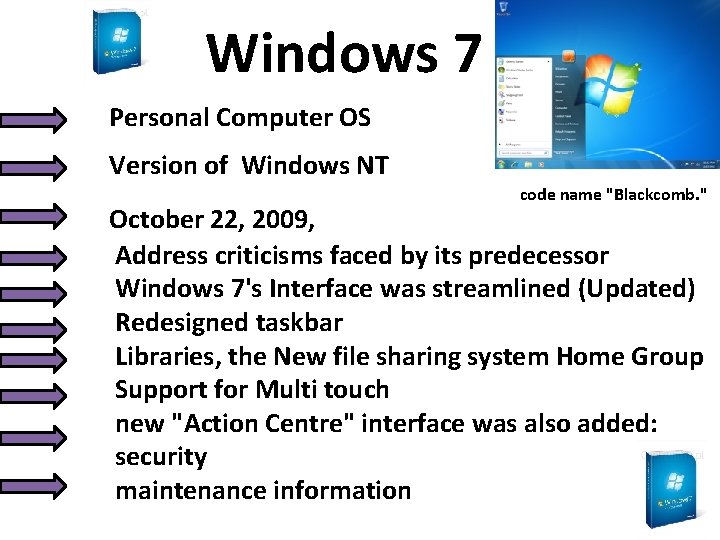
Windows 7 Personal Computer OS Version of Windows NT code name "Blackcomb. " October 22, 2009, Address criticisms faced by its predecessor Windows 7's Interface was streamlined (Updated) Redesigned taskbar Libraries, the New file sharing system Home Group Support for Multi touch new "Action Centre" interface was also added: security maintenance information
Windows 8 Personal Computer OS October 26, 2012 Version of Windows NT Introduced major changes to the operating system's platform and user interface to improve its user experience on tablets online services including apps and Windows store, an online store for downloading and purchasing new software.
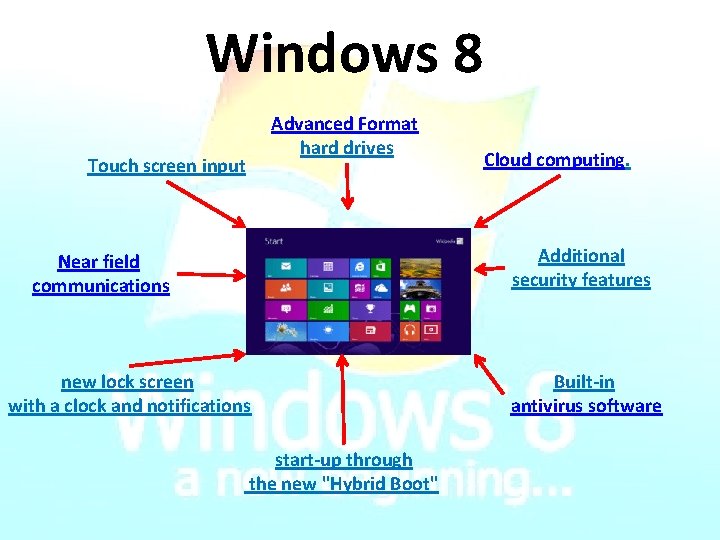
Windows 8 Advanced Format hard drives Touch screen input Cloud computing. Additional security features Near field communications new lock screen with a clock and notifications start up through the new "Hybrid Boot" Built in antivirus software
Windows 8. 1 On October 17, 2013 It addresses some aspects of Windows 8 that were criticized by reviewers and early adopters and incorporates additional improvements to various aspects of the operating system.
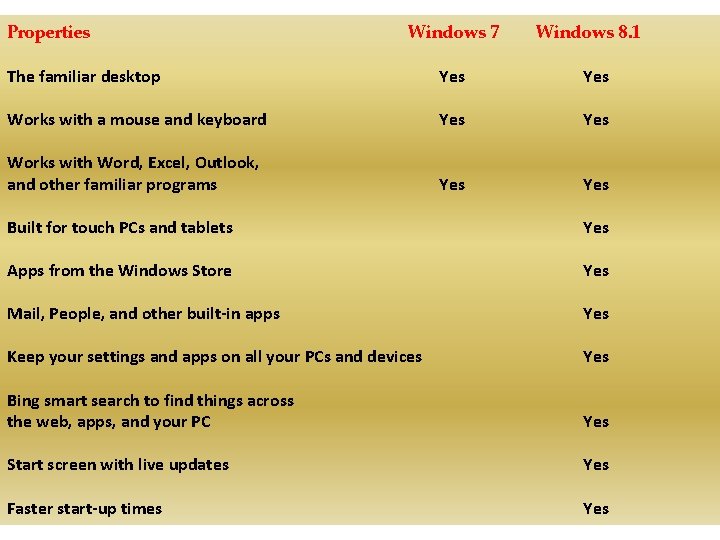
Properties Windows 7 Windows 8. 1 The familiar desktop Yes Works with a mouse and keyboard Yes Works with Word, Excel, Outlook, and other familiar programs Yes Built for touch PCs and tablets Yes Apps from the Windows Store Yes Mail, People, and other built in apps Yes Keep your settings and apps on all your PCs and devices Yes Bing smart search to find things across the web, apps, and your PC Yes Start screen with live updates Yes Faster start up times Yes

y B o n g o e i at o R t n sc e es Bo r P lie s Le
- Slides: 43