
Windows Kernel Internals Lightweight Procedure Calls David B

Windows Kernel Internals Lightweight Procedure Calls David B. Probert, Ph. D. Windows Kernel Development Microsoft Corporation © Microsoft Corporation 1
Topics • • LPC overview !lpc debugger extension Investigation checklist Debugging samples © Microsoft Corporation 2

LPC usage • LPC is an internal interface for NT components. • Communications between two user mode components (csrss and win 32, winlogon and lsass) • Communications between a user-mode process and a kernel-mode component (lsass and Security Reference Monitor) • Local RPC © Microsoft Corporation 3
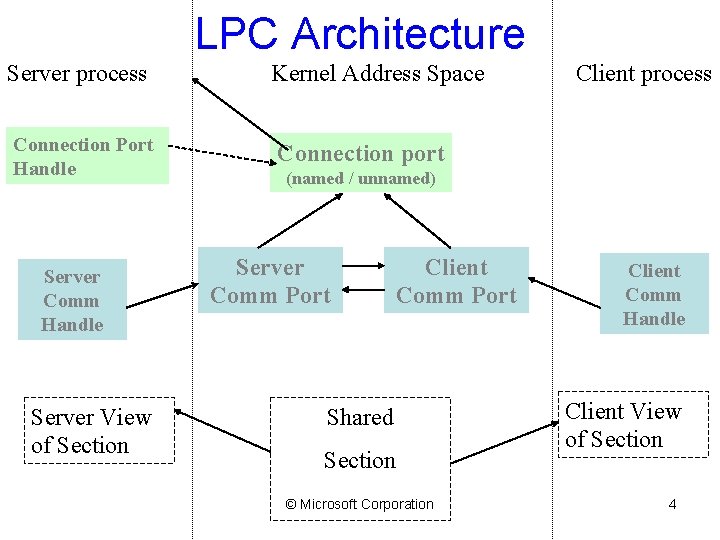
LPC Architecture Server process Connection Port Handle Server Comm Handle Server View of Section Kernel Address Space Client process Connection port (named / unnamed) Server Comm Port Client Comm Port Shared Section © Microsoft Corporation Client Comm Handle Client View of Section 4
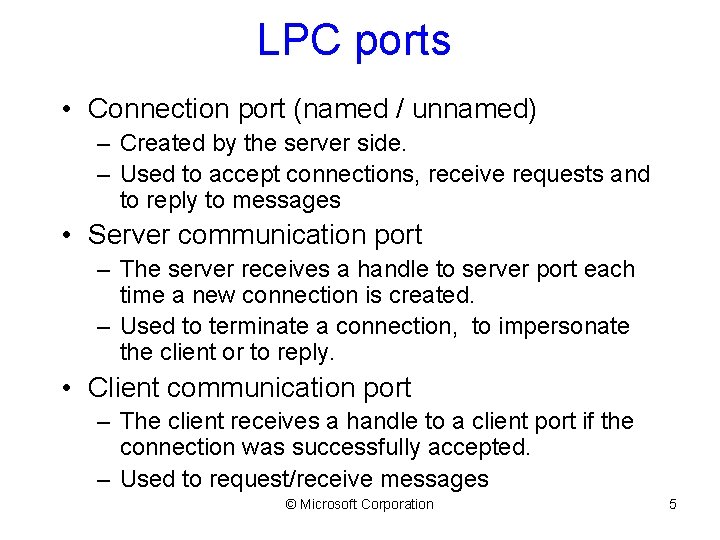
LPC ports • Connection port (named / unnamed) – Created by the server side. – Used to accept connections, receive requests and to reply to messages • Server communication port – The server receives a handle to server port each time a new connection is created. – Used to terminate a connection, to impersonate the client or to reply. • Client communication port – The client receives a handle to a client port if the connection was successfully accepted. – Used to request/receive messages © Microsoft Corporation 5
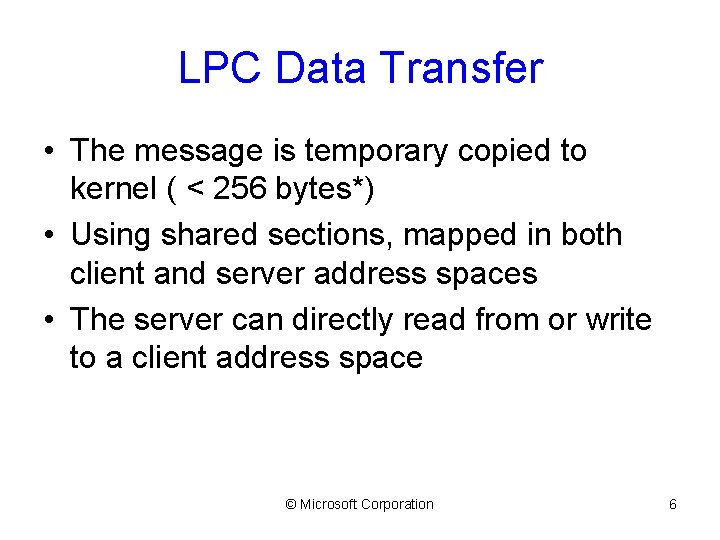
LPC Data Transfer • The message is temporary copied to kernel ( < 256 bytes*) • Using shared sections, mapped in both client and server address spaces • The server can directly read from or write to a client address space © Microsoft Corporation 6
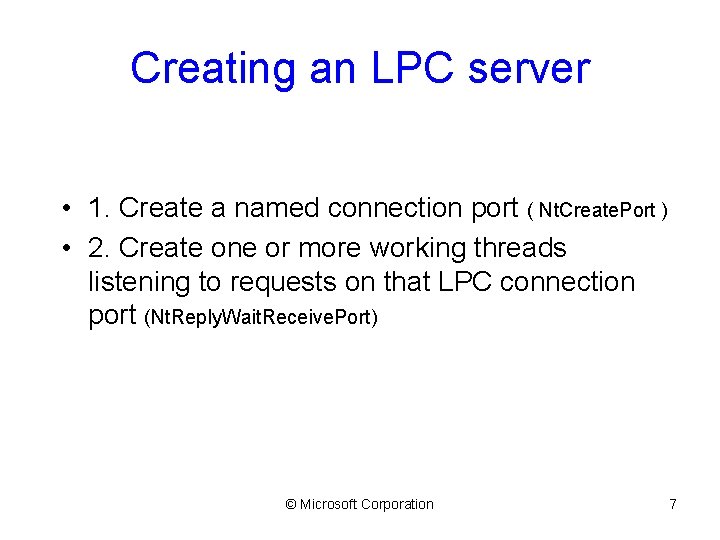
Creating an LPC server • 1. Create a named connection port ( Nt. Create. Port ) • 2. Create one or more working threads listening to requests on that LPC connection port (Nt. Reply. Wait. Receive. Port) © Microsoft Corporation 7
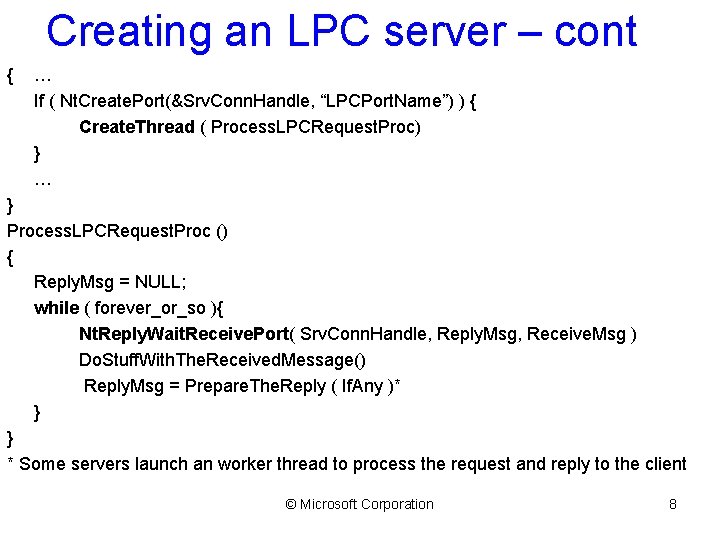
Creating an LPC server – cont { … If ( Nt. Create. Port(&Srv. Conn. Handle, “LPCPort. Name”) ) { Create. Thread ( Process. LPCRequest. Proc) } … } Process. LPCRequest. Proc () { Reply. Msg = NULL; while ( forever_or_so ){ Nt. Reply. Wait. Receive. Port( Srv. Conn. Handle, Reply. Msg, Receive. Msg ) Do. Stuff. With. The. Received. Message() Reply. Msg = Prepare. The. Reply ( If. Any )* } } * Some servers launch an worker thread to process the request and reply to the client © Microsoft Corporation 8
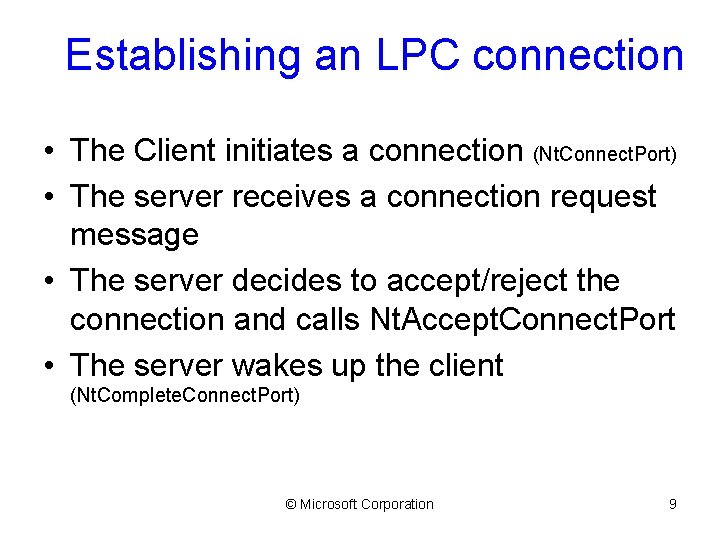
Establishing an LPC connection • The Client initiates a connection (Nt. Connect. Port) • The server receives a connection request message • The server decides to accept/reject the connection and calls Nt. Accept. Connect. Port • The server wakes up the client (Nt. Complete. Connect. Port) © Microsoft Corporation 9
Common issues • Servers cannot send messages to clients that are not waiting for an LPC message • If a server dies, the client is notified unless it has threads waiting for a reply • No timeout for the LPC wait APIs © Microsoft Corporation 10
LPC data structures • LPC Port (paged) – Port type, connection & connected port, owning process, server process, port context • LPC Message (paged) – Message. ID, message type, Client. ID • Thread LPC fields (non-paged) – Wait state, request message. ID, LCP port, received message id, port rundown queue • Global data – Lpcp. Next. Message. Id, Lpcp. Lock © Microsoft Corporation 11

LPC port object • • Object fields (name, ref count, type) Port type (connection, server comm, client comm) Connection and connected port Creator CID Message queue Port context Thread rundown queue © Microsoft Corporation 12
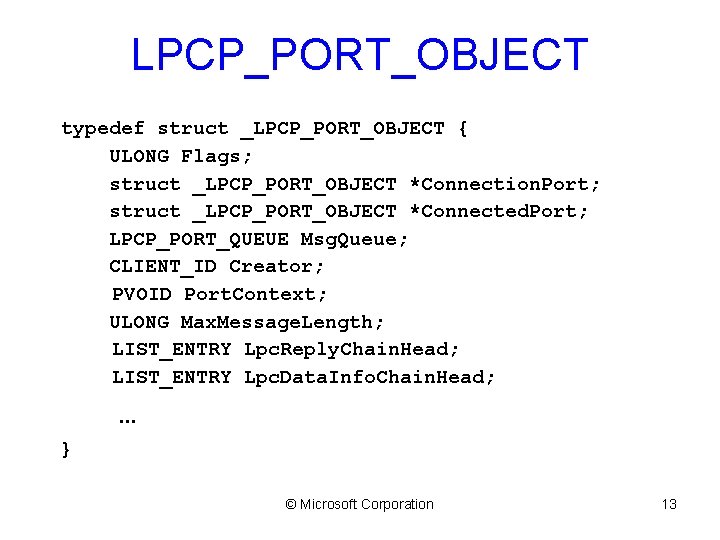
LPCP_PORT_OBJECT typedef struct _LPCP_PORT_OBJECT { ULONG Flags; struct _LPCP_PORT_OBJECT *Connection. Port; struct _LPCP_PORT_OBJECT *Connected. Port; LPCP_PORT_QUEUE Msg. Queue; CLIENT_ID Creator; PVOID Port. Context; ULONG Max. Message. Length; LIST_ENTRY Lpc. Reply. Chain. Head; LIST_ENTRY Lpc. Data. Info. Chain. Head; … } © Microsoft Corporation 13
LPC ports in EPROCESS • Debug. Port – Used to send debugger messages • Exception. Port – Csr. Create. Process assigns it to a win 32 process • Security. Port – Used by lsass © Microsoft Corporation 14
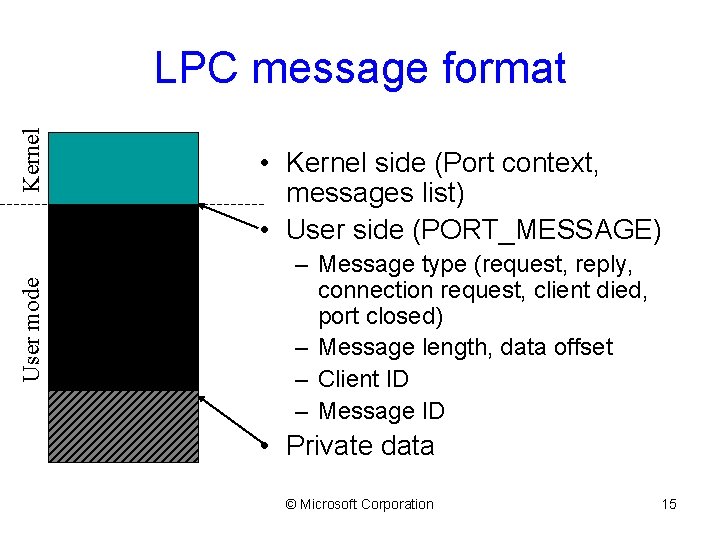
User mode Kernel LPC message format • Kernel side (Port context, messages list) • User side (PORT_MESSAGE) – Message type (request, reply, connection request, client died, port closed) – Message length, data offset – Client ID – Message ID • Private data © Microsoft Corporation 15
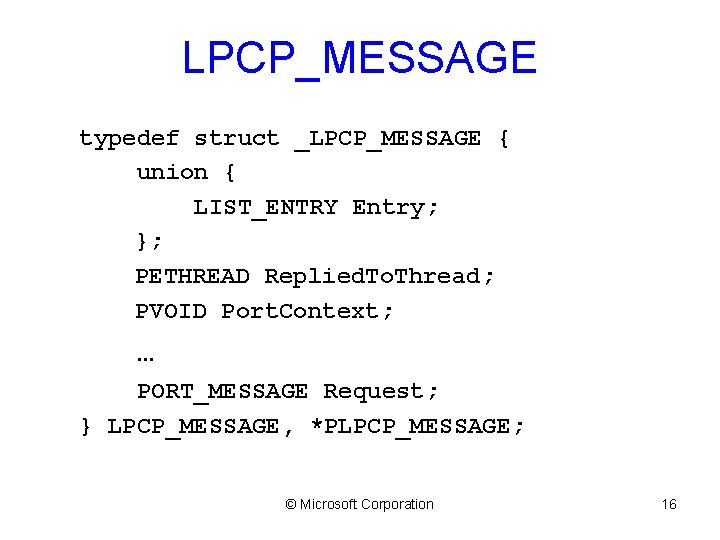
LPCP_MESSAGE typedef struct _LPCP_MESSAGE { union { LIST_ENTRY Entry; }; PETHREAD Replied. To. Thread; PVOID Port. Context; … PORT_MESSAGE Request; } LPCP_MESSAGE, *PLPCP_MESSAGE; © Microsoft Corporation 16

PORT_MESSAGE typedef struct _PORT_MESSAGE { CSHORT Data. Length; CSHORT Total. Length; CSHORT Type; CSHORT Data. Info. Offset; LPC_CLIENT_ID Client. Id; ULONG Message. Id; ULONG Callback. Id; … // UCHAR Data[]; } PORT_MESSAGE, *PPORT_MESSAGE; © Microsoft Corporation 17
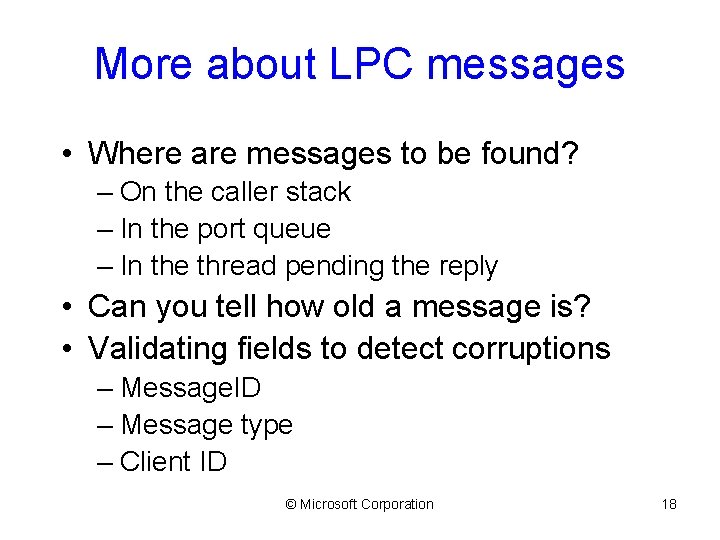
More about LPC messages • Where are messages to be found? – On the caller stack – In the port queue – In the thread pending the reply • Can you tell how old a message is? • Validating fields to detect corruptions – Message. ID – Message type – Client ID © Microsoft Corporation 18
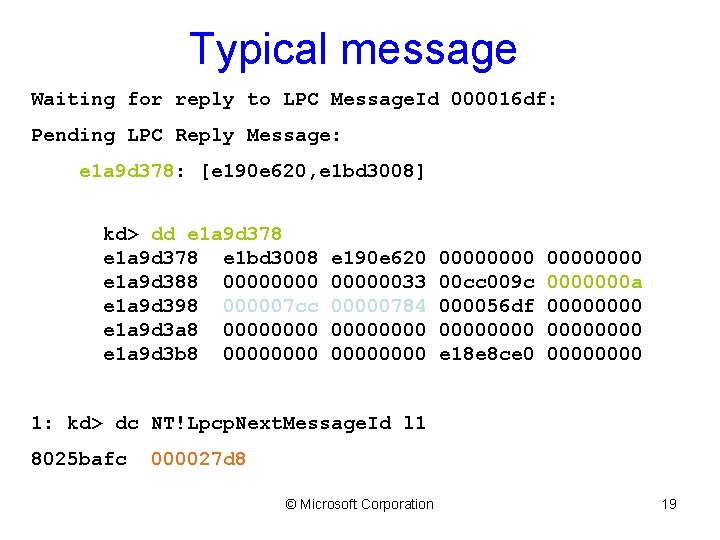
Typical message Waiting for reply to LPC Message. Id 000016 df: Pending LPC Reply Message: e 1 a 9 d 378: [e 190 e 620, e 1 bd 3008] kd> dd e 1 a 9 d 378 e 1 bd 3008 e 1 a 9 d 388 0000 e 1 a 9 d 398 000007 cc e 1 a 9 d 3 a 8 0000 e 1 a 9 d 3 b 8 0000 e 190 e 620 00000033 00000784 00000000 00 cc 009 c 000056 df 0000 e 18 e 8 ce 0 0000000 a 00000000 1: kd> dc NT!Lpcp. Next. Message. Id l 1 8025 bafc 000027 d 8 © Microsoft Corporation 19
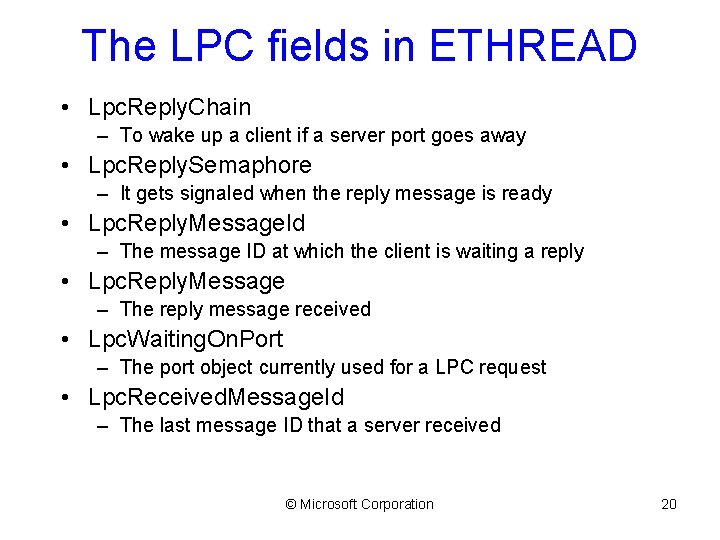
The LPC fields in ETHREAD • Lpc. Reply. Chain – To wake up a client if a server port goes away • Lpc. Reply. Semaphore – It gets signaled when the reply message is ready • Lpc. Reply. Message. Id – The message ID at which the client is waiting a reply • Lpc. Reply. Message – The reply message received • Lpc. Waiting. On. Port – The port object currently used for a LPC request • Lpc. Received. Message. Id – The last message ID that a server received © Microsoft Corporation 20
![!lpc KD debugger extension • • • !lpc message [Message. Id] !lpc port [Port.](http://slidetodoc.com/presentation_image/4d72ae81535d6fc2f99c218367853614/image-21.jpg "!lpc KD debugger extension • • • !lpc message [Message. Id] !lpc port [Port.")
!lpc KD debugger extension • • • !lpc message [Message. Id] !lpc port [Port. Address] !lpc scan Port. Address !lpc thread [Thread. Addr] !lpc Pool. Search © Microsoft Corporation 21
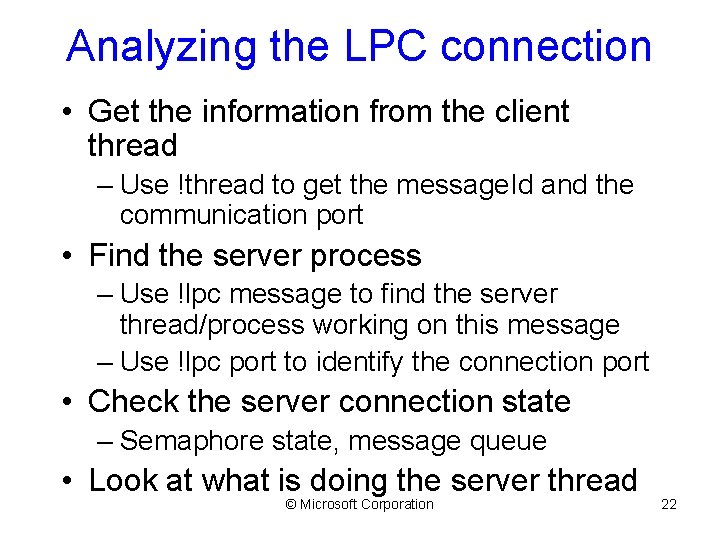
Analyzing the LPC connection • Get the information from the client thread – Use !thread to get the message. Id and the communication port • Find the server process – Use !lpc message to find the server thread/process working on this message – Use !lpc port to identify the connection port • Check the server connection state – Semaphore state, message queue • Look at what is doing the server thread © Microsoft Corporation 22
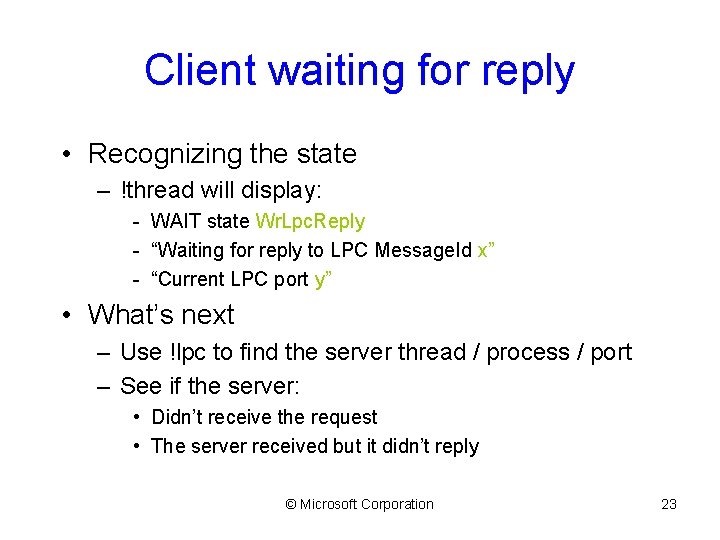
Client waiting for reply • Recognizing the state – !thread will display: - WAIT state Wr. Lpc. Reply - “Waiting for reply to LPC Message. Id x” - “Current LPC port y” • What’s next – Use !lpc to find the server thread / process / port – See if the server: • Didn’t receive the request • The server received but it didn’t reply © Microsoft Corporation 23
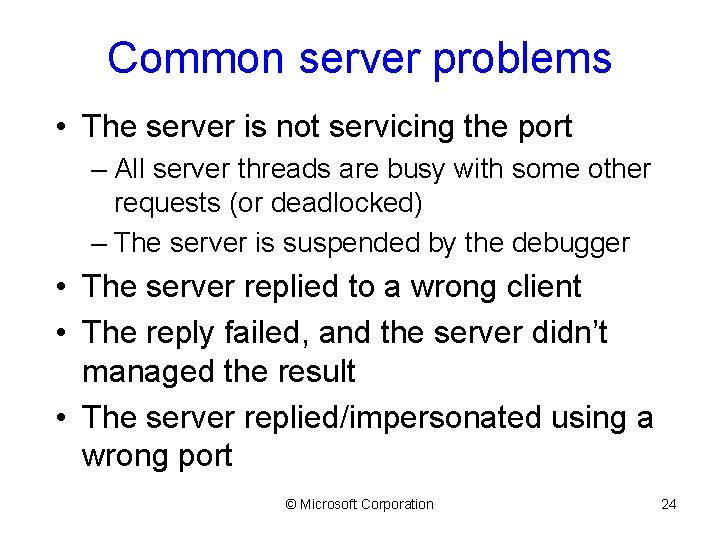
Common server problems • The server is not servicing the port – All server threads are busy with some other requests (or deadlocked) – The server is suspended by the debugger • The server replied to a wrong client • The reply failed, and the server didn’t managed the result • The server replied/impersonated using a wrong port © Microsoft Corporation 24

Discussion © Microsoft Corporation 25
- Slides: 25