
Windows Display Driver Model Key Features Rudolph Balaz
Windows Display Driver Model Key Features Rudolph Balaz Lead Program Manager Windows Graphics Infrastructure Microsoft Corporation
Agenda Introduction Displays Graphics Cards D 3 D Directions Desktop Composition Call to Action
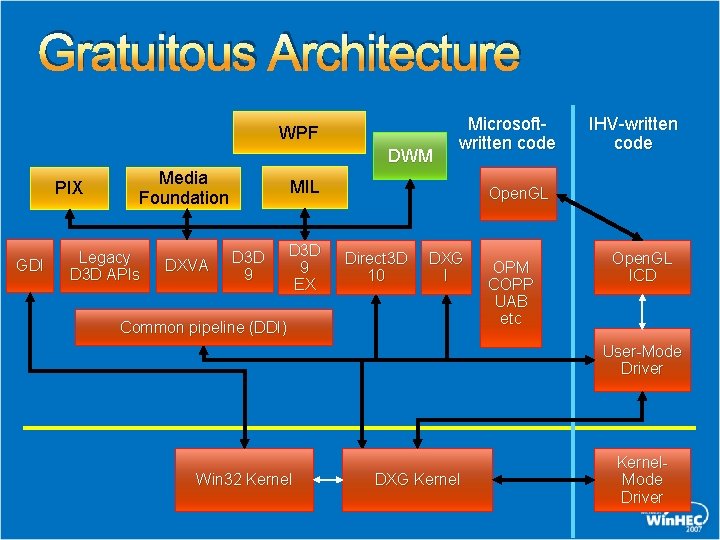
Gratuitous Architecture WPF DWM PIX GDI Media Foundation Legacy D 3 D APIs DXVA Microsoftwritten code MIL D 3 D 9 EX IHV-written code Open. GL Direct 3 D 10 DXG I Common pipeline (DDI) OPM COPP UAB etc Open. GL ICD User-Mode Driver Win 32 Kernel DXG Kernel. Mode Driver

Displays
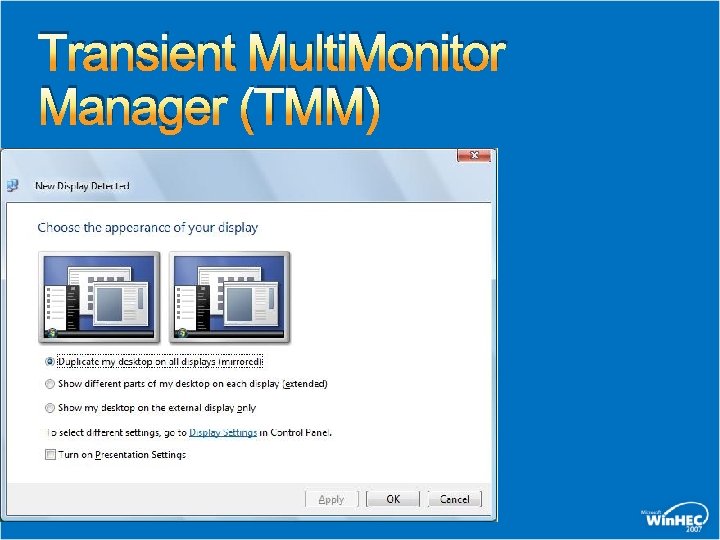
Transient Multi. Monitor Manager (TMM)
Monitor Hot Plug Detect Call To Action HPD - Analog connector should “just work” Great opportunity to complete the “projection” story for the user Laptop OEMs: Detect monitor arrival/departure and send ACPI notification Graphic IHVs: Recognize ACPI events and treat it just like a digital HPD
Monitor EDIDs Windows Vista relies on EDID even more than XP TMM Media Center WDDM (Modes) Monitor naming “Generic Pn. P Monitor” – EDID present “Generic Non Pn. P Monitor” – no EDID “Manufacturer_name ABC 123” – INF present Use Windows Update for Monitor INF distribution
Monitor EDID Overrides Monitors and TV must have EDIDs Common problem - No EDID/broken EDID Updating the EDID is tricky at best Monitor Manufacturer can update the EDID through a Monitor INF WDDM drivers and Operating System(OS) will use updated EDID blocks from INF Call To Action Use EDID overrides if the EDID is incorrect Use Windows Update to deliver Monitor INFs
Improvements In ACPI Notifications More extensive than XP – driver gets all notifications from ACPI events - New DDI for WDDM ACPI Event: Lid Close, Hotkey switch etc Docking Event: Dock/Undock Power State Event: Switch from AC to DC etc WDDM Driver has more control Method Evaluations WDDM Driver can now directly execute any ACPI method Can execute method on the adapter itself or its children No more int 10! / SMI not recommended / Use ACPI instead New DDI for WDDM
Mobile Graphics Brightness control User scenarios in Windows Vista Mobility Center Brightness Slider Device Power Policy (Automatic on AC/DC state change) Hot Keys/Buttons (OEM specific) Ambient Light Sensors are supported Note: External display brightness is controlled by MCCS
Mobile Graphics Brightness control System Logo Requirements Brightness control via ACPI or WDDM drivers need to be supported WDDM needs to be informed of any brightness changes via hotkeys/ALS/OEM buttons Call To Action Proper SBIOS support Avoid Private Interfaces!

Graphic Cards
History WDDM 1. 0 Designed to work on existing generation of GPUs 2003 ~ 2006 Broad coverage and 90% + device support Stability of Display Drivers was the key objective GPU is now a shared resource Desktop now utilizes the GPU (Aero Glass) Huge step ahead of XPDM
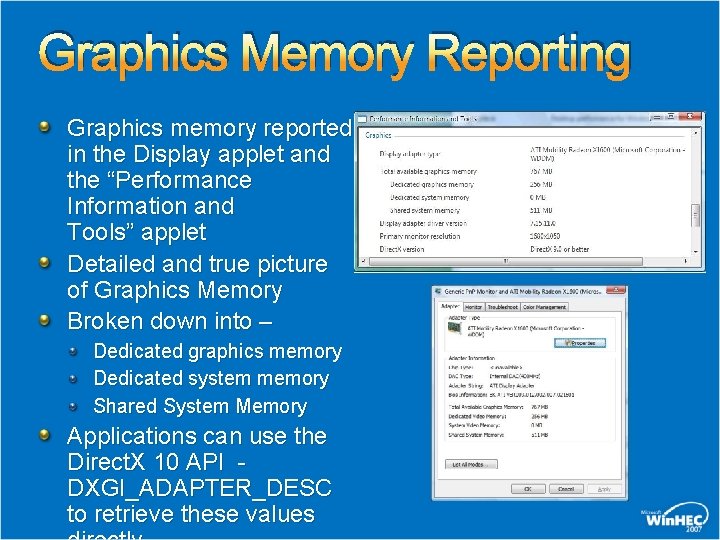
Graphics Memory Reporting Graphics memory reported in the Display applet and the “Performance Information and Tools” applet Detailed and true picture of Graphics Memory Broken down into – Dedicated graphics memory Dedicated system memory Shared System Memory Applications can use the Direct. X 10 API DXGI_ADAPTER_DESC to retrieve these values
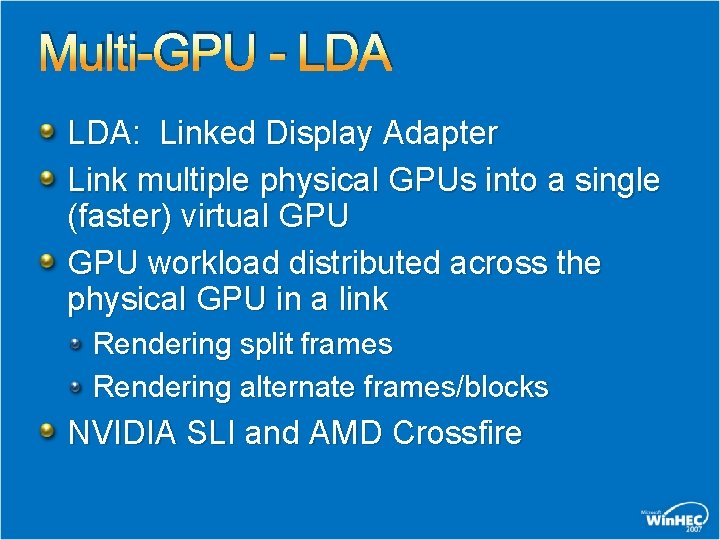
Multi-GPU - LDA: Linked Display Adapter Link multiple physical GPUs into a single (faster) virtual GPU workload distributed across the physical GPU in a link Rendering split frames Rendering alternate frames/blocks NVIDIA SLI and AMD Crossfire
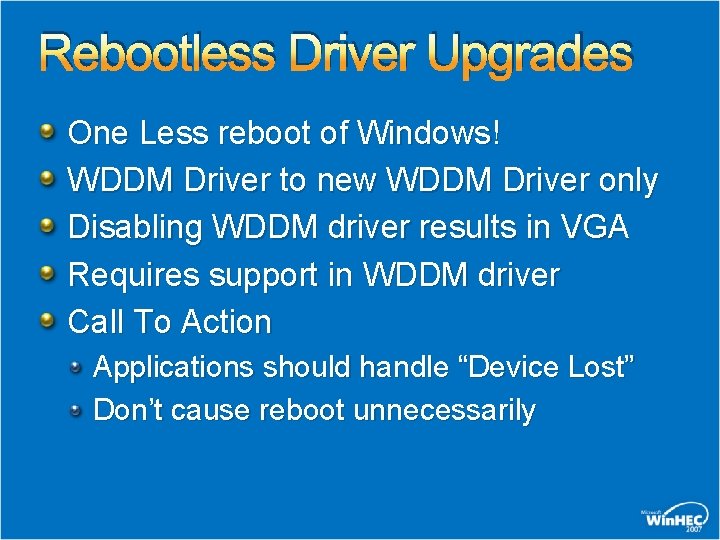
Rebootless Driver Upgrades One Less reboot of Windows! WDDM Driver to new WDDM Driver only Disabling WDDM driver results in VGA Requires support in WDDM driver Call To Action Applications should handle “Device Lost” Don’t cause reboot unnecessarily
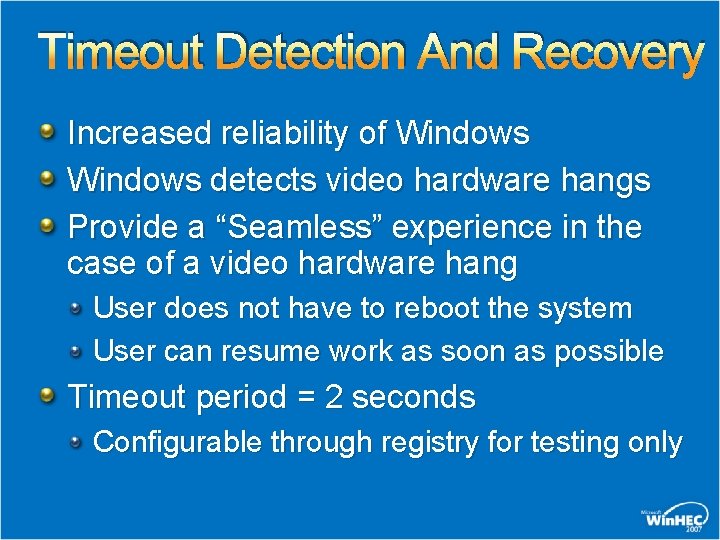
Timeout Detection And Recovery Increased reliability of Windows detects video hardware hangs Provide a “Seamless” experience in the case of a video hardware hang User does not have to reboot the system User can resume work as soon as possible Timeout period = 2 seconds Configurable through registry for testing only
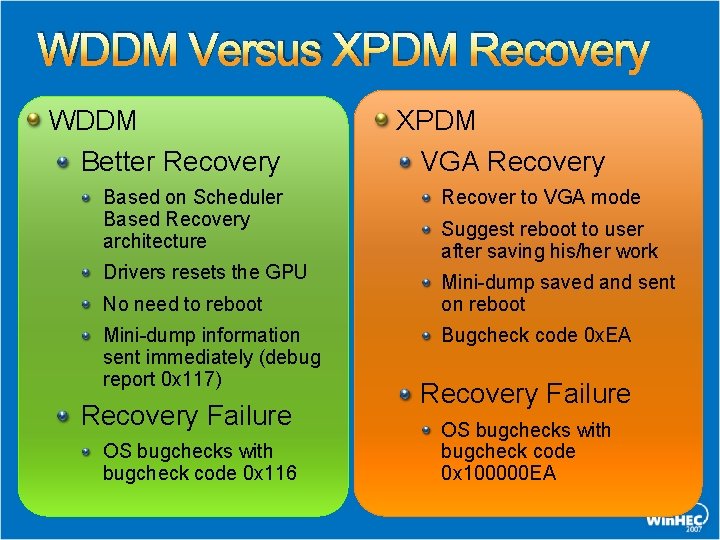
WDDM Versus XPDM Recovery WDDM Better Recovery Based on Scheduler Based Recovery architecture Drivers resets the GPU No need to reboot Mini-dump information sent immediately (debug report 0 x 117) Recovery Failure OS bugchecks with bugcheck code 0 x 116 XPDM VGA Recovery Recover to VGA mode Suggest reboot to user after saving his/her work Mini-dump saved and sent on reboot Bugcheck code 0 x. EA Recovery Failure OS bugchecks with bugcheck code 0 x 100000 EA
TDR Call To Action Graphics Hardware vendors Graphics operations < 2 seconds Graphics Software vendors Ensure that the Direct. X application does not run at a low frames per second (FPS) rate Use TDR registry control for running benchmarks only – do NOT use them in a production environment System Manufacturers Work with Graphics IHV to diagnose TDRs
Multi-Adapter Support All graphics adapters in a system must use the same display driver model If multiple graphics adapters are present in a system, all of them must use the same WDDM driver Two PCIe ATI Radeon x 600 cards, each in an x 16 PCIe slot One PCIe NVIDIA Ge. Force 7600 in an x 16 slot and another PCIe NVIDIA Ge. Force 6600 in a second x 16 slot
Directx 10
Direct 3 D 10 Complete re-architecture of hardware and software to deliver A single platform to target - consistent behavior and feature set Massively improved small batch performance Unprecedented visual effects and capability – beyond the latest consoles On new DX 10 -class GPUs and drivers Performance-focused API: No downlevel hardware support Clean and consistent API: All features guaranteed Direct 3 D 10 takes full advantage of WDDM Direct 3 D 10 is Vista/WDDM-only WDDM-basic guaranteed to D 3 D 10 developers
Direct 3 D 10 New Features include Geometry shaders, texture arrays, shader model 4. 0, better texture compression, stream output and others RTM in Windows Vista Tech Previews provided to developers since 12/2005 First DTM kit published in Feb 2007 IHV/Microsoft demos available today Key titles under active development (Crysis, Company of Heroes, Flight Simulator X, Conan, Eve Online, Supreme Commander…)
Windows Logo Program DX 10 Test content released in WDK 07 Linked Display Adapters – June WLK 07 824 Vista Display Submissions Processed x 86 – 476 total 455 Premium 21 Basic x 64 – 348 total 343 Premium 5 Basic
Direct 3 D Directions Incremental hardware and software update to Direct 3 D 10 Strict superset of Direct 3 D 10 features API support for Direct 3 D 10 and 10. 1 hardware Goals Boost image quality: Improved anti-aliasing Increase capability and performance Features include: Pixel output coverage mask, 4 x MSAA required, cubemap
Desktop Composition
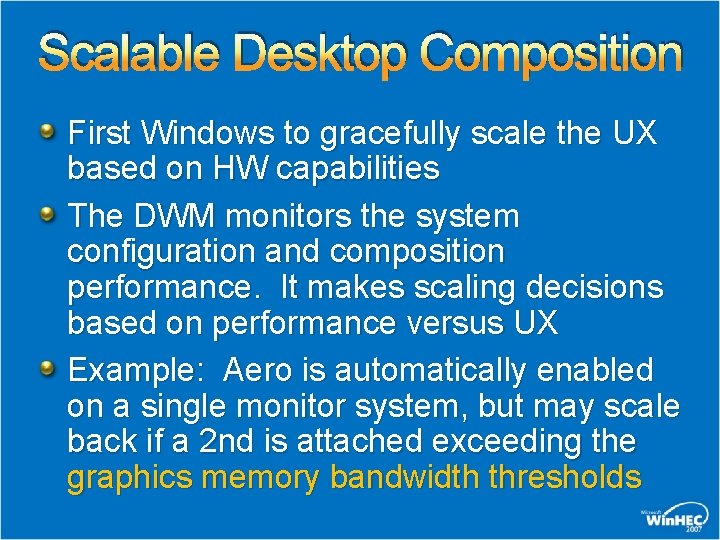
Scalable Desktop Composition First Windows to gracefully scale the UX based on HW capabilities The DWM monitors the system configuration and composition performance. It makes scaling decisions based on performance versus UX Example: Aero is automatically enabled on a single monitor system, but may scale back if a 2 nd is attached exceeding the graphics memory bandwidth thresholds
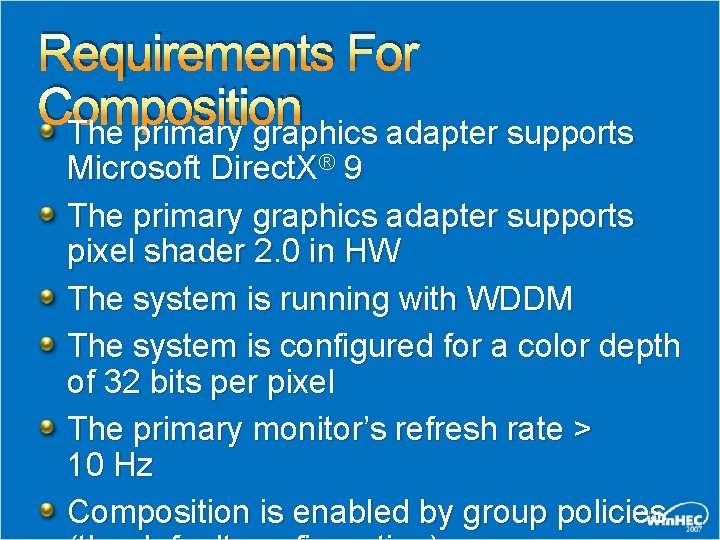
Requirements For Composition The primary graphics adapter supports Microsoft Direct. X® 9 The primary graphics adapter supports pixel shader 2. 0 in HW The system is running with WDDM The system is configured for a color depth of 32 bits per pixel The primary monitor’s refresh rate > 10 Hz Composition is enabled by group policies
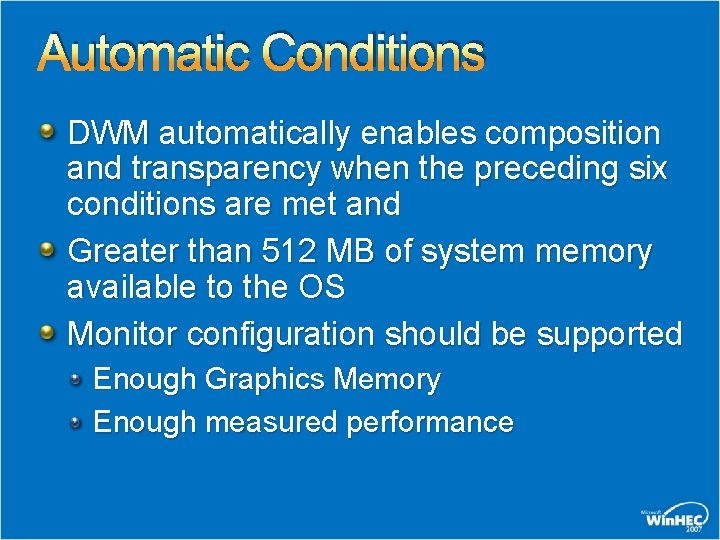
Automatic Conditions DWM automatically enables composition and transparency when the preceding six conditions are met and Greater than 512 MB of system memory available to the OS Monitor configuration should be supported Enough Graphics Memory Enough measured performance
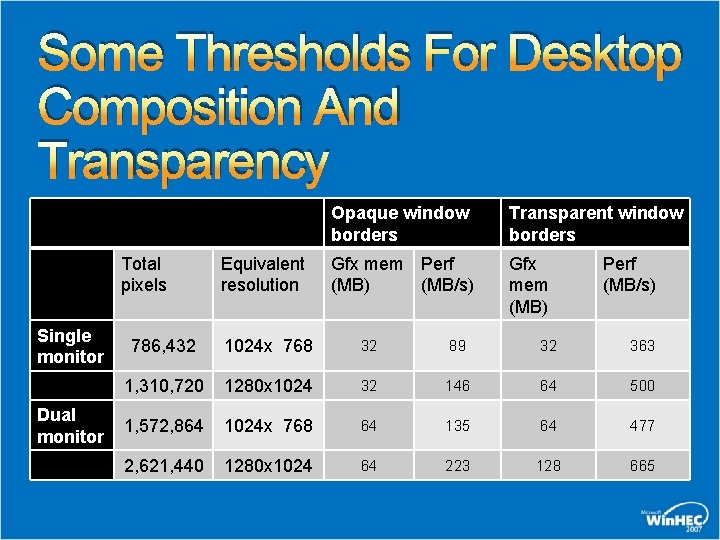
Some Thresholds For Desktop Composition And Transparency Total pixels Single monitor Dual monitor Equivalent resolution Opaque window borders Transparent window borders Gfx mem Perf (MB) (MB/s) Gfx mem (MB) Perf (MB/s) 786, 432 1024 x 768 32 89 32 363 1, 310, 720 1280 x 1024 32 146 64 500 1, 572, 864 1024 x 768 64 135 64 477 2, 621, 440 1280 x 1024 64 223 128 665
Aero Over Remote Desktop Connections - Requirements Both systems are running Windows Vista The local system (the "client" or "display" system) is Aero capable The remote (or "server" system) meets the minimum DWM memory requirements The remote (or "server" system) is an Enterprise or Ultimate client SKU The connection is one to one Desktop composition is not supported for "multi-hop” scenarios
Events That Affect Composition An application uses a mirroring driver Composition disabled till application closed An app deliberately disables composition by calling the Windows API Composition disabled till application closed Composition disabled till app re-enables it User is notified
Events That Affect Composition An app is run that has the Disable desktop composition option set in its properties Composition disabled till the application is closed User is notified The user changes to non-composited theme or appearance Composition disabled till theme reverts back to one using Composition
Events That Cause DWM To Scale The User Experience Change of Monitor resolution or Addition of a new Monitor Composition or transparency disabled if thresholds exceeded Restored when the configuration changes and thresholds are met System transitions to DC power and “Power Saver” policy is in effect Opaque window borders Transparency returns if power policy is reverted or AC power is used

Call To Action
Call To Action HPD on Analog Connectors ACPI notification 0 x 81 with ACPI_NOTIFY_DEVICE_HOTPLUG flag Make sure your device have good EDID Provide EDID overrides if your device doesn't Brightness Proper SBIOS support No more private interfaces
Call To Action New platforms should be legacy-free SMI is highly discouraged Rebootless driver upgrade make sure you are doing your part Track down causes of TDR and fix them Do your part in keeping Desktop Composition On
Additional Resources Web Resources Whitepapers: http: //www. microsoft. com/whdc/device/display/default. mspx BIOS Communication for Display Drivers in Windows Vista Brightness Control in WDDM Enabling and Troubleshooting Windows Aero Graphics Memory Reporting through WDDM Multimonitor Support in Windows Vista Timeout Detection and Recovery of GPUs through WDDM Related Sessions CLN-T 359 Windows Display Driver Model Drivers: Key Features CLN-T 361 Windows Graphics Architecture CLN-C 362 Kernel Graphics Infrastructure for Display Devices and Mobiles CLN-C 364 Direct 3 D Test Feedback: Directx @ microsoft. com
FACT: 5, 061 devices carry the “Certified for Windows Vista” logo as of April 1

© 2007 Microsoft Corporation. All rights reserved. Microsoft, Windows Vista and other product names are or may be registered trademarks and/or trademarks in the U. S. and/or other countries. The information herein is for informational purposes only and represents the current view of Microsoft Corporation as of the date of this presentation. Because Microsoft must respond to changing market conditions, it should not be interpreted to be a commitment on the part of Microsoft, and Microsoft cannot guarantee the accuracy of any information provided after the date of this presentation. MICROSOFT MAKES NO WARRANTIES, EXPRESS, IMPLIED OR STATUTORY, AS TO THE INFORMATION IN THIS PRESENTATION.
- Slides: 40