
Windows Application Development Chapter 7 Windows Thread Management
![Ex: A Simple Boss Thread HANDLE h. Work[K]; volatile LONG Work. Done[K], i. Th;](https://slidetodoc.com/presentation_image_h2/17c1adb2c207047c805c81693fef82f8/image-38.jpg "Ex: A Simple Boss Thread HANDLE h. Work[K]; volatile LONG Work. Done[K], i. Th;")
- Slides: 56
Windows Application Development Chapter 7 Windows Thread Management © 2004 JMH Associates. All rights reserved. 1 -1
Objectives and Benefits Upon completion of this chapter, you will be able to: w w w Describe Windows thread management Use threads in Windows applications Use threads with C library functions Build and execute threaded applications Describe scheduling and SMP operation © 2004 JMH Associates. All rights reserved. 1 -2
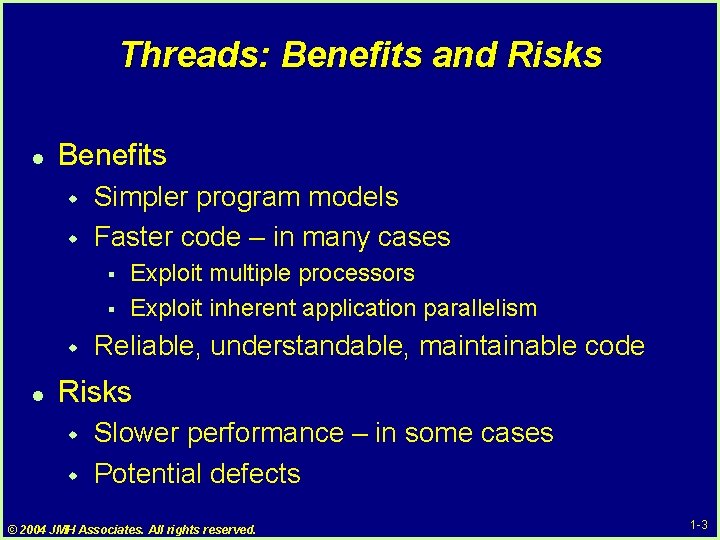
Threads: Benefits and Risks l Benefits w w Simpler program models Faster code – in many cases § § w l Exploit multiple processors Exploit inherent application parallelism Reliable, understandable, maintainable code Risks w w Slower performance – in some cases Potential defects © 2004 JMH Associates. All rights reserved. 1 -3
Contents 1. Process and Thread Overview 2. Thread Management 3. Waiting for Thread Termination 4. The C Library and Threads 5. Demonstration: Building a Threaded Application 6. Thread Priority, Scheduling, SMP Impact 7. Lab Exercise 7 -1 © 2004 JMH Associates. All rights reserved. 1 -4
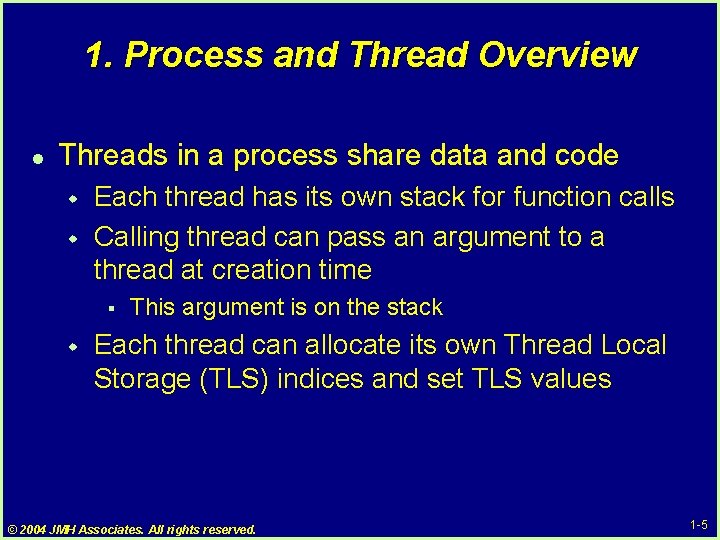
1. Process and Thread Overview l Threads in a process share data and code w w Each thread has its own stack for function calls Calling thread can pass an argument to a thread at creation time § w This argument is on the stack Each thread can allocate its own Thread Local Storage (TLS) indices and set TLS values © 2004 JMH Associates. All rights reserved. 1 -5
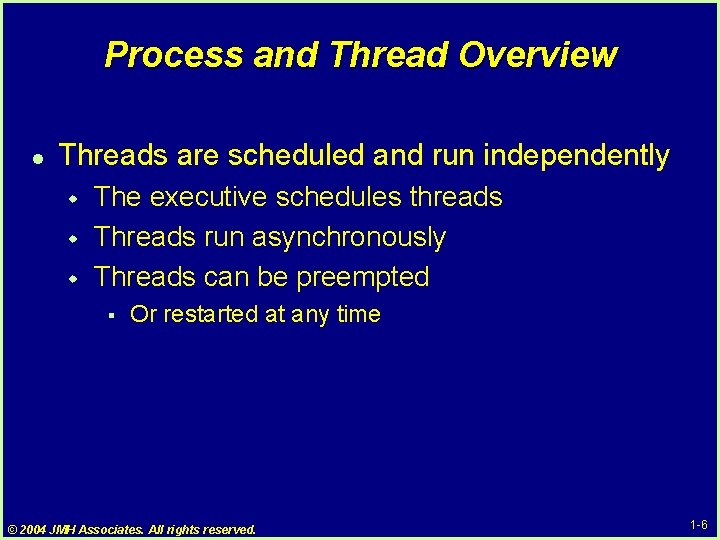
Process and Thread Overview l Threads are scheduled and run independently w w w The executive schedules threads Threads run asynchronously Threads can be preempted § Or restarted at any time © 2004 JMH Associates. All rights reserved. 1 -6
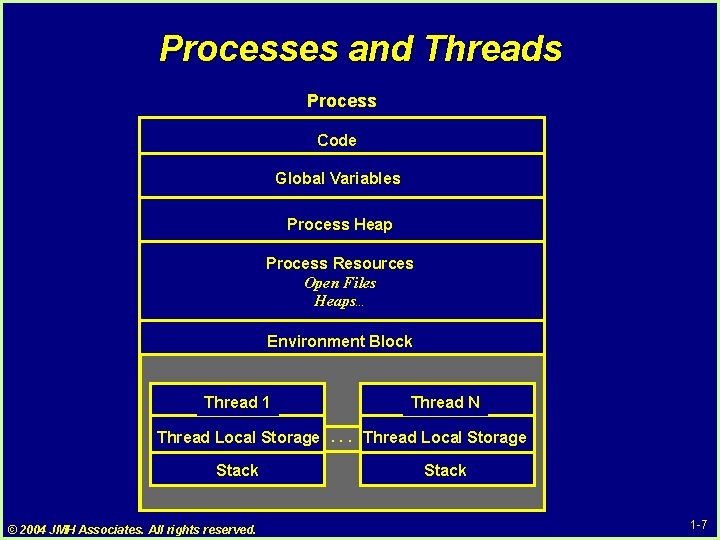
Processes and Threads Process Code Global Variables Process Heap Process Resources Open Files Heaps… Environment Block Thread 1 Thread N Thread Local Storage. . . Thread Local Storage Stack © 2004 JMH Associates. All rights reserved. Stack 1 -7
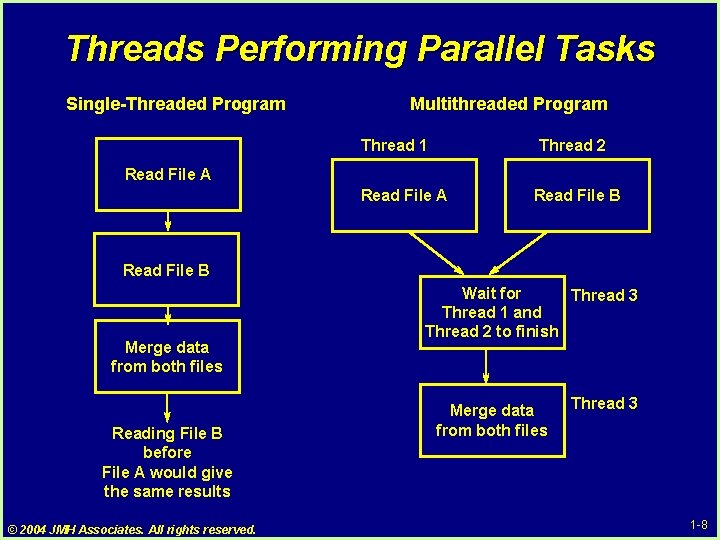
Threads Performing Parallel Tasks Single-Threaded Program Multithreaded Program Thread 1 Thread 2 Read File A Read File B Merge data from both files Reading File B before File A would give the same results © 2004 JMH Associates. All rights reserved. Wait for Thread 3 Thread 1 and Thread 2 to finish Merge data from both files Thread 3 1 -8
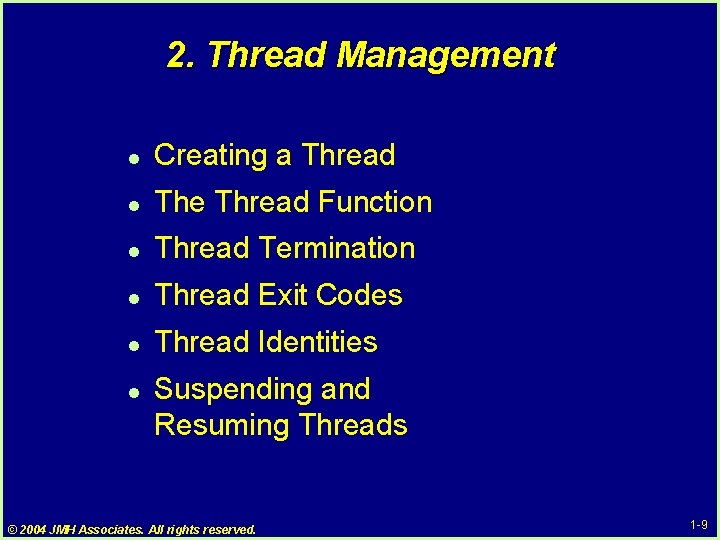
2. Thread Management l Creating a Thread l The Thread Function l Thread Termination l Thread Exit Codes l Thread Identities l Suspending and Resuming Threads © 2004 JMH Associates. All rights reserved. 1 -9
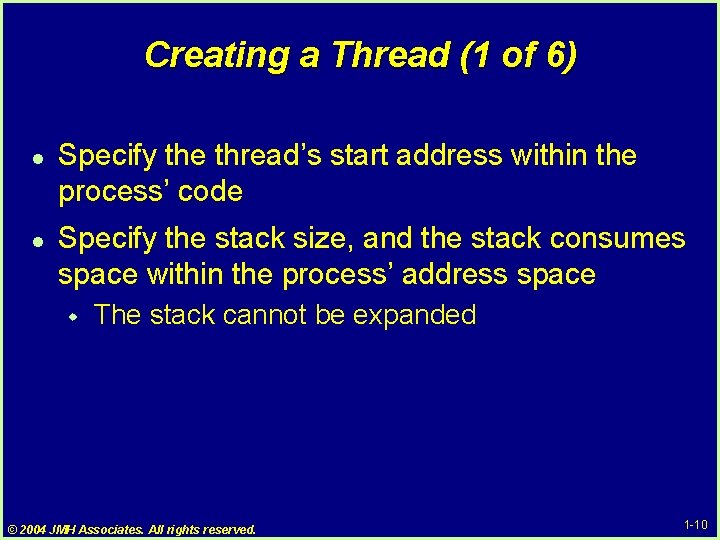
Creating a Thread (1 of 6) l l Specify the thread’s start address within the process’ code Specify the stack size, and the stack consumes space within the process’ address space w The stack cannot be expanded © 2004 JMH Associates. All rights reserved. 1 -10
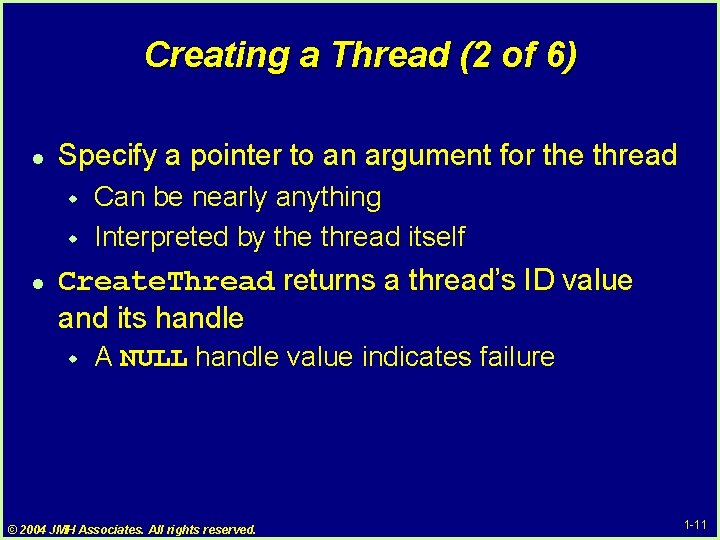
Creating a Thread (2 of 6) l Specify a pointer to an argument for the thread w w l Can be nearly anything Interpreted by the thread itself Create. Thread returns a thread’s ID value and its handle w A NULL handle value indicates failure © 2004 JMH Associates. All rights reserved. 1 -11
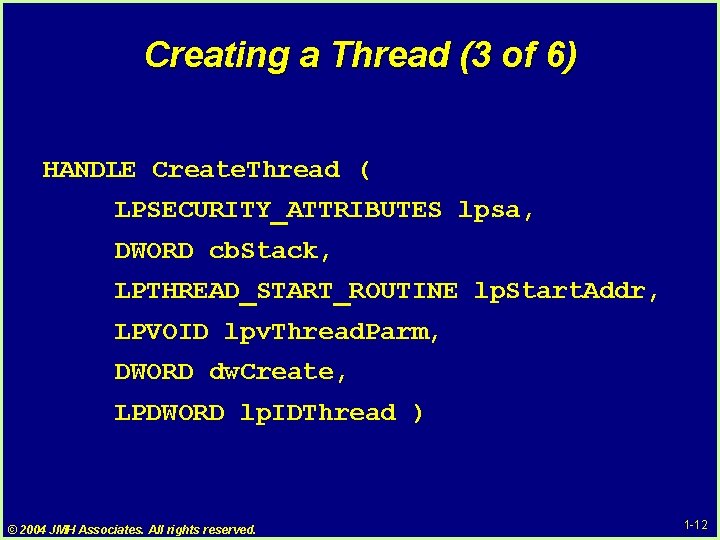
Creating a Thread (3 of 6) HANDLE Create. Thread ( LPSECURITY_ATTRIBUTES lpsa, DWORD cb. Stack, LPTHREAD_START_ROUTINE lp. Start. Addr, LPVOID lpv. Thread. Parm, DWORD dw. Create, LPDWORD lp. IDThread ) © 2004 JMH Associates. All rights reserved. 1 -12
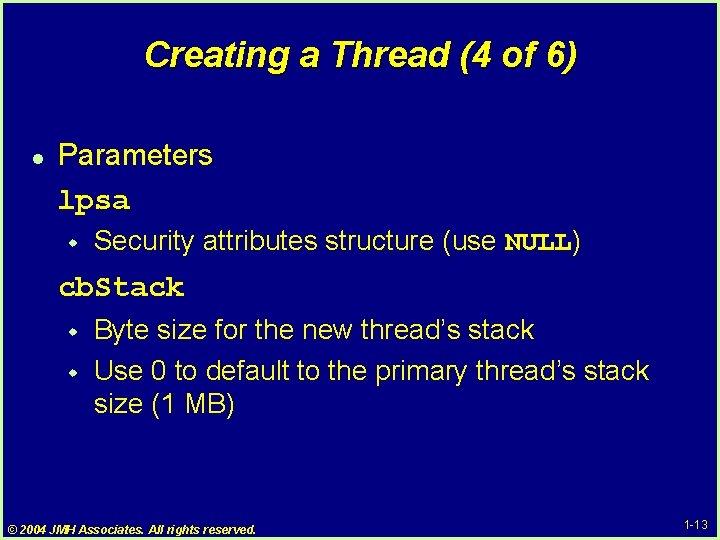
Creating a Thread (4 of 6) l Parameters lpsa w Security attributes structure (use NULL) cb. Stack w w Byte size for the new thread’s stack Use 0 to default to the primary thread’s stack size (1 MB) © 2004 JMH Associates. All rights reserved. 1 -13
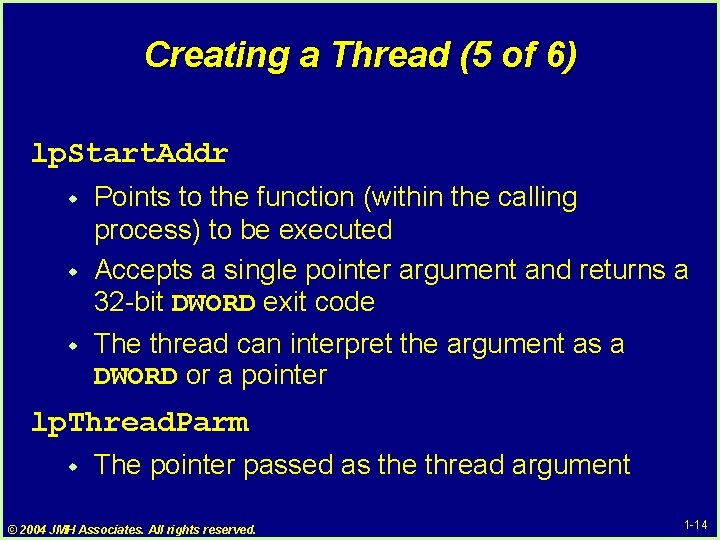
Creating a Thread (5 of 6) lp. Start. Addr w w w Points to the function (within the calling process) to be executed Accepts a single pointer argument and returns a 32 -bit DWORD exit code The thread can interpret the argument as a DWORD or a pointer lp. Thread. Parm w The pointer passed as the thread argument © 2004 JMH Associates. All rights reserved. 1 -14
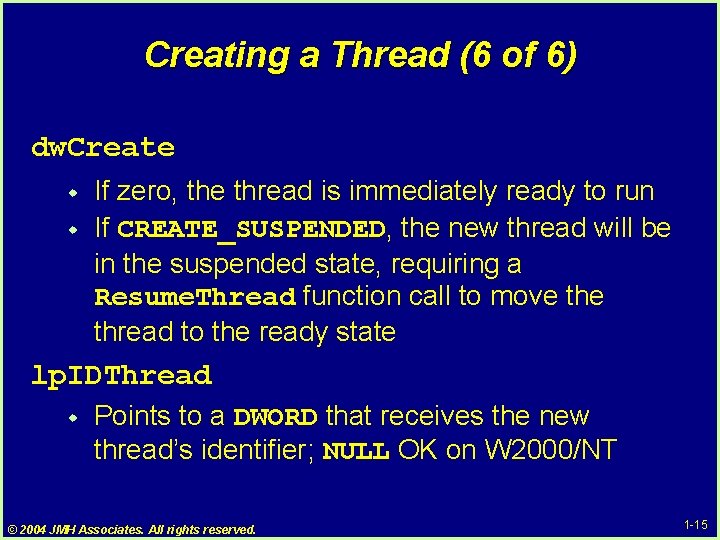
Creating a Thread (6 of 6) dw. Create w w If zero, the thread is immediately ready to run If CREATE_SUSPENDED, the new thread will be in the suspended state, requiring a Resume. Thread function call to move thread to the ready state lp. IDThread w Points to a DWORD that receives the new thread’s identifier; NULL OK on W 2000/NT © 2004 JMH Associates. All rights reserved. 1 -15
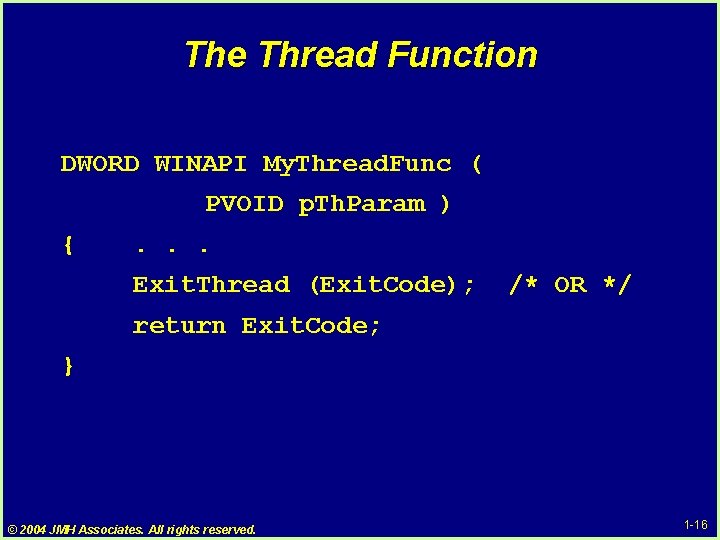
The Thread Function DWORD WINAPI My. Thread. Func ( PVOID p. Th. Param ) { . . . Exit. Thread (Exit. Code); /* OR */ return Exit. Code; } © 2004 JMH Associates. All rights reserved. 1 -16
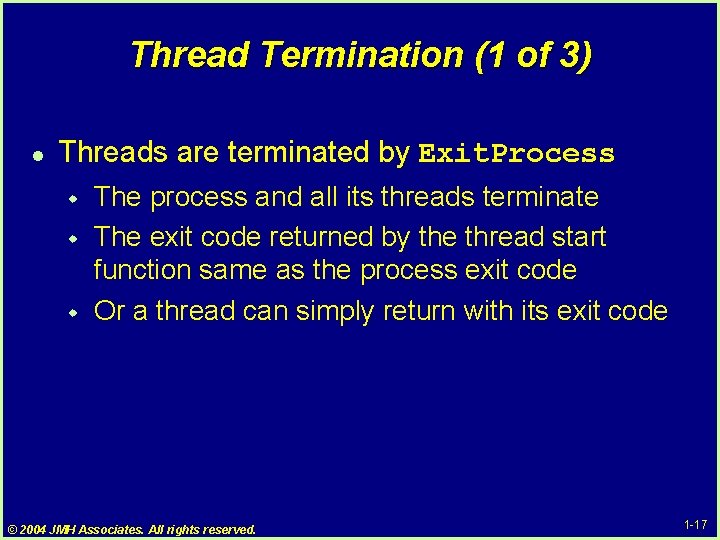
Thread Termination (1 of 3) l Threads are terminated by Exit. Process w w w The process and all its threads terminate The exit code returned by the thread start function same as the process exit code Or a thread can simply return with its exit code © 2004 JMH Associates. All rights reserved. 1 -17
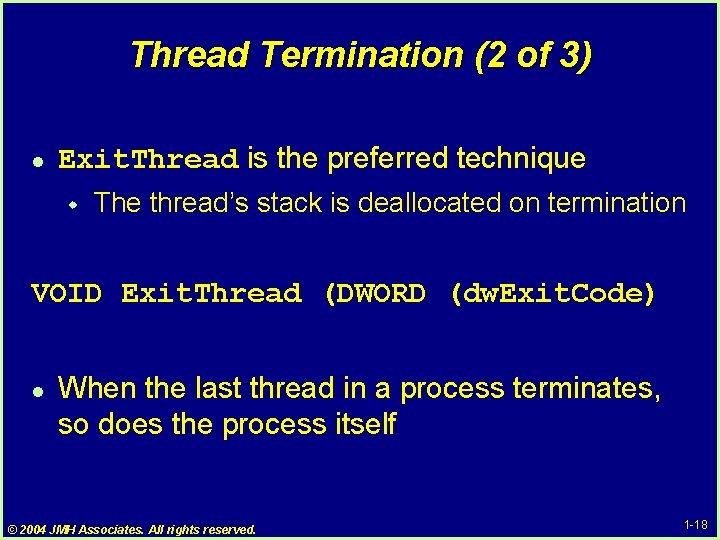
Thread Termination (2 of 3) l Exit. Thread is the preferred technique w The thread’s stack is deallocated on termination VOID Exit. Thread (DWORD (dw. Exit. Code) l When the last thread in a process terminates, so does the process itself © 2004 JMH Associates. All rights reserved. 1 -18
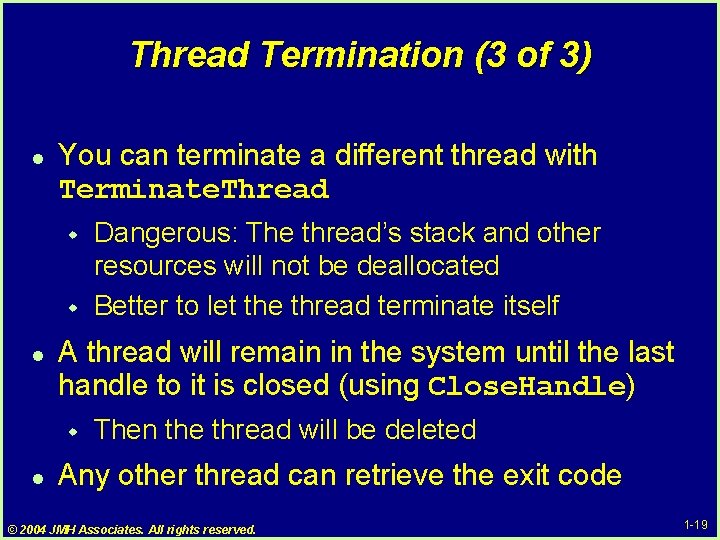
Thread Termination (3 of 3) l You can terminate a different thread with Terminate. Thread w w l A thread will remain in the system until the last handle to it is closed (using Close. Handle) w l Dangerous: The thread’s stack and other resources will not be deallocated Better to let the thread terminate itself Then the thread will be deleted Any other thread can retrieve the exit code © 2004 JMH Associates. All rights reserved. 1 -19
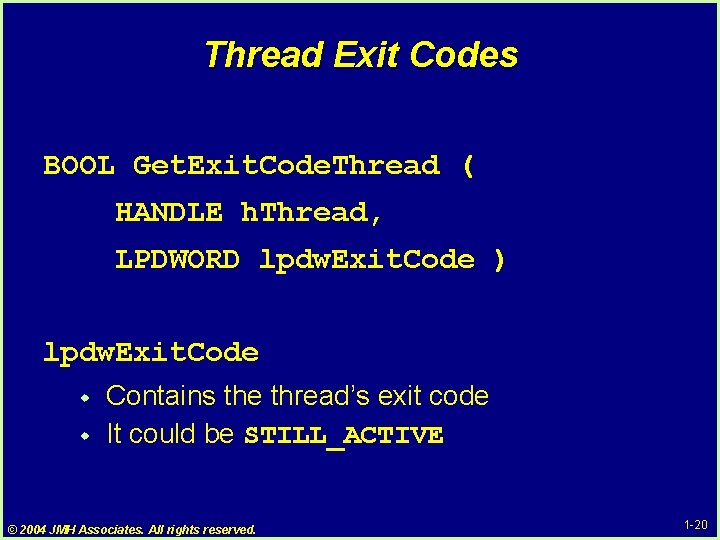
Thread Exit Codes BOOL Get. Exit. Code. Thread ( HANDLE h. Thread, LPDWORD lpdw. Exit. Code ) lpdw. Exit. Code w w Contains the thread’s exit code It could be STILL_ACTIVE © 2004 JMH Associates. All rights reserved. 1 -20
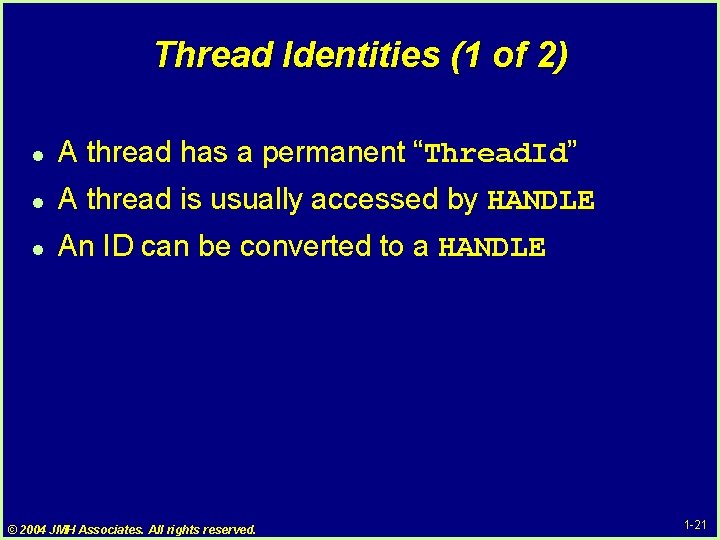
Thread Identities (1 of 2) l A thread has a permanent “Thread. Id” l A thread is usually accessed by HANDLE l An ID can be converted to a HANDLE © 2004 JMH Associates. All rights reserved. 1 -21
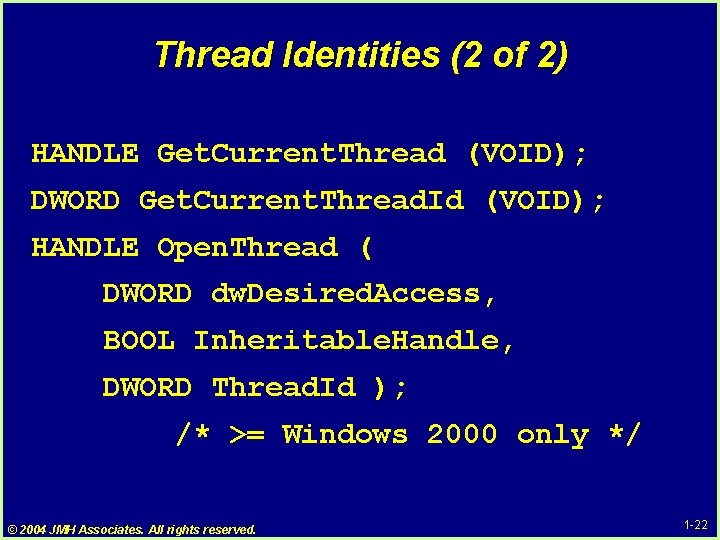
Thread Identities (2 of 2) HANDLE Get. Current. Thread (VOID); DWORD Get. Current. Thread. Id (VOID); HANDLE Open. Thread ( DWORD dw. Desired. Access, BOOL Inheritable. Handle, DWORD Thread. Id ); /* >= Windows 2000 only */ © 2004 JMH Associates. All rights reserved. 1 -22
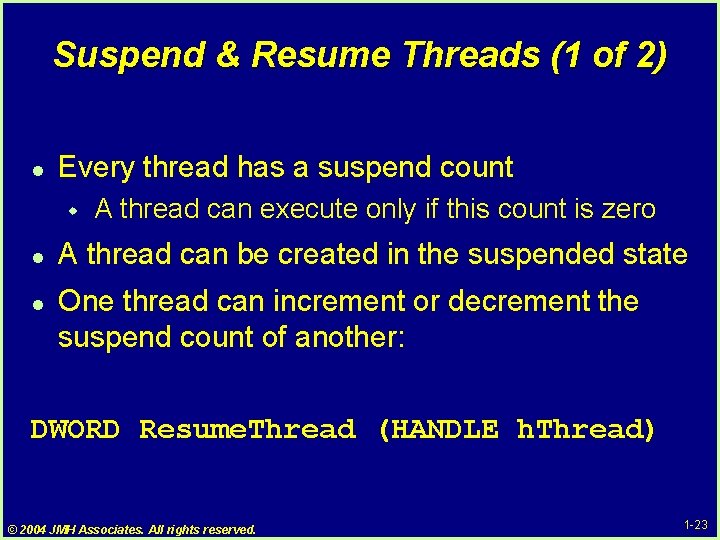
Suspend & Resume Threads (1 of 2) l Every thread has a suspend count w l l A thread can execute only if this count is zero A thread can be created in the suspended state One thread can increment or decrement the suspend count of another: DWORD Resume. Thread (HANDLE h. Thread) © 2004 JMH Associates. All rights reserved. 1 -23
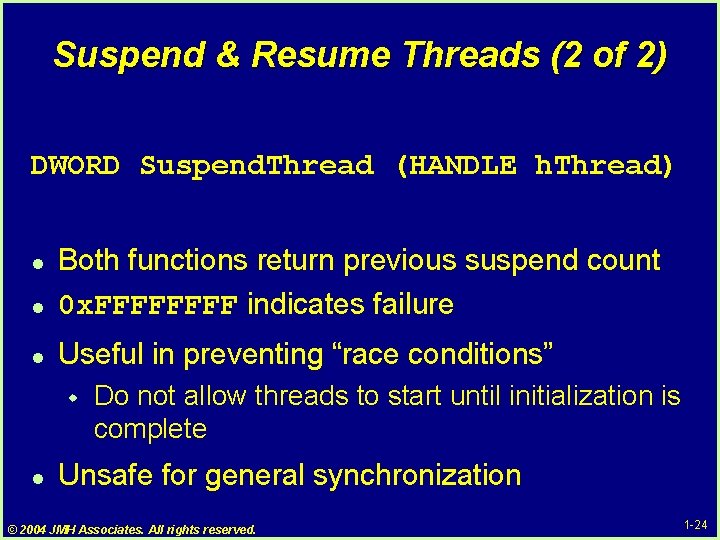
Suspend & Resume Threads (2 of 2) DWORD Suspend. Thread (HANDLE h. Thread) l Both functions return previous suspend count 0 x. FFFF indicates failure l Useful in preventing “race conditions” l w l Do not allow threads to start until initialization is complete Unsafe for general synchronization © 2004 JMH Associates. All rights reserved. 1 -24
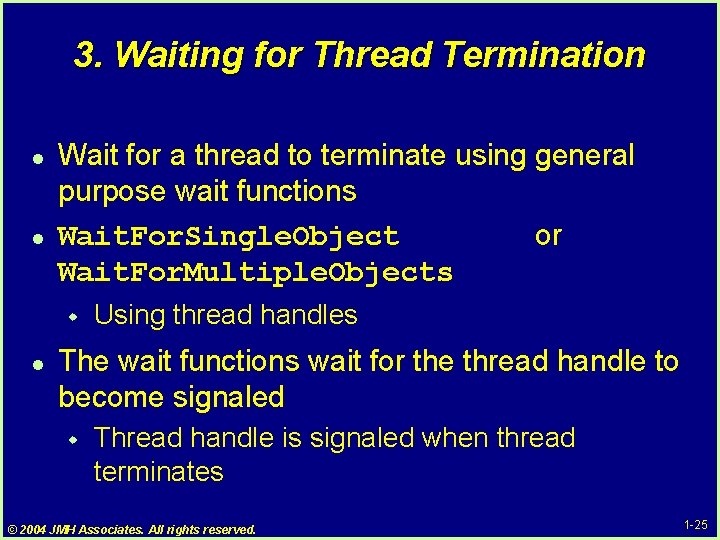
3. Waiting for Thread Termination l l Wait for a thread to terminate using general purpose wait functions Wait. For. Single. Object or Wait. For. Multiple. Objects w l Using thread handles The wait functions wait for the thread handle to become signaled w Thread handle is signaled when thread terminates © 2004 JMH Associates. All rights reserved. 1 -25
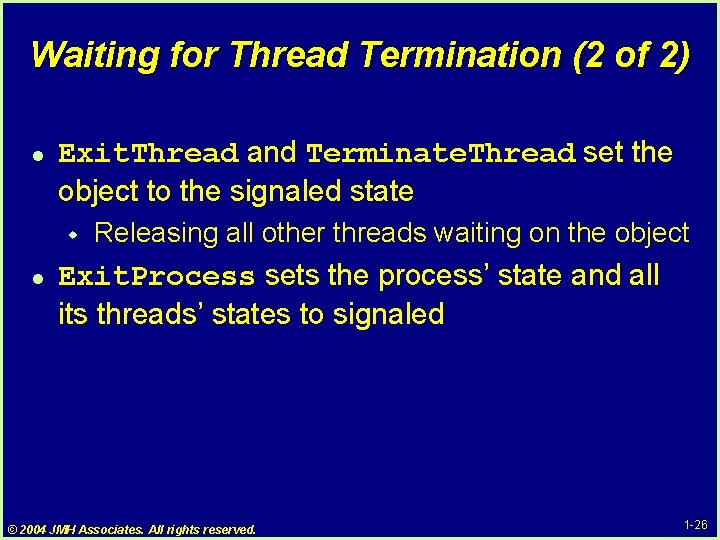
Waiting for Thread Termination (2 of 2) l Exit. Thread and Terminate. Thread set the object to the signaled state w l Releasing all other threads waiting on the object Exit. Process sets the process’ state and all its threads’ states to signaled © 2004 JMH Associates. All rights reserved. 1 -26
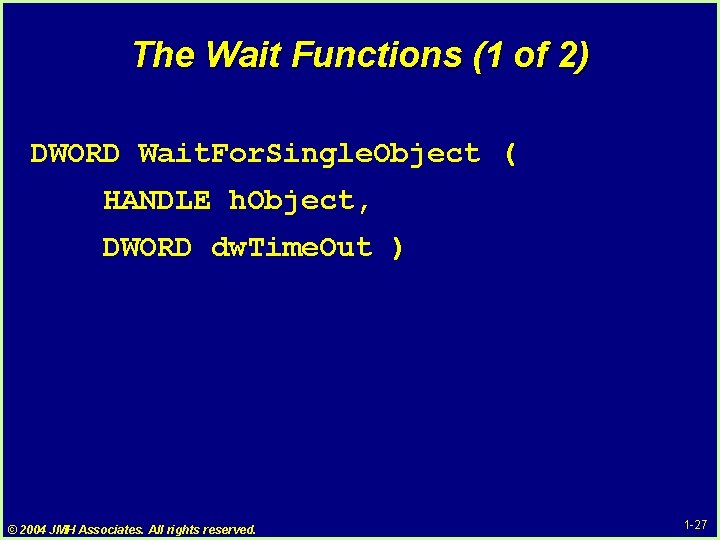
The Wait Functions (1 of 2) DWORD Wait. For. Single. Object ( HANDLE h. Object, DWORD dw. Time. Out ) © 2004 JMH Associates. All rights reserved. 1 -27
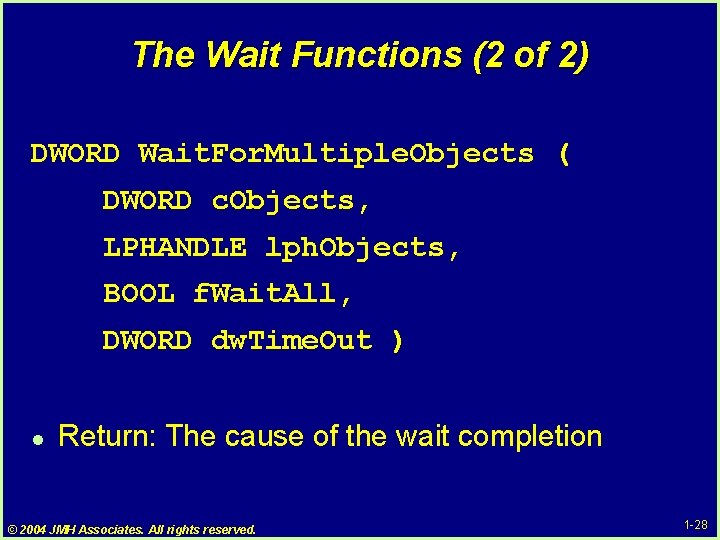
The Wait Functions (2 of 2) DWORD Wait. For. Multiple. Objects ( DWORD c. Objects, LPHANDLE lph. Objects, BOOL f. Wait. All, DWORD dw. Time. Out ) l Return: The cause of the wait completion © 2004 JMH Associates. All rights reserved. 1 -28
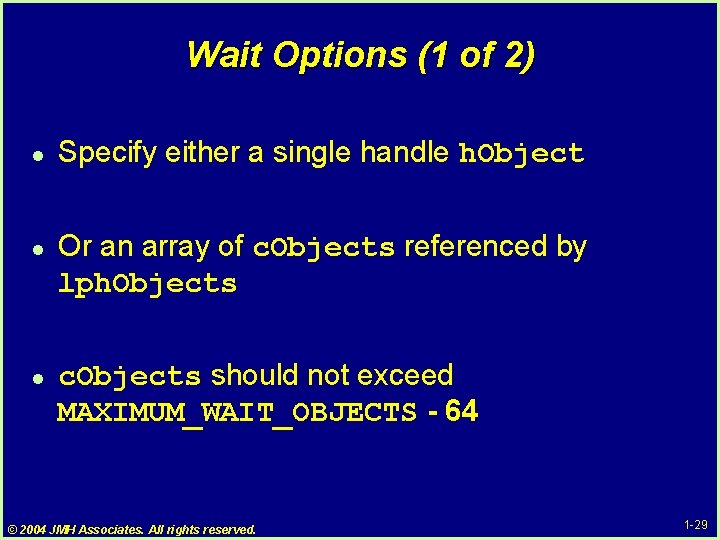
Wait Options (1 of 2) l l l Specify either a single handle h. Object Or an array of c. Objects referenced by lph. Objects c. Objects should not exceed MAXIMUM_WAIT_OBJECTS - 64 © 2004 JMH Associates. All rights reserved. 1 -29
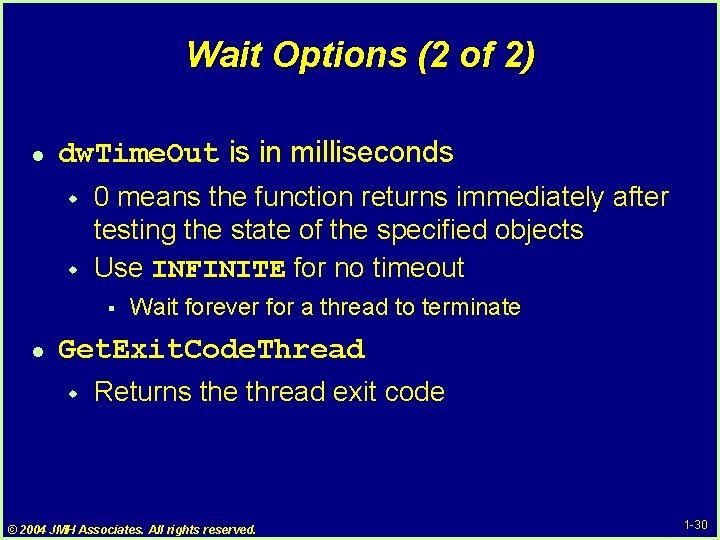
Wait Options (2 of 2) l dw. Time. Out is in milliseconds w w 0 means the function returns immediately after testing the state of the specified objects Use INFINITE for no timeout § l Wait forever for a thread to terminate Get. Exit. Code. Thread w Returns the thread exit code © 2004 JMH Associates. All rights reserved. 1 -30
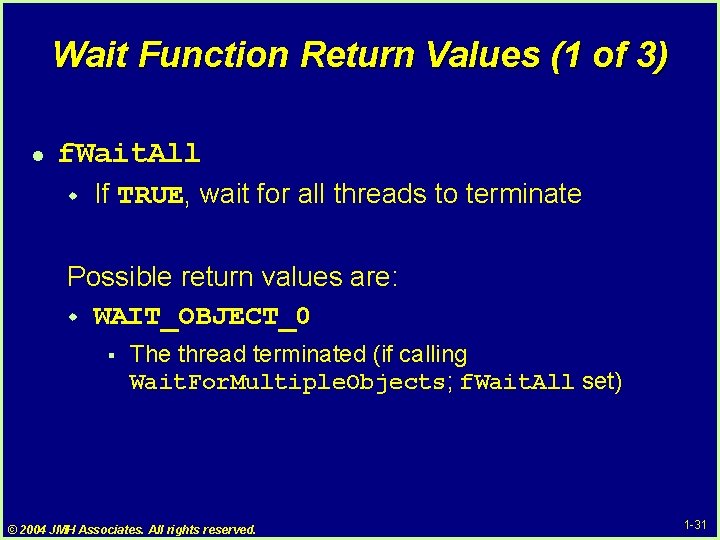
Wait Function Return Values (1 of 3) l f. Wait. All w If TRUE, wait for all threads to terminate Possible return values are: w WAIT_OBJECT_0 § The thread terminated (if calling Wait. For. Multiple. Objects; f. Wait. All set) © 2004 JMH Associates. All rights reserved. 1 -31
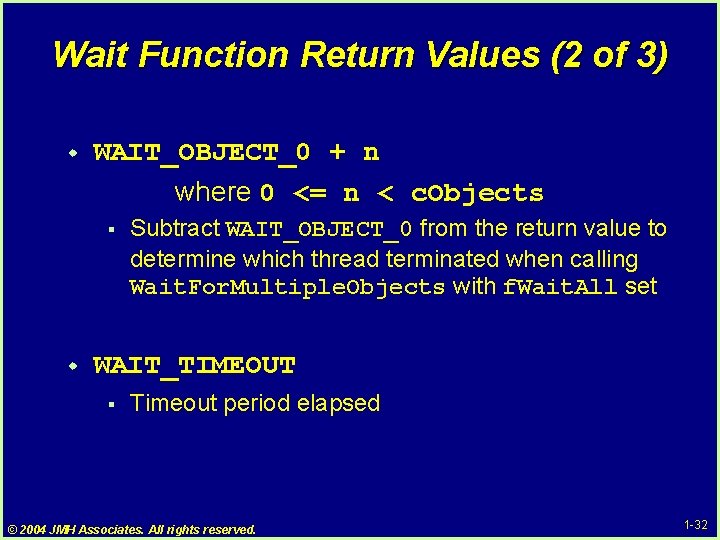
Wait Function Return Values (2 of 3) w WAIT_OBJECT_0 + n where 0 <= n < c. Objects § w Subtract WAIT_OBJECT_0 from the return value to determine which thread terminated when calling Wait. For. Multiple. Objects with f. Wait. All set WAIT_TIMEOUT § Timeout period elapsed © 2004 JMH Associates. All rights reserved. 1 -32
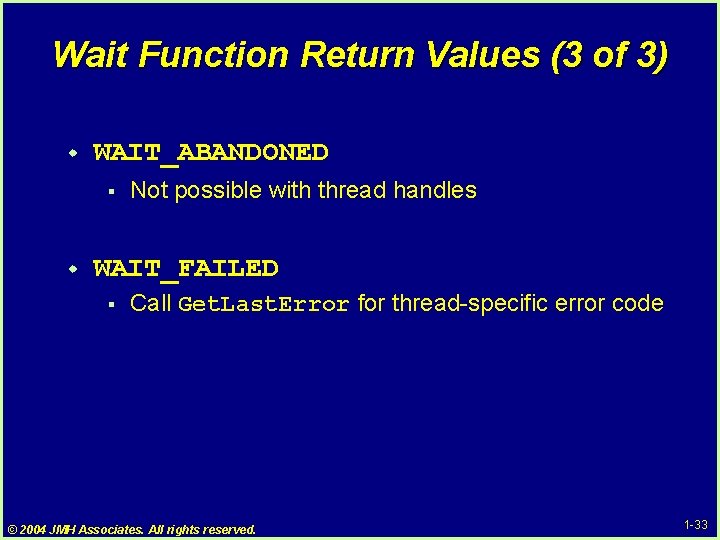
Wait Function Return Values (3 of 3) w WAIT_ABANDONED § w Not possible with thread handles WAIT_FAILED § Call Get. Last. Error for thread-specific error code © 2004 JMH Associates. All rights reserved. 1 -33
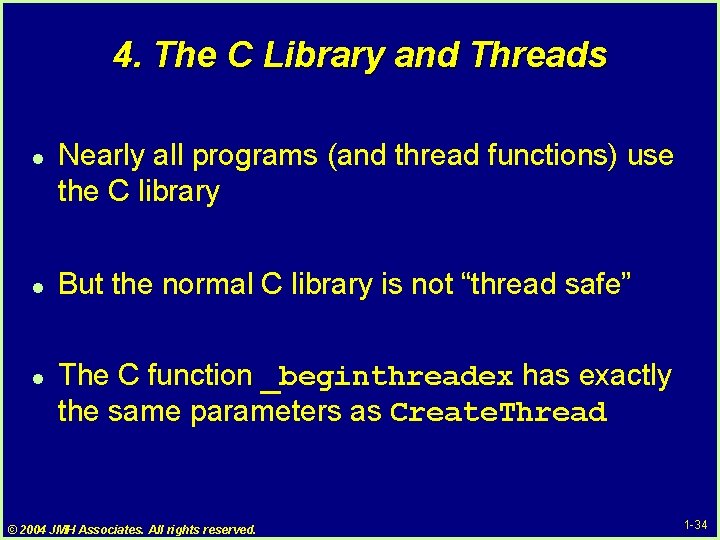
4. The C Library and Threads l l l Nearly all programs (and thread functions) use the C library But the normal C library is not “thread safe” The C function _beginthreadex has exactly the same parameters as Create. Thread © 2004 JMH Associates. All rights reserved. 1 -34
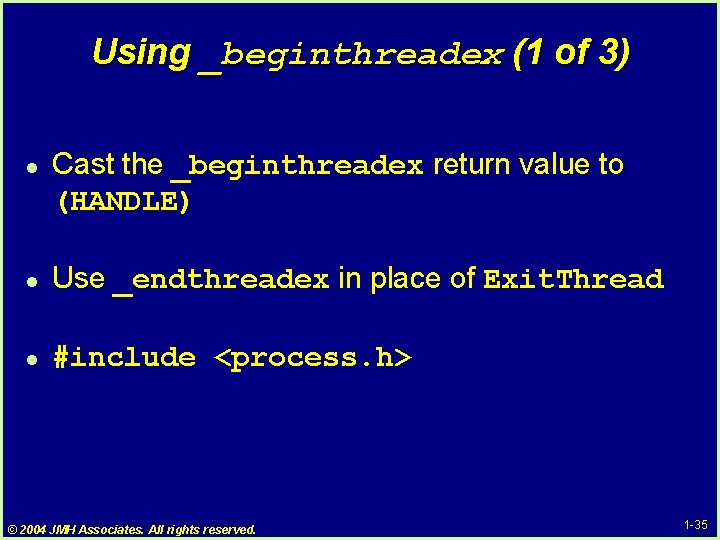
Using _beginthreadex (1 of 3) l Cast the _beginthreadex return value to (HANDLE) l Use _endthreadex in place of Exit. Thread l #include <process. h> © 2004 JMH Associates. All rights reserved. 1 -35
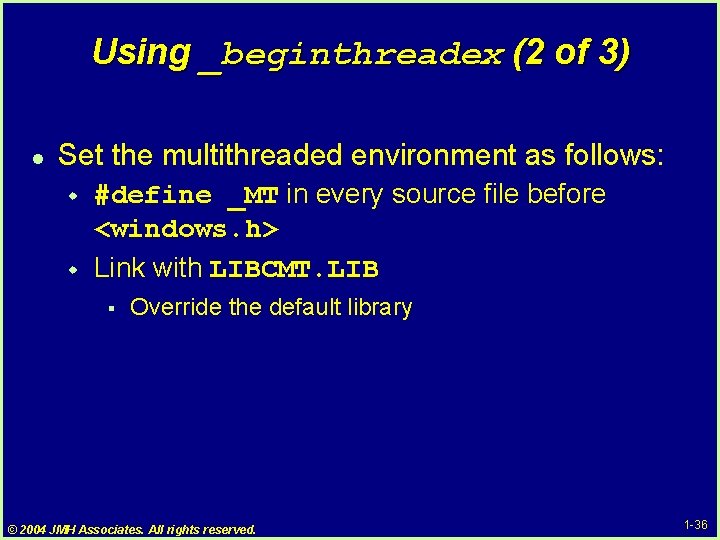
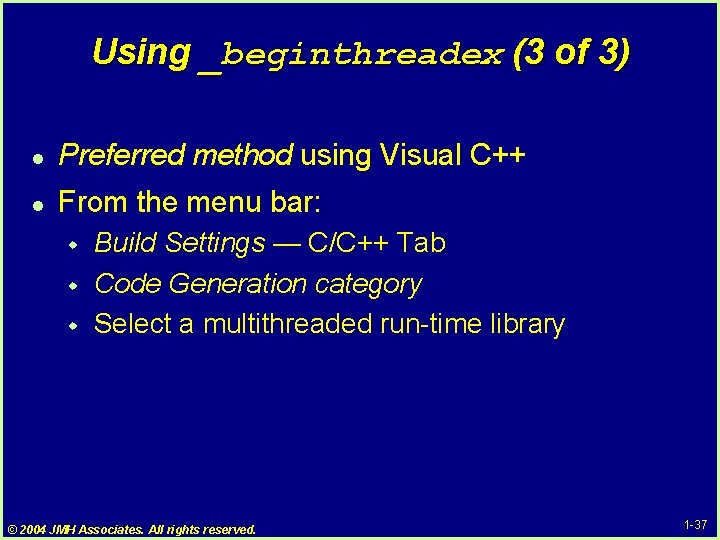
Using _beginthreadex (2 of 3) l Set the multithreaded environment as follows: w w #define _MT in every source file before <windows. h> Link with LIBCMT. LIB § Override the default library © 2004 JMH Associates. All rights reserved. 1 -36
Using _beginthreadex (3 of 3) l Preferred method using Visual C++ l From the menu bar: w w w Build Settings — C/C++ Tab Code Generation category Select a multithreaded run-time library © 2004 JMH Associates. All rights reserved. 1 -37
Ex: A Simple Boss Thread HANDLE h. Work[K]; volatile LONG Work. Done[K], i. Th; /* !! */. . . for (i. Th = 0; i. Th < K; i. Th++) { Work. Done[ith] = 0; h. Work[i. Th] = _beginthreadex (NULL, 0, Work. Th, (PVOID)&i. Th, 0, NULL); /* BUG! */ } Wait. For. Multiple. Objects (K, h. Work, TRUE, INFINITE); for (i. Th = 0; i. Th < K; i. Th++) printf (“Thread %d did %d workunitsn”, i. Th, Work. Done[i. Th]); © 2004 JMH Associates. All rights reserved. 1 -38
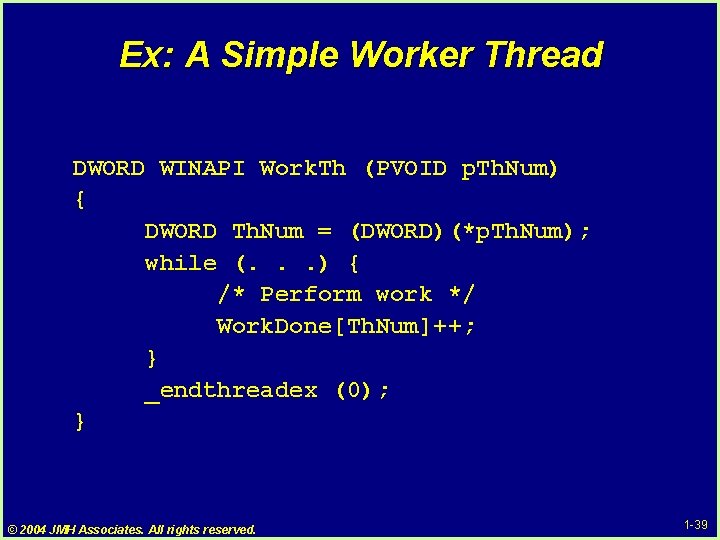
Ex: A Simple Worker Thread DWORD WINAPI Work. Th (PVOID p. Th. Num) { DWORD Th. Num = (DWORD)(*p. Th. Num); while (. . . ) { /* Perform work */ Work. Done[Th. Num]++; } _endthreadex (0); } © 2004 JMH Associates. All rights reserved. 1 -39
5. Demonstration: Building a Threaded Application l Using Visual C++ Ver. 6. 0, 7. 0 © 2004 JMH Associates. All rights reserved. 1 -40
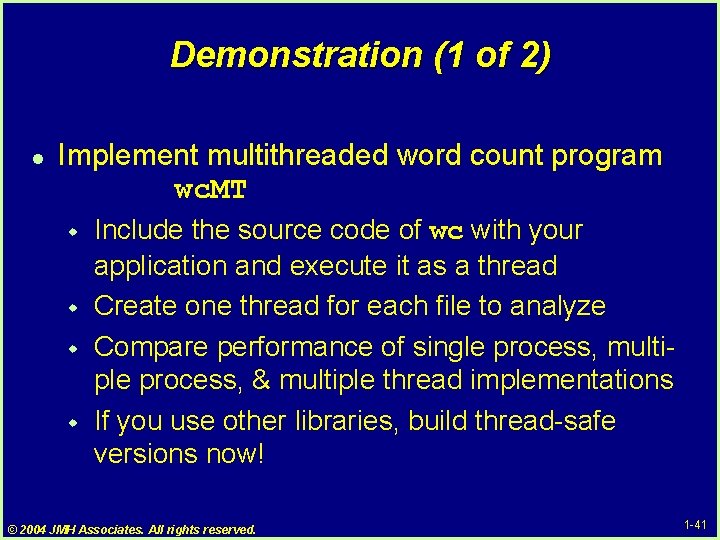
Demonstration (1 of 2) l Implement multithreaded word count program wc. MT w w Include the source code of wc with your application and execute it as a thread Create one thread for each file to analyze Compare performance of single process, multiple process, & multiple thread implementations If you use other libraries, build thread-safe versions now! © 2004 JMH Associates. All rights reserved. 1 -41
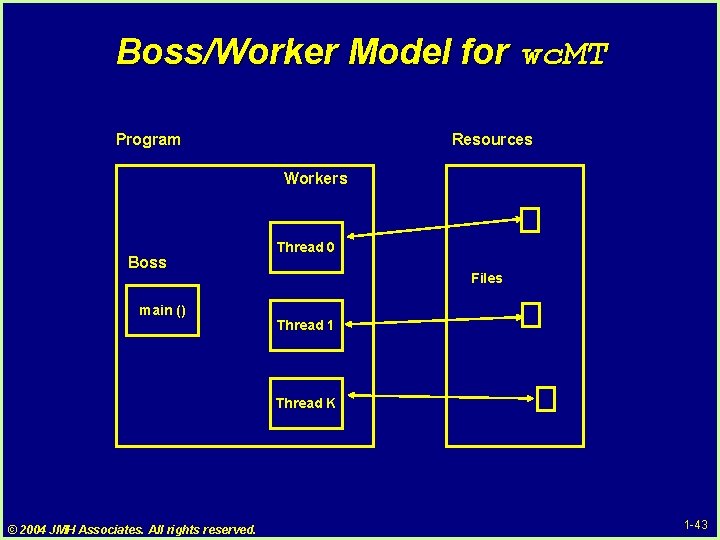
Demonstration (2 of 2) l THIS IS A BOSS/WORKER SYSTEM w w l Shows common thread management techniques See picture on the next overhead CHALLENGE: w Also try at wc. MTx. c and wc. MTxx. c w These contains some common bugs § What are the bug symptoms? © 2004 JMH Associates. All rights reserved. 1 -42
Boss/Worker Model for wc. MT Program Resources Workers Boss main () Thread 0 Files Thread 1 Thread K © 2004 JMH Associates. All rights reserved. 1 -43
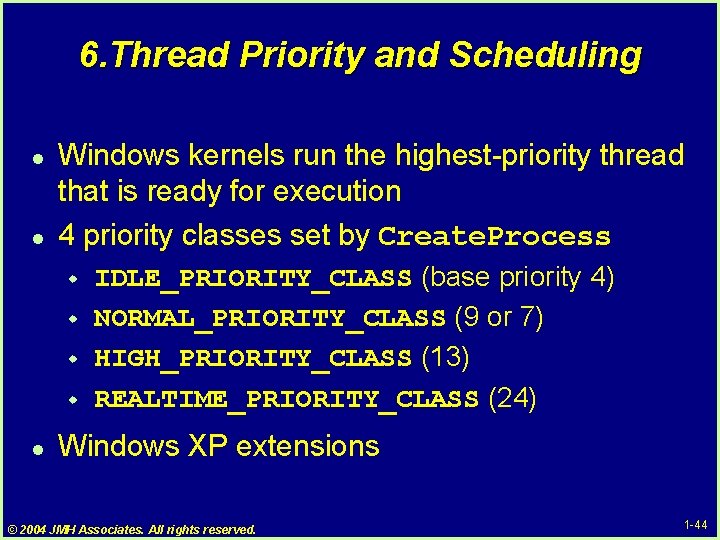
6. Thread Priority and Scheduling l l Windows kernels run the highest-priority thread that is ready for execution 4 priority classes set by Create. Process w w l IDLE_PRIORITY_CLASS (base priority 4) NORMAL_PRIORITY_CLASS (9 or 7) HIGH_PRIORITY_CLASS (13) REALTIME_PRIORITY_CLASS (24) Windows XP extensions © 2004 JMH Associates. All rights reserved. 1 -44
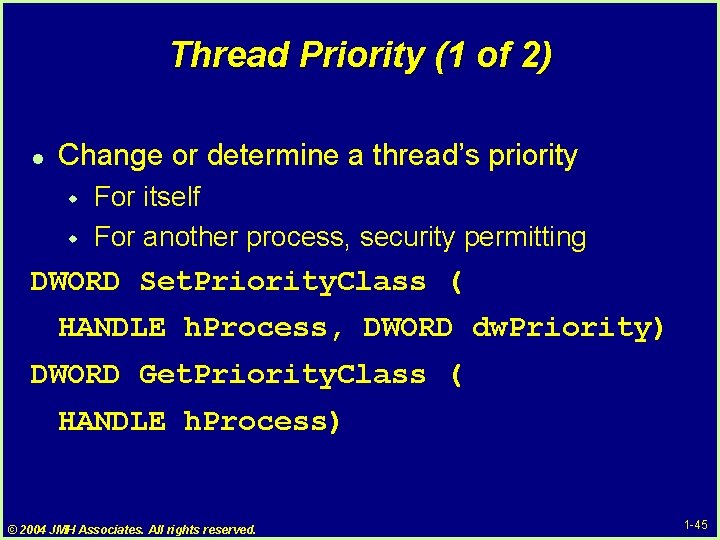
Thread Priority (1 of 2) l Change or determine a thread’s priority w w For itself For another process, security permitting DWORD Set. Priority. Class ( HANDLE h. Process, DWORD dw. Priority) DWORD Get. Priority. Class ( HANDLE h. Process) © 2004 JMH Associates. All rights reserved. 1 -45
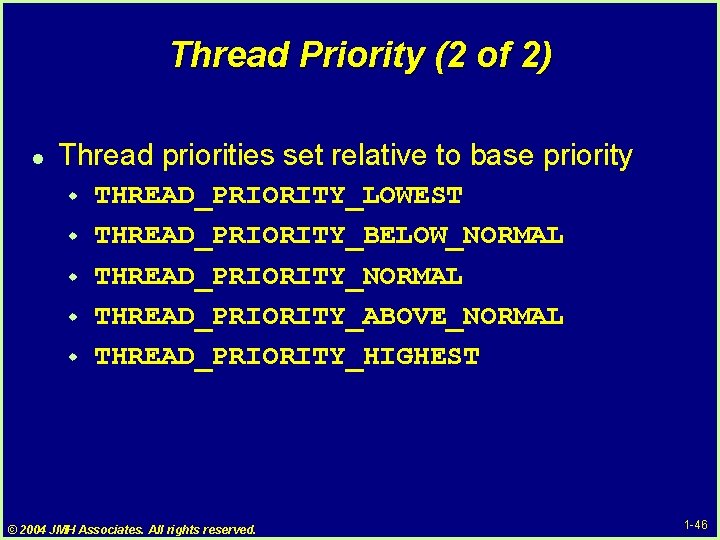
Thread Priority (2 of 2) l Thread priorities set relative to base priority w w w THREAD_PRIORITY_LOWEST THREAD_PRIORITY_BELOW_NORMAL THREAD_PRIORITY_ABOVE_NORMAL THREAD_PRIORITY_HIGHEST © 2004 JMH Associates. All rights reserved. 1 -46
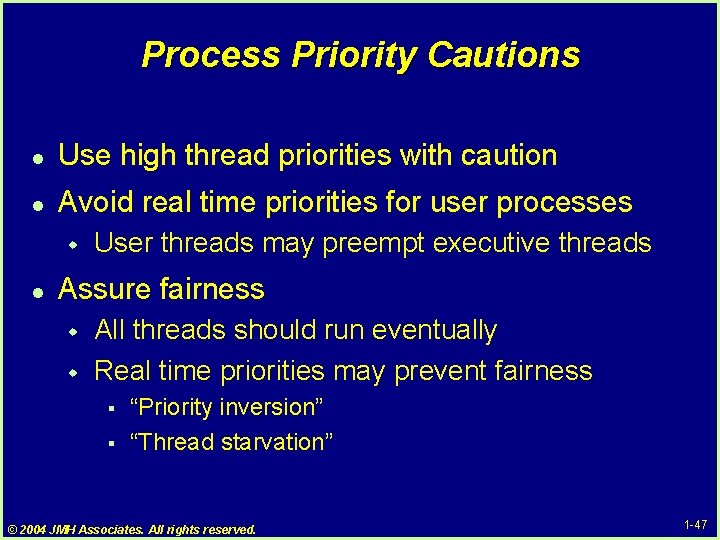
Process Priority Cautions l Use high thread priorities with caution l Avoid real time priorities for user processes w l User threads may preempt executive threads Assure fairness w w All threads should run eventually Real time priorities may prevent fairness § § “Priority inversion” “Thread starvation” © 2004 JMH Associates. All rights reserved. 1 -47
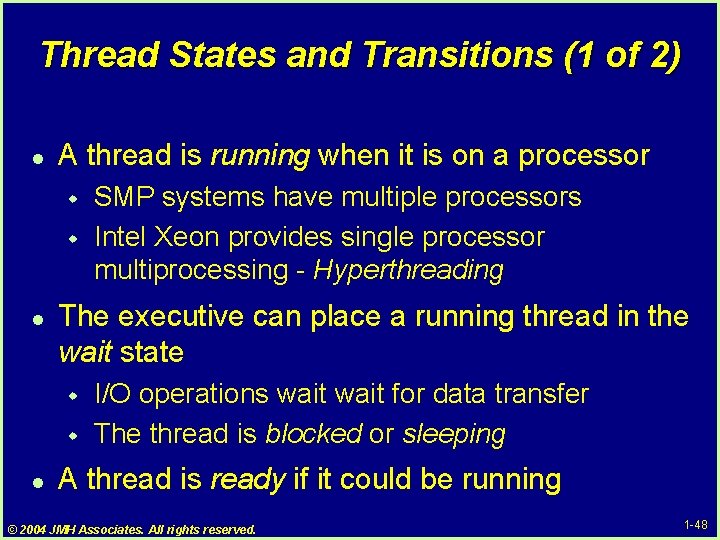
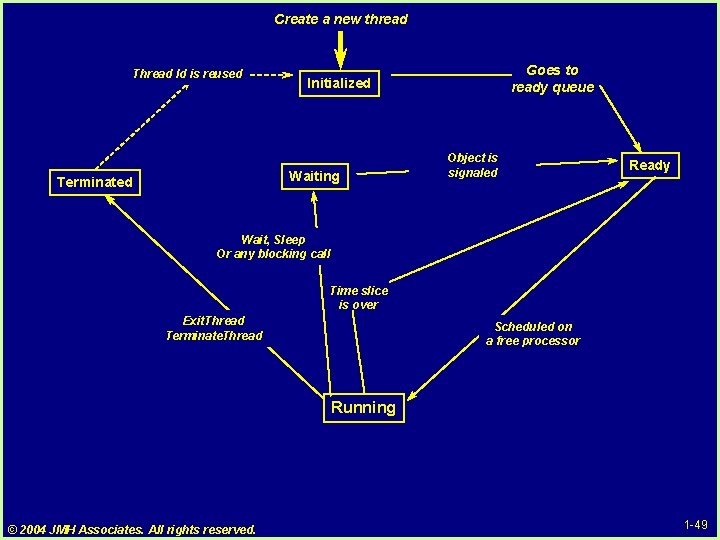
Thread States and Transitions (1 of 2) l A thread is running when it is on a processor w w l The executive can place a running thread in the wait state w w l SMP systems have multiple processors Intel Xeon provides single processor multiprocessing - Hyperthreading I/O operations wait for data transfer The thread is blocked or sleeping A thread is ready if it could be running © 2004 JMH Associates. All rights reserved. 1 -48
Create a new thread Thread Id is reused Waiting Terminated Goes to ready queue Initialized Object is signaled Ready Wait, Sleep Or any blocking call Time slice is over Exit. Thread Terminate. Thread Scheduled on a free processor Running © 2004 JMH Associates. All rights reserved. 1 -49
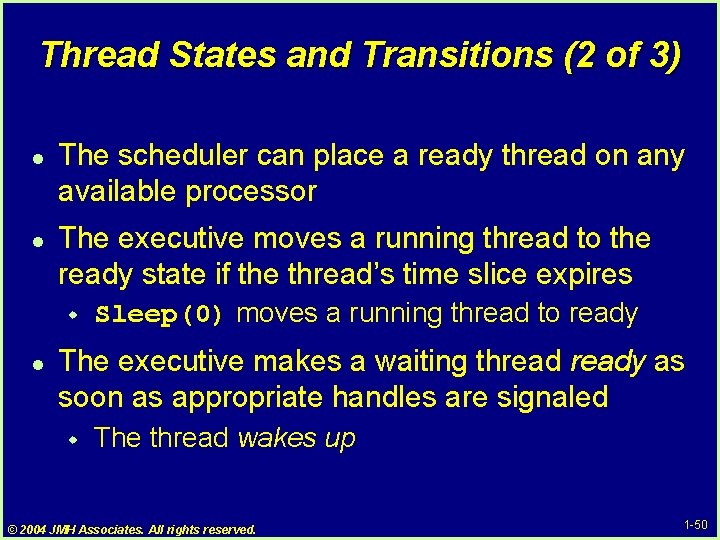
Thread States and Transitions (2 of 3) l l The scheduler can place a ready thread on any available processor The executive moves a running thread to the ready state if the thread’s time slice expires w l Sleep(0) moves a running thread to ready The executive makes a waiting thready as soon as appropriate handles are signaled w The thread wakes up © 2004 JMH Associates. All rights reserved. 1 -50
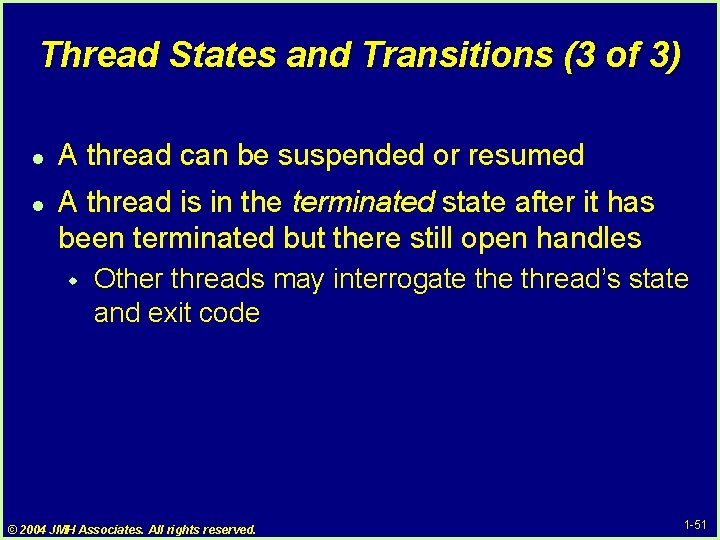
Thread States and Transitions (3 of 3) l l A thread can be suspended or resumed A thread is in the terminated state after it has been terminated but there still open handles w Other threads may interrogate thread’s state and exit code © 2004 JMH Associates. All rights reserved. 1 -51
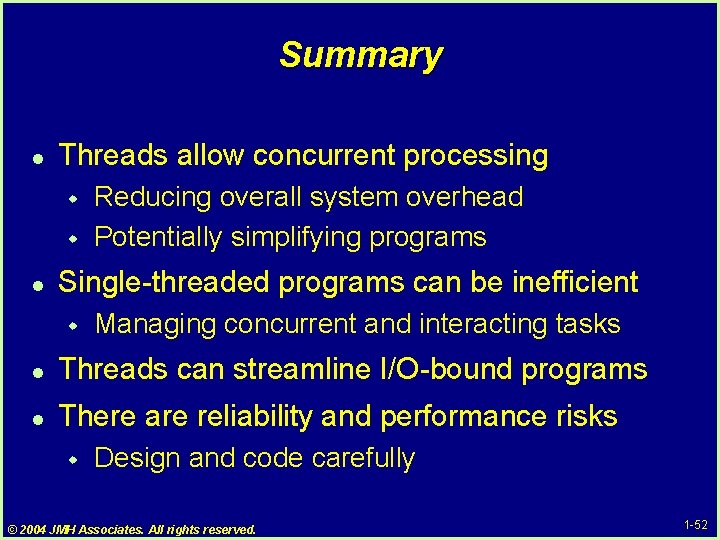
Summary l Threads allow concurrent processing w w l Reducing overall system overhead Potentially simplifying programs Single-threaded programs can be inefficient w Managing concurrent and interacting tasks l Threads can streamline I/O-bound programs l There are reliability and performance risks w Design and code carefully © 2004 JMH Associates. All rights reserved. 1 -52
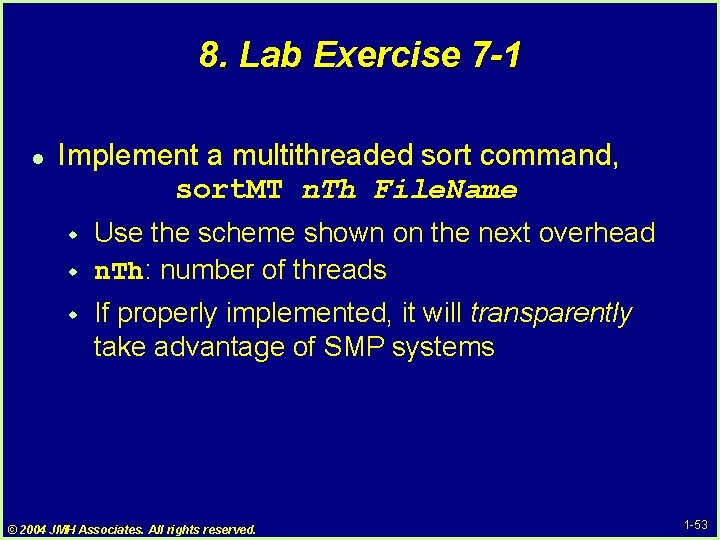
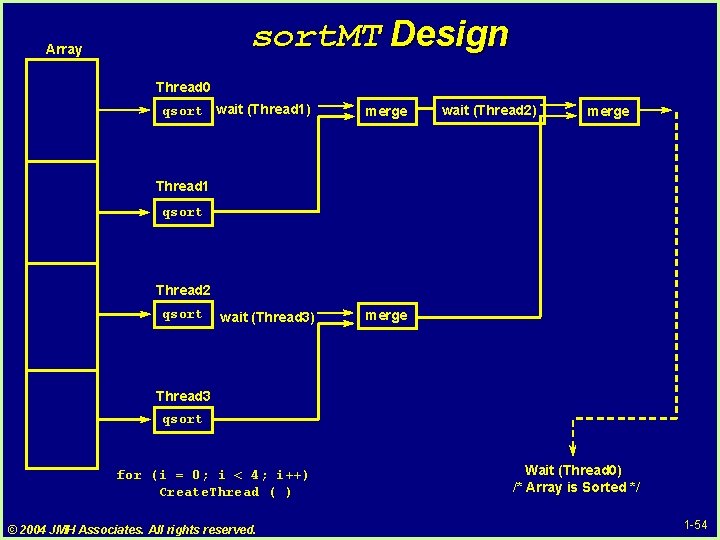
8. Lab Exercise 7 -1 l Implement a multithreaded sort command, sort. MT n. Th File. Name w w w Use the scheme shown on the next overhead n. Th: number of threads If properly implemented, it will transparently take advantage of SMP systems © 2004 JMH Associates. All rights reserved. 1 -53
sort. MT Design Array Thread 0 qsort wait (Thread 1) merge wait (Thread 2) merge Thread 1 qsort Thread 2 qsort wait (Thread 3) merge Thread 3 qsort for (i = 0; i < 4; i++) Create. Thread ( ) © 2004 JMH Associates. All rights reserved. Wait (Thread 0) /* Array is Sorted */ 1 -54
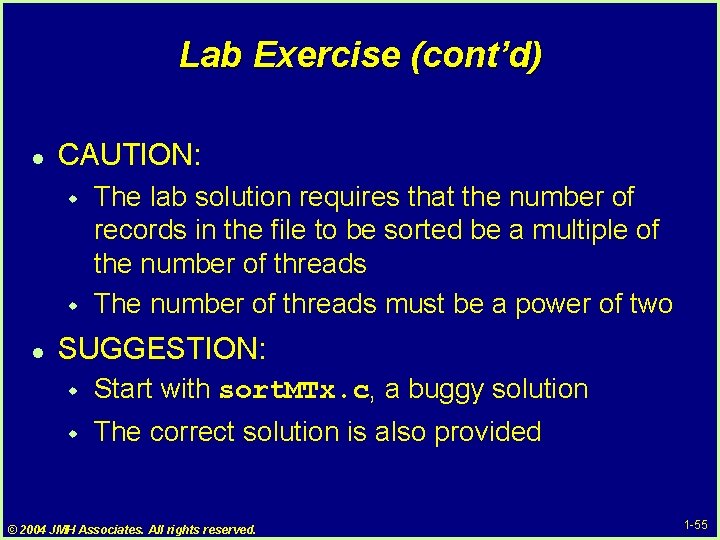
Lab Exercise (cont’d) l CAUTION: w w l The lab solution requires that the number of records in the file to be sorted be a multiple of the number of threads The number of threads must be a power of two SUGGESTION: w Start with sort. MTx. c, a buggy solution w The correct solution is also provided © 2004 JMH Associates. All rights reserved. 1 -55
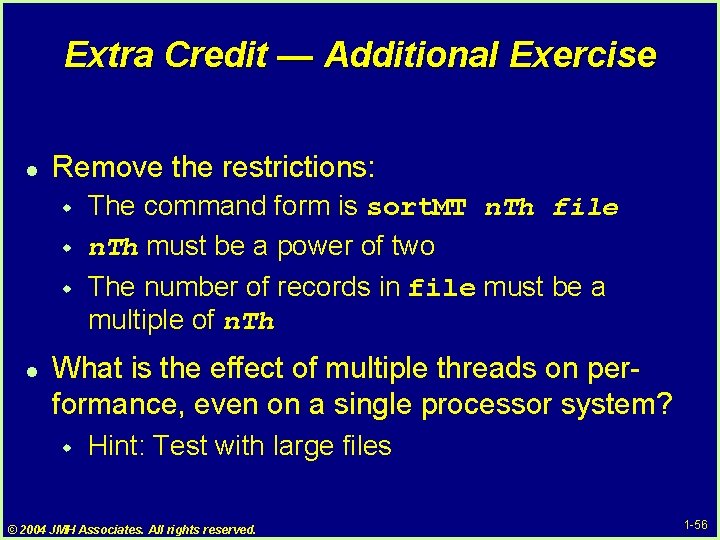
Extra Credit — Additional Exercise l Remove the restrictions: w w w l The command form is sort. MT n. Th file n. Th must be a power of two The number of records in file must be a multiple of n. Th What is the effect of multiple threads on performance, even on a single processor system? w Hint: Test with large files © 2004 JMH Associates. All rights reserved. 1 -56