
Windows 98 Microsoft Office 2000 Marquee Series 2001
- Slides: 11
Windows 98 Microsoft Office 2000 Marquee Series © 2001 Paradigm Publishing Inc.
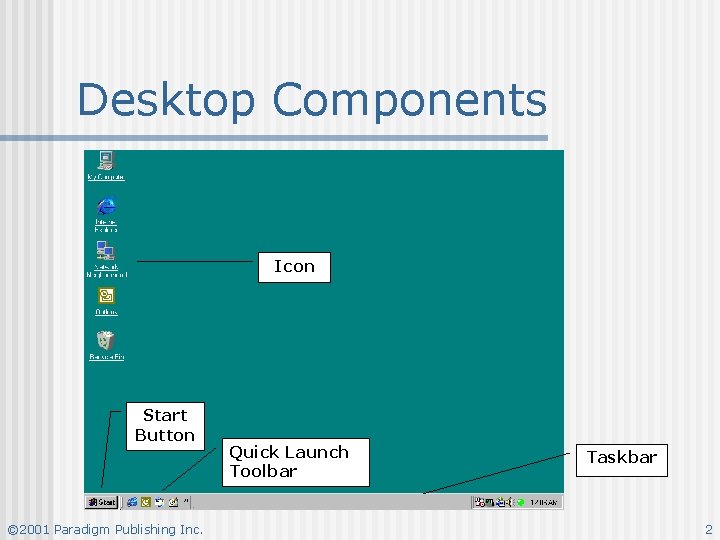
Desktop Components Icon Start Button © 2001 Paradigm Publishing Inc. Quick Launch Toolbar Taskbar 2
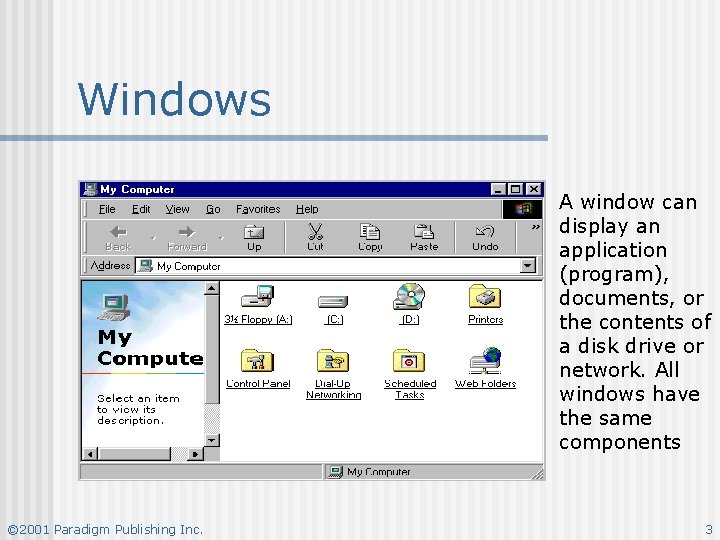
Windows A window can display an application (program), documents, or the contents of a disk drive or network. All windows have the same components © 2001 Paradigm Publishing Inc. 3
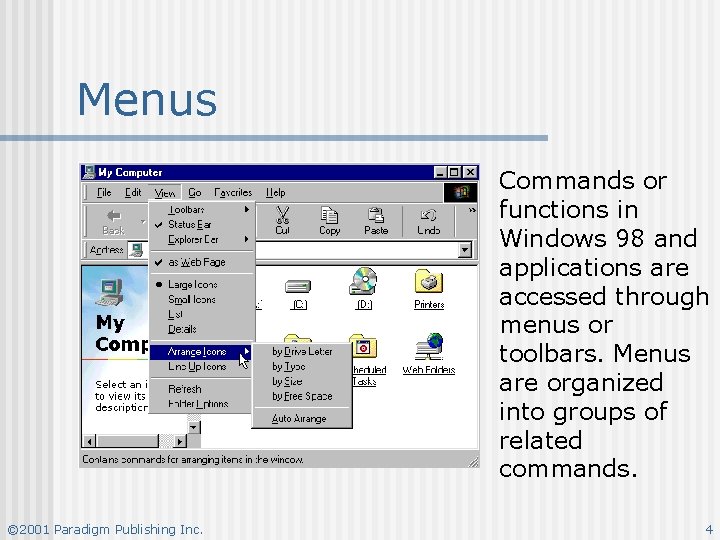
Menus Commands or functions in Windows 98 and applications are accessed through menus or toolbars. Menus are organized into groups of related commands. © 2001 Paradigm Publishing Inc. 4
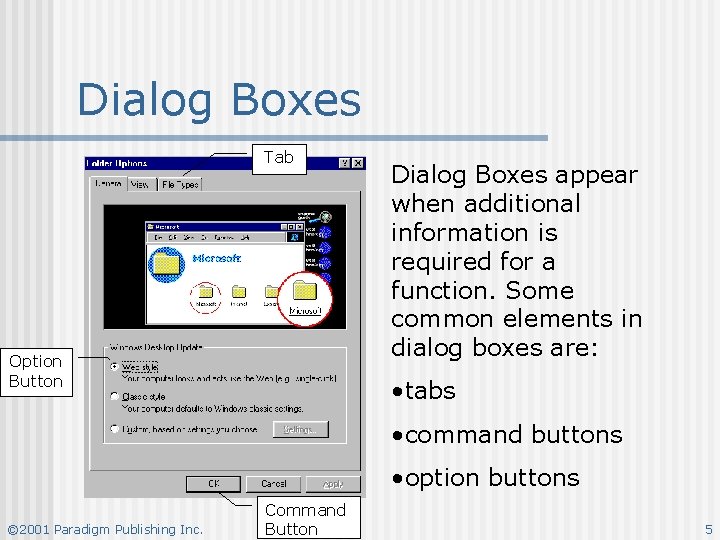
Dialog Boxes Tab Option Button Dialog Boxes appear when additional information is required for a function. Some common elements in dialog boxes are: • tabs • command buttons • option buttons © 2001 Paradigm Publishing Inc. Command Button 5
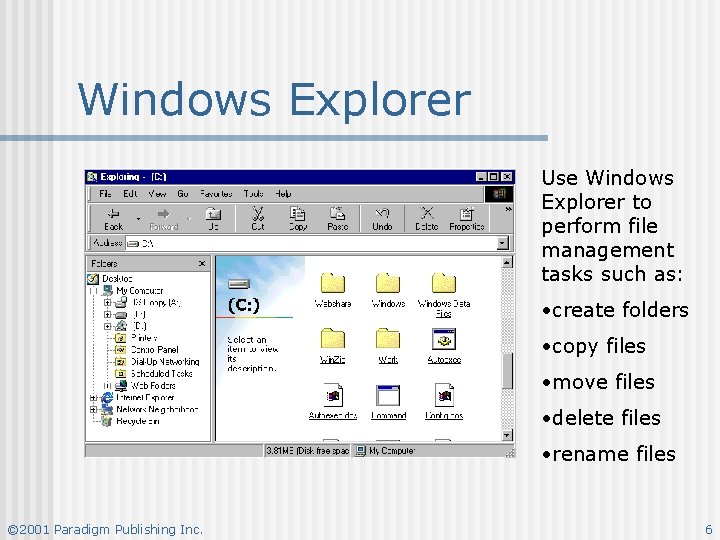
Windows Explorer Use Windows Explorer to perform file management tasks such as: • create folders • copy files • move files • delete files • rename files © 2001 Paradigm Publishing Inc. 6
Recycle Bin Deleted files are initially placed in the Recycle Bin. n A file that has been accidentally deleted can be restored. n Periodically, the Recycle Bin should be emptied. n Files deleted from a Floppy Disk are NOT placed in the Recycle Bin. n © 2001 Paradigm Publishing Inc. 7
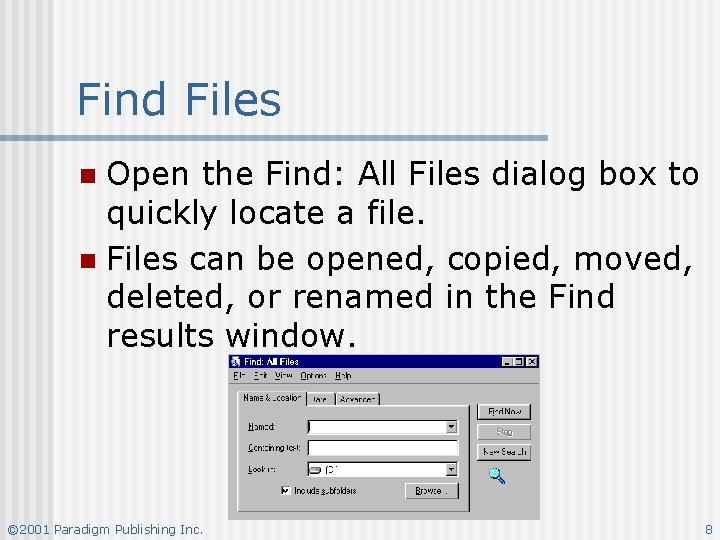
Find Files Open the Find: All Files dialog box to quickly locate a file. n Files can be opened, copied, moved, deleted, or renamed in the Find results window. n © 2001 Paradigm Publishing Inc. 8
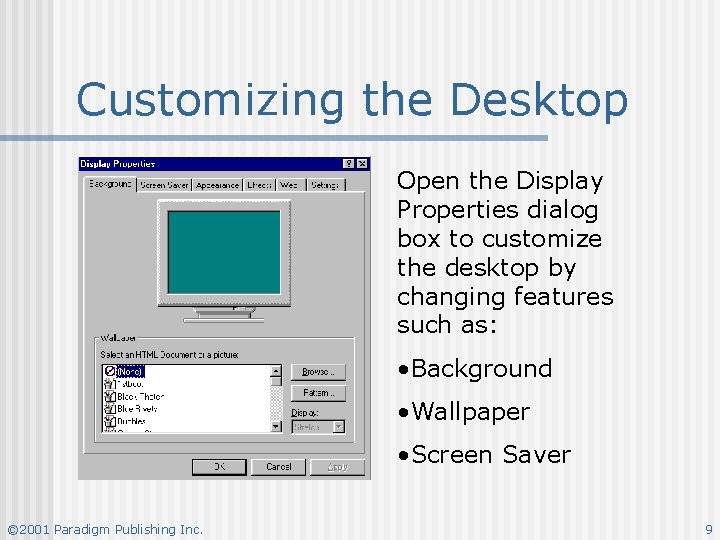
Customizing the Desktop Open the Display Properties dialog box to customize the desktop by changing features such as: • Background • Wallpaper • Screen Saver © 2001 Paradigm Publishing Inc. 9
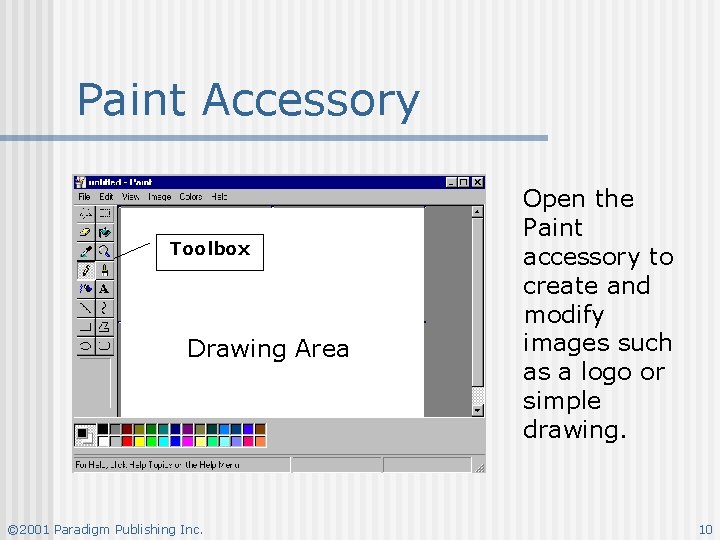
Paint Accessory Toolbox Drawing Area © 2001 Paradigm Publishing Inc. Open the Paint accessory to create and modify images such as a logo or simple drawing. 10
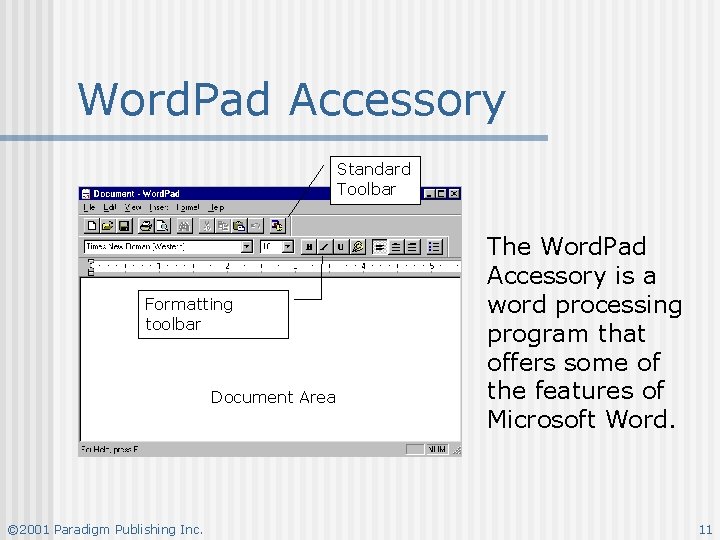
Word. Pad Accessory Standard Toolbar Formatting toolbar Document Area © 2001 Paradigm Publishing Inc. The Word. Pad Accessory is a word processing program that offers some of the features of Microsoft Word. 11