
Windows 8 Hardware Certification Program and KIT Overview





- Slides: 25
Windows 8 Hardware Certification Program and KIT Overview DARIN ZHEN DAVID EDFELDT
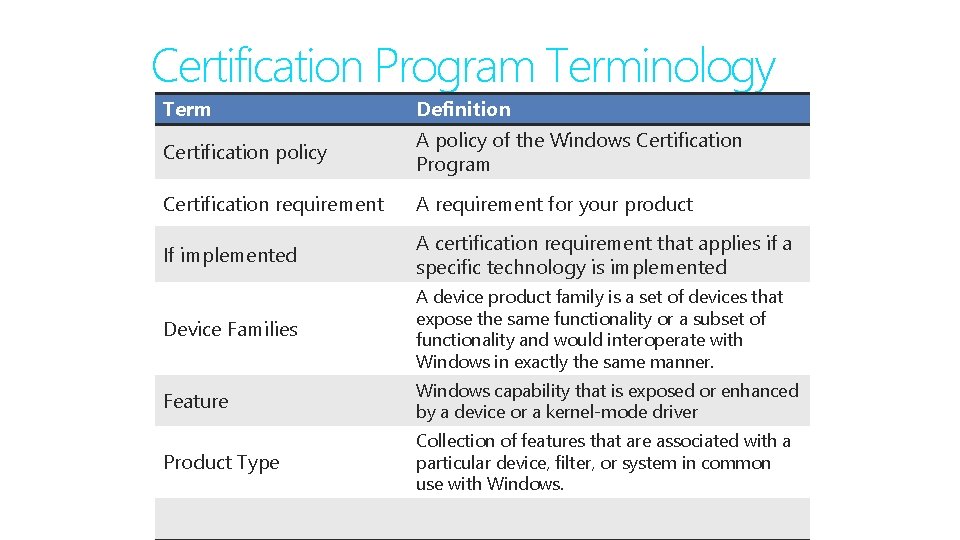
Certification Program Terminology Term Definition Certification policy A policy of the Windows Certification Program Certification requirement A requirement for your product If implemented A certification requirement that applies if a specific technology is implemented Device Families A device product family is a set of devices that expose the same functionality or a subset of functionality and would interoperate with Windows in exactly the same manner. Feature Windows capability that is exposed or enhanced by a device or a kernel-mode driver Product Type Collection of features that are associated with a particular device, filter, or system in common use with Windows.
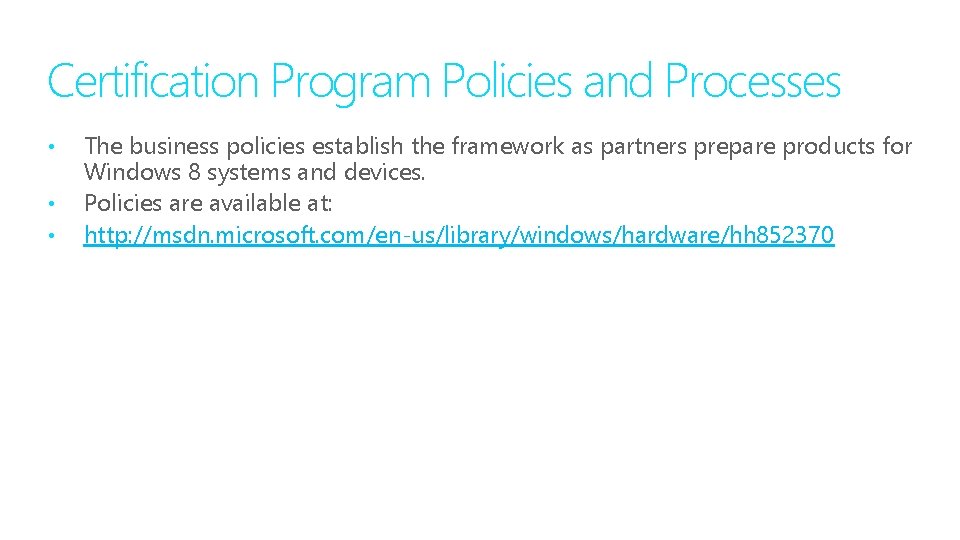
Certification Program Policies and Processes • • • The business policies establish the framework as partners prepare products for Windows 8 systems and devices. Policies are available at: http: //msdn. microsoft. com/en-us/library/windows/hardware/hh 852370
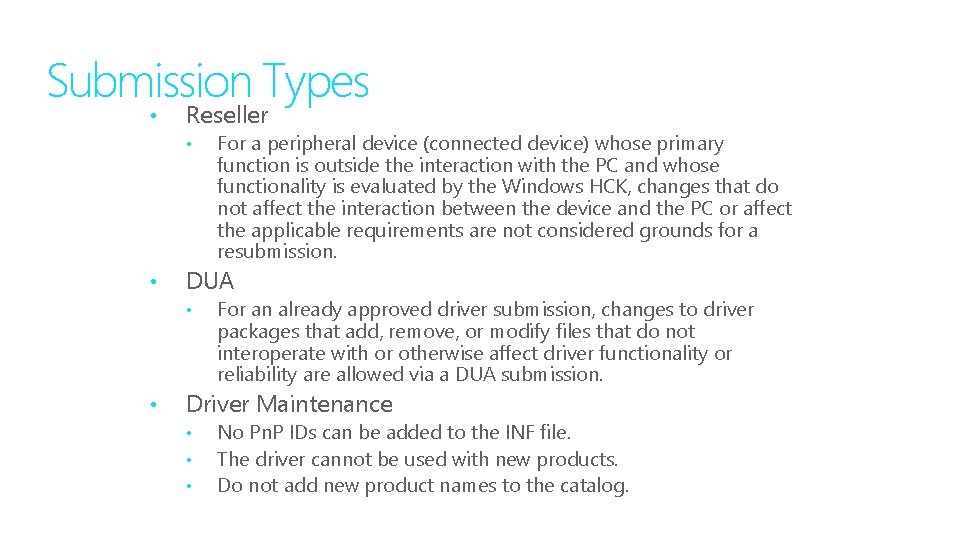
Submission Types • Reseller • • DUA • • For a peripheral device (connected device) whose primary function is outside the interaction with the PC and whose functionality is evaluated by the Windows HCK, changes that do not affect the interaction between the device and the PC or affect the applicable requirements are not considered grounds for a resubmission. For an already approved driver submission, changes to driver packages that add, remove, or modify files that do not interoperate with or otherwise affect driver functionality or reliability are allowed via a DUA submission. Driver Maintenance • • • No Pn. P IDs can be added to the INF file. The driver cannot be used with new products. Do not add new product names to the catalog.
Installing and servicing the HCK
Where to go?
Where to go? Search “Hardware Certification Kit”
Where to go? Search “Hardware Certification Kit” http: //sysdev. microsoft. com select ‘Downloads’
What to do
What to do • Click “Download Now” • Do NOT click ‘Save’ ! • Follow UI to download
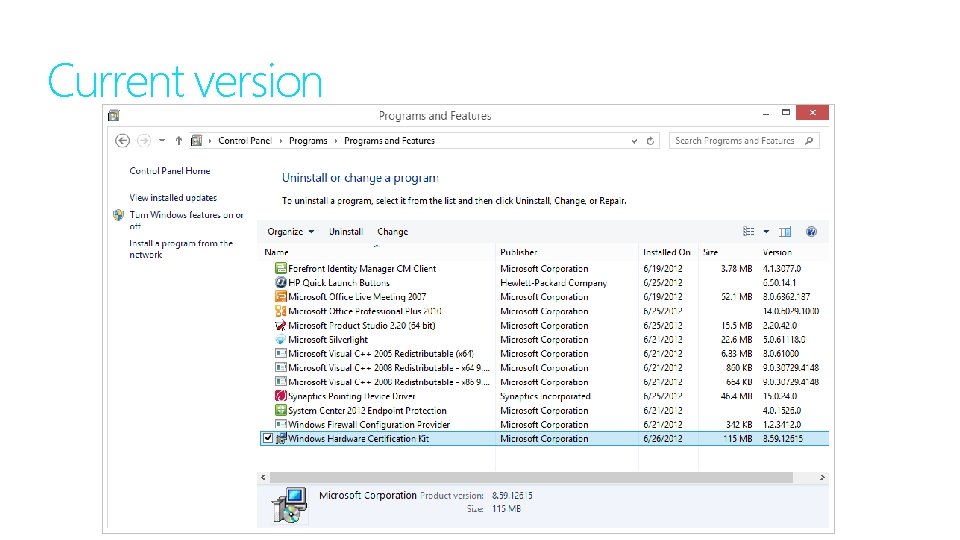
What Version do I have?
What Version do I have? • Open control panel • Programs -> Programs and features • Find HCK • Scroll right to Version • Search HCK QFE
Current version
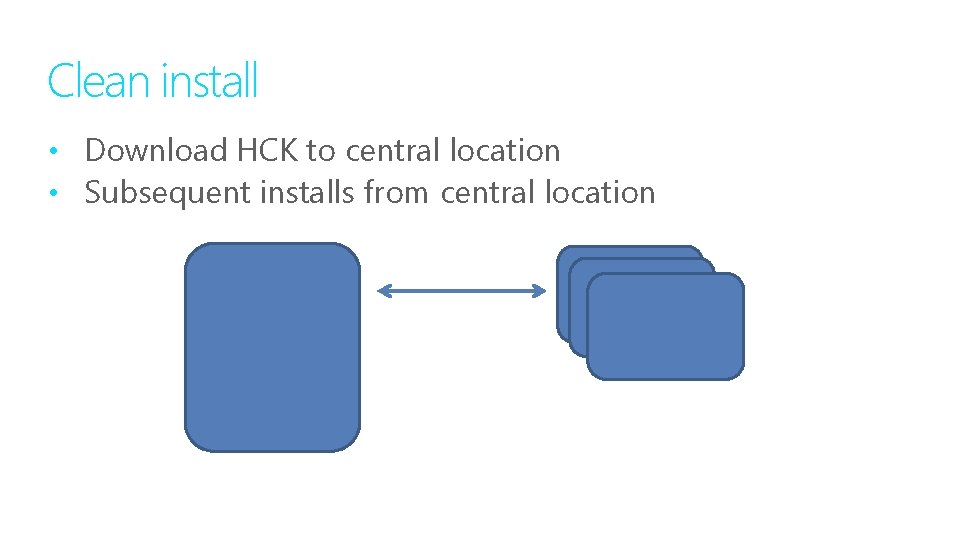
Clean install • Download HCK to central location • Subsequent installs from central location
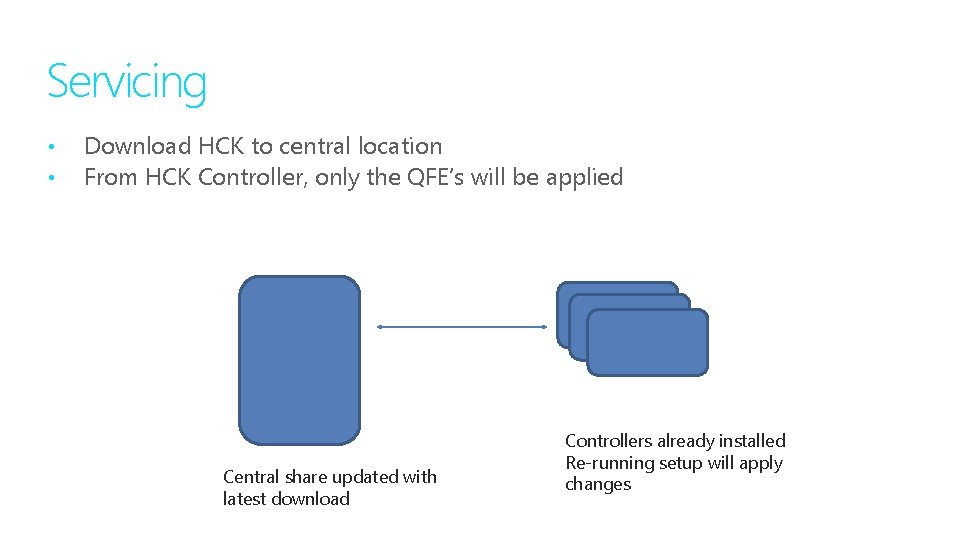
Servicing • • Download HCK to central location From HCK Controller, only the QFE’s will be applied Central share updated with latest download Controllers already installed Re-running setup will apply changes
Sometimes we goof
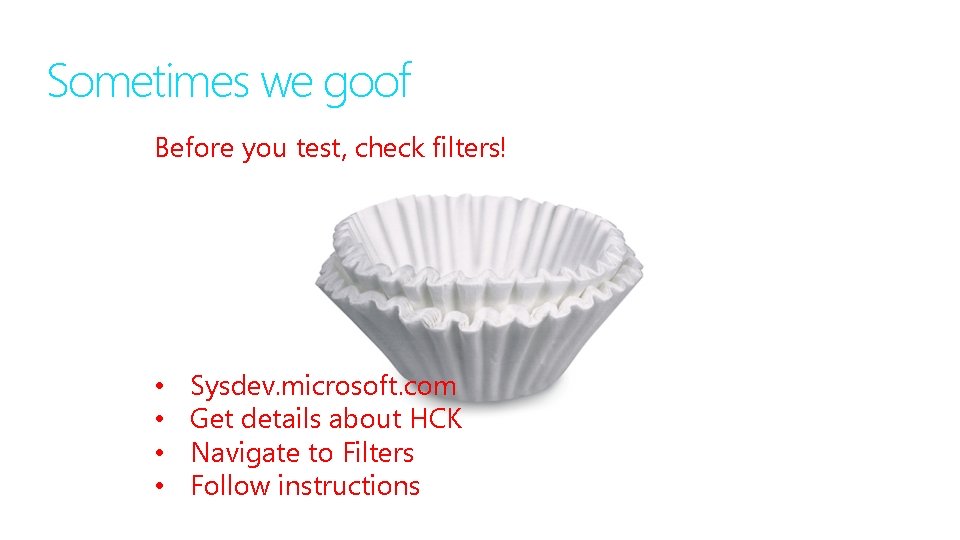
Sometimes we goof Before you test, check filters!
Sometimes we goof Before you test, check filters! • • Sysdev. microsoft. com Get details about HCK Navigate to Filters Follow instructions
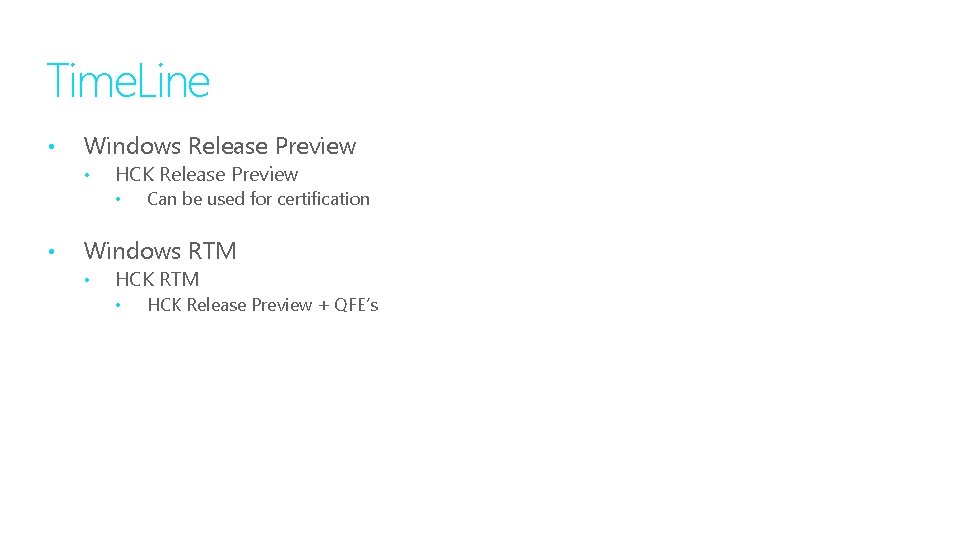
Time. Line • Windows Release Preview • HCK Release Preview • • Can be used for certification Windows RTM • HCK Release Preview + QFE’s
Sysdev. microsoft. com is your
Thank you.
© 2011 Microsoft Corporation. All rights reserved. Microsoft, Windows Vista and other product names are or may be registered trademarks and/or trademarks in the U. S. and/or other countries. The information herein is for informational purposes only and represents the current view of Microsoft Corporation as of the date of this presentation. Because Microsoft must respond to changing market conditions, it should not be interpreted to be a commitment on the part of Microsoft, and Microsoft cannot guarantee the accuracy of any information provided after the date of this presentation. MICROSOFT MAKES NO WARRANTIES, EXPRESS, IMPLIED OR STATUTORY, AS TO THE INFORMATION IN THIS PRESENTATION.