
Winchester School of Art Technical Support Winchester School











- Slides: 41
Winchester School of Art Technical Support
Winchester School of Art Technical Support Slides http: //edshare. soton. ac. uk/14795
Technical Support at WSA Support is split into 2 groups: – i. Solutions – WSA Technical Services
i. Solutions
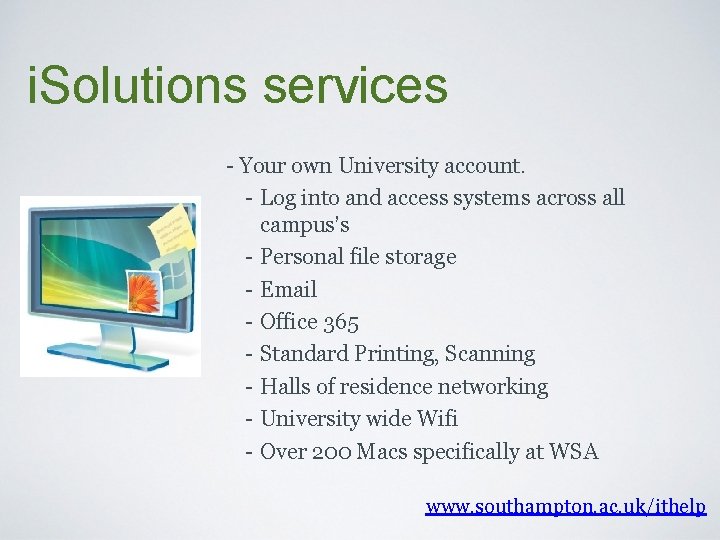
i. Solutions services - Your own University account. - Log into and access systems across all campus’s - Personal file storage - Email - Office 365 - Standard Printing, Scanning - Halls of residence networking - University wide Wifi - Over 200 Macs specifically at WSA www. southampton. ac. uk/ithelp
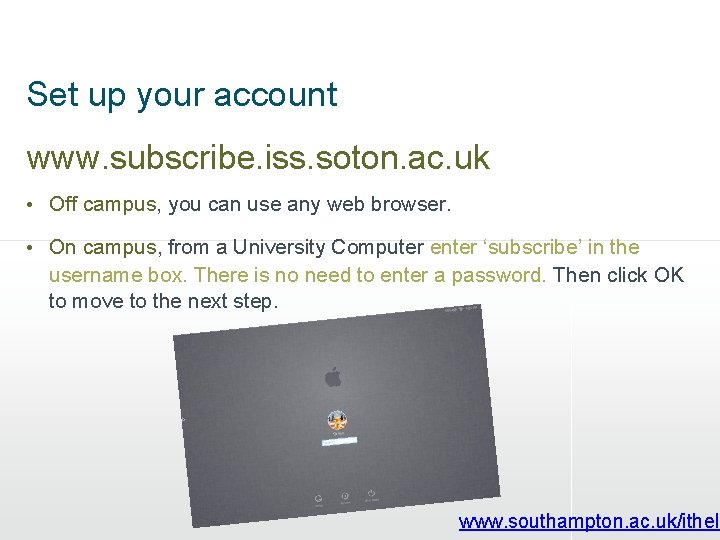
Set up your account www. subscribe. iss. soton. ac. uk • Off campus, you can use any web browser. • On campus, from a University Computer enter ‘subscribe’ in the username box. There is no need to enter a password. Then click OK to move to the next step. www. southampton. ac. uk/ithelp
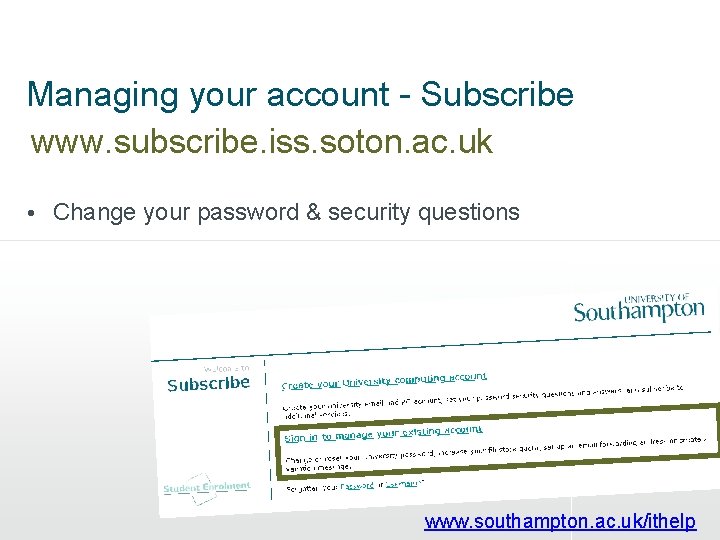
Managing your account - Subscribe www. subscribe. iss. soton. ac. uk • Change your password & security questions www. southampton. ac. uk/ithelp
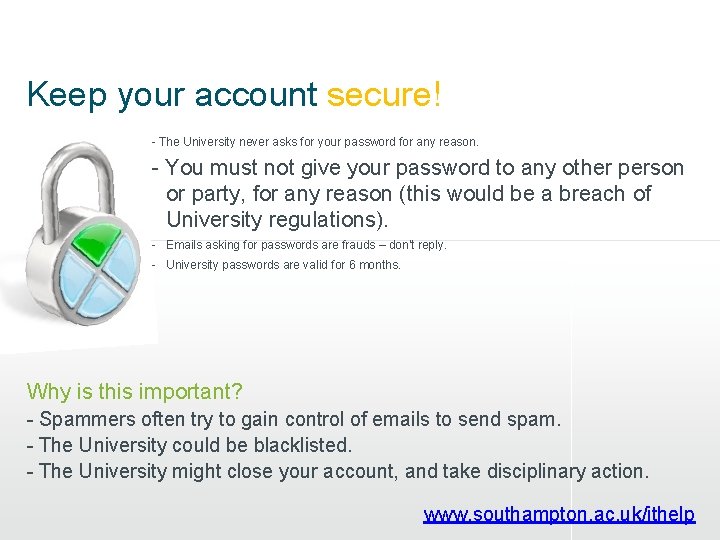
Keep your account secure! - The University never asks for your password for any reason. - You must not give your password to any other person or party, for any reason (this would be a breach of University regulations). - Emails asking for passwords are frauds – don’t reply. - University passwords are valid for 6 months. Why is this important? - Spammers often try to gain control of emails to send spam. - The University could be blacklisted. - The University might close your account, and take disciplinary action. www. southampton. ac. uk/ithelp
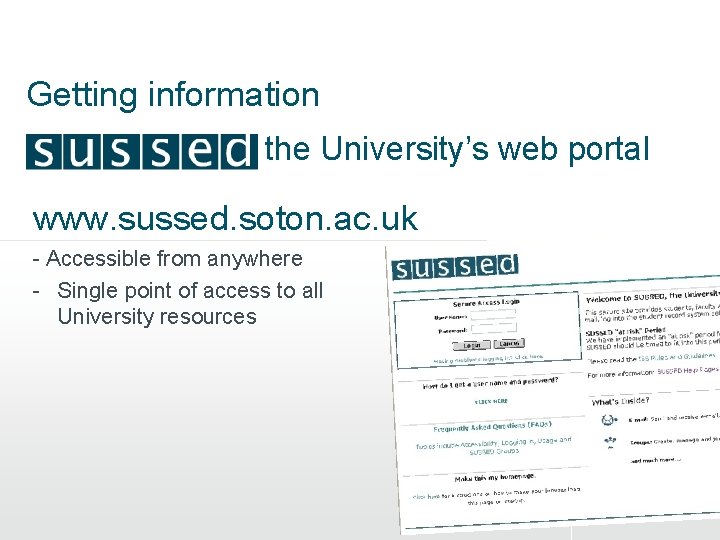
Getting information the University’s web portal www. sussed. soton. ac. uk - Accessible from anywhere - Single point of access to all University resources 5
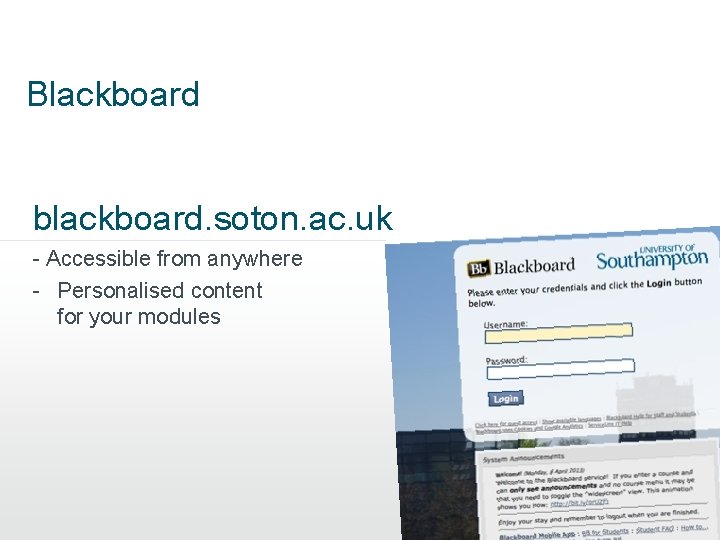
Blackboard blackboard. soton. ac. uk - Accessible from anywhere - Personalised content for your modules 5
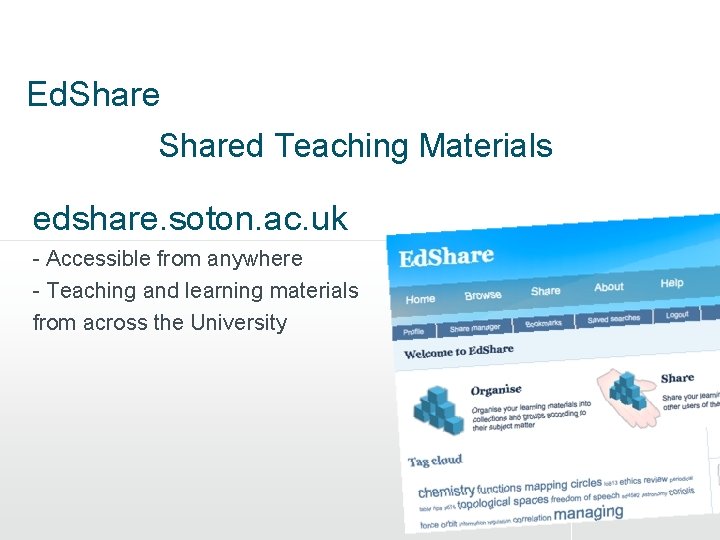
Ed. Shared Teaching Materials edshare. soton. ac. uk - Accessible from anywhere - Teaching and learning materials from across the University 5
� Higher Education Apple Discount - Huge discount on Apple Products http: //apple. procureweb. ac. uk/
How to get help i. Solutions • http: //www. southampton. ac. uk/ithelp • Library - Helpdesk (week 1 & 2) • The Service. Line help-line – Open from 8. 30 am until 6 pm, Monday to Friday – 25656 (internal phone)
WSA Technical Services The WSA Technical Services team is on hand to help with the use of equipment, software and training on campus.
WSA Technical Services Andy Brook Technical Services Officer Fashion Alison Wescott Printmaking Andy Reaney Digital Textiles Natalie Thompson Specialist Printing / Digital Celeste Carleton Media Chris Carter Fine Art / 3 d Printing Lawrence Mutisya Specialist Printing / Digital Media
WSA Technical Services Claire Mantell Jane Smith Leesa Miller Mark Adams Dave Clark Adrian Baxter Rob Hames Fashion & Textile Design Fashion Fine Art / Exhibitions Digital media / Photography Time Based Media Painting / Wood workshop
Campus Computing Wifi - Campus Wide use any Device on Eduroam* Standard Computing - The majority of our computers are Apple Macs situated in open access computer studios, your design studios and teaching spaces and are for the creating digital work at WSA. Specialist Computing - These machines are found in Studio locations connected to specialist equipment like our Digital Shima Seiki knitting machines.
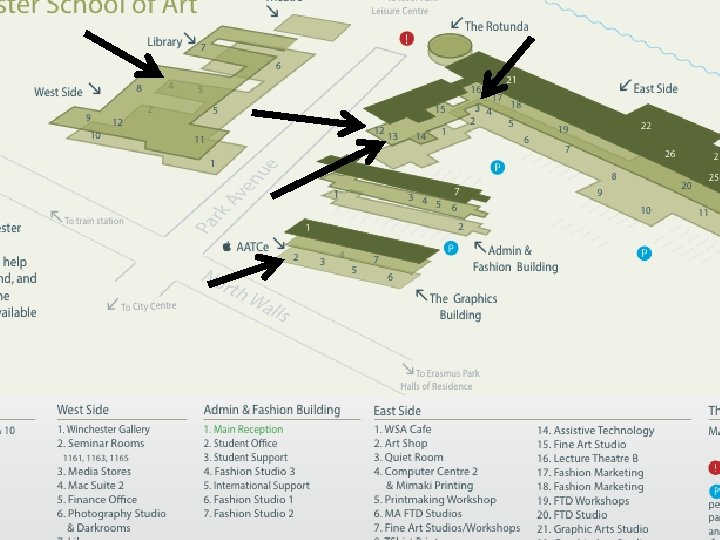
Key Computing Locations – Mac Suite 1 & 2 – Computer Centre 1 & 2 – Time Based Media/ Games Design
http: //go. soton. ac. uk/lynda – – Online video training tutorials Covering all our specialist software And much more. on and off campus !!
www. bobnational. net – Bo. B National. – enriching teaching and learning with moving image
http: //southampton. slack. com/signup Team communication for the 21 st century. Sharing Resources, Knowledge and Skills.
http: //wsa. wikidot. com Team communication for the 21 st century. Sharing Resources, Knowledge and Skills.
A few of our dedicated facilities - Short-term loan of specialist equipment, ranging from welding equipment, digital audio recorders, cameras, tripods, lighting and much more. - On site digital colour printing facilities for all types of work from large format paper to rigid materials (wood etc. ). - Laser Cutting, 3 d scanning and Printing - Specialist offsite printing submission and delivery service from Southampton Print Centre. - Photography Darkrooms and Studios. - Screen Printing, Dyeing and Fabric workshops. - Specialist on site Mimaki Digital Textile Printing. - Specialist on site Mimaki Wallpaper Printing. - Specialist on site Shima Seiki Digital Knitting. - Specialist T-Shirt Printing.
Serviceline or WSA Technical Services ? ? Don’t worry - visit i. Solutions help desk (next 2 weeks) in the library southampton. ac. uk/ithelp or phone 25656 Creative Services Centre 1071 e Media Stores 1195 w At these locations support staff will be able to help you immediately or will quickly point you in the right direction for technical support in all areas of the University and Winchester School of Art.
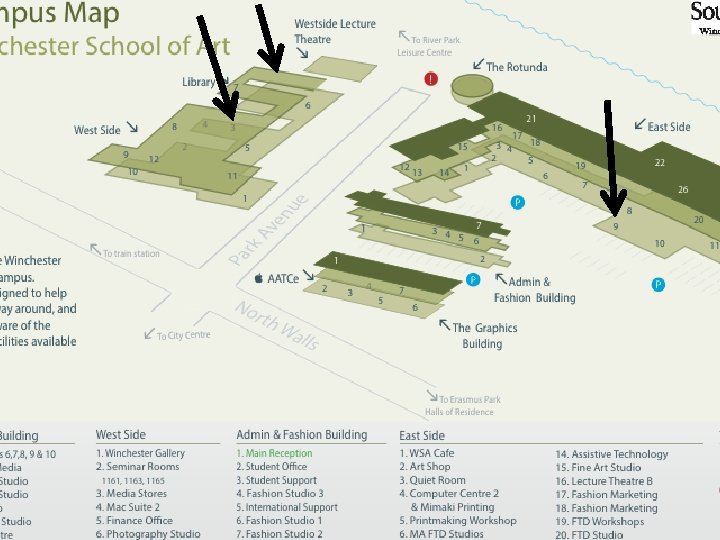
Key Support Locations – Creative Services Centre – Media Stores – Library
Professional Practice & Safety
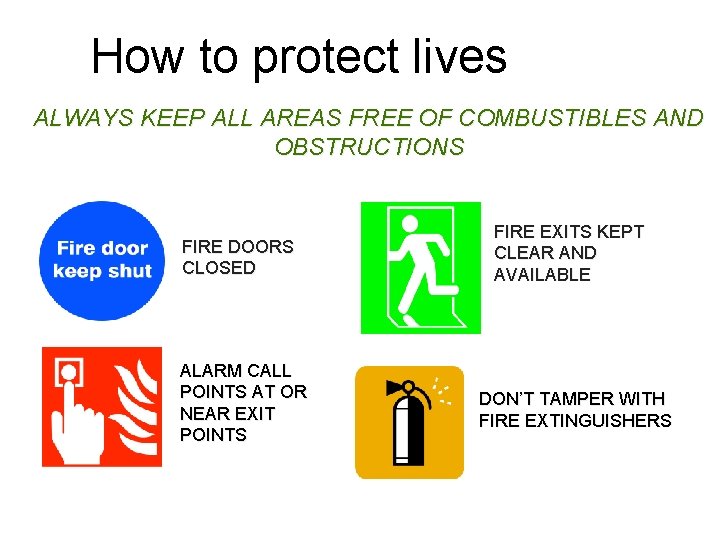
How to protect lives ALWAYS KEEP ALL AREAS FREE OF COMBUSTIBLES AND OBSTRUCTIONS FIRE DOORS CLOSED ALARM CALL POINTS AT OR NEAR EXIT POINTS FIRE EXITS KEPT CLEAR AND AVAILABLE DON’T TAMPER WITH FIRE EXTINGUISHERS
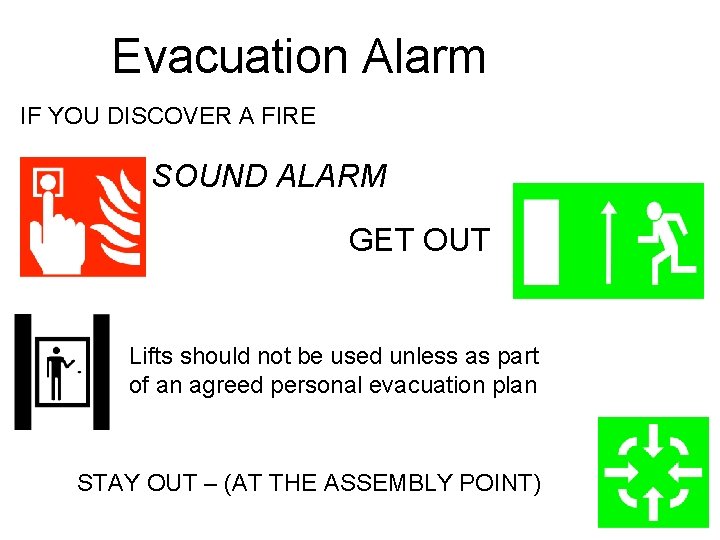
Evacuation Alarm IF YOU DISCOVER A FIRE SOUND ALARM GET OUT Lifts should not be used unless as part of an agreed personal evacuation plan STAY OUT – (AT THE ASSEMBLY POINT)
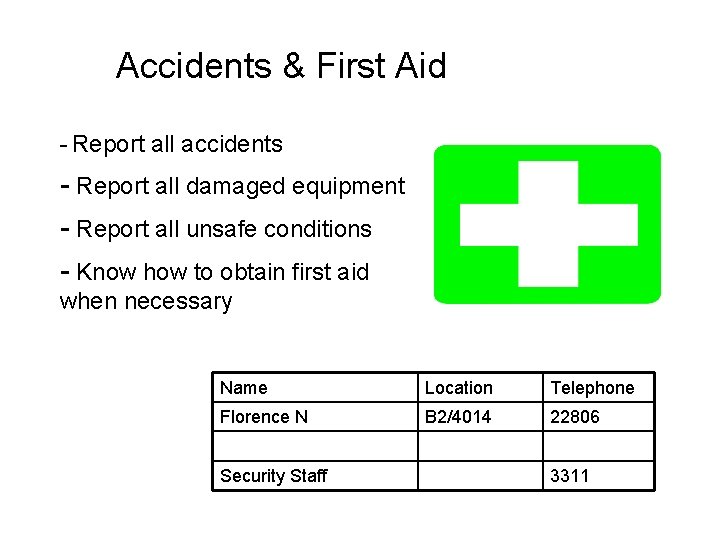
Accidents & First Aid - Report all accidents - Report all damaged equipment - Report all unsafe conditions - Know how to obtain first aid when necessary Name Location Telephone Florence N B 2/4014 22806 Security Staff 3311
Personal Safety • Be aware of your environment within the University. • Do not work alone • Open sites = easy access!
Emergency Contact details Central Control Room (Emergency) 3311 External 02380 592811 Central Control Room (Non emergency) 22811 Security General enquiries 22822 WSA Security 07887 676200 Add this to your mobile phones
Basic things – Keep WSA tidy – Anticipate hazards and guard against them – Choose a safe way to carry out a particular task or operation. – If in doubt seek help/advice. – Listen to instructions carefully – Don’t take chances - ASK – Check medication you may have been prescribed – Alcohol and work don’t mix
Most common work / study risks – Manual handling of loads – Damaged electrical apparatus – Untrained use of equipment – Untrained use of chemicals
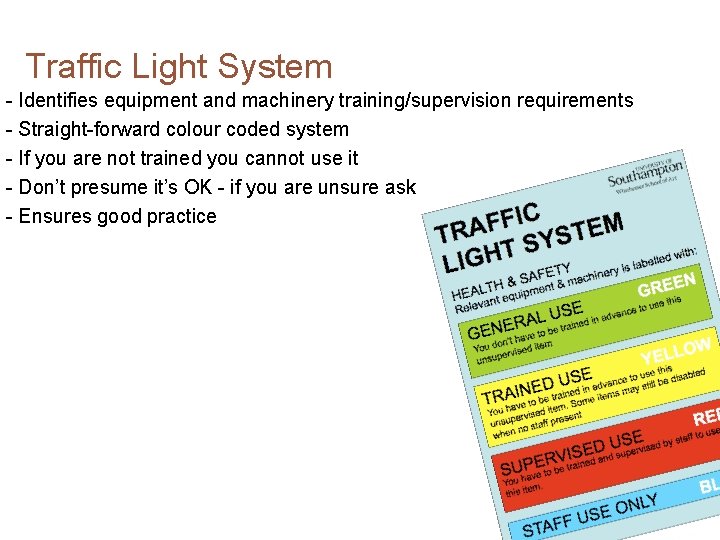
Traffic Light System - Identifies equipment and machinery training/supervision requirements - Straight-forward colour coded system - If you are not trained you cannot use it - Don’t presume it’s OK - if you are unsure ask - Ensures good practice 3 36
Studio and Workshop Policies - Learn the rules - Look out for others (and yourselves) - Don’t presume it’s OK - if in doubt, ask - Good practice, a safe clean working environment - Safety awareness is a two way thing 2 37
Project Briefs, Project Proposals and Risk Assessment - Project Briefs should outline H&S requirements and are assessed for risk - Project Proposal forms - Self initiated projects, discuss with tutor - Risk Assessments forms - Look before you leap, discuss with tutor/ technical services staff - Ensures good safe practice 38
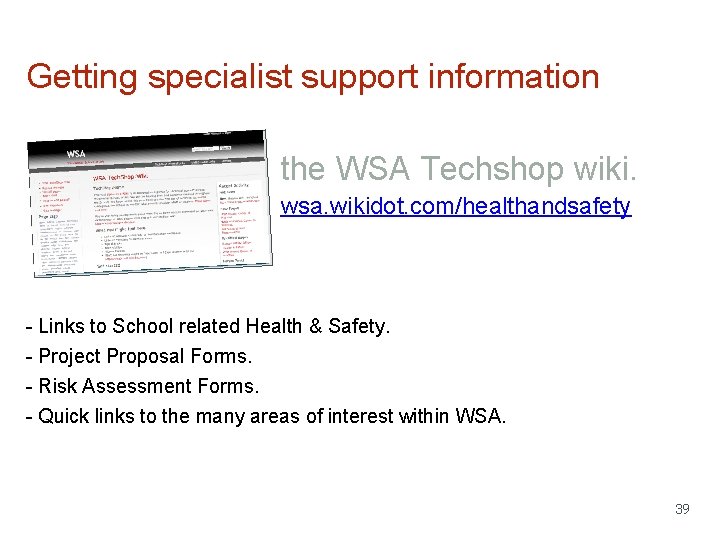
Getting specialist support information the WSA Techshop wiki. wsa. wikidot. com/healthandsafety - Links to School related Health & Safety. - Project Proposal Forms. - Risk Assessment Forms. - Quick links to the many areas of interest within WSA. 39
Winchester School of Art Technical Support Slides http: //edshare. soton. ac. uk/14795
Your Support