
Win 32 Programming Lesson 6 Everything you never
- Slides: 20
Win 32 Programming Lesson 6: Everything you never wanted to know about strings
Before We Begin o o Several of you probably had problems with character types in the last assignment, especially when reading the command line Why? Because in Windows, strings aren’t always strings (if that makes sense)
Why? o o Traditionally, a C string is a sequence of bytes, terminated by a NULL Unfortunately, this only accommodates 256 different characters, and that’s too few for some languages (Kanji being the classic example)
DBCS o o o To fix this problem DBCS was created. In a DBCS each character consists of 1 or 2 bytes This means things like strlen don’t work correctly Helper functions exist, but the solution is ugly Enter UNICODE
WBCS o o Wide Byte Character Set == Unicode Consortium founded in 1988(!) See http: //www. unicode. org for more information that you could ever want All characters are 16 bits in length
Why bother? o o o Enables easy data exchange between languages Create a single binary that supports all languages Improves execution efficiency
History o o Unicode really is much more of a Windows 2000 thing… Support in 98 was lacking However, looking to the future, we’ll ignore the old 16 -bit application space Windows CE is Unicode only
Writing Unicode Code… o o It’s possible to write pure Unicode applications using several new functions in the RTL However, you can write code which is *both* very easily using macros
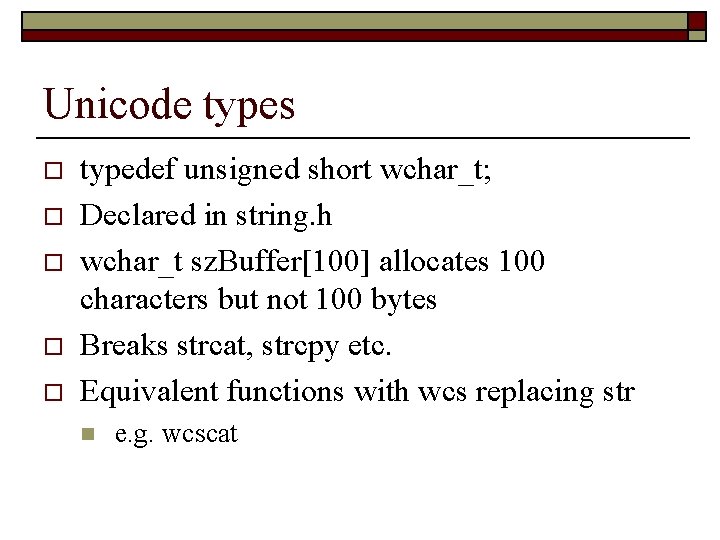
Unicode types o o o typedef unsigned short wchar_t; Declared in string. h wchar_t sz. Buffer[100] allocates 100 characters but not 100 bytes Breaks strcat, strcpy etc. Equivalent functions with wcs replacing str n e. g. wcscat
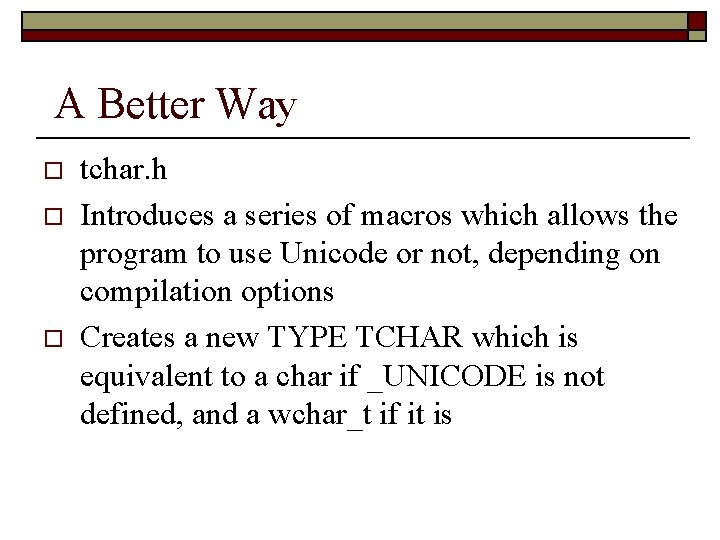
A Better Way o o o tchar. h Introduces a series of macros which allows the program to use Unicode or not, depending on compilation options Creates a new TYPE TCHAR which is equivalent to a char if _UNICODE is not defined, and a wchar_t if it is
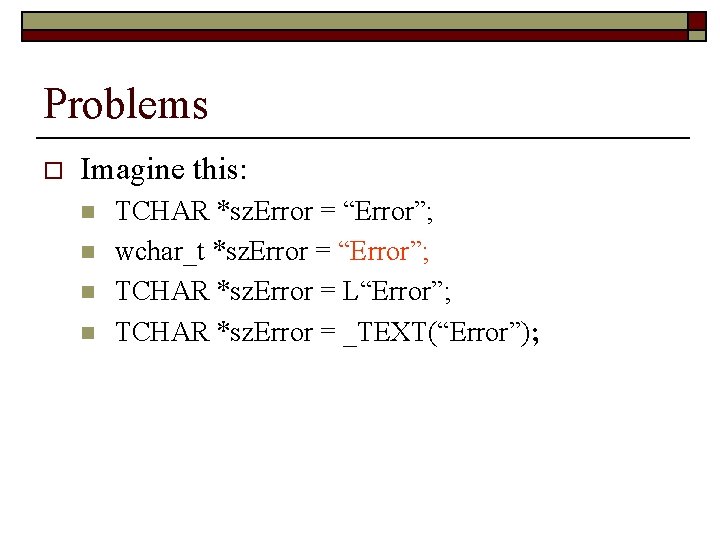
Problems o Imagine this: n n TCHAR *sz. Error = “Error”; wchar_t *sz. Error = “Error”; TCHAR *sz. Error = L“Error”; TCHAR *sz. Error = _TEXT(“Error”);
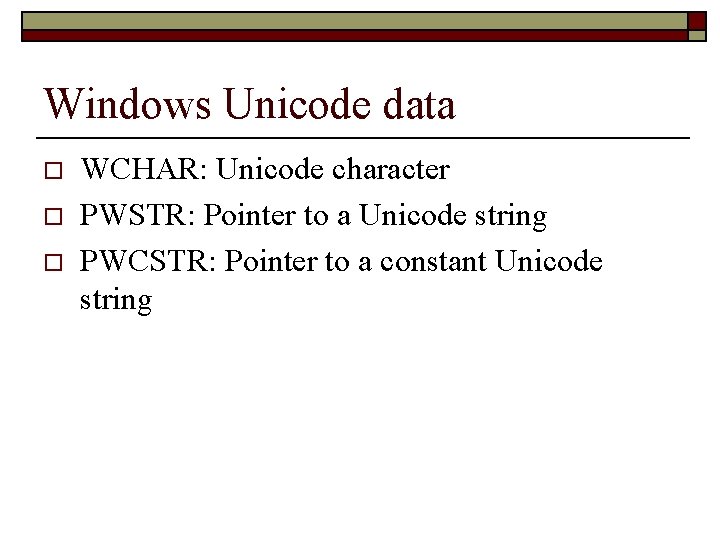
Windows Unicode data o o o WCHAR: Unicode character PWSTR: Pointer to a Unicode string PWCSTR: Pointer to a constant Unicode string
Windows API Revisited o o Create. Window. Ex doesn’t exist… Really, is Create. Window. Ex. A and Create. Window. Ex. W One is ASCII, the other is Unicode Switched in Win. User. h depending on the definition of UNICODE
Unicode Gotchas o o Use type BYTE and PBYTE to define bytes Use generic type TCHAR etc. Use the TEXT macro Beware string arithmetic… don’t think about sizeof(sz. Buffer) as the number of characters you can hold! Similarly, think about malloc
Windows functions o o Use lstrcat, lstrcmpi, lstrcpy and lstrlen instead of wcs/str counterparts Some use the Windows function Compare. String Useful for fancy language comparisons There a whole host of these functions (like Char. Lower and Char. Lower. Buff…)
Type Conversion o o o Of course, sometimes you have to convert from ASCII to Unicode in a program Use Multi. Byte. To. Wide. Char to make Wide characters Use Wide. Char. To. Multi. Byte to make regular characters
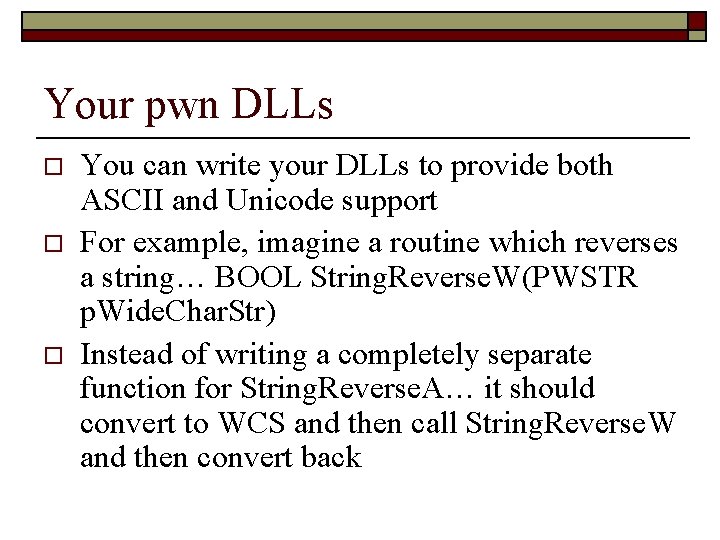
Your pwn DLLs o o o You can write your DLLs to provide both ASCII and Unicode support For example, imagine a routine which reverses a string… BOOL String. Reverse. W(PWSTR p. Wide. Char. Str) Instead of writing a completely separate function for String. Reverse. A… it should convert to WCS and then call String. Reverse. W and then convert back
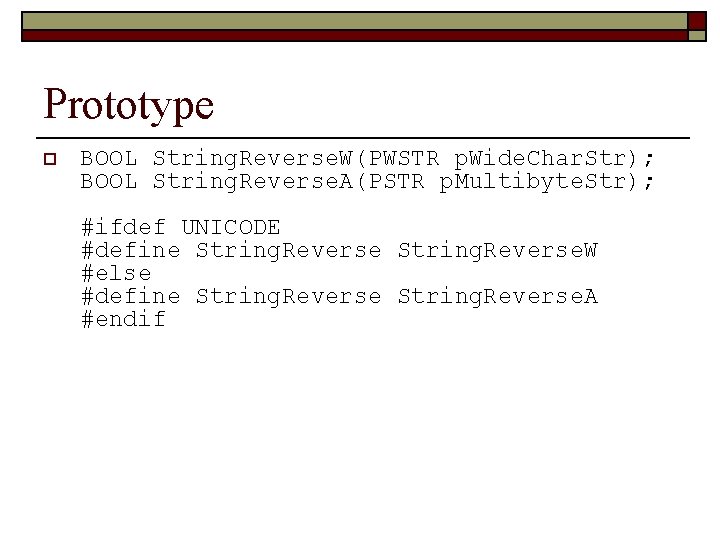
Prototype o BOOL String. Reverse. W(PWSTR p. Wide. Char. Str); BOOL String. Reverse. A(PSTR p. Multibyte. Str); #ifdef UNICODE #define String. Reverse. W #else #define String. Reverse. A #endif
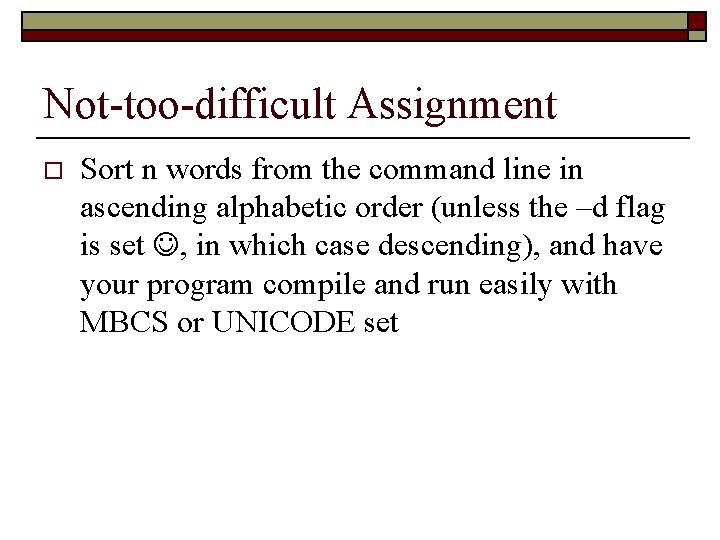
Not-too-difficult Assignment o Sort n words from the command line in ascending alphabetic order (unless the –d flag is set , in which case descending), and have your program compile and run easily with MBCS or UNICODE set
Next Class o Simple Kernel Objects…