
William Stallings Computer Organization and Architecture Chapter 9
- Slides: 29
William Stallings Computer Organization and Architecture Chapter 9 Instruction Sets: Characteristics and Functions
What is an instruction set? The complete collection of instructions that are understood by a CPU Machine Code Binary Usually represented by assembly codes
Elements of an Instruction Operation code (Op code) Do this Source Operand reference To this Result Operand reference Put the answer here Next Instruction Reference When you have done that, do this. . .
Instruction Representation In machine code each instruction has a unique bit pattern For human consumption (well, programmers anyway) a symbolic representation is used e. g. ADD, SUB, LOAD Operands can also be represented in this way ADD A, B
Instruction Types Data processing Data storage (main memory) Data movement (I/O) Program flow control
Number of Addresses (a) One way to describe the architecture of a CPU is in terms of the number of addresses per instruction 3 addresses Operand 1, Operand 2, Result a = b + c; May be a forth - next instruction (usually implicit) Not common Needs very long words to hold everything
Number of Addresses (b) 2 addresses One address doubles as operand result a = a + b Reduces length of instruction Requires some extra work Temporary storage to hold some results
Number of Addresses (c) 1 address Implicit second address Usually a register (accumulator) Common on early machines
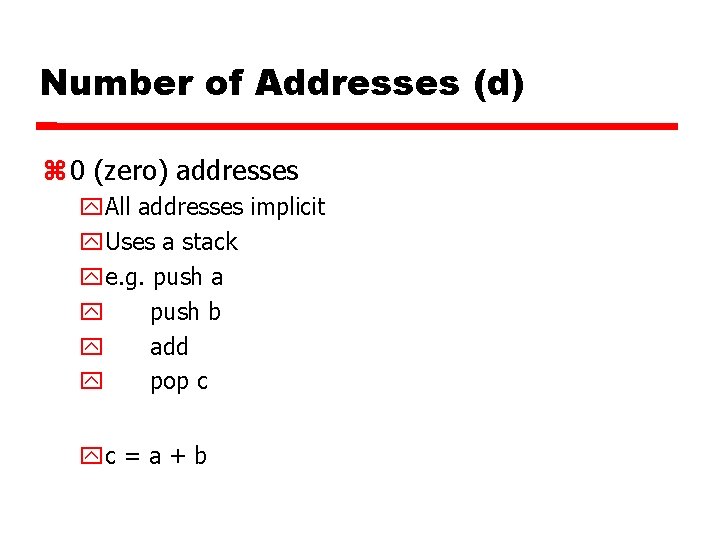
Number of Addresses (d) 0 (zero) addresses All addresses implicit Uses a stack e. g. push a push b add pop c c = a + b
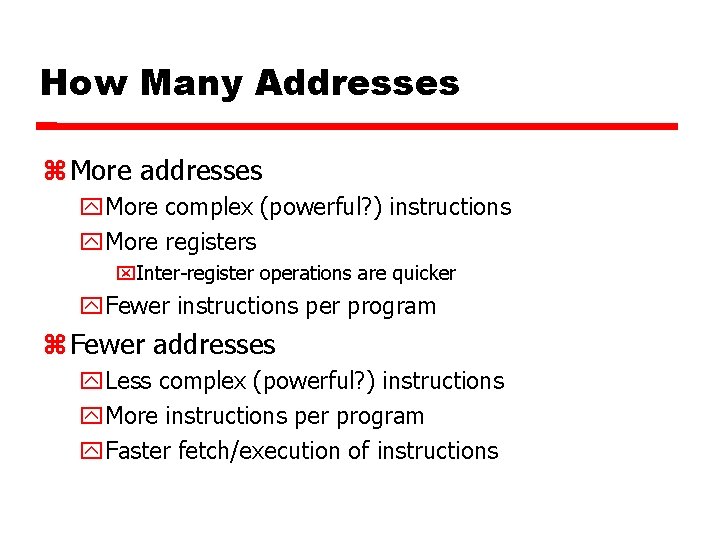
How Many Addresses More addresses More complex (powerful? ) instructions More registers Inter-register operations are quicker Fewer instructions per program Fewer addresses Less complex (powerful? ) instructions More instructions per program Faster fetch/execution of instructions
Design Decisions (1) Operation repertoire How many ops? What can they do? How complex are they? Data types Instruction formats Length of op code field Number of addresses
Design Decisions (2) Registers Number of CPU registers available Which operations can be performed on which registers? Addressing modes (later…) RISC v CISC
Types of Operand Addresses Numbers Integer/floating point Characters ASCII etc. Logical Data Bits or flags (Aside: Is there any difference between numbers and characters? Ask a C programmer!)
Pentium Data Types 8 bit Byte 16 bit word 32 bit double word 64 bit quad word Addressing is by 8 bit unit A 32 bit double word is read at addresses divisible by 4 (if not aligned then several reads are needed)
Specific Data Types General - arbitrary binary contents Integer - single binary value Ordinal - unsigned integer Unpacked BCD (binary coded decimal)- One digit per byte Packed BCD - 2 BCD digits per byte Near Pointer - 32 bit offset within segment Bit field Byte String Floating Point
Pentium Floating Point Data Types See Stallings p 324 (323 5 a ed en español)
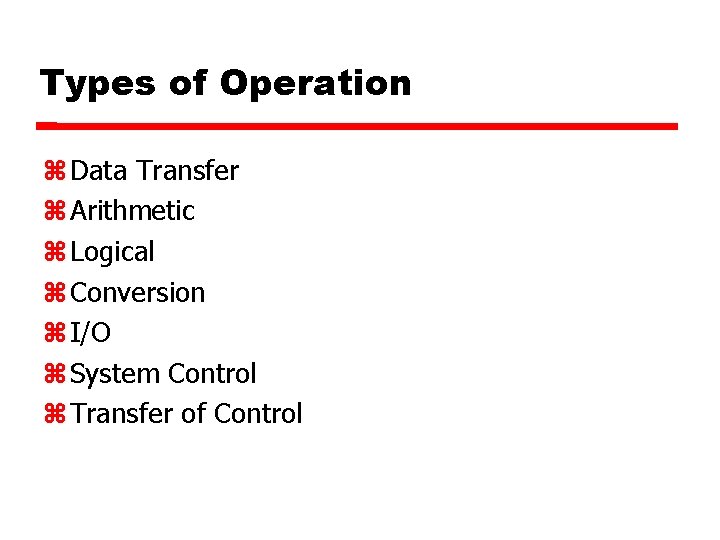
Types of Operation Data Transfer Arithmetic Logical Conversion I/O System Control Transfer of Control
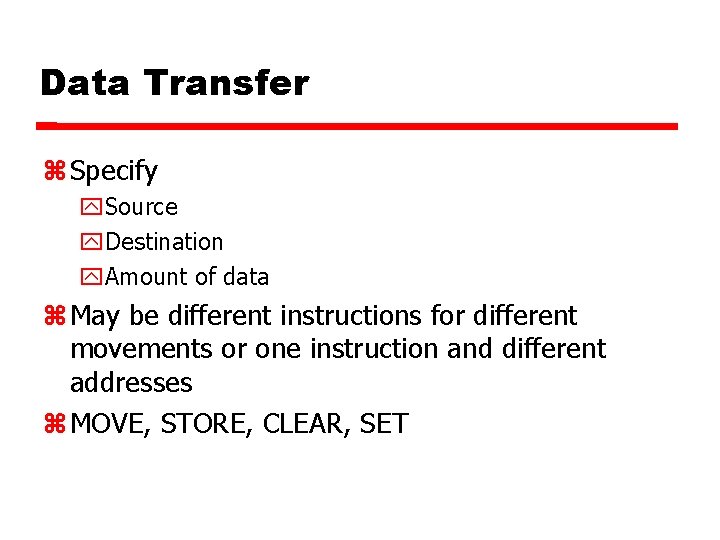
Data Transfer Specify Source Destination Amount of data May be different instructions for different movements or one instruction and different addresses MOVE, STORE, CLEAR, SET
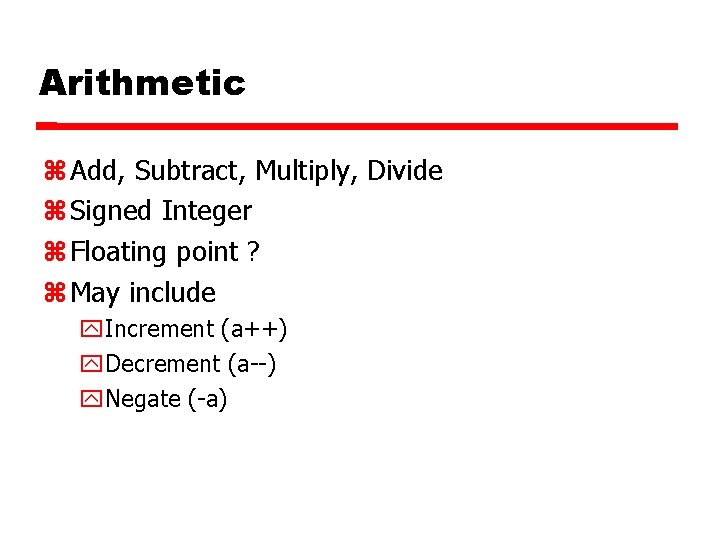
Arithmetic Add, Subtract, Multiply, Divide Signed Integer Floating point ? May include Increment (a++) Decrement (a--) Negate (-a)
Logical Bitwise operations AND, OR, NOT
Conversion E. g. Binary to Decimal (BCD)
Input/Output May be specific instructions May be done using data movement instructions (memory mapped) May be done by a separate controller (DMA)
Systems Control Privileged instructions CPU needs to be in specific state Ring 0 on 80386+ Kernel mode For operating systems use
Transfer of Control Branch e. g. branch to x if result is zero Skip e. g. increment and skip if zero ISZ Register 1 Branch xxxx Subroutine call c. f. interrupt call
Foreground Reading Pentium and Power. PC operation types Stallings p 338 et. Seq.
Byte Order (A portion of chips? ) What order do we read numbers that occupy more than one byte e. g. (numbers in hex to make it easy to read) To store 0 x 12345678 you need 4 locations of 8 bits each, what ordering do you use?
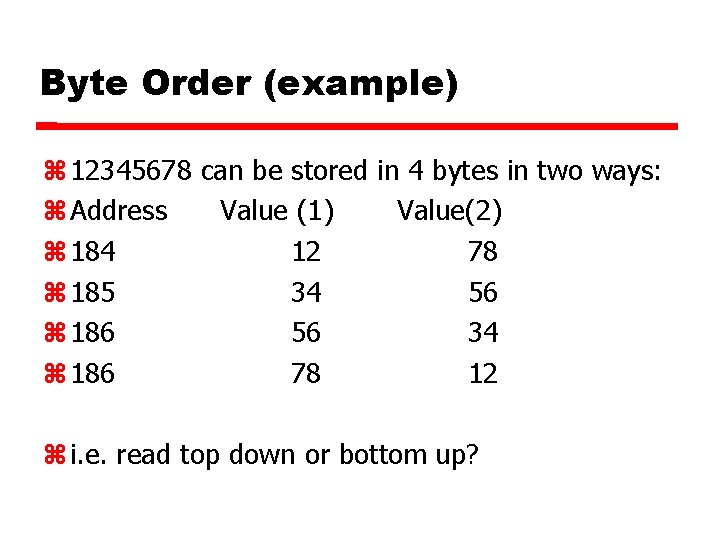
Byte Order (example) 12345678 can be stored in 4 bytes in two ways: Address Value (1) Value(2) 184 12 78 185 34 56 186 56 34 186 78 12 i. e. read top down or bottom up?
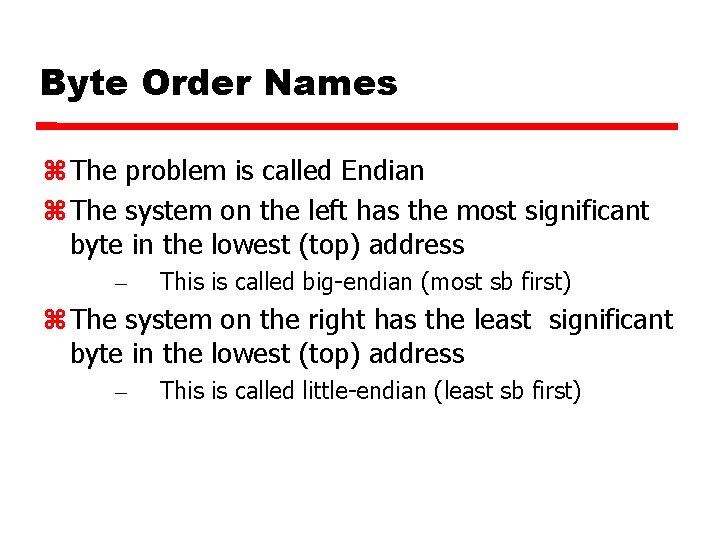
Byte Order Names The problem is called Endian The system on the left has the most significant byte in the lowest (top) address – This is called big-endian (most sb first) The system on the right has the least significant byte in the lowest (top) address – This is called little-endian (least sb first)
Standard…What Standard? Pentium (80 x 86), VAX are little-endian IBM 370, Moterola 680 x 0 (Mac), and most RISC are big-endian Internet is big-endian Makes writing Internet programs on PC more awkward! Win. Sock provides htoi and itoh (Host to Internet & Internet to Host) functions to convert