
William Stallings Computer Organization and Architecture 6 th
- Slides: 39
William Stallings Computer Organization and Architecture 6 th Edition Chapter 10 Instruction Sets: Characteristics and Functions
What is an instruction set? • The complete collection of instructions that are understood by a CPU • Machine Code • Binary • Usually represented by assembly codes
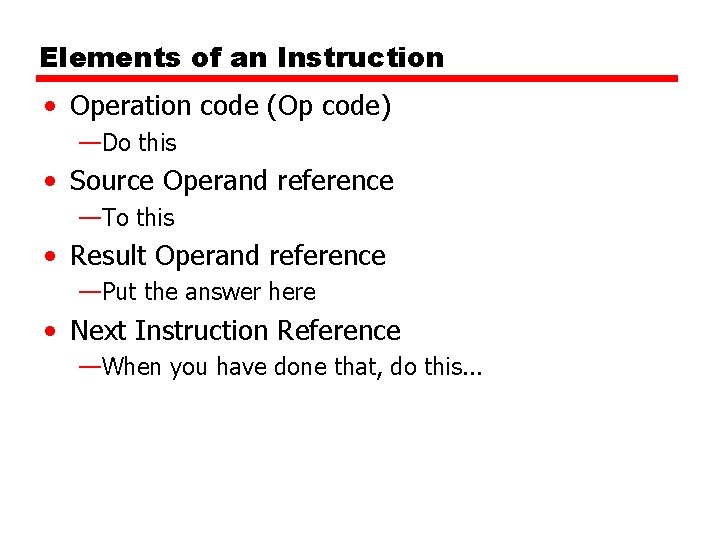
Elements of an Instruction • Operation code (Op code) —Do this • Source Operand reference —To this • Result Operand reference —Put the answer here • Next Instruction Reference —When you have done that, do this. . .
Where have all the Operands gone? • • • Long time passing…. (If you don’t understand, you’re too young!) Main memory (or virtual memory or cache) CPU register I/O device
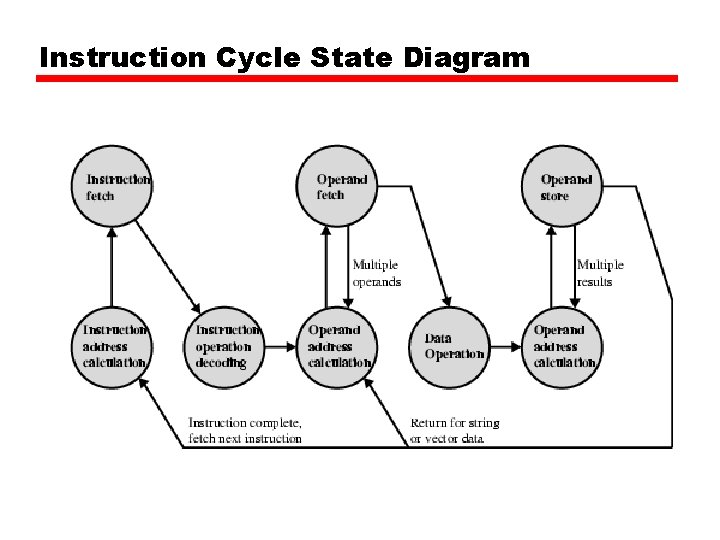
Instruction Cycle State Diagram
Instruction Representation • In machine code each instruction has a unique bit pattern • For human consumption (well, programmers anyway) a symbolic representation is used —e. g. ADD, SUB, LOAD • Operands can also be represented in this way —ADD A, B
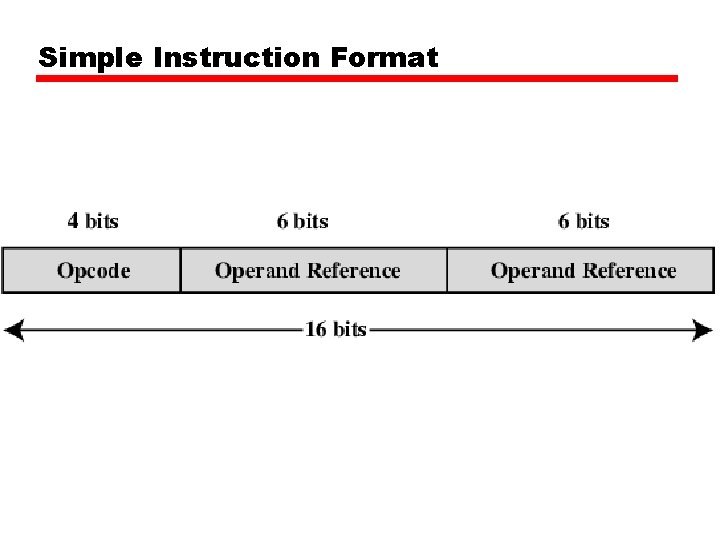
Simple Instruction Format
Instruction Types • • Data processing Data storage (main memory) Data movement (I/O) Program flow control
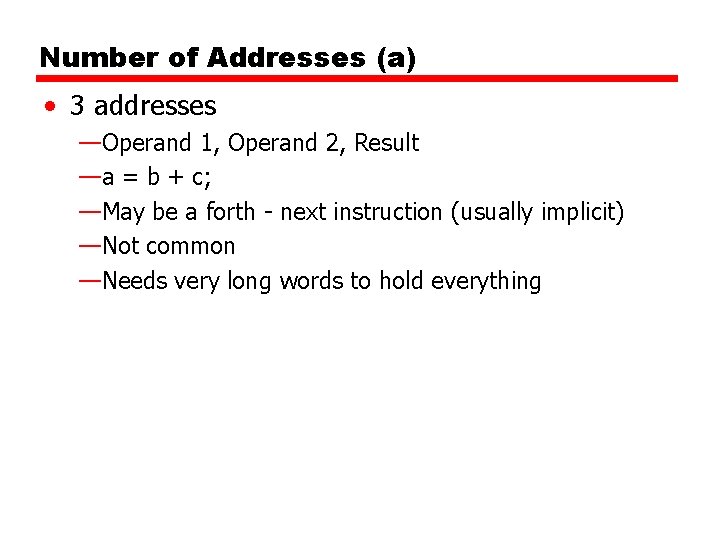
Number of Addresses (a) • 3 addresses —Operand 1, Operand 2, Result —a = b + c; —May be a forth - next instruction (usually implicit) —Not common —Needs very long words to hold everything
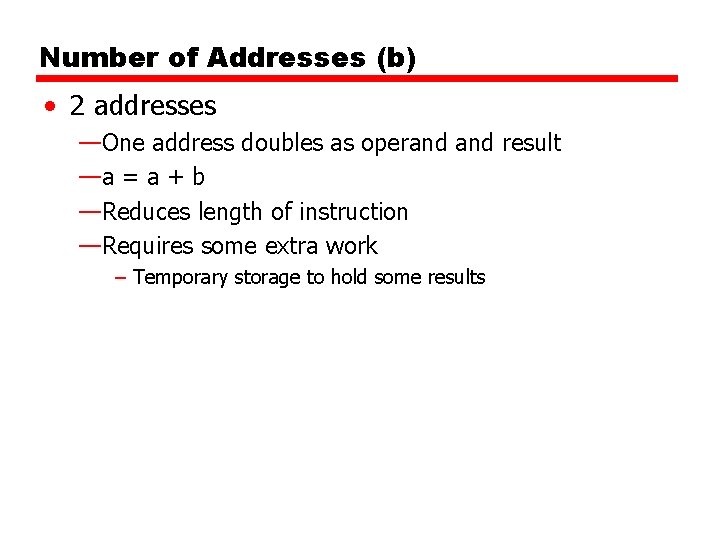
Number of Addresses (b) • 2 addresses —One address doubles as operand result —a = a + b —Reduces length of instruction —Requires some extra work – Temporary storage to hold some results
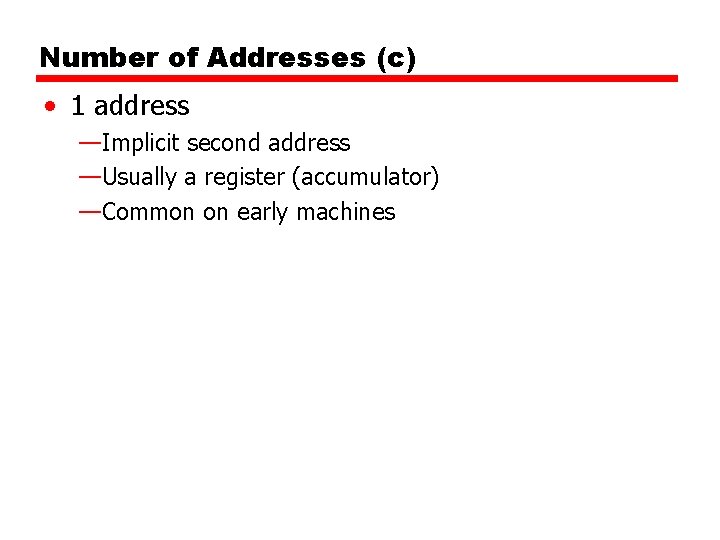
Number of Addresses (c) • 1 address —Implicit second address —Usually a register (accumulator) —Common on early machines
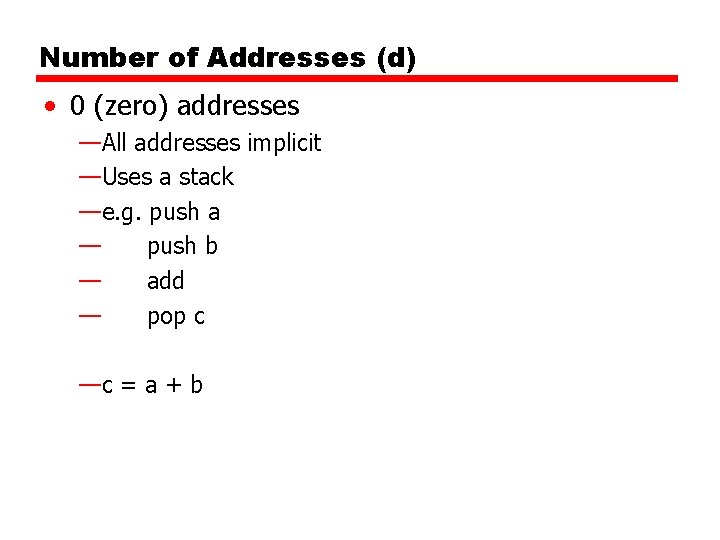
Number of Addresses (d) • 0 (zero) addresses —All addresses implicit —Uses a stack —e. g. push a — push b — add — pop c —c = a + b
How Many Addresses • More addresses —More complex (powerful? ) instructions —More registers – Inter-register operations are quicker —Fewer instructions per program • Fewer addresses —Less complex (powerful? ) instructions —More instructions per program —Faster fetch/execution of instructions
Design Decisions (1) • Operation repertoire —How many ops? —What can they do? —How complex are they? • Data types • Instruction formats —Length of op code field —Number of addresses
Design Decisions (2) • Registers —Number of CPU registers available —Which operations can be performed on which registers? • Addressing modes (later…) • RISC v CISC
Types of Operand • Addresses • Numbers —Integer/floating point • Characters —ASCII etc. • Logical Data —Bits or flags • (Aside: Is there any difference between numbers and characters? Ask a C programmer!)
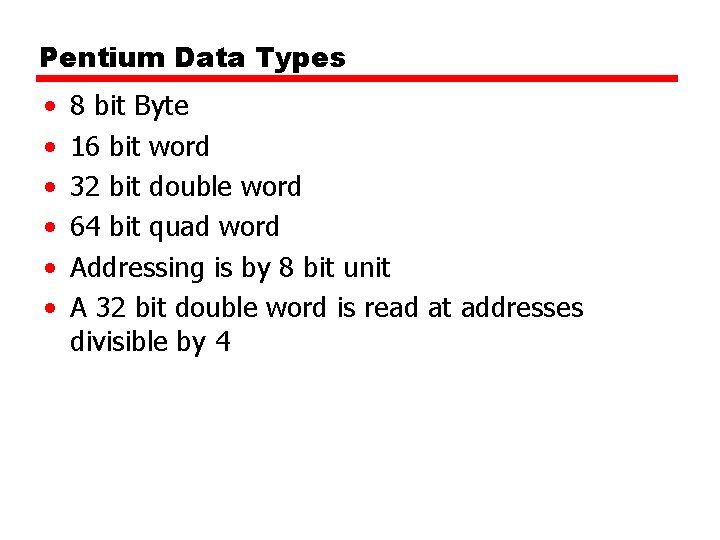
Pentium Data Types • • • 8 bit Byte 16 bit word 32 bit double word 64 bit quad word Addressing is by 8 bit unit A 32 bit double word is read at addresses divisible by 4
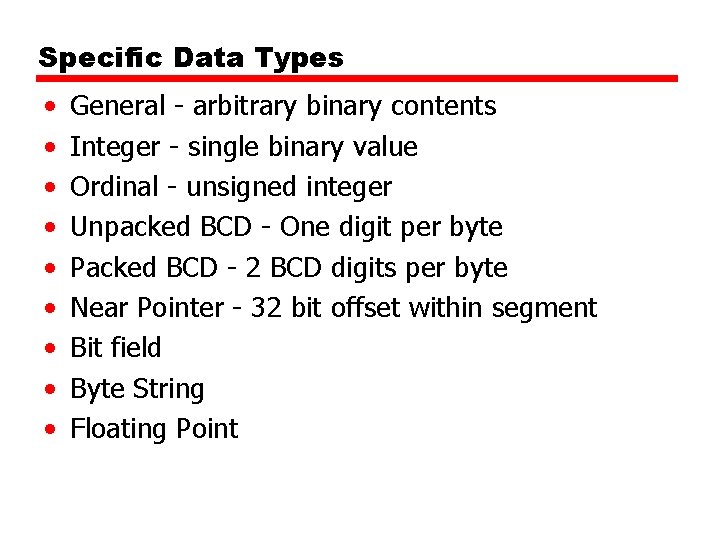
Specific Data Types • • • General - arbitrary binary contents Integer - single binary value Ordinal - unsigned integer Unpacked BCD - One digit per byte Packed BCD - 2 BCD digits per byte Near Pointer - 32 bit offset within segment Bit field Byte String Floating Point
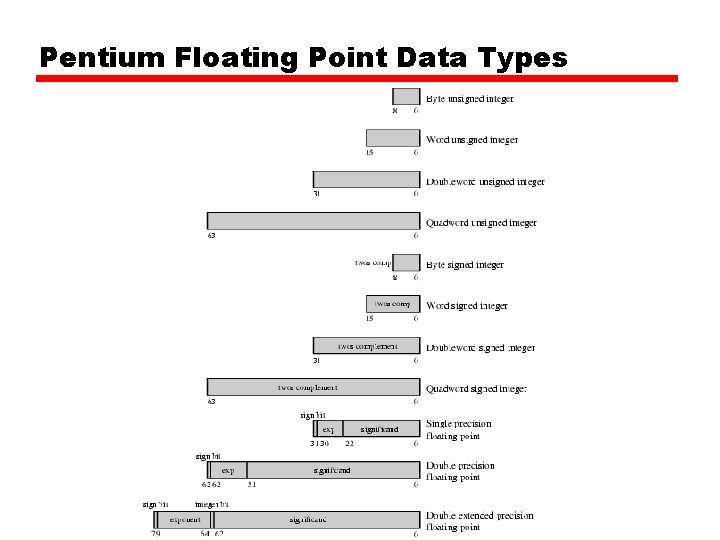
Pentium Floating Point Data Types
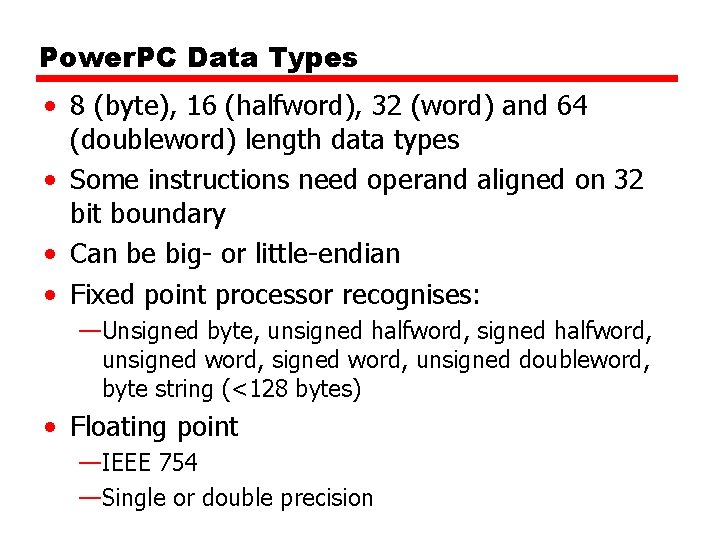
Power. PC Data Types • 8 (byte), 16 (halfword), 32 (word) and 64 (doubleword) length data types • Some instructions need operand aligned on 32 bit boundary • Can be big- or little-endian • Fixed point processor recognises: —Unsigned byte, unsigned halfword, unsigned doubleword, byte string (<128 bytes) • Floating point —IEEE 754 —Single or double precision
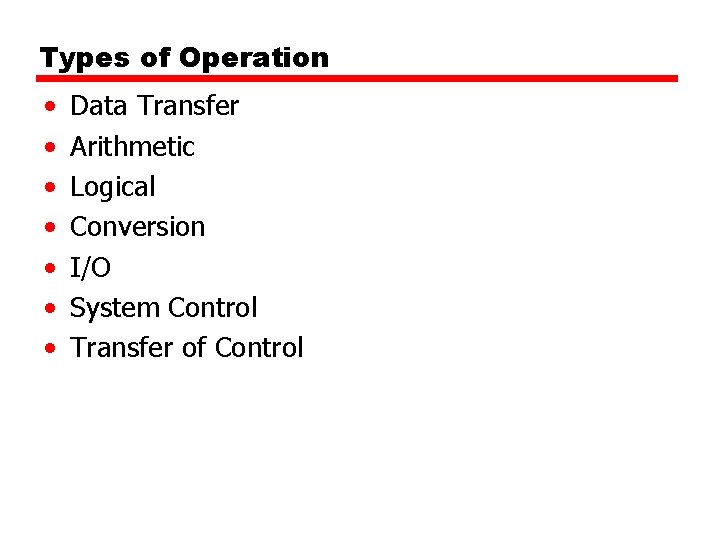
Types of Operation • • Data Transfer Arithmetic Logical Conversion I/O System Control Transfer of Control
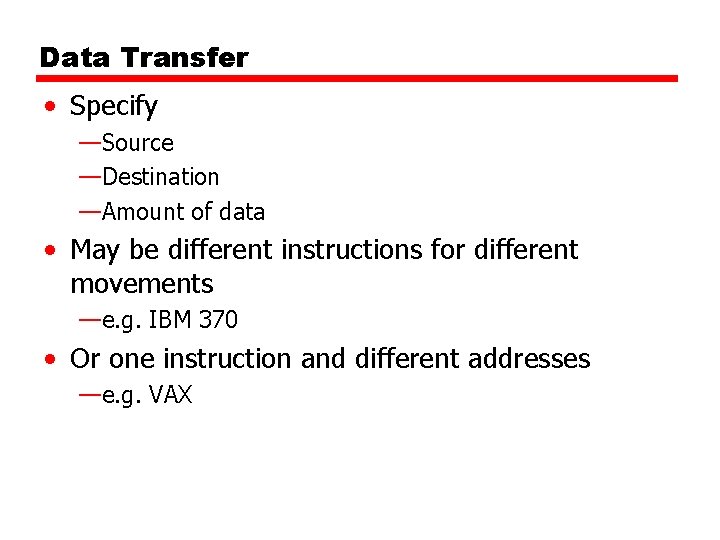
Data Transfer • Specify —Source —Destination —Amount of data • May be different instructions for different movements —e. g. IBM 370 • Or one instruction and different addresses —e. g. VAX
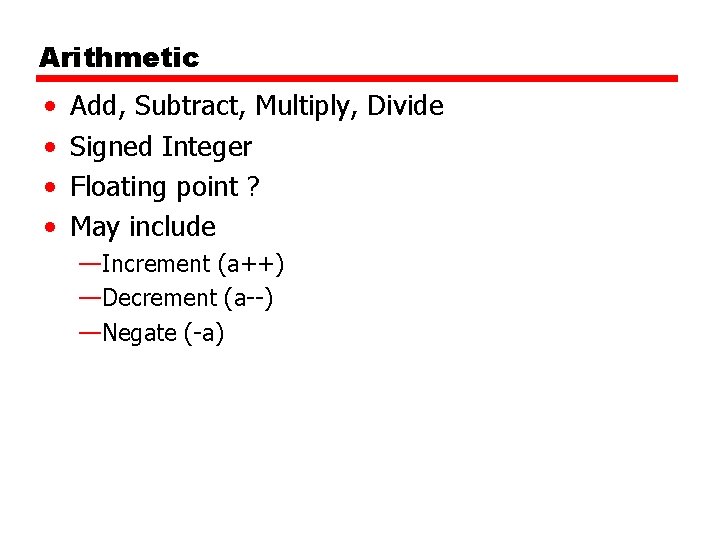
Arithmetic • • Add, Subtract, Multiply, Divide Signed Integer Floating point ? May include —Increment (a++) —Decrement (a--) —Negate (-a)
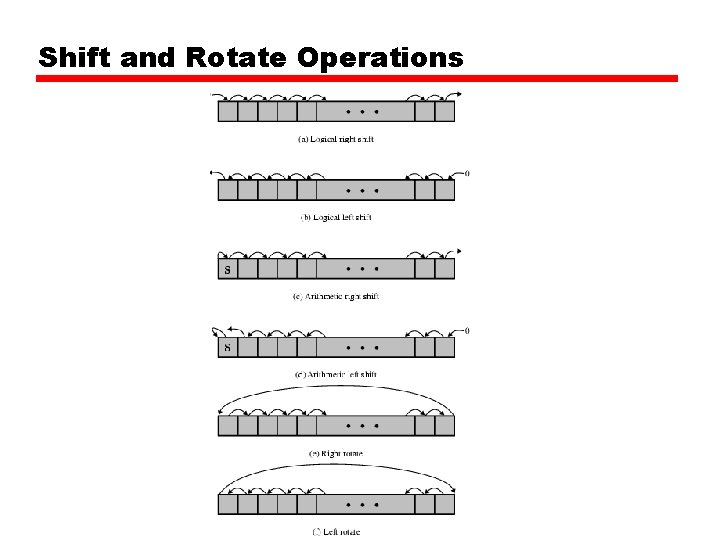
Shift and Rotate Operations
Logical • Bitwise operations • AND, OR, NOT
Conversion • E. g. Binary to Decimal
Input/Output • May be specific instructions • May be done using data movement instructions (memory mapped) • May be done by a separate controller (DMA)
Systems Control • Privileged instructions • CPU needs to be in specific state —Ring 0 on 80386+ —Kernel mode • For operating systems use
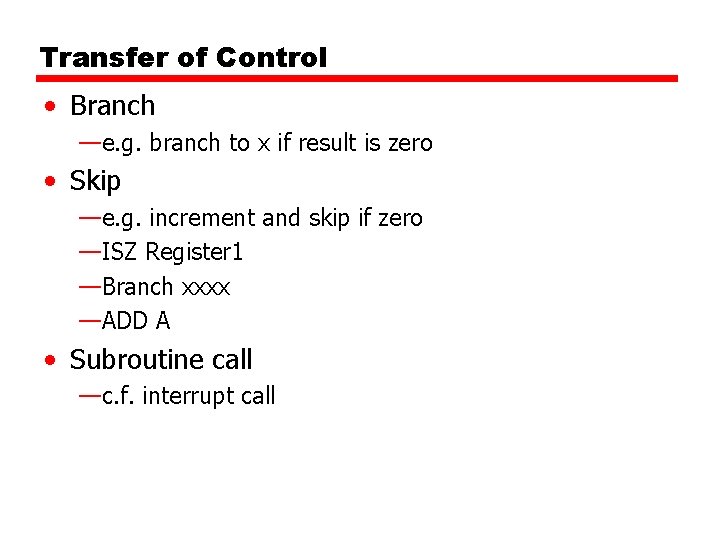
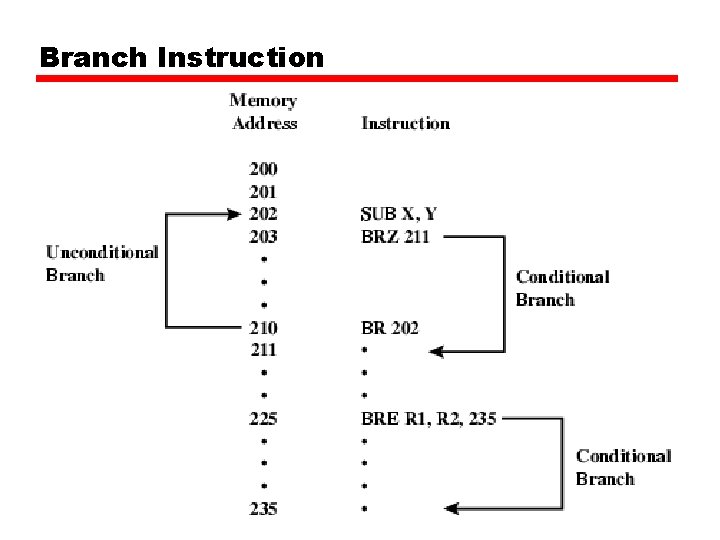
Transfer of Control • Branch —e. g. branch to x if result is zero • Skip —e. g. increment and skip if zero —ISZ Register 1 —Branch xxxx —ADD A • Subroutine call —c. f. interrupt call
Branch Instruction
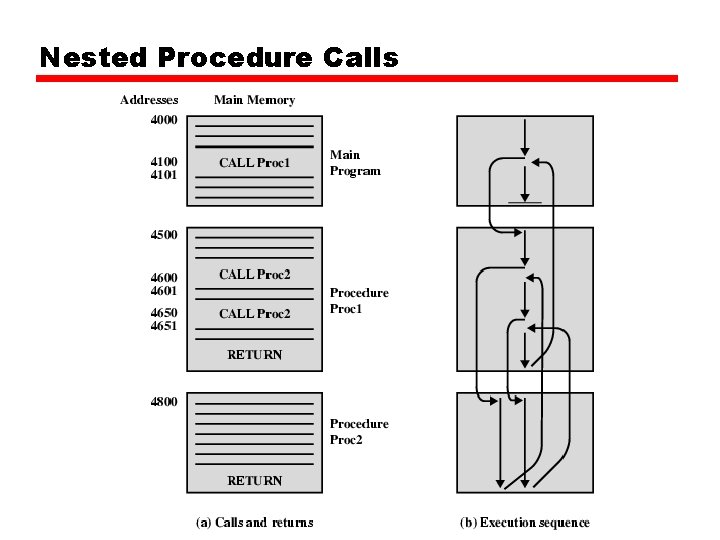
Nested Procedure Calls
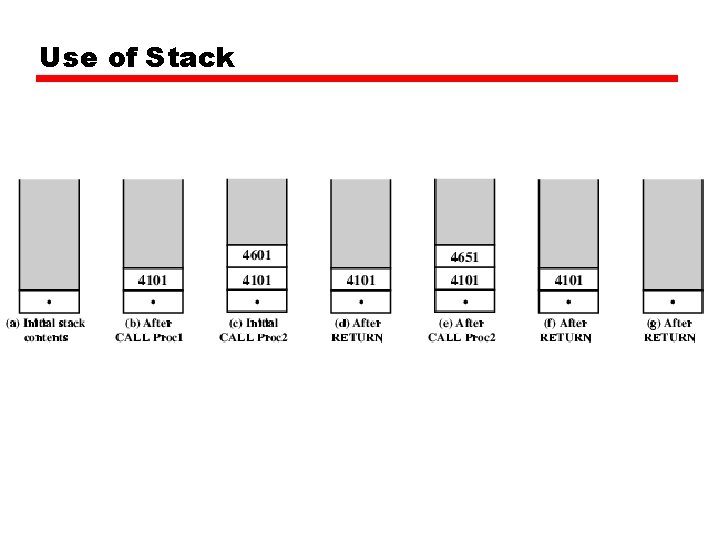
Use of Stack
Exercise For Reader • Find out about instruction set for Pentium and Power. PC • Start with Stallings • Visit web sites
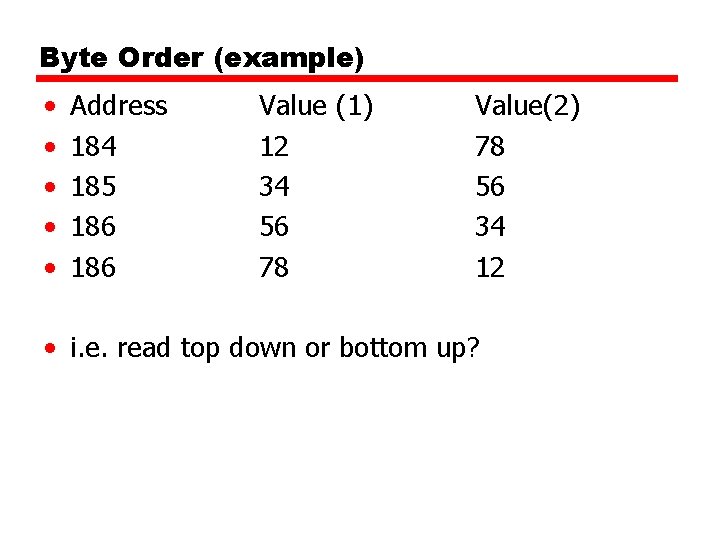
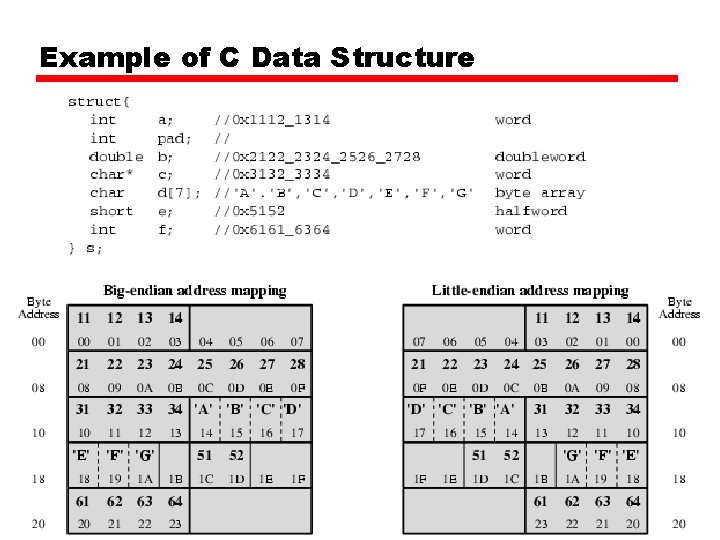
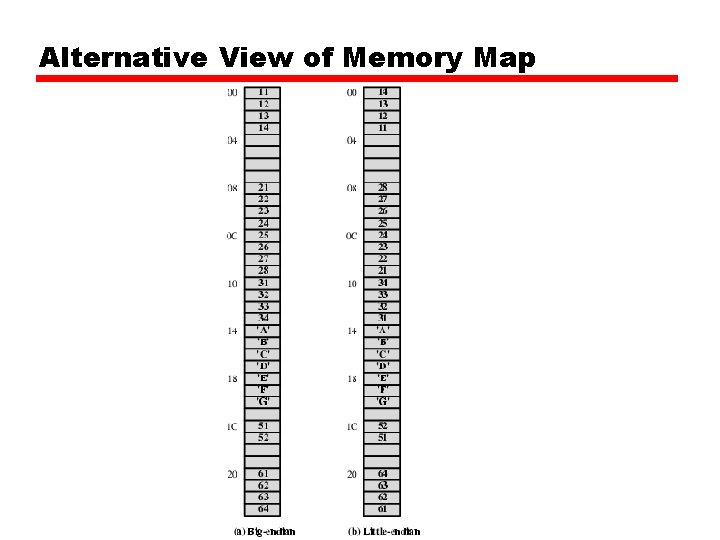
Byte Order (A portion of chips? ) • What order do we read numbers that occupy more than one byte • e. g. (numbers in hex to make it easy to read) • 12345678 can be stored in 4 x 8 bit locations as follows
Byte Order (example) • • • Address 184 185 186 Value (1) 12 34 56 78 Value(2) 78 56 34 12 • i. e. read top down or bottom up?
Byte Order Names • The problem is called Endian • The system on the left has the least significant byte in the lowest address • This is called big-endian • The system on the right has the least significant byte in the highest address • This is called little-endian
Example of C Data Structure
Alternative View of Memory Map
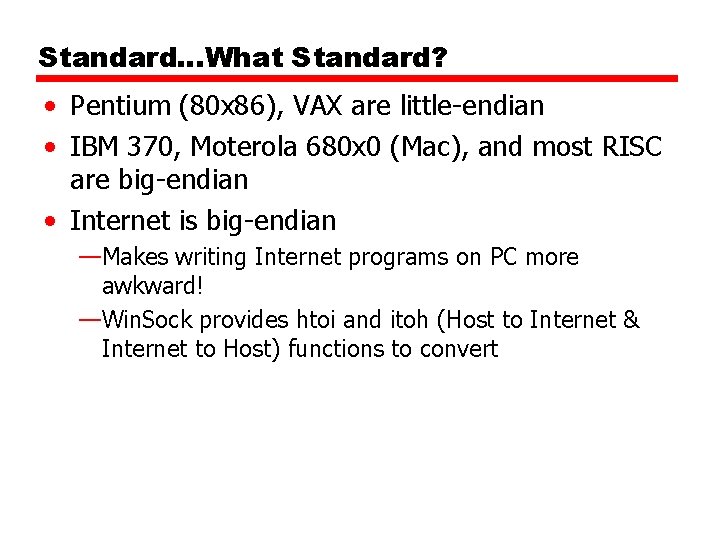
Standard…What Standard? • Pentium (80 x 86), VAX are little-endian • IBM 370, Moterola 680 x 0 (Mac), and most RISC are big-endian • Internet is big-endian —Makes writing Internet programs on PC more awkward! —Win. Sock provides htoi and itoh (Host to Internet & Internet to Host) functions to convert