
Willards Elementary Remote Learning Option 1 Access learning
- Slides: 3
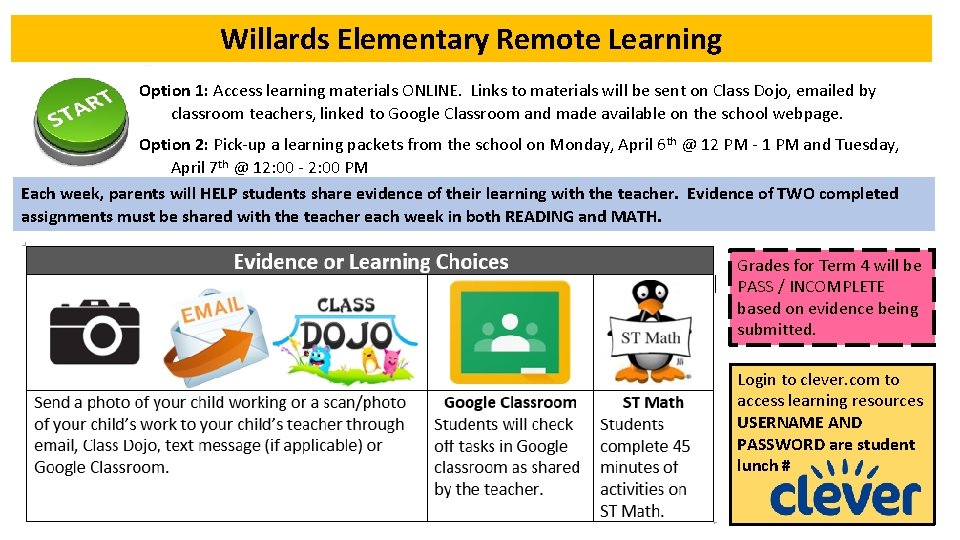
Willards Elementary Remote Learning Option 1: Access learning materials ONLINE. Links to materials will be sent on Class Dojo, emailed by classroom teachers, linked to Google Classroom and made available on the school webpage. Option 2: Pick-up a learning packets from the school on Monday, April 6 th @ 12 PM - 1 PM and Tuesday, April 7 th @ 12: 00 - 2: 00 PM Each week, parents will HELP students share evidence of their learning with the teacher. Evidence of TWO completed assignments must be shared with the teacher each week in both READING and MATH. Grades for Term 4 will be PASS / INCOMPLETE based on evidence being submitted. Login to clever. com to access learning resources USERNAME AND PASSWORD are student lunch #
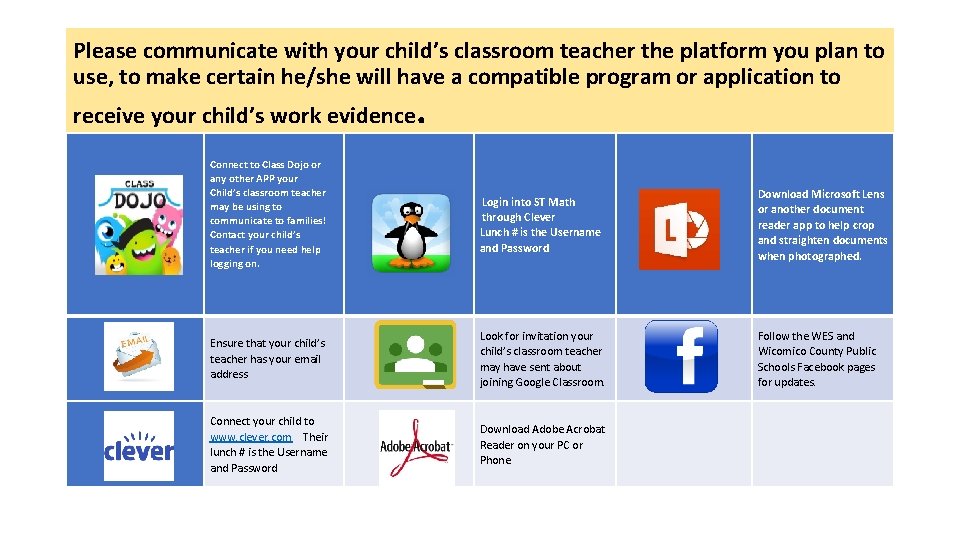
Please communicate with your child’s classroom teacher the platform you plan to use, to make certain he/she will have a compatible program or application to receive your child’s work evidence Connect to Class Dojo or any other APP your Child’s classroom teacher may be using to communicate to families! Contact your child’s teacher if you need help logging on. . Login into ST Math through Clever Lunch # is the Username and Password Download Microsoft Lens or another document reader app to help crop and straighten documents when photographed. Ensure that your child’s teacher has your email address Look for invitation your child’s classroom teacher may have sent about joining Google Classroom. Follow the WES and Wicomico County Public Schools Facebook pages for updates. Connect your child to www. clever. com Their lunch # is the Username and Password Download Adobe Acrobat Reader on your PC or Phone
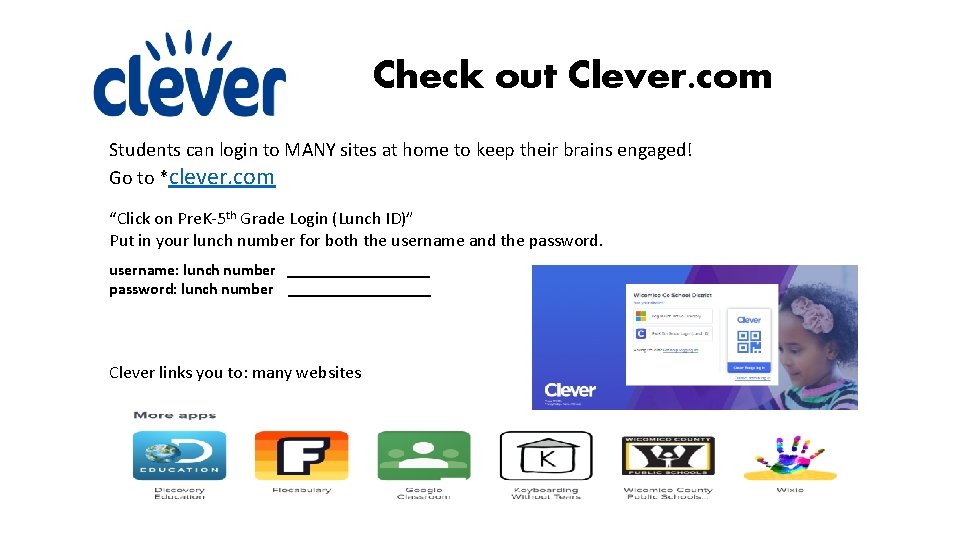
Check out Clever. com Students can login to MANY sites at home to keep their brains engaged! Go to *clever. com “Click on Pre. K-5 th Grade Login (Lunch ID)” Put in your lunch number for both the username and the password. username: lunch number _________ password: lunch number _________ Clever links you to: many websites