
Widening the web Poster by Bruce Darby University
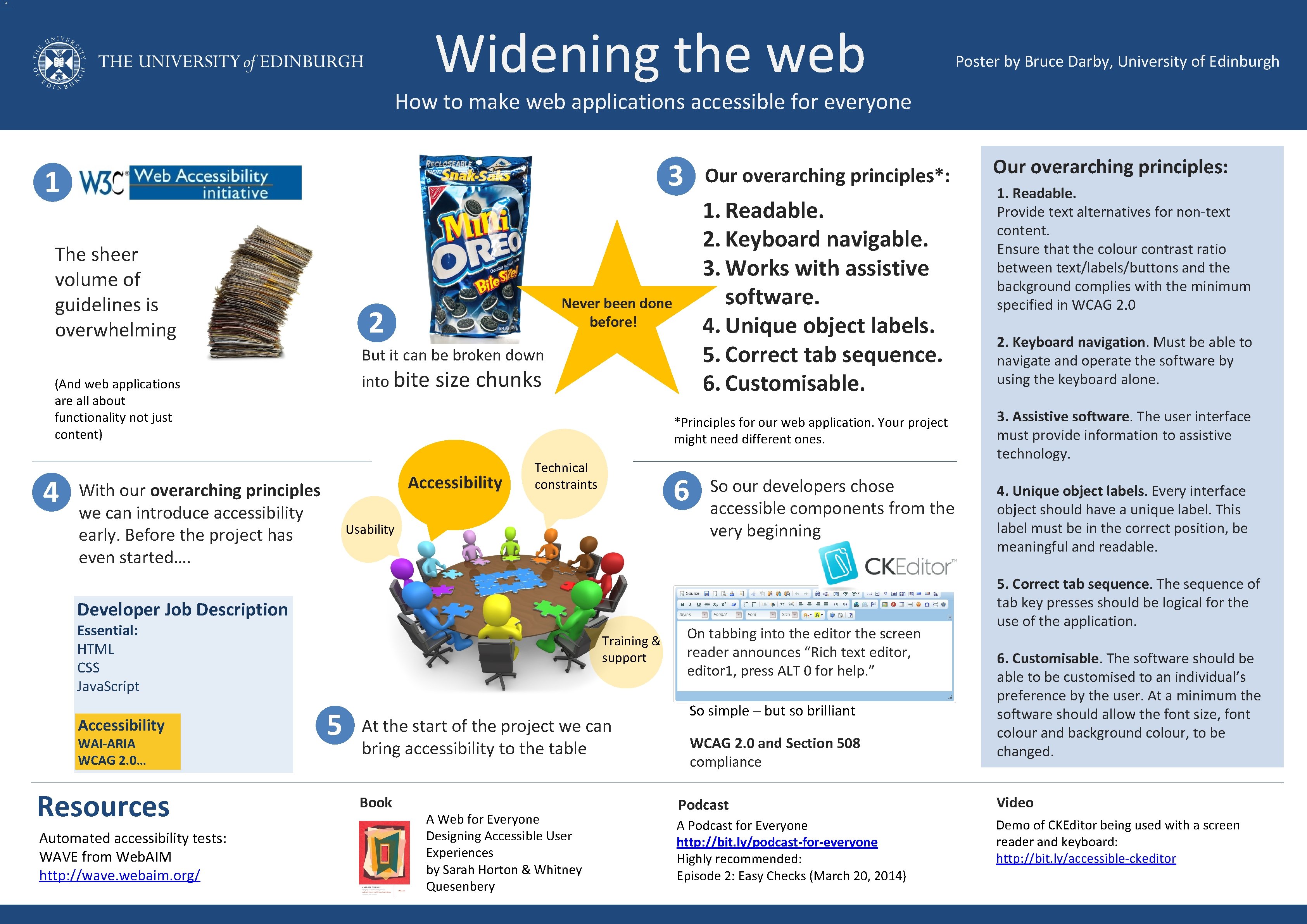
Widening the web Poster by Bruce Darby, University of Edinburgh How to make web applications accessible for everyone 3 1 The sheer volume of guidelines is overwhelming Our overarching principles*: 1. Readable. 2. Keyboard navigable. 3. Works with assistive software. 4. Unique object labels. 5. Correct tab sequence. 6. Customisable. Never been done before! 2 But it can be broken down into bite (And web applications are all about functionality not just content) 4 size chunks *Principles for our web application. Your project might need different ones. Accessibility With our overarching principles we can introduce accessibility early. Before the project has even started…. Technical constraints 6 Usability So our developers chose accessible components from the very beginning Developer Job Description Essential: HTML CSS Java. Script Accessibility WAI-ARIA WCAG 2. 0… Resources Automated accessibility tests: WAVE from Web. AIM http: //wave. webaim. org/ Training & support 5 At the start of the project we can bring accessibility to the table Book A Web for Everyone Designing Accessible User Experiences by Sarah Horton & Whitney Quesenbery On tabbing into the editor the screen reader announces “Rich text editor, editor 1, press ALT 0 for help. ” So simple – but so brilliant WCAG 2. 0 and Section 508 compliance Our overarching principles: 1. Readable. Provide text alternatives for non-text content. Ensure that the colour contrast ratio between text/labels/buttons and the background complies with the minimum specified in WCAG 2. 0 2. Keyboard navigation. Must be able to navigate and operate the software by using the keyboard alone. 3. Assistive software. The user interface must provide information to assistive technology. 4. Unique object labels. Every interface object should have a unique label. This label must be in the correct position, be meaningful and readable. 5. Correct tab sequence. The sequence of tab key presses should be logical for the use of the application. 6. Customisable. The software should be able to be customised to an individual’s preference by the user. At a minimum the software should allow the font size, font colour and background colour, to be changed. Podcast Video A Podcast for Everyone http: //bit. ly/podcast-for-everyone Highly recommended: Episode 2: Easy Checks (March 20, 2014) Demo of CKEditor being used with a screen reader and keyboard: http: //bit. ly/accessible-ckeditor
- Slides: 1