
Why Write Methods Methods are commonly used to
- Slides: 18
Why Write Methods? • Methods are commonly used to break a problem down into small manageable pieces. This is called divide and conquer. • Methods simplify programs. If a specific task is performed in several places in the program, a method can be written once to perform that task, and then be executed anytime it is needed. This is known as code reuse. Copyright © 2008 Pearson Education, Inc. Publishing as Pearson Addison-Wesley 5 -1
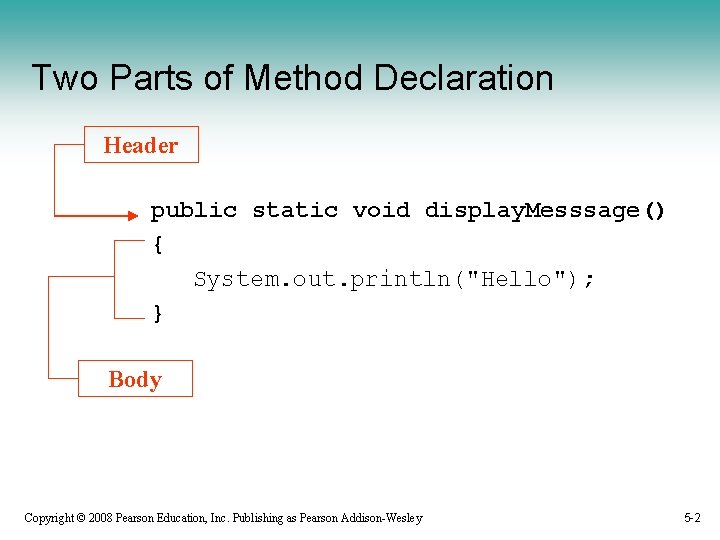
Two Parts of Method Declaration Header public static void display. Messsage() { System. out. println("Hello"); } Body Copyright © 2008 Pearson Education, Inc. Publishing as Pearson Addison-Wesley 5 -2
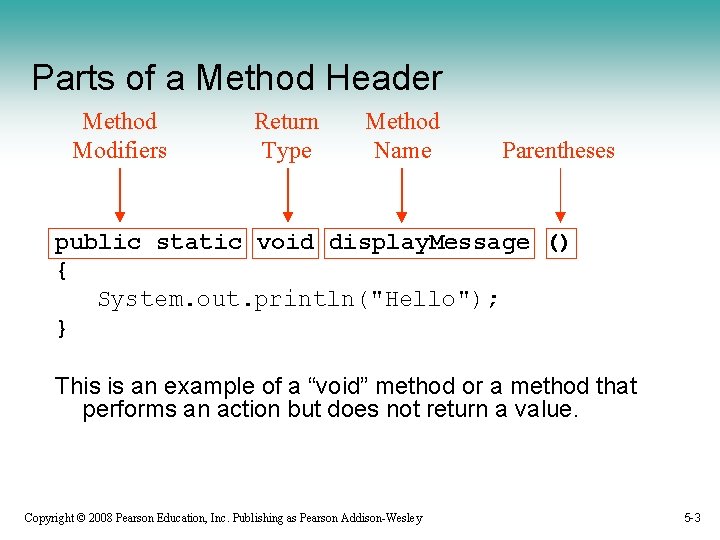
Parts of a Method Header Method Modifiers Return Type Method Name Parentheses public static void display. Message () { System. out. println("Hello"); } This is an example of a “void” method or a method that performs an action but does not return a value. Copyright © 2008 Pearson Education, Inc. Publishing as Pearson Addison-Wesley 5 -3
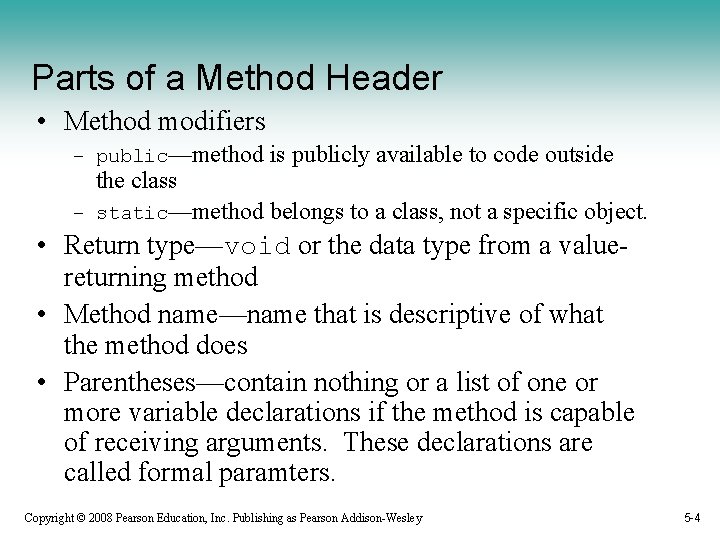
Parts of a Method Header • Method modifiers – public—method is publicly available to code outside the class – static—method belongs to a class, not a specific object. • Return type—void or the data type from a valuereturning method • Method name—name that is descriptive of what the method does • Parentheses—contain nothing or a list of one or more variable declarations if the method is capable of receiving arguments. These declarations are called formal paramters. Copyright © 2008 Pearson Education, Inc. Publishing as Pearson Addison-Wesley 5 -4
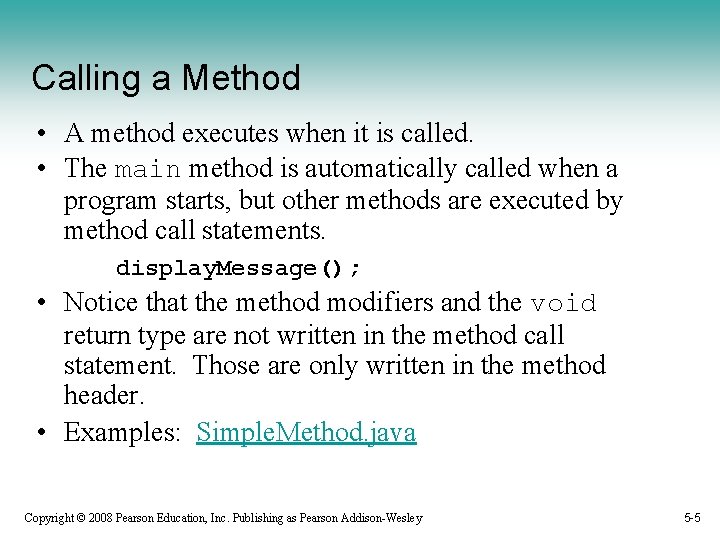
Calling a Method • A method executes when it is called. • The main method is automatically called when a program starts, but other methods are executed by method call statements. display. Message(); • Notice that the method modifiers and the void return type are not written in the method call statement. Those are only written in the method header. • Examples: Simple. Method. java Copyright © 2008 Pearson Education, Inc. Publishing as Pearson Addison-Wesley 5 -5
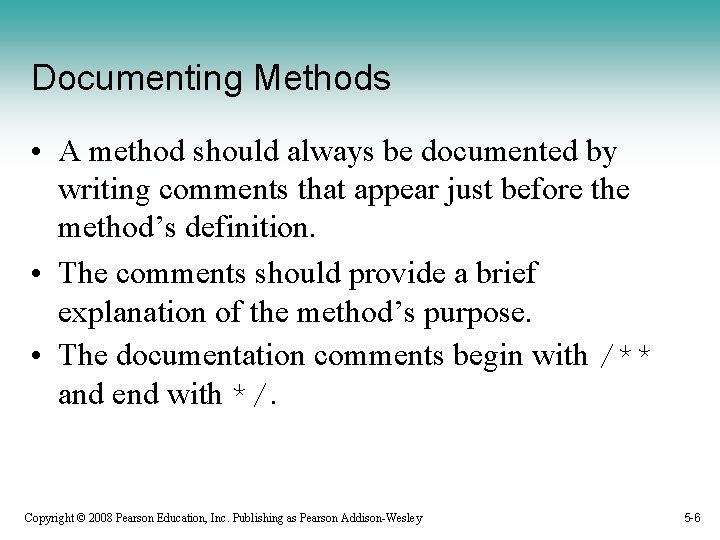
Documenting Methods • A method should always be documented by writing comments that appear just before the method’s definition. • The comments should provide a brief explanation of the method’s purpose. • The documentation comments begin with /** and end with */. Copyright © 2008 Pearson Education, Inc. Publishing as Pearson Addison-Wesley 5 -6
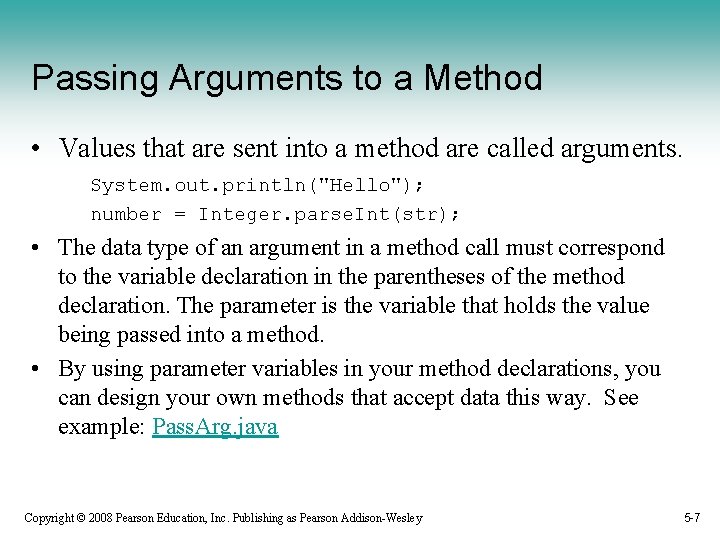
Passing Arguments to a Method • Values that are sent into a method are called arguments. System. out. println("Hello"); number = Integer. parse. Int(str); • The data type of an argument in a method call must correspond to the variable declaration in the parentheses of the method declaration. The parameter is the variable that holds the value being passed into a method. • By using parameter variables in your method declarations, you can design your own methods that accept data this way. See example: Pass. Arg. java Copyright © 2008 Pearson Education, Inc. Publishing as Pearson Addison-Wesley 5 -7
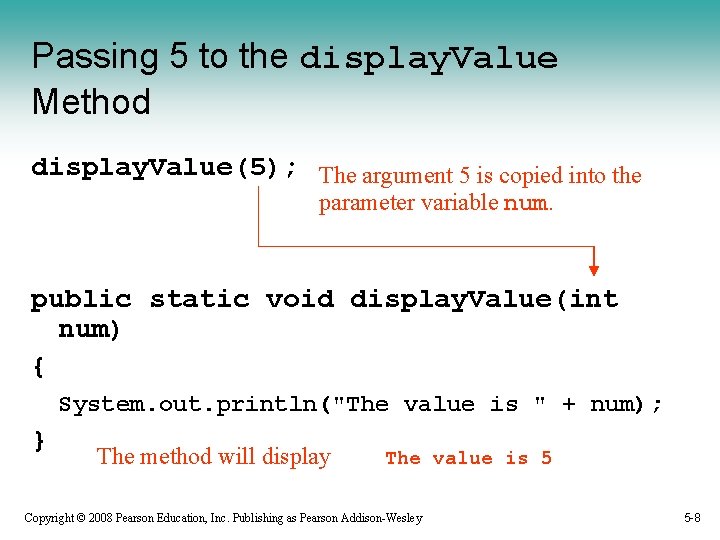
Passing 5 to the display. Value Method display. Value(5); The argument 5 is copied into the parameter variable num. public static void display. Value(int num) { System. out. println("The value is " + num); } The method will display The value is 5 Copyright © 2008 Pearson Education, Inc. Publishing as Pearson Addison-Wesley 5 -8
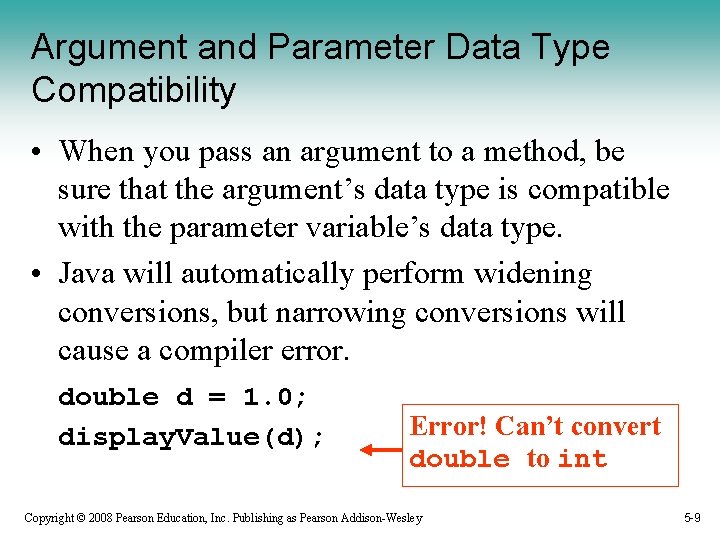
Argument and Parameter Data Type Compatibility • When you pass an argument to a method, be sure that the argument’s data type is compatible with the parameter variable’s data type. • Java will automatically perform widening conversions, but narrowing conversions will cause a compiler error. double d = 1. 0; display. Value(d); Error! Can’t convert double to int Copyright © 2008 Pearson Education, Inc. Publishing as Pearson Addison-Wesley 5 -9
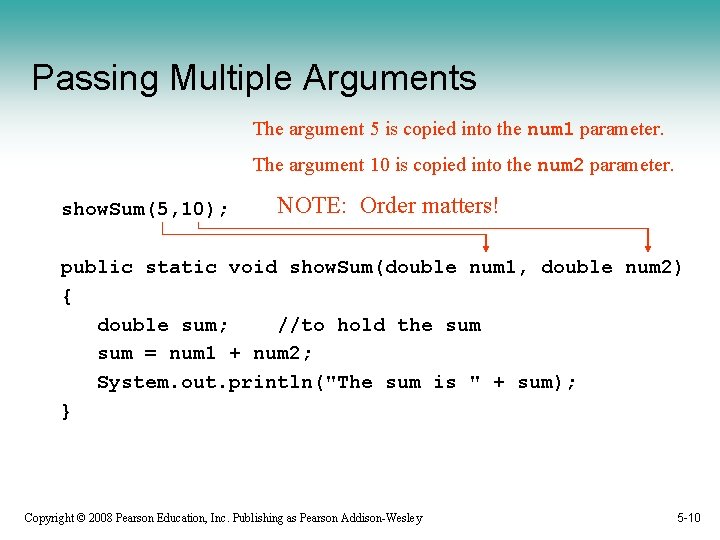
Passing Multiple Arguments The argument 5 is copied into the num 1 parameter. The argument 10 is copied into the num 2 parameter. show. Sum(5, 10); NOTE: Order matters! public static void show. Sum(double num 1, double num 2) { double sum; //to hold the sum = num 1 + num 2; System. out. println("The sum is " + sum); } Copyright © 2008 Pearson Education, Inc. Publishing as Pearson Addison-Wesley 5 -10
Arguments are Passed by Value • In Java, all arguments of the primitive data types are passed by value, which means that only a copy of an argument’s value is passed into a parameter variable. • A method’s parameter variables are separate and distinct from the arguments that are listed inside the parentheses of a method call. • If a parameter variable is changed inside a method, it has no affect on the original argument. • See example: Pass. By. Value. java Copyright © 2008 Pearson Education, Inc. Publishing as Pearson Addison-Wesley 5 -11
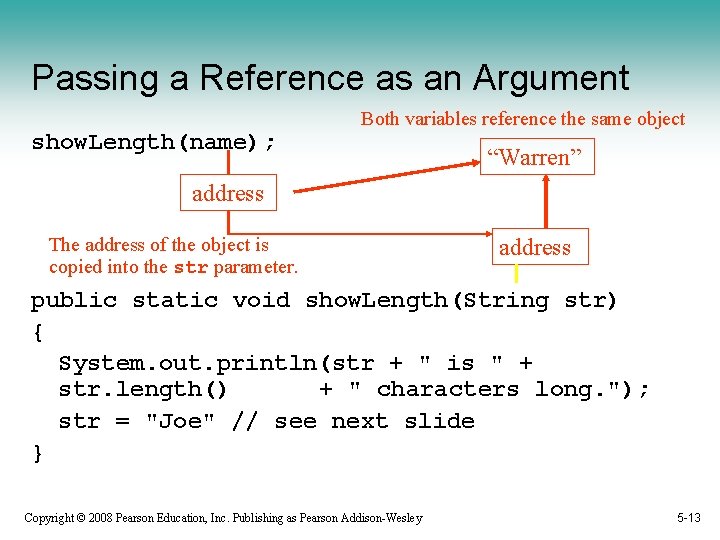
Passing String Object References to a Method • Recall that a class type variable does not hold the actual data item that is associated with it, but holds the memory address of the object. A variable associated with an object is called a reference variable. • When an object such as a String is passed as an argument, it is actually a reference to the object that is passed. Copyright © 2008 Pearson Education, Inc. Publishing as Pearson Addison-Wesley 5 -12
Passing a Reference as an Argument show. Length(name); Both variables reference the same object “Warren” address The address of the object is copied into the str parameter. address public static void show. Length(String str) { System. out. println(str + " is " + str. length() + " characters long. "); str = "Joe" // see next slide } Copyright © 2008 Pearson Education, Inc. Publishing as Pearson Addison-Wesley 5 -13
@param Tag in Documentation Comments • You can provide a description of each parameter in your documentation comments by using the @param tag. • General format @parameter. Name Description • See example: Two. Args 2. java • All @param tags in a method’s documentation comment must appear after the general description. The description can span several lines. Copyright © 2008 Pearson Education, Inc. Publishing as Pearson Addison-Wesley 5 -14
More About Local Variables • A local variable is declared inside a method and is not accessible to statements outside the method. • Different methods can have local variables with the same names because the methods cannot see each other’s local variables. • A method’s local variables exist only while the method is executing. When the method ends, the local variables and parameter variables are destroyed any values stored are lost. • Local variables are not automatically initialized with a default value and must be given a value before they can be used. • See example: Local. Vars. java Copyright © 2008 Pearson Education, Inc. Publishing as Pearson Addison-Wesley 5 -15
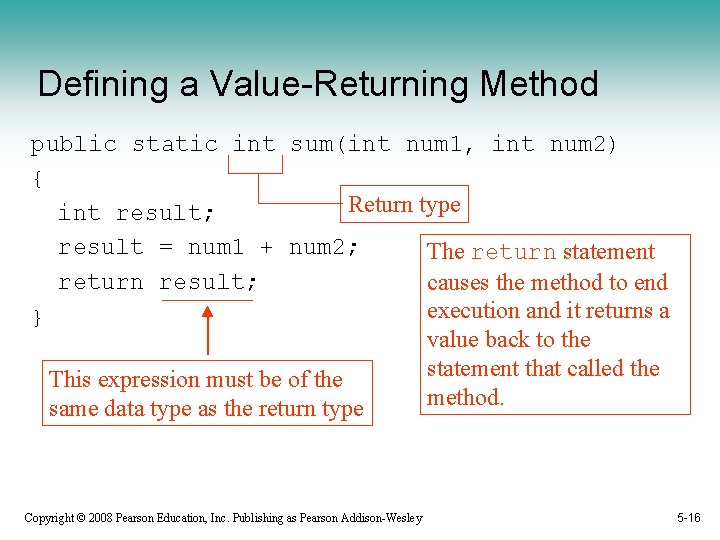
Defining a Value-Returning Method public static int sum(int num 1, int num 2) { Return type int result; result = num 1 + num 2; The return statement return result; causes the method to end execution and it returns a } value back to the statement that called the This expression must be of the method. same data type as the return type Copyright © 2008 Pearson Education, Inc. Publishing as Pearson Addison-Wesley 5 -16
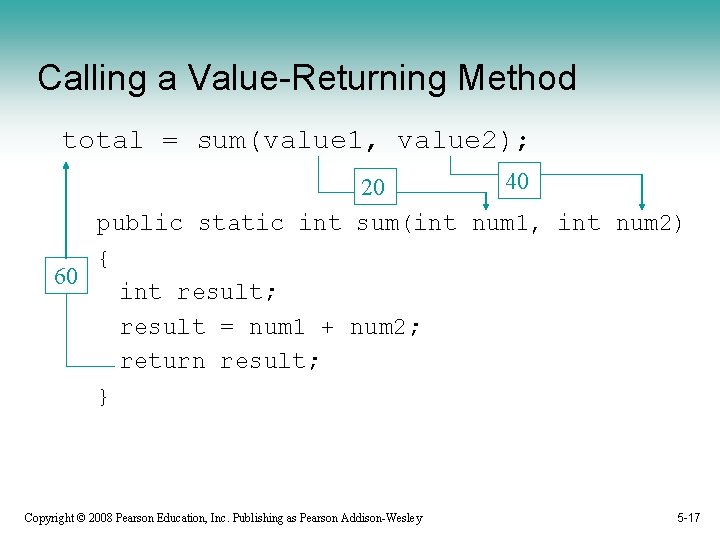
Calling a Value-Returning Method total = sum(value 1, value 2); 40 20 public static int sum(int num 1, int num 2) { 60 int result; result = num 1 + num 2; return result; } Copyright © 2008 Pearson Education, Inc. Publishing as Pearson Addison-Wesley 5 -17
@return Tag in Documentation Comments • You can provide a description of the return value in your documentation comments by using the @return tag. • General format @return Description • See example: Value. Return. java • The @return tag in a method’s documentation comment must appear after the general description. The description can span several lines. Copyright © 2008 Pearson Education, Inc. Publishing as Pearson Addison-Wesley 5 -18