
Why should I upgrade to Compass A resource





- Slides: 28
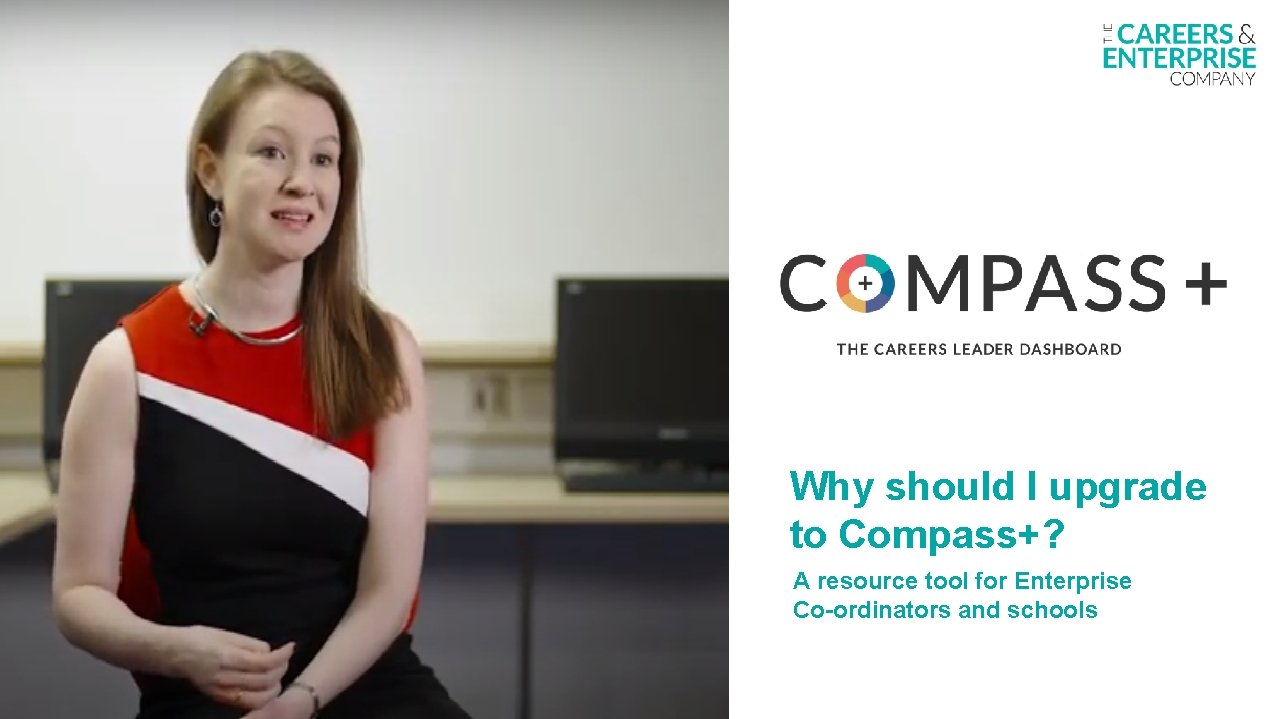
Why should I upgrade to Compass+? A resource tool for Enterprise Co-ordinators and schools
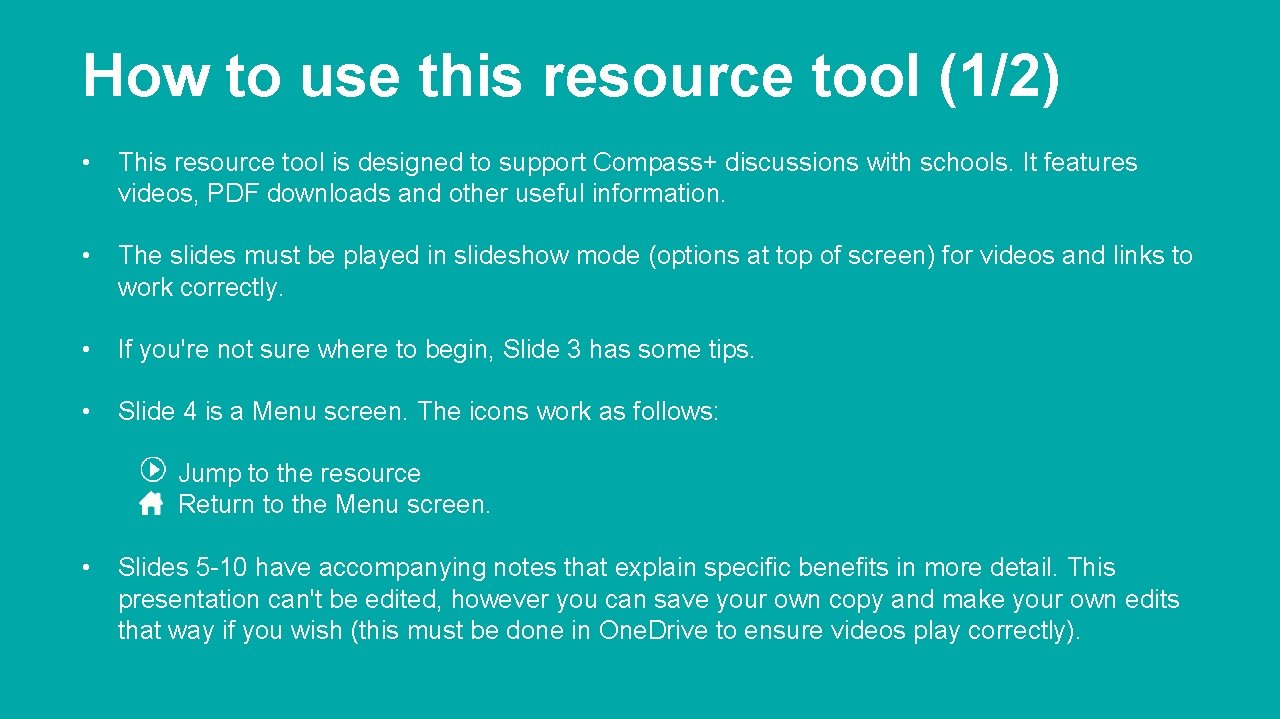
How to use this resource tool (1/2) • This resource tool is designed to support Compass+ discussions with schools. It features videos, PDF downloads and other useful information. • The slides must be played in slideshow mode (options at top of screen) for videos and links to work correctly. • If you're not sure where to begin, Slide 3 has some tips. • Slide 4 is a Menu screen. The icons work as follows: Jump to the resource Return to the Menu screen. • Slides 5 -10 have accompanying notes that explain specific benefits in more detail. This presentation can't be edited, however you can save your own copy and make your own edits that way if you wish (this must be done in One. Drive to ensure videos play correctly).
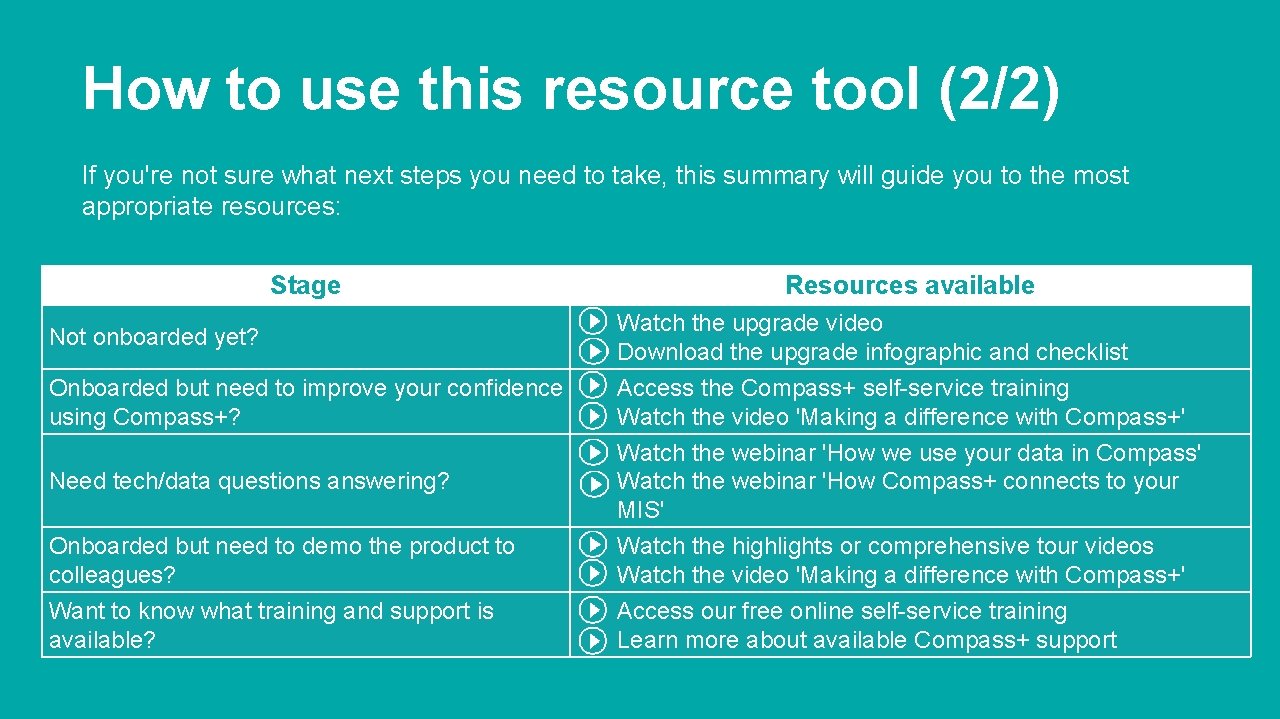
How to use this resource tool (2/2) If you're not sure what next steps you need to take, this summary will guide you to the most appropriate resources: Stage Not onboarded yet? Onboarded but need to improve your confidence using Compass+? Resources available Watch the upgrade video Download the upgrade infographic and checklist Access the Compass+ self-service training Watch the video 'Making a difference with Compass+' Need tech/data questions answering? Watch the webinar 'How we use your data in Compass' Watch the webinar 'How Compass+ connects to your MIS' Onboarded but need to demo the product to colleagues? Want to know what training and support is available? Watch the highlights or comprehensive tour videos Watch the video 'Making a difference with Compass+' Access our free online self-service training Learn more about available Compass+ support
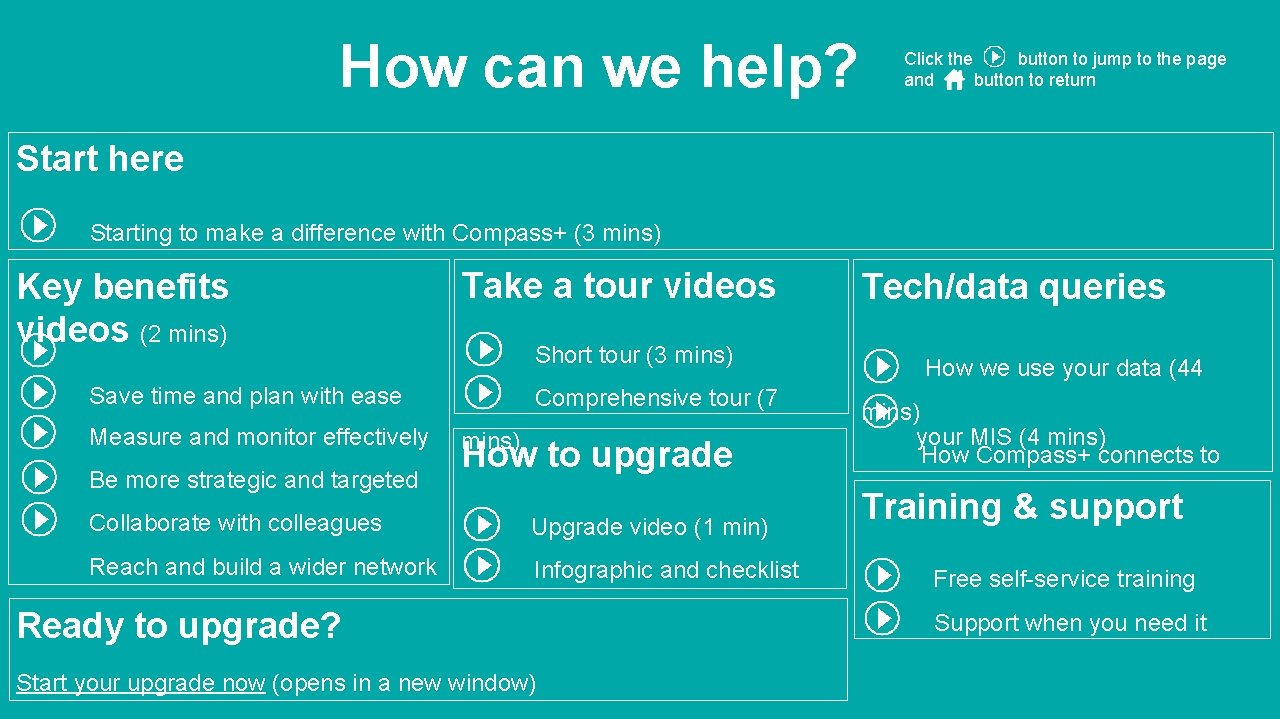
How can we help? Click the button to jump to the page and button to return Start here Starting to make a difference with Compass+ (3 mins) Key benefits videos (2 mins) Take a tour videos Short tour (3 mins) Save time and plan with ease Measure and monitor effectively Be more strategic and targeted Comprehensive tour (7 mins) How to upgrade Collaborate with colleagues Upgrade video (1 min) Reach and build a wider network Infographic and checklist Ready to upgrade? Start your upgrade now (opens in a new window) Tech/data queries How we use your data (44 mins) your MIS (4 mins) How Compass+ connects to Training & support Free self-service training Support when you need it
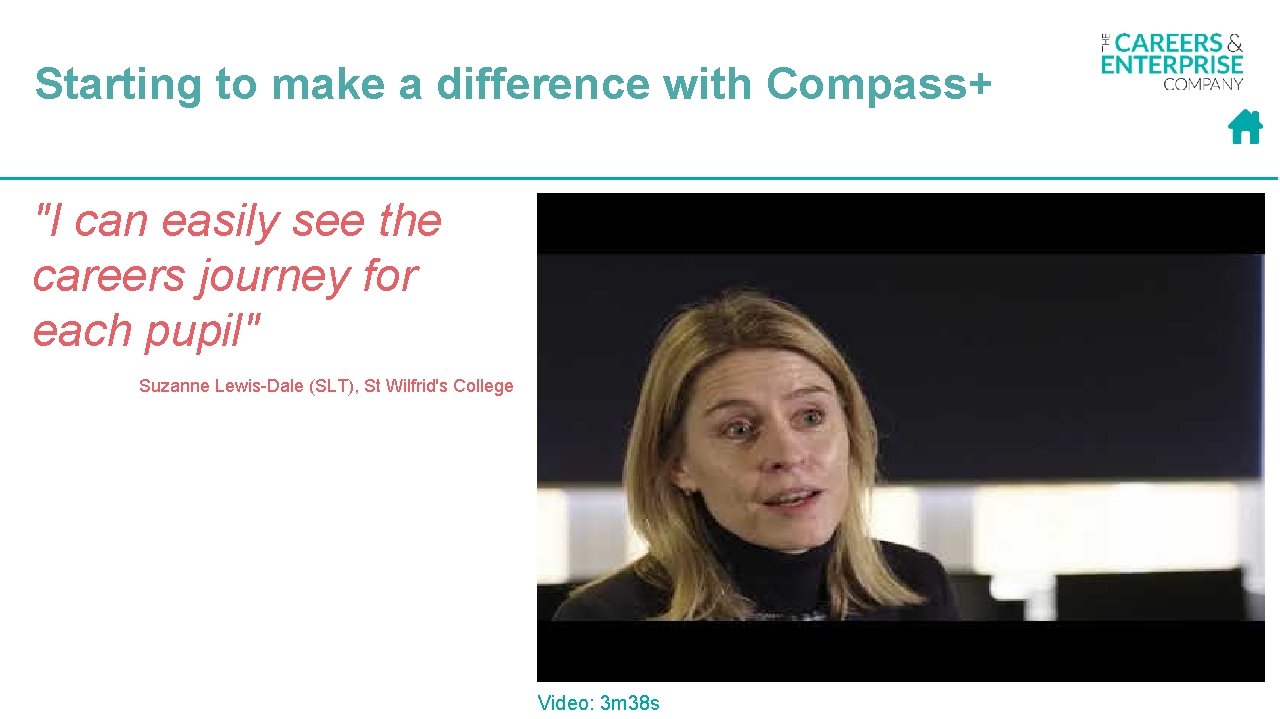
Starting to make a difference with Compass+ "I can easily see the careers journey for each pupil" Suzanne Lewis-Dale (SLT), St Wilfrid's College Video: 3 m 38 s
Key benefits
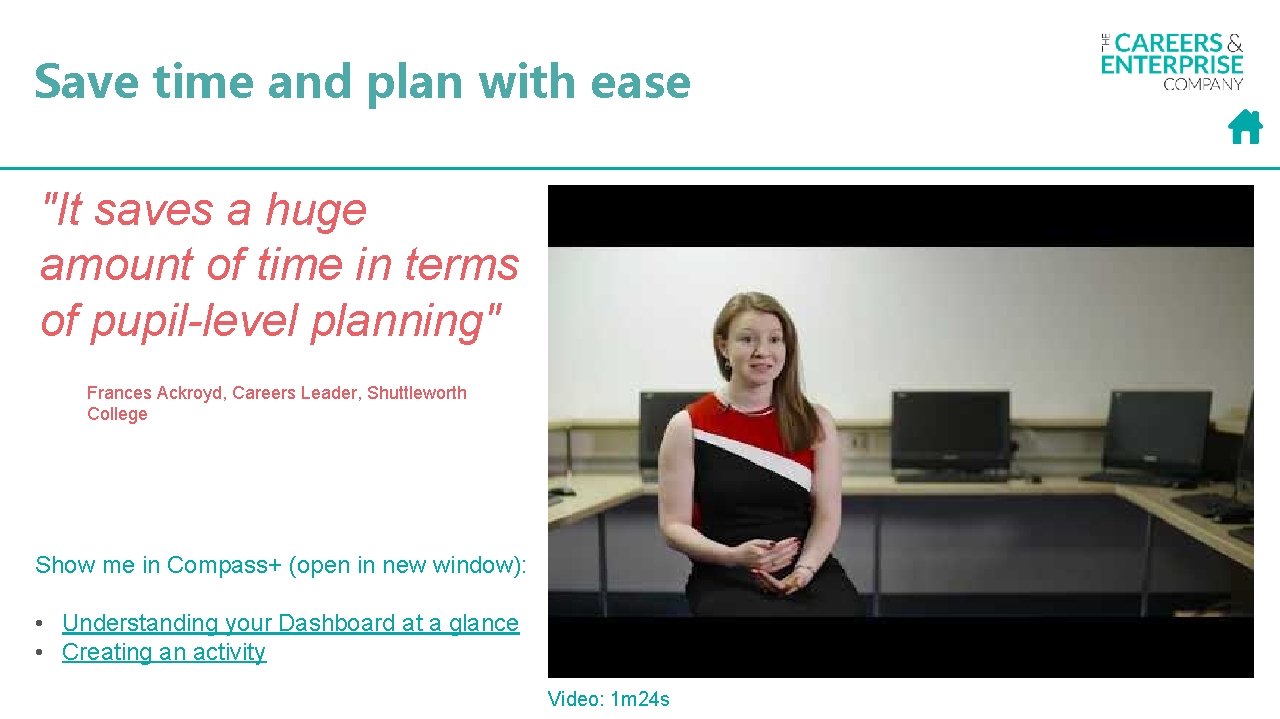
Save time and plan with ease "It saves a huge amount of time in terms of pupil-level planning" Frances Ackroyd, Careers Leader, Shuttleworth College Show me in Compass+ (open in new window): • Understanding your Dashboard at a glance • Creating an activity Video: 1 m 24 s
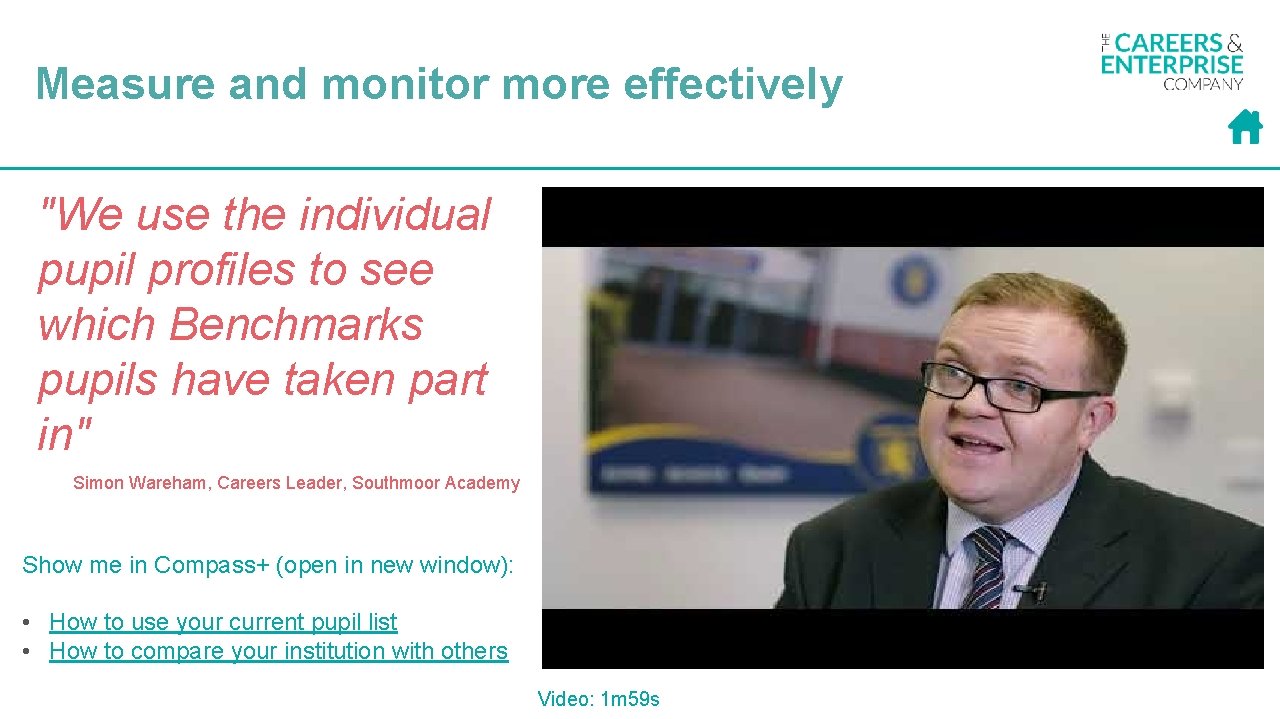
Measure and monitor more effectively "We use the individual pupil profiles to see which Benchmarks pupils have taken part in" Simon Wareham, Careers Leader, Southmoor Academy Show me in Compass+ (open in new window): • How to use your current pupil list • How to compare your institution with others Video: 1 m 59 s
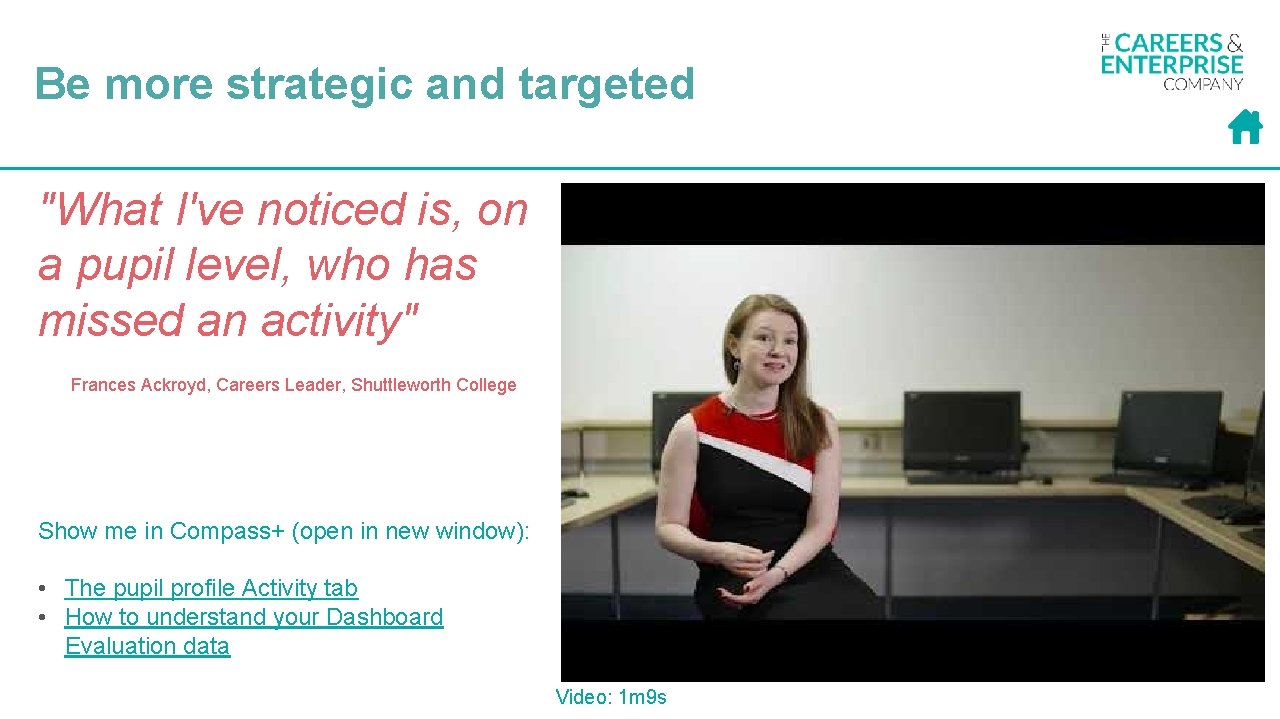
Be more strategic and targeted "What I've noticed is, on a pupil level, who has missed an activity" Frances Ackroyd, Careers Leader, Shuttleworth College Show me in Compass+ (open in new window): • The pupil profile Activity tab • How to understand your Dashboard Evaluation data Video: 1 m 9 s
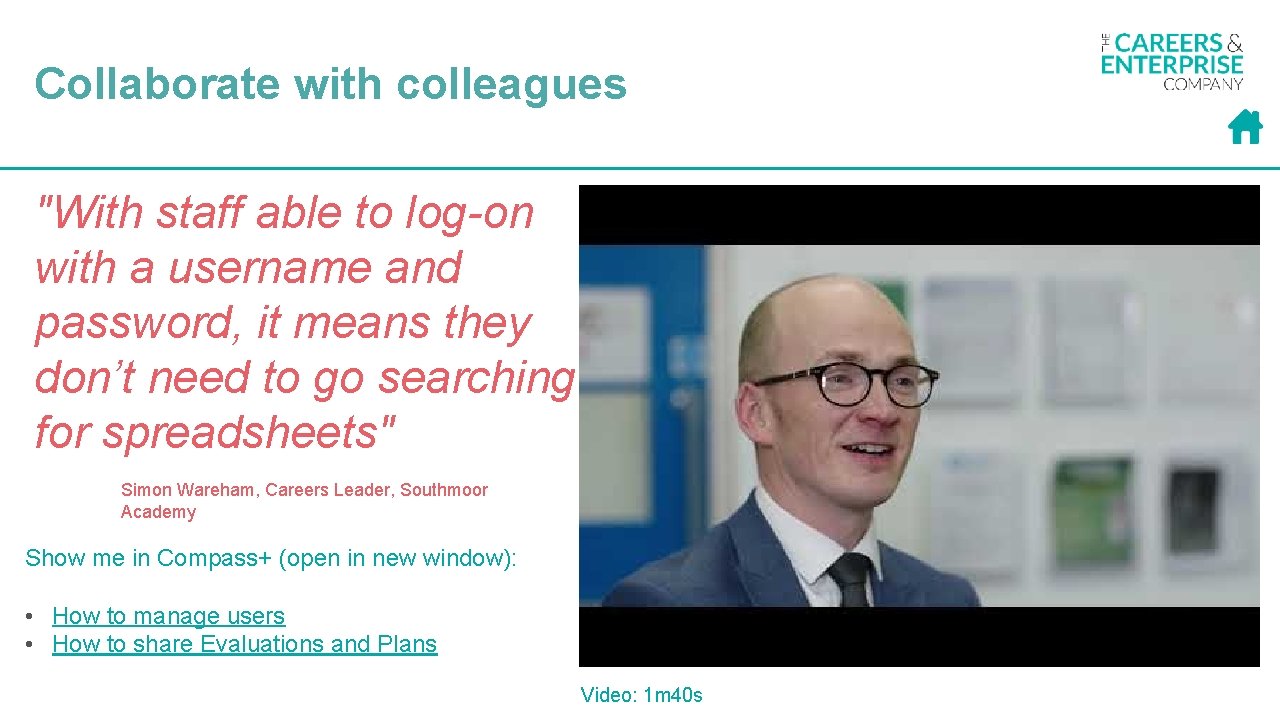
Collaborate with colleagues "With staff able to log-on with a username and password, it means they don’t need to go searching for spreadsheets" Simon Wareham, Careers Leader, Southmoor Academy Show me in Compass+ (open in new window): • How to manage users • How to share Evaluations and Plans Video: 1 m 40 s
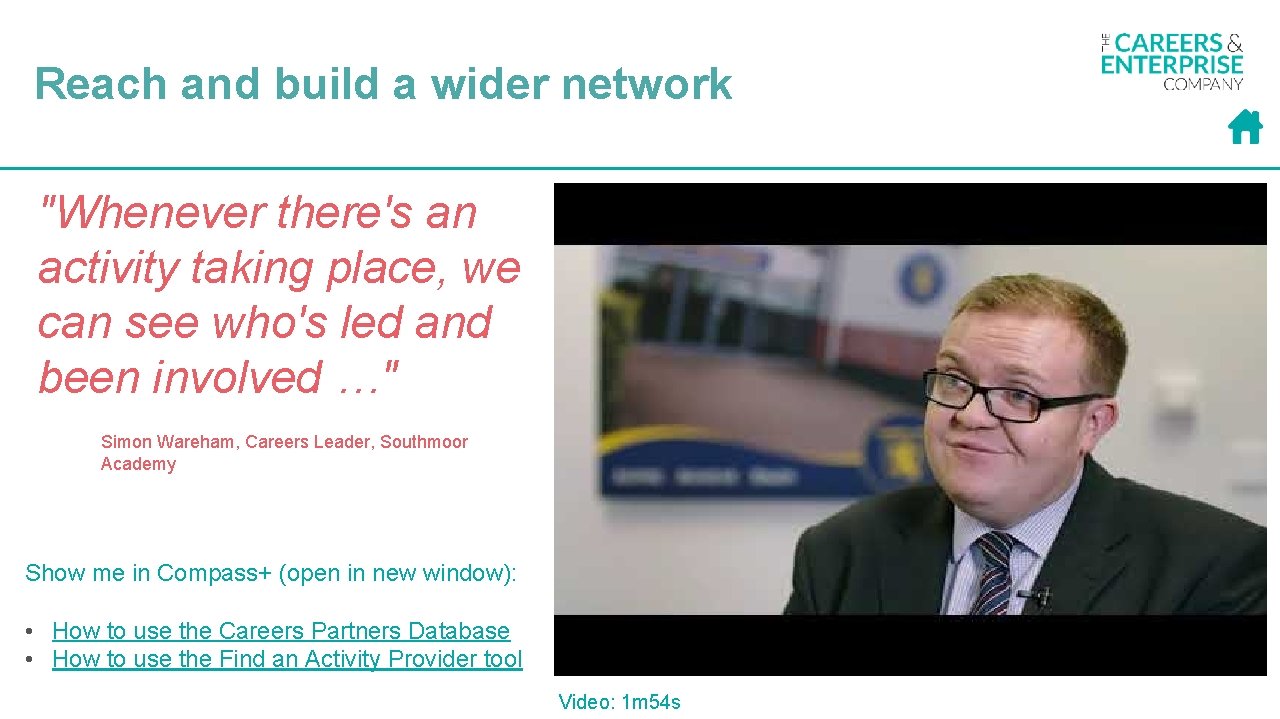
Reach and build a wider network "Whenever there's an activity taking place, we can see who's led and been involved …" Simon Wareham, Careers Leader, Southmoor Academy Show me in Compass+ (open in new window): • How to use the Careers Partners Database • How to use the Find an Activity Provider tool Video: 1 m 54 s
Take a tour of Compass+
Take a short tour of Compass+ • Watch the short tour video of Compass+ key features Video: 3 m 19 s
Take a comprehensive tour of Compass+ • Watch the comprehensive tour video of Compass+ key features Video: 7 m 15 s
How to upgrade
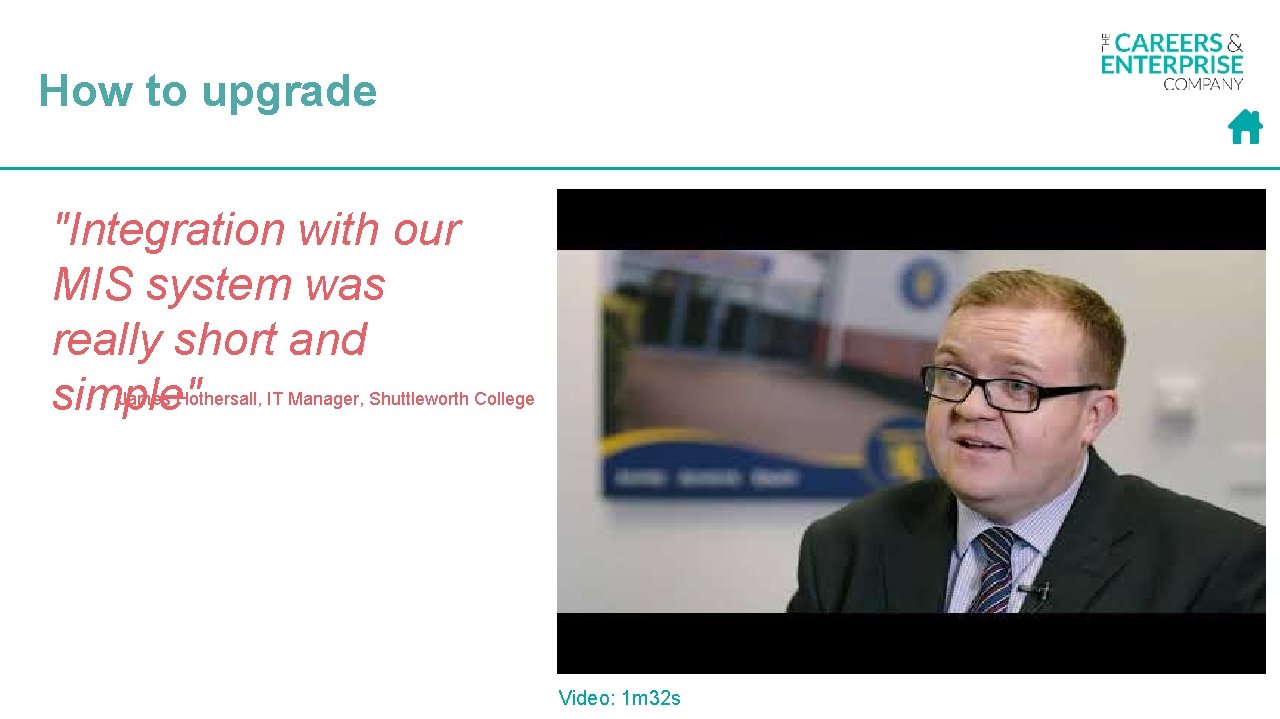
How to upgrade "Integration with our MIS system was really short and simple" James Hothersall, IT Manager, Shuttleworth College Video: 1 m 32 s
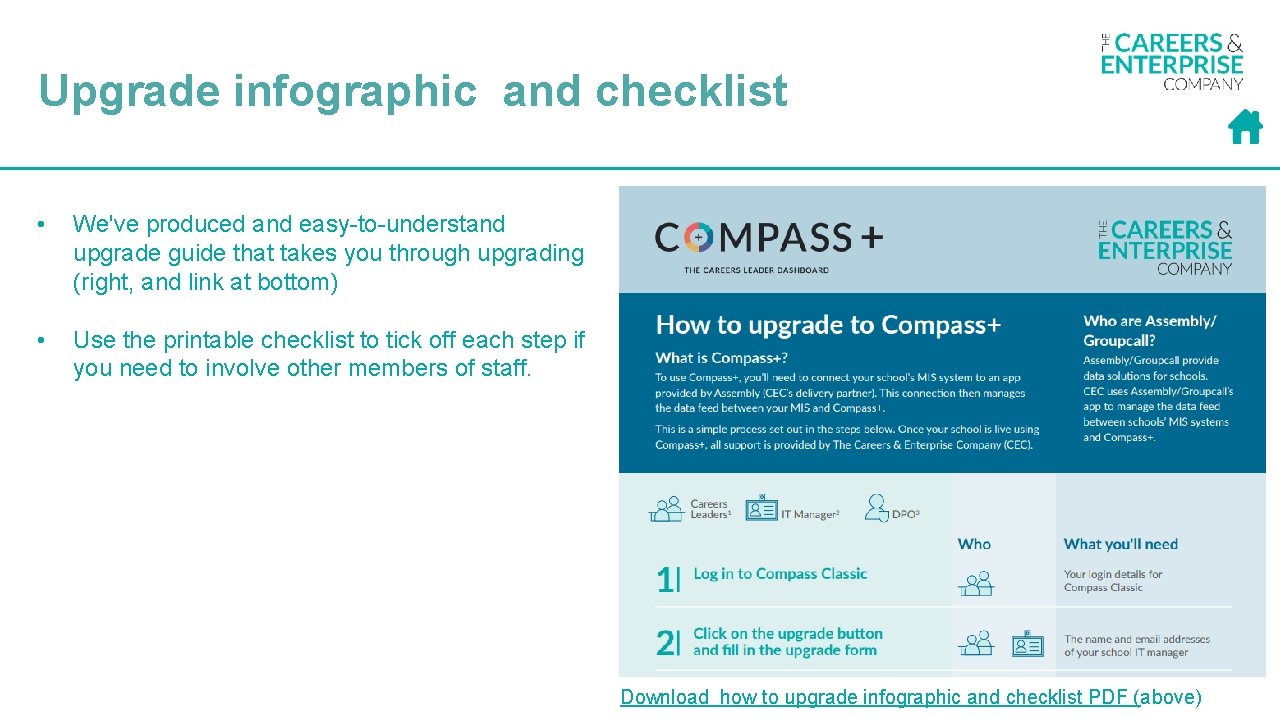
Upgrade infographic and checklist • We've produced and easy-to-understand upgrade guide that takes you through upgrading (right, and link at bottom) • Use the printable checklist to tick off each step if you need to involve other members of staff. Download how to upgrade infographic and checklist PDF (above)
Your tech/data queries answered
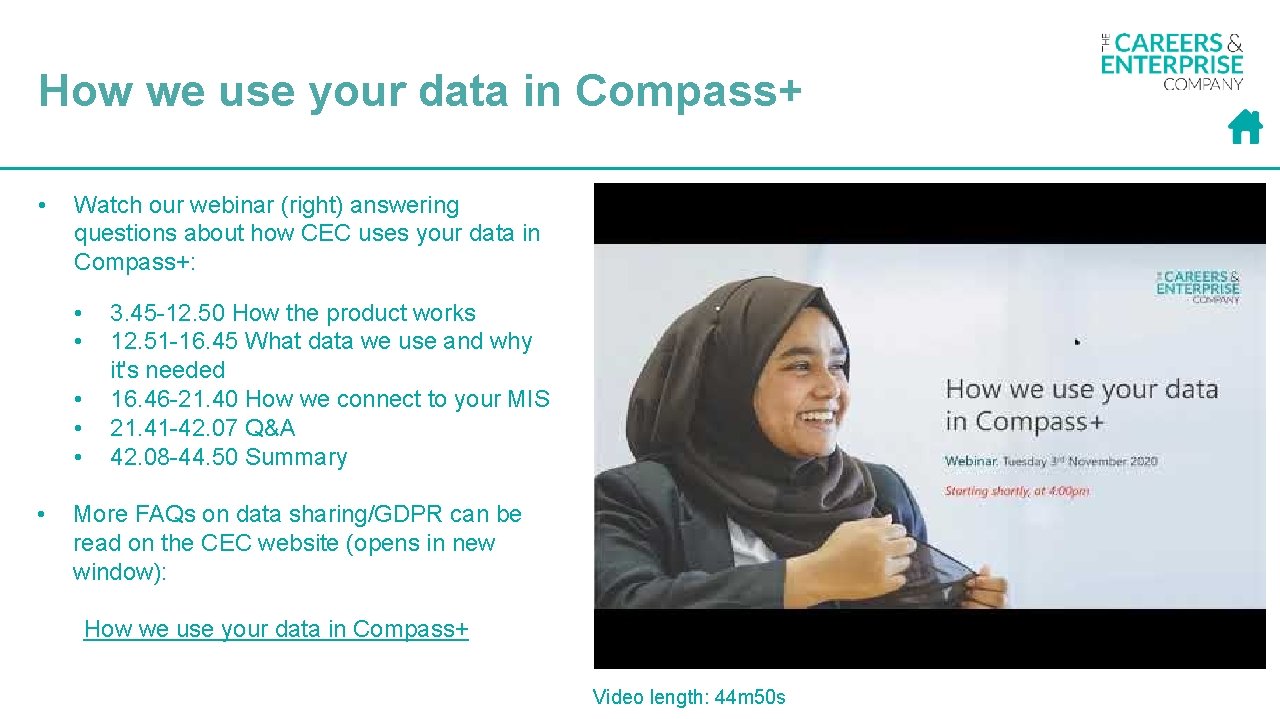
How we use your data in Compass+ • Watch our webinar (right) answering questions about how CEC uses your data in Compass+: • • • 3. 45 -12. 50 How the product works 12. 51 -16. 45 What data we use and why it's needed 16. 46 -21. 40 How we connect to your MIS 21. 41 -42. 07 Q&A 42. 08 -44. 50 Summary More FAQs on data sharing/GDPR can be read on the CEC website (opens in new window): How we use your data in Compass+ Video length: 44 m 50 s
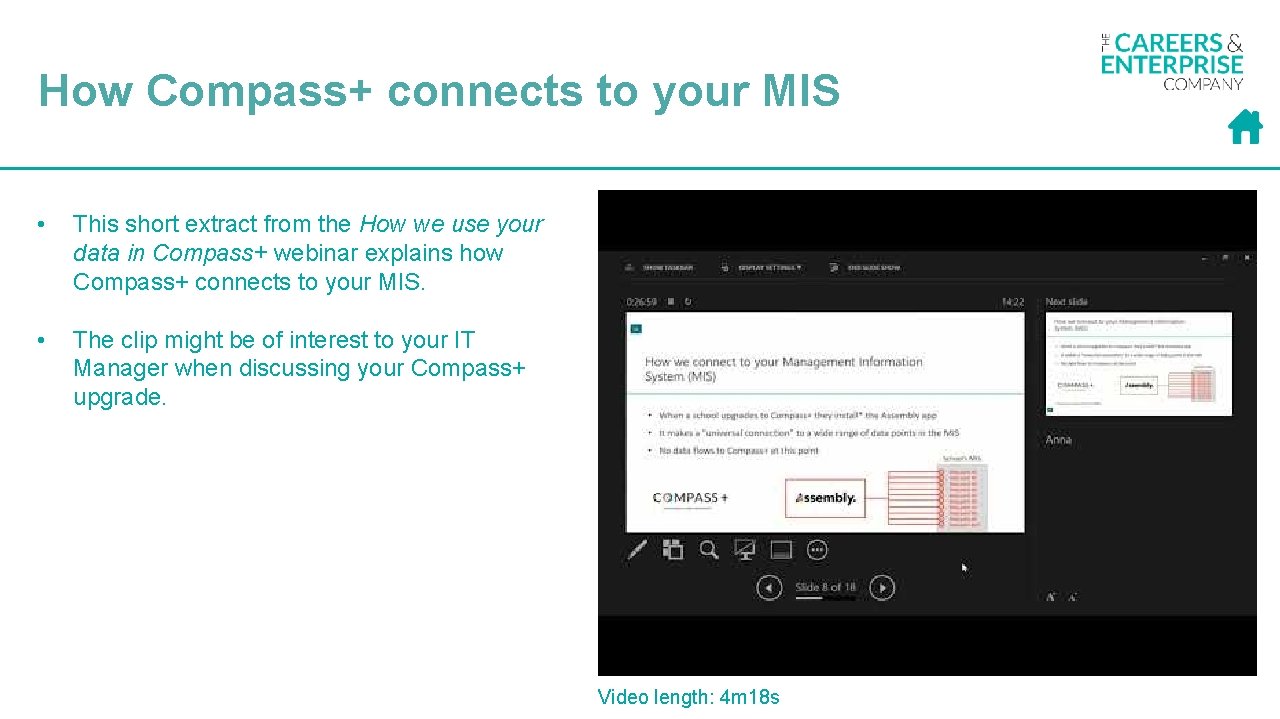
How Compass+ connects to your MIS • This short extract from the How we use your data in Compass+ webinar explains how Compass+ connects to your MIS. • The clip might be of interest to your IT Manager when discussing your Compass+ upgrade. Video length: 4 m 18 s
Benefits for Senior Education Leaders
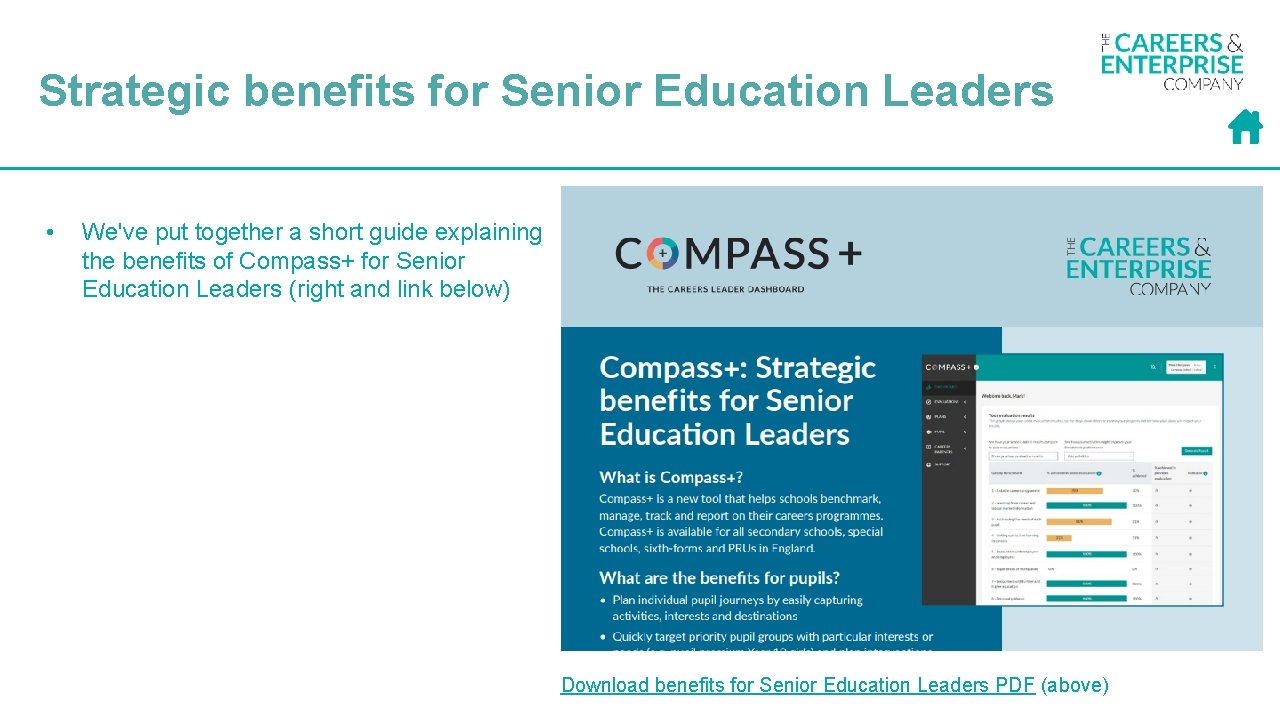
Strategic benefits for Senior Education Leaders • We've put together a short guide explaining the benefits of Compass+ for Senior Education Leaders (right and link below) Download benefits for Senior Education Leaders PDF (above)
Training and support
Free self-service training "The sessions were pitched really well. I felt much more confident in my knowledge and understand what it can do. " Nicky Henderson, Senior Enterprise Co-ordinator Link to self-service training modules: https: //app. ihasco. uk/pej 3 xv Each training module takes 20 -30 mins to complete.
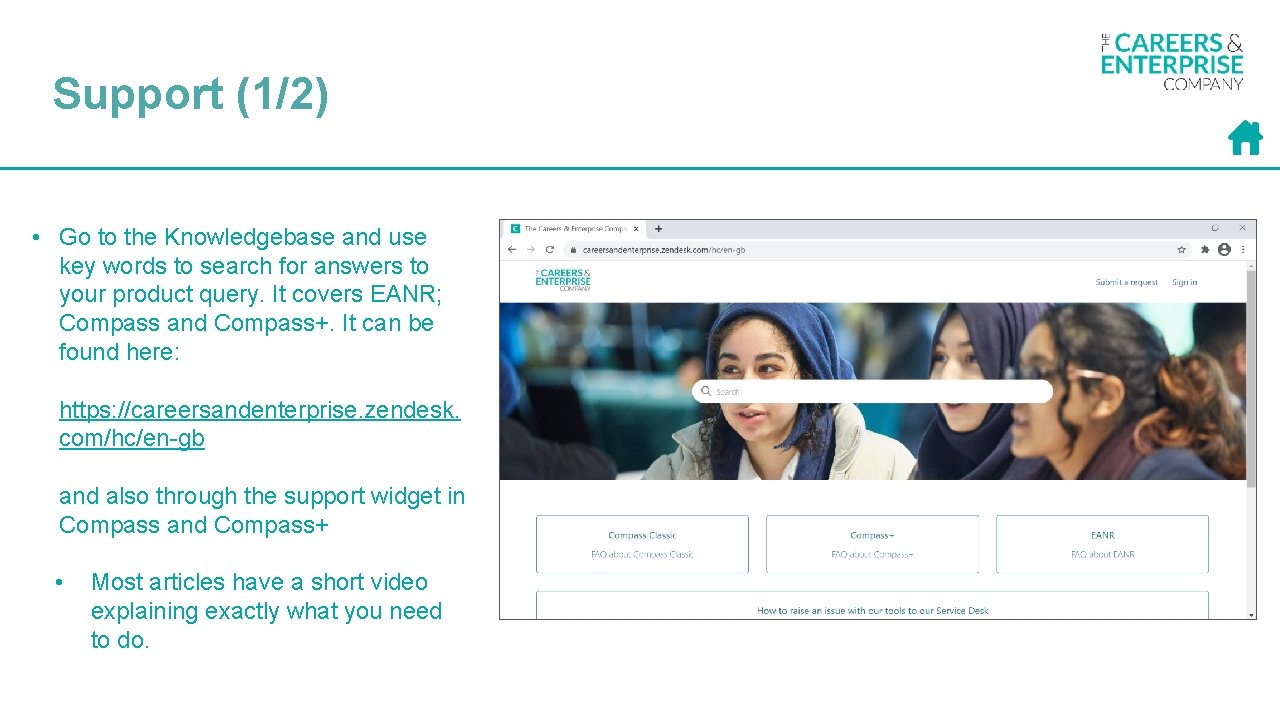
Support (1/2) • Go to the Knowledgebase and use key words to search for answers to your product query. It covers EANR; Compass and Compass+. It can be found here: https: //careersandenterprise. zendesk. com/hc/en-gb and also through the support widget in Compass and Compass+ • Most articles have a short video explaining exactly what you need to do.
Support (2/2) If you need further assistance then you can email our customer service team by emailing them … • Compass Classic Service Desk help@careersandenterprise. co. uk • Compass+ Service Desk compassplus@careersandenterprise. co. uk • EANR eanrsupport@careersandenterprise. co. uk • Include the following information: • • • Email address of the user (or users) that are experiencing the issue School name School URN Area of the tool that you experienced the issue on and what you expected to happen Any screen shots of the issue that show what is happening on the screen. • Guidance about reporting an issue for any of our products is available in our Knowledgebase here
Questions?