
Why Services Building Blocks Service Templates Service Lifecycle
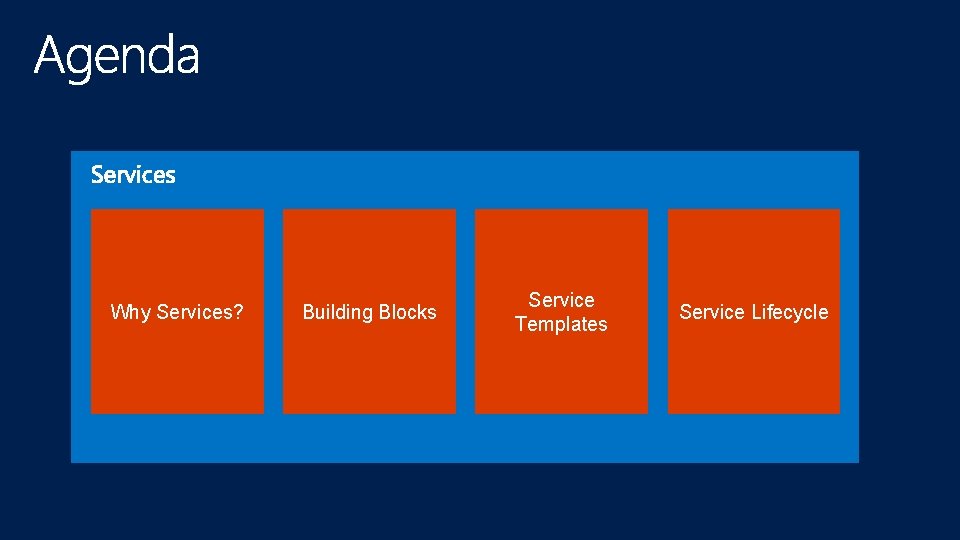
Why Services? Building Blocks Service Templates Service Lifecycle
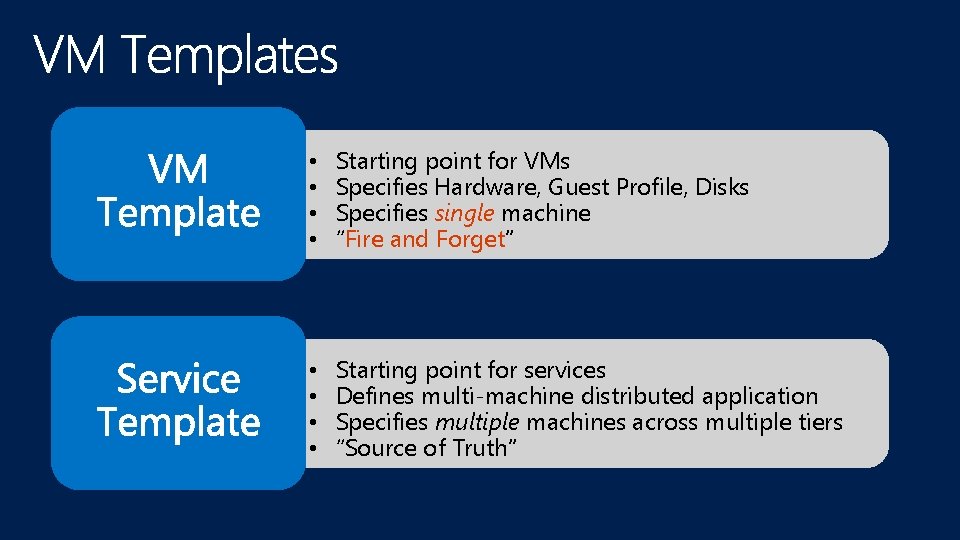
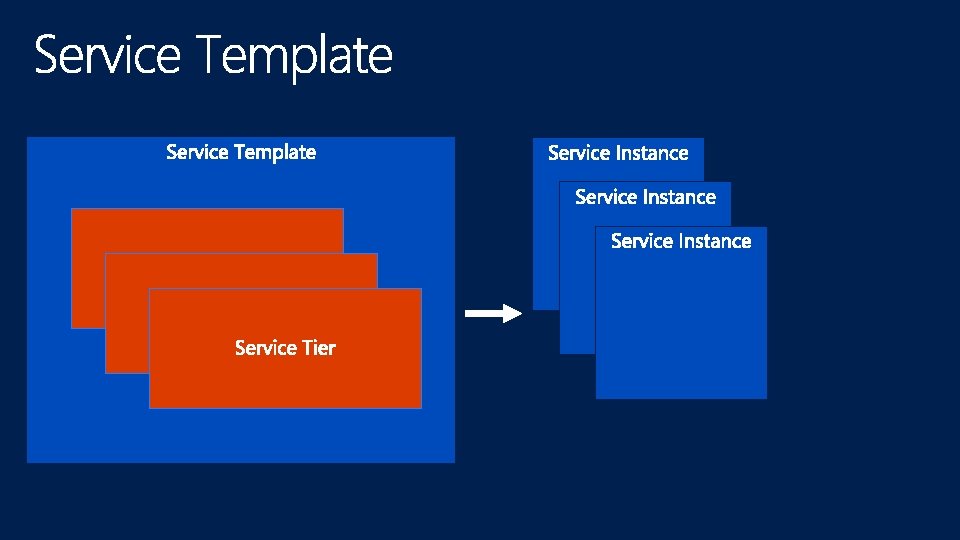
• • Starting point for VMs Specifies Hardware, Guest Profile, Disks Specifies single machine “Fire and Forget” • • Starting point for services Defines multi-machine distributed application Specifies multiple machines across multiple tiers “Source of Truth”
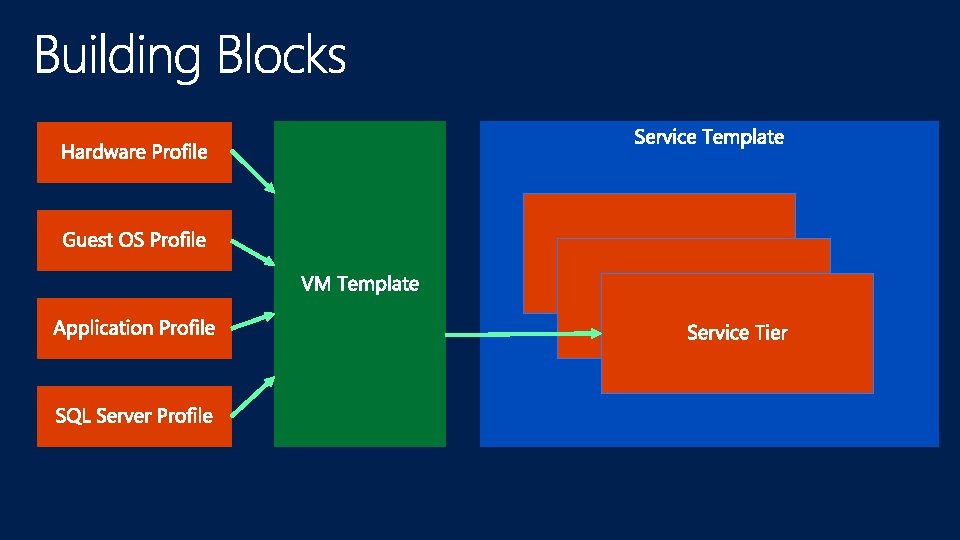
The 10, 000 foot view
Demo
Demo
Demo
Demo
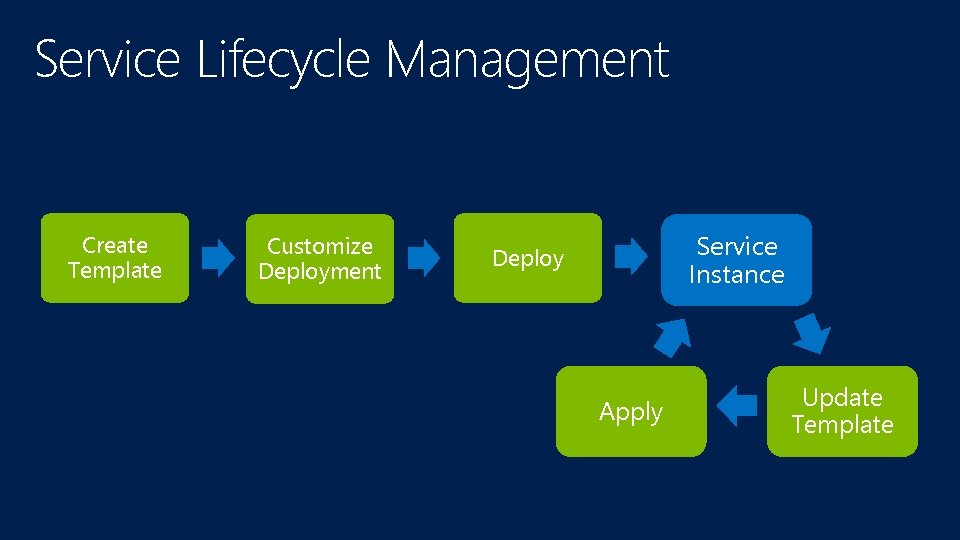
Service Lifecycle Management Create Template Customize Deployment Service Instance Deploy Apply Update Template
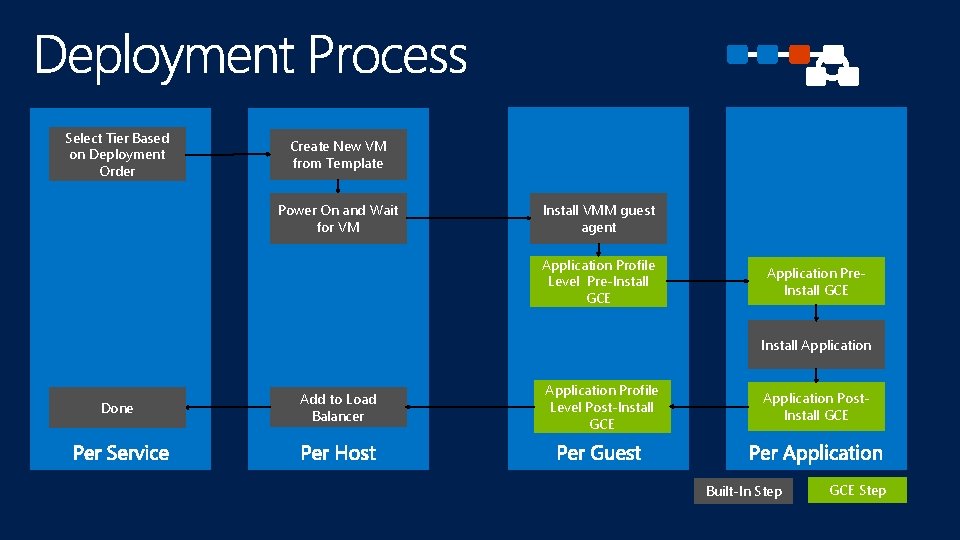
Select Tier Based on Deployment Order Create New VM from Template Power On and Wait for VM Install VMM guest agent Application Profile Level Pre-Install GCE Application Pre. Install GCE Install Application Done Add to Load Balancer Application Profile Level Post-Install GCE Application Post. Install GCE Built-In Step GCE Step
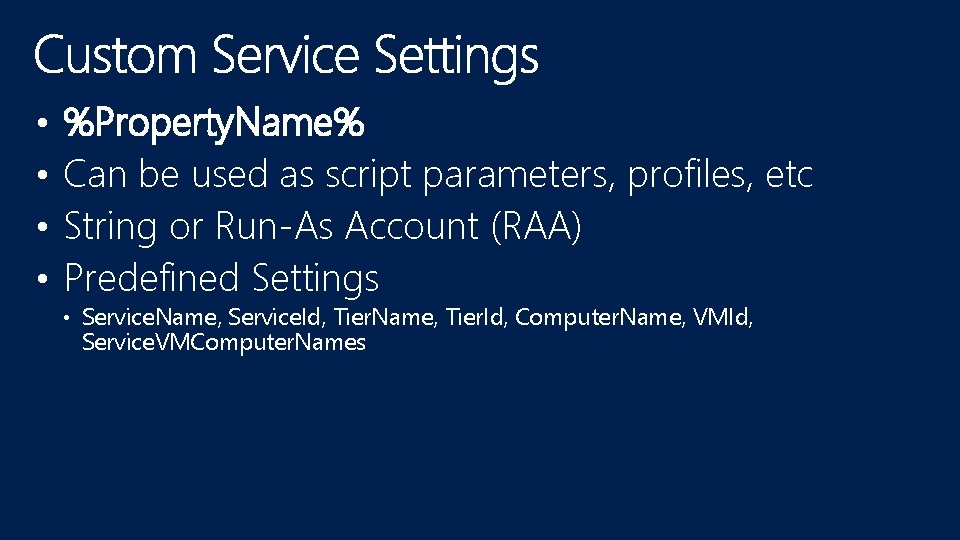
• • %Property. Name% Can be used as script parameters, profiles, etc String or Run-As Account (RAA) Predefined Settings • Service. Name, Service. Id, Tier. Name, Tier. Id, Computer. Name, VMId, Service. VMComputer. Names
Demo
Demo
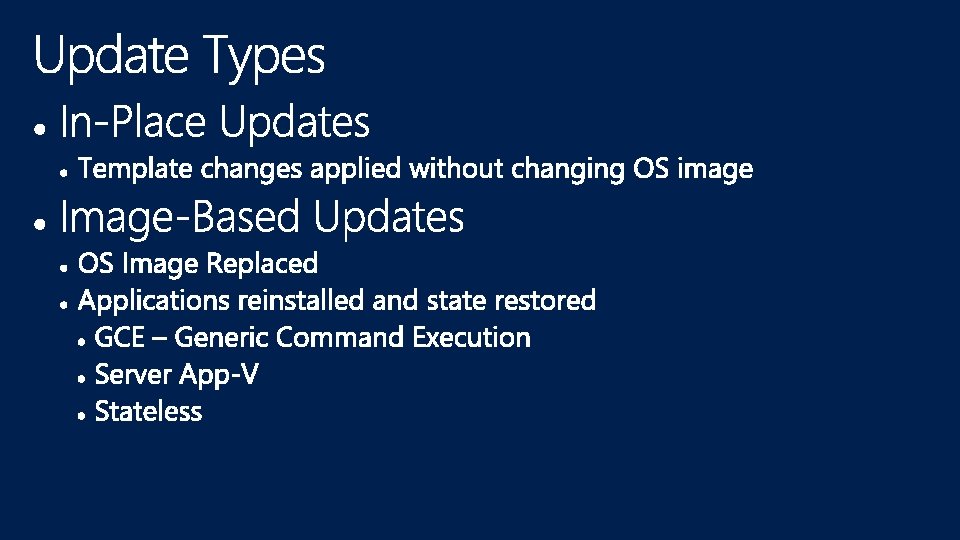
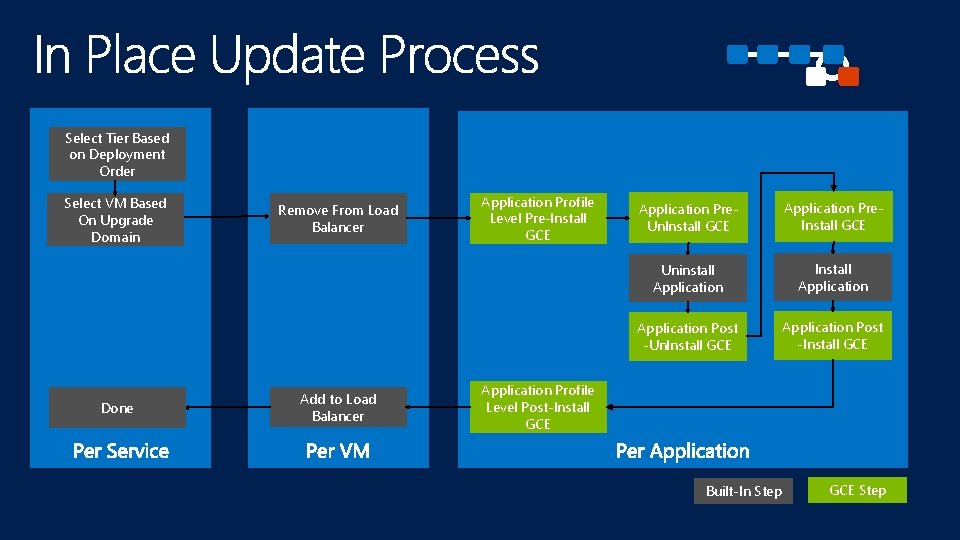
Select Tier Based on Deployment Order Select VM Based On Upgrade Domain Done Remove From Load Balancer Add to Load Balancer Application Profile Level Pre-Install GCE Application Pre. Un. Install GCE Application Pre. Install GCE Uninstall Application Install Application Post -Un. Install GCE Application Post -Install GCE Application Profile Level Post-Install GCE Built-In Step GCE Step
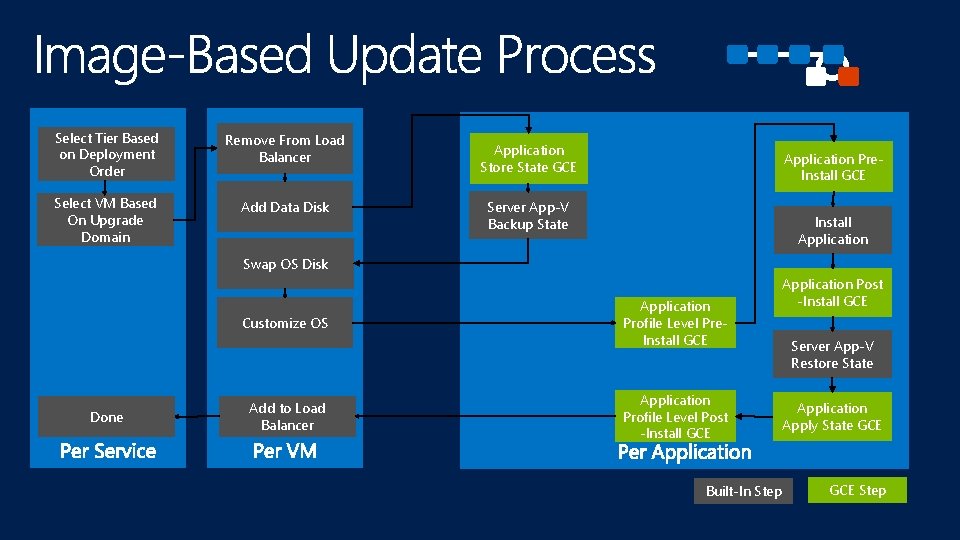
Select Tier Based on Deployment Order Remove From Load Balancer Select VM Based On Upgrade Domain Add Data Disk Application Store State GCE Application Pre. Install GCE Server App-V Backup State Install Application Swap OS Disk Customize OS Done Add to Load Balancer Application Profile Level Pre. Install GCE Application Profile Level Post -Install GCE Built-In Step Application Post -Install GCE Server App-V Restore State Application Apply State GCE Step
Demo
MDC-B 357 What’s New in System Center 2012 R 2 – Virtual Machine Manager MDC-B 202 Running and Managing Linux and UNIX with Hyper-V and Microsoft System Center MDC-B 203 Deploying Applications in Microsoft System Center 2012 – Virtual Machine Manager using Services MDC-B 318 Enabling Multi-Tenant Iaa. S Clouds in Microsoft System Center and Windows Server MDC-B 344 Storage Management: Spanning the Enterprise to Low Cost Scalable Solutions MDC-B 350 How to Design and Configure Networking in Microsoft System Center - Virtual Machine Manager and Hyper. V (Part 1 of 2) MDC-B 351 How to Design and Configure Networking in Microsoft System Center - Virtual Machine Manager and Hyper. V (Part 2 of 2) MDC-B 364 Enabling on-premises Iaa. S solutions with “Windows Azure Services for Windows Server”
http: //channel 9. msdn. com/Events/Tech. Ed www. microsoft. com/learning http: //microsoft. com/technet http: //microsoft. com/msdn

- Slides: 34