
why good interface design reduces input and usage
- Slides: 14
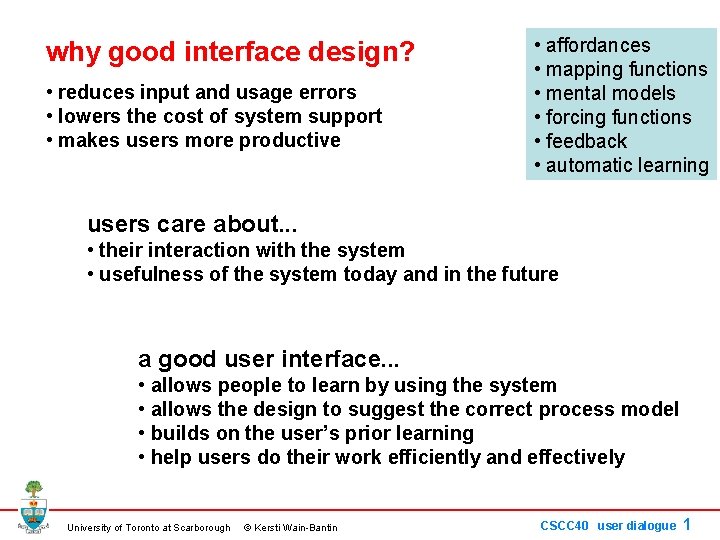
why good interface design? • reduces input and usage errors • lowers the cost of system support • makes users more productive • affordances • mapping functions • mental models • forcing functions • feedback • automatic learning users care about. . . • their interaction with the system • usefulness of the system today and in the future a good user interface. . . • allows people to learn by using the system • allows the design to suggest the correct process model • builds on the user’s prior learning • help users do their work efficiently and effectively University of Toronto at Scarborough © Kersti Wain-Bantin CSCC 40 user dialogue 1
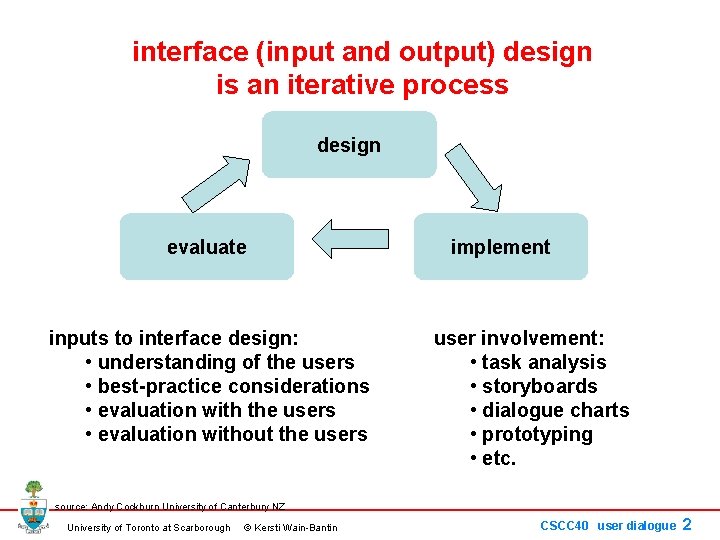
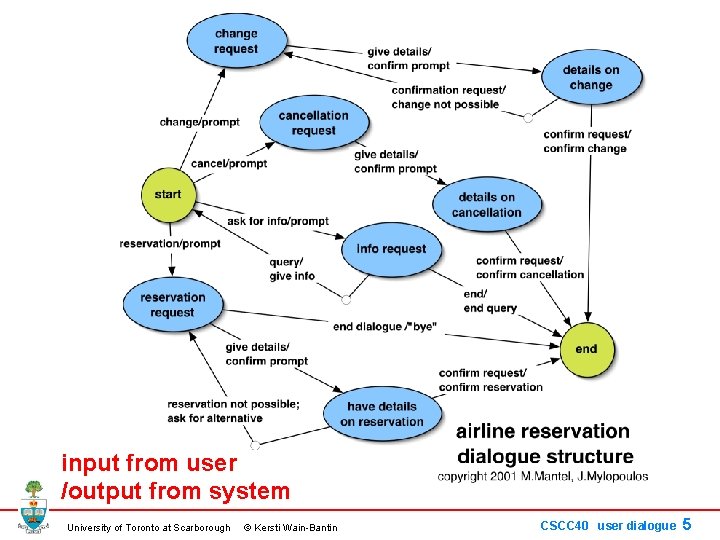
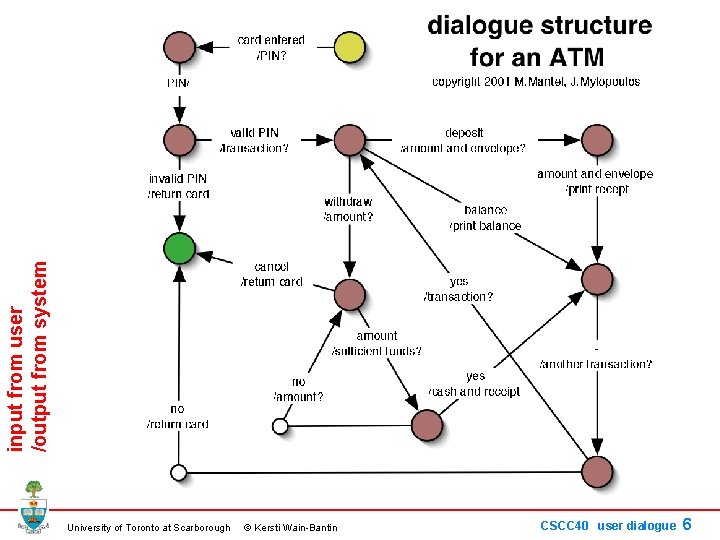
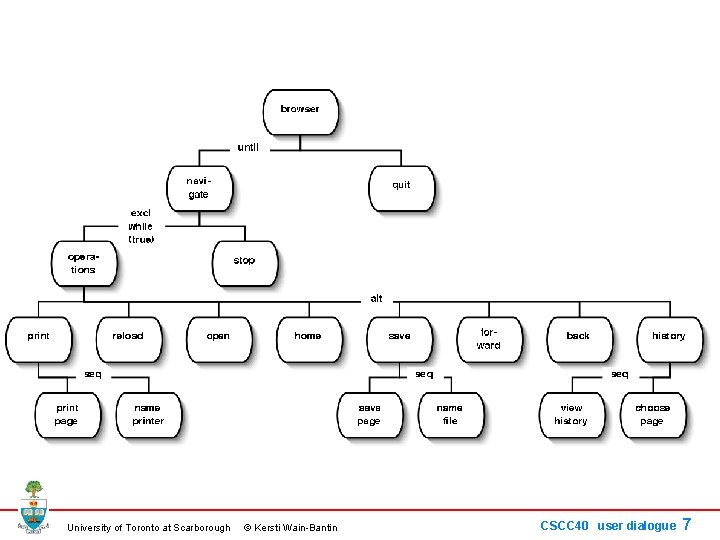
interface (input and output) design is an iterative process design evaluate inputs to interface design: • understanding of the users • best-practice considerations • evaluation with the users • evaluation without the users implement user involvement: • task analysis • storyboards • dialogue charts • prototyping • etc. source: Andy Cockburn University of Canterbury NZ University of Toronto at Scarborough © Kersti Wain-Bantin CSCC 40 user dialogue 2
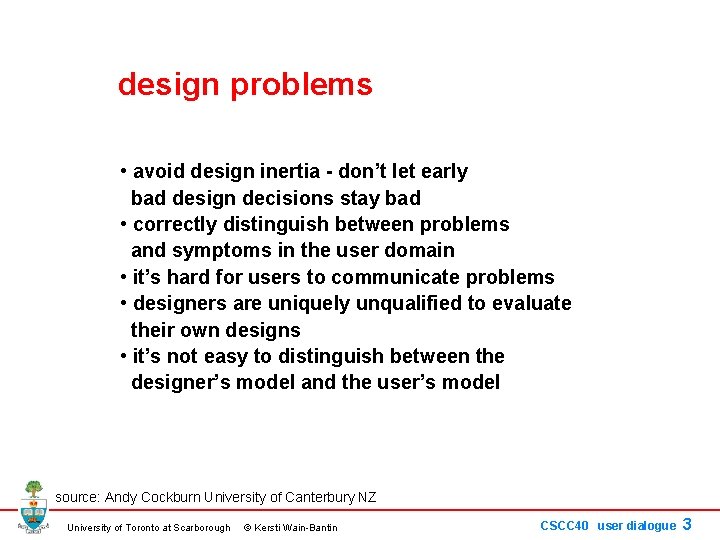
design problems • avoid design inertia - don’t let early bad design decisions stay bad • correctly distinguish between problems and symptoms in the user domain • it’s hard for users to communicate problems • designers are uniquely unqualified to evaluate their own designs • it’s not easy to distinguish between the designer’s model and the user’s model source: Andy Cockburn University of Canterbury NZ University of Toronto at Scarborough © Kersti Wain-Bantin CSCC 40 user dialogue 3
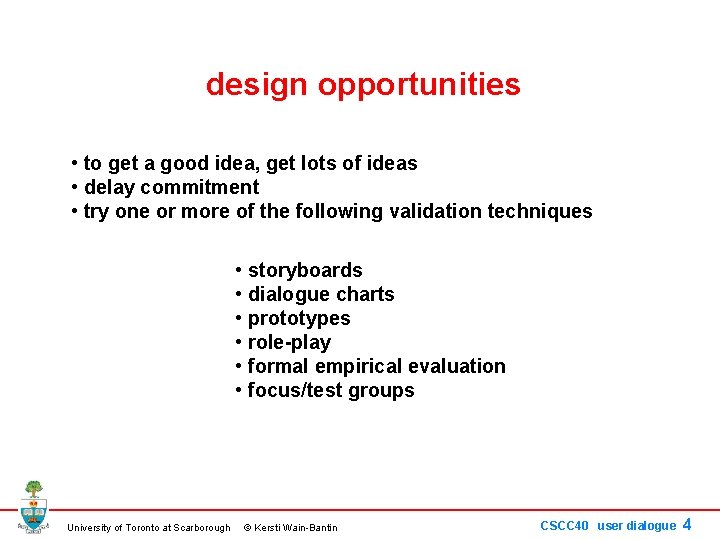
design opportunities • to get a good idea, get lots of ideas • delay commitment • try one or more of the following validation techniques • storyboards • dialogue charts • prototypes • role-play • formal empirical evaluation • focus/test groups University of Toronto at Scarborough © Kersti Wain-Bantin CSCC 40 user dialogue 4
input from user /output from system University of Toronto at Scarborough © Kersti Wain-Bantin CSCC 40 user dialogue 5
input from user /output from system University of Toronto at Scarborough © Kersti Wain-Bantin CSCC 40 user dialogue 6
University of Toronto at Scarborough © Kersti Wain-Bantin CSCC 40 user dialogue 7
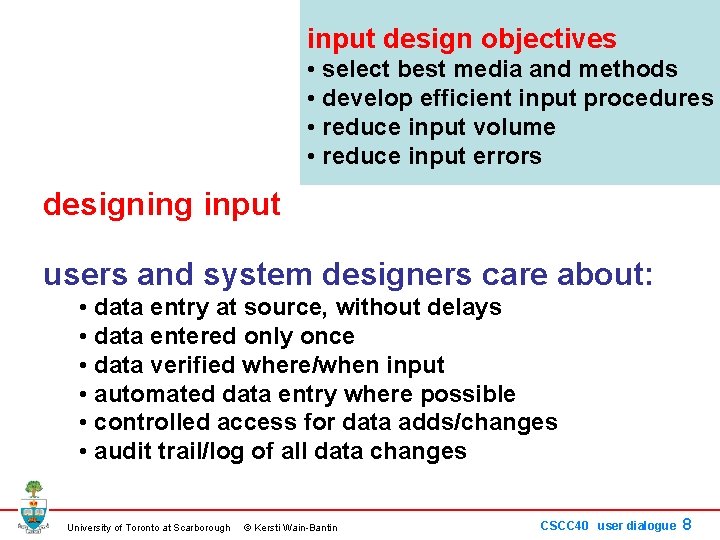
input design objectives • select best media and methods • develop efficient input procedures • reduce input volume • reduce input errors designing input users and system designers care about: • data entry at source, without delays • data entered only once • data verified where/when input • automated data entry where possible • controlled access for data adds/changes • audit trail/log of all data changes University of Toronto at Scarborough © Kersti Wain-Bantin CSCC 40 user dialogue 8
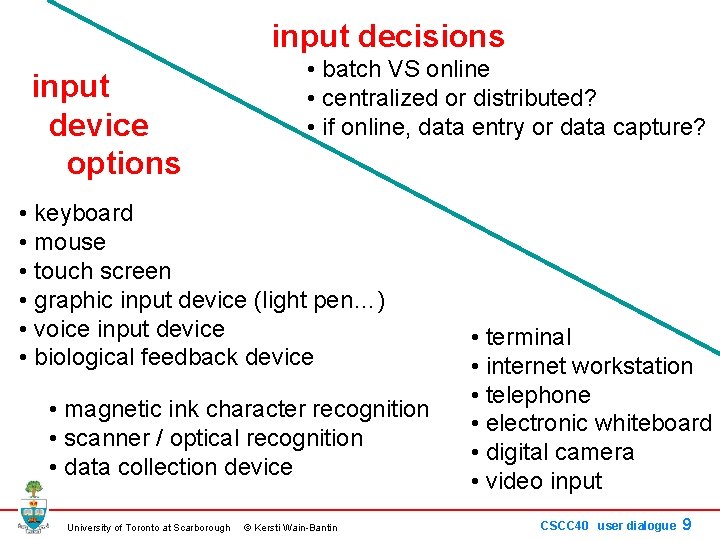
input decisions input device options • batch VS online • centralized or distributed? • if online, data entry or data capture? • keyboard • mouse • touch screen • graphic input device (light pen…) • voice input device • biological feedback device • magnetic ink character recognition • scanner / optical recognition • data collection device University of Toronto at Scarborough © Kersti Wain-Bantin • terminal • internet workstation • telephone • electronic whiteboard • digital camera • video input CSCC 40 user dialogue 9
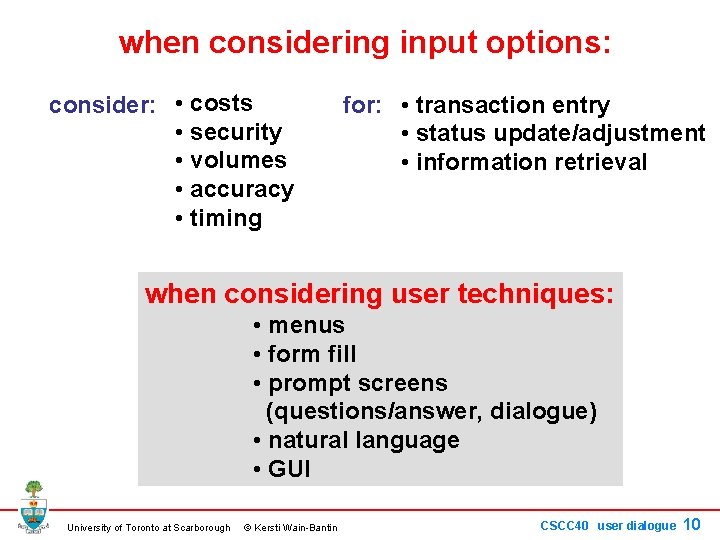
when considering input options: consider: • costs • security • volumes • accuracy • timing for: • transaction entry • status update/adjustment • information retrieval when considering user techniques: • menus • form fill • prompt screens (questions/answer, dialogue) • natural language • GUI University of Toronto at Scarborough © Kersti Wain-Bantin CSCC 40 user dialogue 10
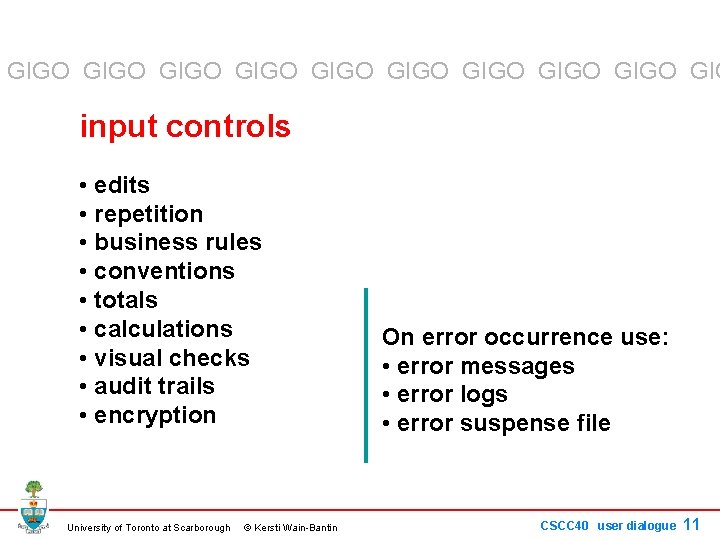
GIGO GIGO GIGO GIG input controls • edits • repetition • business rules • conventions • totals • calculations • visual checks • audit trails • encryption University of Toronto at Scarborough © Kersti Wain-Bantin On error occurrence use: • error messages • error logs • error suspense file CSCC 40 user dialogue 11
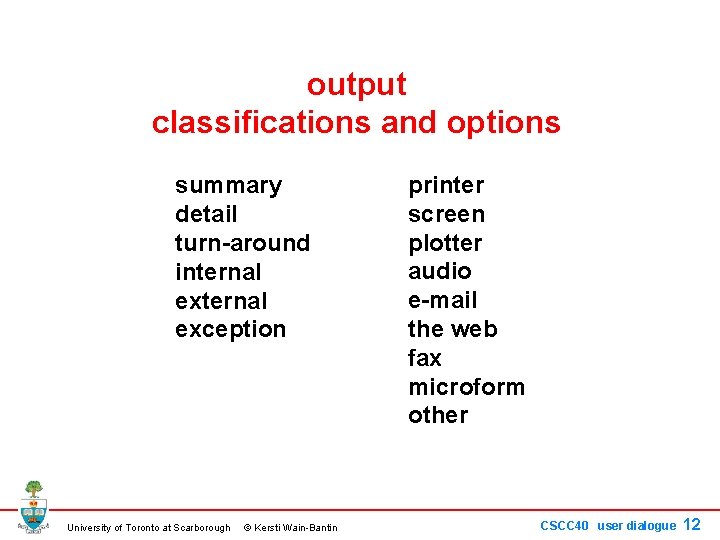
output classifications and options summary detail turn-around internal exception University of Toronto at Scarborough © Kersti Wain-Bantin printer screen plotter audio e-mail the web fax microform other CSCC 40 user dialogue 12
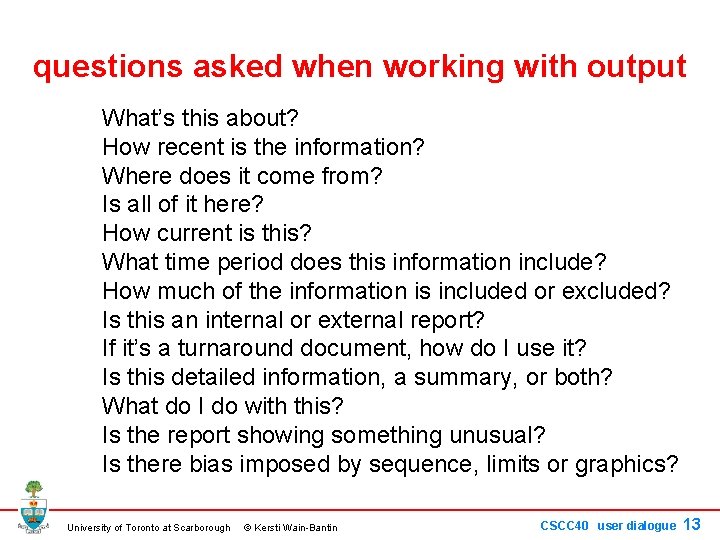
questions asked when working with output What’s this about? How recent is the information? Where does it come from? Is all of it here? How current is this? What time period does this information include? How much of the information is included or excluded? Is this an internal or external report? If it’s a turnaround document, how do I use it? Is this detailed information, a summary, or both? What do I do with this? Is the report showing something unusual? Is there bias imposed by sequence, limits or graphics? University of Toronto at Scarborough © Kersti Wain-Bantin CSCC 40 user dialogue 13
sample output mockup - printed report University of Toronto at Scarborough © Kersti Wain-Bantin CSCC 40 user dialogue 14