
Why document Documentation is an integral part of


- Slides: 22
Why document? • Documentation is an integral part of the development cycle • Benefits users using the system • Acts as resource for the helpdesk supporting system and users • Potential mechanism to spread the word of new system
Common types • Tutorial – Takes user through, step-by-step – Often Web or video-based – How-to, job-aids • Thematic/User Guides – Divided into chapters or sections – Books • Reference – Alphabetical, cross referenced – Encyclopedias, searchable databases • HTML code comments – Bring consistency to development and documentation efforts Source: Wikipedia
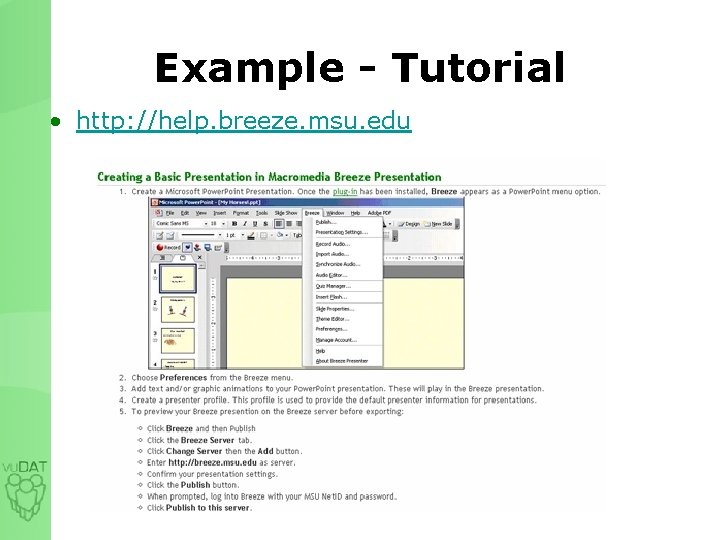
Example - Tutorial • http: //help. breeze. msu. edu
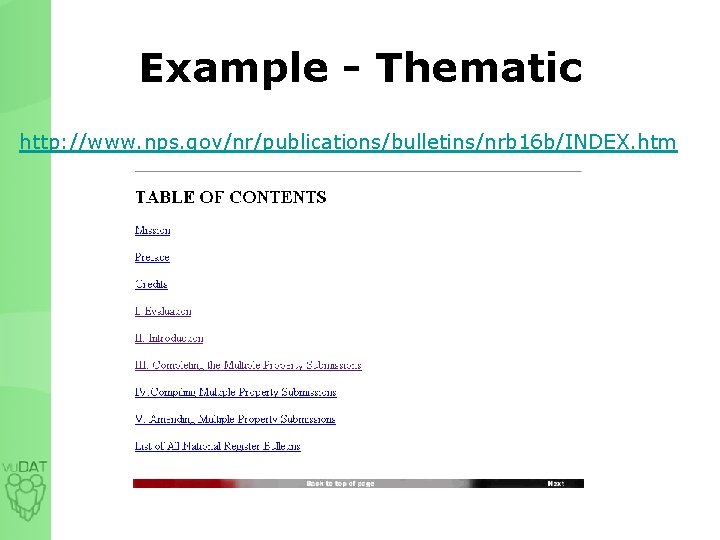
Example - Thematic http: //www. nps. gov/nr/publications/bulletins/nrb 16 b/INDEX. htm
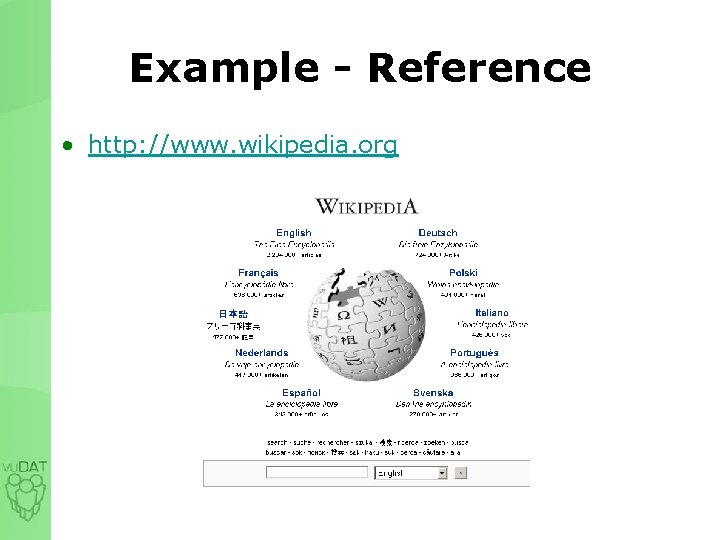
Example - Reference • http: //www. wikipedia. org
Starting the process…
Identify your audience • For whom are you documenting? • • • End users? System administrators? Non-technical people? Training manuals? All of the above?
Identify needs • Talk to the people who will be using your system – What is most confusing? – What is the easiest? – What is their preferred delivery mechanism? Source: techrepublic. com • Survey the helpdesk, or those who answer questions – This will give an idea of frequently asked questions
Identify resources • How many people are available to work on this? – Will you have student help available? – Ensure programmer/developer time will be available for input and review • How will these resources be coordinated and distributed? – Wiki – ANGEL group – Google docs (be careful) • Check http: //computing. msu. edu for Google safety article – Newsletter or publication
Five tips: making it easy
1 - Keep it Concise • Short sentences – Limit segments of narrative text
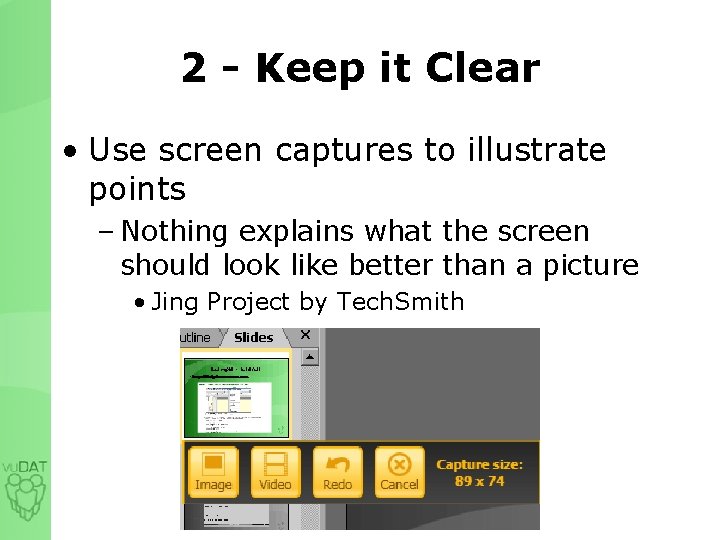
2 - Keep it Clear • Use screen captures to illustrate points – Nothing explains what the screen should look like better than a picture • Jing Project by Tech. Smith
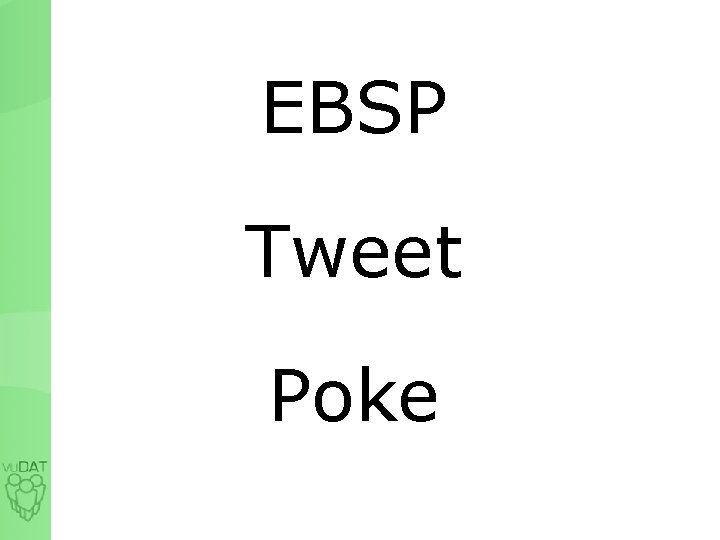
EBSP Tweet Poke
Keep it Clear cont’d • Avoid unnecessary abbreviations and jargon – When using abbreviations, first explain what they mean – Ex: EBSP – do people outside of Libraries, Computing and Technology know what “Eebeespeebee” means unless we tell them?
3 - Keep it Consistent • Don’t switch formats, naming conventions and denotations – “Email, ” “e-mail, ” “email, ” “E-Mail” – Mind your tenses • If it’s documented once, document it throughout
4 - Keep it Updated • As features change, so should documentation – How crucial is that last updated date? • Review regularly and keep it timely – Focus groups – Integration into maintenance cycle – Students (with supervision) • Create mechanisms for feedback
5 - Keep it Accessible • Help users find what they need • Search functionality – http: //help. msu. edu – http: //help. angel. msu. edu • Consider accessibility standards in the development process – http: //webaccess. msu. edu/ – http: //usability. msu. edu/ – http: //rcpd. msu. edu
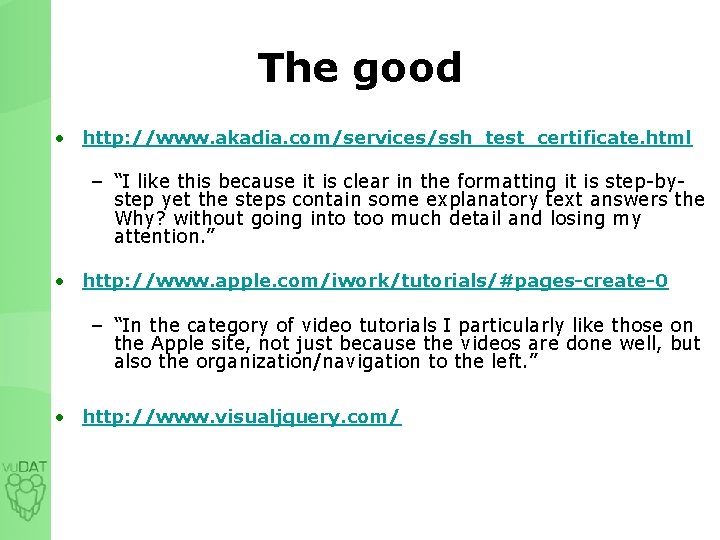
The good • http: //www. akadia. com/services/ssh_test_certificate. html – “I like this because it is clear in the formatting it is step-bystep yet the steps contain some explanatory text answers the Why? without going into too much detail and losing my attention. ” • http: //www. apple. com/iwork/tutorials/#pages-create-0 – “In the category of video tutorials I particularly like those on the Apple site, not just because the videos are done well, but also the organization/navigation to the left. ” • http: //www. visualjquery. com/
Questions? Comments? Discussion!
References List • • • http: //www. techrepublic. com http: //www. wikipedia. com http: //www. techsmith. com http: //help. msu. edu http: //help. angel. msu. edu http: //www. apple. com http: //www. nps. gov/nr/publications/bulletins/nrb 16 b/INDEX. htm http: //www. twitter. com http: //www. facebook. com http: //ebsp. msu. edu
Contact Jessica Knott jlknott@msu. edu 517. 432. 0711 x 101