
While Loops For Loops and Switch Statements Ethan
- Slides: 31
While Loops, For Loops and Switch Statements Ethan Cerami New York University 2/19/2021 Ethan Cerami, NYU 1
This Week n n Tuesday: n Pre-Post Increment Operators n While Loops n Amazon. com, Version 3. 0 Thursday: n For Loops n Switch Statements n Logical Operators 2/19/2021 Ethan Cerami, NYU 2
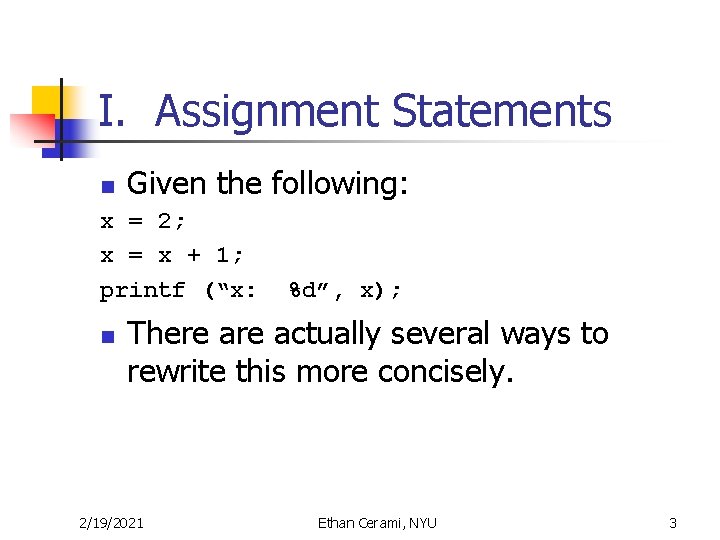
I. Assignment Statements n Given the following: x = 2; x = x + 1; printf (“x: %d”, x); n There actually several ways to rewrite this more concisely. 2/19/2021 Ethan Cerami, NYU 3
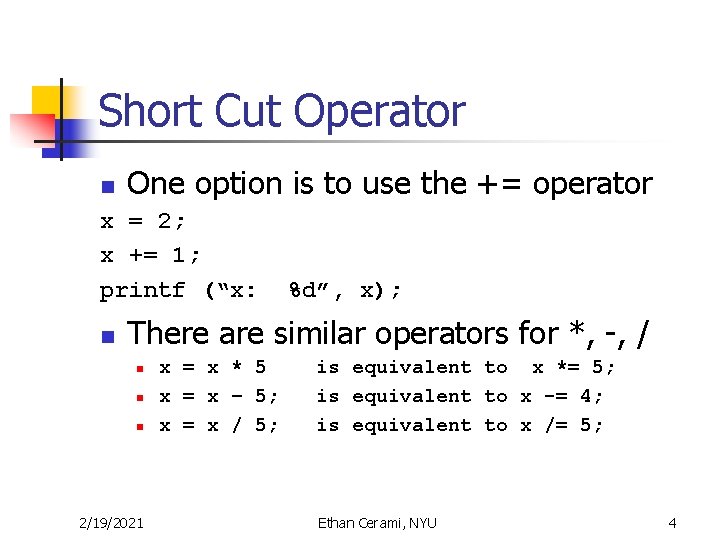
Short Cut Operator n One option is to use the += operator x = 2; x += 1; printf (“x: %d”, x); n There are similar operators for *, -, / n n n 2/19/2021 x = x * 5 x = x – 5; x = x / 5; is equivalent to x *= 5; is equivalent to x -= 4; is equivalent to x /= 5; Ethan Cerami, NYU 4
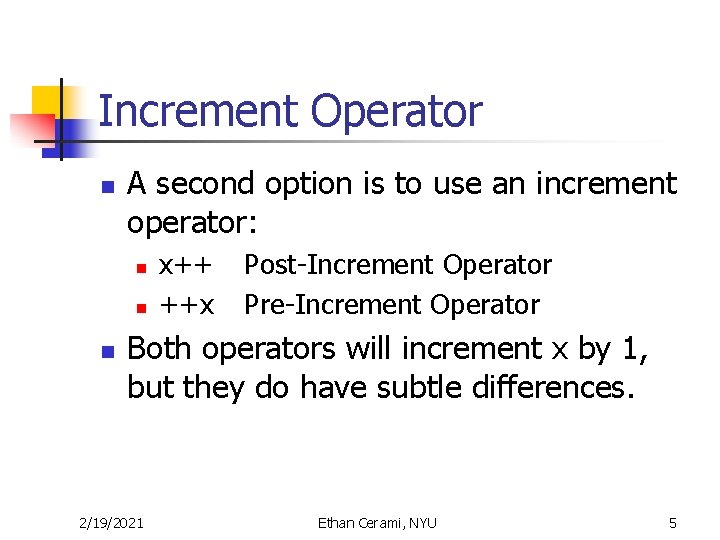
Increment Operator n A second option is to use an increment operator: n n n x++ ++x Post-Increment Operator Pre-Increment Operator Both operators will increment x by 1, but they do have subtle differences. 2/19/2021 Ethan Cerami, NYU 5
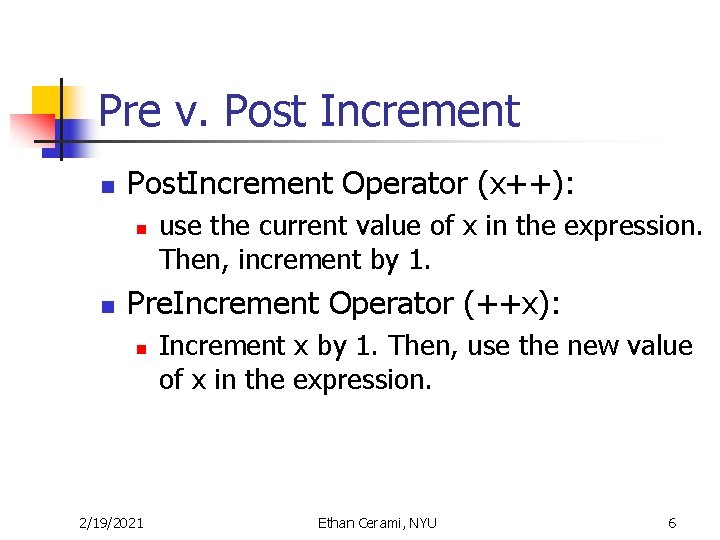
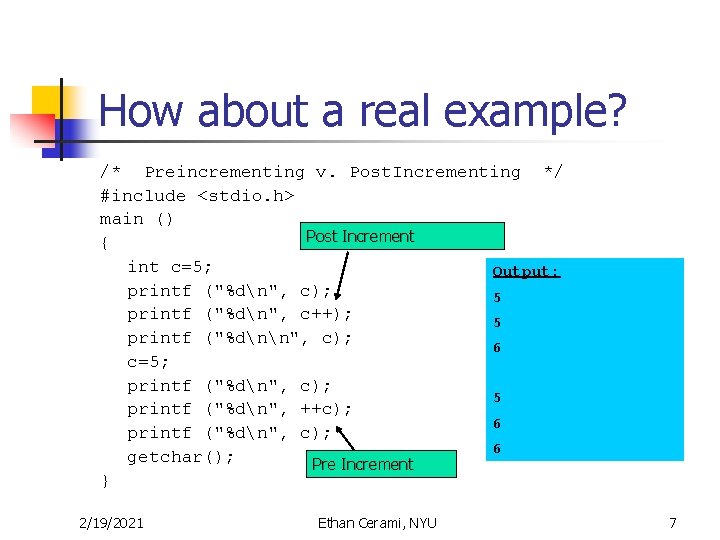
Pre v. Post Increment n Post. Increment Operator (x++): n n use the current value of x in the expression. Then, increment by 1. Pre. Increment Operator (++x): n 2/19/2021 Increment x by 1. Then, use the new value of x in the expression. Ethan Cerami, NYU 6
How about a real example? /* Preincrementing v. Post. Incrementing */ #include <stdio. h> main () Post Increment { int c=5; Output: printf ("%dn", c); 5 printf ("%dn", c++); 5 printf ("%dnn", c); 6 c=5; printf ("%dn", c); 5 printf ("%dn", ++c); 6 printf ("%dn", c); 6 getchar(); Pre Increment } 2/19/2021 Ethan Cerami, NYU 7
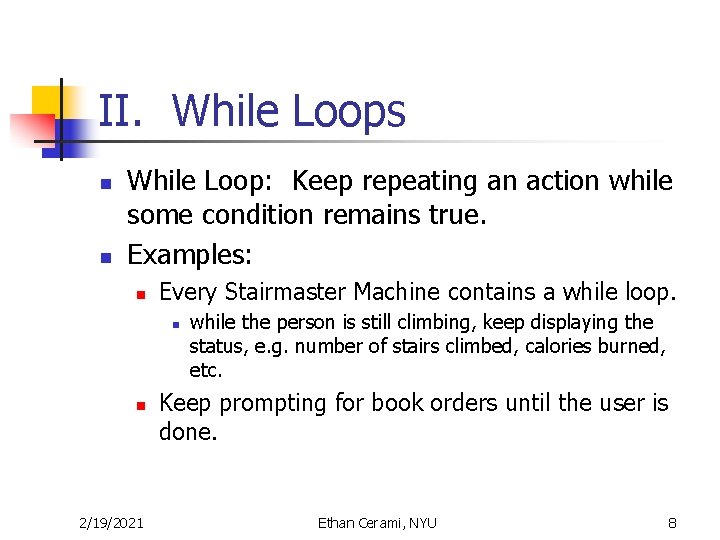
II. While Loops n n While Loop: Keep repeating an action while some condition remains true. Examples: n Every Stairmaster Machine contains a while loop. n n 2/19/2021 while the person is still climbing, keep displaying the status, e. g. number of stairs climbed, calories burned, etc. Keep prompting for book orders until the user is done. Ethan Cerami, NYU 8
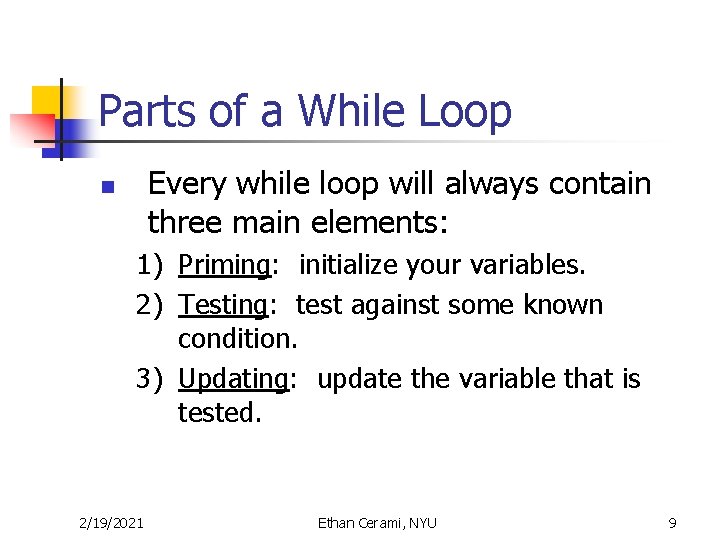
Parts of a While Loop Every while loop will always contain three main elements: n 1) Priming: initialize your variables. 2) Testing: test against some known condition. 3) Updating: update the variable that is tested. 2/19/2021 Ethan Cerami, NYU 9
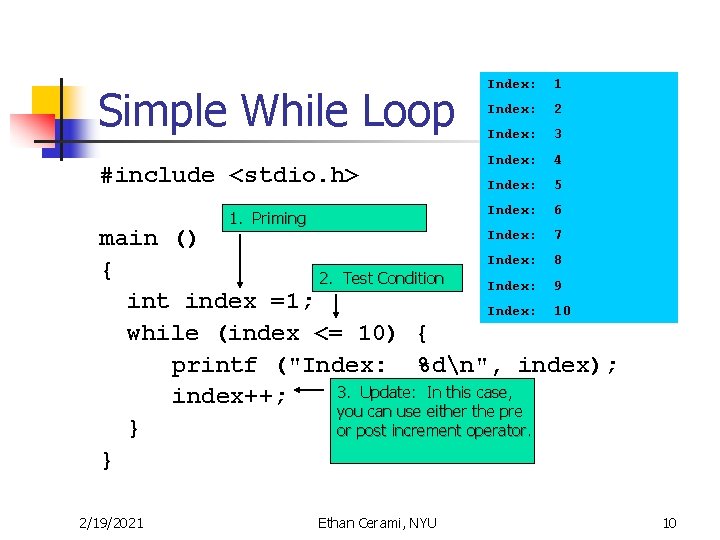
Simple While Loop Index: 1 Index: 2 Index: 3 Index: 4 #include <stdio. h> Index: 5 Index: 6 1. Priming Index: 7 main () Index: 8 { 2. Test Condition Index: 9 int index =1; Index: 10 while (index <= 10) { printf ("Index: %dn", index); 3. Update: In this case, index++; you can use either the pre } or post increment operator. } 2/19/2021 Ethan Cerami, NYU 10
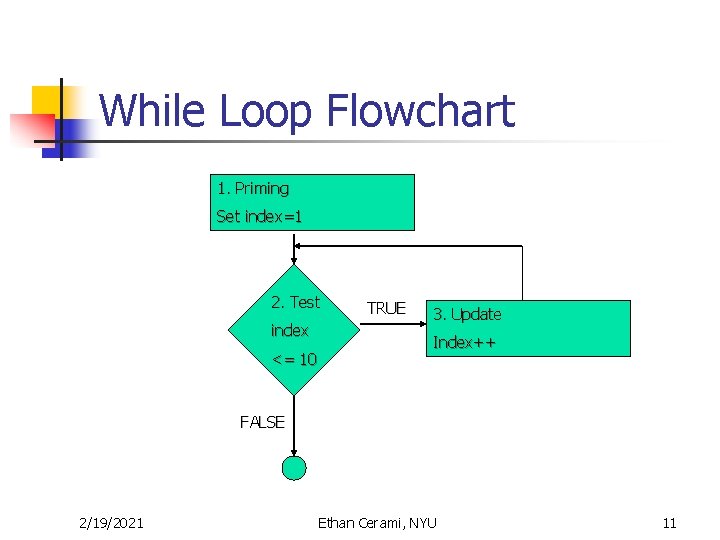
While Loop Flowchart 1. Priming Set index=1 2. Test index <= 10 TRUE 3. Update Index++ FALSE 2/19/2021 Ethan Cerami, NYU 11
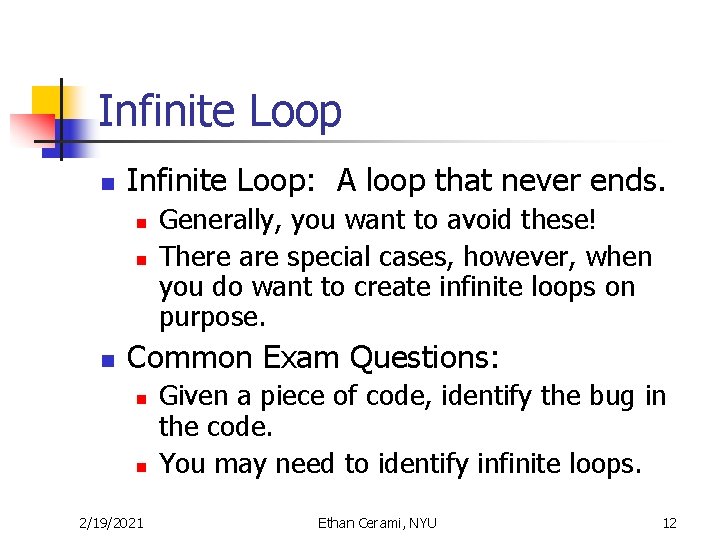
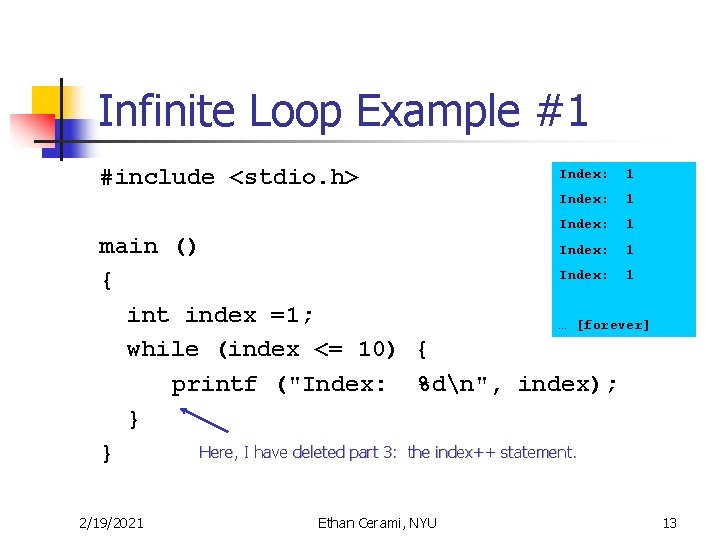
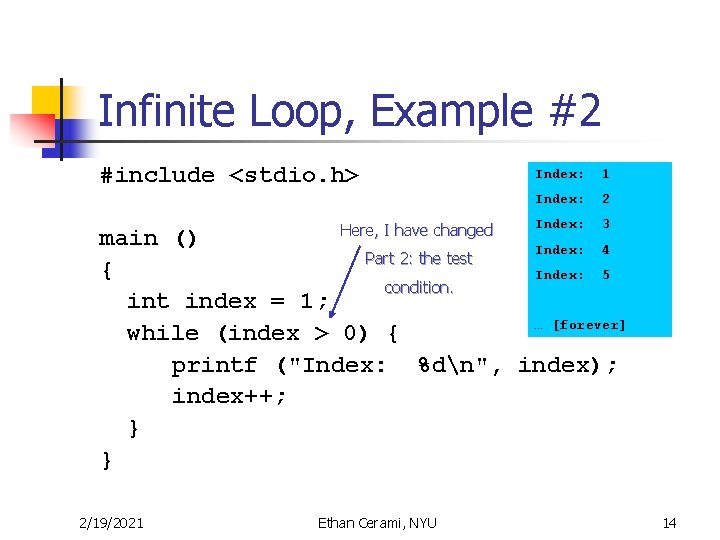
Infinite Loop n Infinite Loop: A loop that never ends. n n n Generally, you want to avoid these! There are special cases, however, when you do want to create infinite loops on purpose. Common Exam Questions: n n 2/19/2021 Given a piece of code, identify the bug in the code. You may need to identify infinite loops. Ethan Cerami, NYU 12
Infinite Loop Example #1 Index: 1 #include <stdio. h> Index: 1 main () Index: 1 { int index =1; … [forever] while (index <= 10) { printf ("Index: %dn", index); } Here, I have deleted part 3: the index++ statement. } 2/19/2021 Ethan Cerami, NYU 13
Infinite Loop, Example #2 Index: 1 #include <stdio. h> Index: 2 Index: 3 Here, I have changed main () Index: 4 Part 2: the test { Index: 5 condition. int index = 1; … [forever] while (index > 0) { printf ("Index: %dn", index); index++; } } 2/19/2021 Ethan Cerami, NYU 14
Why this is important n Or, how I crashed the NYU Computer System 2/19/2021 Ethan Cerami, NYU 15
Amazon. com, Version 3. 0 n New Features n n n Users can now enter more than one book. Program keeps track of a running total. Uses a while loop to get the work done. 2/19/2021 Ethan Cerami, NYU 16
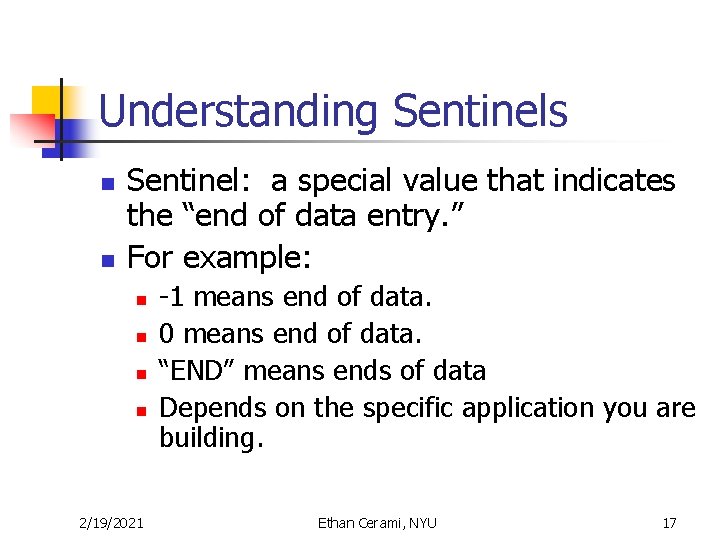
Understanding Sentinels n n Sentinel: a special value that indicates the “end of data entry. ” For example: n n 2/19/2021 -1 means end of data. 0 means end of data. “END” means ends of data Depends on the specific application you are building. Ethan Cerami, NYU 17
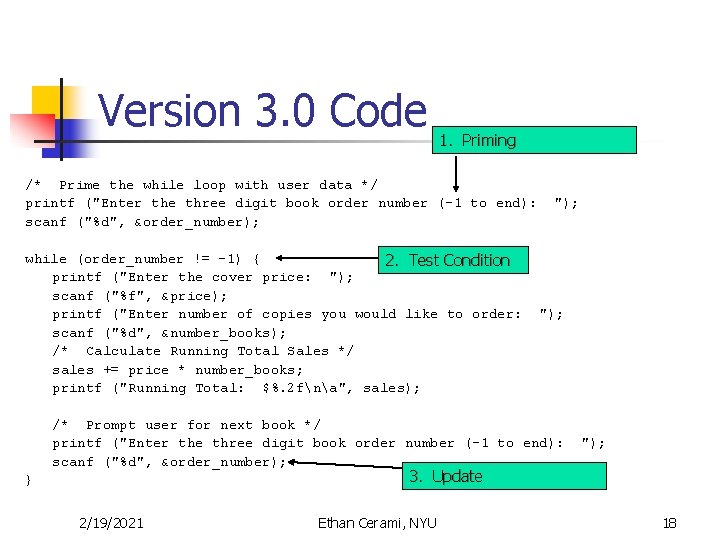
Version 3. 0 Code 1. Priming /* Prime the while loop with user data */ printf ("Enter the three digit book order number (-1 to end): scanf ("%d", &order_number); while (order_number != -1) { 2. Test Condition printf ("Enter the cover price: "); scanf ("%f", &price); printf ("Enter number of copies you would like to order: scanf ("%d", &number_books); /* Calculate Running Total Sales */ sales += price * number_books; printf ("Running Total: $%. 2 fna", sales); "); /* Prompt user for next book */ printf ("Enter the three digit book order number (-1 to end): scanf ("%d", &order_number); "); 3. Update } 2/19/2021 Ethan Cerami, NYU 18
Next Homework n n HW #2 requires that you write several example programs that continue to prompt for user data. Use Amazon. com, Version 3. 0 as an example. 2/19/2021 Ethan Cerami, NYU 19
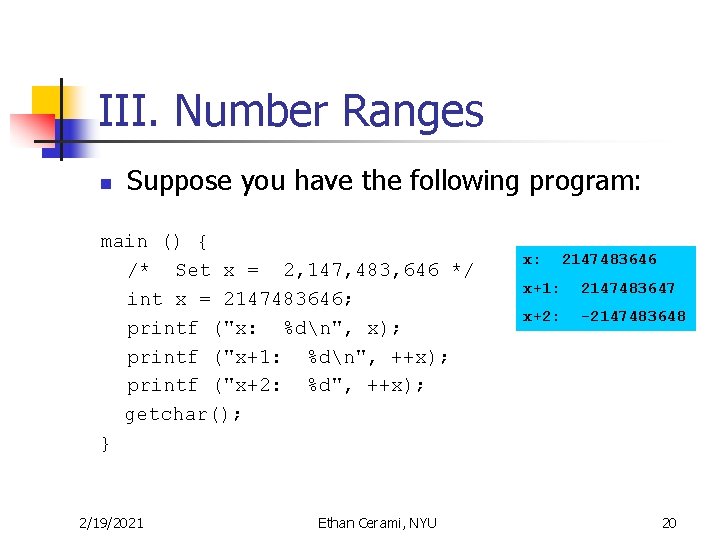
III. Number Ranges n Suppose you have the following program: main () { /* Set x = 2, 147, 483, 646 */ int x = 2147483646; printf ("x: %dn", x); printf ("x+1: %dn", ++x); printf ("x+2: %d", ++x); getchar(); } 2/19/2021 Ethan Cerami, NYU x: 2147483646 x+1: 2147483647 x+2: -2147483648 20
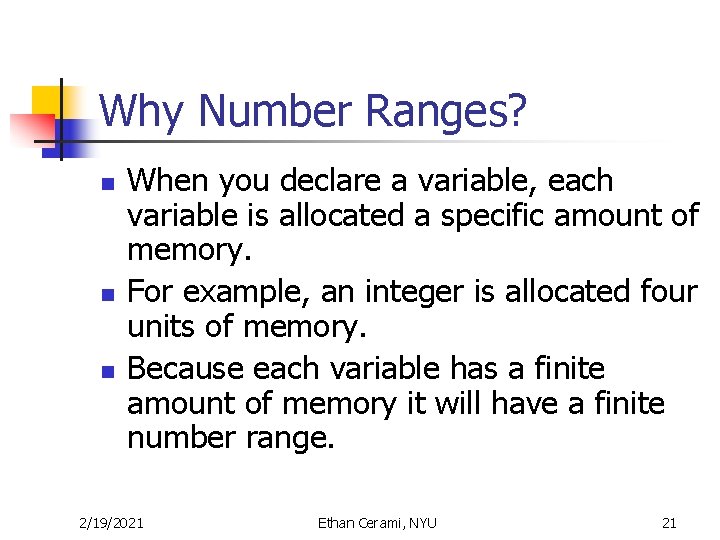
Why Number Ranges? n n n When you declare a variable, each variable is allocated a specific amount of memory. For example, an integer is allocated four units of memory. Because each variable has a finite amount of memory it will have a finite number range. 2/19/2021 Ethan Cerami, NYU 21
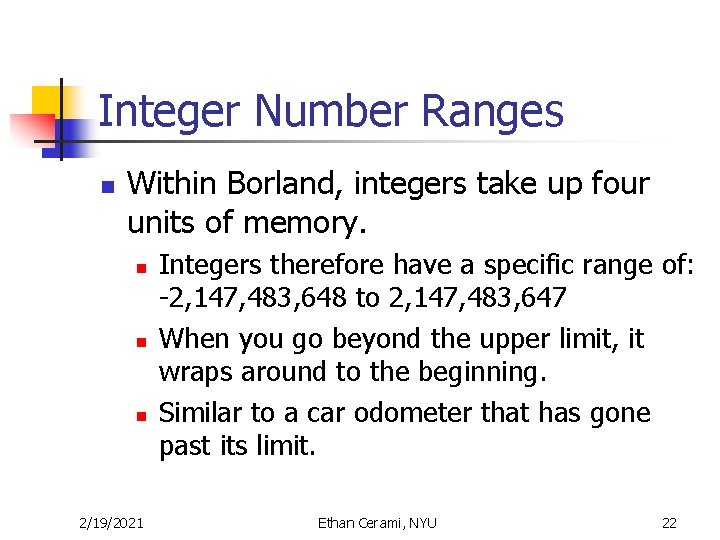
Integer Number Ranges n Within Borland, integers take up four units of memory. n n n 2/19/2021 Integers therefore have a specific range of: -2, 147, 483, 648 to 2, 147, 483, 647 When you go beyond the upper limit, it wraps around to the beginning. Similar to a car odometer that has gone past its limit. Ethan Cerami, NYU 22
Platform Issues n n n Number ranges vary from operating system to operating system. For example, an integer range on an IBM mainframe will be much bigger than a regular PC. This is an important issue as it may prevent your program from being portable. 2/19/2021 Ethan Cerami, NYU 23
Data Type Range Table n Available on the course home page. n n Under the Programs Section int, longs, shorts, floats, double, chars. 2/19/2021 Ethan Cerami, NYU 24
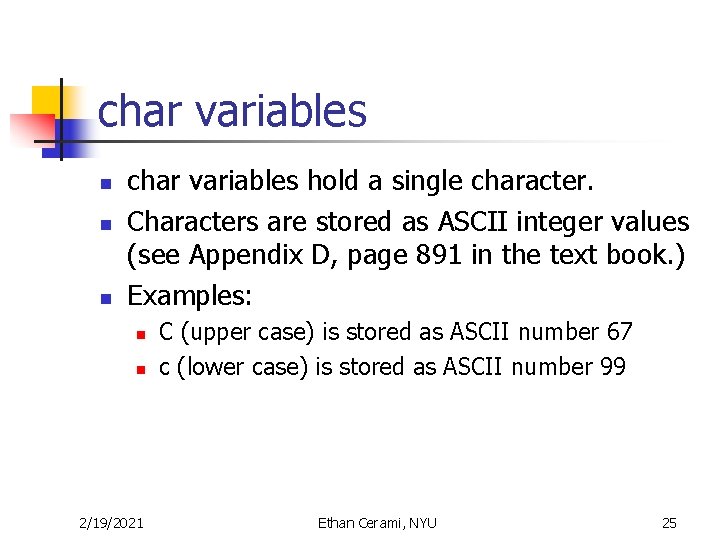
char variables n n n char variables hold a single character. Characters are stored as ASCII integer values (see Appendix D, page 891 in the text book. ) Examples: n n 2/19/2021 C (upper case) is stored as ASCII number 67 c (lower case) is stored as ASCII number 99 Ethan Cerami, NYU 25
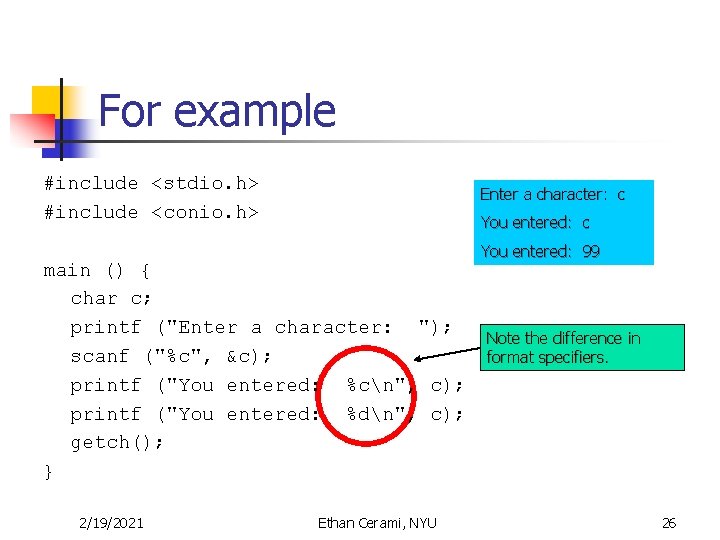
For example #include <stdio. h> #include <conio. h> Enter a character: c You entered: c main () { char c; printf ("Enter a character: "); scanf ("%c", &c); printf ("You entered: %cn", c); printf ("You entered: %dn", c); getch(); } 2/19/2021 Ethan Cerami, NYU You entered: 99 Note the difference in format specifiers. 26
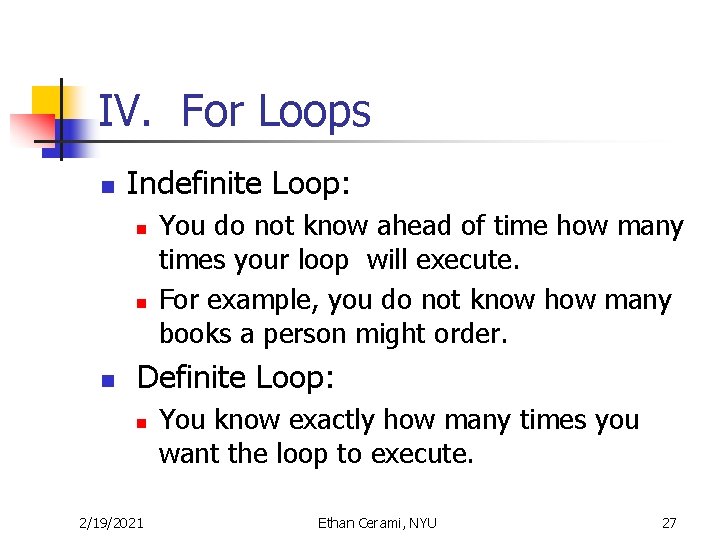
IV. For Loops n Indefinite Loop: n n n You do not know ahead of time how many times your loop will execute. For example, you do not know how many books a person might order. Definite Loop: n 2/19/2021 You know exactly how many times you want the loop to execute. Ethan Cerami, NYU 27
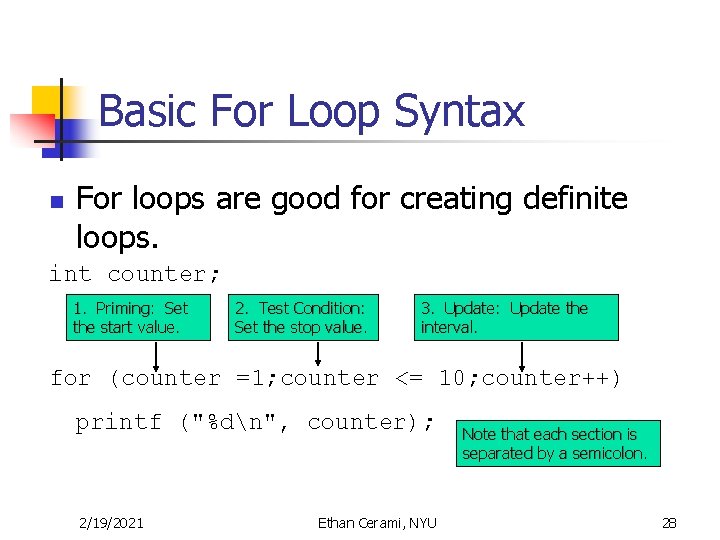
Basic For Loop Syntax n For loops are good for creating definite loops. int counter; 1. Priming: Set the start value. 2. Test Condition: Set the stop value. 3. Update: Update the interval. for (counter =1; counter <= 10; counter++) printf ("%dn", counter); 2/19/2021 Ethan Cerami, NYU Note that each section is separated by a semicolon. 28
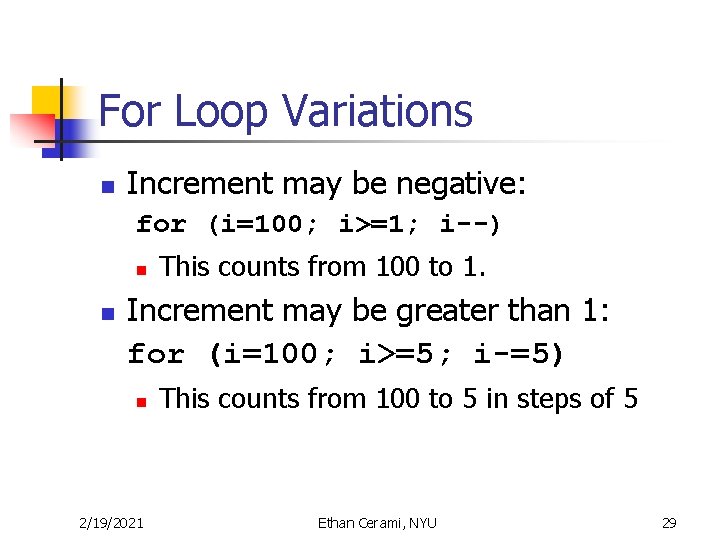
For Loop Variations n Increment may be negative: for (i=100; i>=1; i--) n n This counts from 100 to 1. Increment may be greater than 1: for (i=100; i>=5; i-=5) n 2/19/2021 This counts from 100 to 5 in steps of 5 Ethan Cerami, NYU 29
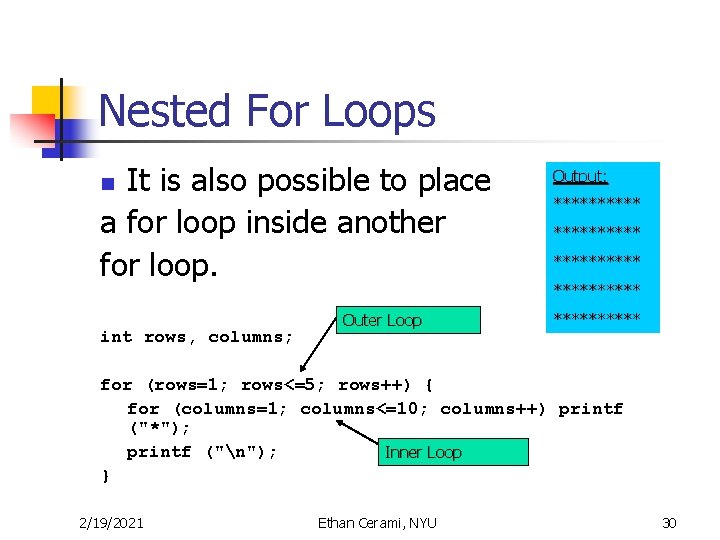
Nested For Loops It is also possible to place a for loop inside another for loop. n Outer Loop Output: ********** ***** int rows, columns; for (rows=1; rows<=5; rows++) { for (columns=1; columns<=10; columns++) printf ("*"); printf ("n"); Inner Loop } 2/19/2021 Ethan Cerami, NYU 30
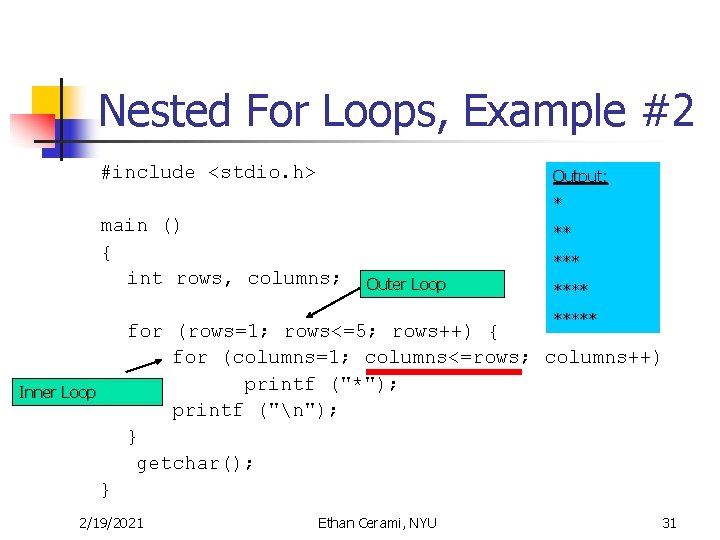
Nested For Loops, Example #2 #include <stdio. h> Output: * main () { int rows, columns; ** *** Outer Loop ***** for (rows=1; rows<=5; rows++) { for (columns=1; columns<=rows; columns++) printf ("*"); printf ("n"); } getchar(); Inner Loop } 2/19/2021 Ethan Cerami, NYU 31