
When should you use CASE tools 1 The


- Slides: 36
When should you use CASE tools? 1
The overall aim of CASE technology • The overall aim of CASE technology is to improve the productivity and quality of the resulting systems by assisting the developer throughout the different stages of the development process from the acquisition of the functional and nonfunctional system requirements to the design and implementation of the system considering all the relevant technical and operational features. 2
Use of CASE tools • There is a wide range of costs, as well as benefits, associated with CASE tools, so you should adopt one only when it actually is your best option. • On the surface, it is easy to assume that if you're an agile modeler that you aren't going to use a Computer Aided System Engineering (CASE) tool. • Poppycock!( ) ﻛﻼﻡ ﻓﺎﺭﻍ An agile modeler uses a tool, any tool, when that tool makes the most sense for that situation. 3
Agile Modeling (AM) • Agile Modeling (AM) is a practice-based methodology for effective modeling and documentation of software-based systems. • Simply put, Agile Modeling (AM) is a collection of values, principles, and practices for modeling software that can be applied on a software development project in an effective and lightweight manner 4
• Just like a carpenter( ) ﺍﻟﻨﺠﺎﺭ will use a manual screwdriver sometimes and other times an electric screwdriver, • sometimes an agile modeler will use an index card and other times a complex software design tool. 5
• Any tools, including CASE tools, should be used only when using the tool is the option that provides the maximal value for your investment. • This is basic investment theory -- if you can invest your money one way and get a 10 percent overall return, or if you can invest your money another way and get a 15 percent overall return, everything else being equal, you're better off with the second investment. 6
The Need for Computer -Aided Software Development • Requirements Engineering is one of the software development phases for which CASE is particularly suitable. • This fact was realized in the early days of CASE and it was soon put into practice in the form of research prototypes first and commercial tools soon after. • There are of course good reasons why CASE is particularly applicable to Requirements Engineering: – Requirements Engineering produces vast amounts of information (in both textual and graphical forms). Obviously this information must be managed, captured, stored, retrieved, disseminated and changed. – However the manual capture, storage, manipulation etc. of requirements increases the risk of errors creeping into the process and into the final outcome. – Such errors cam manifest themselves in various forms i. e. as out-dated, inconsistent or incomplete or erroneous requirements models. 7
Why CASE is particularly applicable to Requirements Engineering: 1. First: – – – 2. Requirements Engineering produces vast amounts of information (in both textual and graphical forms). Obviously this information must be managed, captured, stored, retrieved, disseminated and changed. However the manual capture, storage, manipulation etc. of requirements increases the risk of errors creeping into the process and into the final outcome. Such errors cam manifest themselves in various forms i. e. as out-dated, inconsistent or incomplete or erroneous requirements models. Second: – – – Another serious problem of manual practice of Requirements Engineering lies with the difficulty to enforce certain software standards. As it happens, users and software engineers have their individual ways of communication in textual or pictorial form. This however can cause serious communications problems in the context of software development. User reports written in a variety of formats and styles can be a nightmare for those responsible for their editing and translation into technical descriptions. 8
CASE tackles the problems related to software requirements in the following ways: • First, by providing automated management of all the requirements related information. • Second by enforcing standards. – CASE tools provide standard formats for inputting, retrieving or changing information. – Such standards can be for example document formats for textual requirements, diagrammatic notations etc. – The use of a uniform set of standards across the software development team ensures that problems such inconsistency and misinterpretation are eliminated or greatly reduced. 9
CASE affects the produced and updated speed of requirements model • CASE also affects the speed with which a requirements model is produced and updated. – This is important, as Requirements Engineering has to deal with two contradicting demands, namely to involve the user as little as possible in the process (since users are probably too busy doing other things to participate in software development) and at the same time obtain all the information required from the user including feedback on the specified requirements. – In resolving this conflict, CASE is invaluable since it offers two primary facilities, namely easy communication with the user through graphical models and prototyping. 1. CASE allows the quick construction of quality graphical models which are easily understood by the user as well as their equally quick modification. 2. Prototyping is also valuable in putting the user through lifelike interaction with the software system in order to understand the user’s true requirements 10
Modeling tools choices With respect to modeling tools, you always have several choices: • Use simple tools such as index cards and whiteboards. • Use a diagramming tool such as Microsoft Visio. • Use a more complicated tool such as Together. Soft's Together/J, Rational Rose, or Computer Associate's ERWin. 11
Calculate the expected value for your investment in a tool • So how do you calculate the expected value for your investment in a tool? we suggest that you don't, at least not from a strict accounting sense of the idea. • Yes, you could prepare a complex spreadsheet listing all the costs, both quantitative costs that have a clear dollar value and qualitative costs that need to be translated into a dollar value and then compare them with the expected quantitative and qualitative benefits. 12
Calculate the net present value • And of course, you naturally have to calculate the net present value (NPV) of all of those figures to ensure that you're comparing apples to apples. • There is a pretty good write-up of how to do all this in the book Process Patterns if you're really interested, but we strongly recommend against this sort of lengthy analysis. Why? Because it's a lot of work that is, more often than not, just a façade( ) ﺍﻟﻮﺍﺟﻬﺔ used to justify a political decision anyway. 13
Potential CASE tool costs • Initial training and education. • Evaluation costs. • Maintenance of the model over time. • Upgrade costs of the tool. • Time lost waiting for the tool to do its job 14
Potential CASE tool costs (cont. ) • Time lost over-using the tool (e. g. making your diagrams look pretty, and so on) • Migration costs to port models to another tool • CASE tools often promote syntax (in other words, your model looks good but doesn't necessarily work) 15
Potential CASE tool costs (cont. ) • Generated code is often too simplistic, or cluttered( ) ﺗﺸﻮﺵ with extraneous( ) ﺩﺧﻴﻠﺔ information required by the tool • Poor user interfaces often hamper( ) ﻳﻌﻴﻖ the modeling effort • Inadequate integration with other tools reduces productivity and/or requires integration work • Complex tools often prevent the inclusion of nondevelopers in your modeling efforts 16
Potential CASE tool benefits • Forward engineering (code generation) • Reverse engineering of existing code • Support for changing levels of abstraction (for example, from requirements to analysis to design to code) • Testing of the consistency and validity of your models • Synchronization of models with delivered code • Support for different views and/or potential solutions to a problem • Generation of documentation 17
Supporting software Alfonso Fuggetta classified CASE into 3 categories: • Tools support only specific tasks in the software process. • Workbenches support only one or a few activities( specifications, design, implementations, validations … ). • Environments support (a large part of) the software process. 18
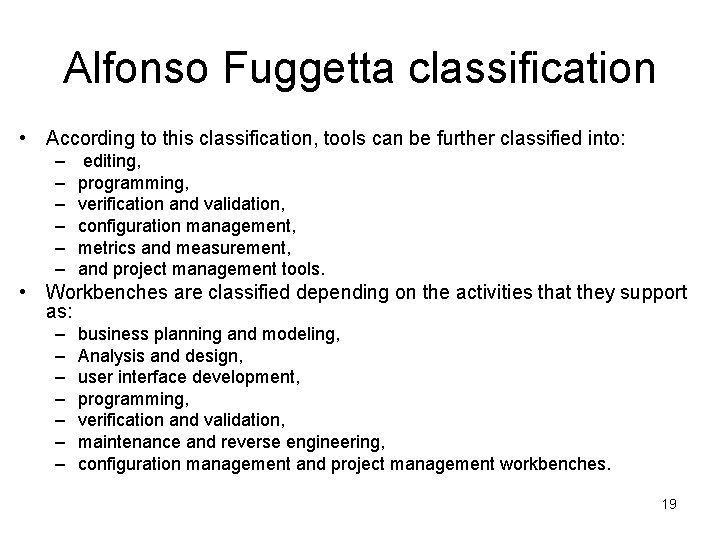
Alfonso Fuggetta classification • According to this classification, tools can be further classified into: – – – editing, programming, verification and validation, configuration management, metrics and measurement, and project management tools. • Workbenches are classified depending on the activities that they support as: – – – – business planning and modeling, Analysis and design, user interface development, programming, verification and validation, maintenance and reverse engineering, configuration management and project management workbenches. 19
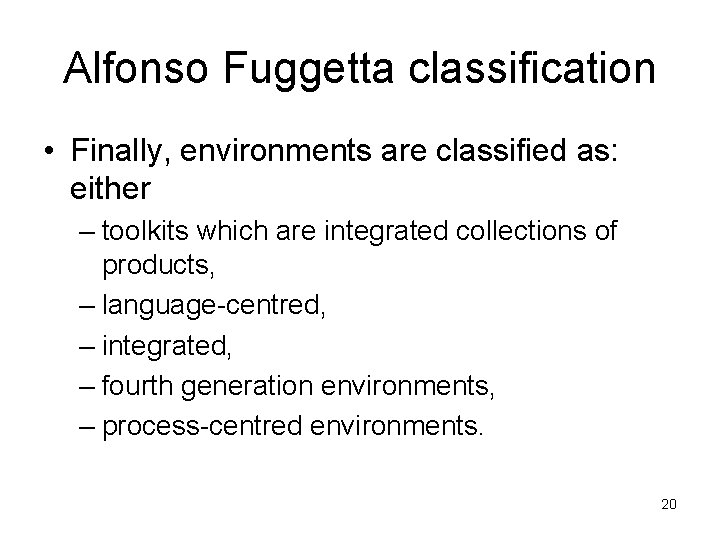
Alfonso Fuggetta classification • Finally, environments are classified as: either – toolkits which are integrated collections of products, – language-centred, – integrated, – fourth generation environments, – process-centred environments. 20
Workbenches and environments CASE • Workbenches and environments are generally built as collections of tools. • Tools can therefore be either stand alone products or components of workbenches and environments. 21
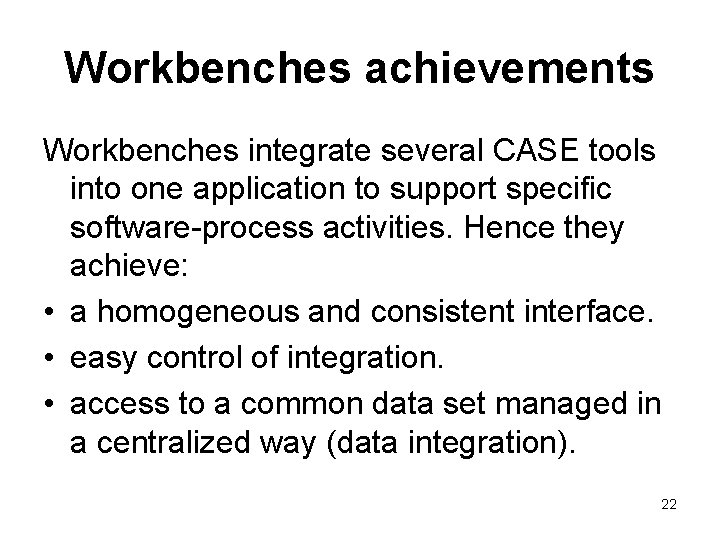
Workbenches achievements Workbenches integrate several CASE tools into one application to support specific software-process activities. Hence they achieve: • a homogeneous and consistent interface. • easy control of integration. • access to a common data set managed in a centralized way (data integration). 22
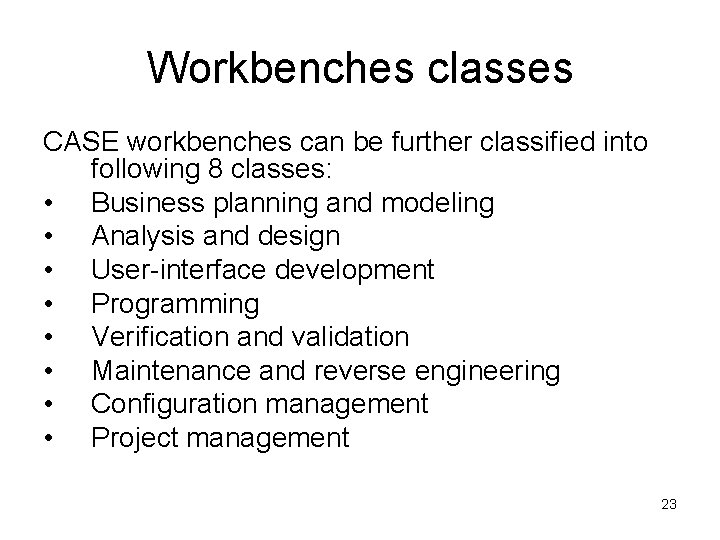
Workbenches classes CASE workbenches can be further classified into following 8 classes: • Business planning and modeling • Analysis and design • User-interface development • Programming • Verification and validation • Maintenance and reverse engineering • Configuration management • Project management 23
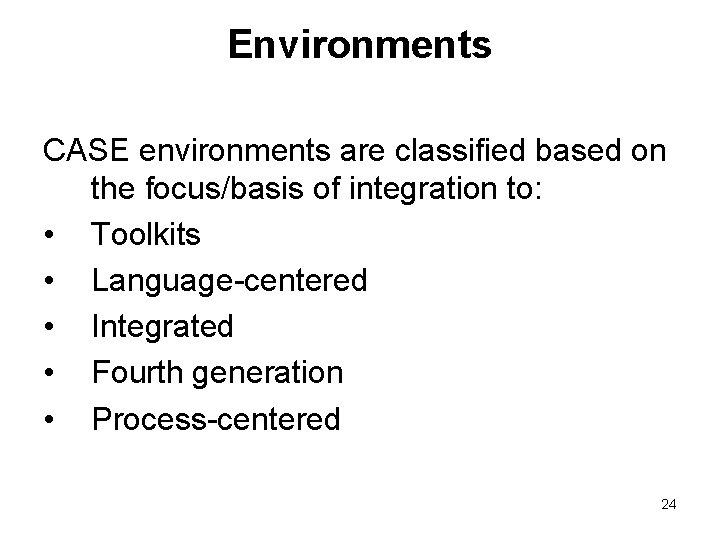
Environments CASE environments are classified based on the focus/basis of integration to: • Toolkits • Language-centered • Integrated • Fourth generation • Process-centered 24
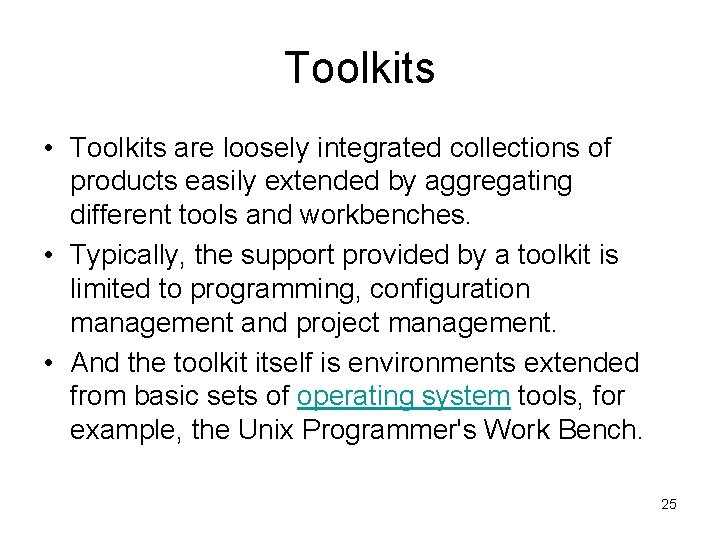
Toolkits • Toolkits are loosely integrated collections of products easily extended by aggregating different tools and workbenches. • Typically, the support provided by a toolkit is limited to programming, configuration management and project management. • And the toolkit itself is environments extended from basic sets of operating system tools, for example, the Unix Programmer's Work Bench. 25
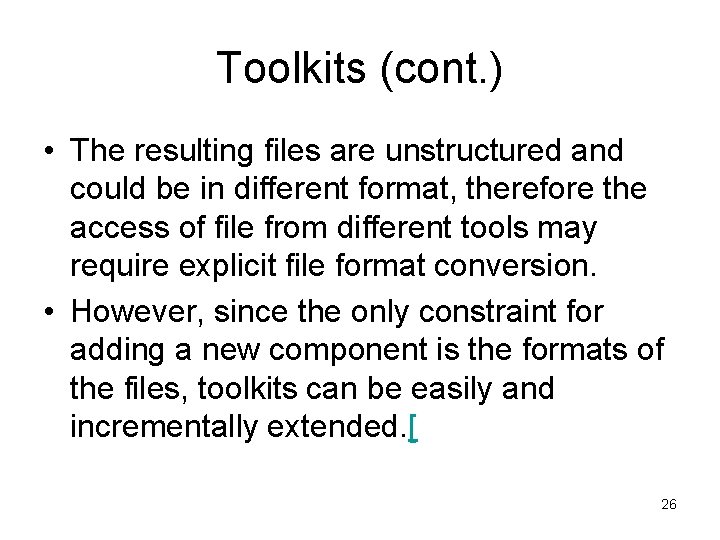
Toolkits (cont. ) • The resulting files are unstructured and could be in different format, therefore the access of file from different tools may require explicit file format conversion. • However, since the only constraint for adding a new component is the formats of the files, toolkits can be easily and incrementally extended. [ 26
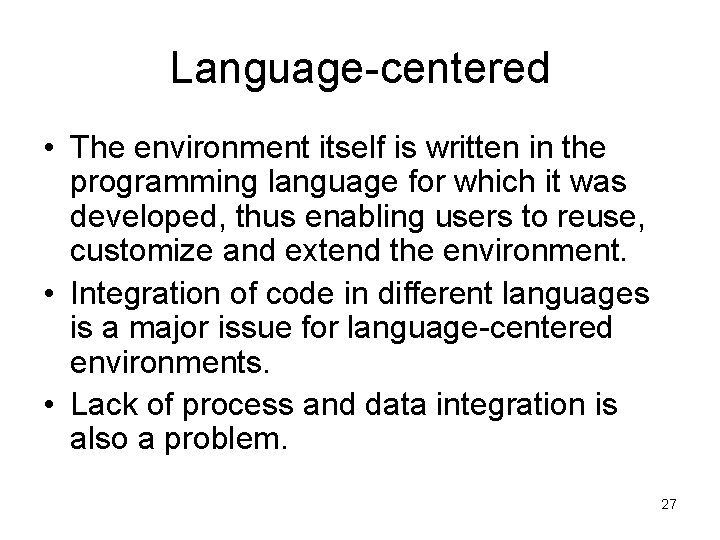
Language-centered • The environment itself is written in the programming language for which it was developed, thus enabling users to reuse, customize and extend the environment. • Integration of code in different languages is a major issue for language-centered environments. • Lack of process and data integration is also a problem. 27
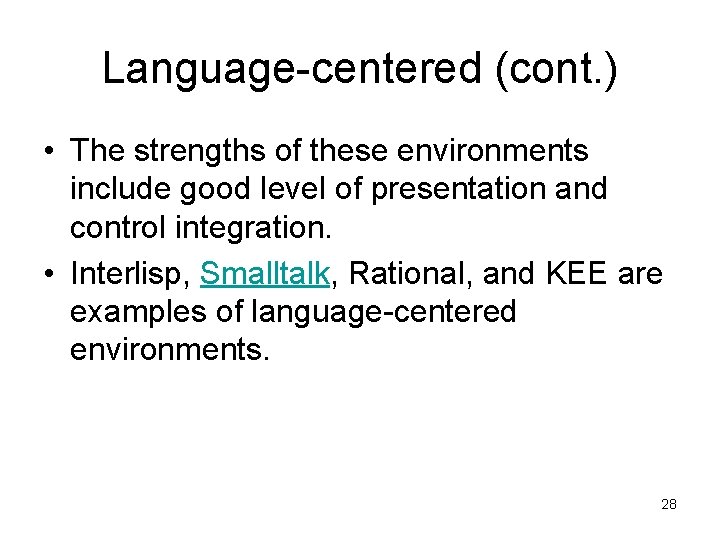
Language-centered (cont. ) • The strengths of these environments include good level of presentation and control integration. • Interlisp, Smalltalk, Rational, and KEE are examples of language-centered environments. 28
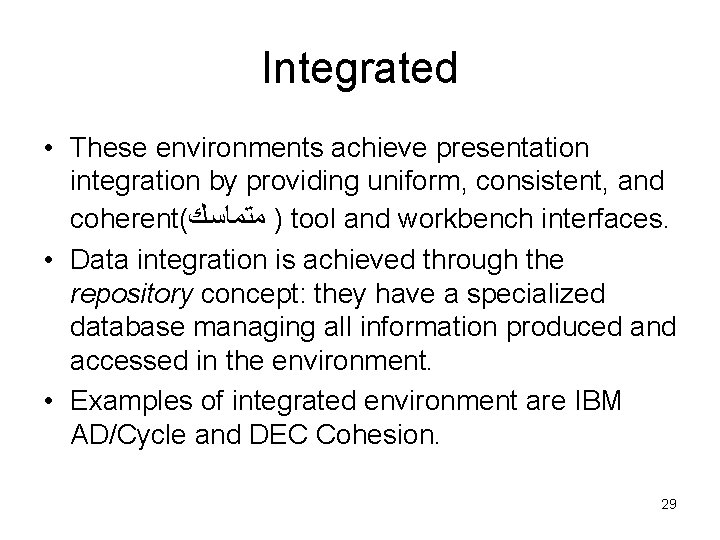
Integrated • These environments achieve presentation integration by providing uniform, consistent, and coherent( ) ﻣﺘﻤﺎﺳﻚ tool and workbench interfaces. • Data integration is achieved through the repository concept: they have a specialized database managing all information produced and accessed in the environment. • Examples of integrated environment are IBM AD/Cycle and DEC Cohesion. 29
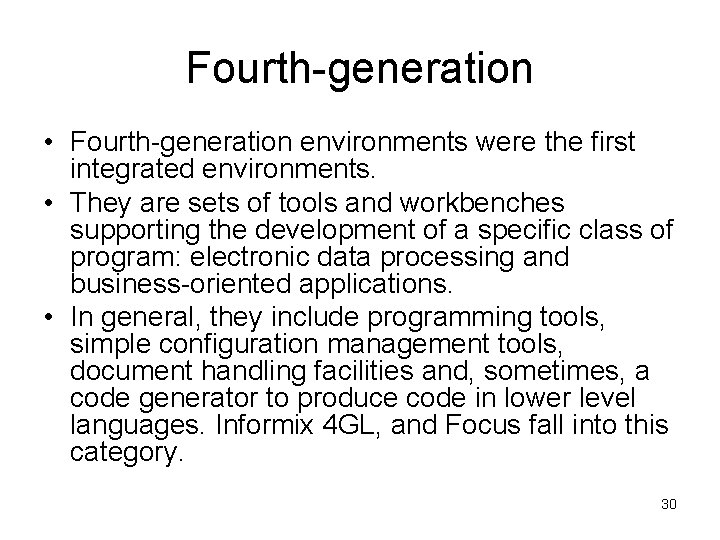
Fourth-generation • Fourth-generation environments were the first integrated environments. • They are sets of tools and workbenches supporting the development of a specific class of program: electronic data processing and business-oriented applications. • In general, they include programming tools, simple configuration management tools, document handling facilities and, sometimes, a code generator to produce code in lower level languages. Informix 4 GL, and Focus fall into this category. 30
Process-centered • Environments in this category focus on process integration with other integration dimensions as starting points. A process-centered environment operates by interpreting a process model created by specialized tools. They usually consist of tools handling two functions: – Process-model execution – Process-model production – Examples are East, Enterprise II, Process Wise, Process Weaver, and Arcadia. 31
Risks and associated controls Common CASE risks and associated controls include: • Inadequate standardization: Linking CASE tools from different vendors (design tool from Company X, programming tool from Company Y) may be difficult if the products do not use standardized code structures and data classifications. File formats can be converted, but usually not economically. 32
Risks and associated controls cont. Common CASE risks and associated controls include: (cont. ) • Controls include using tools from the same vendor, or using tools based on standard protocols and insisting on demonstrated compatibility. Additionally, if organizations obtain tools for only a portion of the development process, they should consider acquiring them from a vendor that has a full line of products to ensure future compatibility if they add more tools. 33
Risks and associated controls cont. • Unrealistic expectations: Organizations often implement CASE technologies to reduce development costs. • Implementing CASE strategies usually involves high start-up costs. Generally, management must be willing to accept a long-term payback period. • Controls include requiring senior managers to define their purpose and strategies for implementing CASE technologies. 34
Risks and associated controls cont. • Slow implementation: Implementing CASE technologies can involve a significant change from traditional development environments. • Typically, organizations should not use CASE tools the first time on critical projects or projects with short deadlines because of the lengthy training process. • Additionally, organizations should consider using the tools on smaller, less complex projects and gradually implementing the tools to allow more training time. 35
Risks and associated controls cont. • Weak repository controls: Failure to adequately control access to CASE repositories may result in security breaches or damage to the work documents, system designs, or code modules stored in the repository. • Controls include protecting the repositories with appropriate access, version, and backup controls. 36