
Whats new in Windows Server HyperV Ben Armstrong
What’s new in Windows Server Hyper-V Ben Armstrong M 227
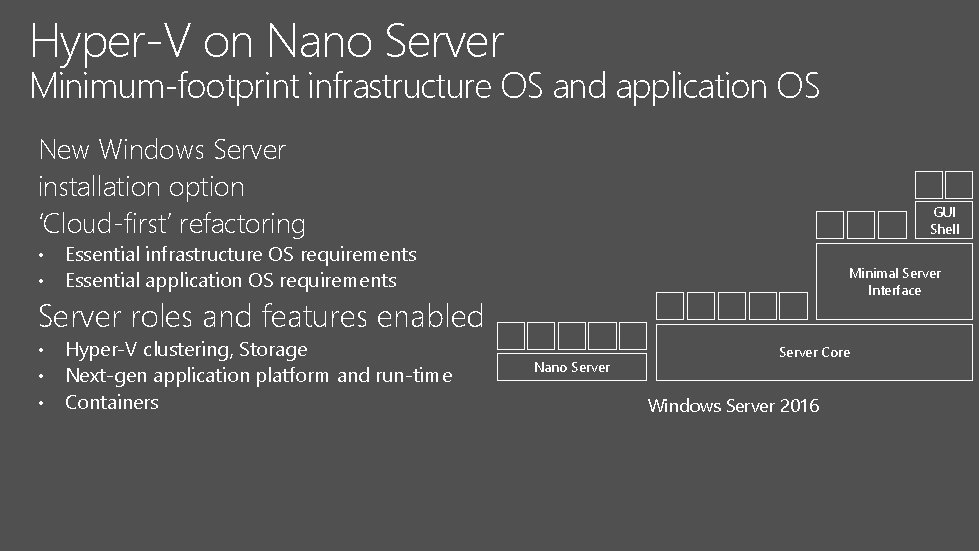
Hyper-V on Nano Server Minimum-footprint infrastructure OS and application OS New Windows Server installation option ‘Cloud-first’ refactoring • • GUI Shell Essential infrastructure OS requirements Essential application OS requirements Minimal Server Interface Server roles and features enabled • • • Hyper-V clustering, Storage Next-gen application platform and run-time Containers Nano Server Core Windows Server 2016
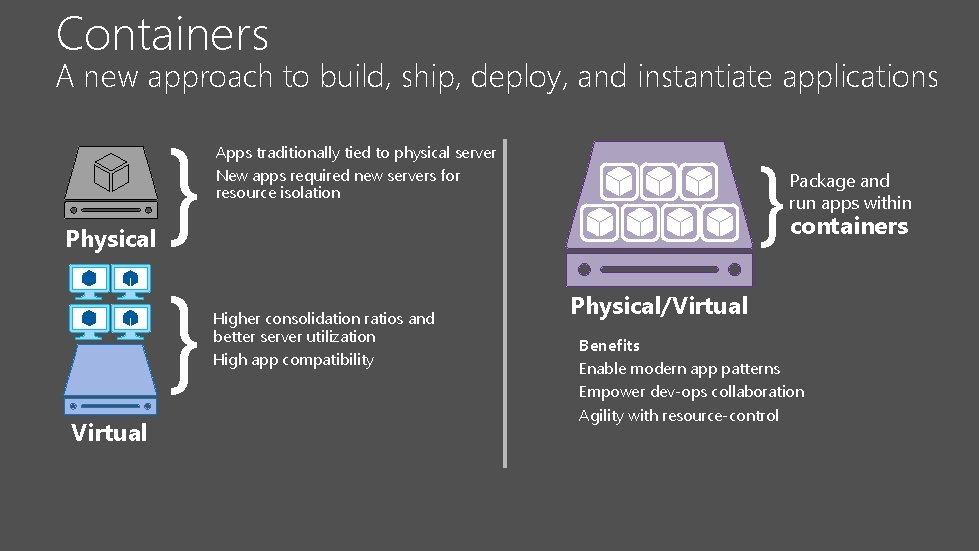
Containers A new approach to build, ship, deploy, and instantiate applications Physical Virtual } } } Apps traditionally tied to physical server New apps required new servers for resource isolation Higher consolidation ratios and better server utilization High app compatibility Package and run apps within containers Physical/Virtual Benefits Enable modern app patterns Empower dev-ops collaboration Agility with resource-control
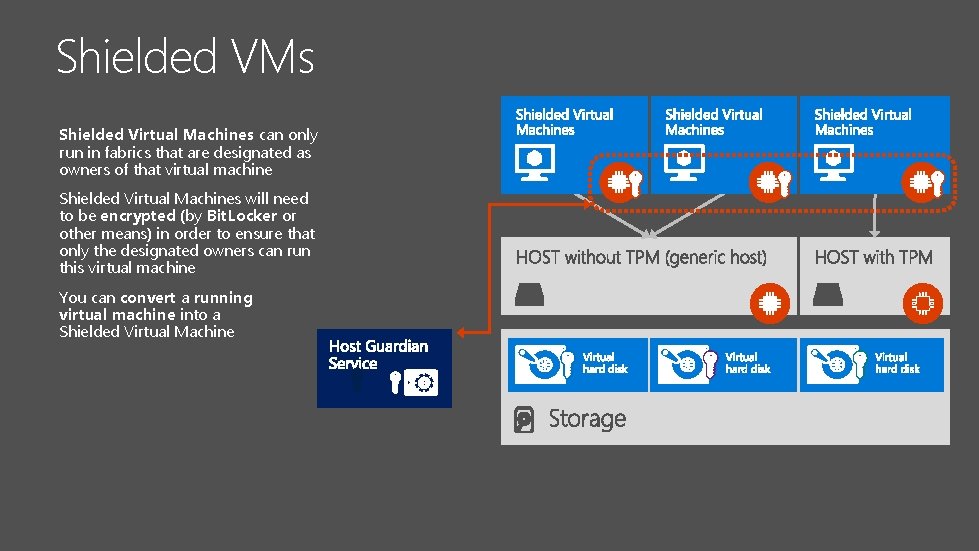
Shielded VMs Shielded Virtual Machines can only run in fabrics that are designated as owners of that virtual machine Shielded Virtual Machines will need to be encrypted (by Bit. Locker or other means) in order to ensure that only the designated owners can run this virtual machine You can convert a running virtual machine into a Shielded Virtual Machine
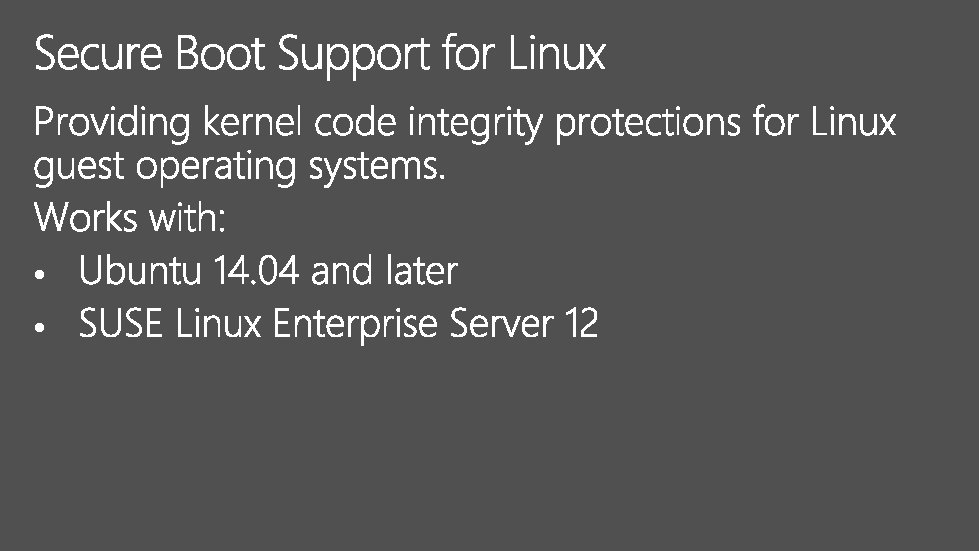
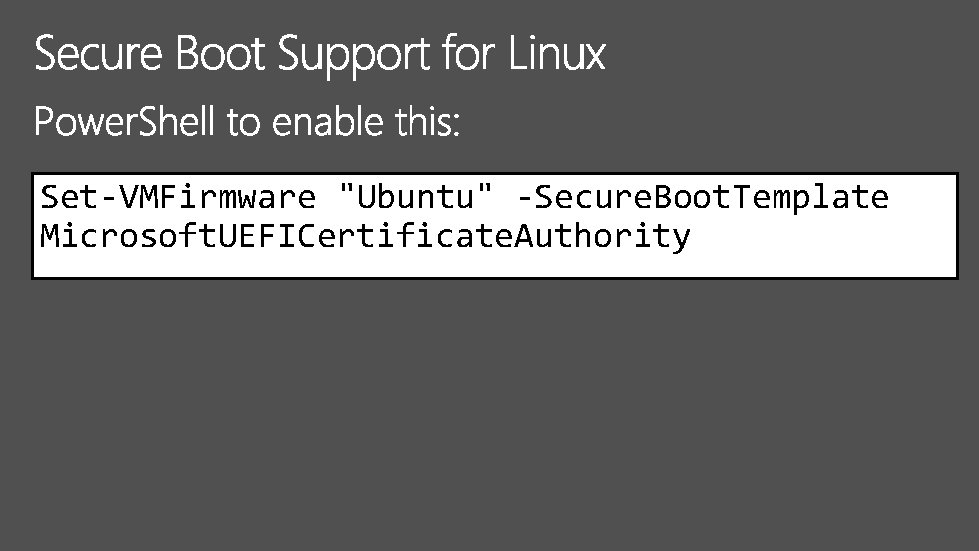
Set-VMFirmware "Ubuntu" -Secure. Boot. Template Microsoft. UEFICertificate. Authority

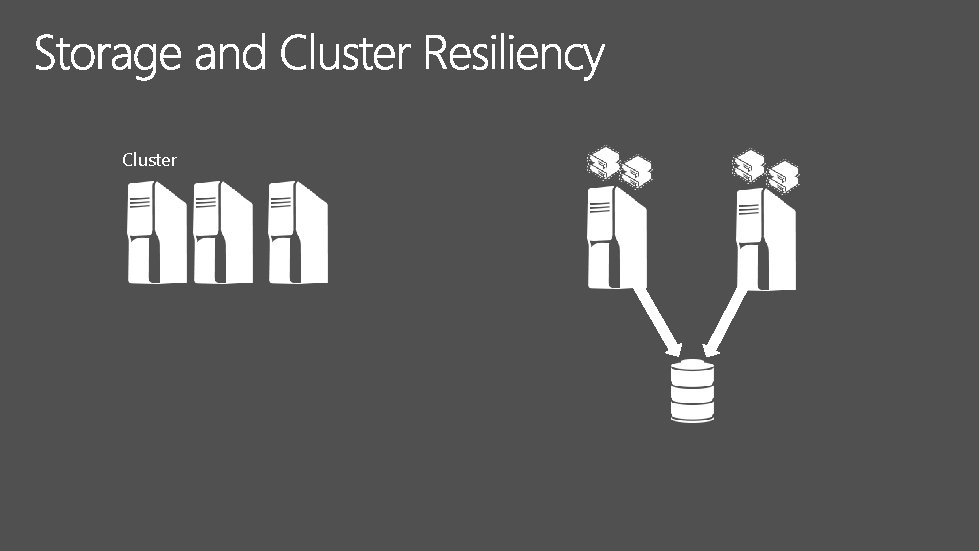
Cluster
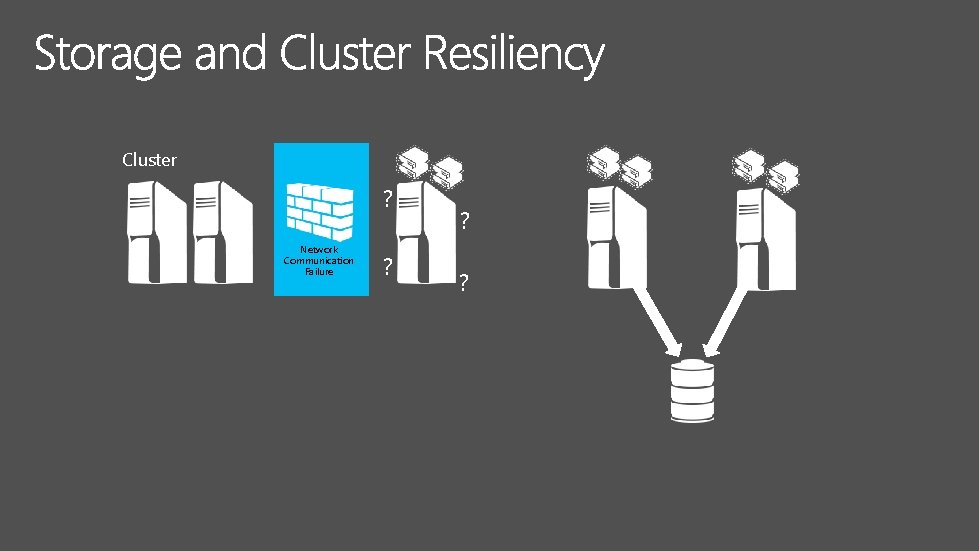
Cluster ? Network Communication Failure ? ? ? ?
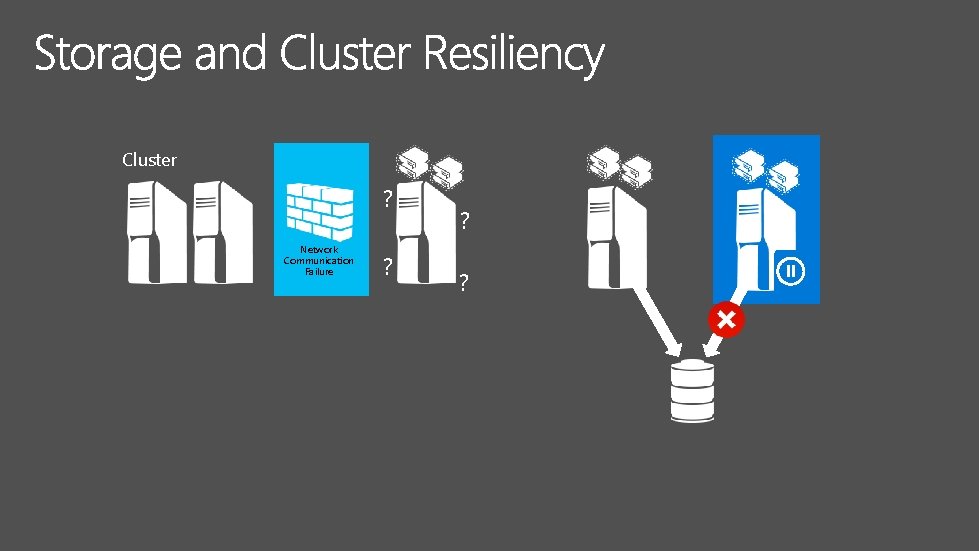
Cluster ? Network Communication Failure ? ? ? ?

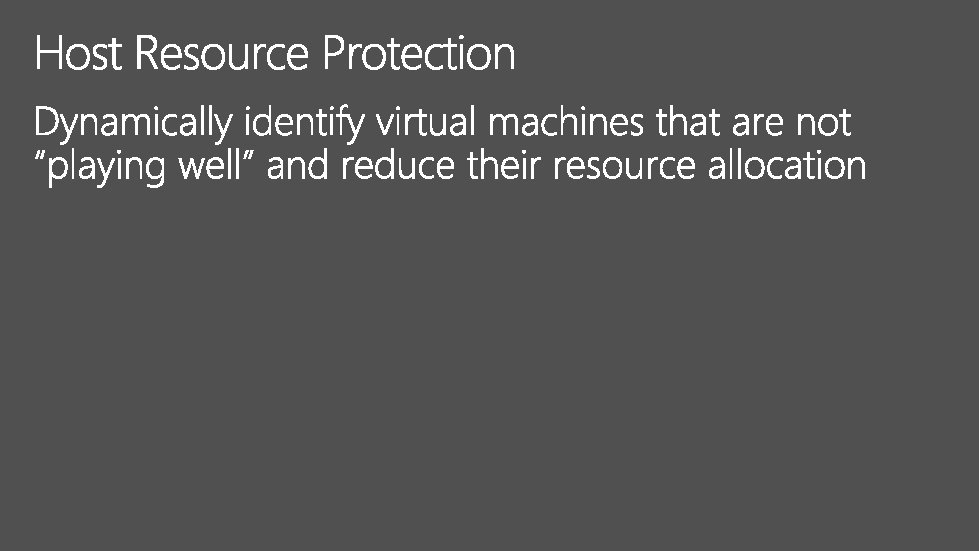
VMs continue to run even when a node falls out of cluster membership Resiliency to transient failures Repeat offenders are “quarantined”
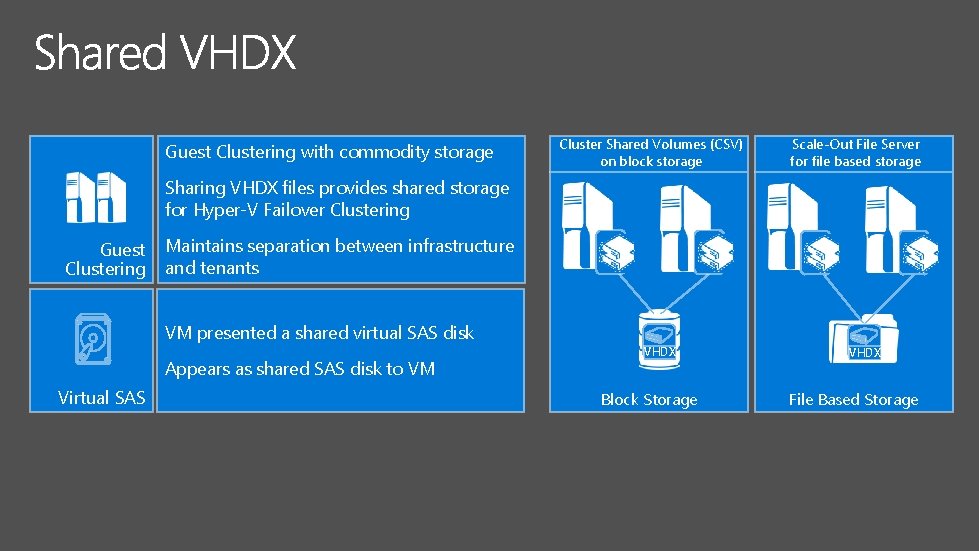
Guest Clustering with commodity storage Cluster Shared Volumes (CSV) on block storage Scale-Out File Server for file based storage Sharing VHDX files provides shared storage for Hyper-V Failover Clustering Guest Clustering Maintains separation between infrastructure and tenants VM presented a shared virtual SAS disk Appears as shared SAS disk to VM Virtual SAS VHDX Block Storage VHDX File Based Storage
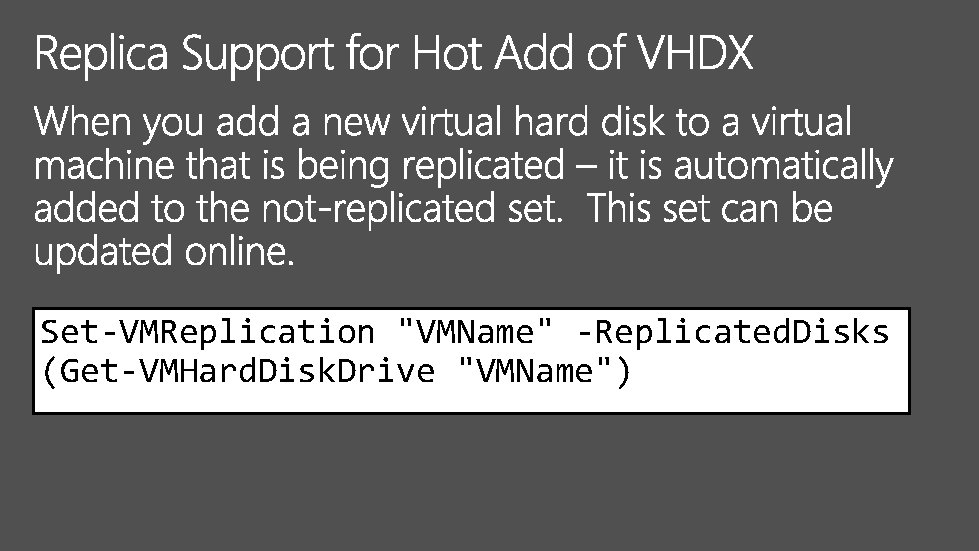
Set-VMReplication "VMName" -Replicated. Disks (Get-VMHard. Disk. Drive "VMName")














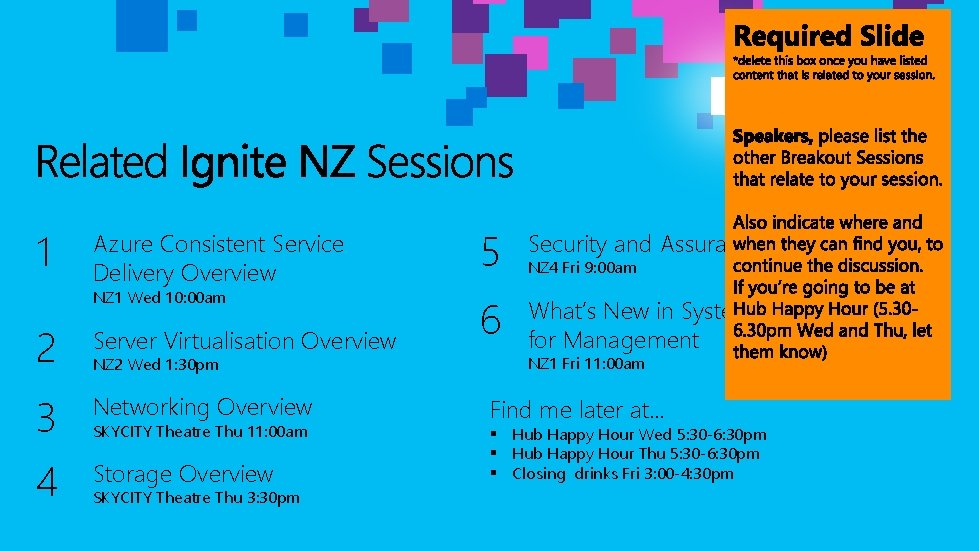
Azure Consistent Service Delivery Overview 5 Security and Assurance Overview 1 2 Server Virtualisation Overview 6 What’s New in System Centre for Management 3 Networking Overview 4 Storage Overview NZ 1 Wed 10: 00 am NZ 2 Wed 1: 30 pm SKYCITY Theatre Thu 11: 00 am SKYCITY Theatre Thu 3: 30 pm NZ 4 Fri 9: 00 am NZ 1 Fri 11: 00 am Find me later at… § Hub Happy Hour Wed 5: 30 -6: 30 pm § Hub Happy Hour Thu 5: 30 -6: 30 pm § Closing drinks Fri 3: 00 -4: 30 pm

© 2015 Microsoft Corporation. All rights reserved. Microsoft, Windows and other product names are or may be registered trademarks and/or trademarks in the U. S. and/or other countries. MICROSOFT MAKES NO WARRANTIES, EXPRESS, IMPLIED OR STATUTORY, AS TO THE INFORMATION IN THIS PRESENTATION.
- Slides: 57