
Whats New in Microsoft System Center Configuration Manager

- Slides: 42
What´s New in Microsoft System Center Configuration Manager SP 1 and R 2 Jeff Wettlaufer Sr. Technical Product Manager System Center Microsoft Corporation MGT 320
Agenda Configuration Manager Capability overview Service Pack 1 Capability additions Release 2 Capability additions Service Pack 2 Upcoming release details
A Quick Assumption. . . You have seen Configuration Manager 2007 in action This is a summary session of what has changed since RTM
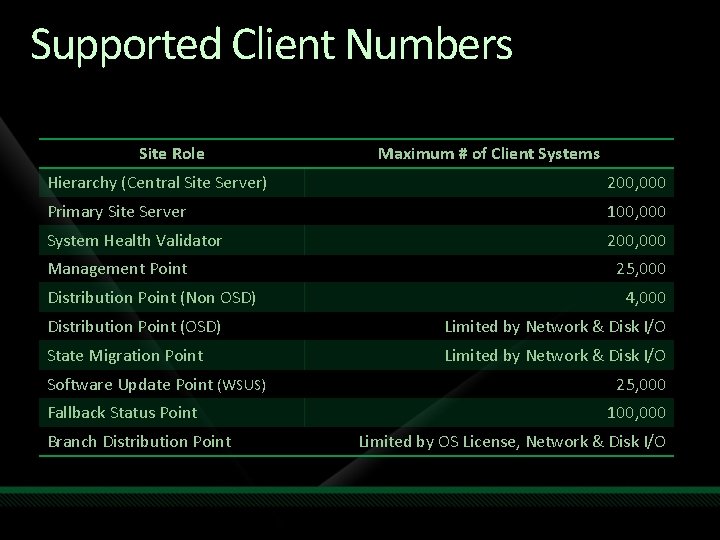
Supported Client Numbers Site Role Maximum # of Client Systems Hierarchy (Central Site Server) 200, 000 Primary Site Server 100, 000 System Health Validator 200, 000 Management Point Distribution Point (Non OSD) 25, 000 4, 000 Distribution Point (OSD) Limited by Network & Disk I/O State Migration Point Limited by Network & Disk I/O Software Update Point (WSUS) Fallback Status Point Branch Distribution Point 25, 000 100, 000 Limited by OS License, Network & Disk I/O
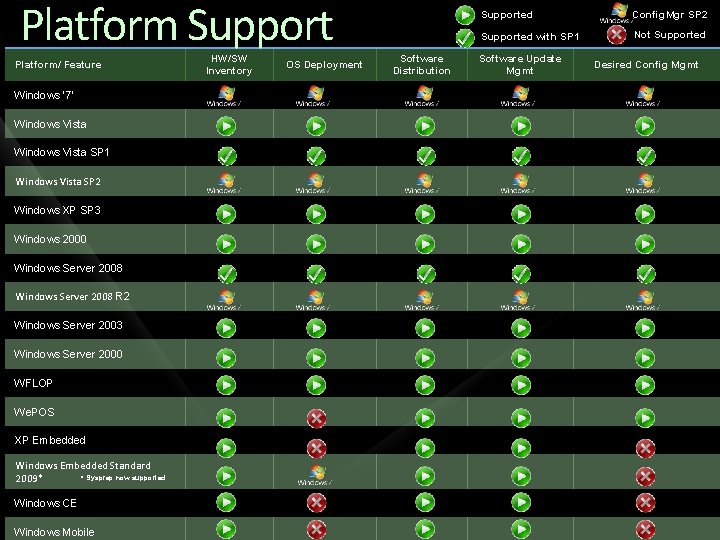
Platform Support Platform/ Feature Windows ‘ 7’ Windows Vista SP 1 Windows Vista SP 2 Windows XP SP 3 Windows 2000 Windows Server 2008 R 2 Windows Server 2003 Windows Server 2000 WFLOP We. POS XP Embedded Windows Embedded Standard * Sysprep now supported 2009* Windows CE Windows Mobile HW/SW Inventory OS Deployment Software Distribution Supported Config. Mgr SP 2 Supported with SP 1 Not Supported Software Update Mgmt Desired Config Mgmt
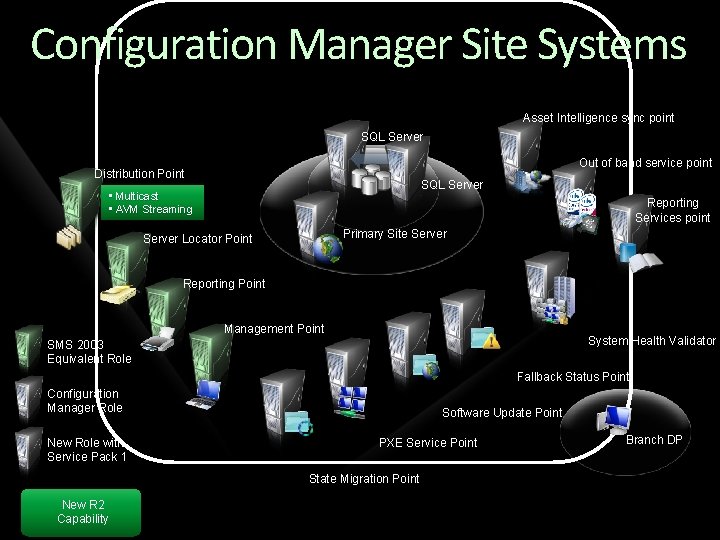
Configuration Manager Site Systems Asset Intelligence sync point SQL Server Out of band service point Distribution Point SQL Server • Multicast • AVM Streaming Reporting Services point Primary Site Server Locator Point Reporting Point Management Point System Health Validator SMS 2003 Equivalent Role Fallback Status Point Configuration Manager Role New Role with Service Pack 1 Software Update Point PXE Service Point State Migration Point New R 2 Capability Branch DP
Service Pack 1
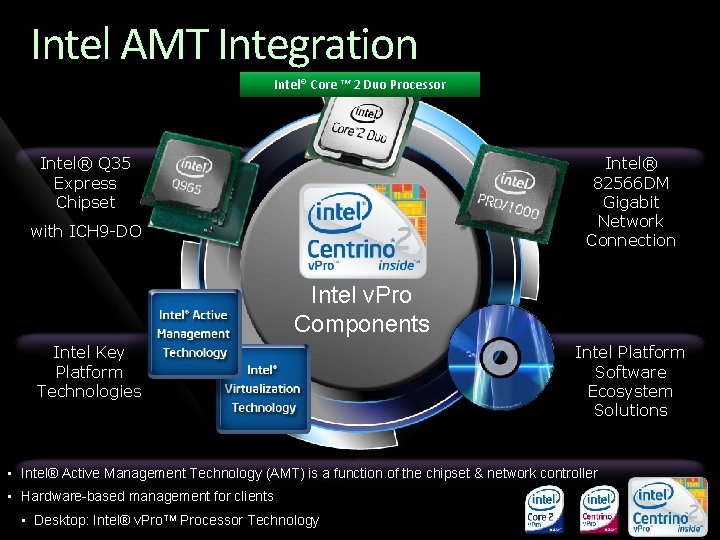
Intel AMT Integration Intel® Core ™ 2 Duo Processor Intel® Q 35 Express Chipset Intel® 82566 DM Gigabit Network Connection with ICH 9 -DO Intel v. Pro Components Intel Key Platform Technologies Intel Platform Software Ecosystem Solutions • Intel® Active Management Technology (AMT) is a function of the chipset & network controller • Hardware-based management for clients • Desktop: Intel® v. Pro. TM Processor Technology
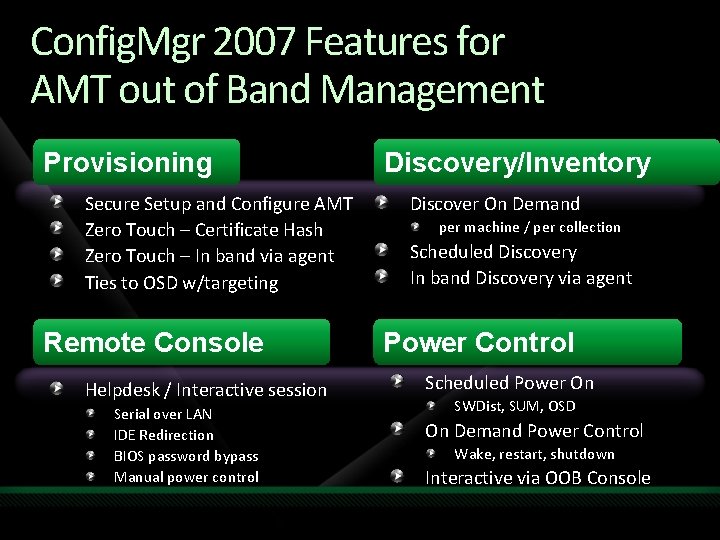
Config. Mgr 2007 Features for AMT out of Band Management Provisioning Secure Setup and Configure AMT Zero Touch – Certificate Hash Zero Touch – In band via agent Ties to OSD w/targeting Remote Console Helpdesk / Interactive session Serial over LAN IDE Redirection BIOS password bypass Manual power control Discovery/Inventory Discover On Demand per machine / per collection Scheduled Discovery In band Discovery via agent Power Control Scheduled Power On SWDist, SUM, OSD On Demand Power Control Wake, restart, shutdown Interactive via OOB Console
demo Intel v. Pro Integration
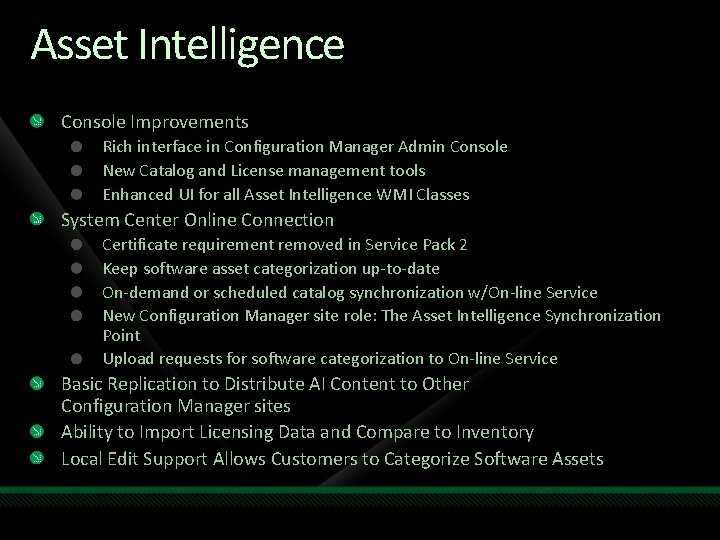
Asset Intelligence Console Improvements Rich interface in Configuration Manager Admin Console New Catalog and License management tools Enhanced UI for all Asset Intelligence WMI Classes System Center Online Connection Certificate requirement removed in Service Pack 2 Keep software asset categorization up-to-date On-demand or scheduled catalog synchronization w/On-line Service New Configuration Manager site role: The Asset Intelligence Synchronization Point Upload requests for software categorization to On-line Service Basic Replication to Distribute AI Content to Other Configuration Manager sites Ability to Import Licensing Data and Compare to Inventory Local Edit Support Allows Customers to Categorize Software Assets
demo Asset Intelligence
Release 2
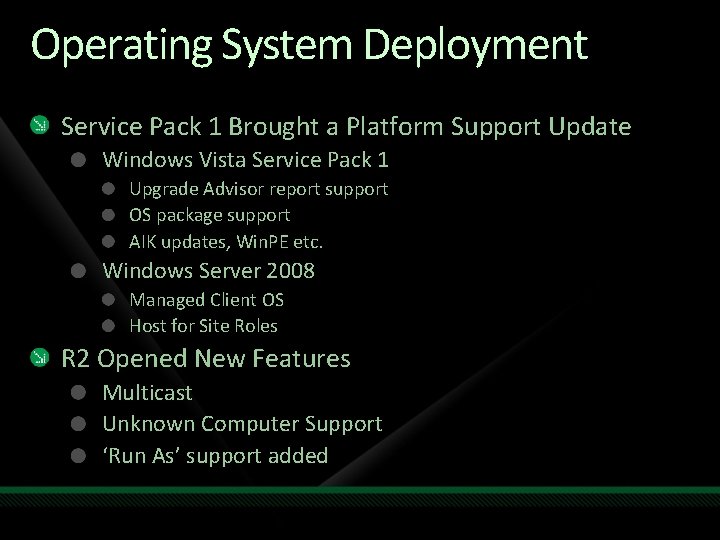
Operating System Deployment Service Pack 1 Brought a Platform Support Update Windows Vista Service Pack 1 Upgrade Advisor report support OS package support AIK updates, Win. PE etc. Windows Server 2008 Managed Client OS Host for Site Roles R 2 Opened New Features Multicast Unknown Computer Support ‘Run As’ support added
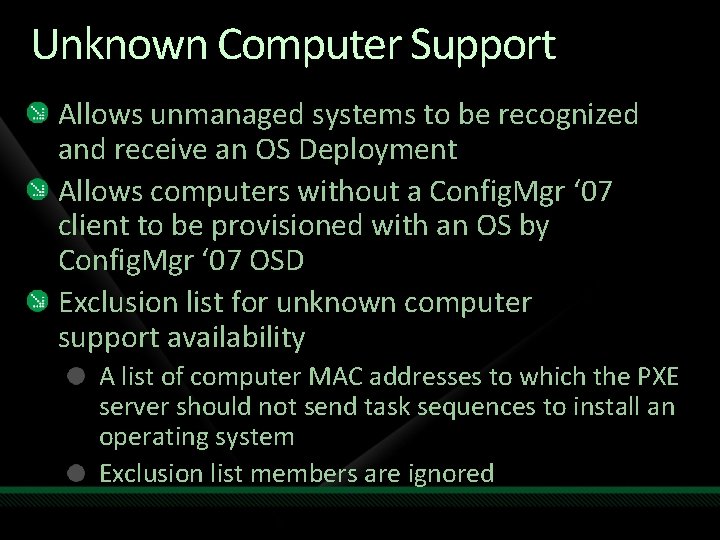
Unknown Computer Support Allows unmanaged systems to be recognized and receive an OS Deployment Allows computers without a Config. Mgr ‘ 07 client to be provisioned with an OS by Config. Mgr ‘ 07 OSD Exclusion list for unknown computer support availability A list of computer MAC addresses to which the PXE server should not send task sequences to install an operating system Exclusion list members are ignored
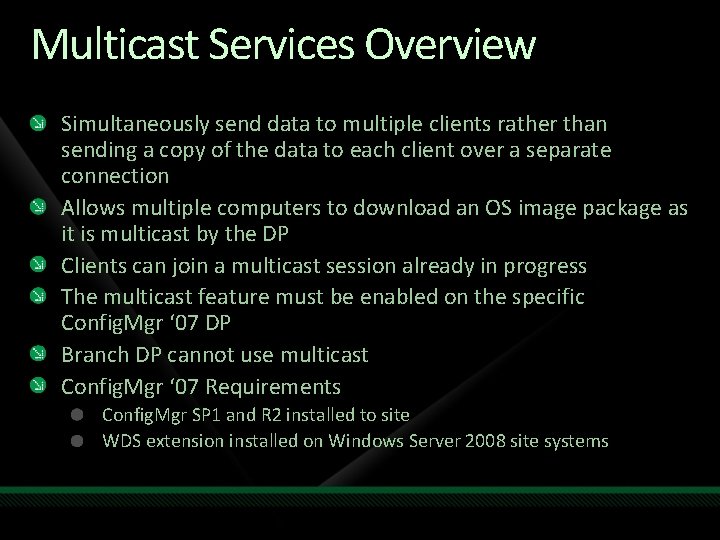
Multicast Services Overview Simultaneously send data to multiple clients rather than sending a copy of the data to each client over a separate connection Allows multiple computers to download an OS image package as it is multicast by the DP Clients can join a multicast session already in progress The multicast feature must be enabled on the specific Config. Mgr ‘ 07 DP Branch DP cannot use multicast Config. Mgr ‘ 07 Requirements Config. Mgr SP 1 and R 2 installed to site WDS extension installed on Windows Server 2008 site systems
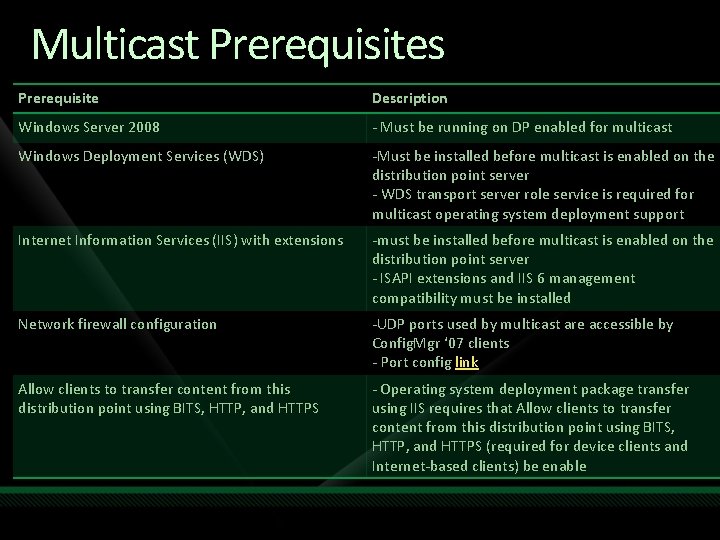
Multicast Prerequisites Prerequisite Description Windows Server 2008 - Must be running on DP enabled for multicast Windows Deployment Services (WDS) -Must be installed before multicast is enabled on the distribution point server - WDS transport server role service is required for multicast operating system deployment support Internet Information Services (IIS) with extensions -must be installed before multicast is enabled on the distribution point server - ISAPI extensions and IIS 6 management compatibility must be installed Network firewall configuration -UDP ports used by multicast are accessible by Config. Mgr ‘ 07 clients - Port config link Allow clients to transfer content from this distribution point using BITS, HTTP, and HTTPS - Operating system deployment package transfer using IIS requires that Allow clients to transfer content from this distribution point using BITS, HTTP, and HTTPS (required for device clients and Internet-based clients) be enable
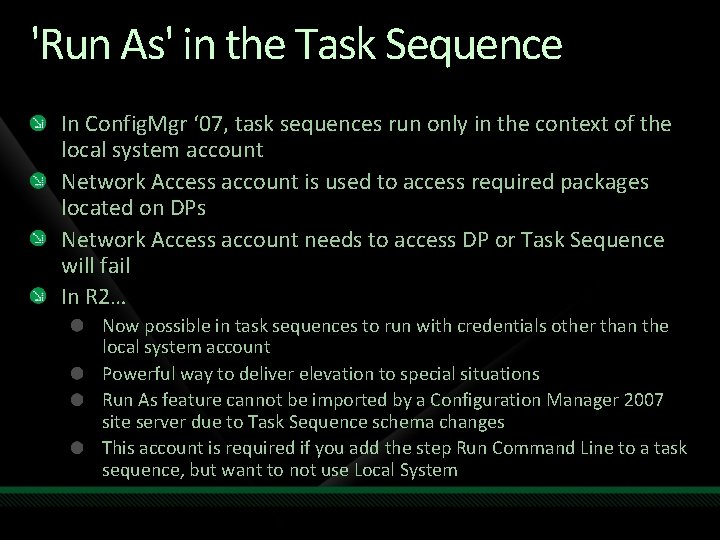
'Run As' in the Task Sequence In Config. Mgr ‘ 07, task sequences run only in the context of the local system account Network Access account is used to access required packages located on DPs Network Access account needs to access DP or Task Sequence will fail In R 2… Now possible in task sequences to run with credentials other than the local system account Powerful way to deliver elevation to special situations Run As feature cannot be imported by a Configuration Manager 2007 site server due to Task Sequence schema changes This account is required if you add the step Run Command Line to a task sequence, but want to not use Local System
demo Operating System Deployment Updates
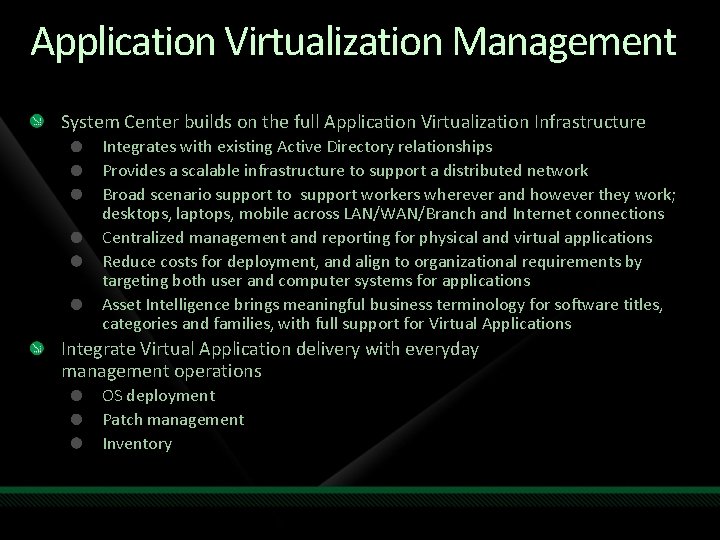
Application Virtualization Management System Center builds on the full Application Virtualization Infrastructure Integrates with existing Active Directory relationships Provides a scalable infrastructure to support a distributed network Broad scenario support to support workers wherever and however they work; desktops, laptops, mobile across LAN/WAN/Branch and Internet connections Centralized management and reporting for physical and virtual applications Reduce costs for deployment, and align to organizational requirements by targeting both user and computer systems for applications Asset Intelligence brings meaningful business terminology for software titles, categories and families, with full support for Virtual Applications Integrate Virtual Application delivery with everyday management operations OS deployment Patch management Inventory
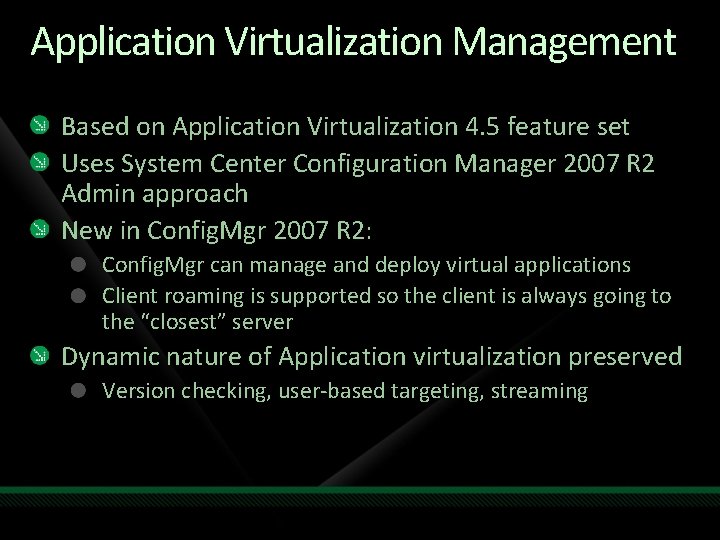
Application Virtualization Management Based on Application Virtualization 4. 5 feature set Uses System Center Configuration Manager 2007 R 2 Admin approach New in Config. Mgr 2007 R 2: Config. Mgr can manage and deploy virtual applications Client roaming is supported so the client is always going to the “closest” server Dynamic nature of Application virtualization preserved Version checking, user-based targeting, streaming
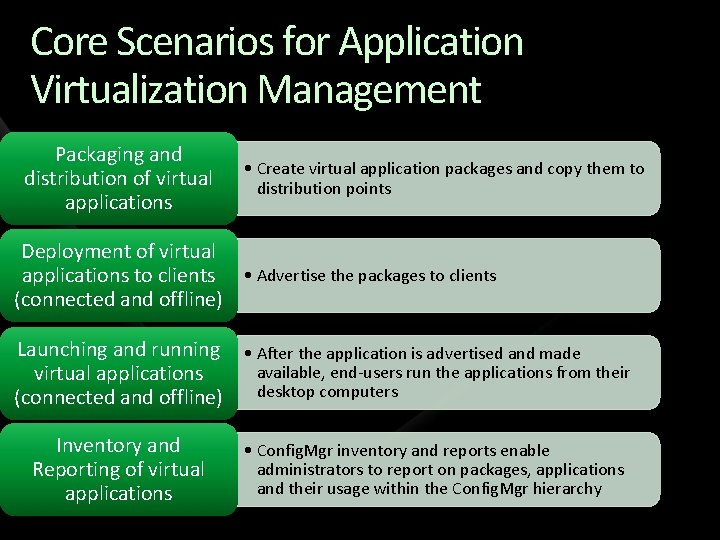
Core Scenarios for Application Virtualization Management Packaging and distribution of virtual applications • Create virtual application packages and copy them to distribution points Deployment of virtual applications to clients • Advertise the packages to clients (connected and offline) Launching and running • After the application is advertised and made available, end-users run the applications from their virtual applications desktop computers (connected and offline) Inventory and Reporting of virtual applications • Config. Mgr inventory and reports enable administrators to report on packages, applications and their usage within the Config. Mgr hierarchy
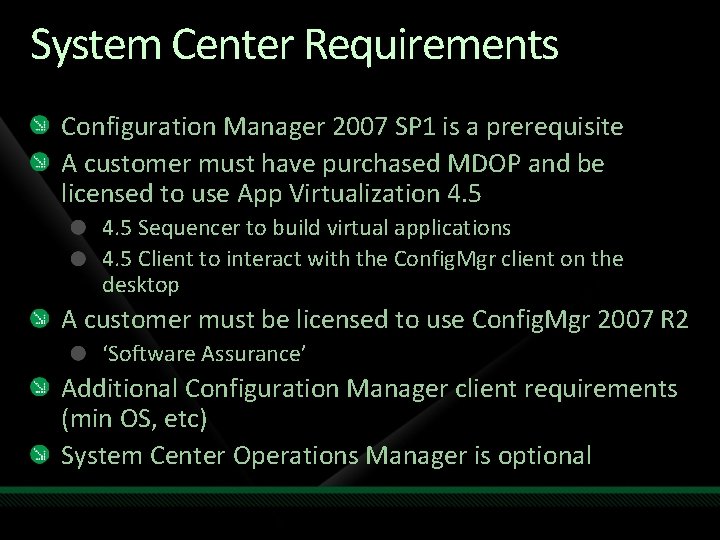
System Center Requirements Configuration Manager 2007 SP 1 is a prerequisite A customer must have purchased MDOP and be licensed to use App Virtualization 4. 5 Sequencer to build virtual applications 4. 5 Client to interact with the Config. Mgr client on the desktop A customer must be licensed to use Config. Mgr 2007 R 2 ‘Software Assurance’ Additional Configuration Manager client requirements (min OS, etc) System Center Operations Manager is optional
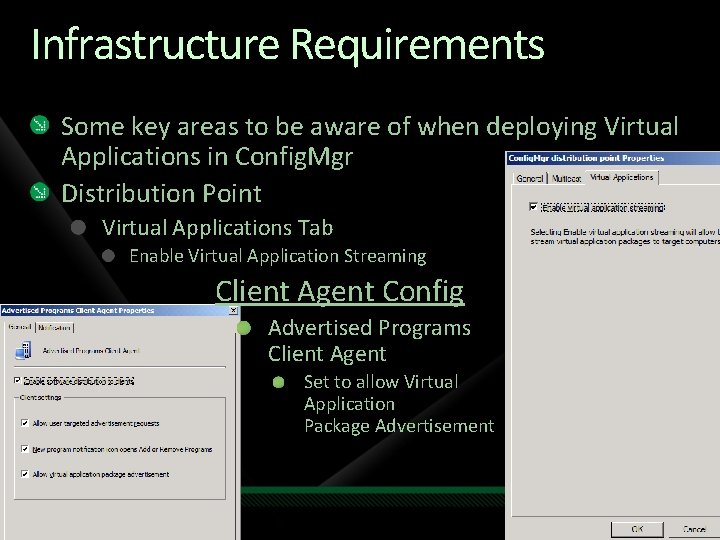
Infrastructure Requirements Some key areas to be aware of when deploying Virtual Applications in Config. Mgr Distribution Point Virtual Applications Tab Enable Virtual Application Streaming Client Agent Config Advertised Programs Client Agent Set to allow Virtual Application Package Advertisement
demo Application Virtualization Management
SQL Reporting Services Integration New server role called the “Reporting Services Point” Ability to convert/copy classic SMS reports to Report Definition Language format and publish them to a Reporting Services Point (report server) New node under “Computer Management -> Reporting” for accessing the SRS Config. Mgr reports Ability to manage, browse and run SRS Config. Mgr reports from the Config. Mgr Console
Client Status Reporting Built upon the scenarios in the SMS 2003 Client Health Tool External service which queries site systems and Config. Mgr clients for client status on agent activity and overall health Reports on key indicators of client activity to help administrators monitor and maintain the health of their Config. Mgr clients Client Status Reporting can: Identify clients that are online but are not requesting policy Provide a number of reports that detail the status of clients on your site Identify clients that are online but have nonfunctioning client components Identify clients that are online but do not have up-to-date discovery or inventory records Identifies clients that are offline Is not dependent on Config. Mgr ‘ 07 site systems CSR will not be affected by problems with backlogged site systems which could cause traditional reporting mechanisms to generate inaccurate results Uses a number of data sources for its analysis, including: Data from Config. Mgr ‘ 07 site database - inventory, discovery, and heartbeat data Gather and analyze policy request log files from MPs Can also check the status and activity of Config. Mgr ‘ 07 client components
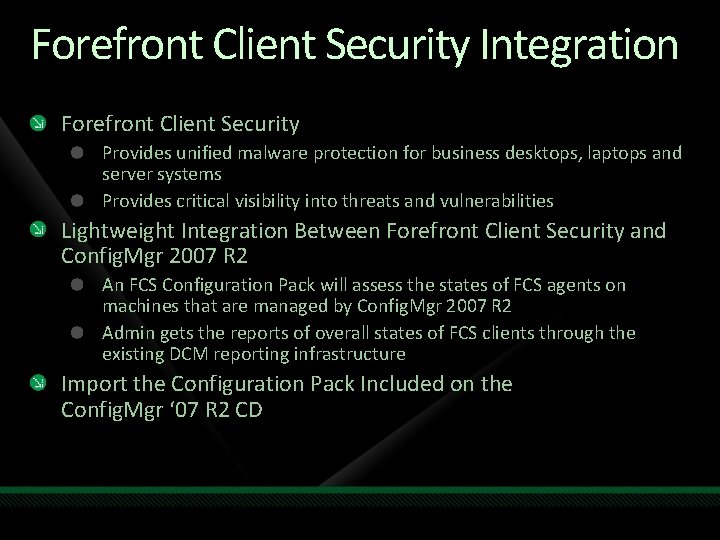
Forefront Client Security Integration Forefront Client Security Provides unified malware protection for business desktops, laptops and server systems Provides critical visibility into threats and vulnerabilities Lightweight Integration Between Forefront Client Security and Config. Mgr 2007 R 2 An FCS Configuration Pack will assess the states of FCS agents on machines that are managed by Config. Mgr 2007 R 2 Admin gets the reports of overall states of FCS clients through the existing DCM reporting infrastructure Import the Configuration Pack Included on the Config. Mgr ‘ 07 R 2 CD
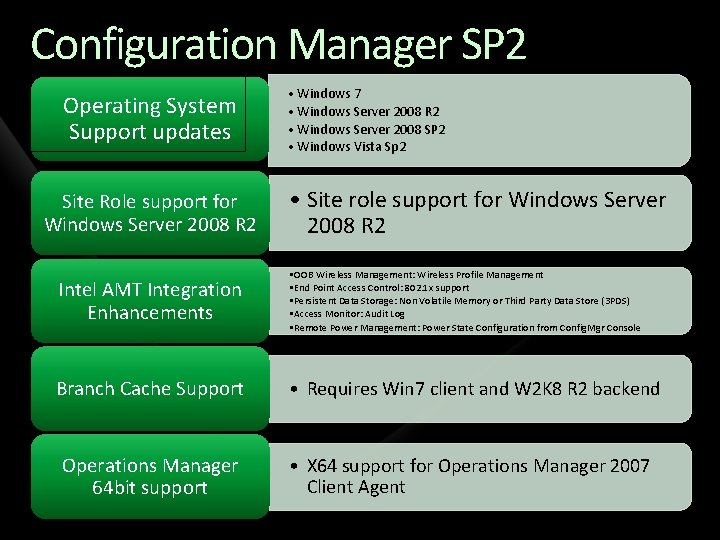
Configuration Manager SP 2 Summary Operating System Support updates Site Role support for Windows Server 2008 R 2 • Windows 7 • Windows Server 2008 R 2 • Windows Server 2008 SP 2 • Windows Vista Sp 2 • Site role support for Windows Server 2008 R 2 Intel AMT Integration Enhancements • OOB Wireless Management: Wireless Profile Management • End Point Access Control: 802. 1 x support • Persistent Data Storage: Non Volatile Memory or Third Party Data Store (3 PDS) • Access Monitor: Audit Log • Remote Power Management: Power State Configuration from Config. Mgr Console Branch Cache Support • Requires Win 7 client and W 2 K 8 R 2 backend Operations Manager 64 bit support • X 64 support for Operations Manager 2007 Client Agent
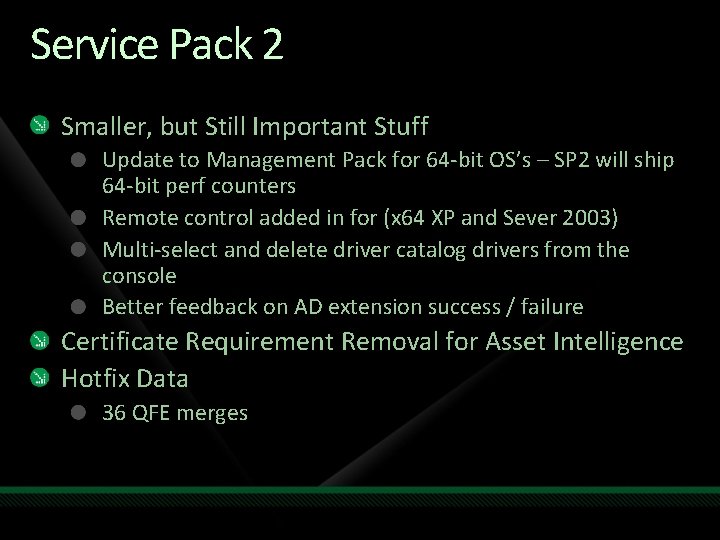
Service Pack 2 Smaller, but Still Important Stuff Update to Management Pack for 64 -bit OS’s – SP 2 will ship 64 -bit perf counters Remote control added in for (x 64 XP and Sever 2003) Multi-select and delete driver catalog drivers from the console Better feedback on AD extension success / failure Certificate Requirement Removal for Asset Intelligence Hotfix Data 36 QFE merges
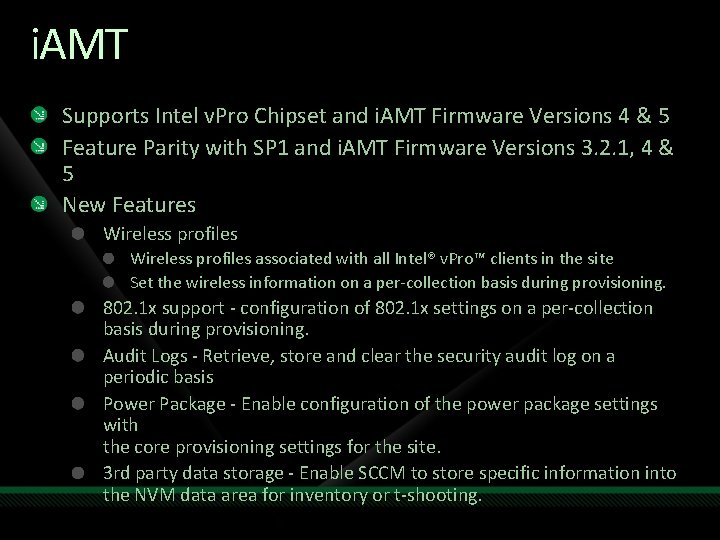
i. AMT Supports Intel v. Pro Chipset and i. AMT Firmware Versions 4 & 5 Feature Parity with SP 1 and i. AMT Firmware Versions 3. 2. 1, 4 & 5 New Features Wireless profiles associated with all Intel® v. Pro™ clients in the site Set the wireless information on a per-collection basis during provisioning. 802. 1 x support - configuration of 802. 1 x settings on a per-collection basis during provisioning. Audit Logs - Retrieve, store and clear the security audit log on a periodic basis Power Package - Enable configuration of the power package settings with the core provisioning settings for the site. 3 rd party data storage - Enable SCCM to store specific information into the NVM data area for inventory or t-shooting.
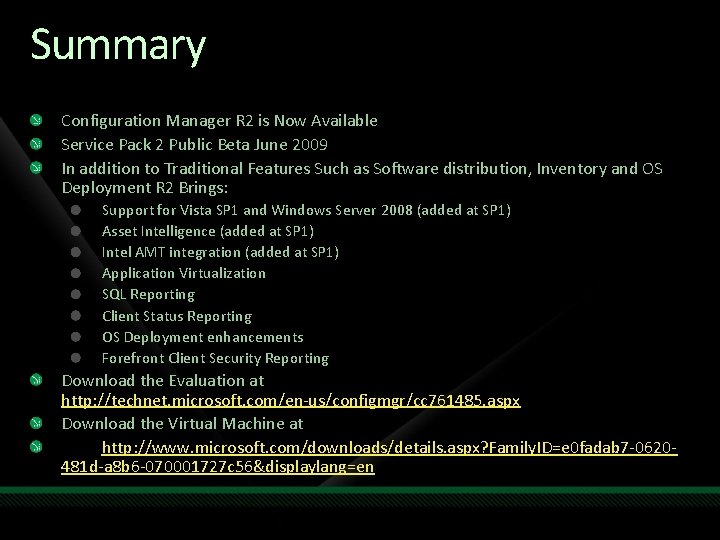
Summary Configuration Manager R 2 is Now Available Service Pack 2 Public Beta June 2009 In addition to Traditional Features Such as Software distribution, Inventory and OS Deployment R 2 Brings: Support for Vista SP 1 and Windows Server 2008 (added at SP 1) Asset Intelligence (added at SP 1) Intel AMT integration (added at SP 1) Application Virtualization SQL Reporting Client Status Reporting OS Deployment enhancements Forefront Client Security Reporting Download the Evaluation at http: //technet. microsoft. com/en-us/configmgr/cc 761485. aspx Download the Virtual Machine at http: //www. microsoft. com/downloads/details. aspx? Family. ID=e 0 fadab 7 -0620481 d-a 8 b 6 -070001727 c 56&displaylang=en
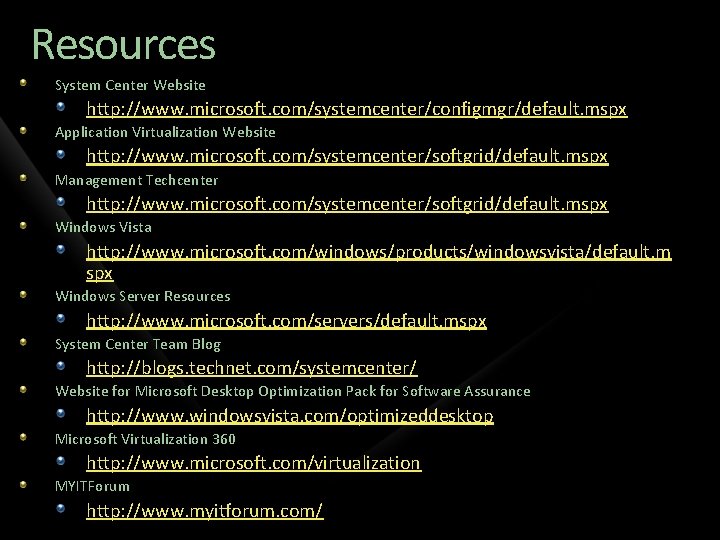
Resources System Center Website http: //www. microsoft. com/systemcenter/configmgr/default. mspx Application Virtualization Website http: //www. microsoft. com/systemcenter/softgrid/default. mspx Management Techcenter http: //www. microsoft. com/systemcenter/softgrid/default. mspx Windows Vista http: //www. microsoft. com/windows/products/windowsvista/default. m spx Windows Server Resources http: //www. microsoft. com/servers/default. mspx System Center Team Blog http: //blogs. technet. com/systemcenter/ Website for Microsoft Desktop Optimization Pack for Software Assurance http: //www. windowsvista. com/optimizeddesktop Microsoft Virtualization 360 http: //www. microsoft. com/virtualization MYITForum http: //www. myitforum. com/
question & answer
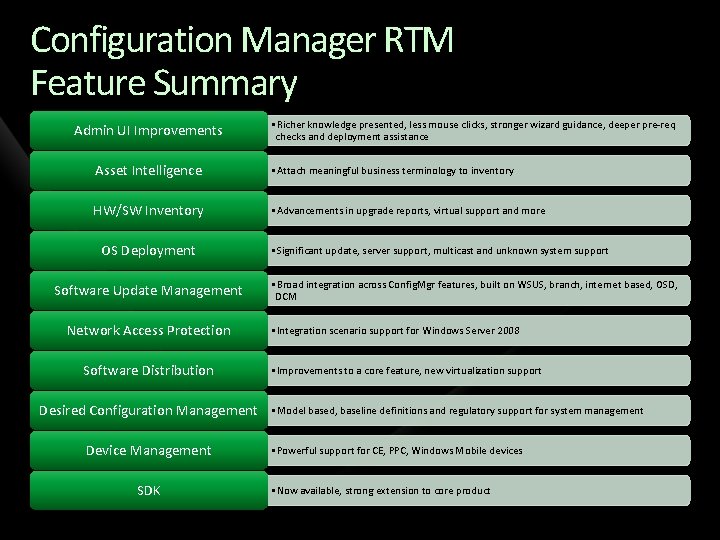
Configuration Manager RTM Feature Summary Admin UI Improvements • Richer knowledge presented, less mouse clicks, stronger wizard guidance, deeper pre-req checks and deployment assistance Asset Intelligence • Attach meaningful business terminology to inventory HW/SW Inventory • Advancements in upgrade reports, virtual support and more OS Deployment Software Update Management Network Access Protection Software Distribution Desired Configuration Management Device Management SDK • Significant update, server support, multicast and unknown system support • Broad integration across Config. Mgr features, built on WSUS, branch, internet based, OSD, DCM • Integration scenario support for Windows Server 2008 • Improvements to a core feature, new virtualization support • Model based, baseline definitions and regulatory support for system management • Powerful support for CE, PPC, Windows Mobile devices • Now available, strong extension to core product
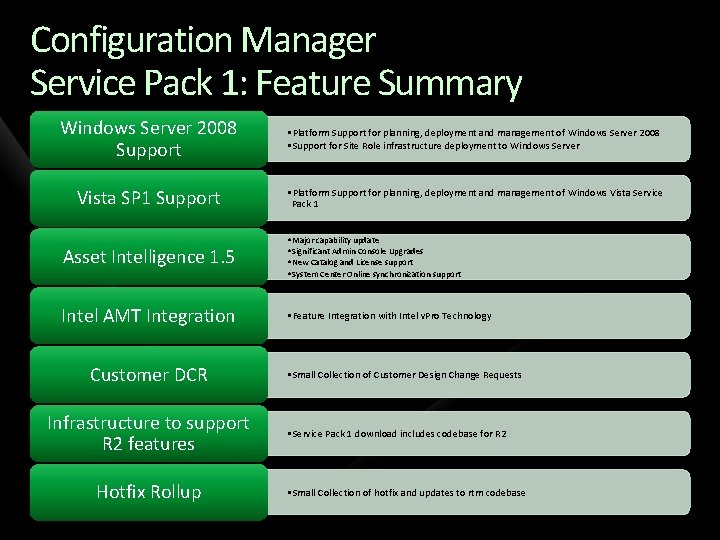
Configuration Manager Service Pack 1: Feature Summary Windows Server 2008 Support • Platform Support for planning, deployment and management of Windows Server 2008 • Support for Site Role infrastructure deployment to Windows Server Vista SP 1 Support • Platform Support for planning, deployment and management of Windows Vista Service Pack 1 Asset Intelligence 1. 5 • Major capability update • Significant Admin Console Upgrades • New Catalog and License support • System Center Online synchronization support Intel AMT Integration • Feature Integration with Intel v. Pro Technology Customer DCR Infrastructure to support R 2 features Hotfix Rollup • Small Collection of Customer Design Change Requests • Service Pack 1 download includes codebase for R 2 • Small Collection of hotfix and updates to rtm codebase
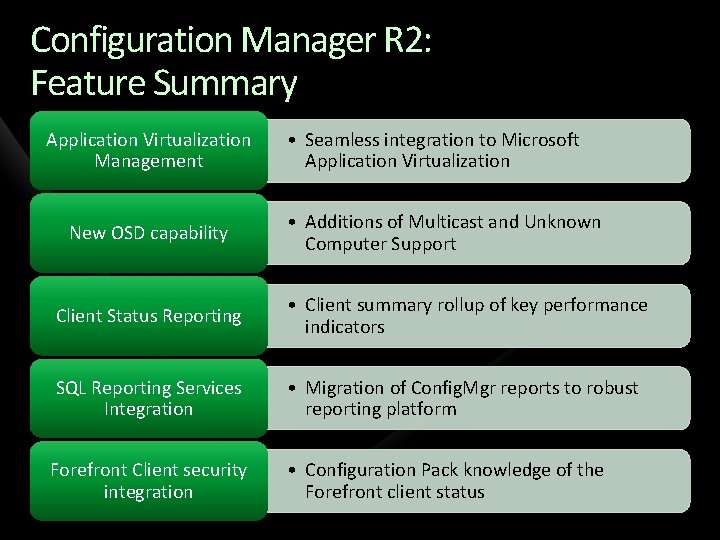
Configuration Manager R 2: Feature Summary Application Virtualization Management New OSD capability • Seamless integration to Microsoft Application Virtualization • Additions of Multicast and Unknown Computer Support Client Status Reporting • Client summary rollup of key performance indicators SQL Reporting Services Integration • Migration of Config. Mgr reports to robust reporting platform Forefront Client security integration • Configuration Pack knowledge of the Forefront client status
Resources www. microsoft. com/teched www. microsoft. com/learning Sessions On-Demand & Community Microsoft Certification & Training Resources http: //microsoft. com/technet http: //microsoft. com/msdn Resources for IT Professionals Resources for Developers www. microsoft. com/learning Microsoft Certification and Training Resources
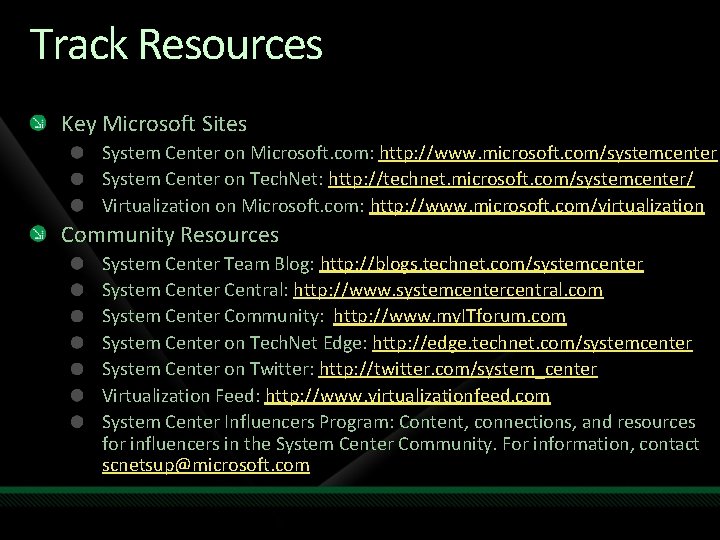
Track Resources Key Microsoft Sites System Center on Microsoft. com: http: //www. microsoft. com/systemcenter System Center on Tech. Net: http: //technet. microsoft. com/systemcenter/ Virtualization on Microsoft. com: http: //www. microsoft. com/virtualization Community Resources System Center Team Blog: http: //blogs. technet. com/systemcenter System Center Central: http: //www. systemcentercentral. com System Center Community: http: //www. my. ITforum. com System Center on Tech. Net Edge: http: //edge. technet. com/systemcenter System Center on Twitter: http: //twitter. com/system_center Virtualization Feed: http: //www. virtualizationfeed. com System Center Influencers Program: Content, connections, and resources for influencers in the System Center Community. For information, contact scnetsup@microsoft. com
Complete an evaluation on Comm. Net and enter to win!
© 2009 Microsoft Corporation. All rights reserved. Microsoft, Windows Vista and other product names are or may be registered trademarks and/or trademarks in the U. S. and/or other countries. The information herein is for informational purposes only and represents the current view of Microsoft Corporation as of the date of this presentation. Because Microsoft must respond to changing market conditions, it should not be interpreted to be a commitment on the part of Microsoft, and Microsoft cannot guarantee the accuracy of any information provided after the date of this presentation. MICROSOFT MAKES NO WARRANTIES, EXPRESS, IMPLIED OR STATUTORY, AS TO THE INFORMATION IN THIS PRESENTATION.