
Whats New in Microsoft SQL Azure David Robinson
What's New in Microsoft SQL Azure David Robinson Senior Program Manager Microsoft DAT 204

Agenda (Re) Introducing SQL Azure Demo: Quick “Lap Around” Going Deeper – What’s happening under the hood Business Model Call to Action - Sign up for the CTP today!
(Re) Introducing: SQL Azure Database What a long, strange trip it’s been… What SQL Azure is… A massively scaled, multi-tenant relational database service built on commodity hardware A symmetric extension to a uniquely powerful data platform What it isn’t… Database hosting Done
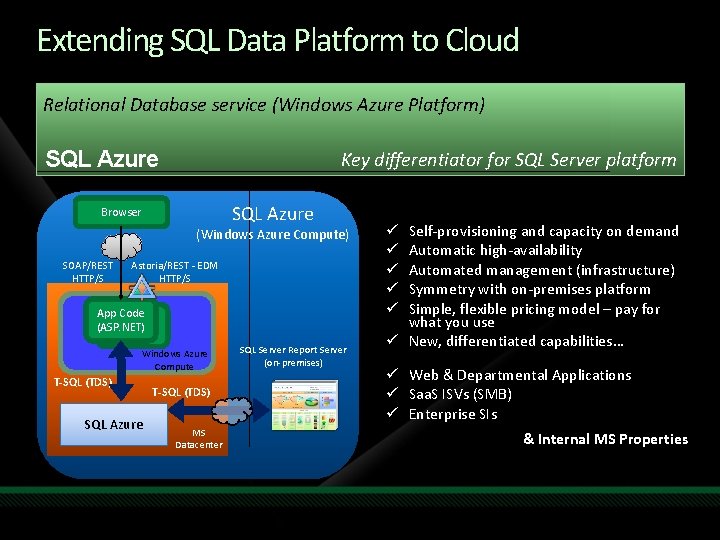
Extending SQL Data Platform to Cloud Relational Database service (Windows Azure Platform) SQL Azure Key differentiator for SQL Server platform SQL Azure Browser (Windows Azure Compute) SOAP/REST HTTP/S Astoria/REST - EDM HTTP/S App Code (ASP. NET) Windows Azure Compute T-SQL (TDS) SQL Azure T-SQL (TDS) MS Datacenter SQL Server Report Server (on-premises) High-Level Features Self-provisioning and capacity on demand Automatic high-availability Automated management (infrastructure) Symmetry with on-premises platform Simple, flexible pricing model – pay for what you use ü New, differentiated capabilities… ü ü ü Web & Departmental Applications ü Saa. S ISVs (SMB) ü Enterprise SIs & Internal MS Properties
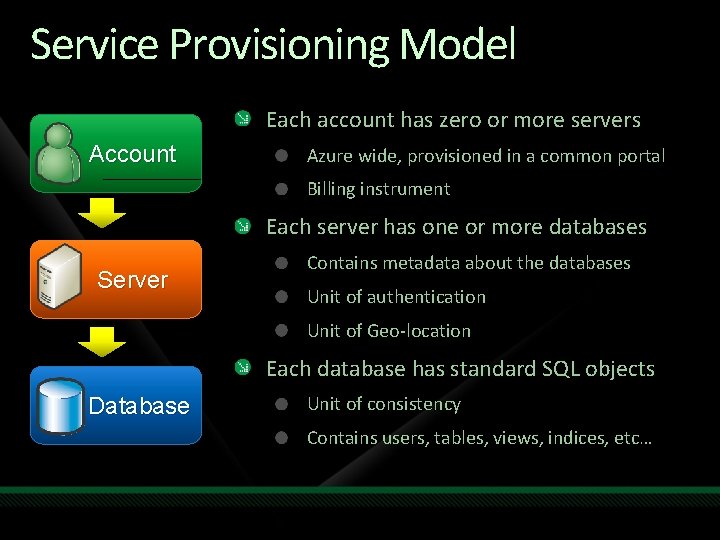
Service Provisioning Model Each account has zero or more servers Account Azure wide, provisioned in a common portal Billing instrument Each server has one or more databases Server Contains metadata about the databases Unit of authentication Unit of Geo-location Each database has standard SQL objects Database Unit of consistency Contains users, tables, views, indices, etc…
Demo LAP AROUND SQL AZURE
What’s Happening UNDER THE HOOD
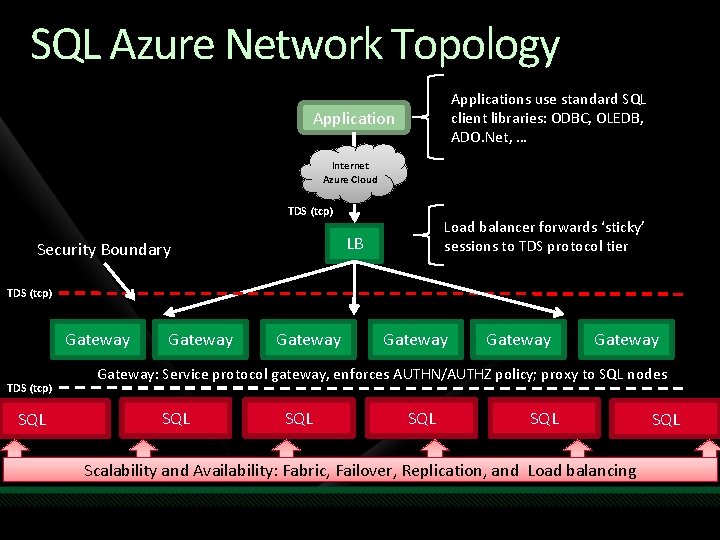
SQL Azure Network Topology Applications use standard SQL client libraries: ODBC, OLEDB, ADO. Net, … Application Internet Azure Cloud TDS (tcp) Load balancer forwards ‘sticky’ sessions to TDS protocol tier LB Security Boundary TDS (tcp) Gateway TDS (tcp) SQL Gateway Gateway: Service protocol gateway, enforces AUTHN/AUTHZ policy; proxy to SQL nodes SQL SQL Scalability and Availability: Fabric, Failover, Replication, and Load balancing SQL
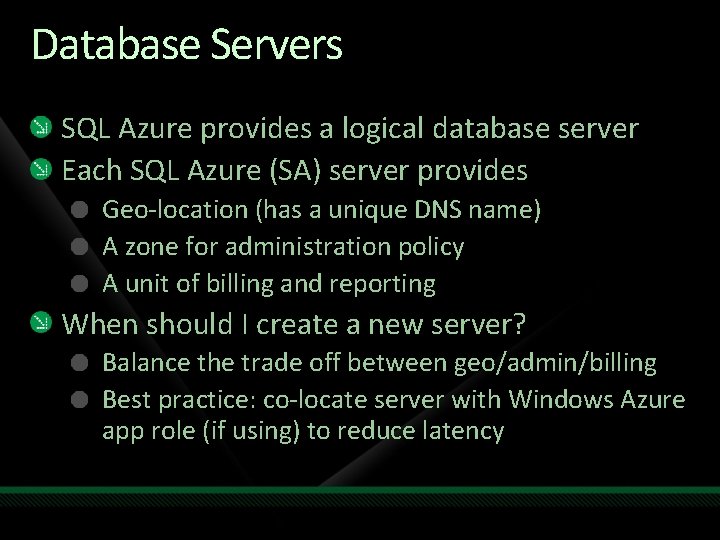
Database Servers SQL Azure provides a logical database server Each SQL Azure (SA) server provides Geo-location (has a unique DNS name) A zone for administration policy A unit of billing and reporting When should I create a new server? Balance the trade off between geo/admin/billing Best practice: co-locate server with Windows Azure app role (if using) to reduce latency
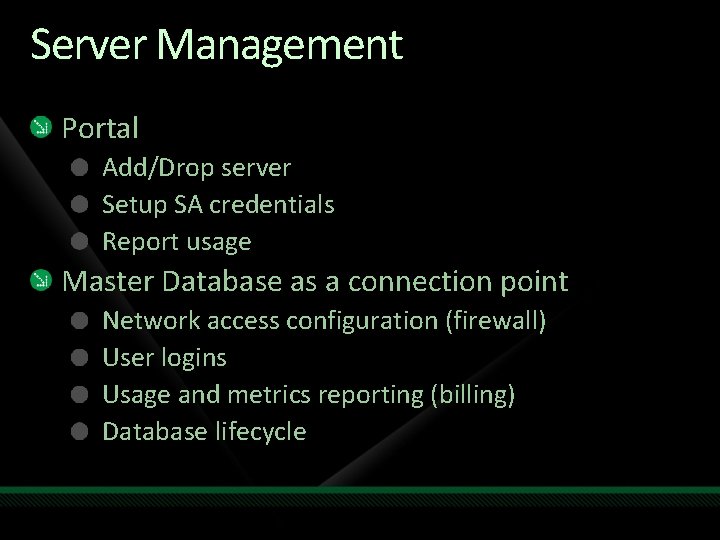
Server Management Portal Add/Drop server Setup SA credentials Report usage Master Database as a connection point Network access configuration (firewall) User logins Usage and metrics reporting (billing) Database lifecycle
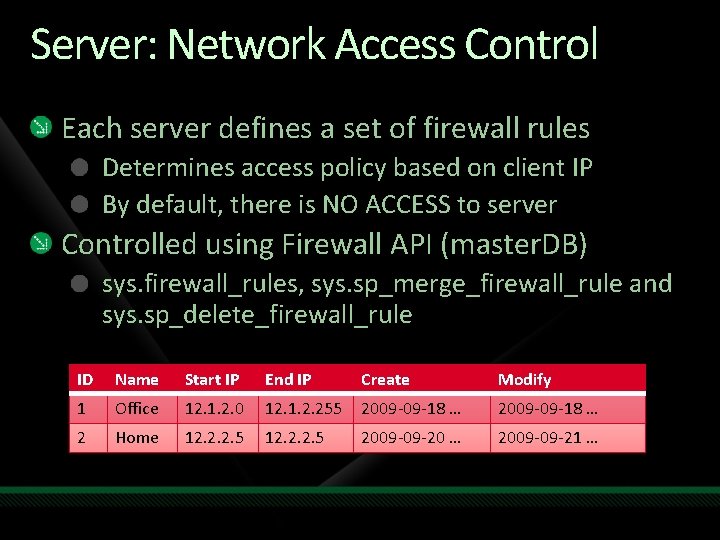
Server: Network Access Control Each server defines a set of firewall rules Determines access policy based on client IP By default, there is NO ACCESS to server Controlled using Firewall API (master. DB) sys. firewall_rules, sys. sp_merge_firewall_rule and sys. sp_delete_firewall_rule ID Name Start IP End IP Create Modify 1 Office 12. 1. 2. 0 12. 1. 2. 255 2009 -09 -18 … 2 Home 12. 2. 2. 5 2009 -09 -20 … 2009 -09 -21 …
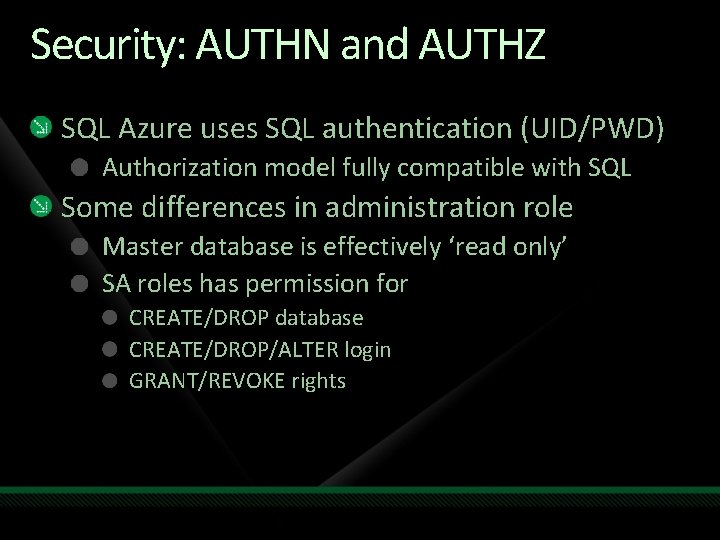
Security: AUTHN and AUTHZ SQL Azure uses SQL authentication (UID/PWD) Authorization model fully compatible with SQL Some differences in administration role Master database is effectively ‘read only’ SA roles has permission for CREATE/DROP database CREATE/DROP/ALTER login GRANT/REVOKE rights
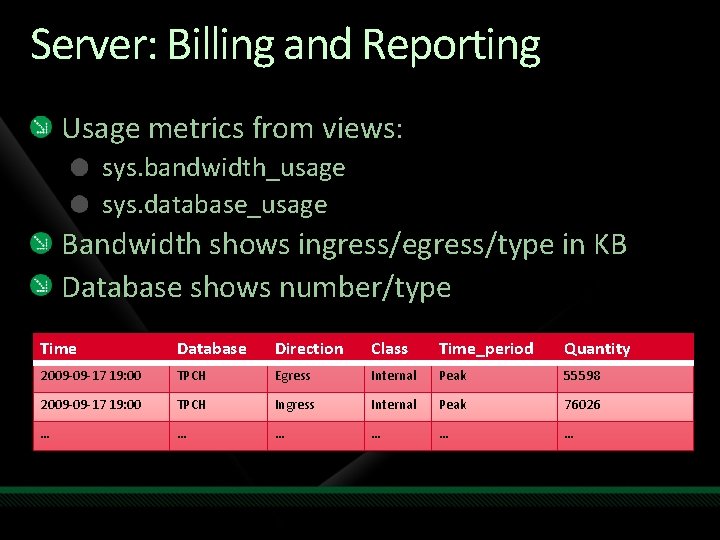
Server: Billing and Reporting Usage metrics from views: sys. bandwidth_usage sys. database_usage Bandwidth shows ingress/egress/type in KB Database shows number/type Time Database Direction Class Time_period Quantity 2009 -09 -17 19: 00 TPCH Egress Internal Peak 55598 2009 -09 -17 19: 00 TPCH Ingress Internal Peak 76026 … … …
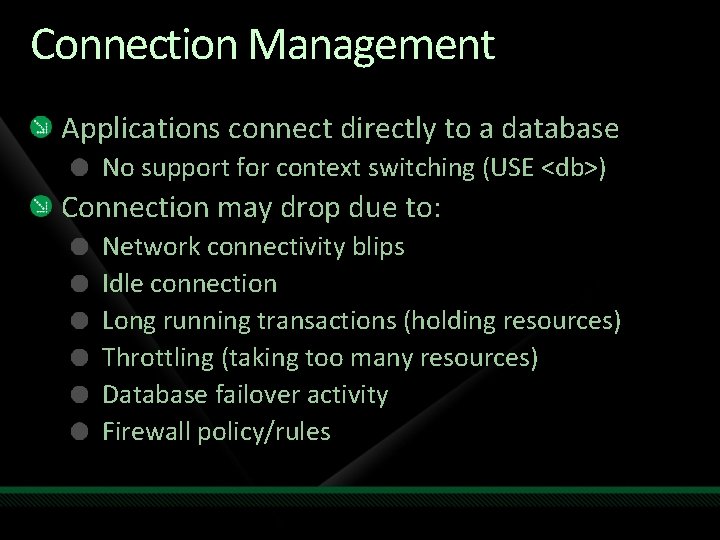
Connection Management Applications connect directly to a database No support for context switching (USE <db>) Connection may drop due to: Network connectivity blips Idle connection Long running transactions (holding resources) Throttling (taking too many resources) Database failover activity Firewall policy/rules
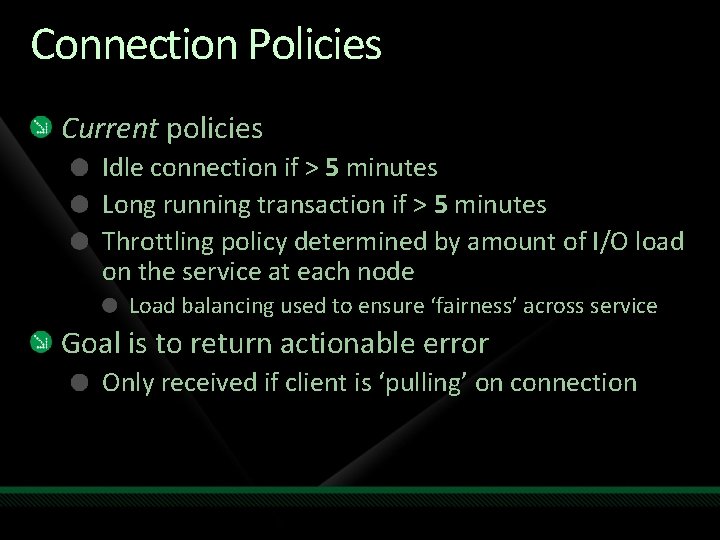
Connection Policies Current policies Idle connection if > 5 minutes Long running transaction if > 5 minutes Throttling policy determined by amount of I/O load on the service at each node Load balancing used to ensure ‘fairness’ across service Goal is to return actionable error Only received if client is ‘pulling’ on connection
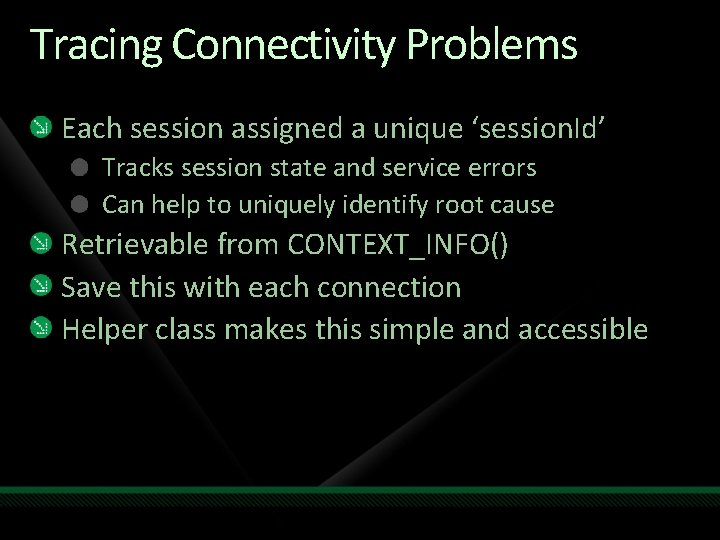
Tracing Connectivity Problems Each session assigned a unique ‘session. Id’ Tracks session state and service errors Can help to uniquely identify root cause Retrievable from CONTEXT_INFO() Save this with each connection Helper class makes this simple and accessible
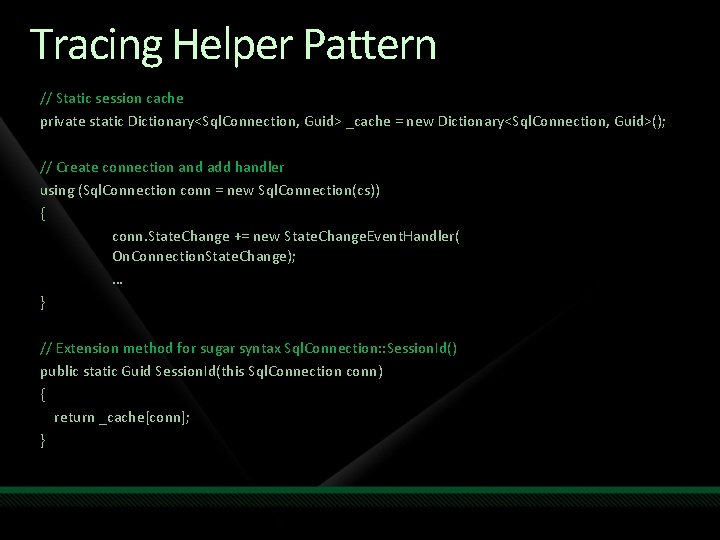
Tracing Helper Pattern // Static session cache private static Dictionary<Sql. Connection, Guid> _cache = new Dictionary<Sql. Connection, Guid>(); // Create connection and add handler using (Sql. Connection conn = new Sql. Connection(cs)) { conn. State. Change += new State. Change. Event. Handler( On. Connection. State. Change); … } // Extension method for sugar syntax Sql. Connection: : Session. Id() public static Guid Session. Id(this Sql. Connection conn) { return _cache[conn]; }
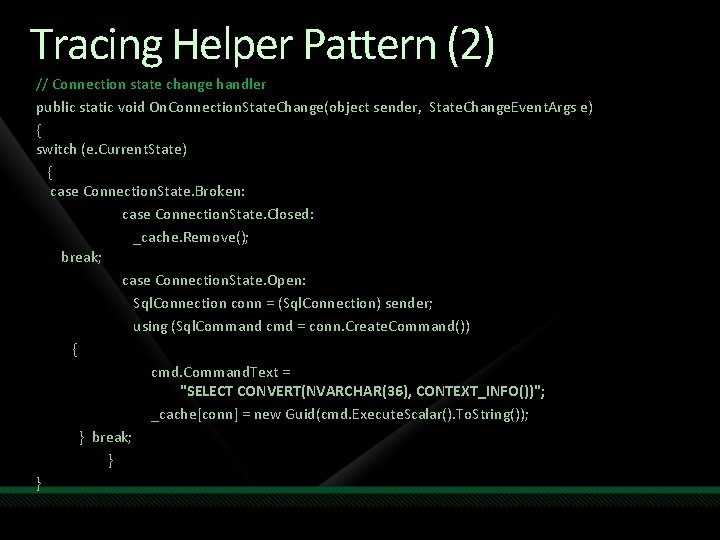
Tracing Helper Pattern (2) // Connection state change handler public static void On. Connection. State. Change(object sender, State. Change. Event. Args e) { switch (e. Current. State) { case Connection. State. Broken: case Connection. State. Closed: _cache. Remove(); break; case Connection. State. Open: Sql. Connection conn = (Sql. Connection) sender; using (Sql. Command cmd = conn. Create. Command()) { cmd. Command. Text = "SELECT CONVERT(NVARCHAR(36), CONTEXT_INFO())"; _cache[conn] = new Guid(cmd. Execute. Scalar(). To. String()); } break; } }
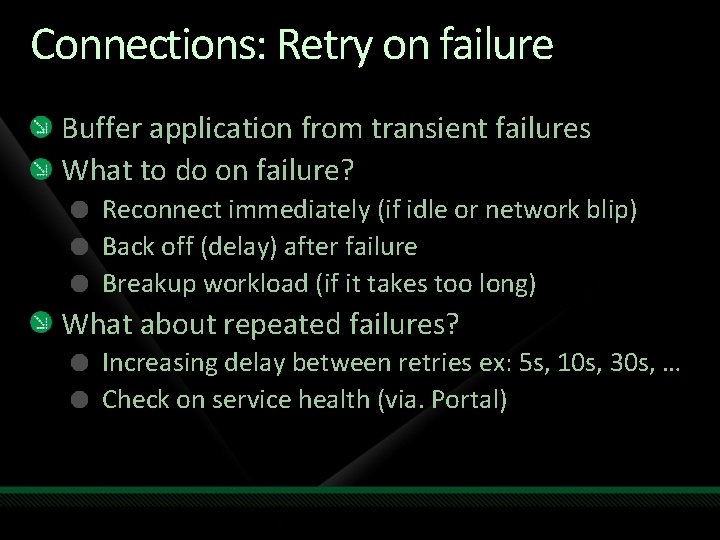
Connections: Retry on failure Buffer application from transient failures What to do on failure? Reconnect immediately (if idle or network blip) Back off (delay) after failure Breakup workload (if it takes too long) What about repeated failures? Increasing delay between retries ex: 5 s, 10 s, 30 s, … Check on service health (via. Portal)
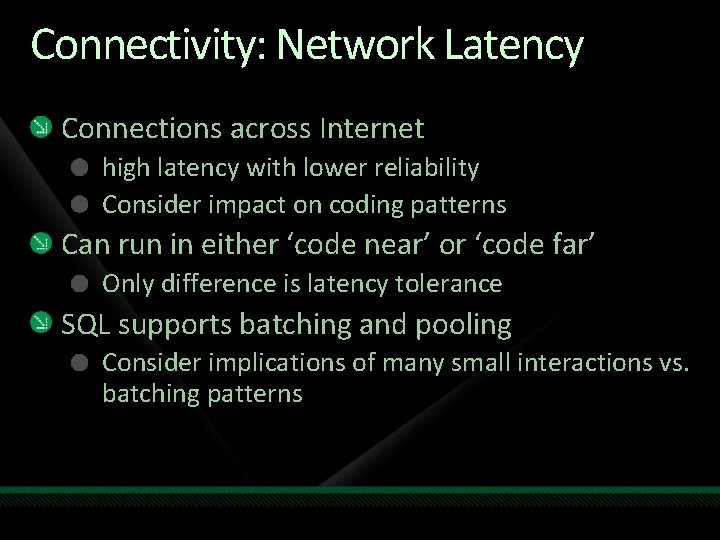
Connectivity: Network Latency Connections across Internet high latency with lower reliability Consider impact on coding patterns Can run in either ‘code near’ or ‘code far’ Only difference is latency tolerance SQL supports batching and pooling Consider implications of many small interactions vs. batching patterns
Getting Data In and Out Many options for data load/export BCP – SQL bcp. exe bulk load/export tool SSIS – SQL integration server Roll-your-own (Sql. Bulk. Copy API) Tooling enabled in recently released Oct CTP
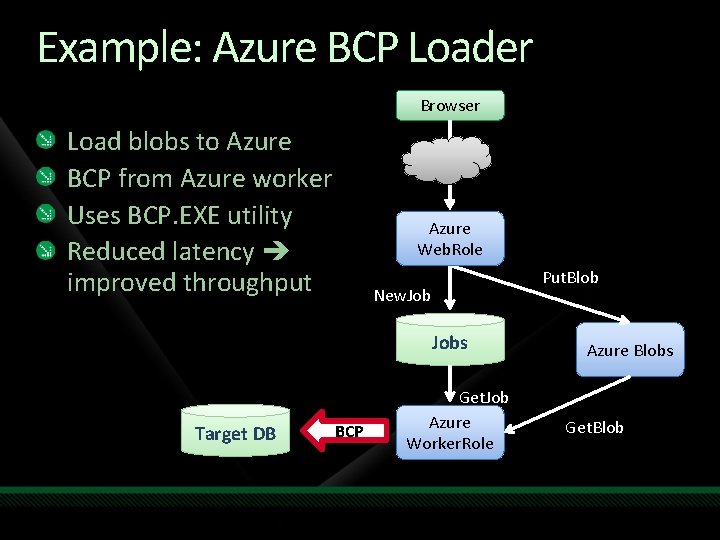
Example: Azure BCP Loader Browser Load blobs to Azure BCP from Azure worker Uses BCP. EXE utility Reduced latency improved throughput Azure Web. Role Put. Blob New. Jobs Target DB BCP Get. Job Azure Worker. Role Azure Blobs Get. Blob
Feature Summary Highly scaled out relational database service Massively scaled commodity hardware Delivered as a Saa. S model • • Self-provisioning Automatic high-availability and fault tolerance Built on SQL Server foundation (T-SQL/TDS) High compatibility at database scope • Automatic physical data administration
BUSINESS MODEL
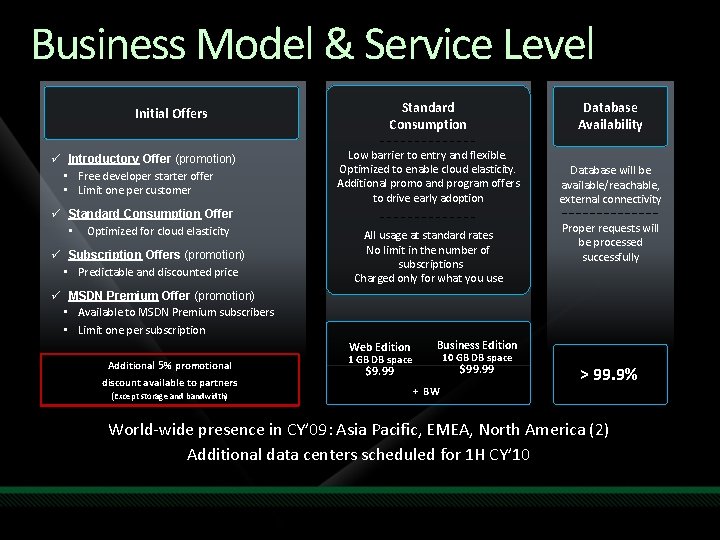
Business Model & Service Level Initial Offers ü Introductory Offer (promotion) • Free developer starter offer • Limit one per customer ü Standard Consumption Offer • Optimized for cloud elasticity ü Subscription Offers (promotion) • Predictable and discounted price Standard Consumption Database Availability Low barrier to entry and flexible. Optimized to enable cloud elasticity. Additional promo and program offers to drive early adoption Database will be available/reachable, external connectivity All usage at standard rates No limit in the number of subscriptions Charged only for what you use Proper requests will be processed successfully ü MSDN Premium Offer (promotion) • Available to MSDN Premium subscribers • Limit one per subscription Additional 5% promotional discount available to partners (Except storage and bandwidth) Web Edition Business Edition $9. 99 $99. 99 1 GB DB space 10 GB DB space + BW > 99. 9% World-wide presence in CY’ 09: Asia Pacific, EMEA, North America (2) Additional data centers scheduled for 1 H CY’ 10
Call to Action – Sign up for CTP Today! Developers: start investigating the ability to leverage SQL Azure in building/deploying departmental apps IT Pros: start investigating how and when SQL Azure can help you provide a “cloud option” to your business units ISV Partners: start investigating how you can use SQL Azure to extend your applications and delivery new capabilities to increase your market reach
SQL Azure Launch with Windows Azure Nov 17 th at PDC ‘ 09!
question & answer
Resources www. microsoft. com/teched www. microsoft. com/learning Sessions On-Demand & Community Microsoft Certification & Training Resources http: //microsoft. com/technet http: //microsoft. com/msdn Resources for IT Professionals Resources for Developers
Related Content Breakout Sessions • ARC 201 - 11/09/2009 09: 00 -10: 15 [David Chappell] The Windows Azure Platform: When And Why To Use It • SVR 202 - 11/10/2009 09: 00 -10: 15 [Jan Schenk] Windows Azure Flight Tour – Looking At The Clouds From Above • INT 305 - 11/10/2009 13: 30 -14: 45 [Kurt Claeys] Code Walkthrough of a Cloud Application Running on the Windows Azure Platform • DAT 303 - 11/11/2009 13: 30 -14: 45 [David Robinson] Building Applications with Microsoft SQL Azure and Windows Azure • DEV 304 - 11/11/2009 15: 45 -17: 00 [Bhushan Nene; Grzegorz Gogolowicz] Deep Dive Into Developing Line-of-Business Applications Running In The Cloud
Track Resources Register for CTP Access SQL Azure MSDN Developer Center Download Azure Platform Training Kit SQL Azure Team Blog

Complete an evaluation on Comm. Net and enter to win an Xbox 360 Elite!

© 2009 Microsoft Corporation. All rights reserved. Microsoft, Windows Vista and other product names are or may be registered trademarks and/or trademarks in the U. S. and/or other countries. The information herein is for informational purposes only and represents the current view of Microsoft Corporation as of the date of this presentation. Because Microsoft must respond to changing market conditions, it should not be interpreted to be a commitment on the part of Microsoft, and Microsoft cannot guarantee the accuracy of any information provided after the date of this presentation. MICROSOFT MAKES NO WARRANTIES, EXPRESS, IMPLIED OR STATUTORY, AS TO THE INFORMATION IN THIS PRESENTATION.
- Slides: 34